
Simple Plain Login Form Widget Template
Need a latest yet simple & free login form on your website? Simple Plain Login Form is a free & responsive widget template & compatible across all devices. Designed using HTML5 & CSS3 with well coded files.
⬇ Free downloadTry the live demo
Free for personal & commercial use · keeps a small “Designed by ThemeVault” footer link · no card needed
- HTML
- CSS
- JS
- Released Apr 2017
- v2.0 · Sep 2026
- 3 pagesin the live demo
- v2.0updated Sep 2026
- 5,675views
- 1,332downloads
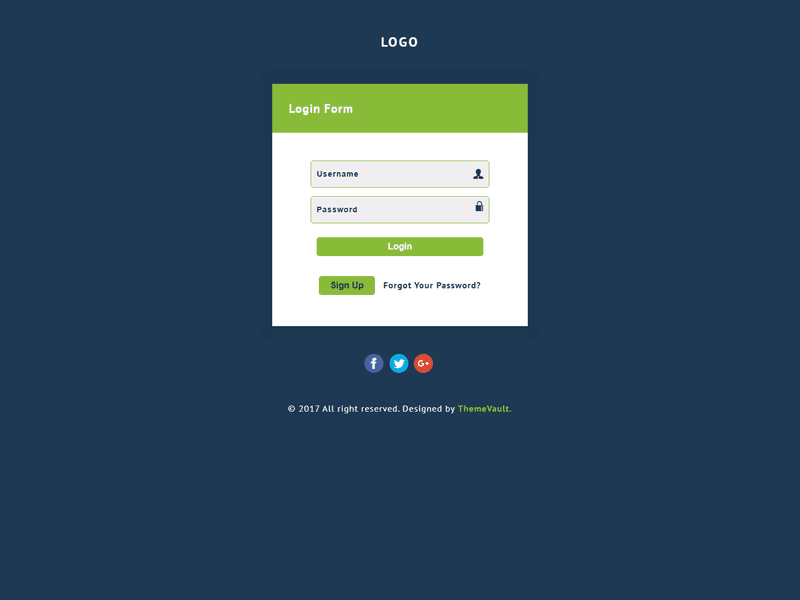
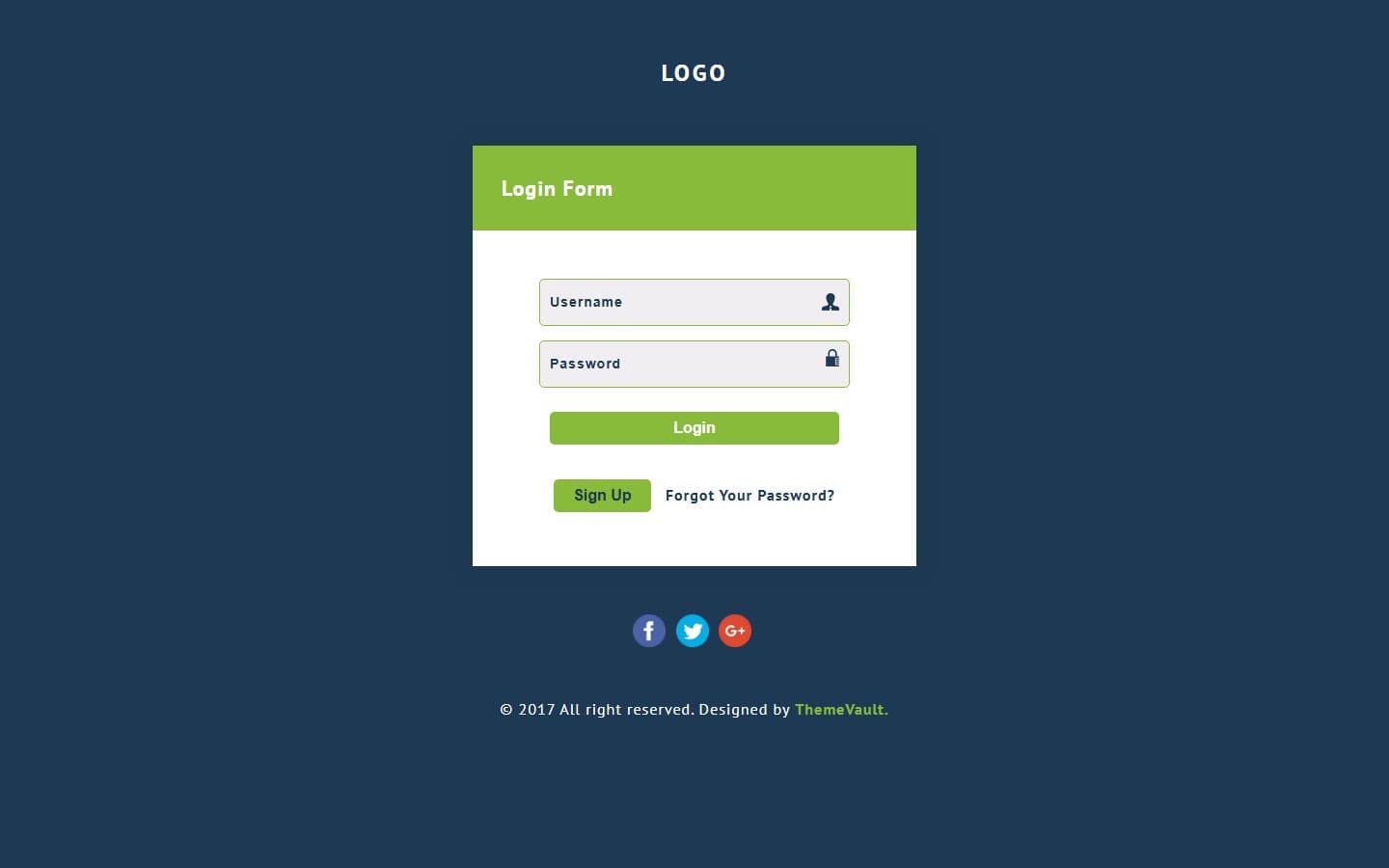
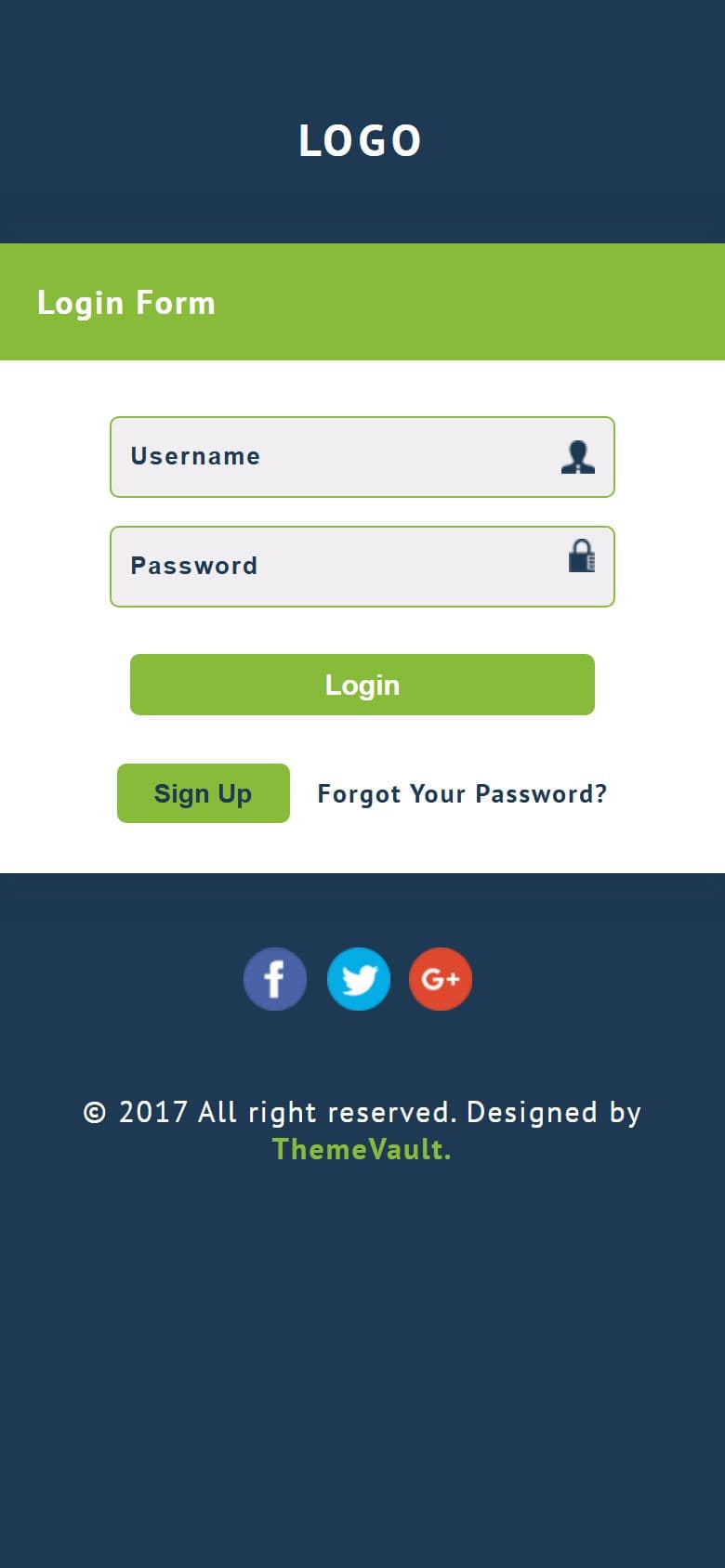
The Simple Plain Login Form with no-messy elements, with a clear login detail fields for users. This flat & free responsive widget template is designed login form has a link for redirecting to forgot password and signup form. Designed using HTML5 & CSS3 with well coded files.View demo!
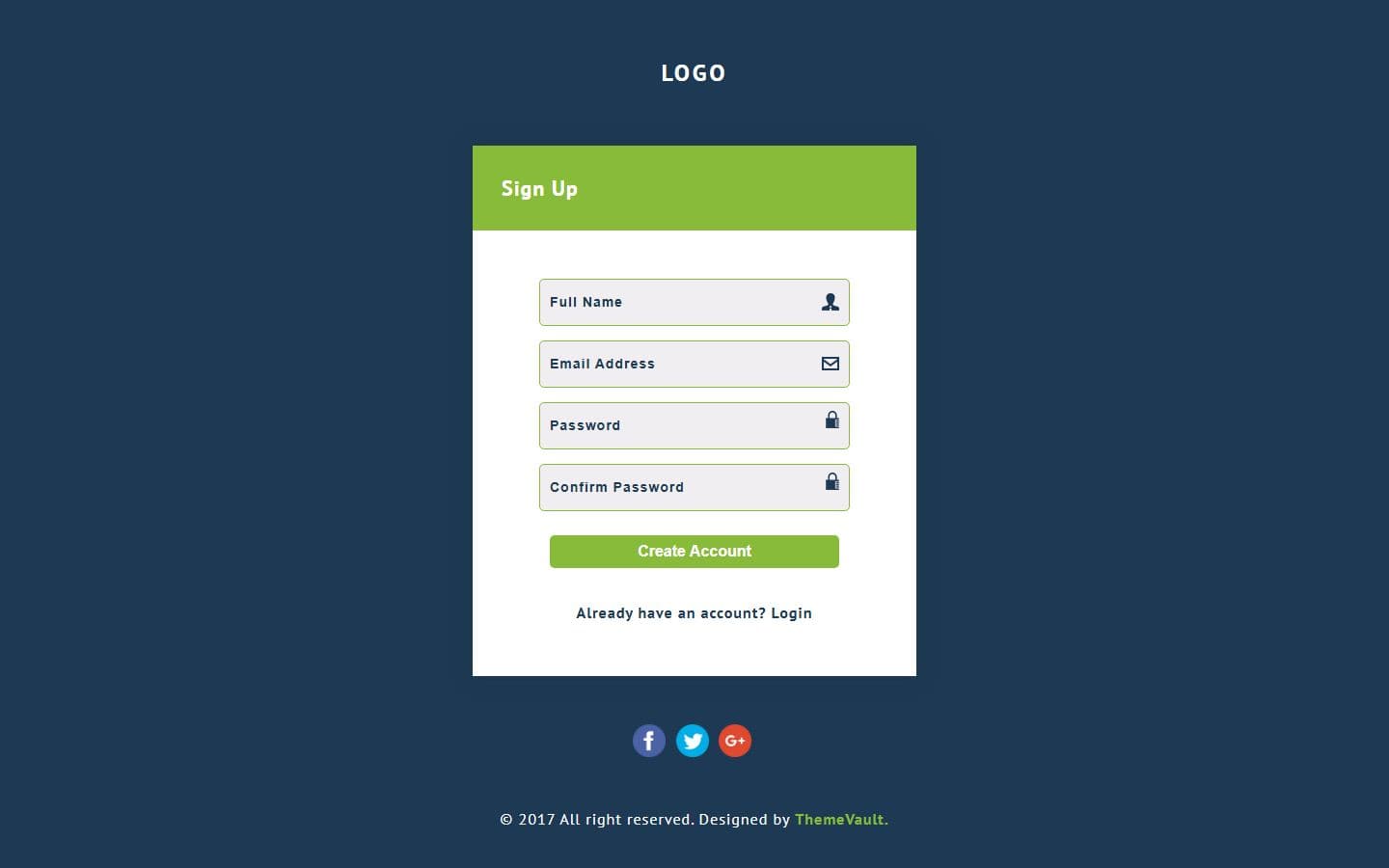
- sign-up.html — Full Name, Email, Password, Confirm Password and a "Create Account" button
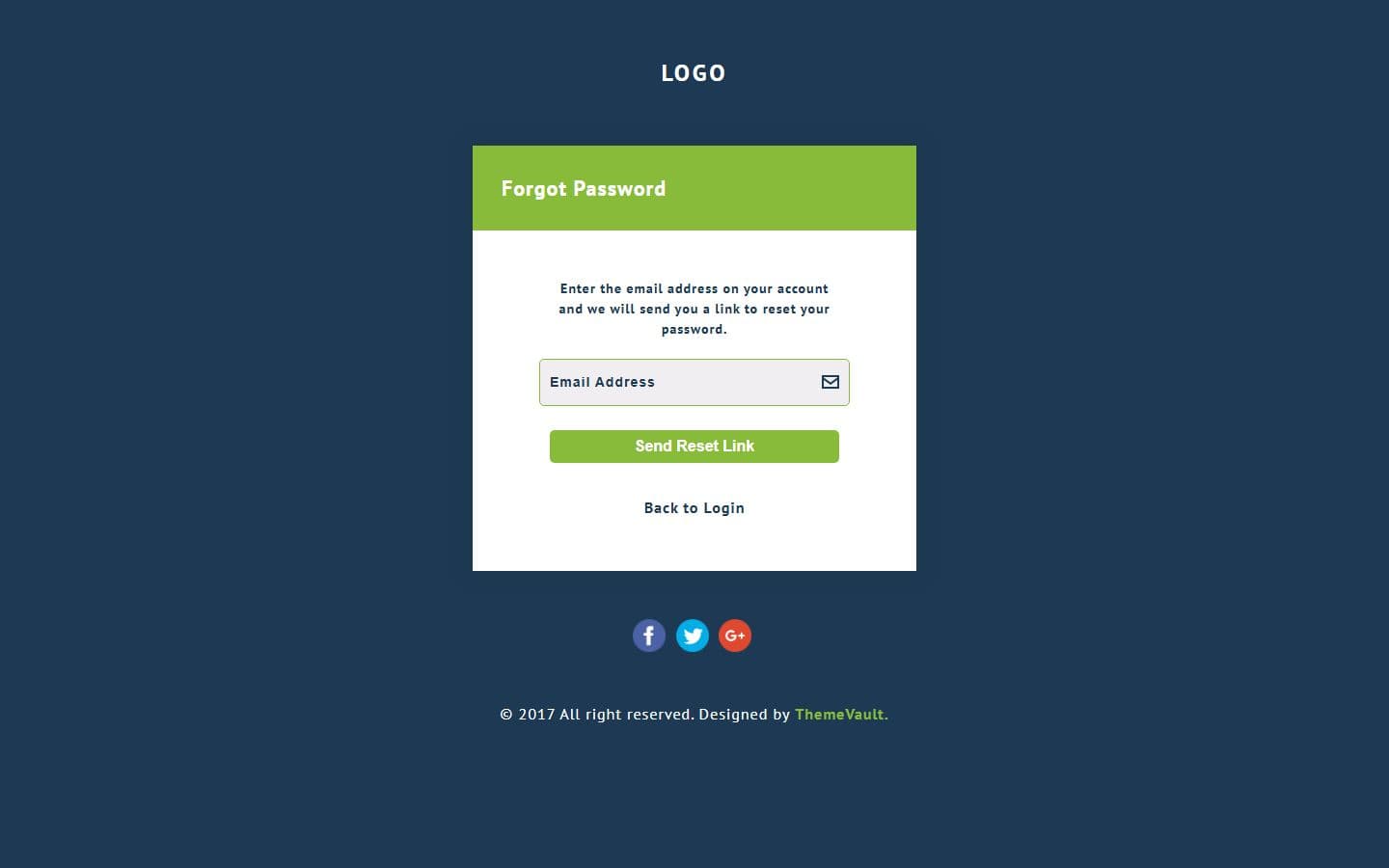
- forgot-password.html — a short note, an email field and "Send Reset Link". "Forgot Your Password?" opens it; in version 1 it reloaded the page.
- Click the padlock on any password field to show the password; it opens while the text is visible. Keyboard and screen-reader friendly (aria-pressed
- Submitting with an empty field, a malformed email
- The forms carry a `data-demo` attribute that shows a success line instead of submitting. Remove it and set the form's action to your endpoint — the validation s
- On a 390px phone the card no longer scrolls sideways (version 1 forced it to 400px wide).
- PT Sans is bundled in fonts/ — no request to Google Fonts, works offline, no consent-banner implications.
- Every field has a label (visually hidden) and an autocomplete hint, so password managers and screen readers work.
Pages
Features
| Template Type | Free |
|---|---|
| Compatible Browsers | Opera, Firefox, Google Chrome |
| Link hover effetcs | Yes |
| Coding | HTML 5, CSS 3 |
| Forms | Registration Form, Login Form |
| Additional Features | Favicon, Responsive Design, Social Links |
| Image Sources | Iconmonstr |
What’s new
v2.0Sep 2026
- sign-up.html — Full Name, Email, Password, Confirm Password and a "Create Account" button, in the card's own styling. The login page's "Sign Up" button opens it; in version 1 that button submitted the login form instead.
- forgot-password.html — a short note, an email field and "Send Reset Link". "Forgot Your Password?" opens it; in version 1 it reloaded the page.
- Click the padlock on any password field to show the password; it opens while the text is visible. Keyboard and screen-reader friendly (aria-pressed, aria-controls).
- Submitting with an empty field, a malformed email, a password under six characters or two passwords that differ marks the field in red and writes the reason under it; the first bad field gets focus. The message clears as you fix the field.
- The forms carry a `data-demo` attribute that shows a success line instead of submitting. Remove it and set the form's action to your endpoint — the validation still runs and only a valid form is sent.
- On a 390px phone the card no longer scrolls sideways (version 1 forced it to 400px wide).
- PT Sans is bundled in fonts/ — no request to Google Fonts, works offline, no consent-banner implications.
- Every field has a label (visually hidden) and an autocomplete hint, so password managers and screen readers work.
- Social buttons link to real addresses instead of "#".
- Each page has a <meta name="description">.
- style.css opens with a token block (--tv-bg, --tv-accent, ...) — change the two colours there to re-skin the whole widget.
- Unused rules from version 1 removed; the four vendor-prefixed placeholder rules are one ::placeholder rule.
- Zero dependencies: no jQuery, no Bootstrap, no icon font.
Already downloaded this template? Your My Downloads page always serves the latest version — re-download free.
Download Details
- Published
- April 12, 2017
- Categories
- Site ElementsFree Responsive Website Templates
- Tags
- Free ModernFree downloadHTMLHTML LoginHTML5 Login Form TemplatesJoin FormLoginLogin PageModernResponsive FormSign InSign In FormSignin FormSignin PageSingle Formfreeresponsive
Source
- HTML
- CSS
- JS
Please note that the images in the template will be blurred in the downloaded package.
Support
Facing issues with this template? Write to support@themevault.net and we'll help you out.
License
Free for personal & commercial use with an attribution link to ThemeVault. Read the license.
Reviews
No reviews yet — be the first to review this template.
Every page
See all 3 pages at a glance
Each page is built and ready, as it looks in the live demo.
Make it yours
Change one token, the whole site follows
Every colour, font, radius and spacing value lives in one :root block in css/style.css. Swap the brand colour and every button, link and highlight updates.
Accent#88bb39
Bg#1e3953
Field bg#f0eef0
White#fff
Error#d64545
AaPT SansHeadings
:root {
  --tv-accent: #88bb39;
  --tv-accent: #88bb39;
}
Tested on phones, tablets and desktops from 320 to 1440px wide.
In the download
What you get in the ZIP
Everything is plain files you can open in any editor. No build step and no installs.
- 17files
- 184 KBZIP size
- 3HTML pages
- 6images
Please note that the images in the template will be blurred in the downloaded package.
simple-plain-login-form-responsive-widget-template/
├── index.html
├── forgot-password.html
└── sign-up.html
From download to live
No build tools, no installs
Download
Get the ZIP
Free, instant and no card needed. Unzip it anywhere.
Edit
Add your content
Change the text and photos in the HTML files with any code editor.
Publish
Upload and go
Upload the folder to any web host. It's plain HTML, so it runs anywhere.
Questions
About this template
Can I use Simple Plain Login for a client's website?
Yes. The free version is licensed for personal and commercial use, including client work, as long as the footer credit stays. Remove it for $9.00₹499 one-time, or with Pro.
Do I need to know how to code?
You'll need to edit the HTML text and swap the images, which any code editor can do.
Will I get updates?
Yes. Your My Downloads page always serves the latest version, so you can re-download an update free. The What's new tab lists what changed in each version.
Are the photos included?
The images in the template are blurred in the downloaded package, and the photos in the live demo are for the demo only. Add your own images.
Subscribe Us
Keep looking
All templatesView Similar Templates
From the blog
View Blog
- Web Development
- November 03, 2026
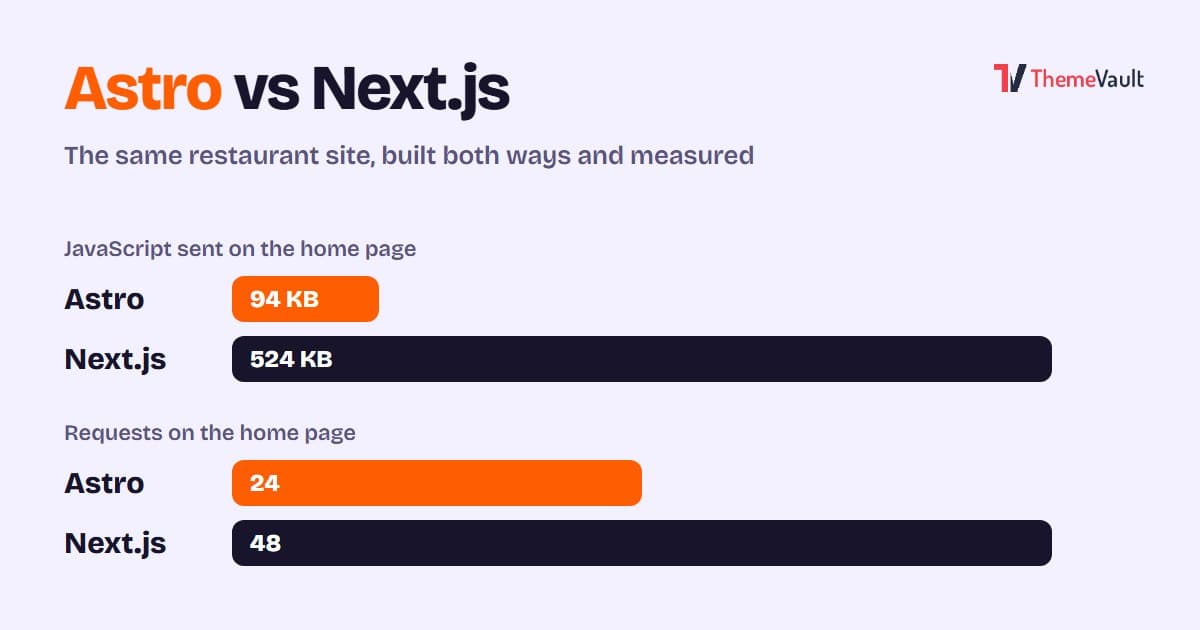
Astro vs Next.js for a Business or Marketing Website (2026)
We built the same restaurant website in Astro and in Next.js with an admin panel, then measured both. Where Astro wins, where Next.js wins, and how to choose.
- Wordpress
- Web Development
- November 03, 2026
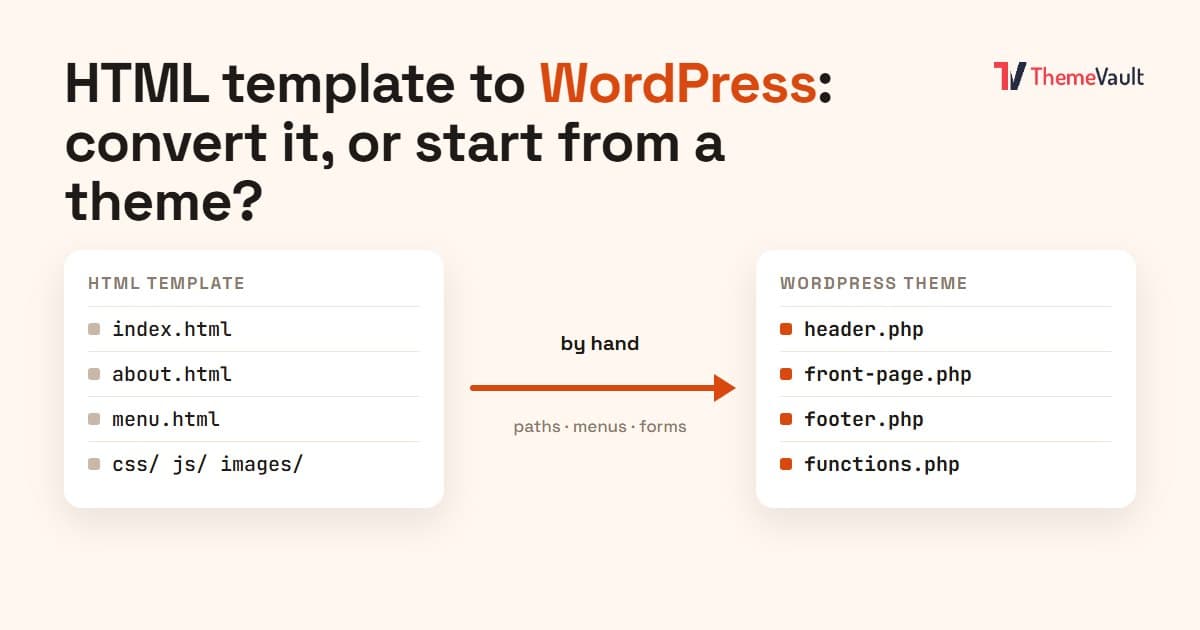
HTML Template to WordPress: Convert It Yourself or Use a WordPress Version?
We turned our Bistrofeast HTML template into a WordPress theme by hand. Every step, the mistakes, how long it took, and when a WordPress version saves you days.
- Wordpress
- Web Development
- November 02, 2026
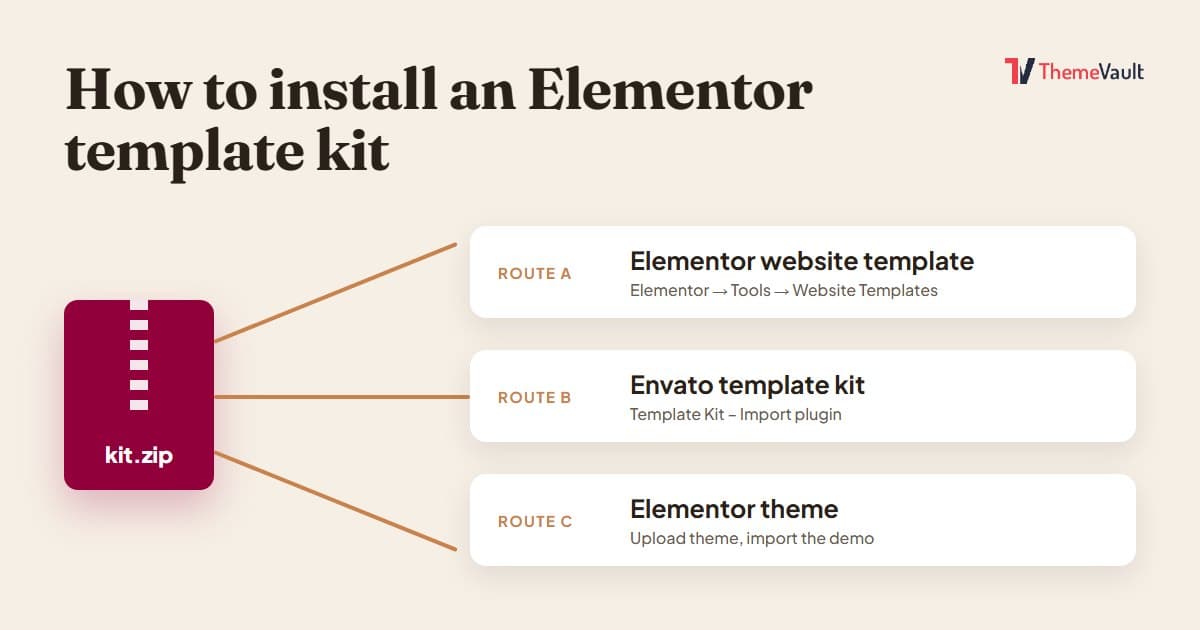
How to Install an Elementor Template Kit (2026 Guide)
We installed the same kit both ways on a clean WordPress site. Where each kind of kit goes, the steps people miss, and what to do when it looks wrong.