
Portfolio Templates
A decent portfolio or any website is not an easy task for someone from a non-technical background who is more into their skills. A work portfolio is very crucial for an artist, style creators, bloggers, and other creatives to reach out to their success because your portfolio means everything to the audience.
Free portfolio website templates for designers and developers
A portfolio site has two jobs: show a handful of your projects properly, and make it easy for the right person to get in touch. Every design in this category is a free HTML template built around those two things. Your name and what you do sit at the top, followed by your work, a short about section and a contact form. You swap our sample text and images for your own, then upload the folder to any web host. Since these are plain HTML files, free static hosts such as GitHub Pages, Netlify or Cloudflare Pages are enough.
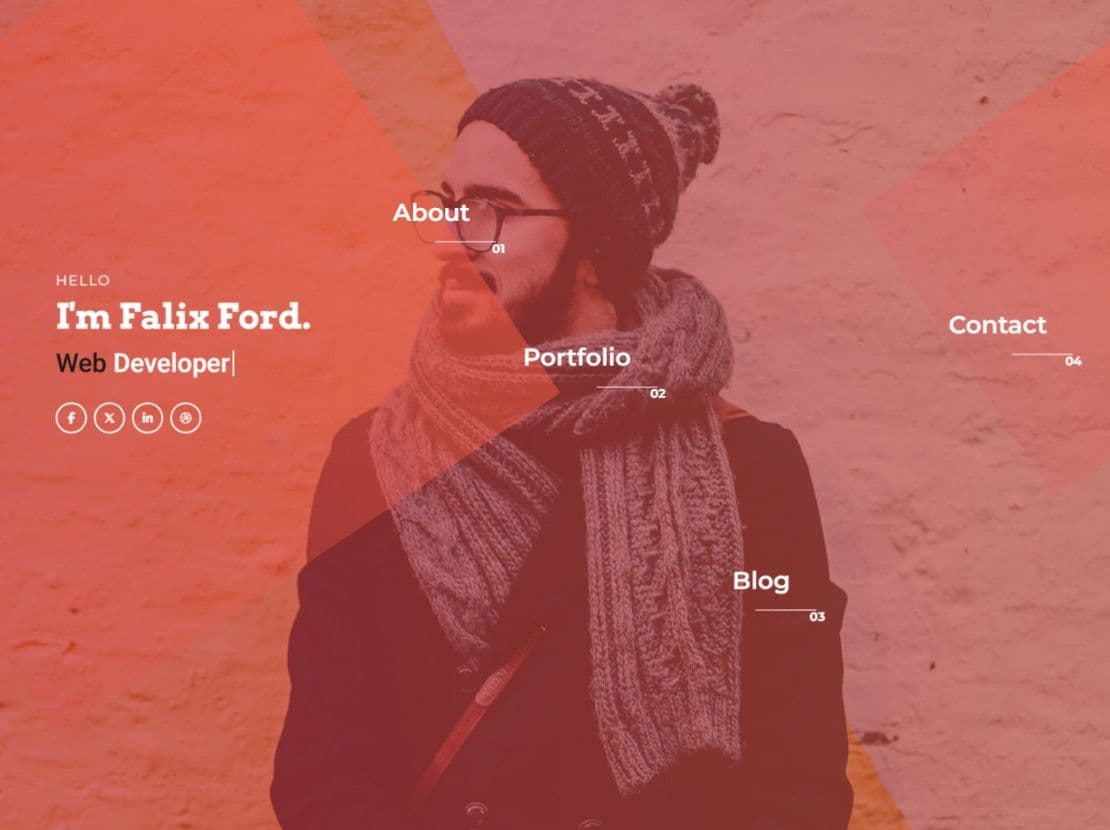
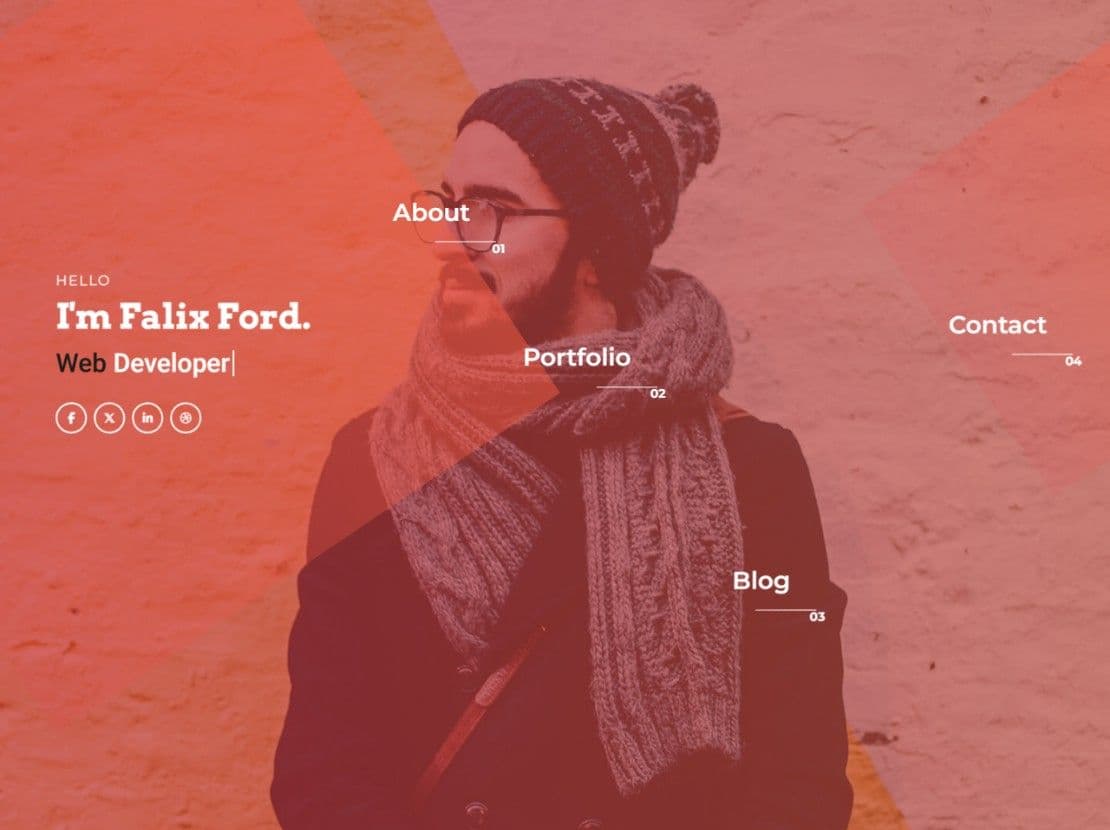
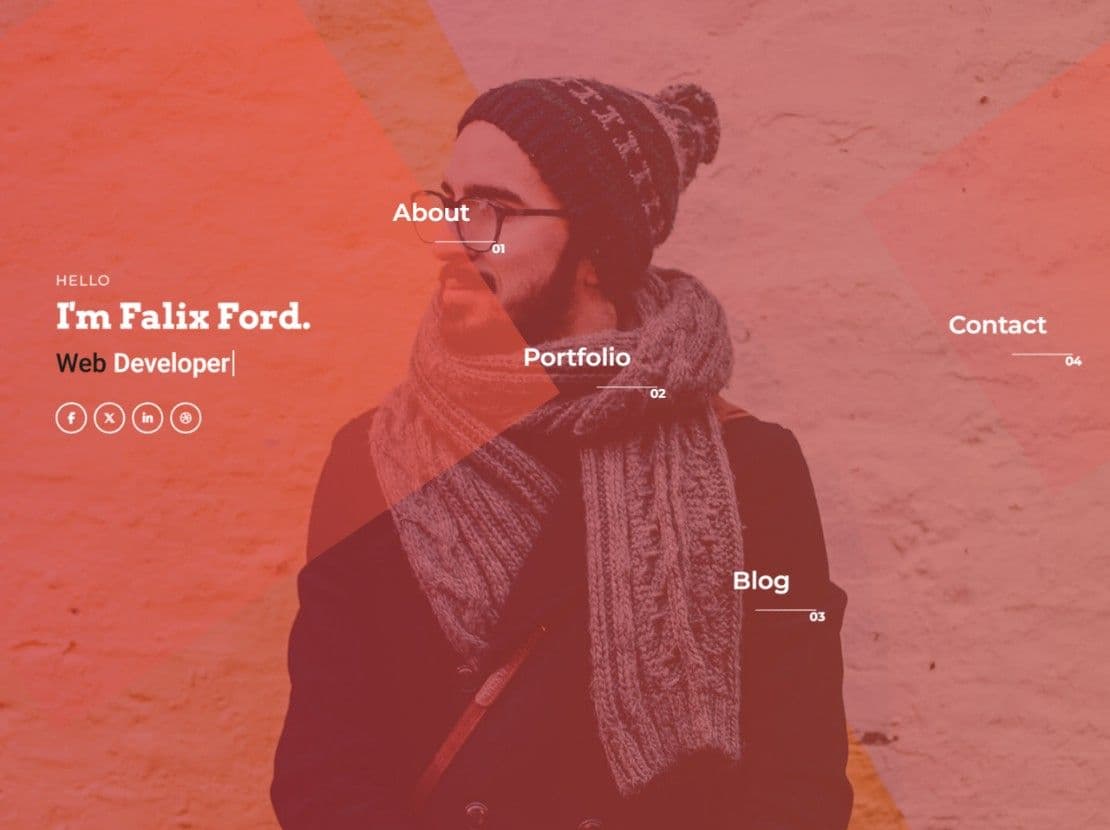
If you would rather add projects from a dashboard than edit HTML, Falix Ford also comes as a WordPress theme and a Next.js template. The designs marked v2.0 on their page were rebuilt in 2026 on Bootstrap 5; the rest are the original designs and work as they are.
Which layout suits your kind of work
Web developers. Falix Ford has a page for a single project and one for a blog post, next to a home page with experience and testimonials. Justin-Kristiansen adds a blog, project details and matching emails for its contact and newsletter forms. Barret and David-Root are simpler, with most things on the home page; David-Root also lists your skills, education and experience there.
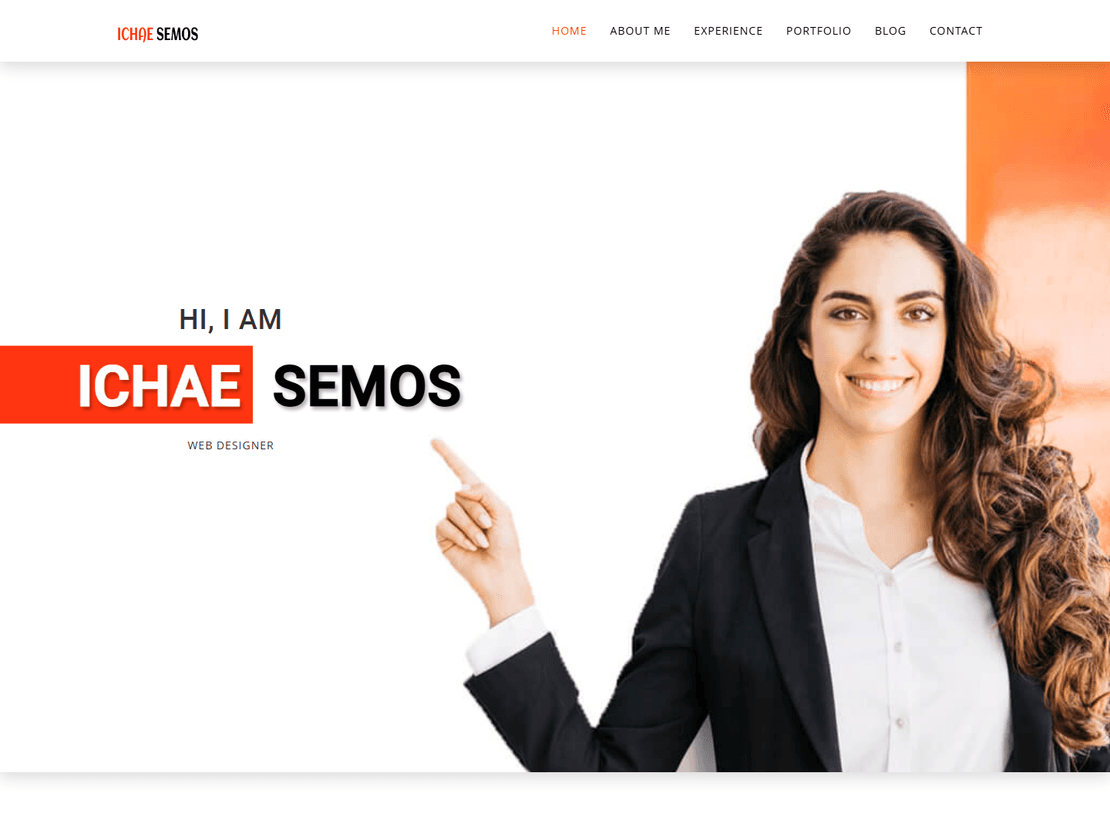
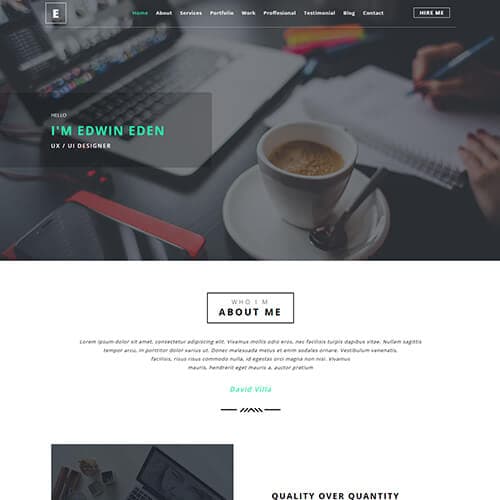
UX and product designers. Hiring managers want to see how you think, not just the final screens. Albert and Edwin-Eden both have a “work process” section for that, and Albert has a case-study page and a sample CV in PDF you can replace with yours. Ichae Semos puts experience and education beside the work and also comes with a CV file.
Graphic designers and illustrators. Stark-Semos and Julie-Klok have separate about, services and contact pages. Walter-Hadon keeps everything on one page, and Petter includes several blog layouts if you plan to write about your work.
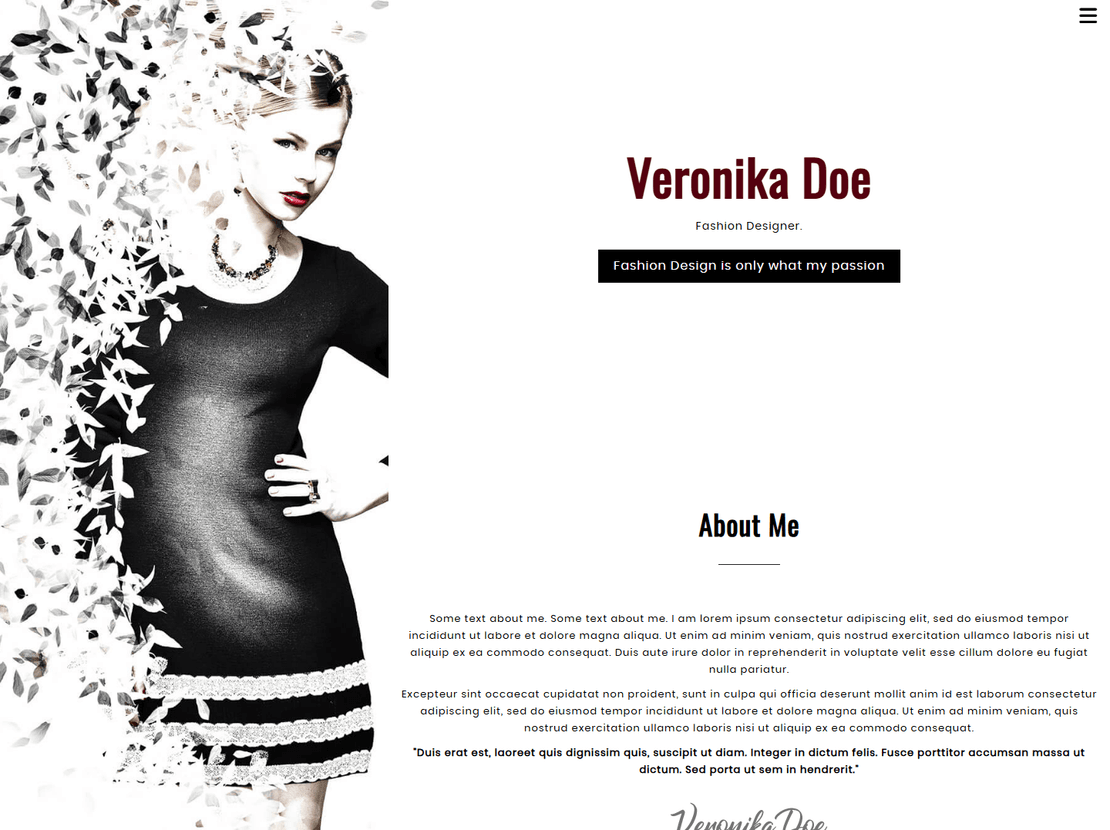
Freelancers who quote prices. VeronikaDoe was made for a fashion designer, but its pricing section suits anyone selling packages. It also has a page for a single piece of work and a blog post page.
A résumé site. EliteCV has a printable résumé page and three home page styles. Rovan and Ricky-Franti show education, experience and skills on the home page, above the work.
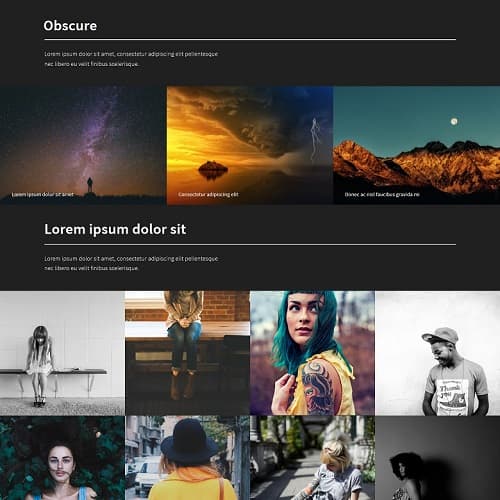
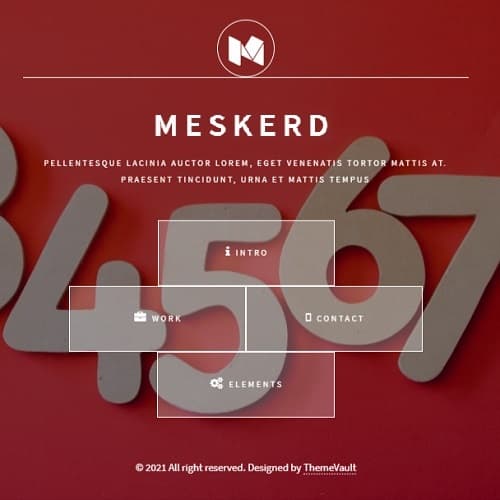
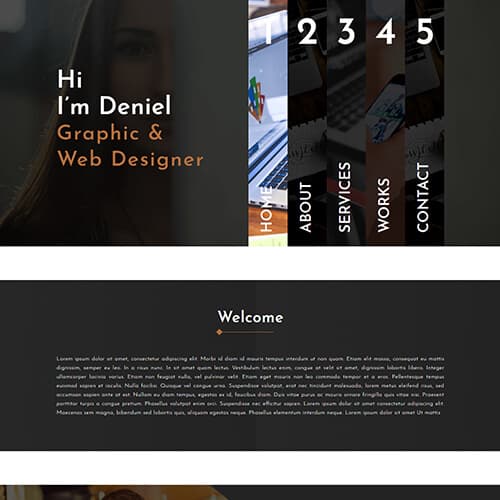
A first portfolio. One page is enough when you have three or four projects, and it is easier to keep up to date. Deniel-Cruze and Meskerd are single-page designs with a menu that jumps to each section, and Obscure is one simple scrolling page of images.
Studios and small agencies. Jerrick has five home page versions and gallery pages with different column counts plus masonry grids, so a team with a lot of work can choose how to show it.
Photographers will find more choice in photo and gallery templates, and artists who want to sell their work can look at art and culture templates, where Portrayal and Portraystore include cart and checkout pages.
What to put on each project page
Four to six good projects beat twenty thumbnails. For each one, write a few lines on what the problem was, what you did and what changed because of it, then add two or three large images. Several templates already have a page for a single project (Albert, Falix Ford, Ichae Semos, Jerrick, Justin-Kristiansen, VeronikaDoe and EliteCV), so you copy that page once per project and link it from the grid. It also gives each project its own address you can send to someone. Our guide on how to build a portfolio website that gets you hired goes through this step by step.
Before you publish
- Replace every sample name, photo and testimonial. The counters (“2500 projects” and so on) are sample numbers too: change them or delete them.
- Remove any section you can’t fill honestly. An empty testimonials or pricing block looks worse than none.
- Connect the contact form to a form service such as Formspree or Netlify Forms, or to your host’s mail script, then send yourself a test message.
- If the template has a “Download CV” button, point it at your own file, or take the button out.
- Open the site on your phone. Many people will see it first from a link in an email or a message.
- Put your name and role in the page title, so the site shows up when someone searches for you.
Portfolio — frequently asked questions
Are these portfolio templates free to use?
Yes. Every HTML portfolio design here is free to download and use for your own site, or for a client's. A small credit link stays in the footer; you can remove it for a one-time fee, or the Pro plan removes it on every template. The Falix Ford WordPress theme and Next.js template are paid versions of the same design.
Can I host my portfolio for free?
Yes. The templates are plain HTML, CSS and JavaScript, so GitHub Pages, Netlify and Cloudflare Pages all host them at no cost. Upload the folder, or push it to a repository, and the site is live. No database or server setup is needed.
Do I need to know how to code?
A little. You open the HTML files in a text editor, change the text, and swap the sample images for yours at the same size. If you would rather not touch HTML, Falix Ford also comes as a WordPress theme, where you add projects from a dashboard.
Will the contact form send me emails?
Not on its own. The form is part of the design, and a static site has nothing behind it to send mail. Connect it to a form service such as Formspree or Netlify Forms, or to your host's mail script, then send a test message before you share the site.
Which templates have a CV download?
Albert and Ichae Semos come with a sample CV in PDF behind their download button; replace it with your own file. EliteCV has a printable résumé page instead.
I'm a photographer. Are these the right templates?
They will work, but our photo and gallery templates are made for full-width images, albums and booking requests, so start there.
About Portfolio templates
It is the mirror of your skills, efforts attributes, achievements, great work, and experiences.
So here we ThemeVault came to help both the folks technical and non-technical to choose their design in work portfolio website templates. we have an outstanding collection of the best free portfolio design templates for various categories like artists, designers, professionals, and graphic designers to exhibit their abilities in the most dynamic way.
ThemeVault provides 100% mobile-friendly and responsive ready-to-work both premium and free portfolio templates. All the portfolio layout templates are made with the latest HTML5, CSS3, jQuery, and Bootstrap4 Technologies by professionals in a well-organized code structure to understand and update it as per your need.
Go through and download our HTML5 portfolio website template for free as most of our work portfolio website templates are free. Start choosing your portfolio template and start investing your precious time in developing your career.