
eCommerce Website Templates
In this day and age, the world's culture is going towards online shopping instead of offline shopping, so if the Retailers also want to grow worldwide and stand in the competition, they must start building their online presence with their eCommerce website.
Free ecommerce HTML templates: what you are getting
An ecommerce HTML template is the shop front, designed and laid out: a home page, product listing pages, a product page, a cart, a checkout and usually an account page. What it doesn’t have is the shop behind it. There is no product database, no stock, no payments. You download the HTML, CSS, JavaScript and images, put in your own products and photos, and connect it to something that sells. That’s the point of a template: you start from a finished design instead of a blank page, and you choose the selling part yourself.
Every store design here is free to download and use, including for a client’s shop. A small credit link stays in the footer, and you can pay once to remove it.
Choose by what you sell
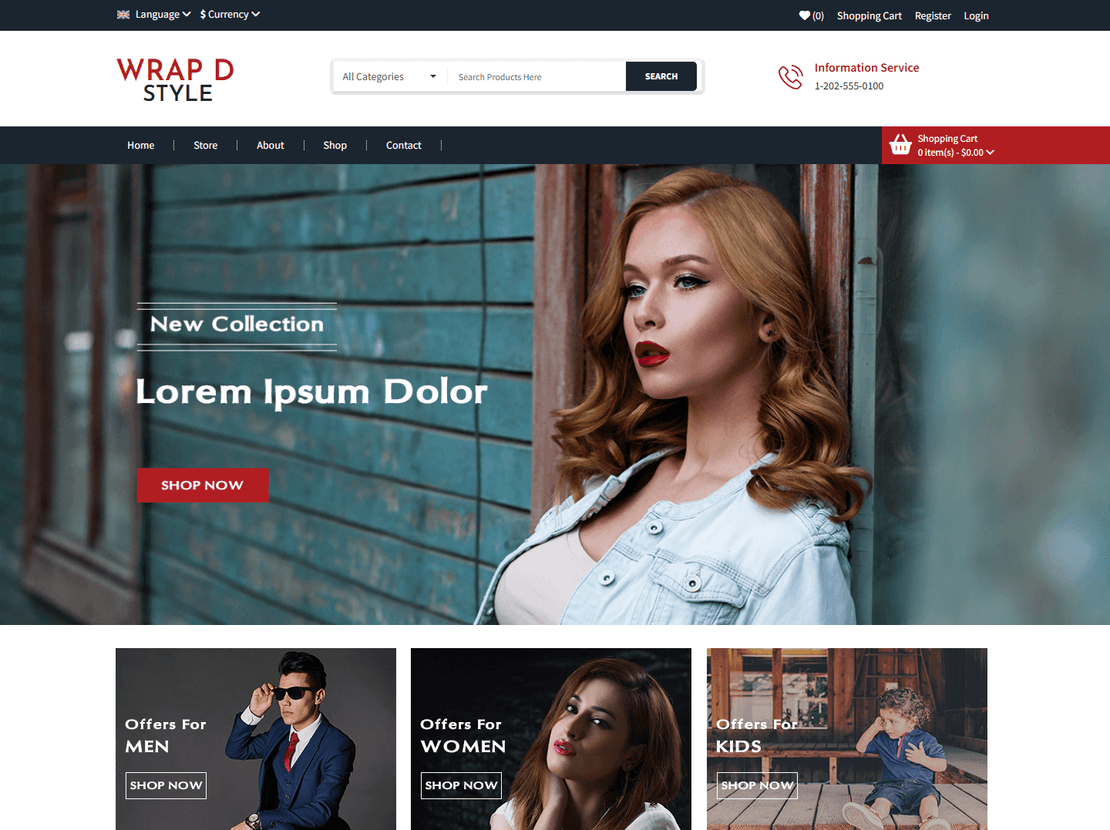
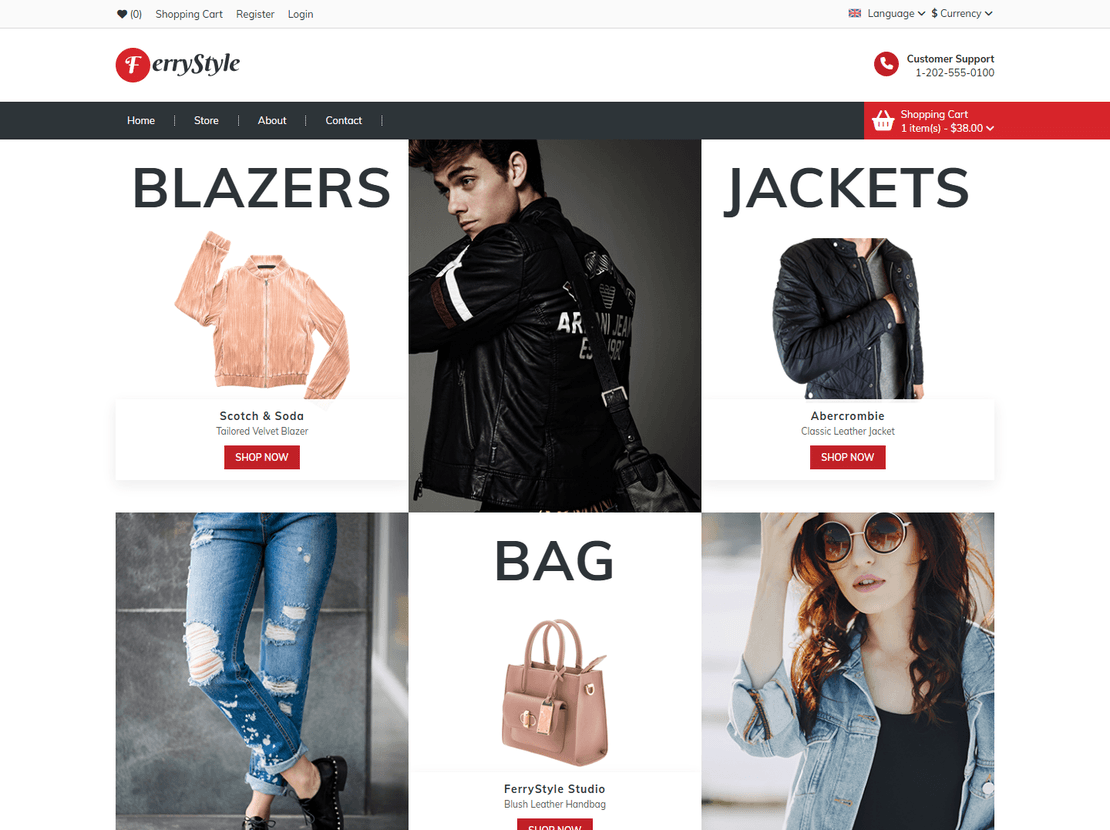
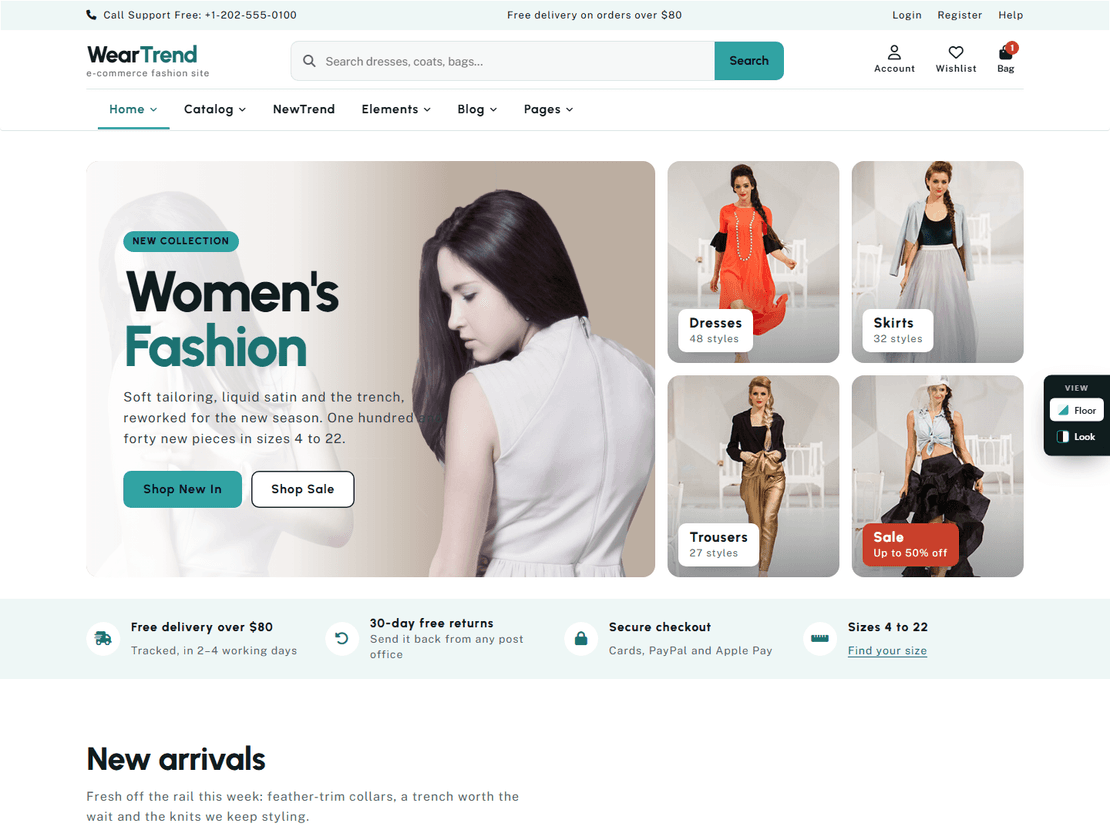
Clothing and fashion. This is where we have the most designs. Weartrend is the largest at thirty-nine pages, with a lookbook, a size guide, category filters and a bag that keeps what you add. Stylinto has size and colour choices on the product page and a forgotten-password page. FerryStyle and Styleway both come with a step-by-step checkout and an order confirmation page, and Wrap-D-Style keeps the whole checkout on a single page.
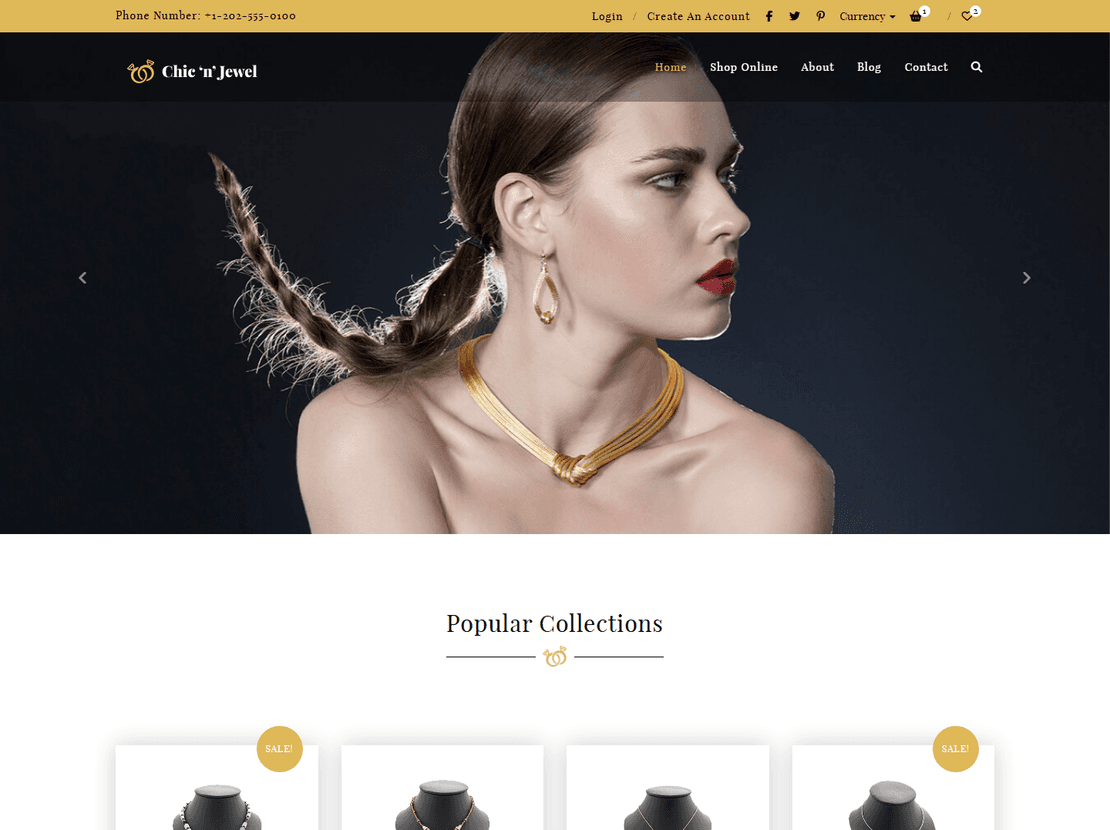
Jewellery and watches. Chic-n-Jewel is black and gold, with a compare page and a search results page. Timecenter is a watch boutique with a world-clock band in the footer and an insured-delivery checkout.
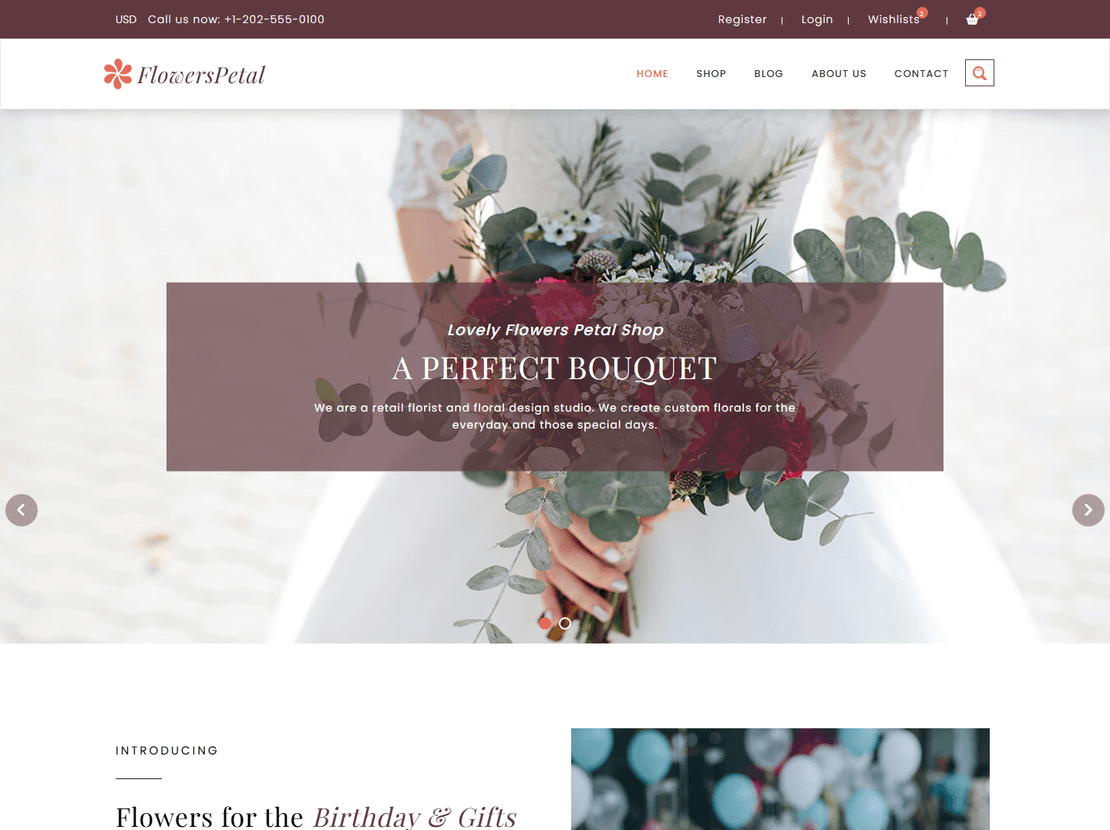
Flowers and gifts. FlowersPetal has colour options on the product page, a wishlist, a compare page and a thank-you page for orders.
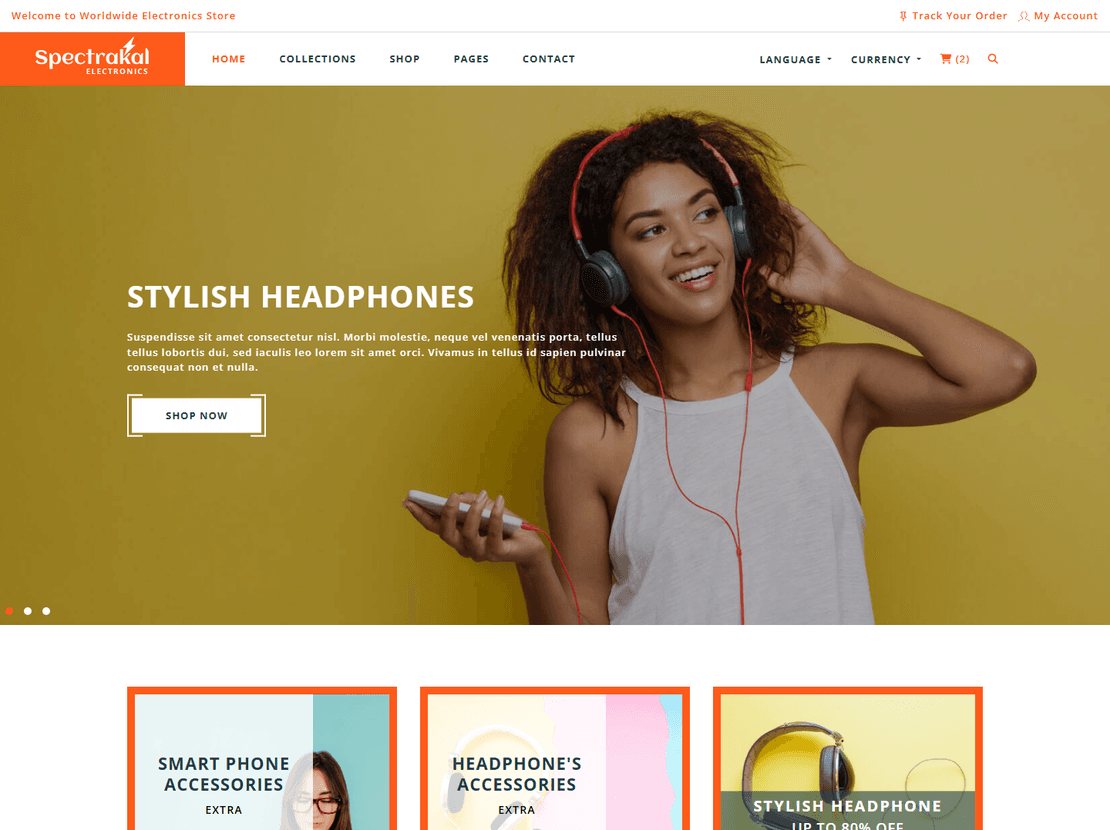
Electronics. Spectrakal includes something the others don’t: a track-your-order page, next to the account, wishlist and order confirmation pages.
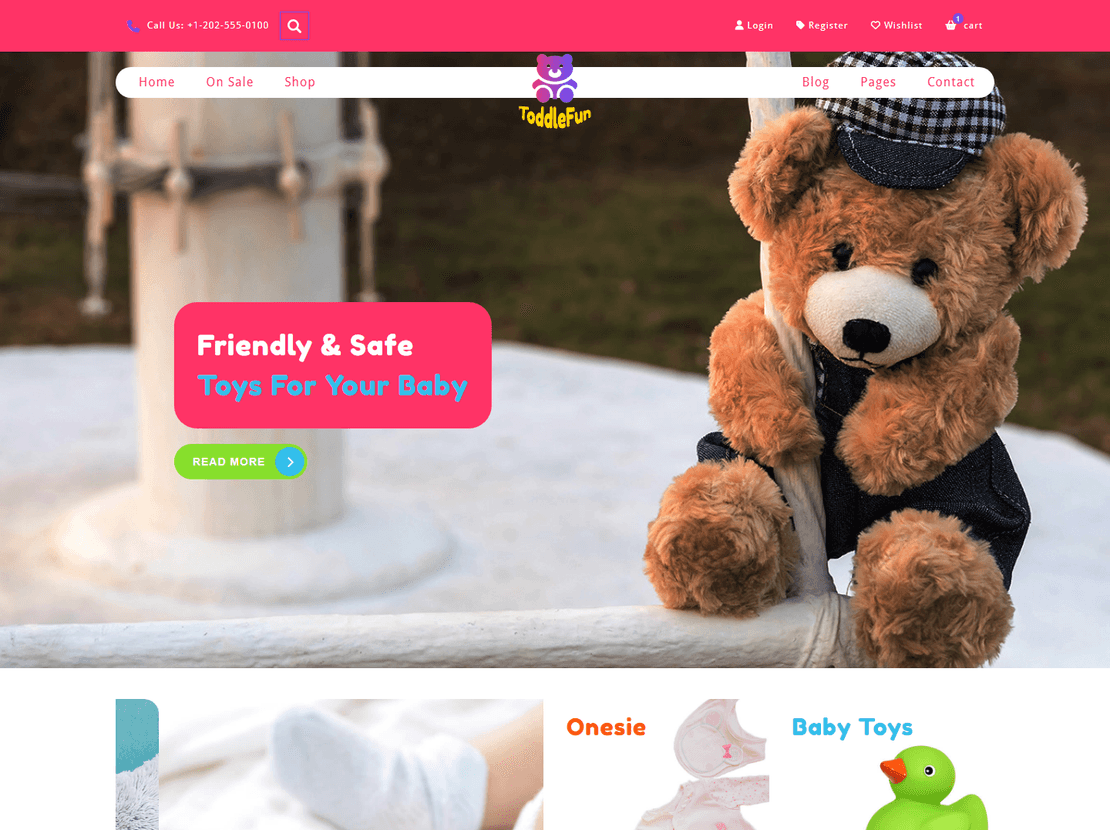
Toys and kids. ToddleFun is bright pink and purple, with an on-sale page and a welcome email design.
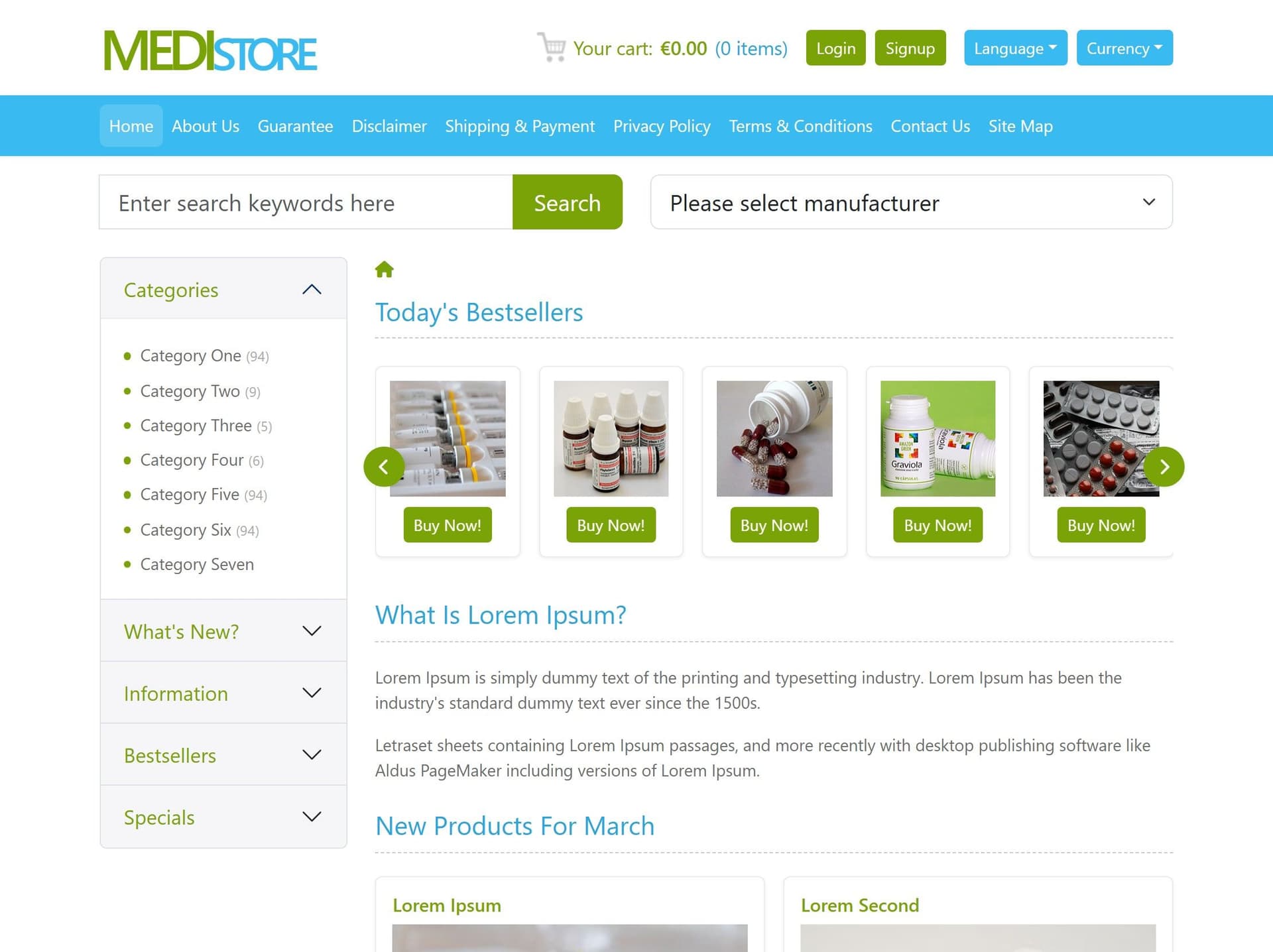
Pharmacy and health. Medistore has a manufacturer filter in the search bar and a step-by-step checkout.
Art and prints. Portraystore shows print details such as canvas size on the product page and has room for a coupon at checkout. Portrayal sorts work into painting, photography and fine art.
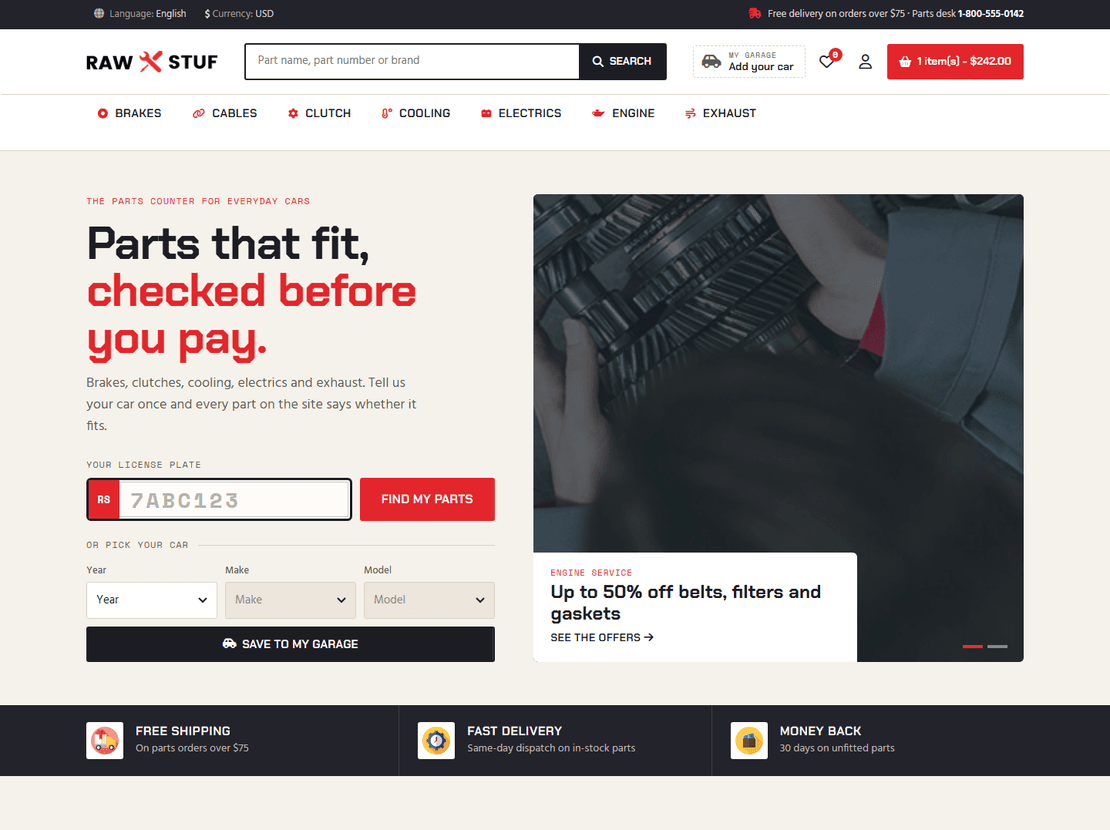
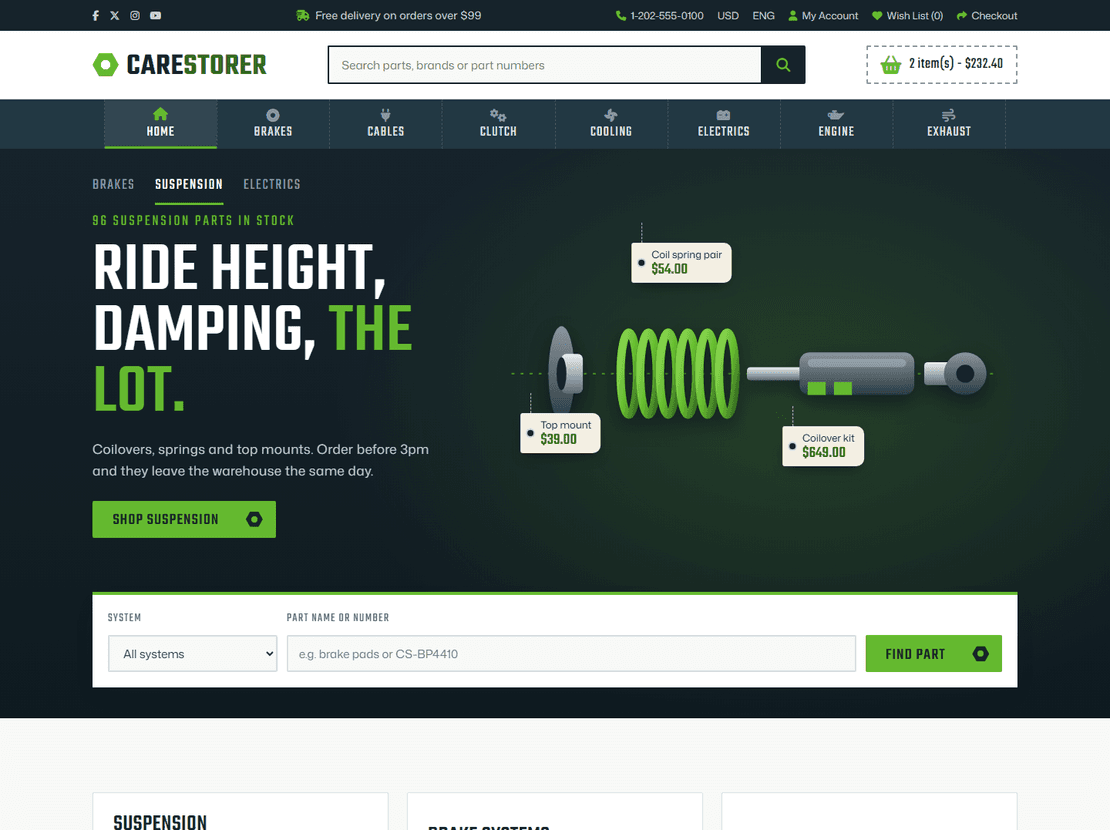
Car parts. Carestorer and Rawstuf have menus by part (brakes, clutch, engine, tyres). Both were rebuilt in 2026 with checkout pages and order e-mails: Rawstuf checks each part against the buyer's car, and Carestorer lays each system out part by part, with prices.
Several of the stores also include the emails a shop sends: order confirmations and welcome emails, designed to match the site. Look for files starting with email- in the download.
Turning the design into a shop that takes orders
There are three common ways, from quickest to most complete.
- Payment links. Keep the HTML as it is and point each “buy” button at a payment link from Stripe, PayPal or Razorpay. Fine for a handful of products.
- A drop-in cart. Add a hosted cart script such as Snipcart. It reads the product name and price from your page and handles the cart, checkout and payment for you.
- A full shop platform. Use the template as the design for a WooCommerce, Shopify or OpenCart store. The page set (listing, product, cart, checkout, account) matches what those platforms expect, so a developer can turn it into a theme.
Whichever you choose, the cart and checkout in the template show you how the finished shop will look and flow, which is also handy for showing a client before anything is built.
Before you launch
- Use the same size and shape for every product photo. It makes more difference to how the shop looks than anything in the template.
- Open a product page on your phone. The photo, price and buy button should all be visible without scrolling.
- Replace every sample product, price and placeholder text, including the ones in the cart and checkout pages.
- Sale badges and “new” labels are just styling. Remove them from products that aren’t actually on sale or new.
- Place a test order yourself once the selling part is connected, from start to finish, before telling anyone the shop is open.
eCommerce — frequently asked questions
Can I download these ecommerce templates for free?
Yes. You can download any store design here and run it as a live shop, yours or a client's, without paying anything. You get the HTML, CSS, JavaScript and images. A small "template by ThemeVault" link sits in the footer; one payment on the template's page takes it away, and with Pro it's gone from all of them.
Can an HTML ecommerce template take payments on its own?
No. An HTML template is the shop's design and pages, without the system behind it. To take orders, point the buy buttons at payment links, add a drop-in cart such as Snipcart, or use the design as the theme for WooCommerce, Shopify or OpenCart.
Which pages come with a store template?
Most include a home page, product listing, product page, cart and checkout, and many add an account page, a wishlist and an order confirmation page. Some go further: Spectrakal has an order-tracking page, Chic-n-Jewel and FlowersPetal have compare pages, and Weartrend has a lookbook and a size guide.
Are the store templates responsive?
Yes. They adjust to phones, tablets and desktops. Most shoppers browse on a phone, so check the product page and the checkout on your own phone before launching.
Which template should I use for a clothing store?
Weartrend is the most complete, with a lookbook, size guide and category filters. Stylinto, FerryStyle, Styleway and Wrap-D-Style are good alternatives with different looks; open each live demo on your phone and pick the one that suits your brand.
Is there a WordPress or WooCommerce version of these designs?
Not yet. The store designs come as HTML for now. A developer can use one as the design for a WooCommerce or Shopify theme, since the pages already match what those platforms need.
About eCommerce templates
These eCommerce website templates are freshly designed and handpicked by our experts. If you are about to start your online store, then it's the ideal spot to choose your shopping website template and start here.
Here, On ThemeVault, we have different categories to showcase like fashion, medical, jewelry, beauty, sports, gym, art & culture, toys, etc. And the great news is you can download premium and free eCommerce HTML5 website themes with a shopping cart to adjust your accounts of a new startup. Like any online store, the eCommerce HTML5 templates must be relevant to the respective business.
We have caught both rich and simple online shopping website templates with the most advanced technologies like HTML5, CSS3, Bootstrap4, and jQuery. All our eCommerce templates are responsive with 100% mobile-friendly & compatible with all major browsers for ready-to-work. The templates are in a Well-organized section of content, intuitive navigation, and creative visuals make it easy for the watchers to follow and edit it according to your eCommerce website design needs.
Download our HTML5 eCommerce template for free as Most of our templates are free to use. Scan through the collection and end up your hunt here for your eCommerce online store and start advancing your valuable time in developing it now!