
Templates for Site Elements Websites
ThemeVault provides amazing and well-crafted elements for your website. Web elements templates are a single web page which you can use to make your website look stunning and attractive. We provide various different elements as per your need and idea that too free.
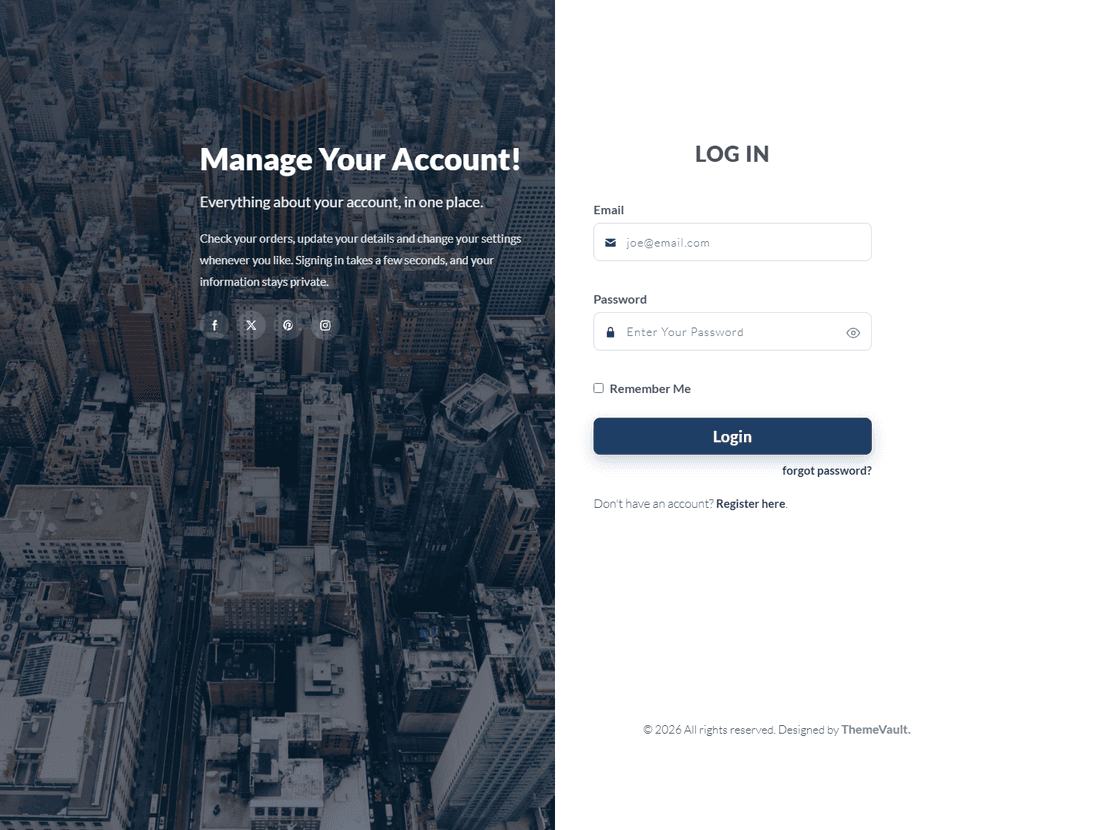
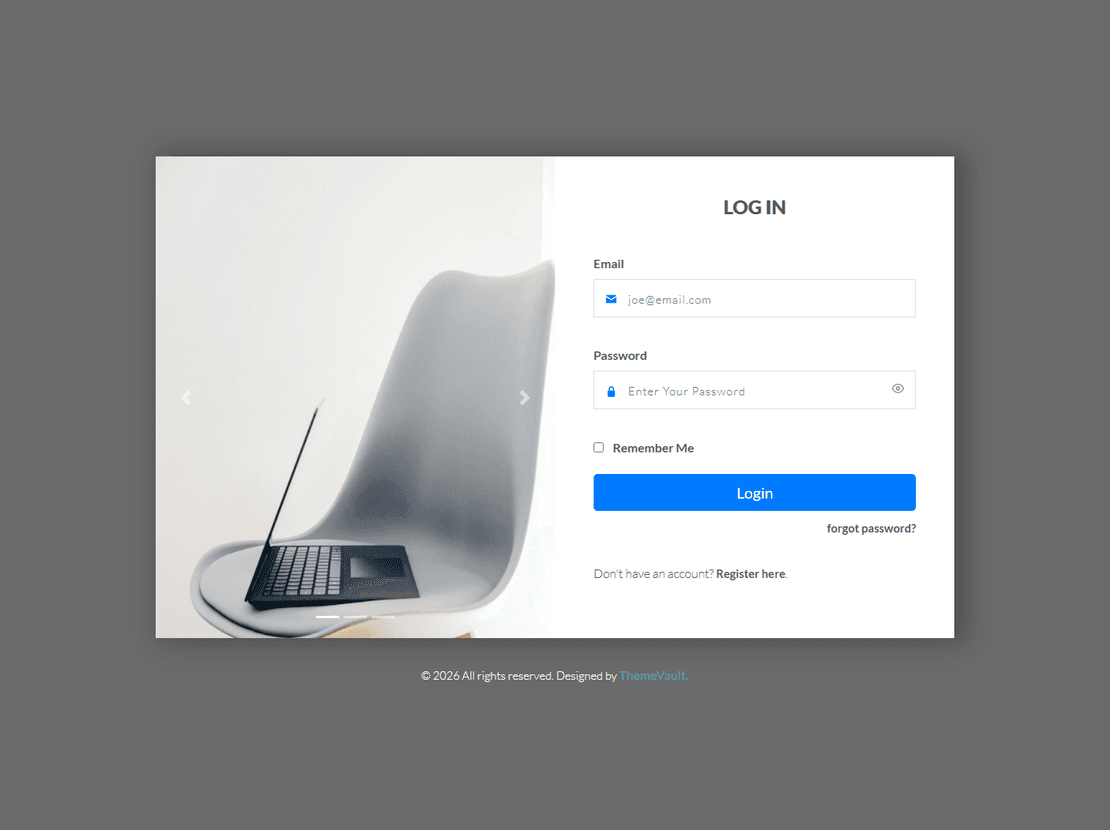
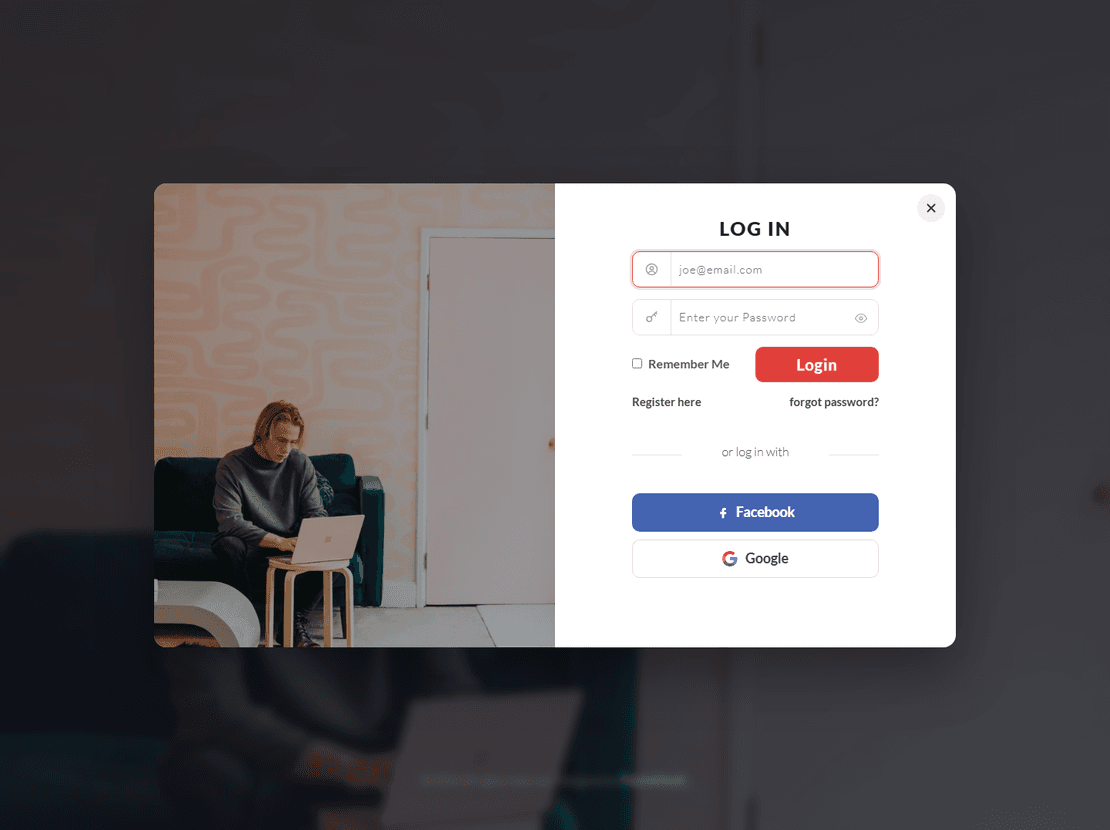
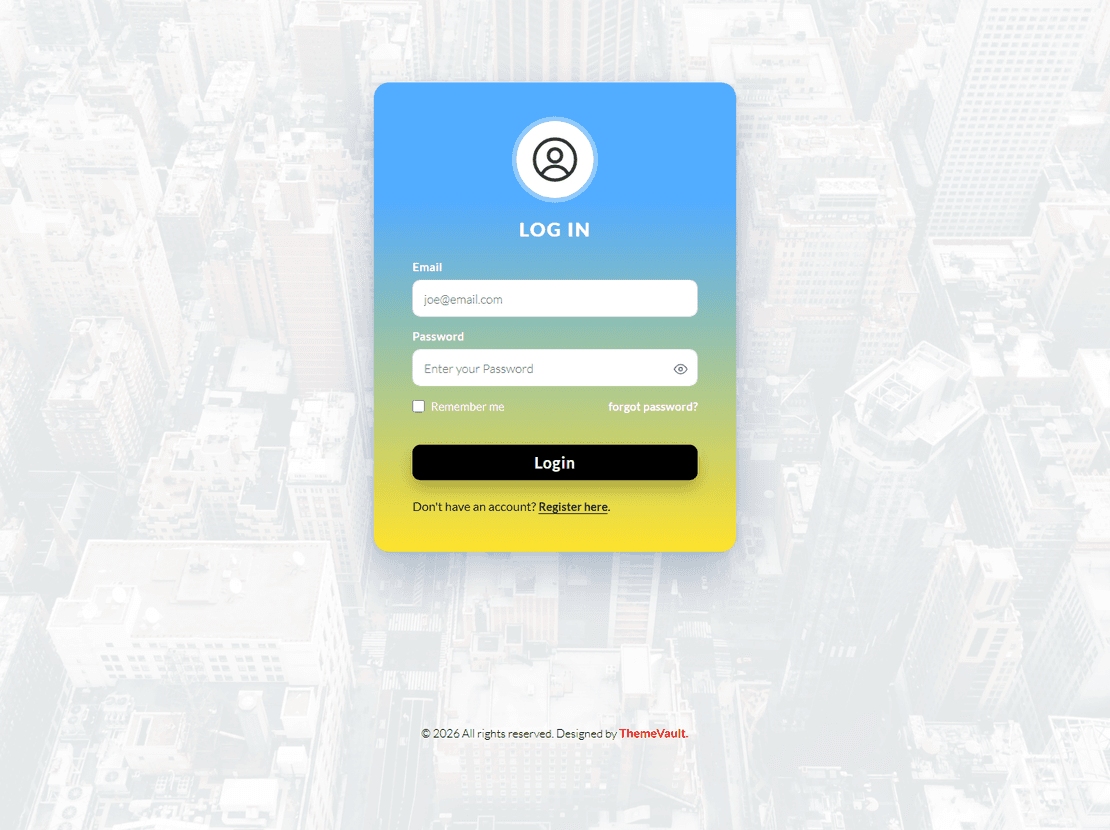
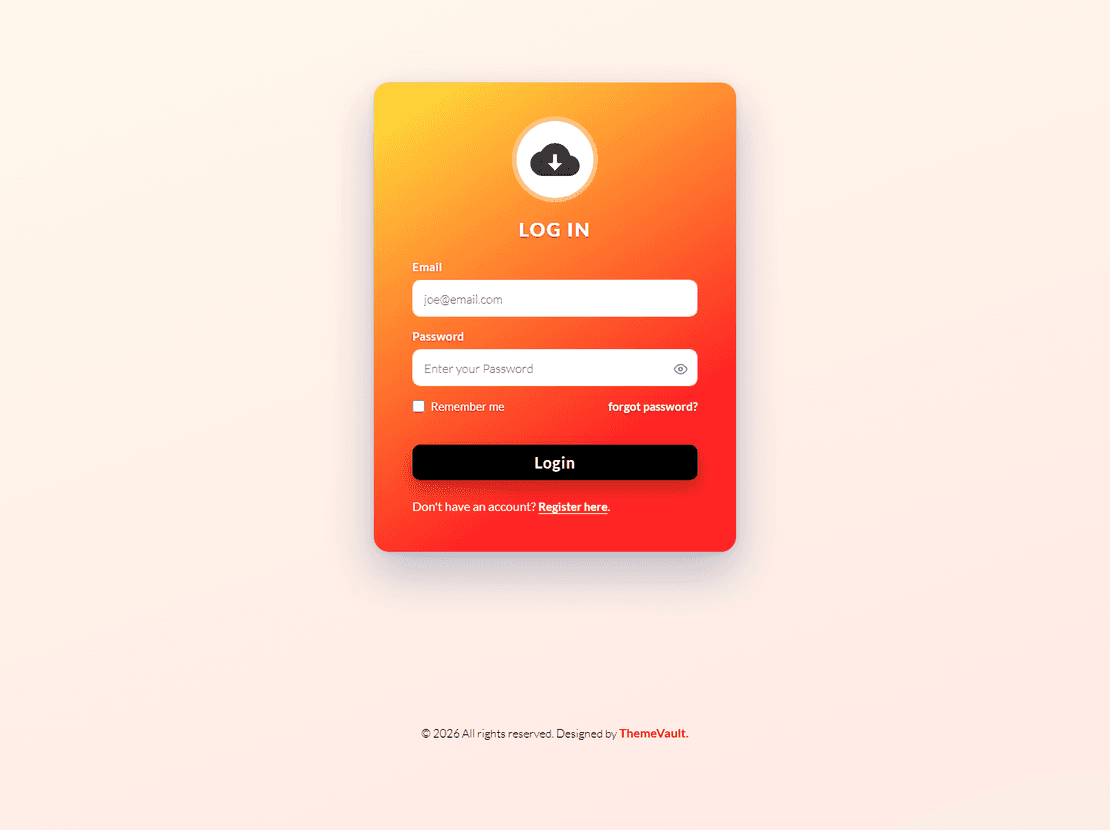
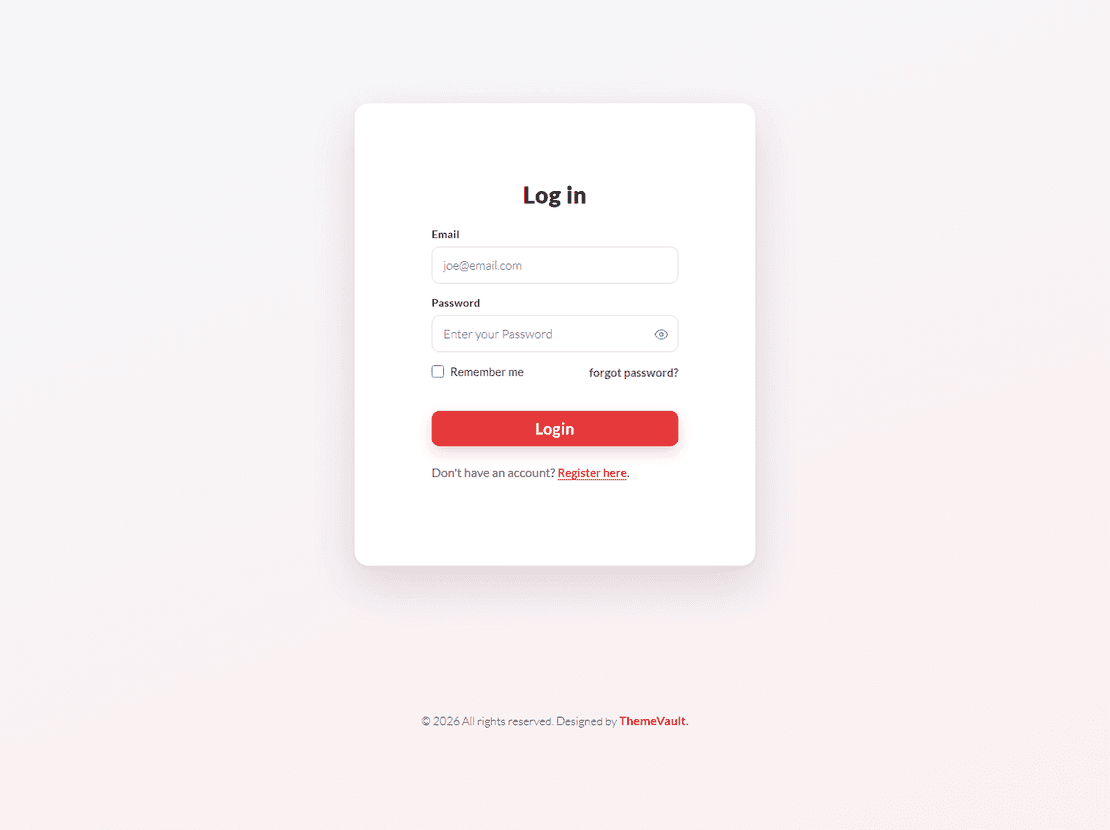
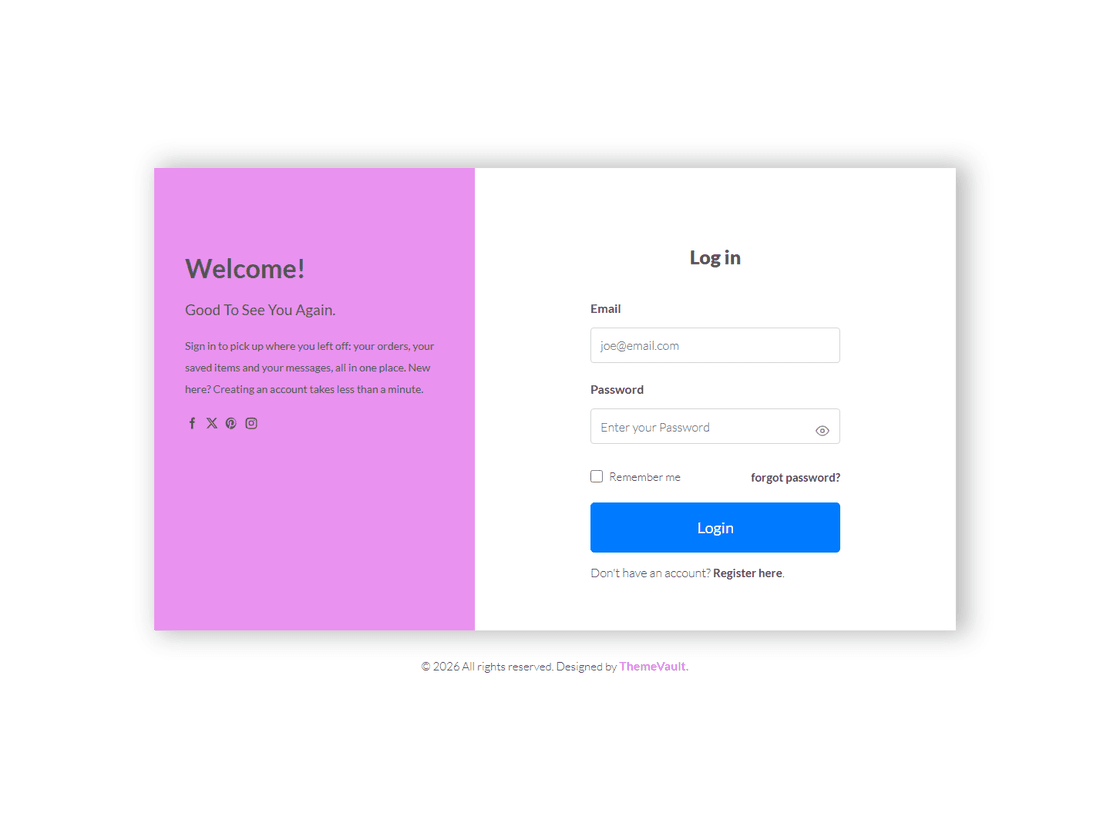
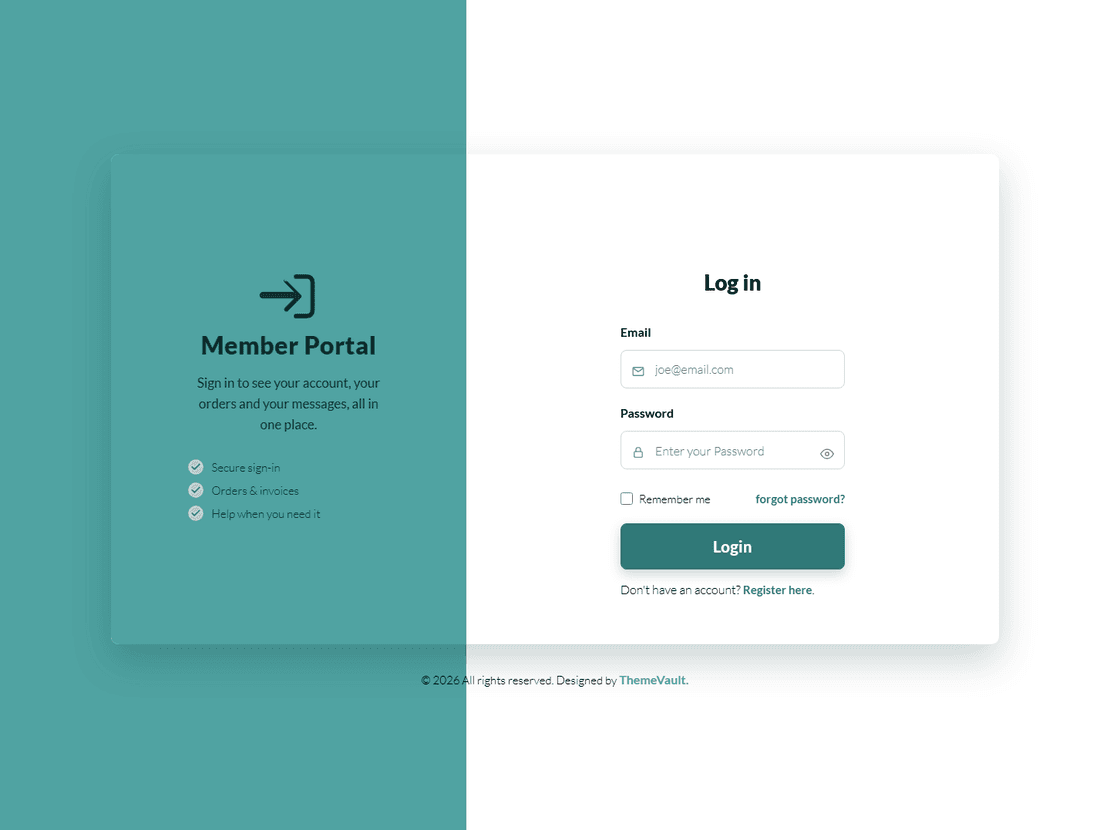
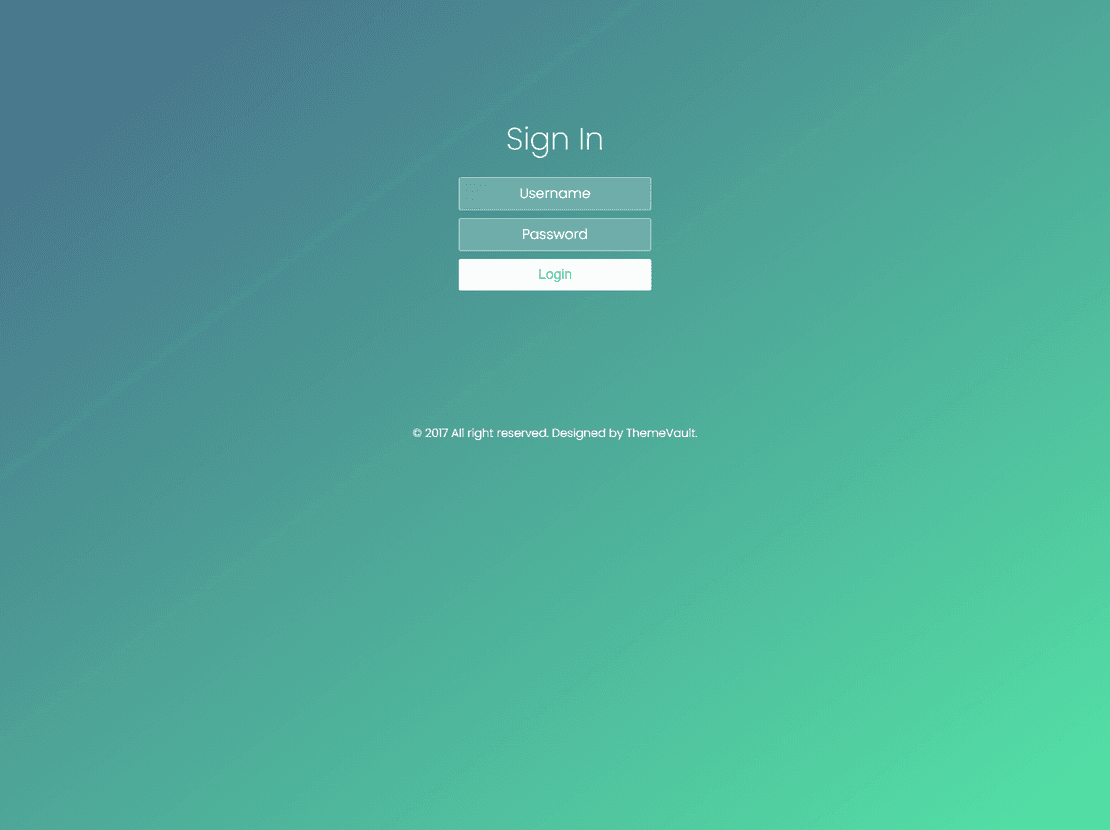
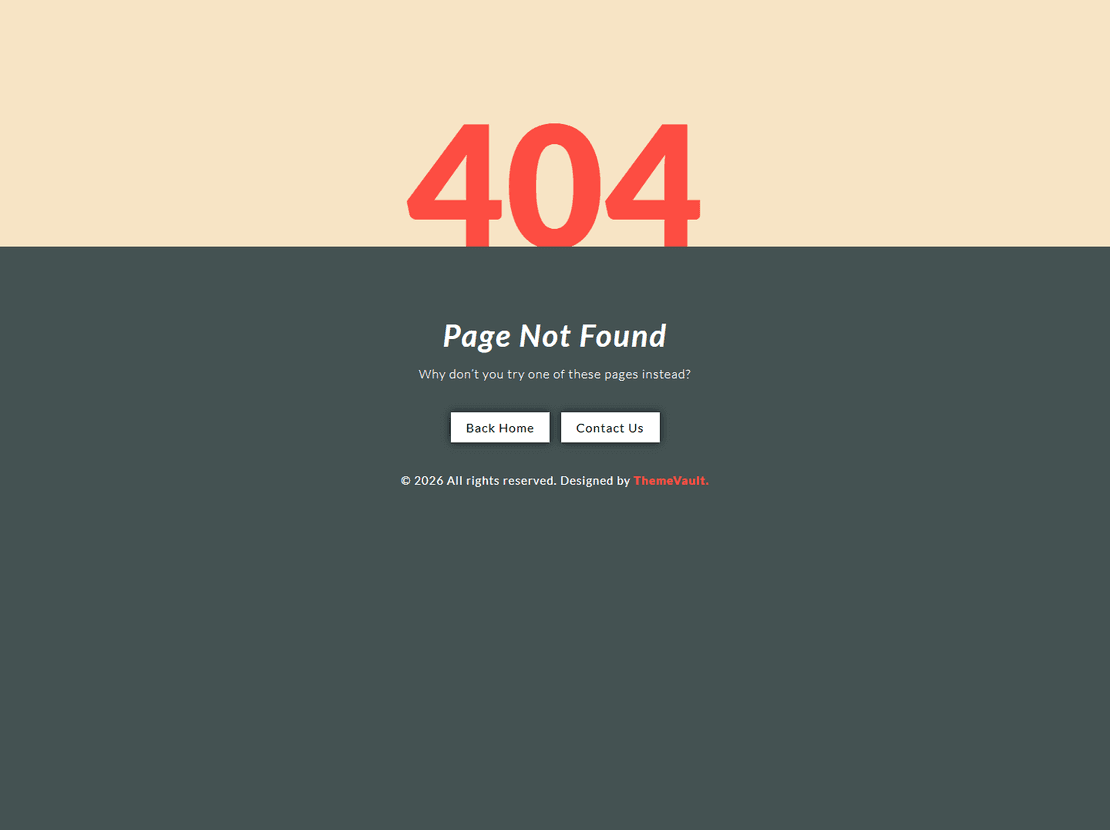
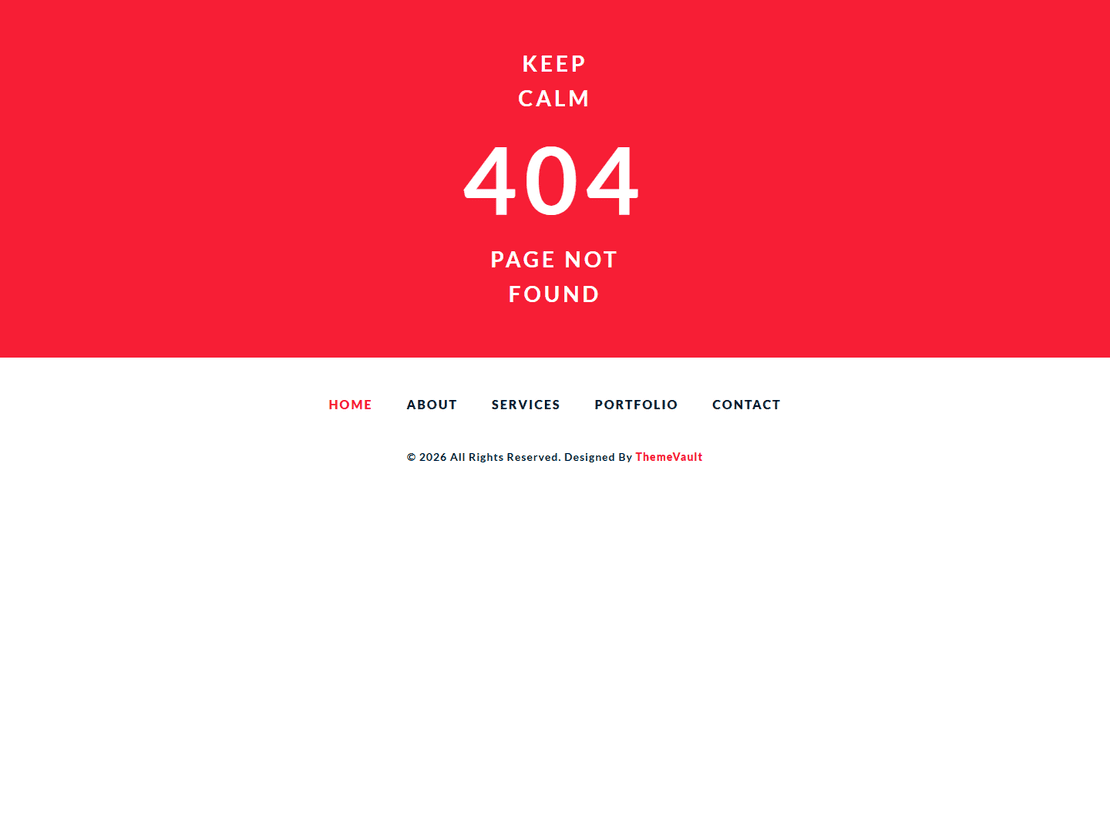
Free website elements: login forms, 404 pages, coming-soon screens and more
Not every project needs a whole template. This category is for the smaller pieces you add to a site you already have: a login or sign-up form, a 404 page, a coming soon or under construction screen, a countdown, a pricing table, a subscribe box or a progress bar. There are fifty-two of them, all free, and all were rebuilt in 2026. None uses jQuery; a few use Bootstrap’s stylesheet, which comes in the download.
Most elements are more than one page. A login form usually comes with its sign-up and forgotten-password pages, a coming soon screen with a maintenance page, and nearly all include matching emails, such as a welcome email, a password reset or a “thanks for subscribing” message. In most demos the forms check what people type and show a confirmation, so you can see the whole flow before you build anything.
What is in the collection
- Login forms, the largest group, from a single compact box to full-screen pages, a pop-up window and member-portal layouts. Our login form and login page guides compare them.
- Sign-up and registration forms in one-column, two-column and full-screen layouts. See sign-up forms, registration forms and the shorter join forms.
- 404 error pages that give a lost visitor a way back, from the plain Simple Looking 404 to the bolder Creative Vibrant and Red Highlighted pages. All of them are under 404 page templates.
- Coming soon, under construction and countdown pages, covered in our coming soon page guide, with Classy and Modish for a site that is being rebuilt and our under maintenance pages for one that is briefly offline.
- Subscribe forms to collect email addresses anywhere on a page: Easy Subscription Form, Modern Distinctive and Unique Transparent, with more under subscribe.
- Pricing tables for plans and packages: Four Pricing Table and Standard Pricing Table.
- Progress bars and counters for loading screens and launch countdowns: Sunlight and Yellow Design progress bars, the Forestry and Cityview counters, and our loading page designs.
Using an element in your own site
For a whole page, such as a 404 or a coming soon screen, upload it as it is and point your server at it: set it as the error page in your hosting panel, or use it as a temporary home page. For a piece inside an existing page, open the element’s HTML next to yours, copy its stylesheet and script links into your page, then paste the block where you want it and adjust the colours to match your site.
The forms don’t send anything until you connect them: point a login form at your login system, and a subscribe or contact form at your email tool or a form service. Change the sender name, logo and links in the emails before you use them.
Site Elements — frequently asked questions
Are these website elements free?
All fifty-two are, for personal sites and client projects alike. Each element carries a small credit link on its page; one payment on the element's page removes it, and Pro removes it from everything.
Can I add an element to a WordPress, React or plain HTML site?
Yes. They are plain HTML, CSS and JavaScript with no jQuery, so you can paste the markup into a WordPress page template, a React or Next.js component, or any static page, and bring the stylesheet with it.
Do the login and sign-up forms actually log people in?
No. They check the fields and show a confirmation in the demo, but there is no server code in the download. Connect them to your own login system or an authentication service.
How do I put a 404 or coming soon page live?
Upload the page to your host. For a 404, set it as the error page in your hosting panel, or add an ErrorDocument line in .htaccess on Apache. For a coming soon page, use it as your temporary index.html until the real site is ready.
Do the elements come with emails?
Nearly all of them. Login forms include emails such as a welcome and a password reset, and coming soon and subscribe forms include a sign-up confirmation, all designed to match the element.
About Site Elements templates
Our collection of free website elements include 404 error pages, coming soon pages, login forms, sign-in pages, sign up pages, subscription forms, etc. These elements will help you create one of a kind pages for page 404 not found, 404 HTML template, website not found, login page, coming soon website template, web page not found, subscription page template, email subscription form etc. You can purchase these site elements regardless of your purchase of template from our site.