
Free HTML5 Image Slider Login form
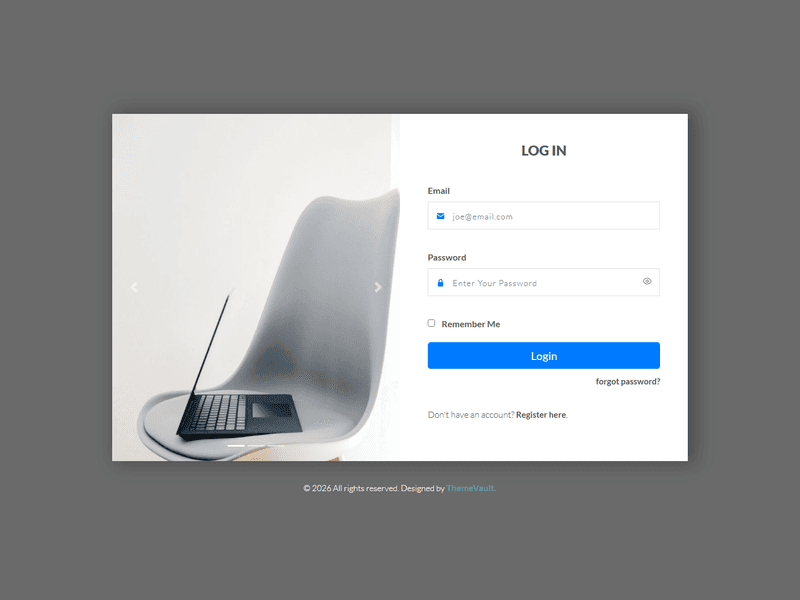
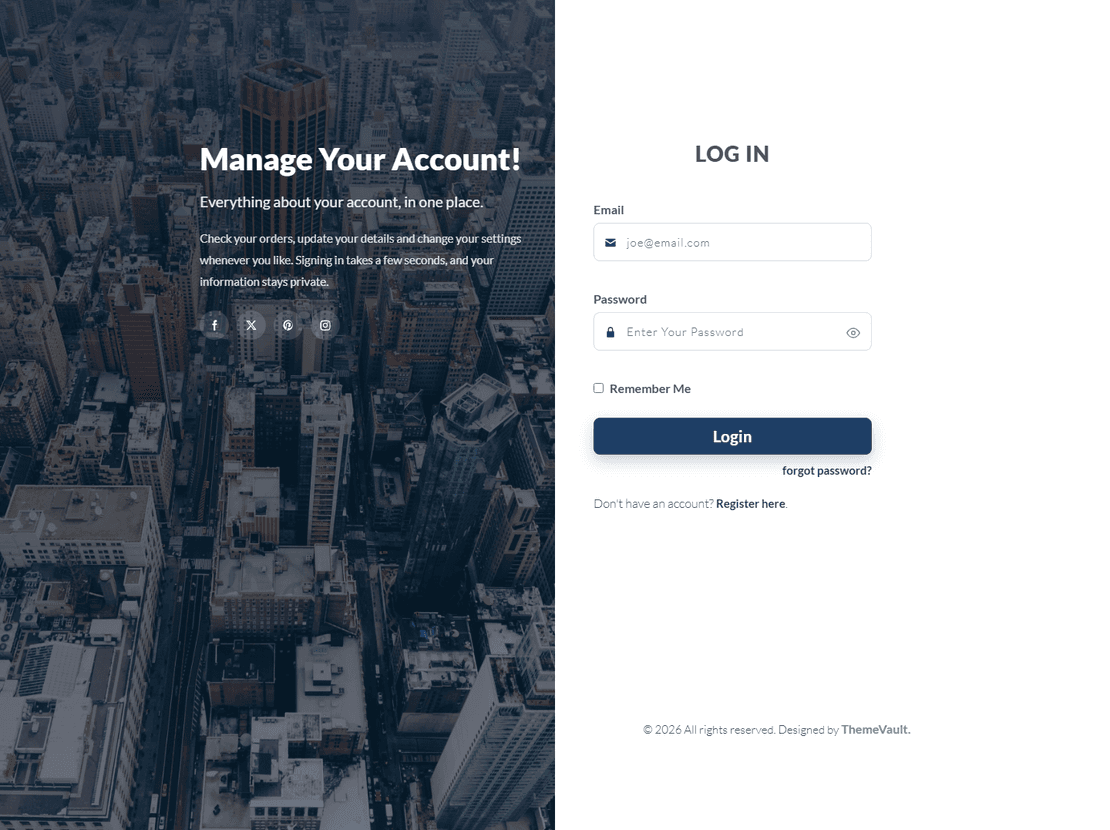
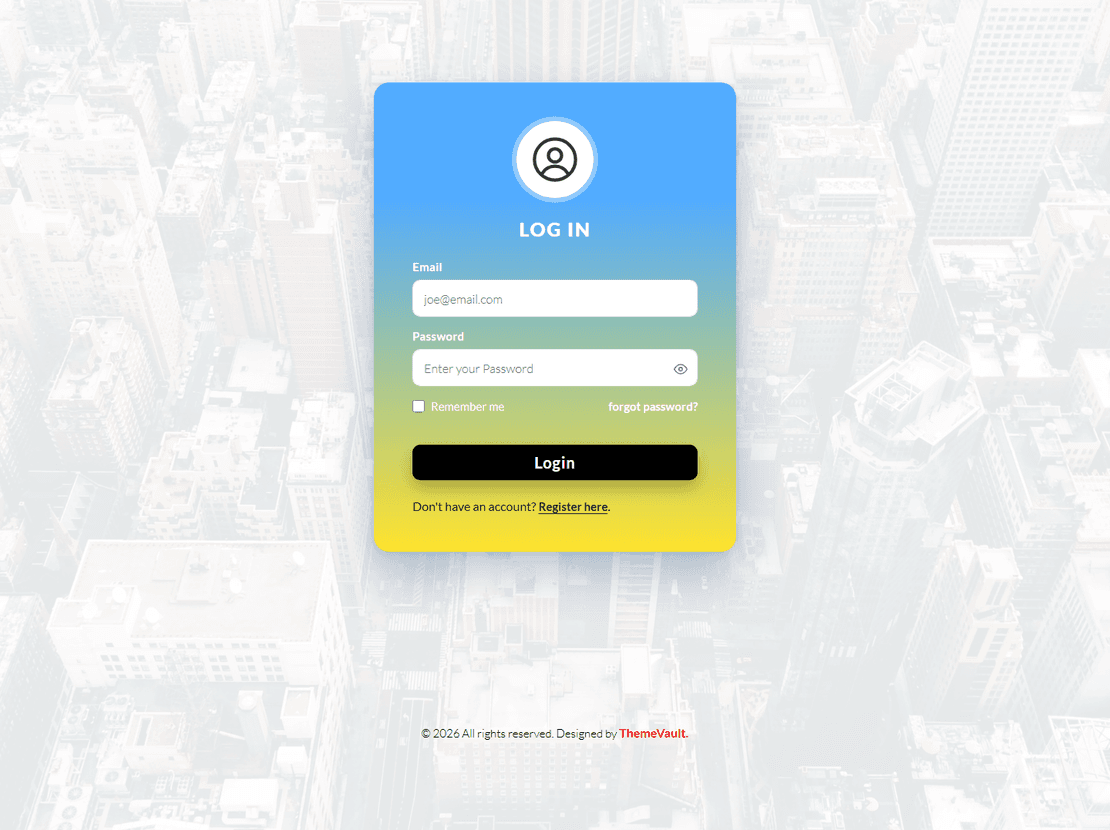
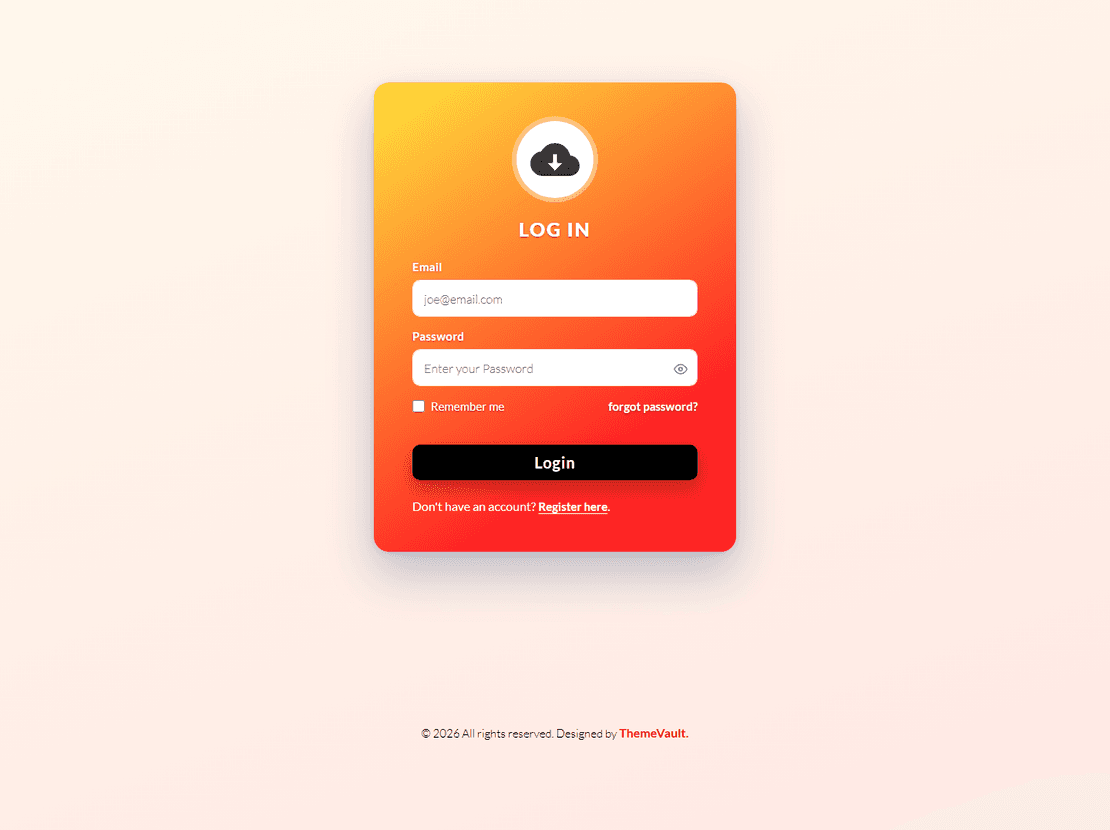
Download free HTML5 responsive login form template with image slider from ThemeVault. Image slider login form is best suitable for the full-width screen login page design.
⬇ Free downloadTry the live demo
Free for personal & commercial use · keeps a small “Designed by ThemeVault” footer link · no card needed
- HTML
- CSS
- JS
- Released Jun 2021
- v2.0 · Sep 2026
- 4 pages+ 2 HTML emails
- v2.0updated Sep 2026
- 2,372views
- 175downloads
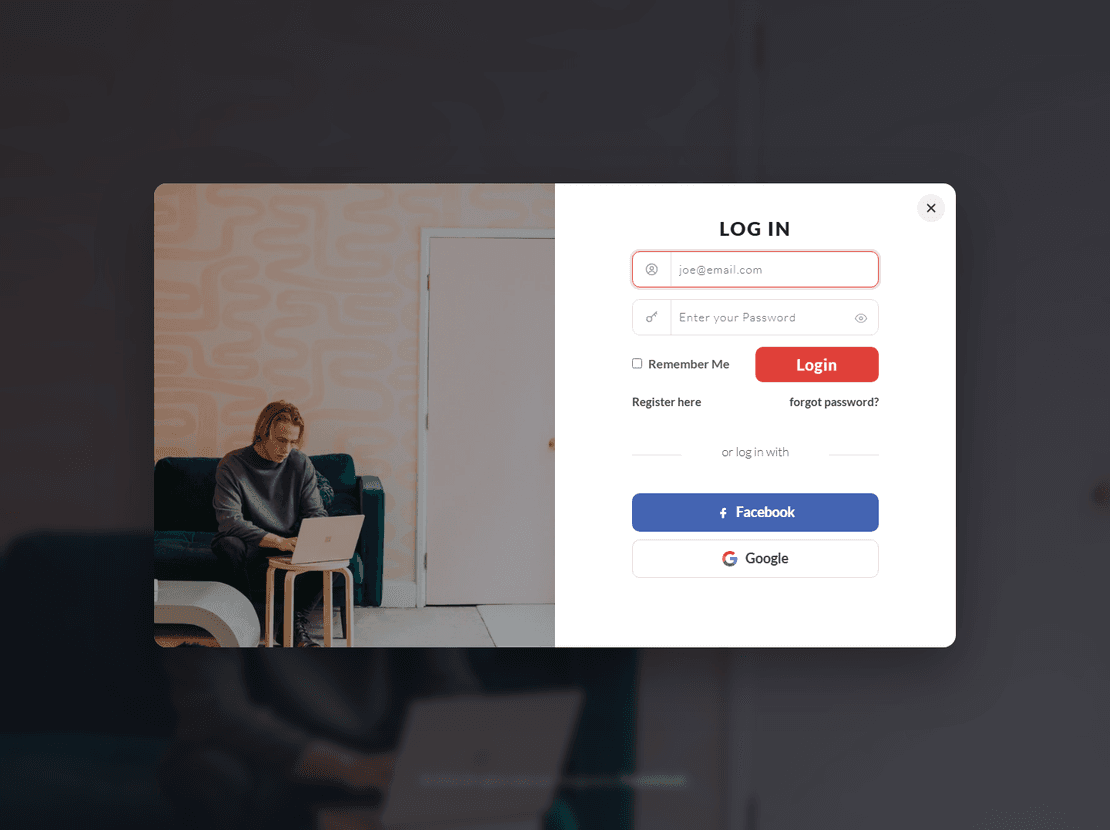
This Login Portal is uniquely designed with a modal layout that opens as the pop-up on the screen by the click of the login button. You can customize it as per your website theme color and fonts with very ease. This Login portal design also featured with social medial login along with the Email and password field. We have designed the modal into 2 sections as with the Image background on the left side and login action components on the right side. Get your fully mobile-friendly HTML, CSS login template for free.
Version 2.0 needs no framework and loads nothing from outside: the image slider is a small dependency-free script with the same slide and timing, now with swipe and arrow keys, and the fonts and icons ship inside the download. The sign-in form works (validation, show/hide password, remember me), and the package adds a register page (register.html), a forgot-password page (forgot-password.html), a terms page (terms.html) and two ready-to-send HTML emails: welcome (email-welcome.html) and password reset (email-password-reset.html).
- A working sign-in form: email and password are checked, a show/hide button on the password, "Remember Me" keeps the email in this browser
- register.html: full name, email, a password with a strength bar and a confirm field that must match, and a terms checkbox.
- forgot-password.html: request a reset link, with a check-your-inbox confirmation.
- terms.html: placeholder terms and privacy text naming what the forms collect, ready for your own wording.
- Two ready-to-send HTML emails: email-welcome.html (after registering) and email-password-reset.html. Table-based and inline-styled for Gmail
- Connect the forms to your server: add data-endpoint="https://your-site.com/api/…" and they are POSTed there. Without it they run as a demo (each shows a "Demo o
- No framework and nothing loaded from outside: v1 fetched a CSS framework, two script libraries and a web font from four CDNs
- The third slide showed a third-party logo; it is replaced by a brand-free photo.
Pages
Features
| Template Type | Free |
|---|---|
| Compatible Browsers | Opera, Firefox, Google Chrome |
| Banner Slider | Bootstrap Carousel |
| Link hover effetcs | Yes |
| Coding | HTML 5, CSS 3 |
| Forms | Registration Form, Login Form |
| Additional Features | Favicon, Responsive Design |
| Image Sources | Freepik |
| WordPress Theme? | No |
| HTML Template? | Yes |
What’s new
v2.0Sep 2026
- A working sign-in form: email and password are checked, a show/hide button on the password, "Remember Me" keeps the email in this browser, and a valid sign-in shows a welcome panel in the form's place.
- register.html: full name, email, a password with a strength bar and a confirm field that must match, and a terms checkbox.
- forgot-password.html: request a reset link, with a check-your-inbox confirmation.
- terms.html: placeholder terms and privacy text naming what the forms collect, ready for your own wording.
- Two ready-to-send HTML emails: email-welcome.html (after registering) and email-password-reset.html. Table-based and inline-styled for Gmail, Outlook and Apple Mail; no images to upload.
- Connect the forms to your server: add data-endpoint="https://your-site.com/api/…" and they are POSTed there. Without it they run as a demo (each shows a "Demo only" line; delete those lines when you go live). Details at the top of js/main.js.
- No framework and nothing loaded from outside: v1 fetched a CSS framework, two script libraries and a web font from four CDNs, plus a whole icon font for two icons. The few framework rules the page used ship in css/bs4-core.css; the slider is a small dependency-free script with the same motion (a 0.6s slide every 5 seconds, pausing on hover), plus swipe and arrow keys; the two icons are inline SVG; Lato ships inside the widget.
- The third slide showed a third-party logo; it is replaced by a brand-free photo.
- "forgot password?" and "Register here" had empty links that reloaded the page; they lead to the new pages.
- The form had no handler and did nothing.
- The grey backdrop stopped at 750px, leaving a white band on taller screens; it fills the screen now.
- On very wide screens the credit line sat beside the card instead of under it.
- "LOG IN" is a real heading; each page has its own title and meta description, and the copyright year updates itself.
- Three catalogue screenshots that were packed into the download by mistake are no longer included.
Already downloaded this template? Your My Downloads page always serves the latest version — re-download free.
Download Details
- Published
- June 17, 2021
- Categories
- Site ElementsFree Responsive Website Templates
- Tags
- Free downloadHTML LoginHTML5 Login Form TemplatesLoginLogin PageSign InSign In Formfree
Source
- HTML
- CSS
- JS
Please note that the images in the template will be blurred in the downloaded package.
Support
Facing issues with this template? Write to support@themevault.net and we'll help you out.
License
Free for personal & commercial use with an attribution link to ThemeVault. Read the license.
Reviews
No reviews yet — be the first to review this template.
Every page
See all 6 pages at a glance
Each page is built and ready, including the emails.
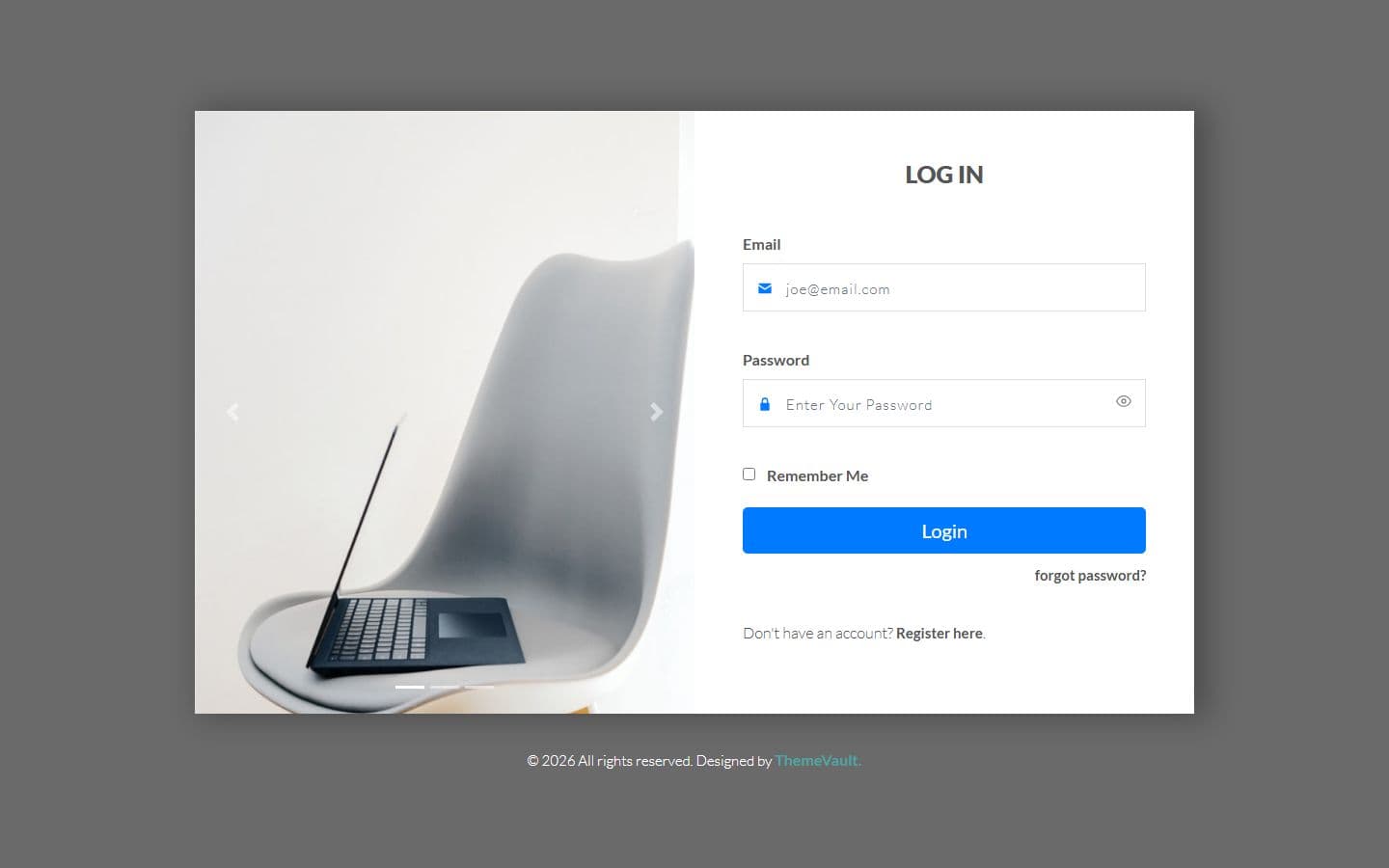 Homeindex.html
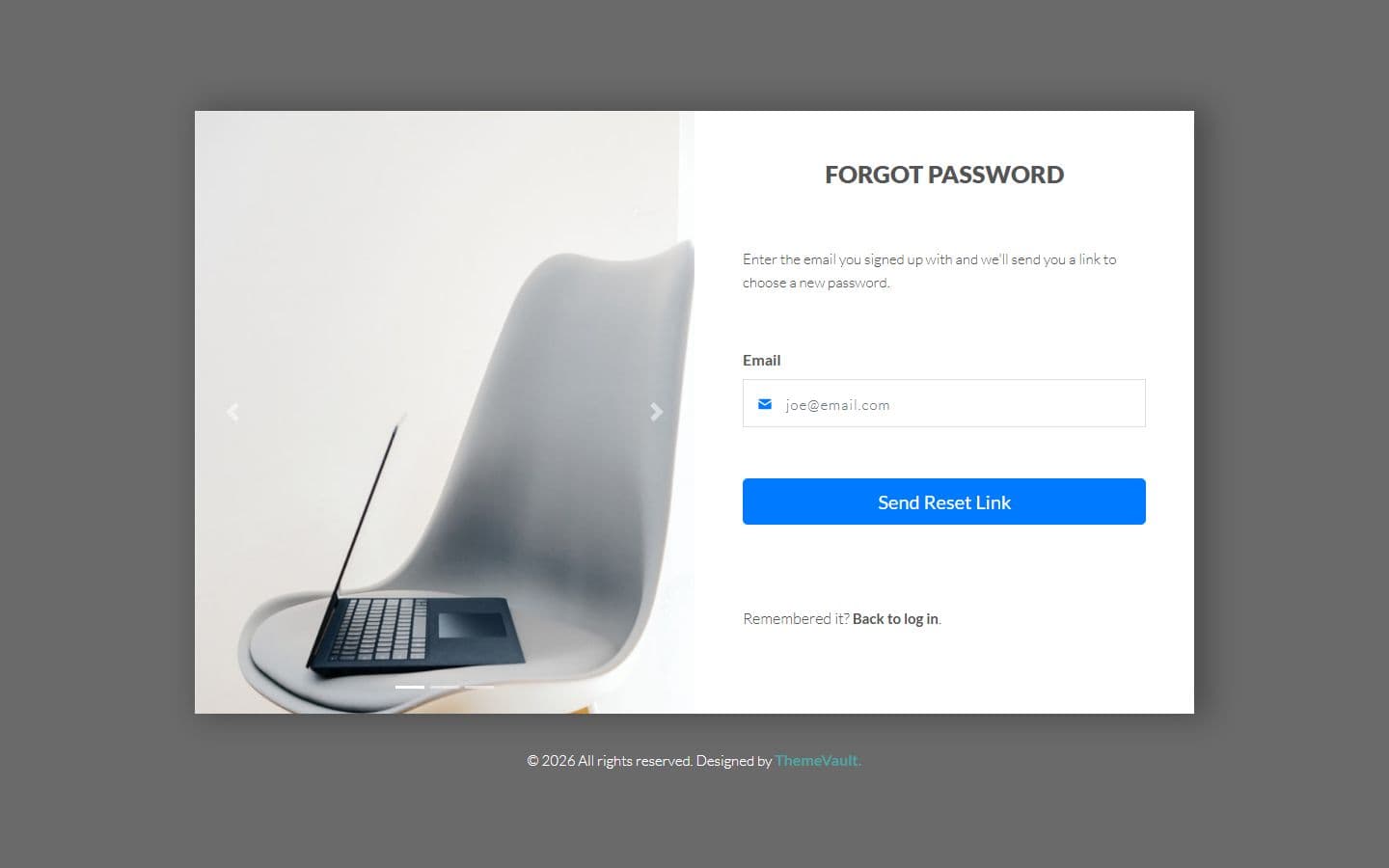 Forgot passwordforgot-password.html
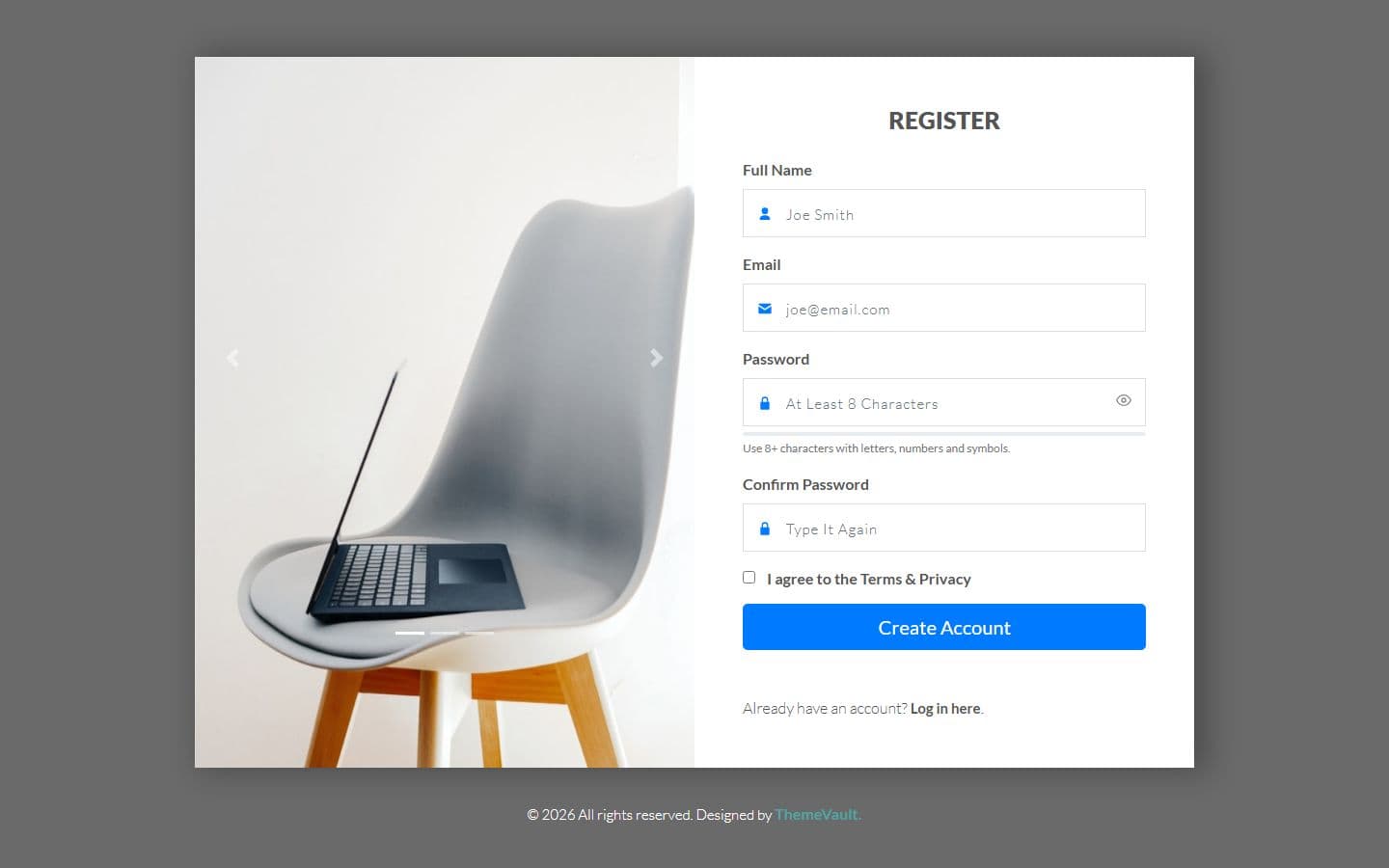 Registerregister.html
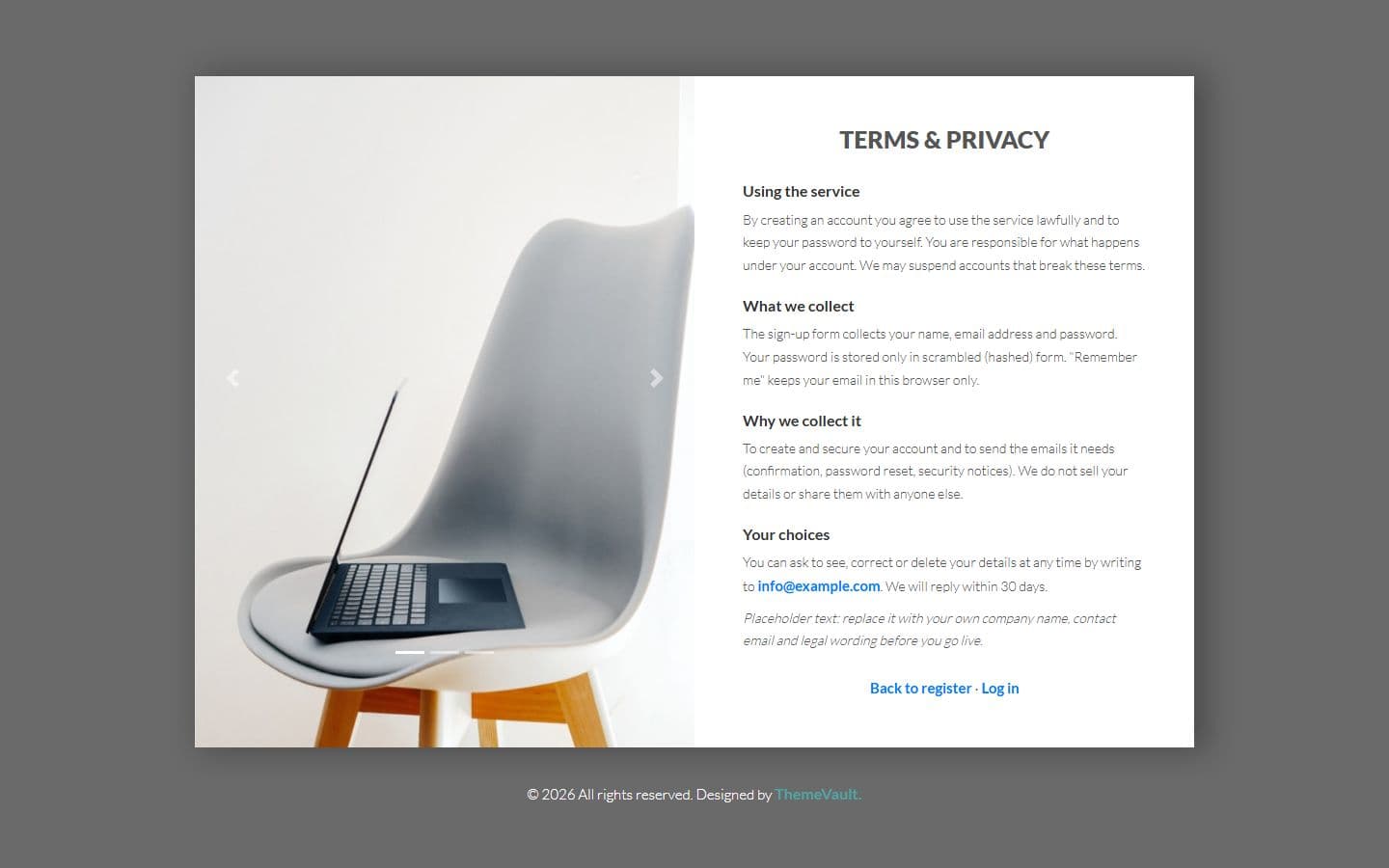 Termsterms.html
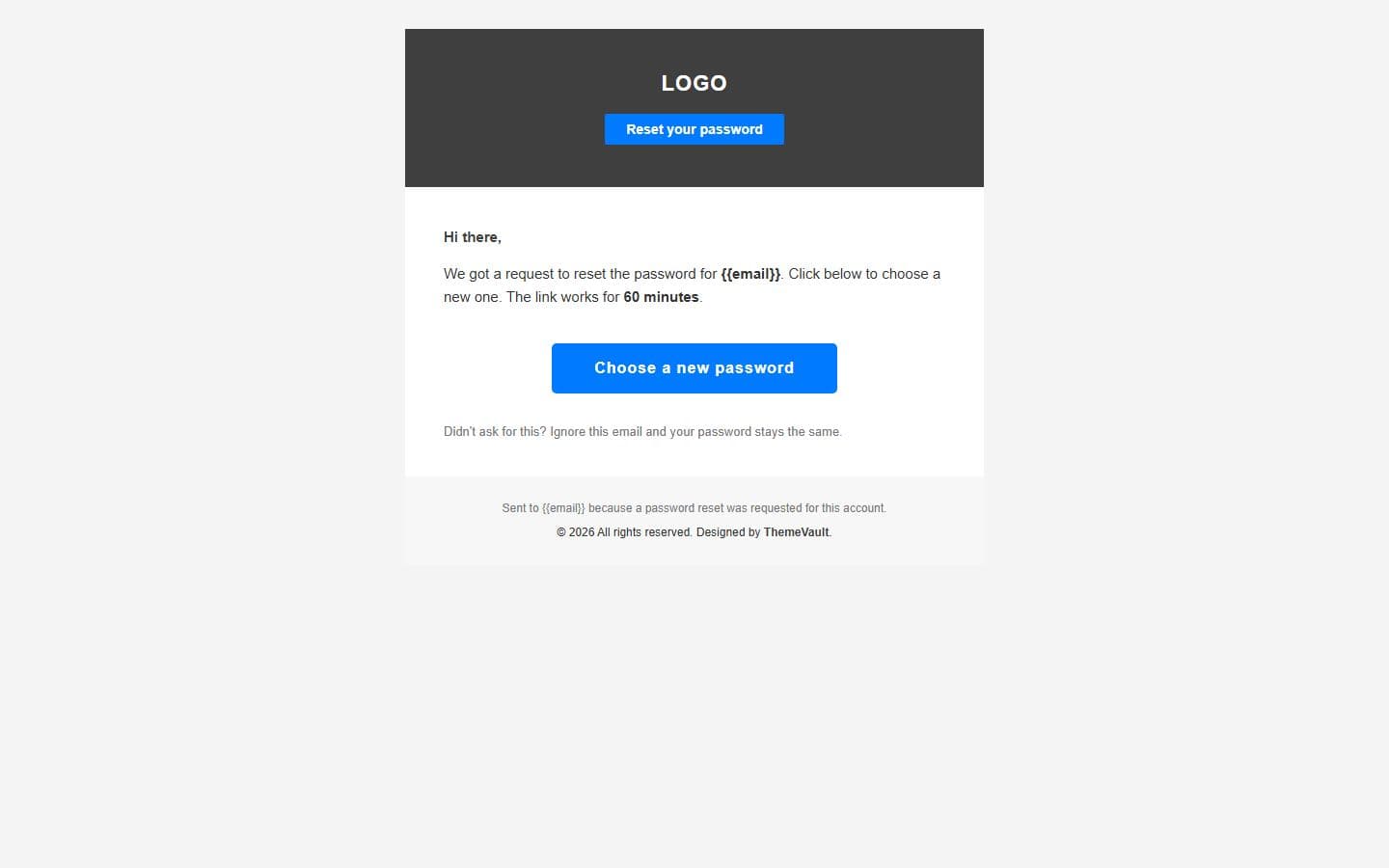 Email: password resetemail-password-reset.html
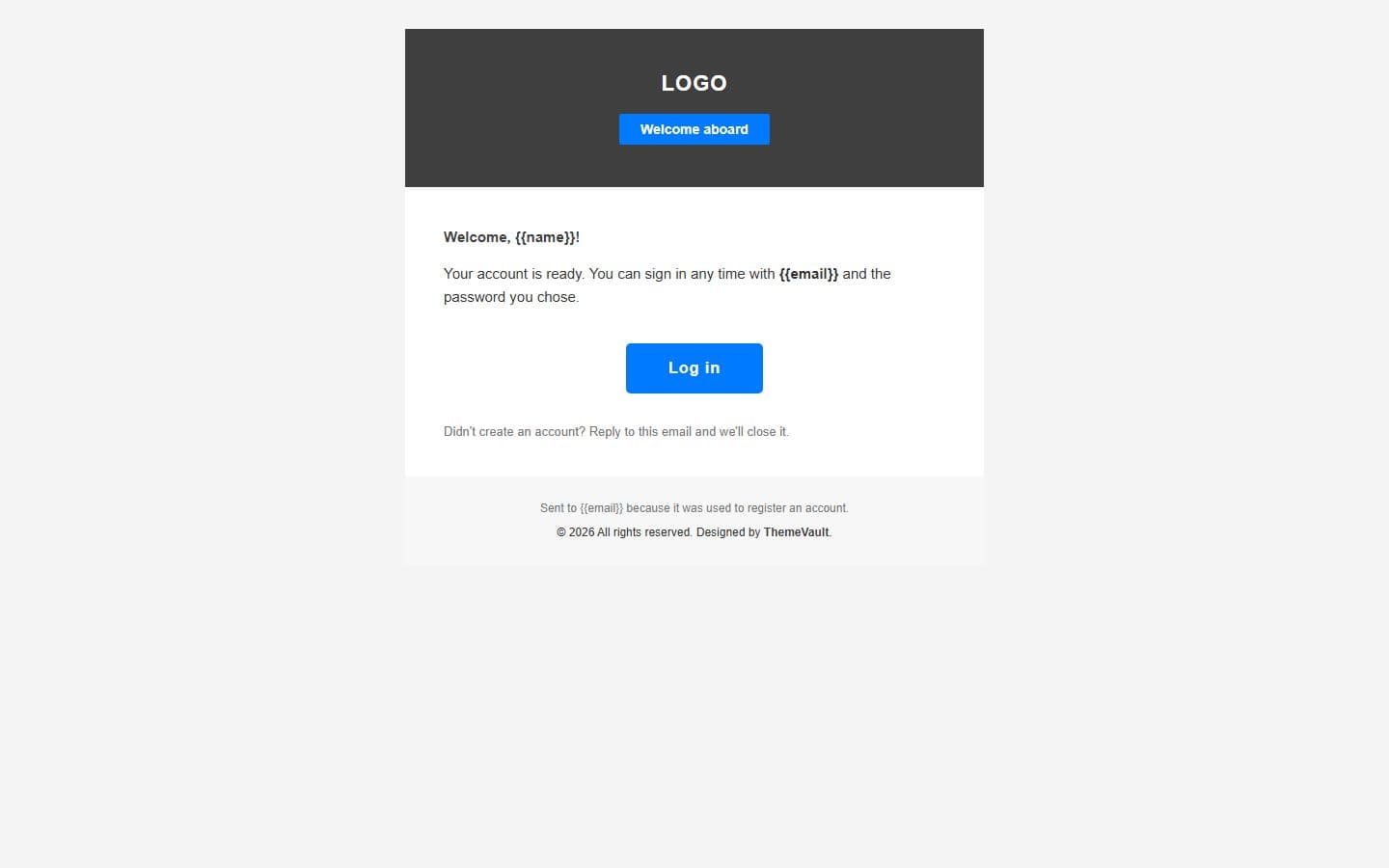 Email: welcomeemail-welcome.html
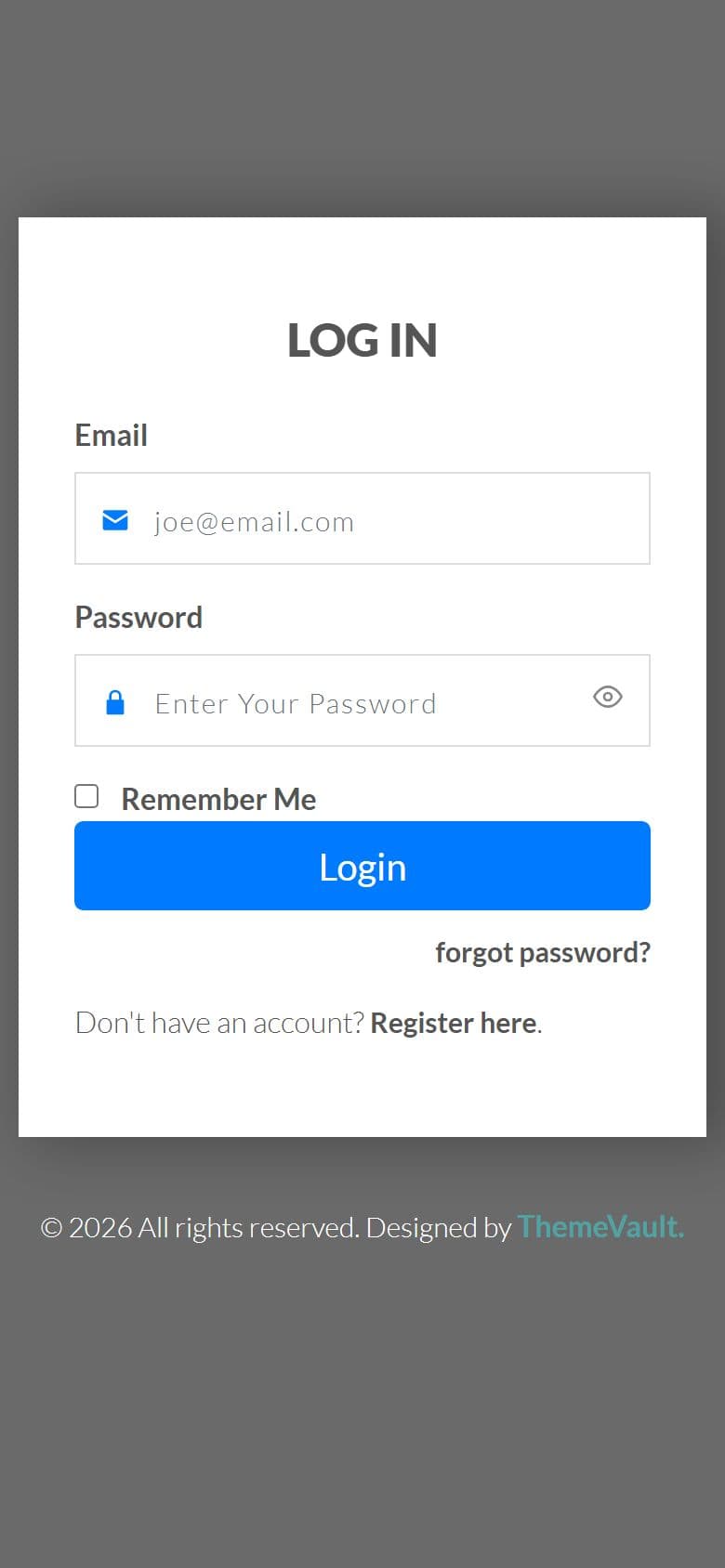
The home page on a phone, as it looks in the live demo.
In the download
What you get in the ZIP
Everything is plain files you can open in any editor. No build step and no installs.
- 19files
- 266 KBZIP size
- 6HTML pages
- 4images
Please note that the images in the template will be blurred in the downloaded package.
image-slider-login-form/
├── index.html
├── email-password-reset.html
├── email-welcome.html
├── forgot-password.html
├── register.html
└── terms.html
From download to live
No build tools, no installs
Download
Get the ZIP
Free, instant and no card needed. Unzip it anywhere.
Edit
Add your content
Change the text and photos in the HTML files with any code editor.
Publish
Upload and go
Upload the folder to any web host. It's plain HTML, so it runs anywhere.
Questions
About this template
Can I use Image Slider Login Form for a client's website?
Yes. The free version is licensed for personal and commercial use, including client work, as long as the footer credit stays. Remove it for $9.00₹499 one-time, or with Pro.
Do I need to know how to code?
You'll need to edit the HTML text and swap the images, which any code editor can do.
Will I get updates?
Yes. Your My Downloads page always serves the latest version, so you can re-download an update free. The What's new tab lists what changed in each version.
Are the photos included?
The images in the template are blurred in the downloaded package, and the photos in the live demo are for the demo only. Add your own images.
Subscribe Us
Keep looking
All templatesView Similar Templates
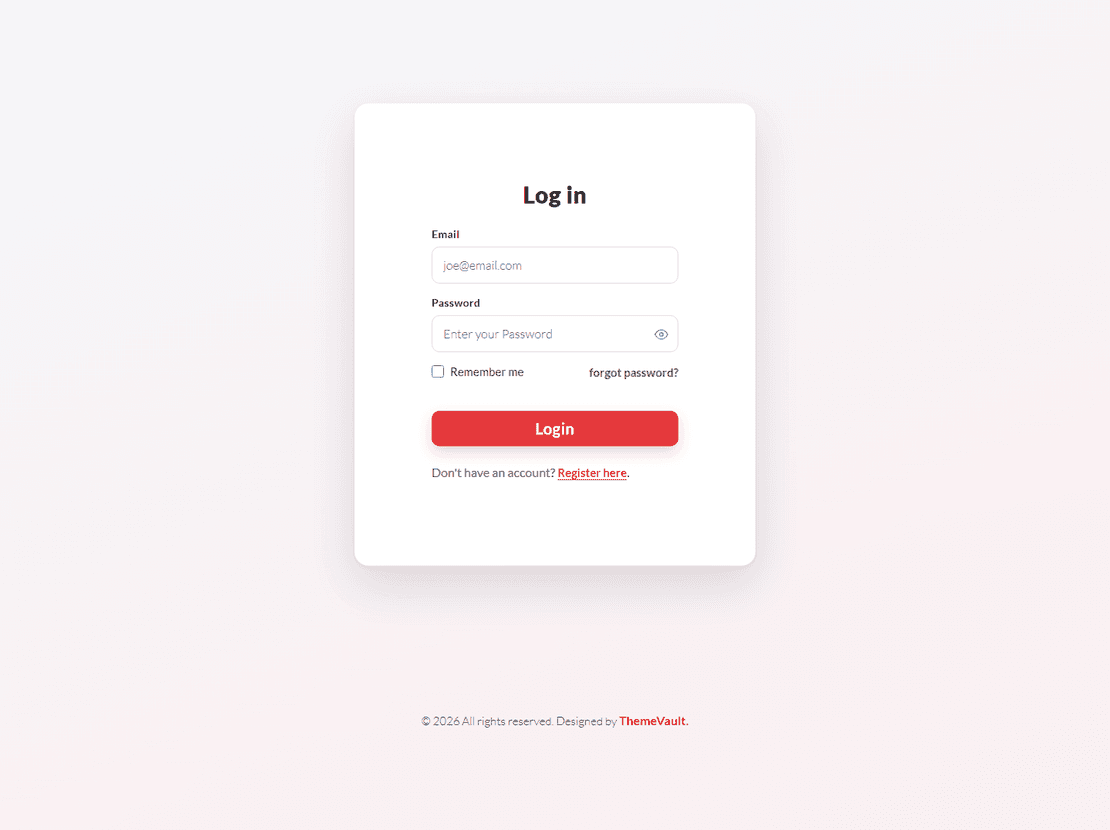
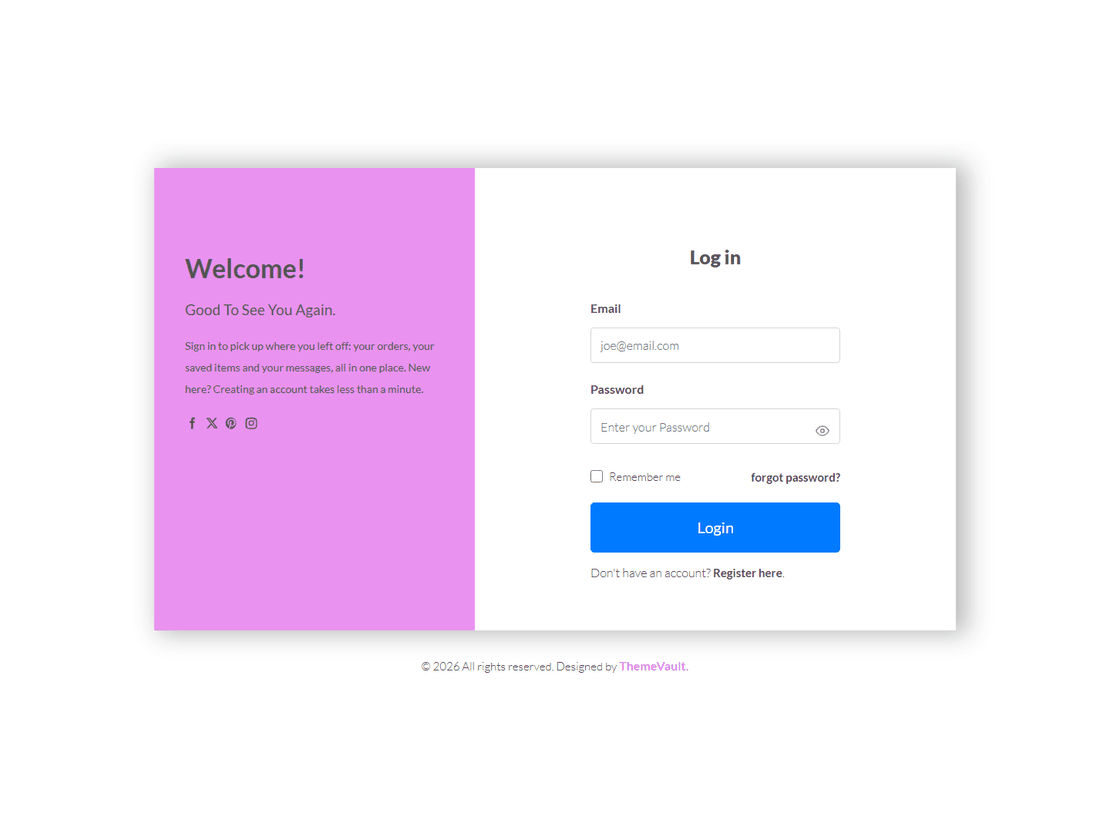
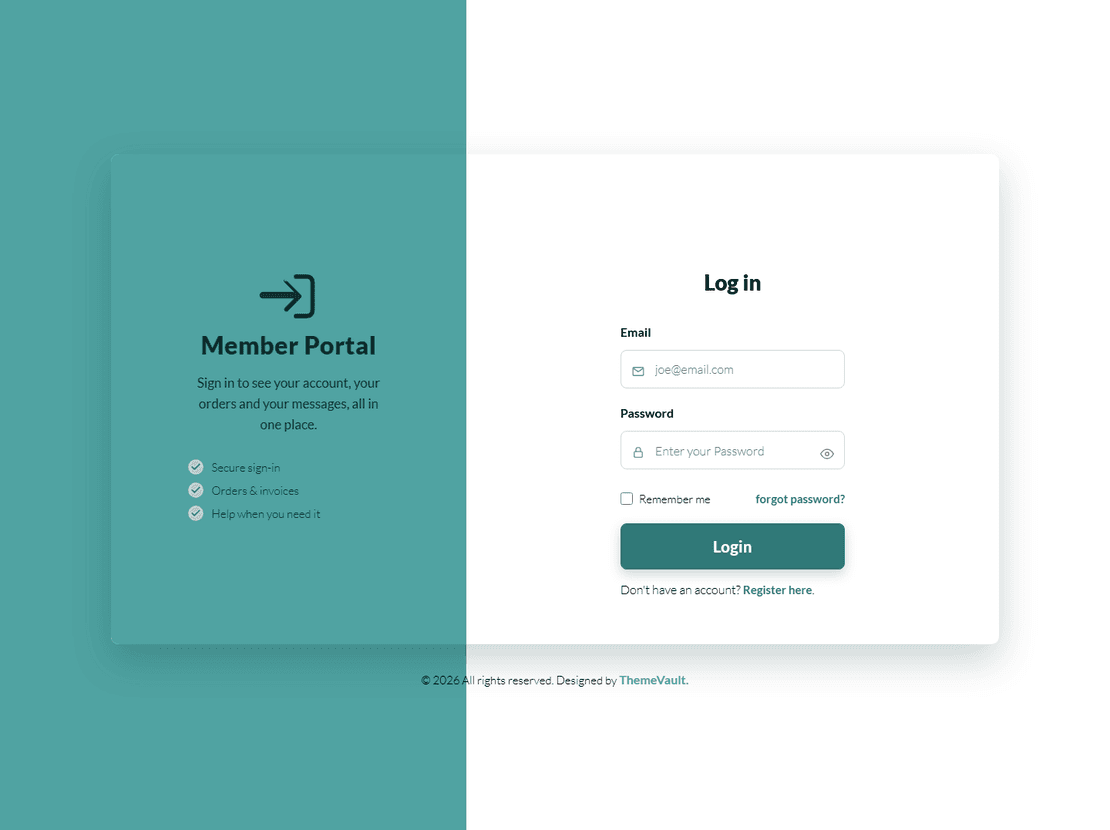
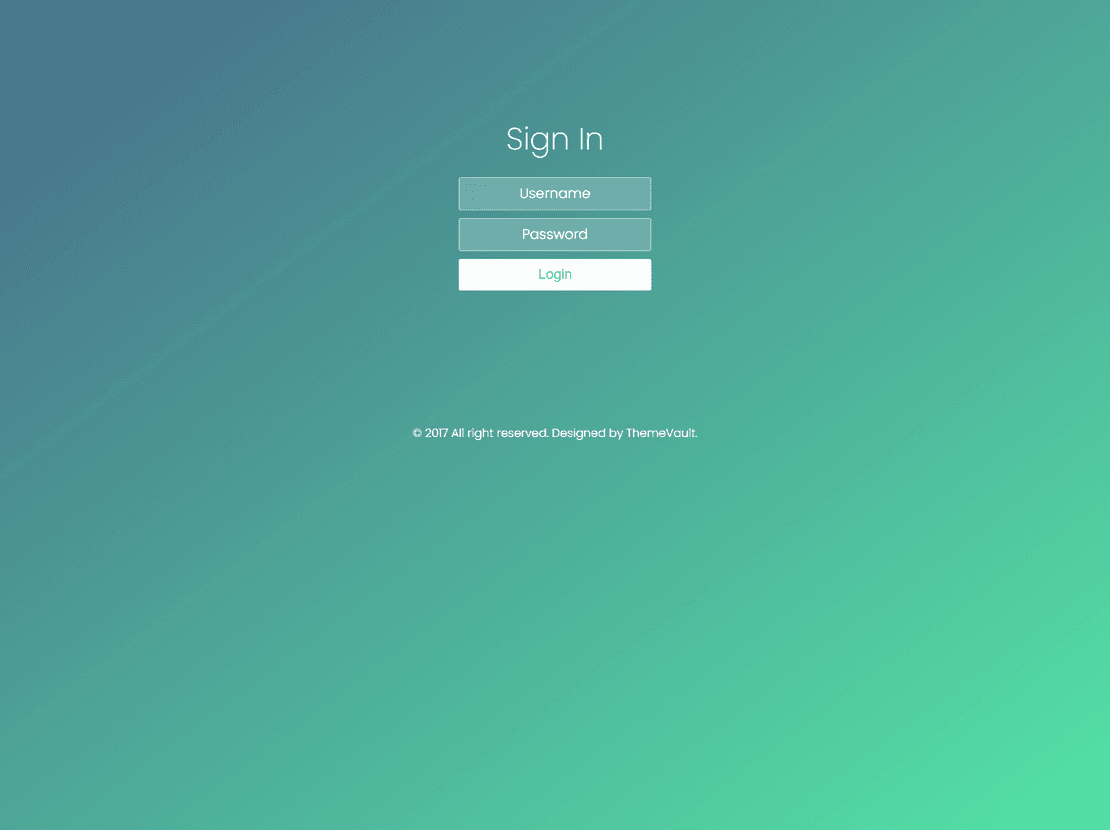

From the blog
View Blog
- Web Development
- Coding
- November 17, 2026
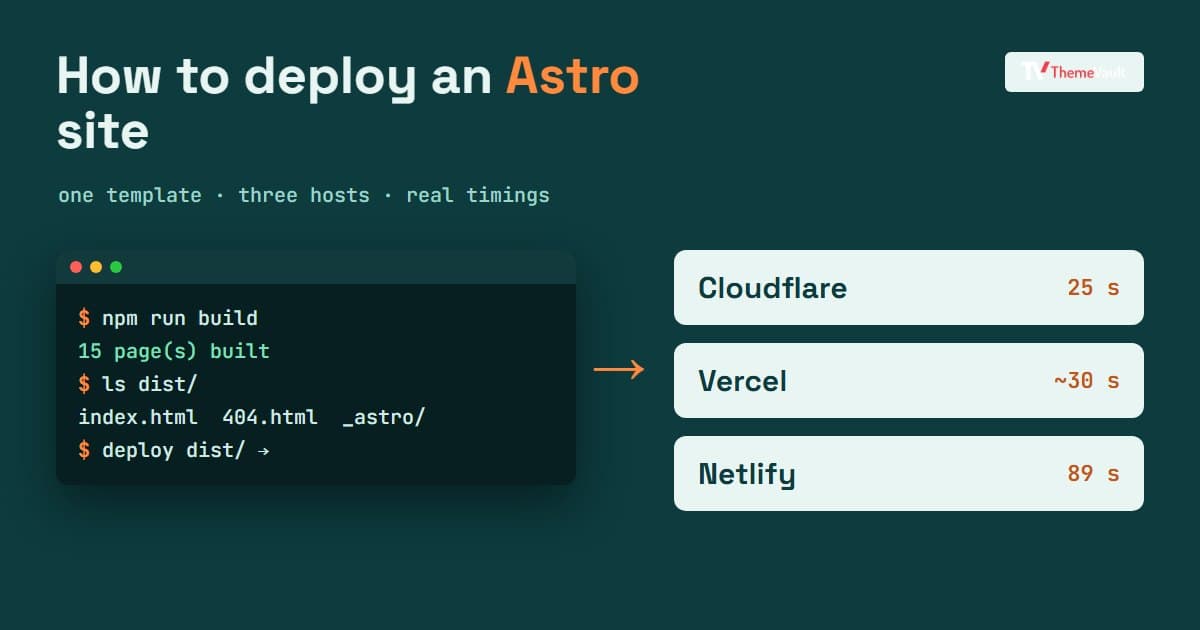
How to Deploy an Astro Site: Cloudflare, Netlify, Vercel and GitHub Pages (Tested)
One Astro template, three hosts, real timings: how to deploy a static Astro site, and the 404, canonical and login-wall surprises nobody warns you about.
- Wordpress
- Web Development
- November 17, 2026
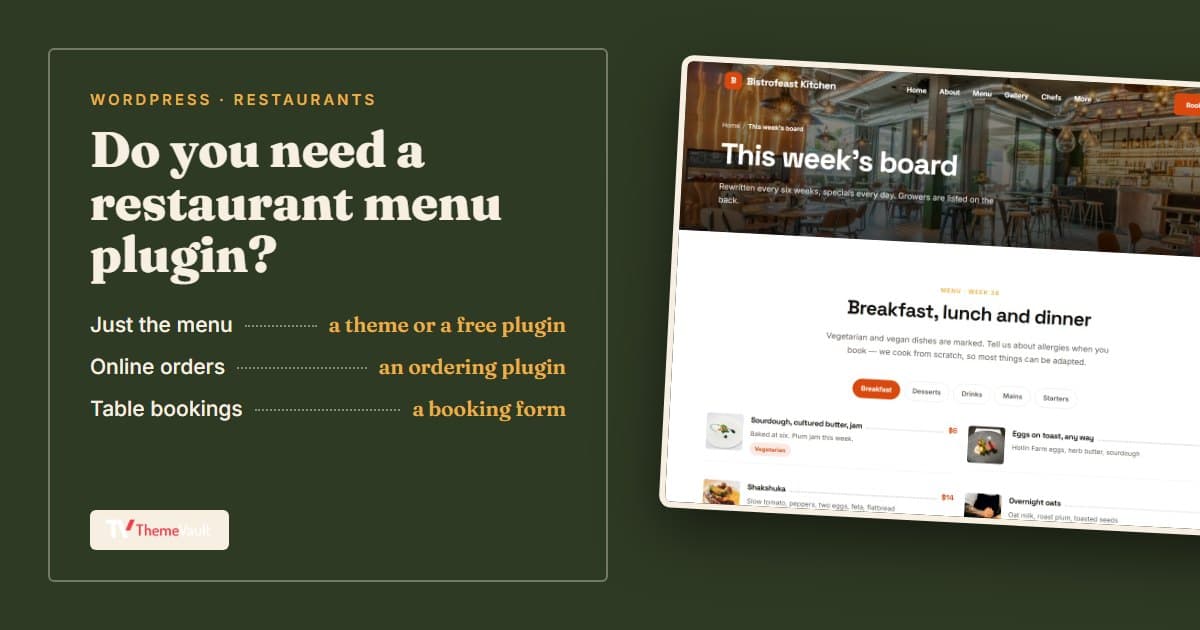
Restaurant Menu Plugins for WordPress: Which One You Need (and When You Don't)
Menu plugin, ordering plugin or a theme with the menu built in? We compared the main WordPress options on installs, ratings, updates and what's really free.

- Design
- Web Development
- November 03, 2026
Best Free Website Templates for a Small Business (2026)
Free templates for restaurants, gyms, salons, real estate, clinics, agencies and more, all rebuilt in 2026. What to check before you download, and when paying s…