Responsive Full Screen Login Form

  • 🗓 Released Jun 2021
  • v2.0Updated Sep 2026
  • 👁 2,050 views
  • HTMLCSSJS

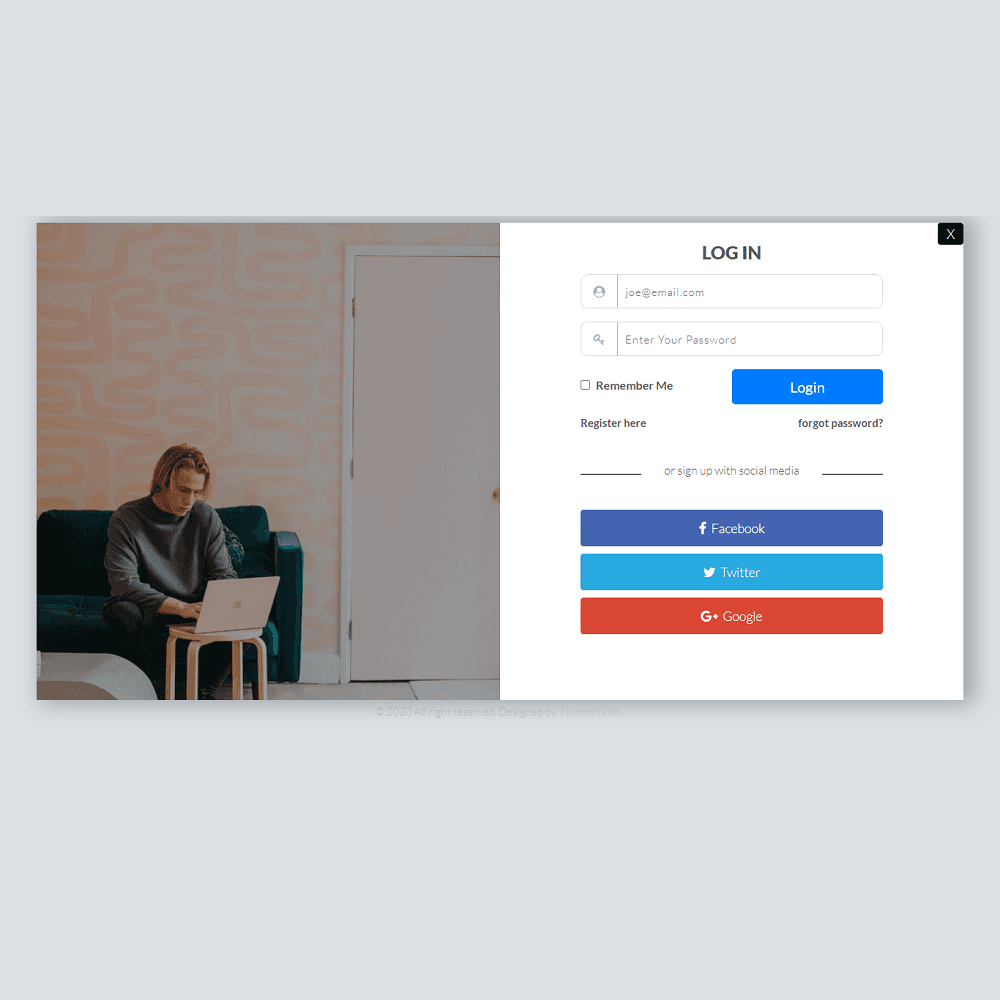
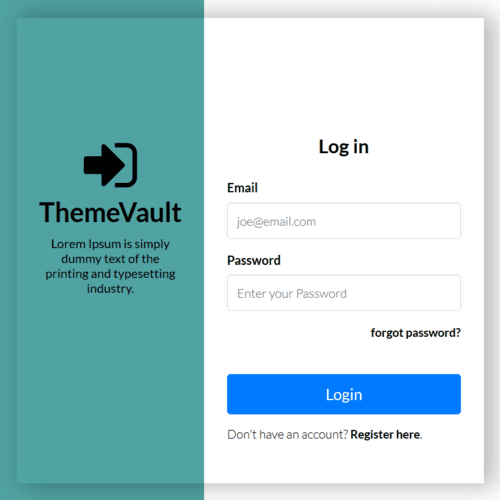
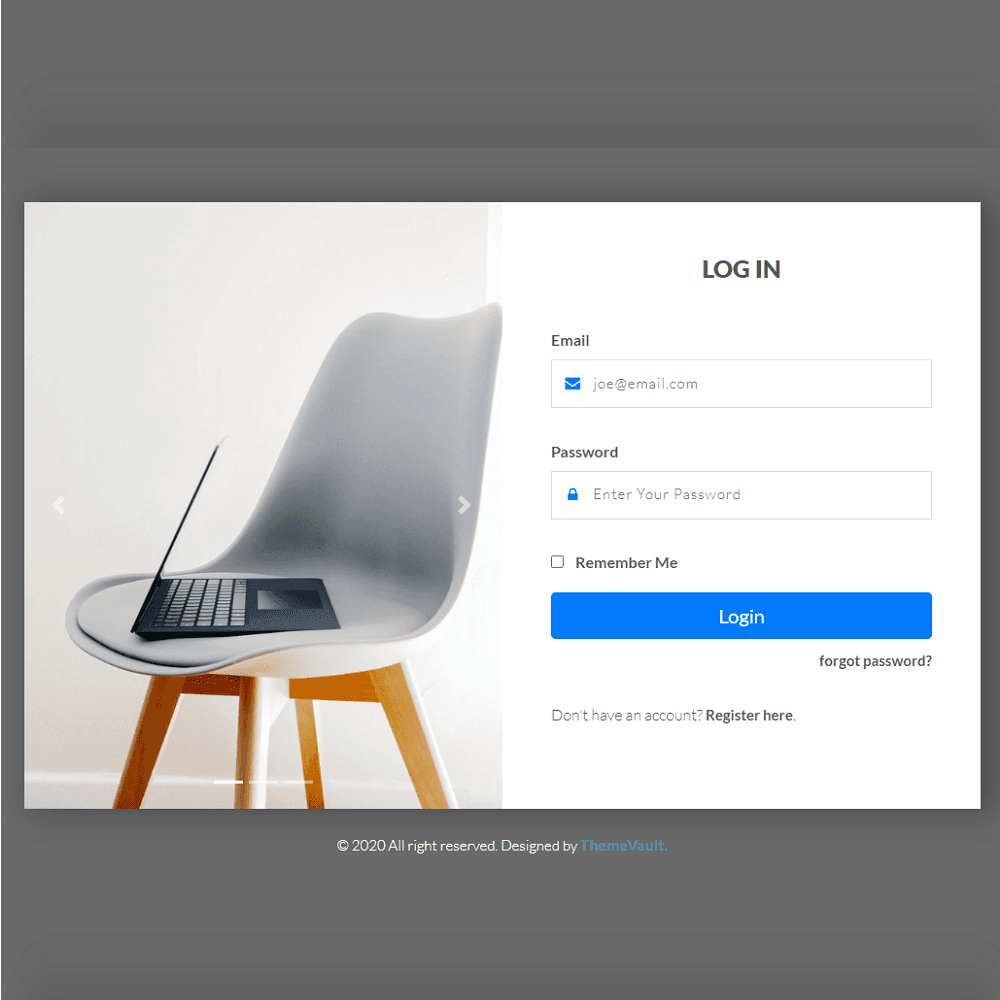
This Portal Login layout comes with 2 sections, on the left side we have placed a cool image slider where you can place your intro images and on the right-side login components. It is 100% mobile friendly and you can customize it as per your website need. Get your free HTML, CSS Login template for free.

Version 2.0 makes the sign-in form work (validation, show/hide password, remember me) and turns the page into a true full-screen split: the city photo that came with the download now fills the left half under a dark overlay, with a navy button, rounded fields and a photo banner above the form on tablets and phones — all in one CSS layer that is easy to switch off. It adds a register page (register.html), a forgot-password page (forgot-password.html), a terms page (terms.html) and two ready-to-send HTML emails: welcome (email-welcome.html) and password reset (email-password-reset.html). The fonts and icons now ship inside the download.

Features

Template Type:

Free

Compatible Browsers:

Opera, Firefox, Google Chrome

Link hover effetcs:

Yes

Coding:

HTML 5, CSS 3

Forms:

Registration Form, Login Form

Additional Features:

Favicon, Responsive Design, Social Links

WordPress Theme?:

No

HTML Template?:

Yes

What’s new

  1. v2.0Sep 2026
    • A working sign-in form: email and password are checked, a show/hide button on the password, "Remember Me" keeps the email in this browser, and a valid sign-in shows a welcome panel in the form's place.
    • register.html: full name, email, a password with a strength bar and a confirm field that must match, and a terms checkbox.
    • forgot-password.html: request a reset link, with a check-your-inbox confirmation.
    • terms.html: placeholder terms and privacy text naming what the forms collect, ready for your own wording.
    • Two ready-to-send HTML emails: email-welcome.html (after registering) and email-password-reset.html. Table-based and inline-styled for Gmail, Outlook and Apple Mail; no images to upload.
    • Connect the forms to your server: add data-endpoint="https://your-site.com/api/…" and they are POSTed there. Without it they run as a demo (each shows a "Demo only" line; delete those lines when you go live). Details at the top of js/main.js.
    • The city photo in images/ was never shown; it is now the left half of the screen under a dark overlay, with the message in white.
    • A navy button and links in place of the stock blue, rounded fields with a focus ring, and round social buttons.
    • Tablets and phones: the photo panel becomes a banner above a centred form (it used to be hidden on phones and squeezed on tablets).
    • All of it lives in one layer: remove the class "tv-modern" from <body> to get the original look back.
    • Lato never loaded: the font link was malformed, so the page fell back to a system font. Lato now ships inside the widget.
    • "forgot password?" and "Register here" had empty links that reloaded the page; the social icons linked to "#". They are real links now (Twitter is X).
    • The card was a fixed 600px tall with its overflow hidden, so a taller layout was cut off; it grows to fit now.
    • On narrow phones the email field could wrap under its icon; the icon and the field always share one line now.

Already downloaded this template? Your My Downloads page always serves the latest version — re-download free.


Reviews

No reviews yet — be the first to review this template.

View Similar Templates

Free
Free
Free
Free
Free
Free
Free
Free
Free
Smart Error 404

Site Elements


View Blog

Full Screen Login Form

Free+ footer credit link

⬇ Free Download

Subscribe To Our Newsletter

Join our mailing list to receive the latest news and updates from our team.