
Signin Form
More templates like these: HTML5 Login Form Templates
Showing 1–11 of 11 templates
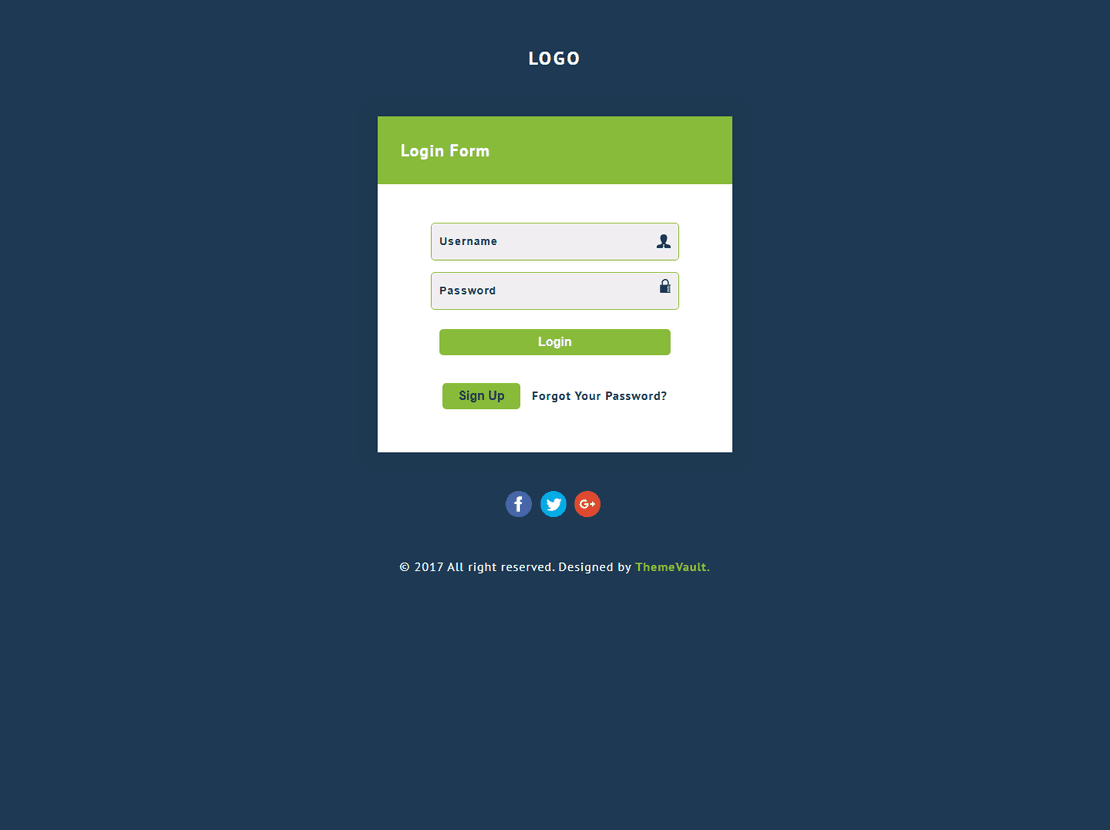
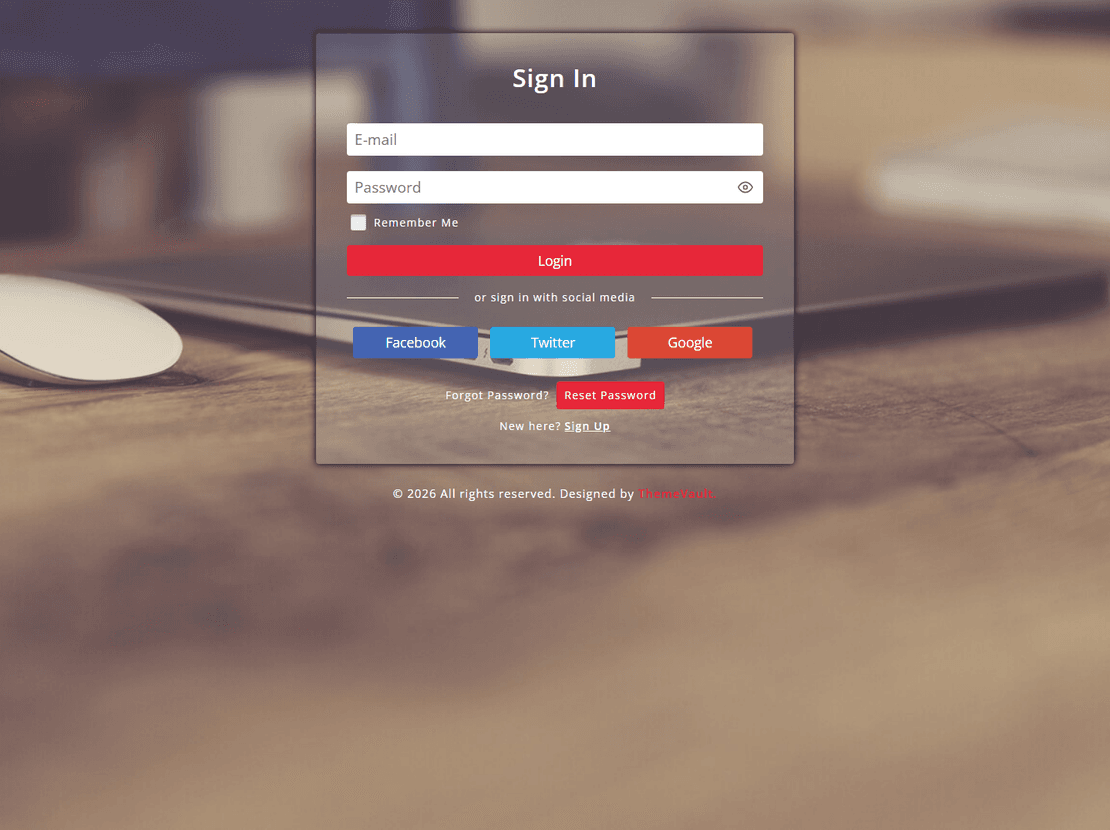
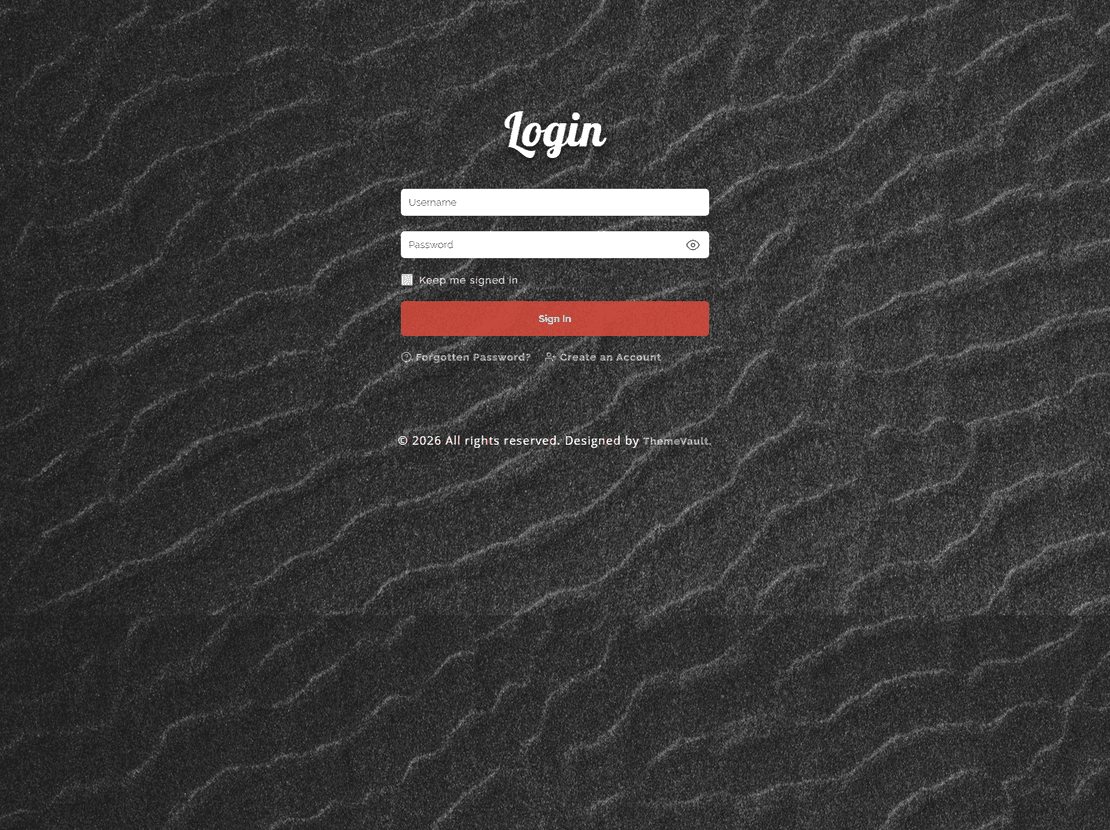
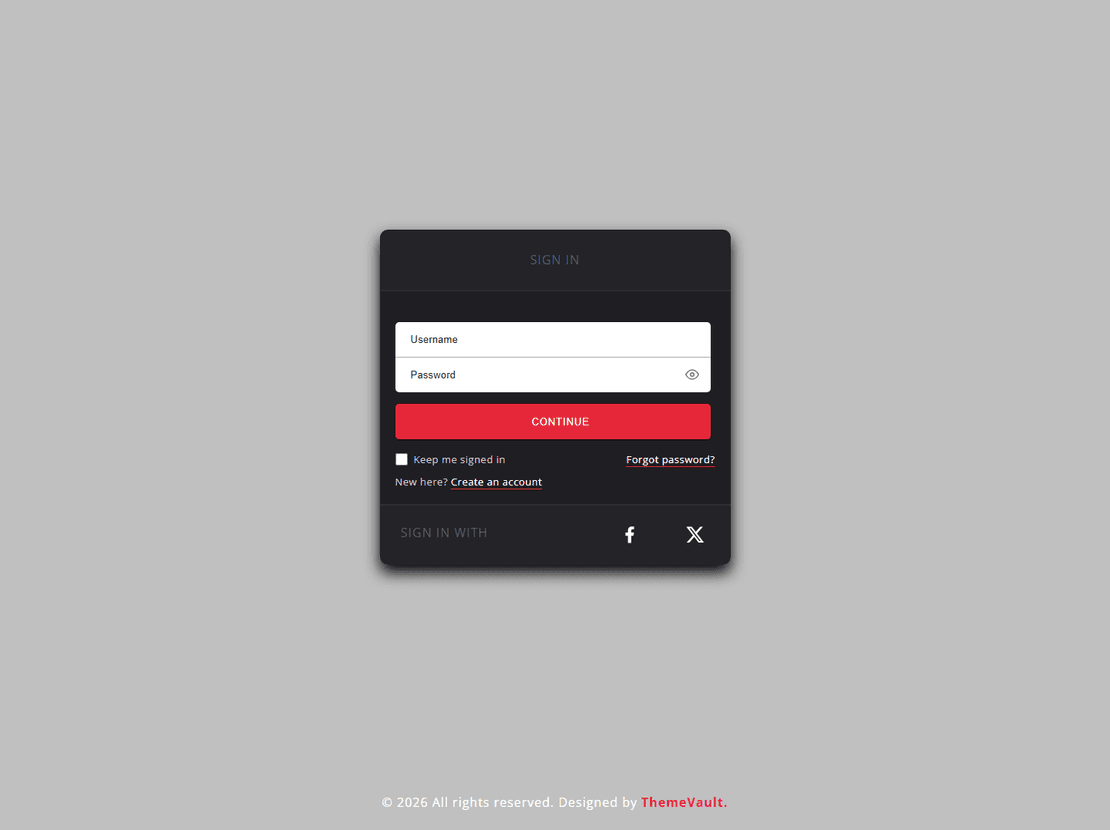
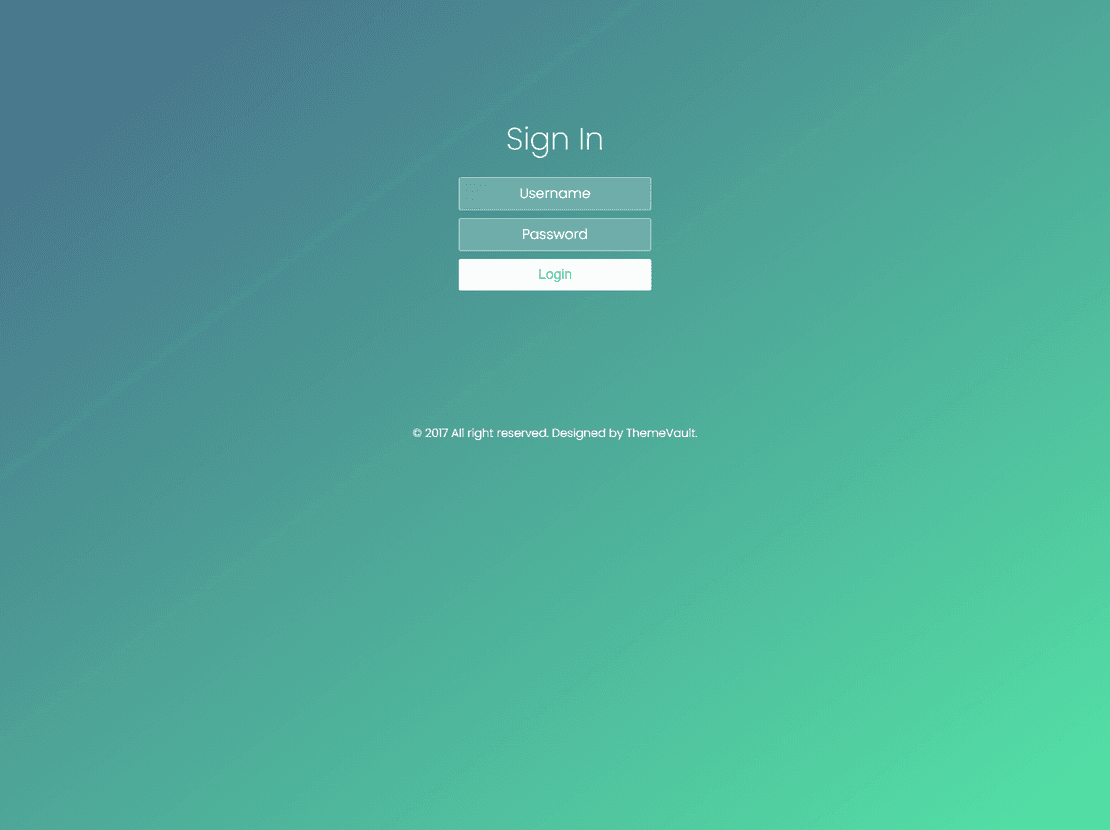
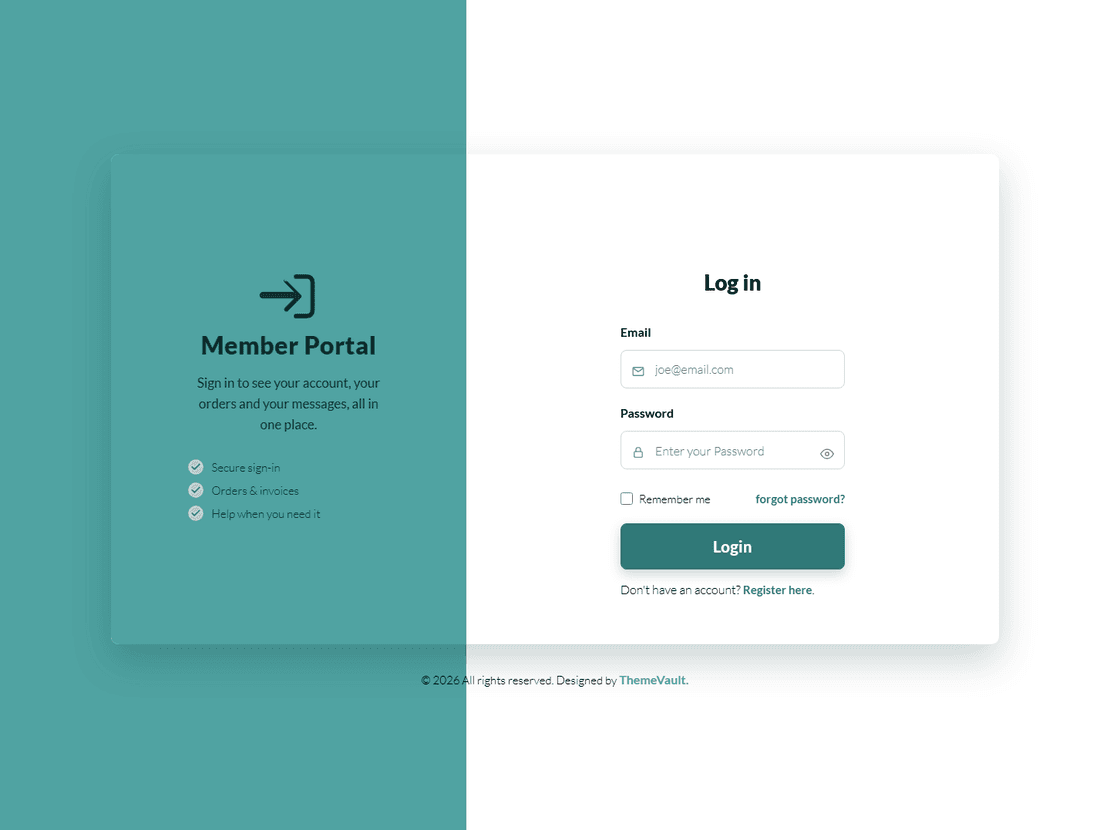
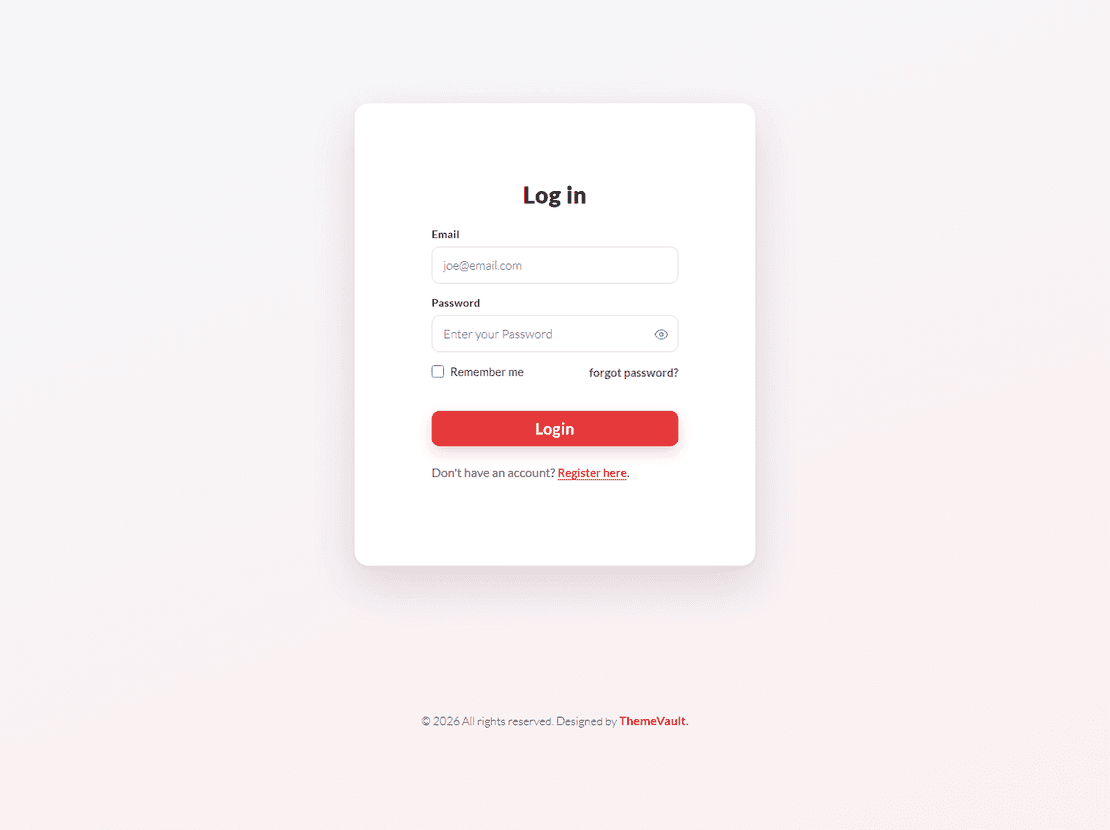
Sign-in form templates
This tag collects only the sign-in screens from our widget series — no 404 pages or countdowns — so you can compare login layouts side by side. Every one is a self-contained HTML and CSS file (with a few lines of plain JavaScript) that you connect to your own authentication. All eleven were rebuilt in 2026, from Bubble, Impressive and Simple Plain to Simple Sign In Form and Portal Login Form.
For a longer guide — choosing by use case, the accessibility attributes to check, and how to wire the form to PHP, Node or Firebase — see the login form templates page, which covers the full series.
Signin Form — frequently asked questions
What is the difference between the sign-in form and login form tags?
None in the code — they are the same widgets. The sign-in tag lists only the login screens; the login form tag also includes the matching 404 pages and coming-soon widgets from the same series.
Can I use a sign-in template on a commercial project?
Yes. Free widgets can be used in personal and client work as long as the ThemeVault credit stays on the page, or is removed for the one-time fee shown on each template page.
Do I need a backend to use these?
Yes, for real authentication. The templates handle the front end only; set the form action to your login URL or handle the submit with fetch() and your API.