
Free Responsive Website Templates
Every website template on this page is free to download: more than 190 responsive HTML5 designs for businesses, portfolios, shops, restaurants and more, ready to edit and put online.
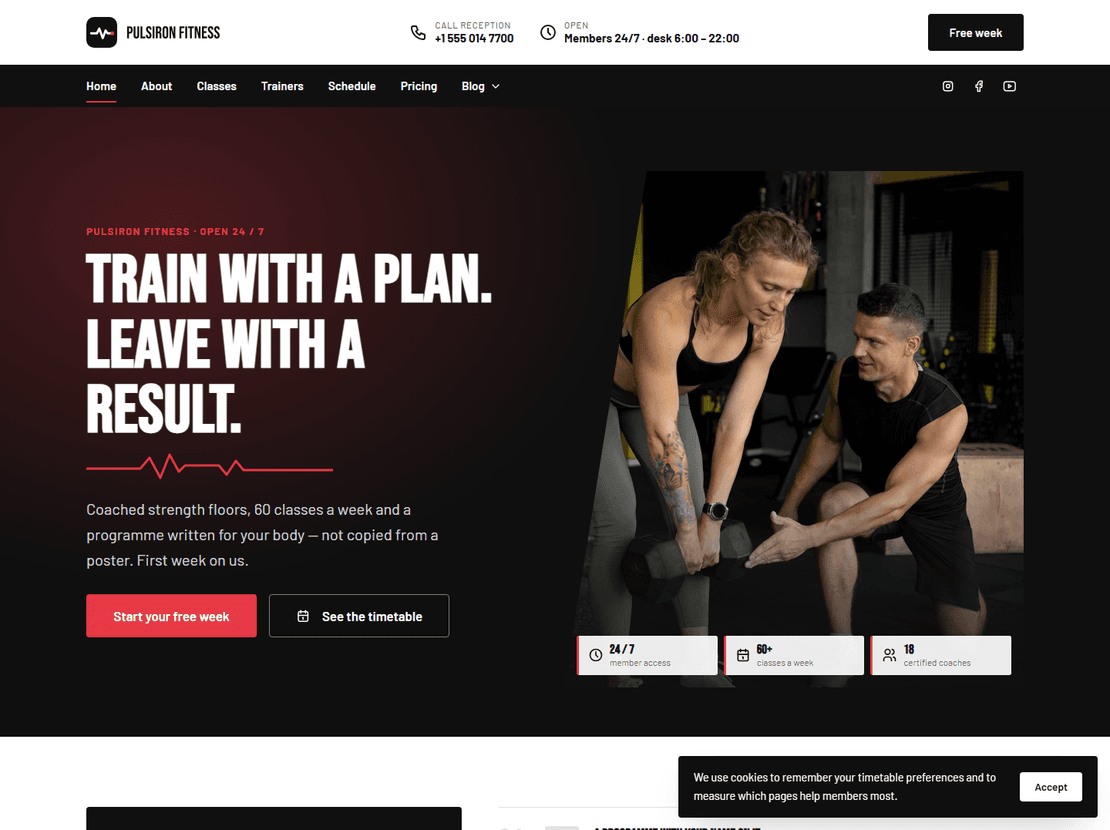
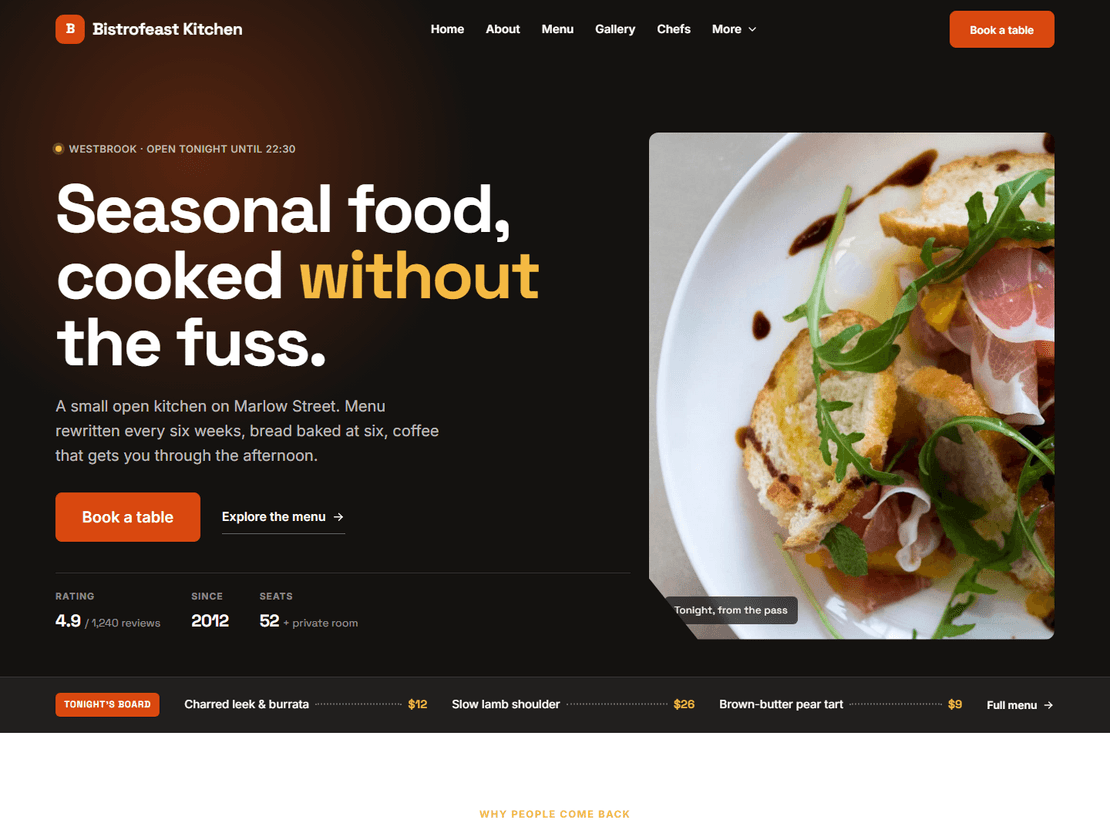
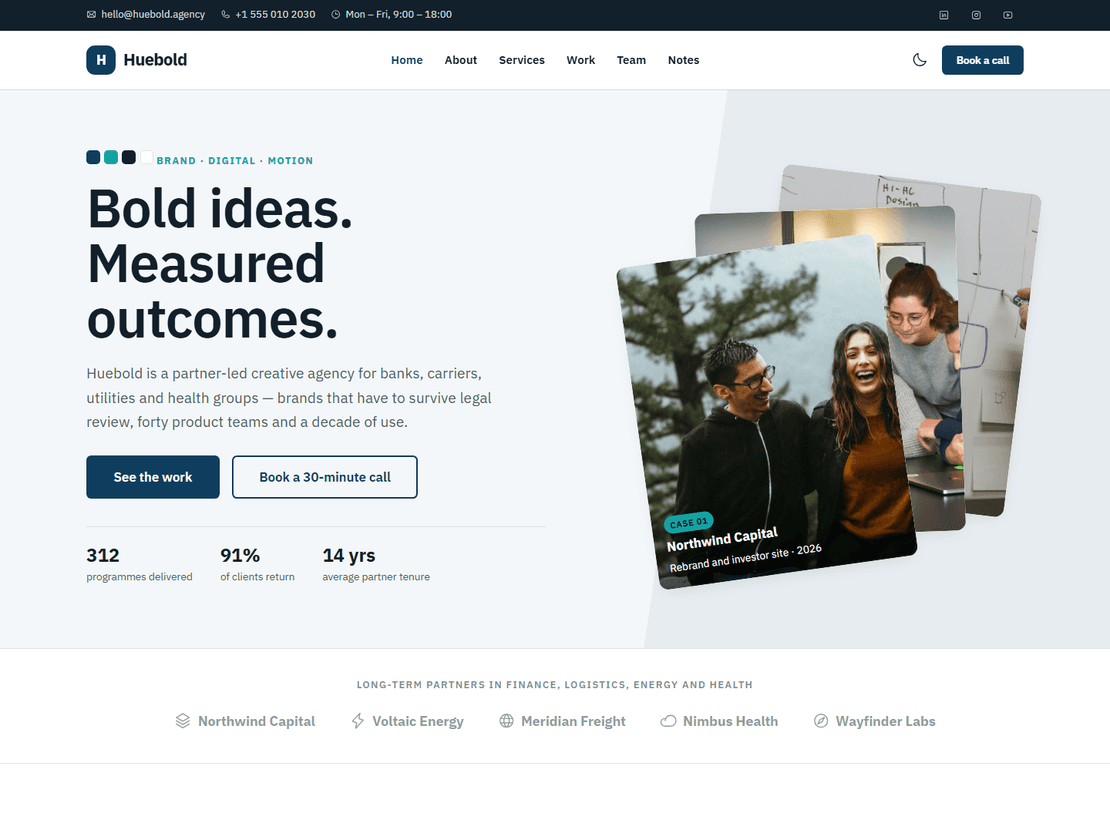
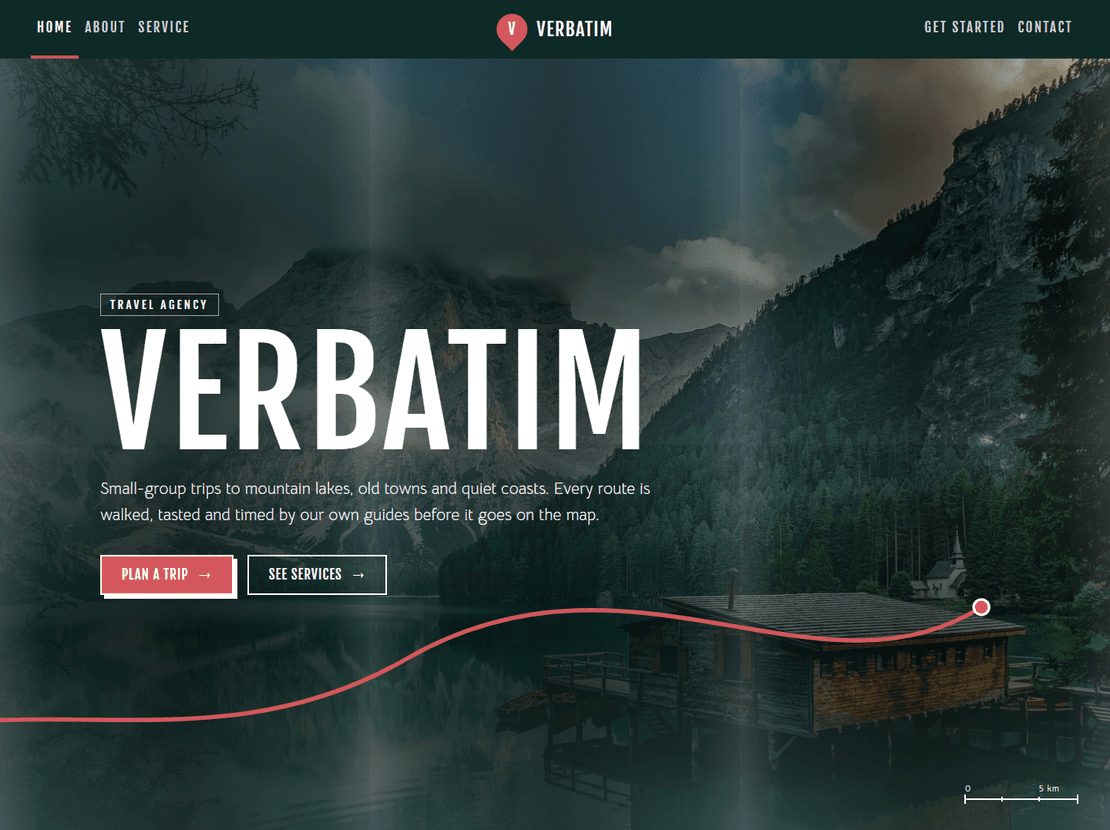
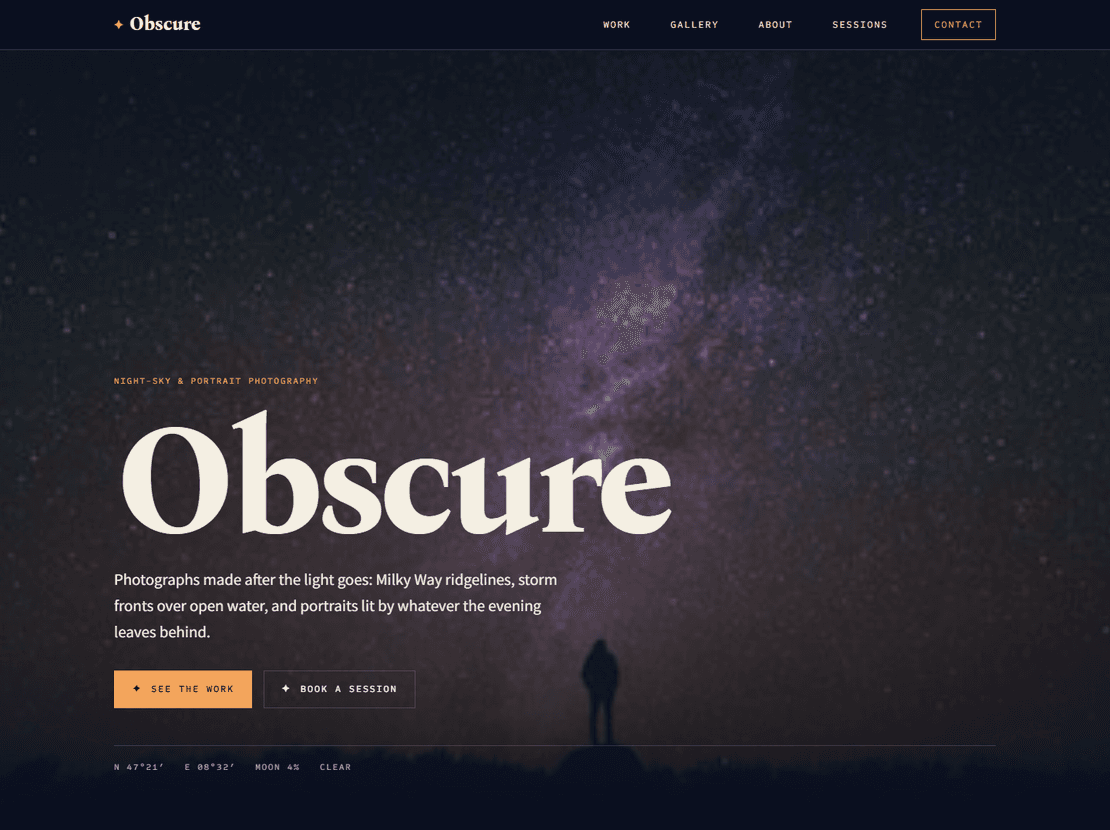
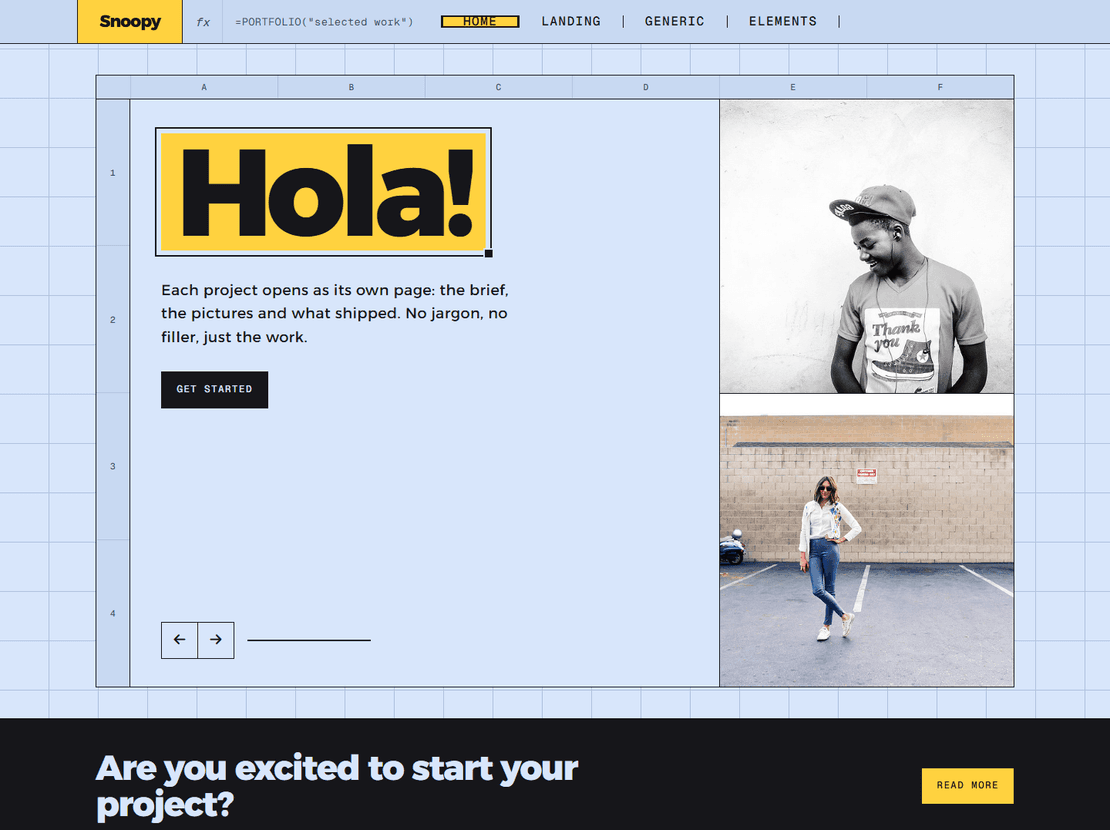
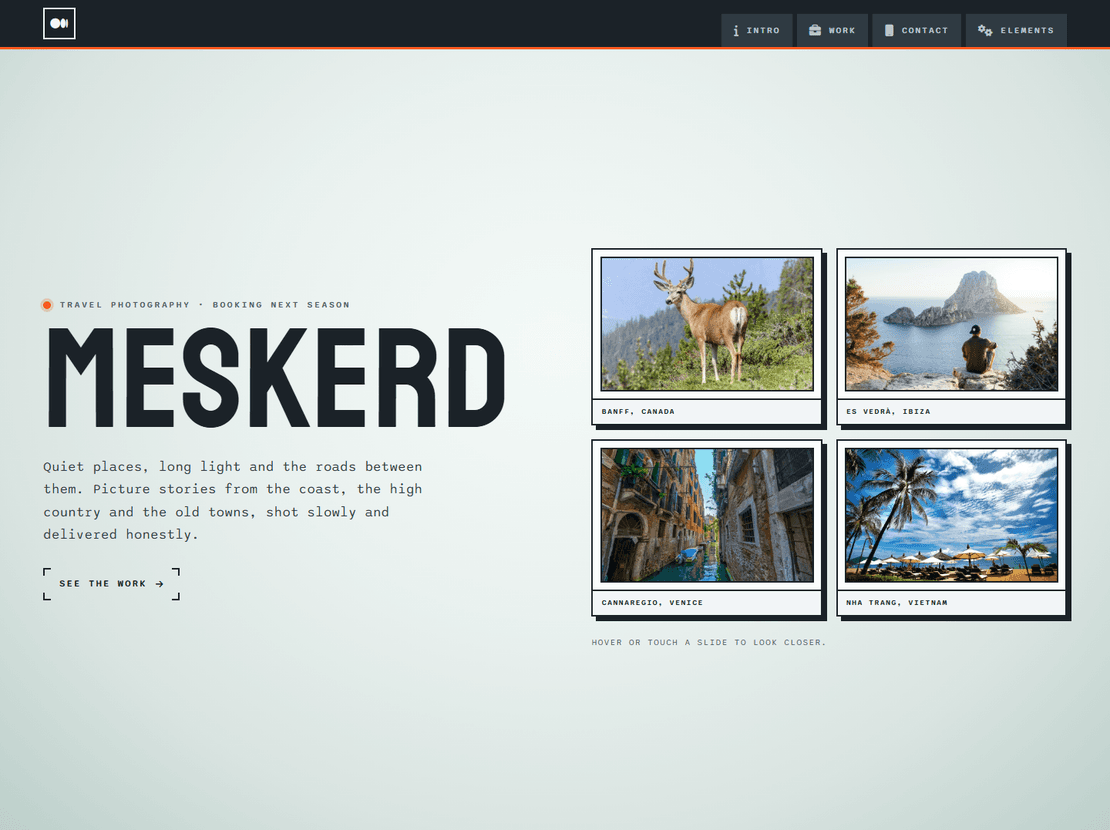
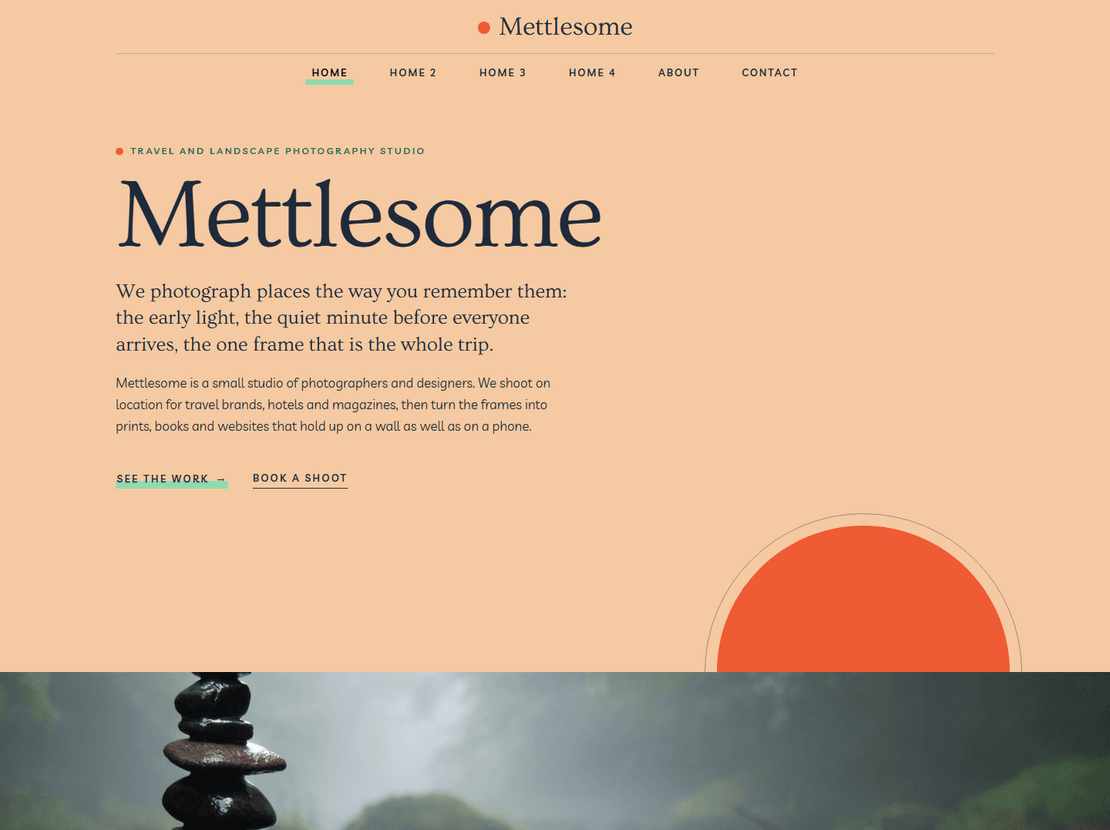
About Free Responsive Website Templates
Free here means free for real projects. Use any template for your own site or a client's, on as many sites as you like; all we ask is that the small credit link stays in the footer. The designs are plain HTML, CSS and JavaScript, most of them rebuilt in 2026 on Bootstrap 5, so they work on phones, tablets and desktops and on any web host.
Our most popular designs also come as WordPress, Elementor, Next.js and Astro versions. Start with the free HTML template, and if you later want to edit the site from a dashboard, move to the same design in another format without changing the look.
Free HTML templates: what you get and how to use them
Every one of our 190+ HTML templates is free to download and use, for your own site or a client’s, on as many sites as you like. The only condition is a small credit link in the footer. You can keep it, remove it from one template with a one-time payment, or remove it everywhere with the Pro plan.
A download is a complete website: HTML pages, the CSS and JavaScript, the fonts and the images used in the demo. Most of the templates were rebuilt in 2026 on Bootstrap 5, and many now come with extra pages and with emails designed to match, such as booking confirmations and welcome emails. Each template page lists which version you are getting and what changed.
Finding the right one
Start with what your site is for rather than how it looks. Our category guides compare the templates for each kind of business and say which have booking forms, shop pages or other features you might need:
- restaurants, gyms, salons and fashion, hotels and travel
- companies and agencies, construction and industry, real estate, medical and pharmacy
- portfolios, photography, one-page sites, landing pages
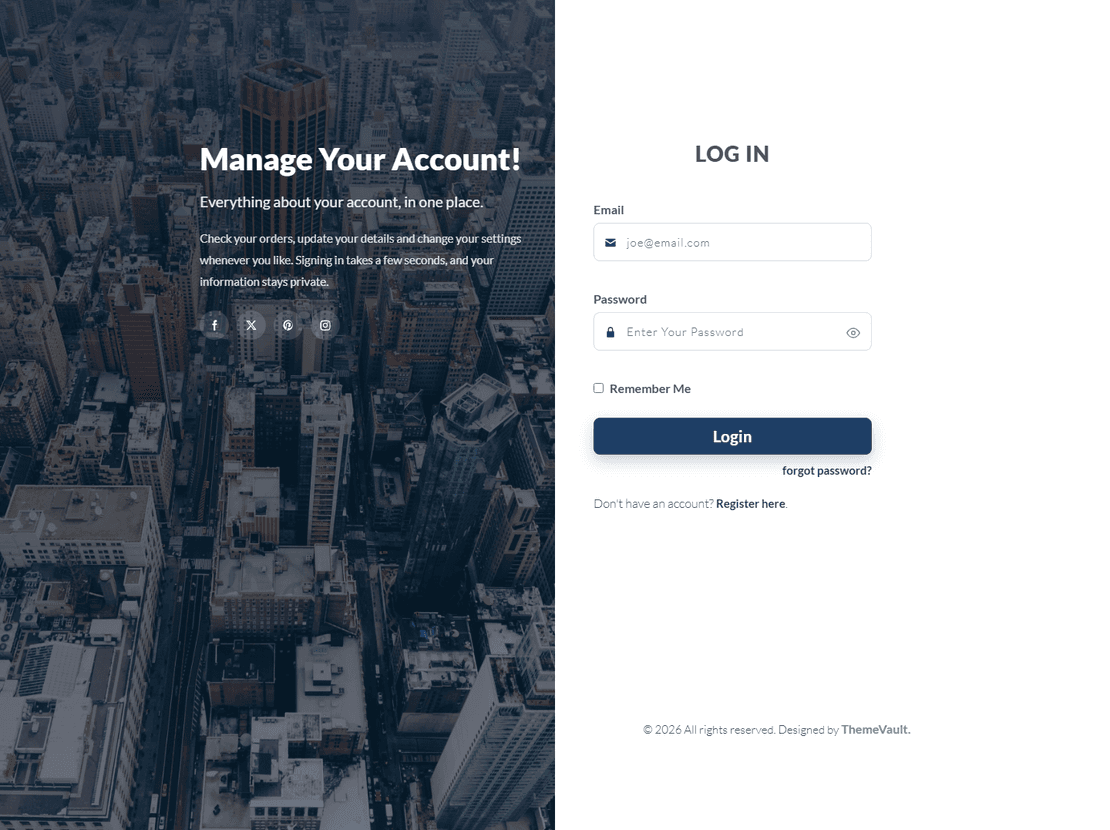
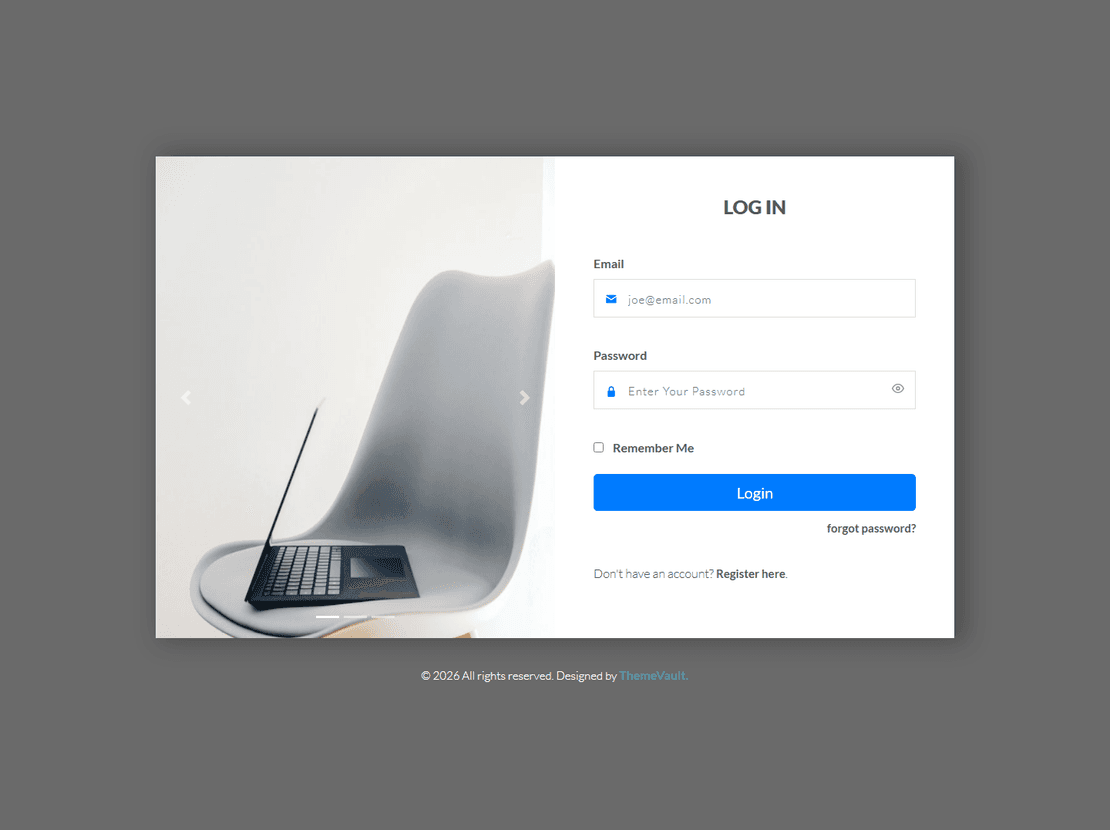
- online shops, and small pieces such as login forms, 404 and coming soon pages
Then open the live demo on your phone as well as your computer. Most of your visitors will see the site on a phone first.
From download to a live site
Open the files in a code editor, replace the text and the images (keep the same image sizes so the layout holds), and upload the folder to any web host. Free static hosts such as Netlify, Cloudflare Pages and GitHub Pages work well, because these are plain HTML sites with no database. Forms need one extra step: connect them to a form service or your host’s mail script so messages reach you.
If you later want to edit the site from a dashboard, several designs also come as WordPress themes and Next.js templates with an admin panel, so you can move up without changing the look. If you’d rather move your HTML site over yourself, our guide to turning an HTML template into a WordPress site shows what that involves.
Free Responsive Website Templates — frequently asked questions
Are the HTML templates really free for commercial use?
Yes. You can use them for business sites and client work on unlimited sites. Keep the small credit link in the footer, or remove it with a one-time payment per template or with Pro.
What is in the download?
The complete site: HTML pages, CSS, JavaScript, fonts and images. Many templates also include matching email designs and extra pages. Some photos in the download may differ from the demo; the template page tells you which.
Do I need to know HTML?
Basic editing is enough to change text and images. For anything more, or if you want to edit from a dashboard, look at the WordPress or Next.js versions of the same designs.
Where can I host a free HTML template?
On any web host, or free on Netlify, Cloudflare Pages or GitHub Pages. Upload the folder and the site is live; there is no database to set up.
Do the forms work?
They are the design and, in most rebuilt templates, they check what people enter and show a confirmation. To receive the messages, connect each form to a form service or your host's mail script.