Join our mailing list to receive the latest news and updates from our team.
Free, and easy to upgrade later.
Every website template is free to download. Our most popular designs also come with an easy admin panel (WordPress, Next.js and more), so you can update your site without touching code. Try any of our 190+ designs as a live demo first.
Fresh this season
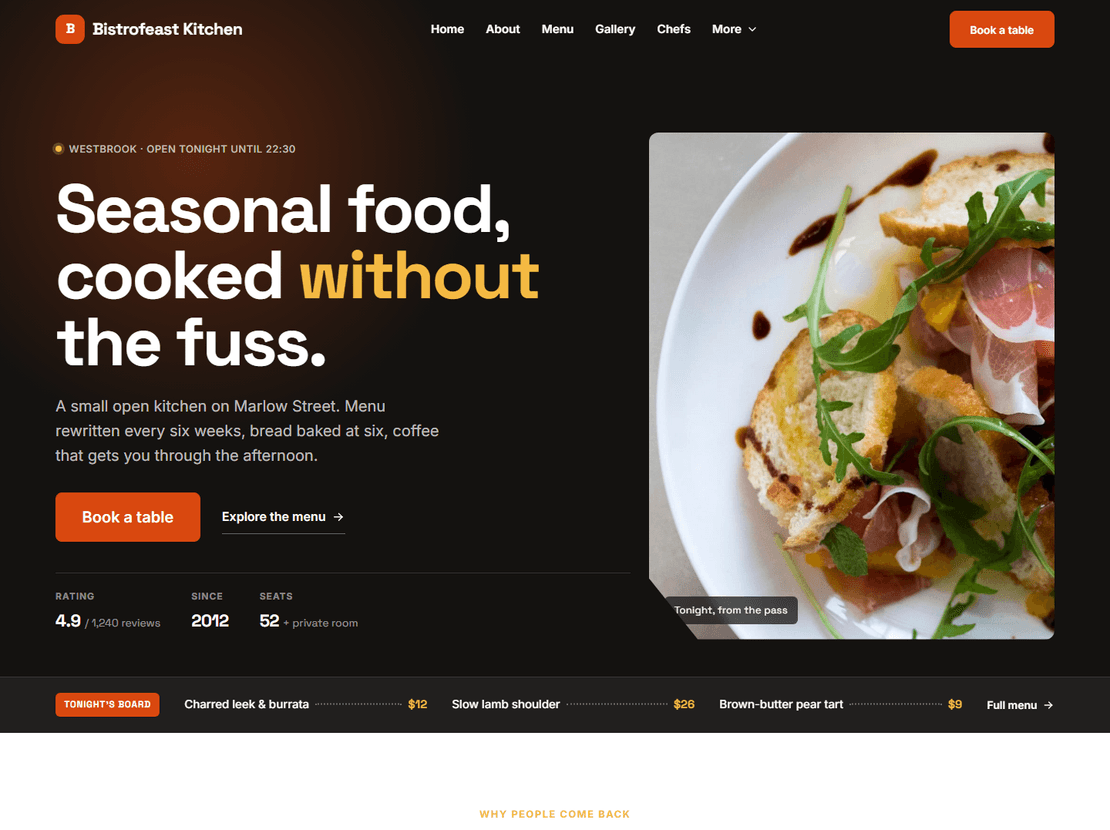
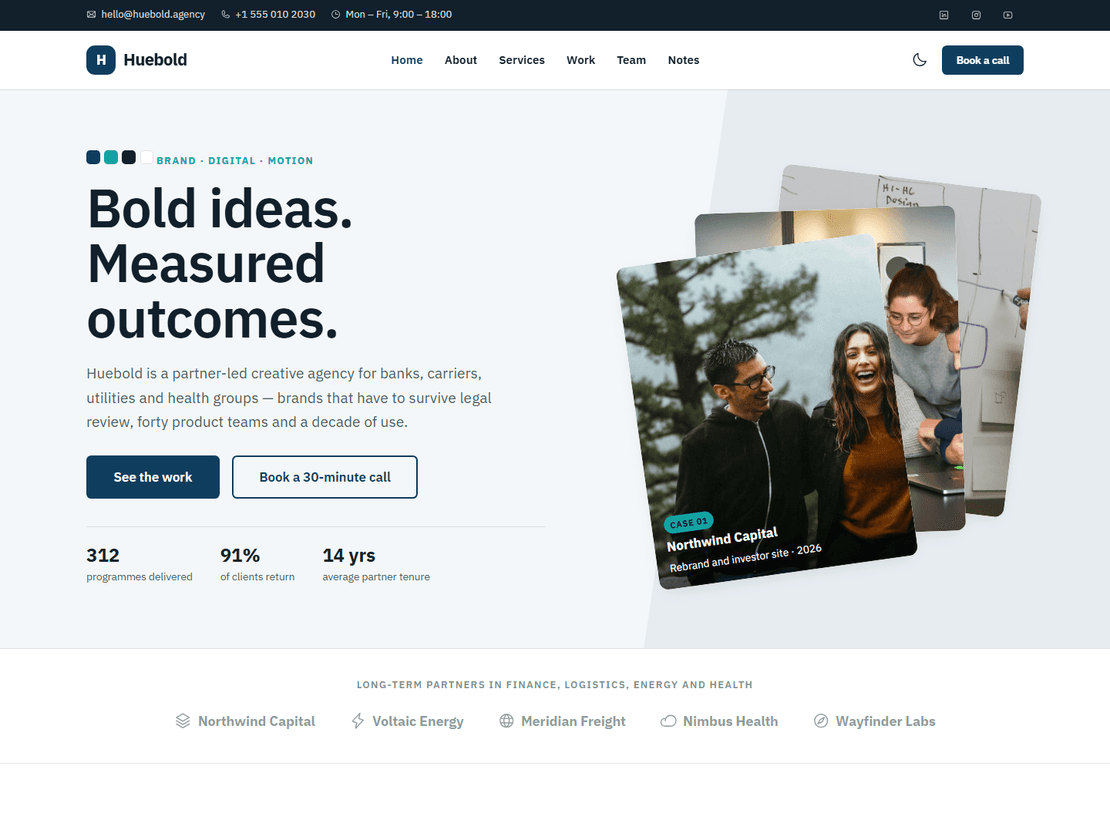
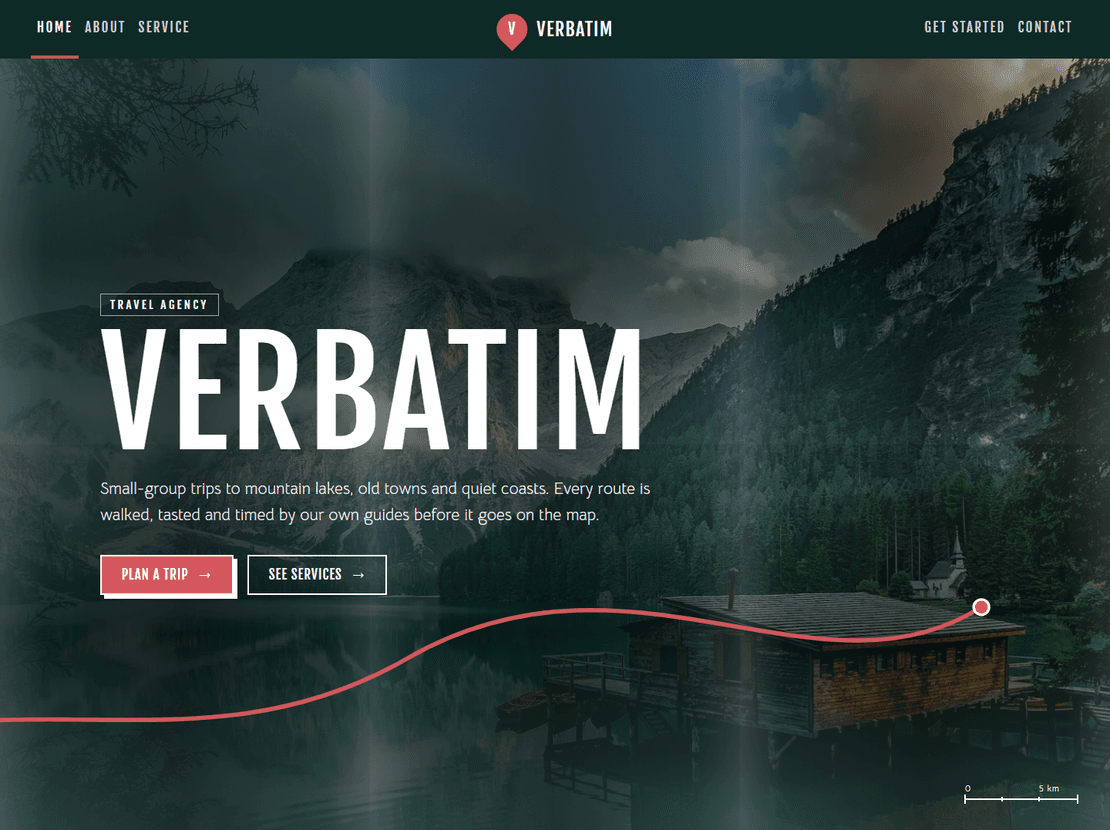
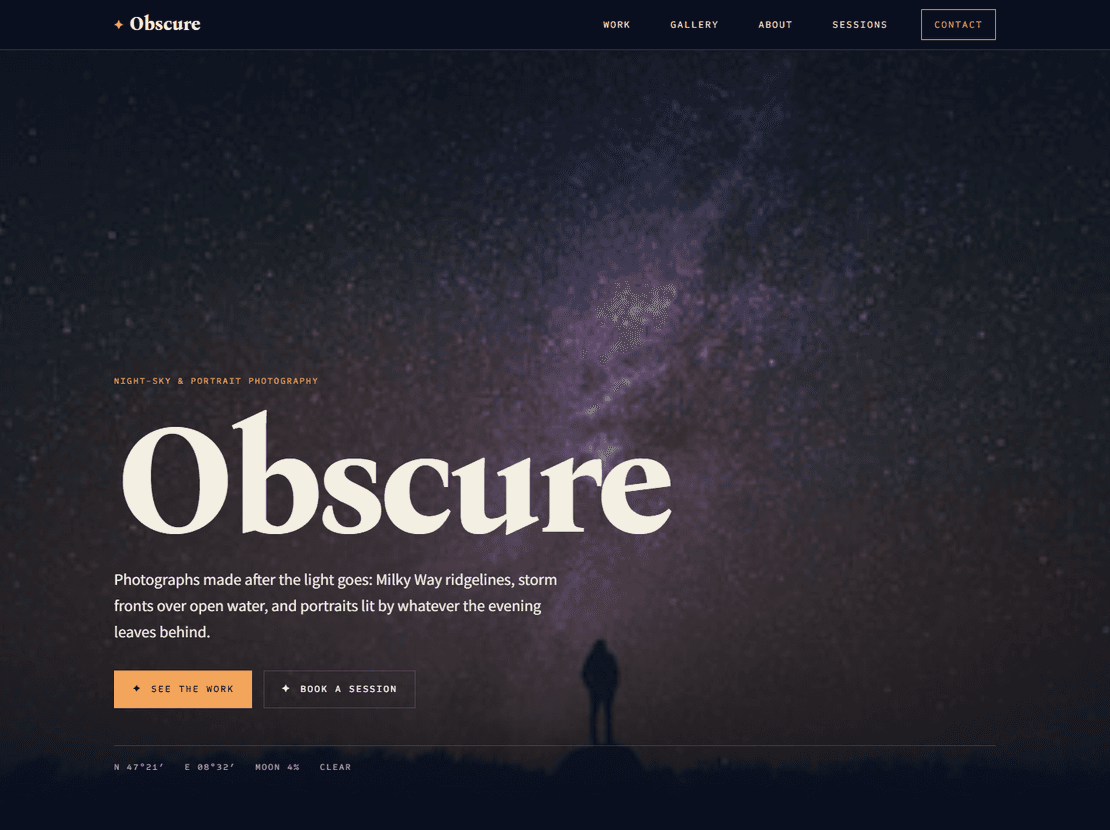
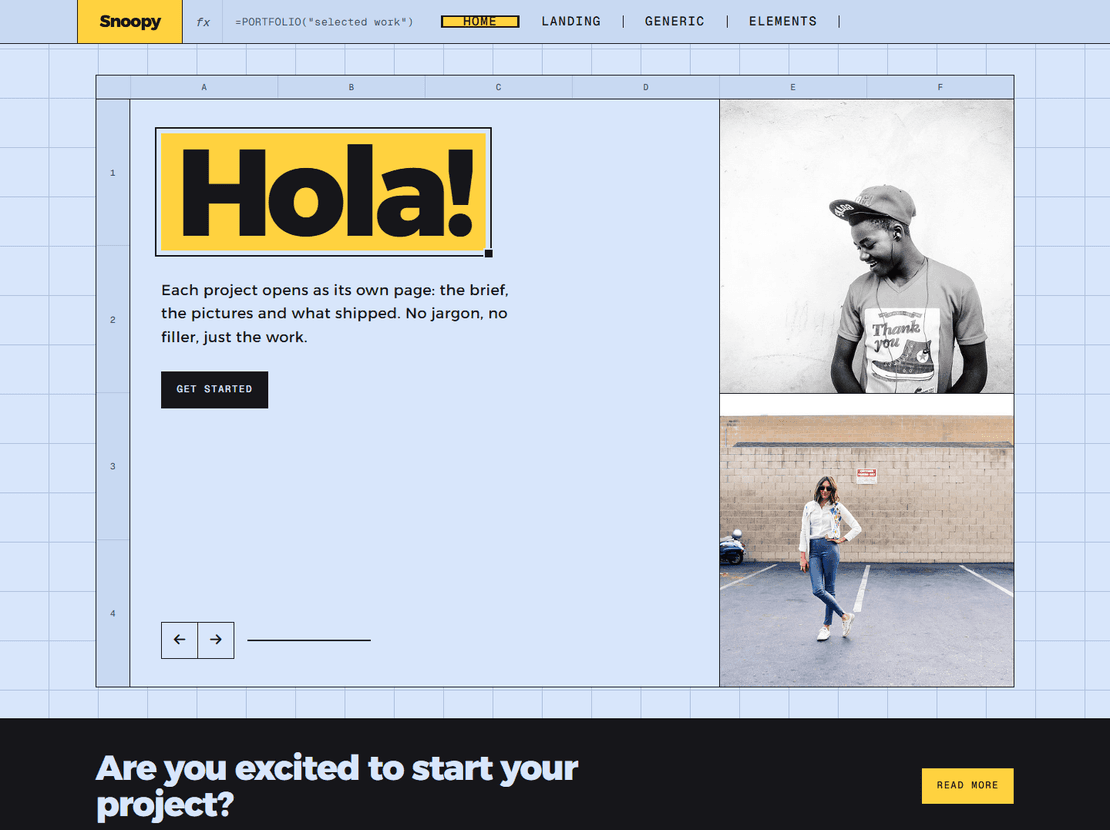
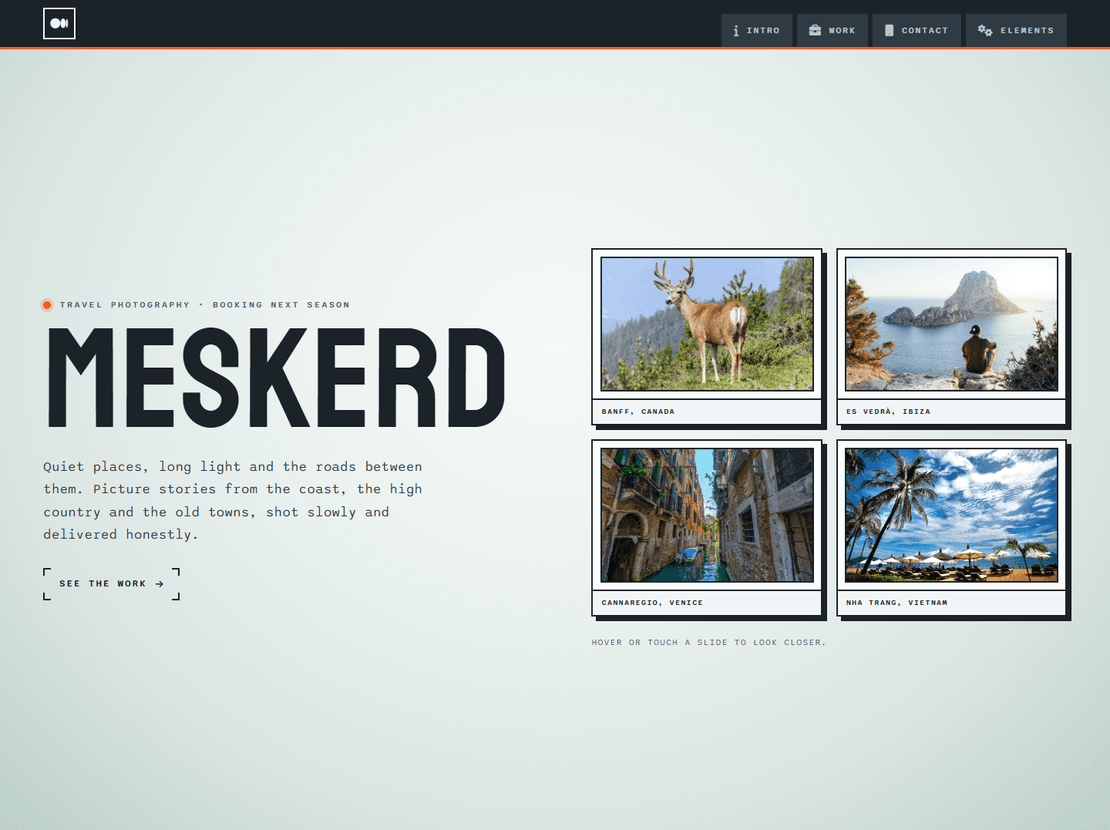
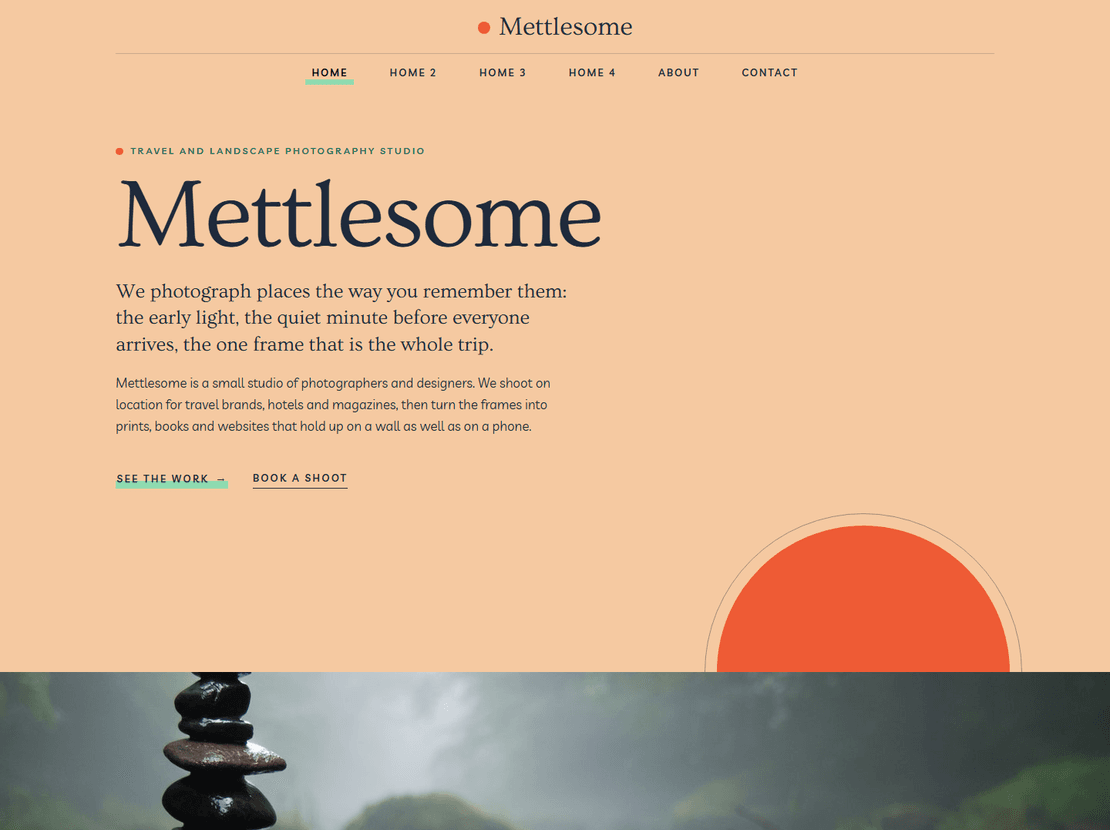
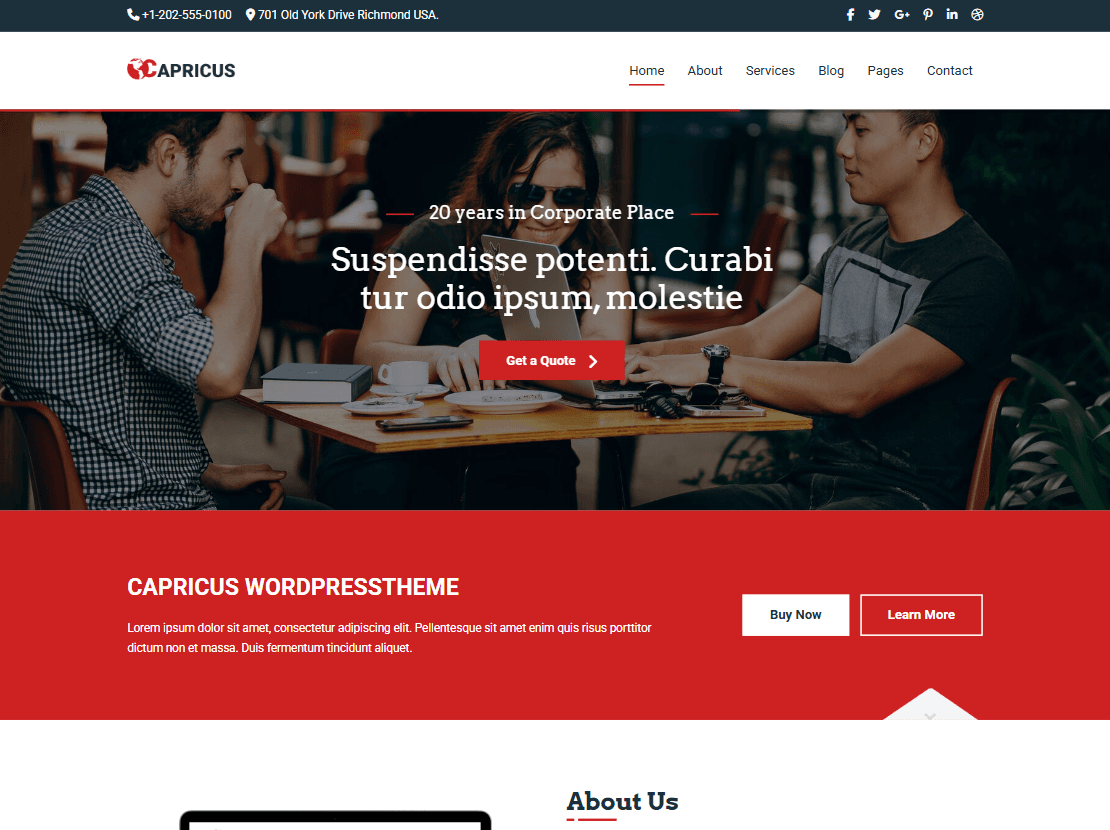
Recently rebuilt designs. Open the live demo, check it on your phone, and download when it fits.
Pick your stack
Every design is free as HTML. Selected designs also come as ready-to-run themes and apps. Each template page shows which versions it has.
Plain HTML, CSS and JavaScript. Upload and go.
FreeWPInstall, import the demo content, edit in the admin.
$19.00₹999 one-timeElDrag-and-drop editing with custom widgets.
$19.00₹999 one-timeNNext.js with Payload CMS for content.
$29.00₹1,499 one-timeAA fast static site built with components.
$19.00₹999 one-timeWhy people trust ThemeVault
Every template has a full live demo with desktop, tablet and phone views, so you know exactly what you're downloading.
Free for personal and commercial use. The free version keeps a small footer credit, which you can remove for $9.00₹499 one-time.
When a template is improved, your My Downloads page serves the new version. Re-download it at no cost.
Rebuilt templates use Bootstrap 5 and current code, with fixed links and a live demo you can test before you download.
Paid items go through Razorpay in India and PayPal internationally. Pro is one payment with no auto-renewal.
Support is included on the free plan too. Write to support@themevault.net and a person from our team replies.
Nothing hidden
Each template page shows a version history of what changed and when, so you can see the work before you download.
See an exampleSimple pricing
All prices are shown in full, with no hidden fees.
No card needed. Download straight away.
About $4.08₹250 a month. One payment, no auto-renewal.
Prefer to pay per template?Remove the credit link $9.00₹499WordPress theme from $19.00₹999Next.js template from $29.00₹1,499
Questions
Yes. Every HTML template downloads free and can be used for personal and commercial projects, on unlimited sites. The free version keeps a small “Designed by ThemeVault” credit link in the footer.
Buy the one-time credit-link removal on the template page ($9.00₹499), or take the Pro plan, which removes it on every template.
No. Pro is $49.00₹2,999 for 12 months as one payment, with no auto-renewal. You decide whether to buy it again.
Your My Downloads page always serves the latest version, so you can re-download an update free. Each template page lists what changed in every version.
Checkout runs through Razorpay for payments in India and PayPal for international payments. ThemeVault never sees or stores your card details.
Email support@themevault.net or use the contact page. Support is included on the free plan as well as Pro.
Most people who end up here want a website soon and would rather not spend a month building one. That is what a template is for. You start from a site that already works, with its pages, menu, contact form and layout for phones all done, and you swap our words and pictures for your own. It sounds simple because it mostly is. The hard part is picking the right one, and knowing what to do once it is downloaded, so that is what this page is about.
One of our HTML templates is a complete website with sample content: a set of HTML pages, the CSS that styles them, a little JavaScript for things like menus and sliders, and the images. There is no installer and no database. You open the files, edit them, and upload the folder to a web host.
Every template is responsive, which only means the layout rearranges itself to fit a phone, a tablet or a wide screen. This year we went back through the older designs one by one and rebuilt most of them, and a good number picked up booking pages, order emails and the like along the way. You can see exactly what was done to each one in the version history on its page.
All of our HTML5 templates, more than 190 of them, cost nothing, and that includes using them for work you are paid to do. We ask for one thing in return: a small credit link in the footer. If that doesn’t suit a client’s site, you can remove it from a single template for a one-time fee.
Paying makes sense in two cases. The first is the credit link. The second is when you would rather run the site from a dashboard than edit HTML. Our most popular designs also come as WordPress themes, Elementor themes, Next.js templates with an admin panel, and Astro sites. The Pro plan covers all of it for a year in one payment. If you are unsure, start with the free version of the design; you can move to another format later without changing the look.
Ignore the colours at first. They take five minutes to change. Look at what the site has to do. A café needs a menu people can read on a phone and a way to book a table; a gym needs a class timetable; a photographer needs big images and an enquiry form; a shop needs product and checkout pages. Our category pages are written with this in mind and point out which templates have which features:
Once you have two or three in mind, try their demos on a phone, not just a laptop. Tap through the menu, fill in a form, scroll the longest page. You will usually know within a minute which one you can live with.
The sites that turn out well from a template rarely owe it to the design that was picked. Their owners wrote their own words instead of keeping the sample copy, used their own photos even when they weren’t perfect, and put the phone number and opening hours where nobody has to look for them. Do those three things and almost any of these templates will serve you well.
These are the designs people choose most often. Every one has a live demo, so click around before you decide.