HTML5 Login Form Templates
Nowadays, you will find a login page everywhere on the Internet. Do you have an email? Do you often use any social media accounts? Did you join any online classes? Did you buy anything from online shopping sites? To get access to any of the websites, you will need to go through one mandatory step, which is a login form.
You will find a collection of hand-picked html5 bootstrap login form templates for free at ThemeVault.
Creating a login screen for your website may not seem like a much difficult task. It's a simple HTML form with some input fields and a submit button. Yet if you follow below login templates, you will find a lot of new design ideas. These days, you will find that login page designs are more creative and have great UI. Developers & designers are using these free bootstrap login page templates when creating a website or web app.
To save your time on your project, we have created many creative free html5 login page templates that built-in bootstrap. All these responsive login form designs are free to use for your next project.
Using any of the below templates, you can create a login page without coding it from scratch. You will get source code for each template when you download it from our site. You allowed to use it for personal and commercial purposes, with attribution. Please visit our License page for more information.
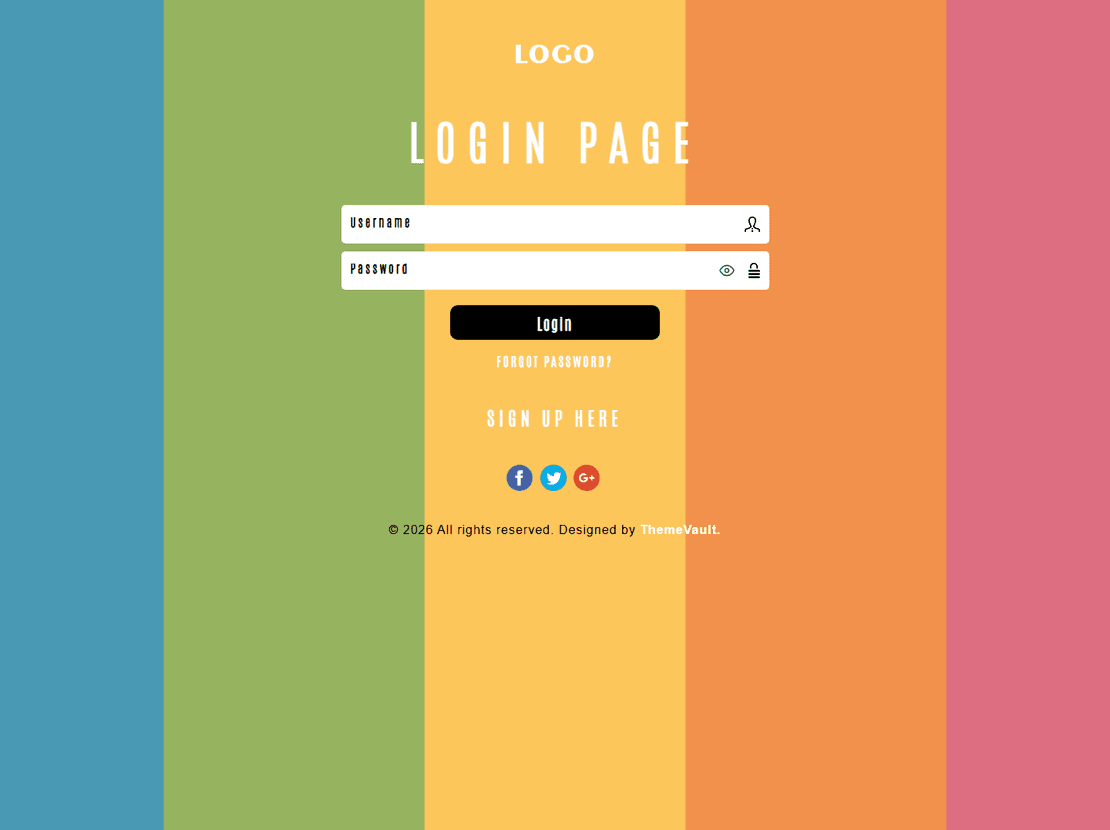
Site Elements
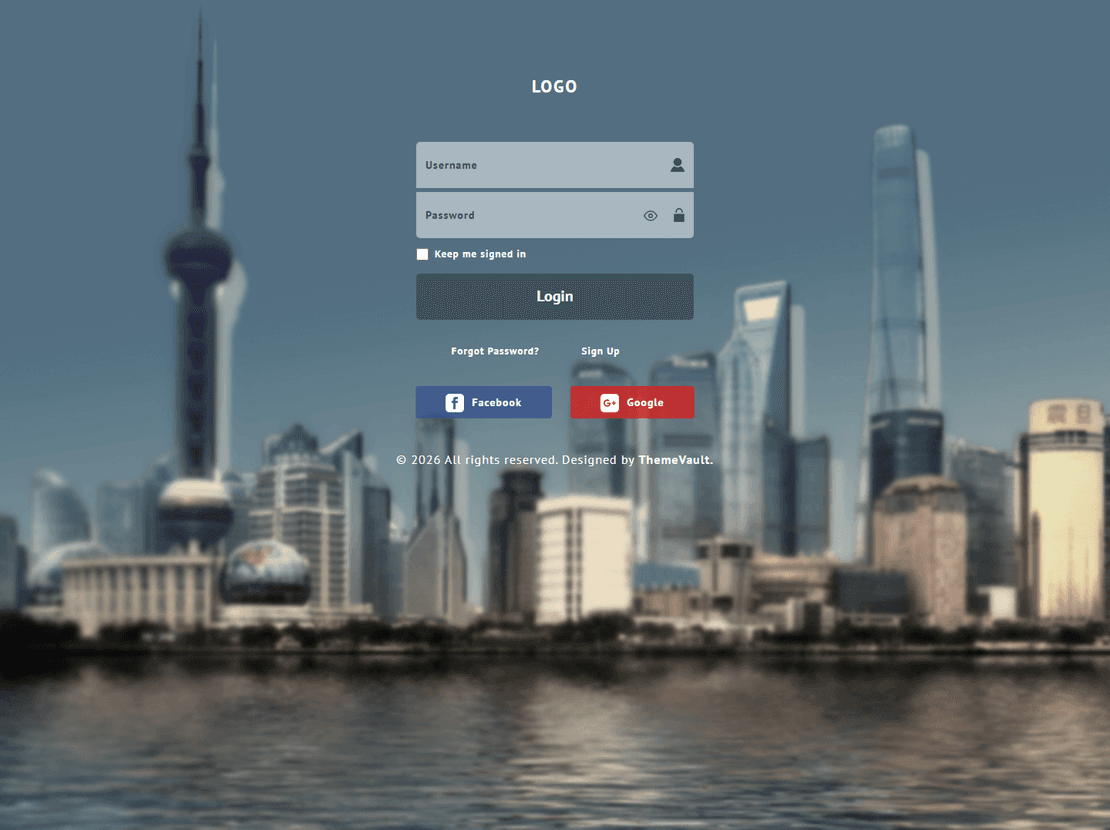
Classic Login
$0.00
Site Elements
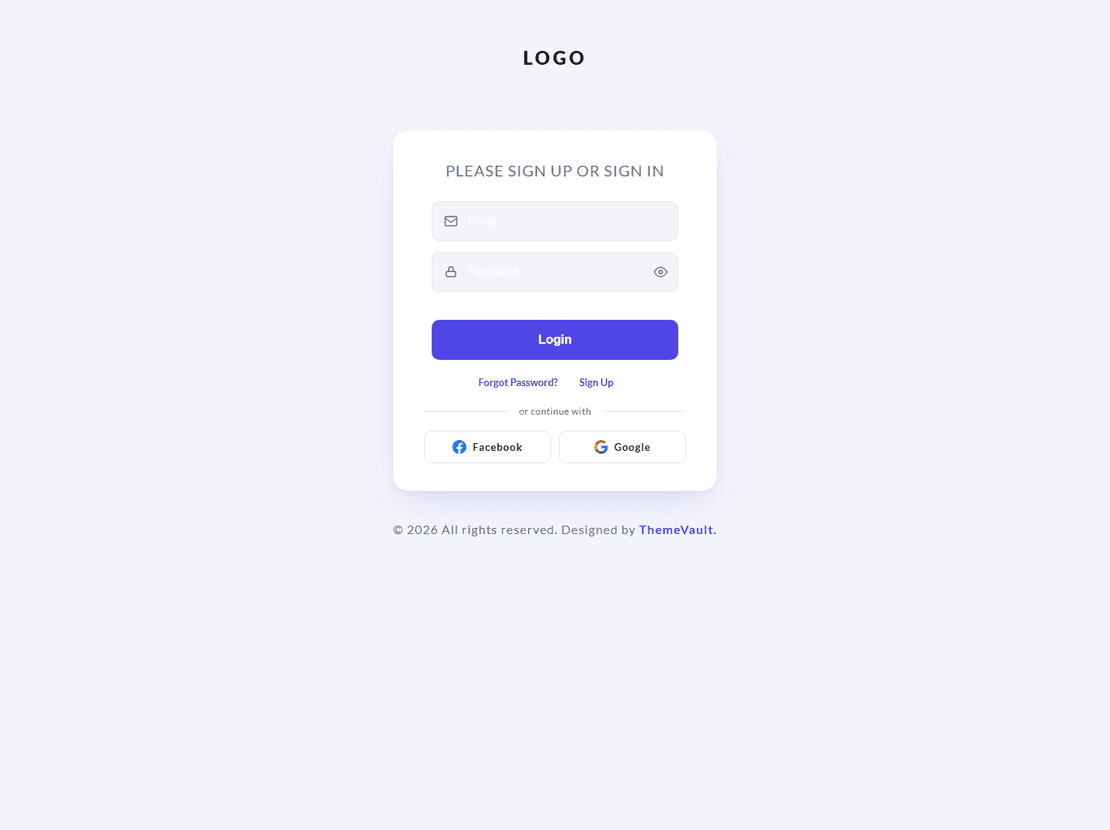
Site Elements
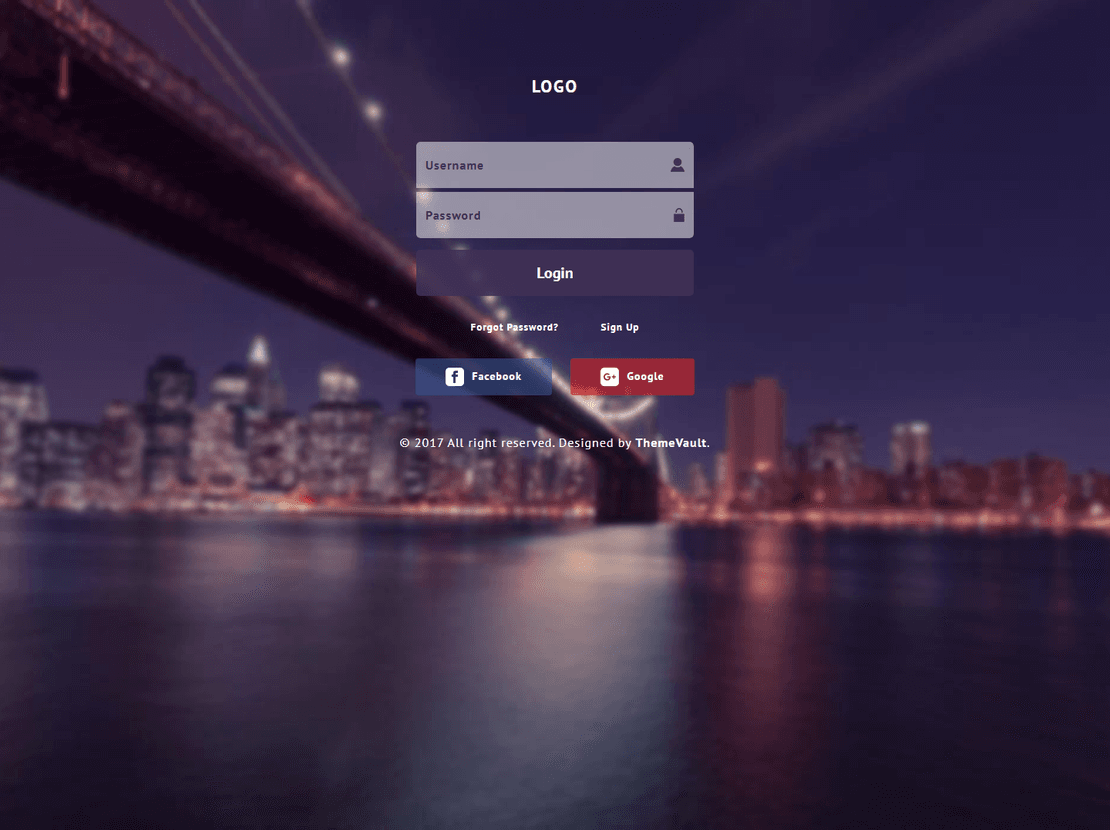
Impressive Login
$0.00
Site Elements
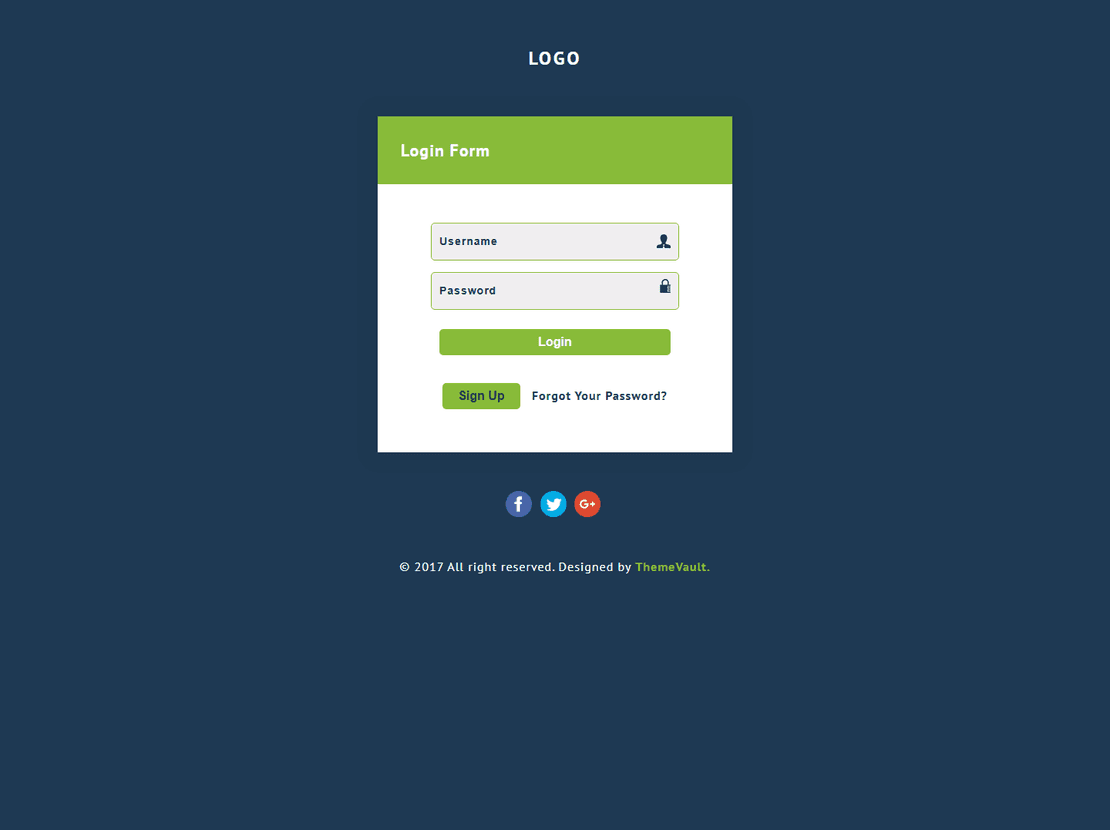
Simple Plain Login
$0.00
Site Elements
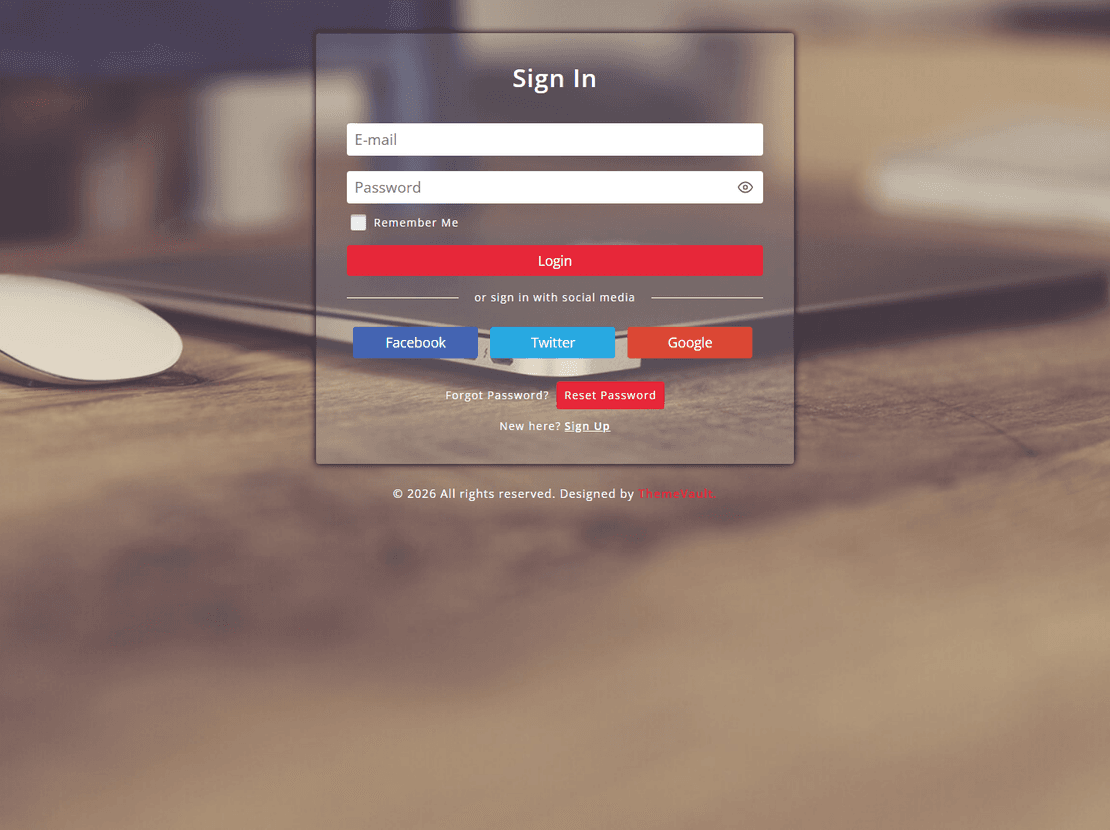
Colorful Login Form
$0.00
Site Elements
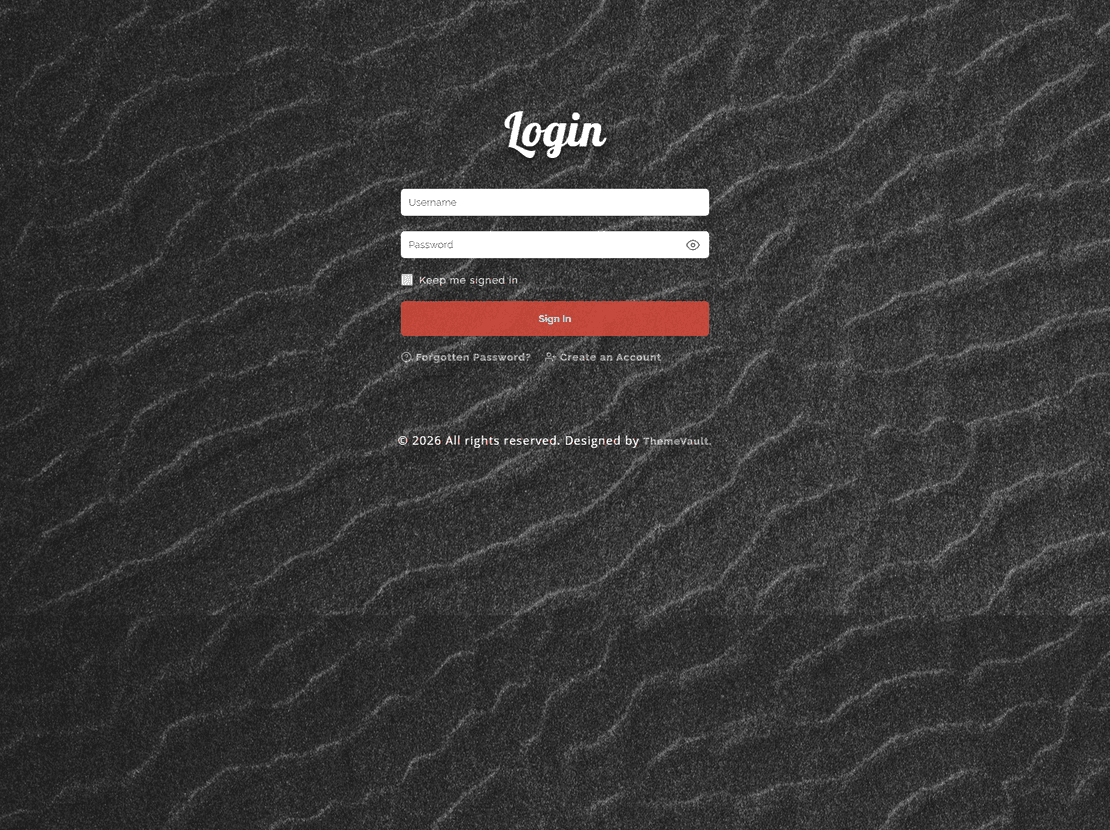
Instant Login Form
$0.00
Site Elements
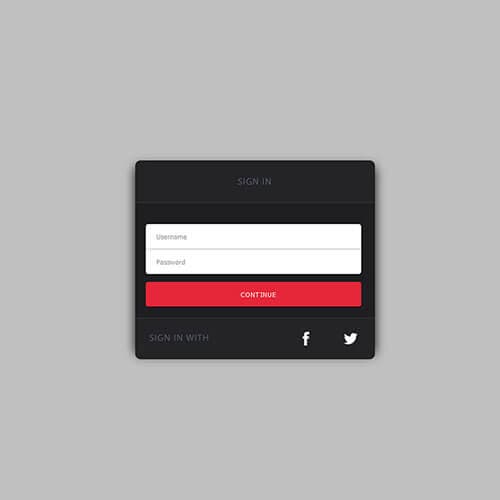
Simple Sign In Form
$0.00
Site Elements
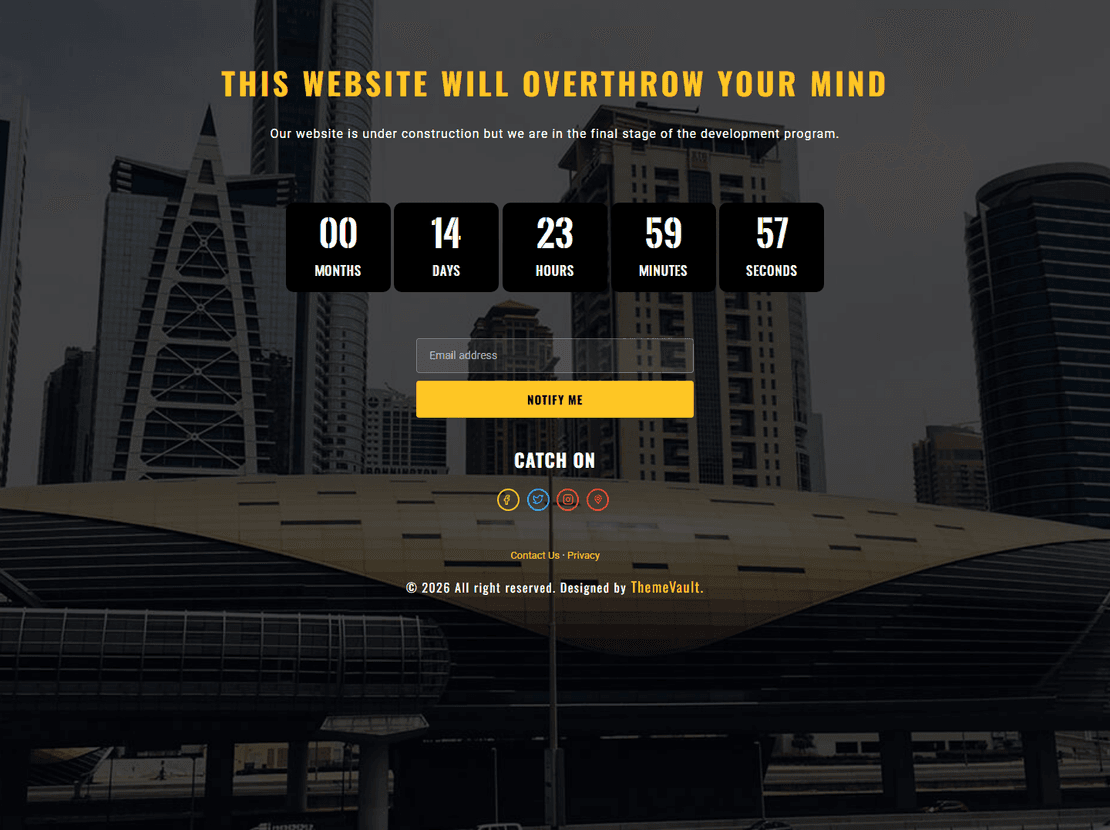
Site Elements
Launching Soon
$0.00
Site Elements
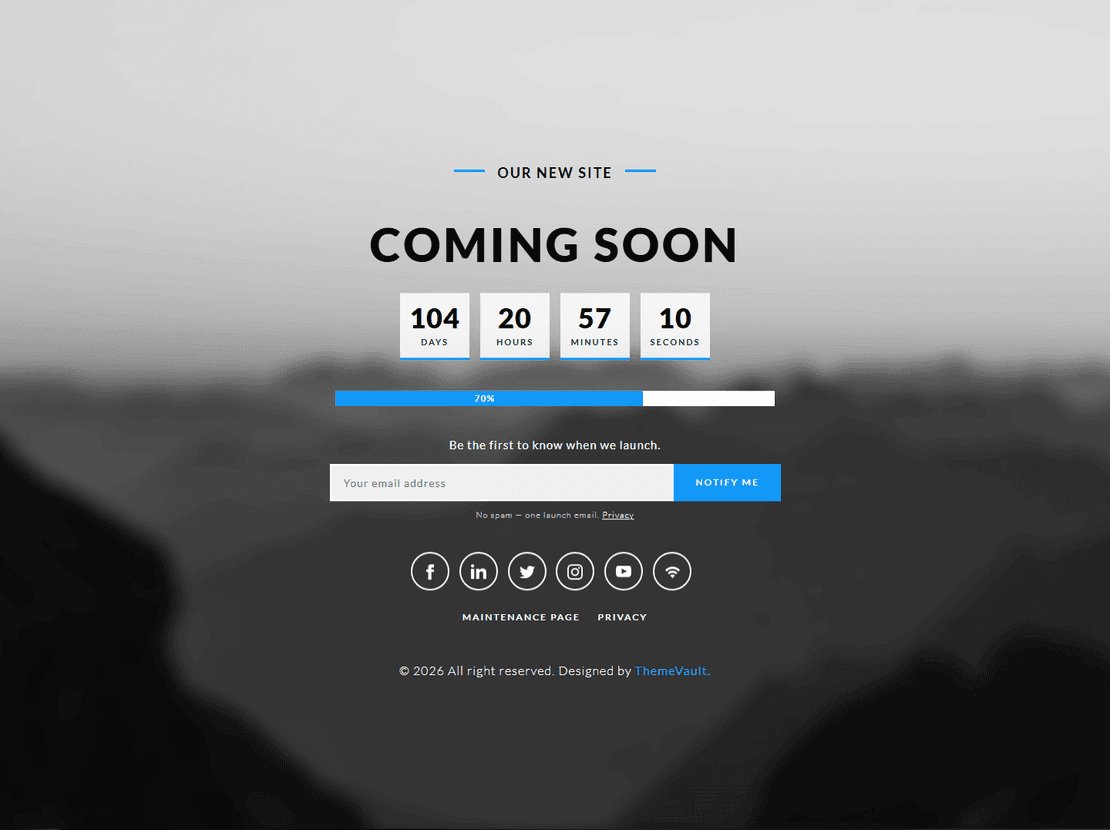
Utmost Coming Soon
$0.00
Site Elements
Site Elements
Free HTML5 and CSS3 login form templates
These are ready-to-use login and sign-in form widgets: a single HTML file with its CSS (and, where needed, a few lines of plain JavaScript) that you drop into any project. Each one is responsive, keyboard-accessible, and styled to stand alone as a login page or sit inside an existing layout. Download the zip, open index.html, and point the form at your own authentication endpoint.
The three most-downloaded designs — Bubble Login Form, Impressive Login Form and Simple Plain Login Form — were rebuilt in 2026 as v2.0: the jQuery dependency was removed, the success animation now works, and the markup uses proper labels and autocomplete attributes so browsers and password managers behave.
Pick a login form by use case
- Full-page login screen (a SaaS, an admin panel, a member area): Full Screen Login Form, Bubble and Portal Login Form fill the viewport with a background and a centred card.
- Compact form to embed in a page: Simple Plain, Simple Sign In Form and Simple Login Form 2 are minimal boxes that inherit the fonts of the page around them.
- Business or corporate styling: Creative Business Login and Classic Login Form use restrained colours and a logo slot.
- Colourful, app-style: Colorful Login Form, Awesome Colourful Login and Instant Login Form.
What a good login form template includes
Beyond looks, check for: a <label> on every field (screen readers and tap targets), autocomplete="username" and autocomplete="current-password" so password managers fill correctly, a visible show-password toggle, a remember-me checkbox, and links for forgotten passwords and account creation. The v2.0 forms here include all of these; the older ones can be brought up to date in a few minutes by adding the attributes.
Connecting the form to your backend
The templates are front-end only — they do not log anyone in by themselves. Set the form action to your login URL and method="post", or handle the submit in JavaScript with fetch() and your API. They work unchanged with PHP, Node, Django, Laravel, Firebase or Supabase. For Bootstrap projects the markup is plain HTML, so it drops in without conflicts.
Looking for the matching pieces? This tag also lists coming soon pages and 404 error pages from the same widget series, and the sign-in form tag narrows the list to login screens only.
HTML5 Login Form Templates — frequently asked questions
Are these login forms free to download?
Yes, every login form widget here is free. Keep the small ThemeVault credit in the footer of the page it is used on, or remove it for a one-time fee from the template page.
Do the login forms actually authenticate users?
No — they are HTML, CSS and light JavaScript for the front end. Point the form at your own login endpoint (any language or auth service) and it works; the templates deliberately contain no server code.
Do they work with Bootstrap or React?
They are plain HTML and CSS, so they drop into a Bootstrap page without conflicts. In React, Vue or Next.js, copy the markup into a component and keep the stylesheet; the v2.0 forms have no jQuery, so nothing else is needed.
Which login form is the most popular?
Bubble Login Form, with more than 9,500 views and the highest download rate on the site. Impressive Login Form and Simple Plain Login Form are the next two, and all three were rebuilt in 2026.
Are the forms accessible?
The v2.0 rebuilds use labelled inputs, autocomplete attributes, a keyboard-reachable show-password toggle and visible focus states. Older forms are usable as-is and can be updated by adding the same attributes.