
Login Page
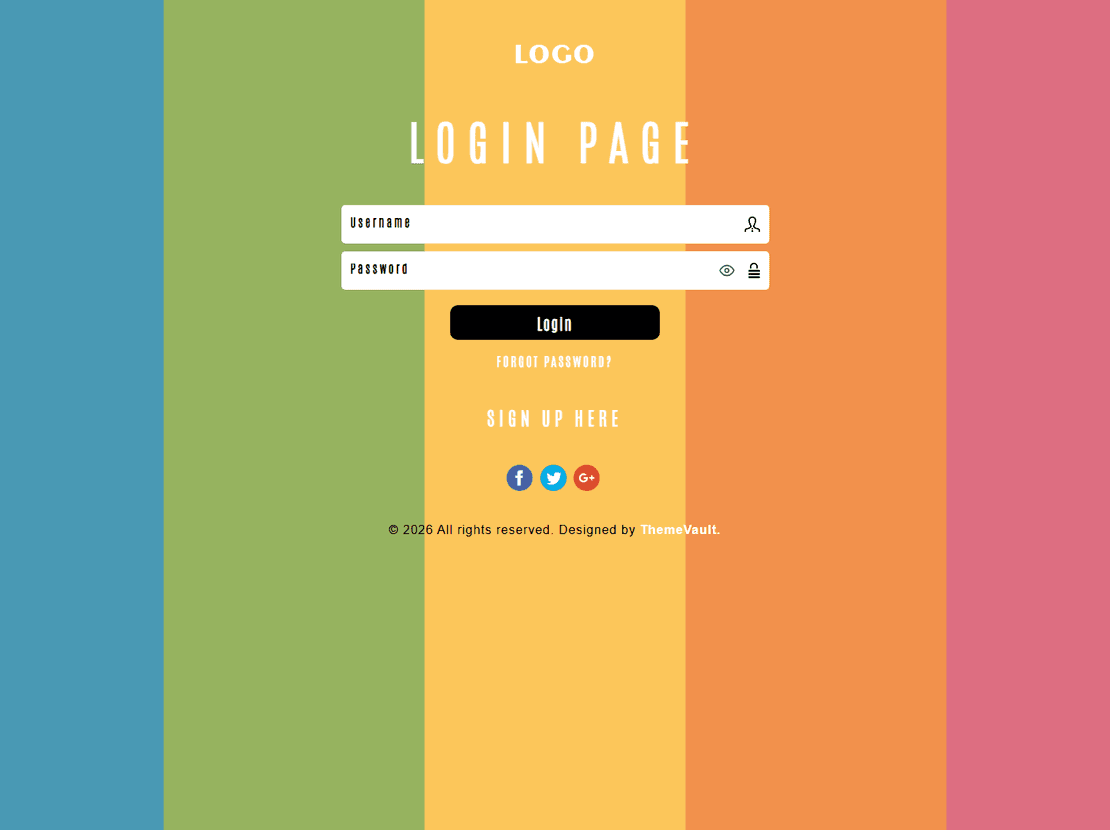
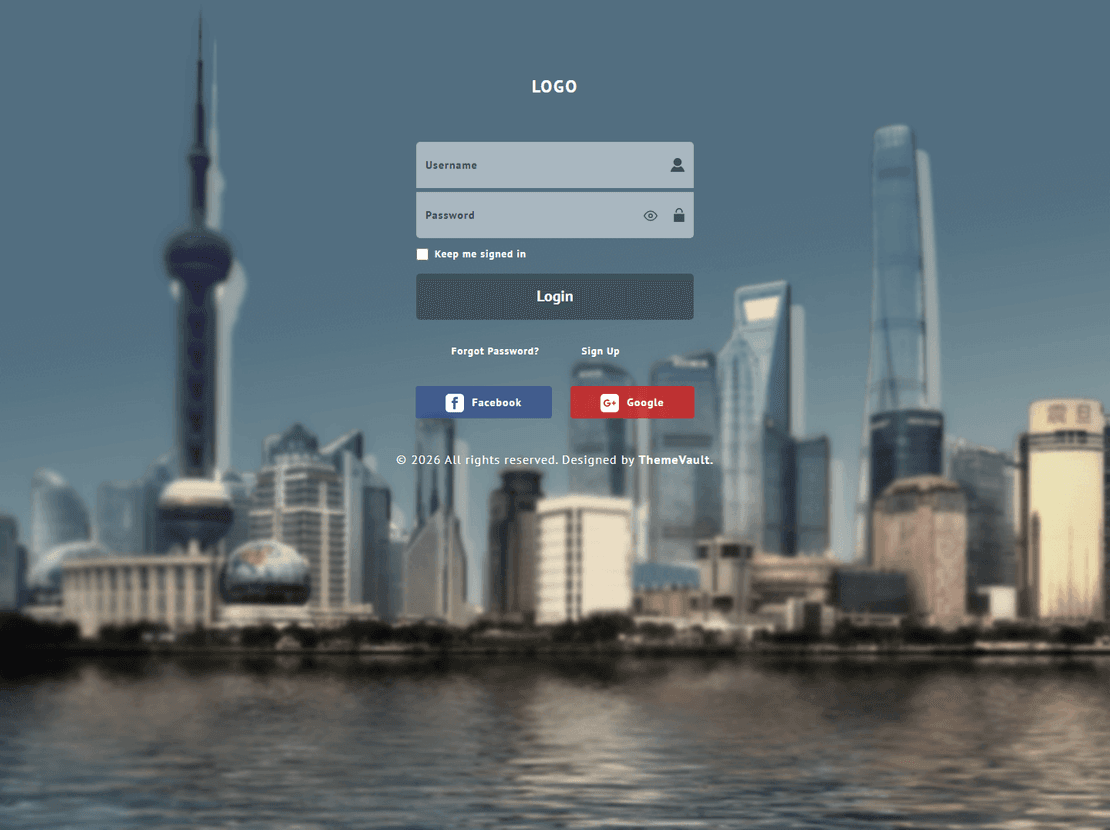
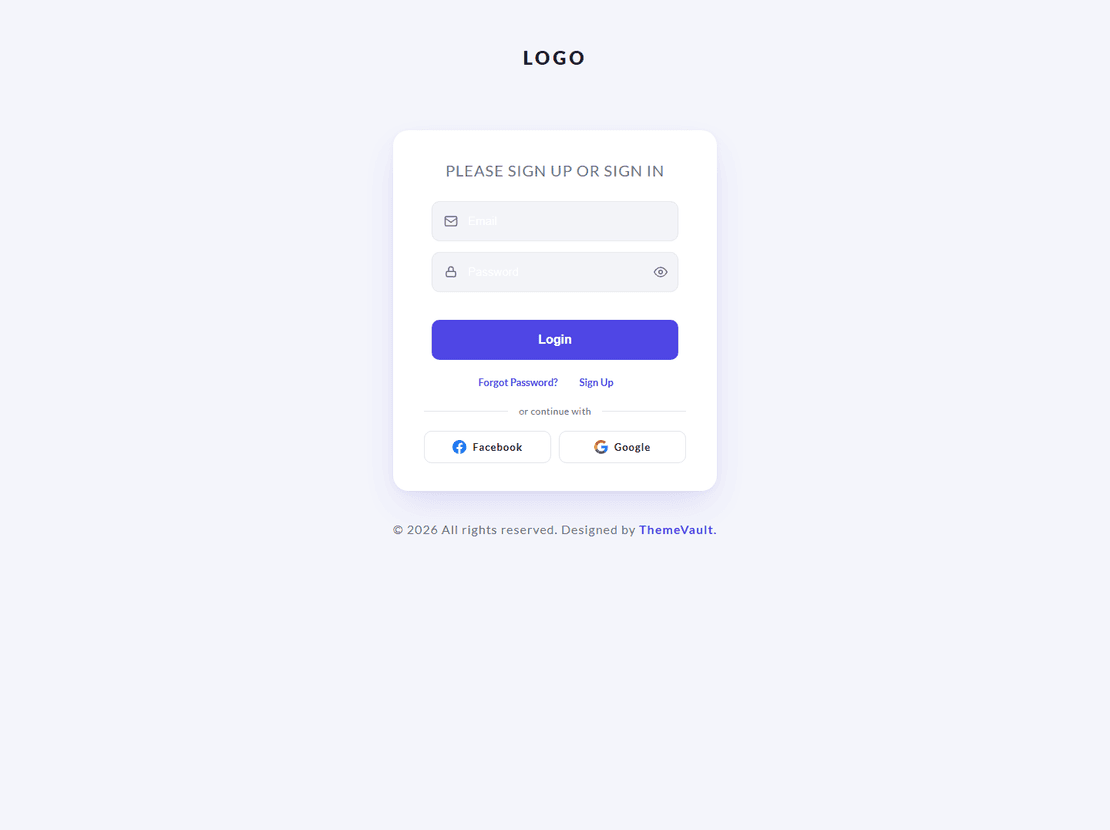
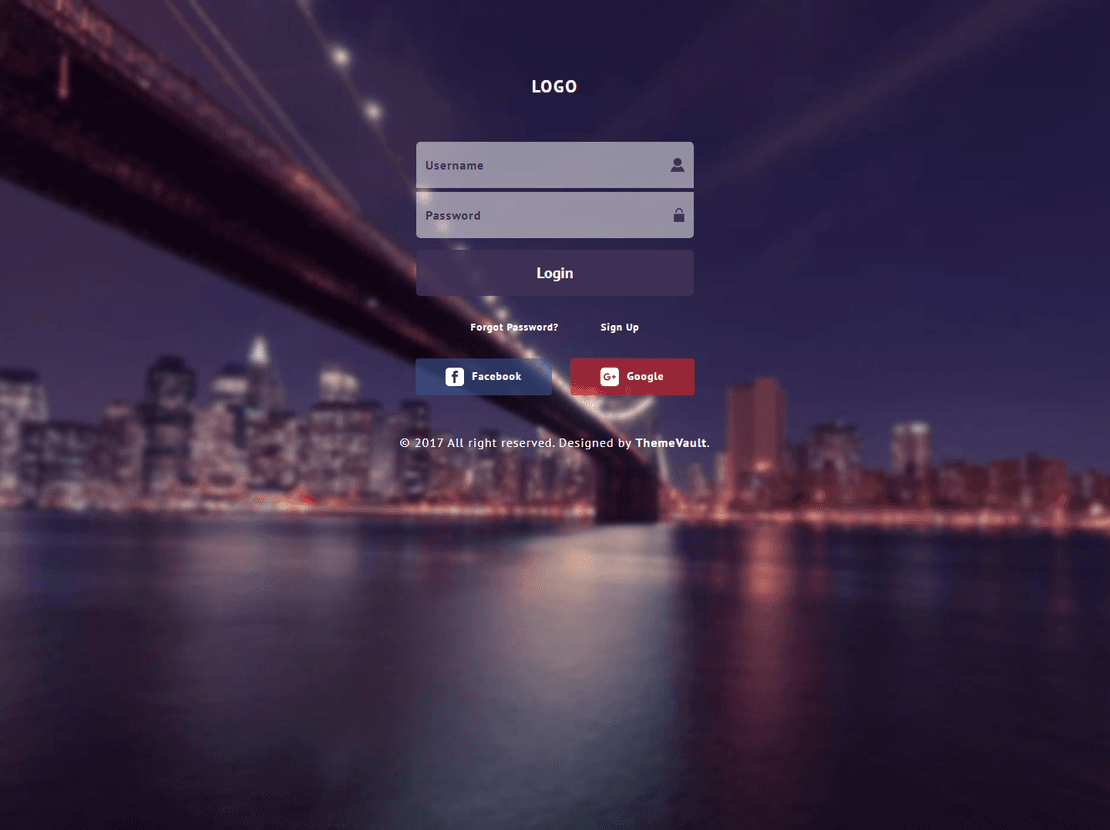
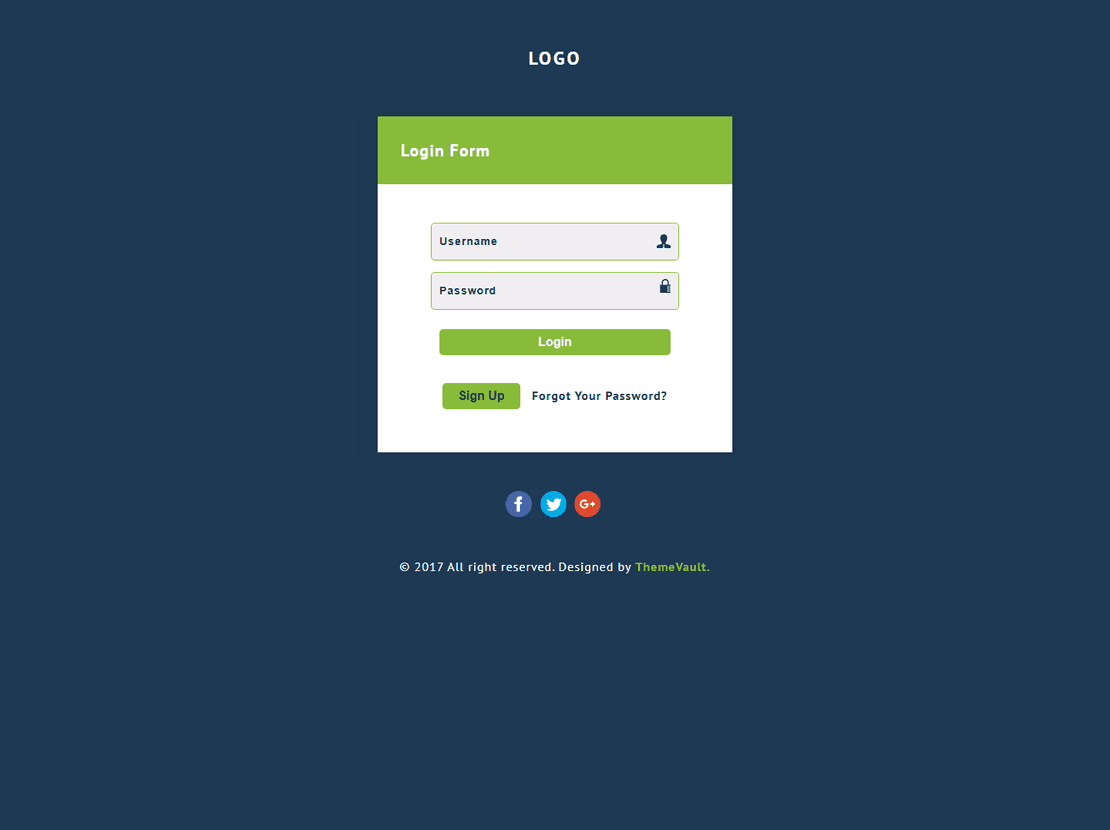
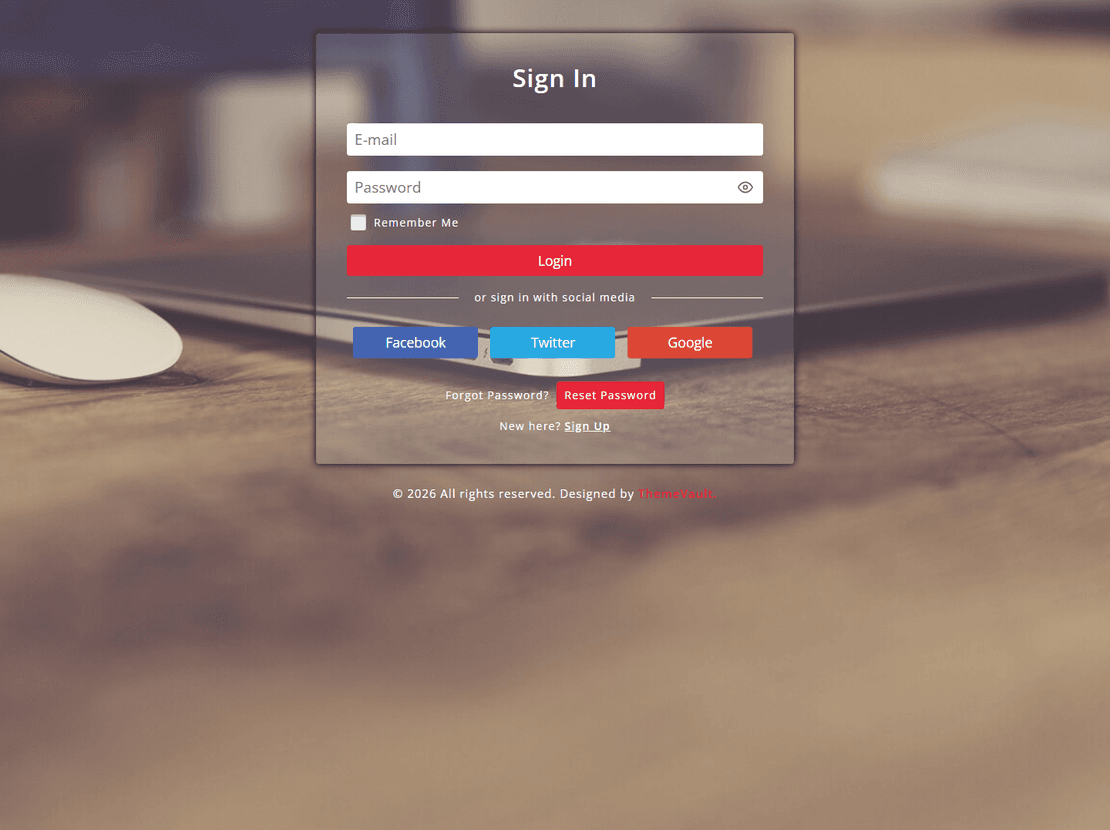
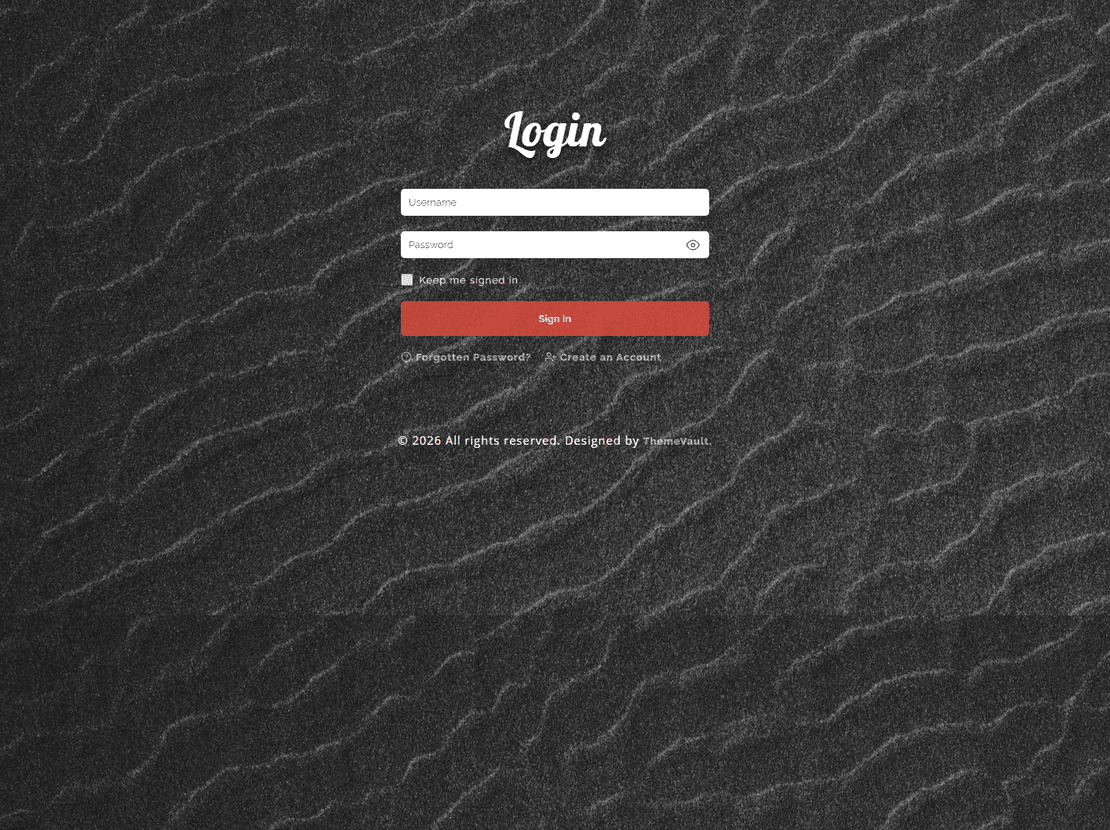
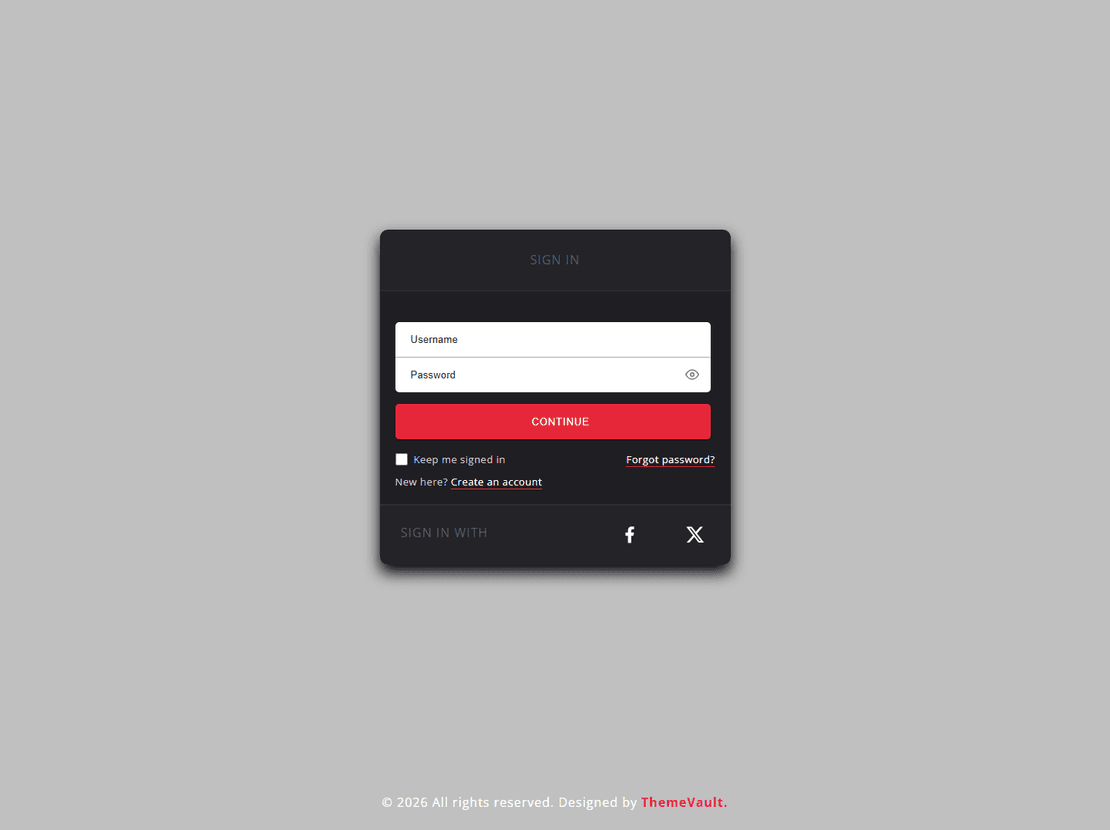
Free login page templates
A login page is the screen people see every time they come back to your app, member area or client portal. These free templates are complete pages rather than boxes to embed: the form, your logo and a background fill the screen, and the pages around the login come with them. All of them were rebuilt in 2026 and use plain HTML, CSS and JavaScript, with no jQuery.
In each demo you can type in the form, see it check your input, and land on a “you’re signed in” screen. To log real users in, you connect the form to your own login system or to a service such as Firebase Authentication, Supabase or Auth0.
Pick a layout
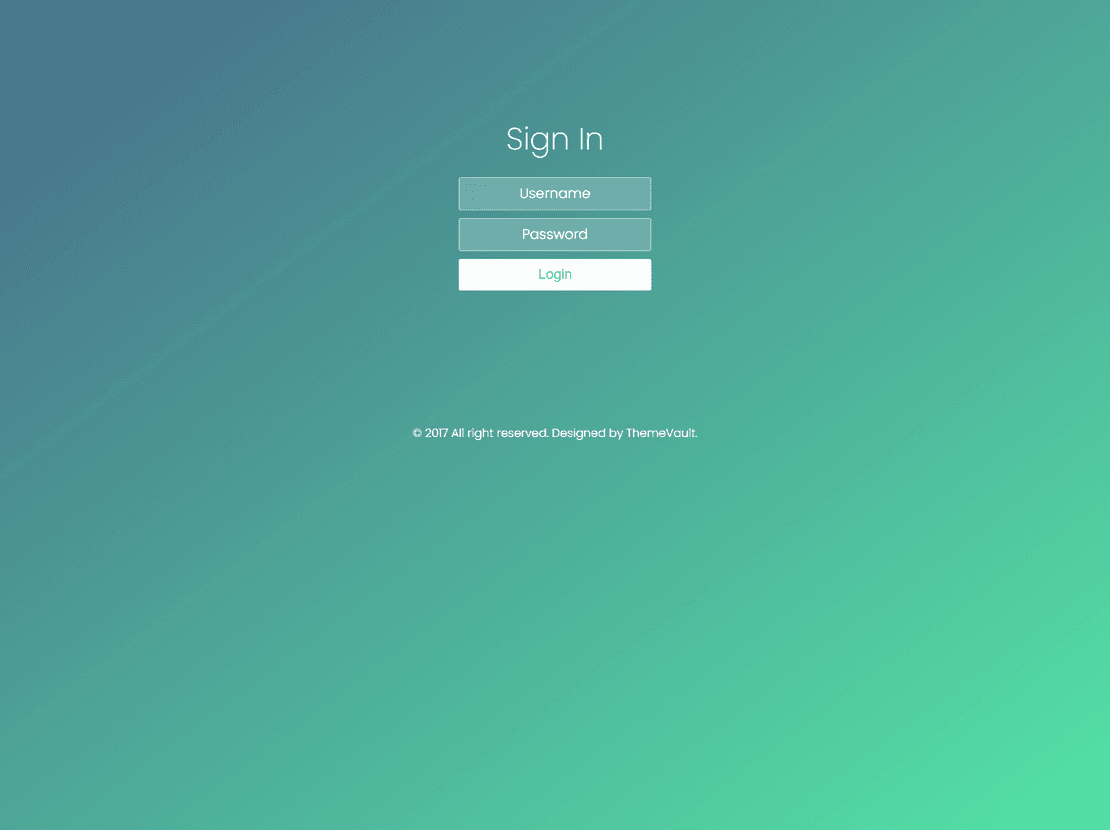
A full-screen page. Full Screen Login Form fills the screen with the form and a welcome message, and comes with a registration page, a forgotten-password page and a terms page.
A slideshow behind the form. Image Slider Login Form rotates a set of background images, which suits a travel, property or photography site where the pictures do the talking. It has the same register, forgotten-password and terms pages.
A pop-up instead of a page. Login Form with Modal Layout opens over the page people are already on. Login, registration and the forgotten-password step all happen inside the same window, and it comes with an email that asks new members to confirm their address.
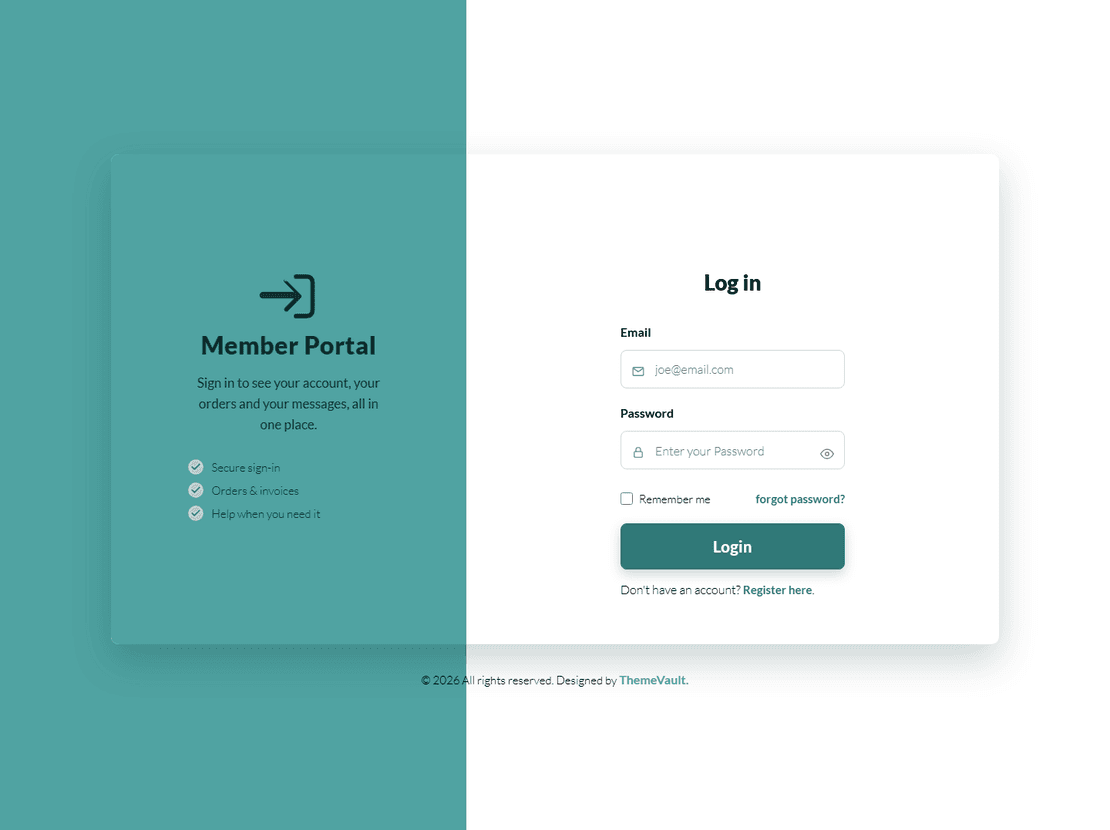
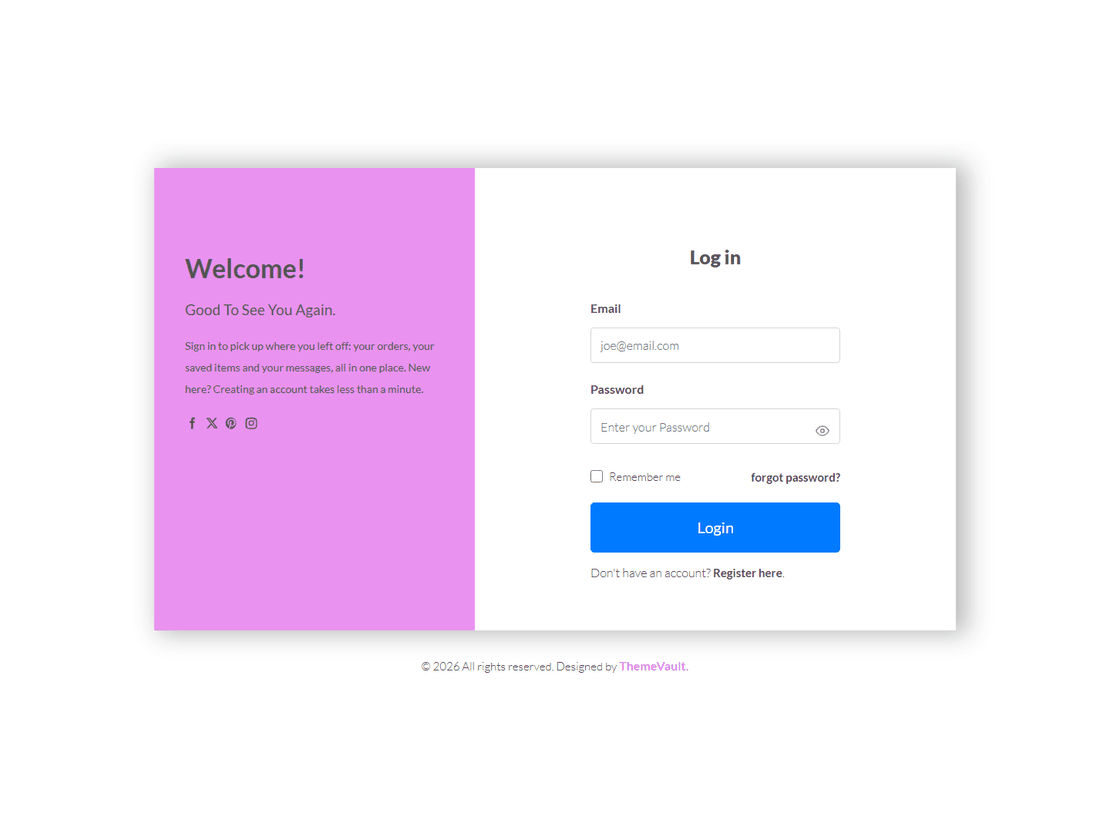
A member or client portal. Portal Login Form is laid out as a members’ area, with login, registration, a forgotten-password page, a terms page and matching welcome and password reset emails. Blossom, Ember and Sunrise are the same set of pages in three different looks; Ember and Sunrise add an email that asks new members to confirm their address, as does Simple Login Form 2.
If you only need a form to place inside an existing page, our login form templates are smaller and easier to embed.
What belongs on a login page
- Your logo and one clear heading, so people know they are in the right place.
- The two fields, a show-password button and a sign-in button. All of these templates have them.
- A “forgot password?” link and a way to create an account, both close to the form.
- Very little else. A full menu, news or adverts only get in the way of someone who came to sign in.
Before you go live
- Serve the page over HTTPS and check passwords on the server, never in the page’s JavaScript.
- Replace the demo “you’re signed in” screen with a redirect to your real account page.
- Rewrite the sample terms page, or link to your own, before anyone registers.
- Change the sender name, logo and links in the emails, then send yourself a password reset to see them arrive.
- Most login pages don’t need to appear in Google. Add a
noindextag to keep search results pointing at your home page instead.
Login Page — frequently asked questions
Are these login page templates free?
Yes. They cost nothing to download or to use in a real product. Each page carries a small link back to us; pay once and it disappears from that page, or take Pro and it disappears from all of them.
What is the difference between a login page and a login form?
A login form is the box with the fields, which you place inside one of your own pages. A login page template is the whole screen: background, logo, form and the pages that go with it, such as registration and a forgotten-password page.
Which pages come with each template?
Most include the login page, a registration page, a forgotten-password page and a terms page, plus emails for welcome and password reset. Ember, Sunrise, Simple Login Form 2 and the modal layout also include an email that asks new members to confirm their address.
Can I use one as the login for a WordPress or React site?
Yes. The pages are plain HTML, CSS and JavaScript with no jQuery, so you can copy the markup into a WordPress page template or a React or Next.js component and keep the stylesheet. Connect the form to the login system the site already uses.
Should my login page show up in Google?
Usually not. People reach it from your site's sign-in link, so a noindex tag on the login page keeps Google showing your home page and real content instead.