Responsive Instant Login Form Template

  • 🗓 Released Sep 2017
  • v2.0Updated Sep 2026
  • 👁 3,651 views
  • HTMLCSSJS

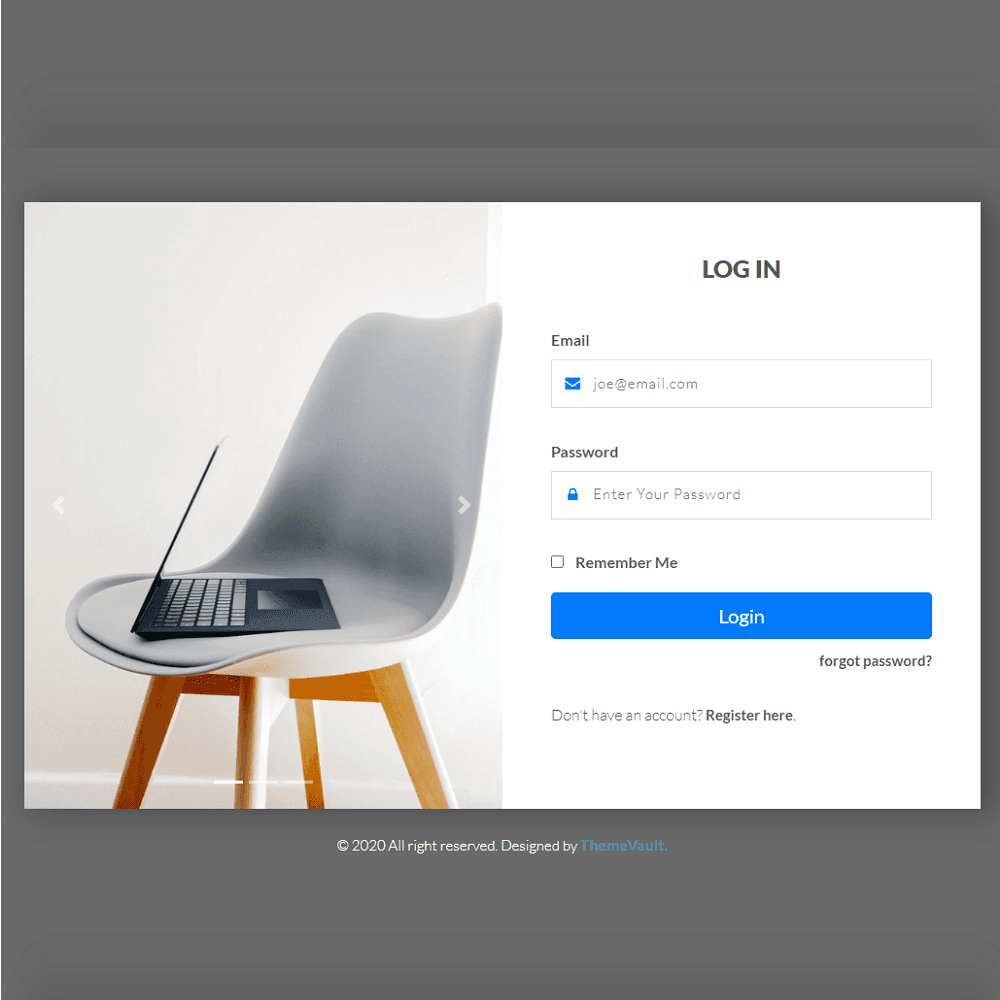
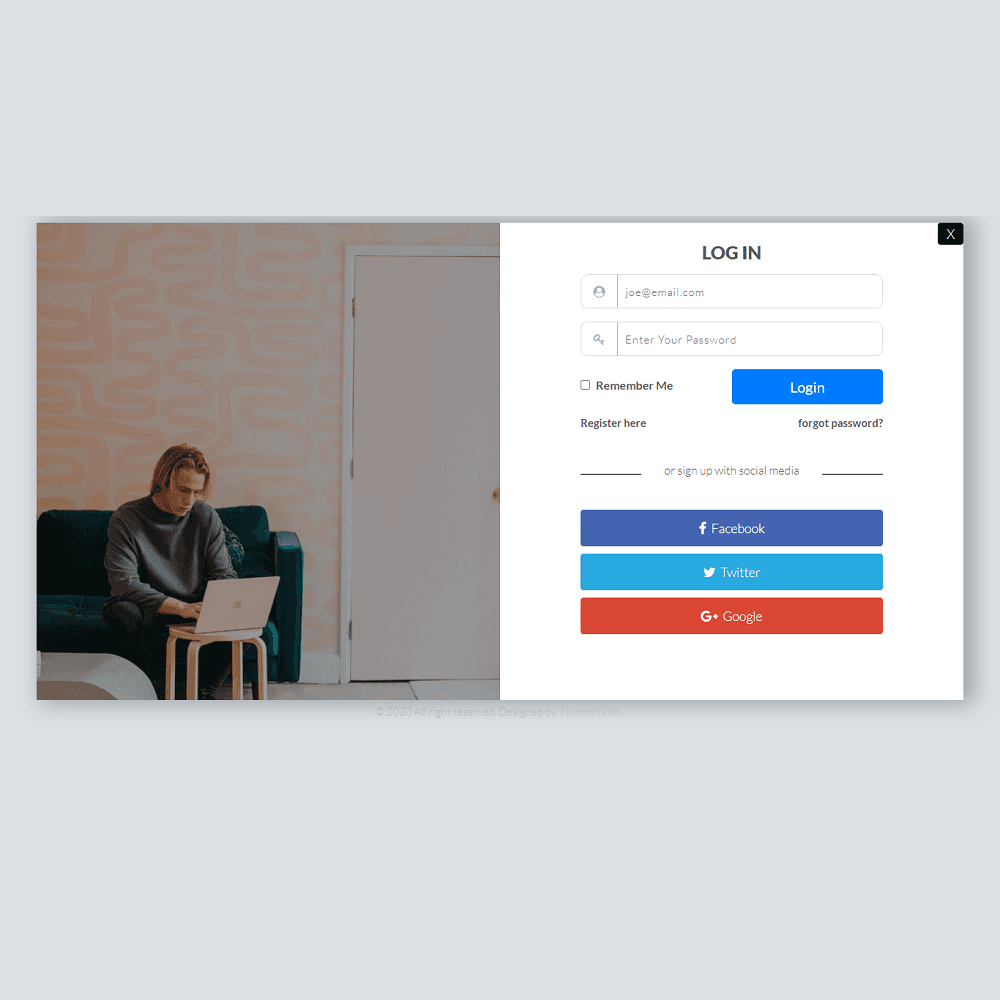
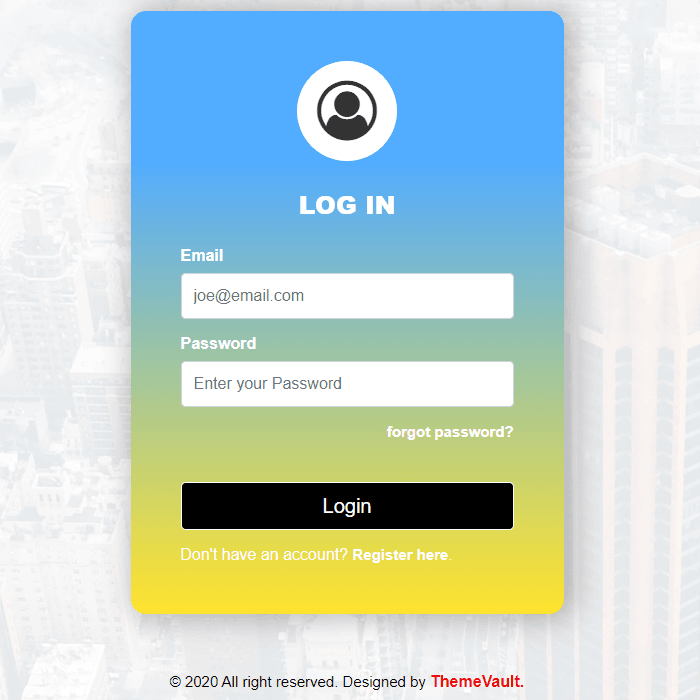
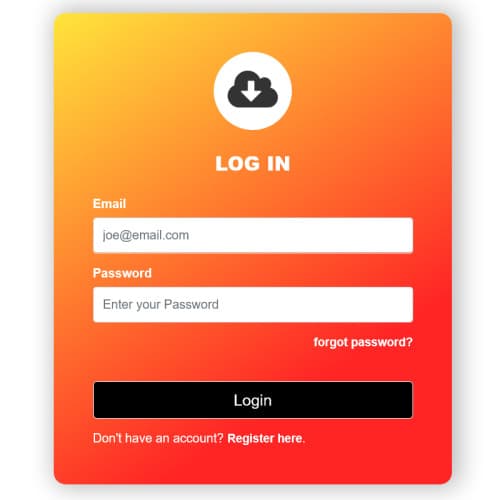
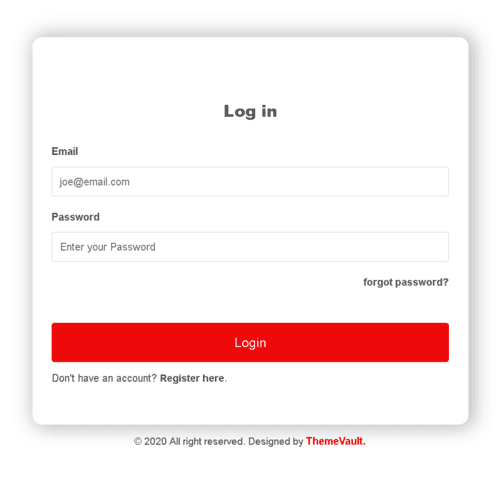
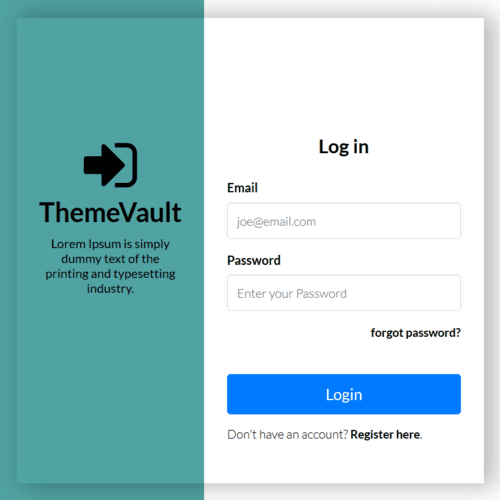
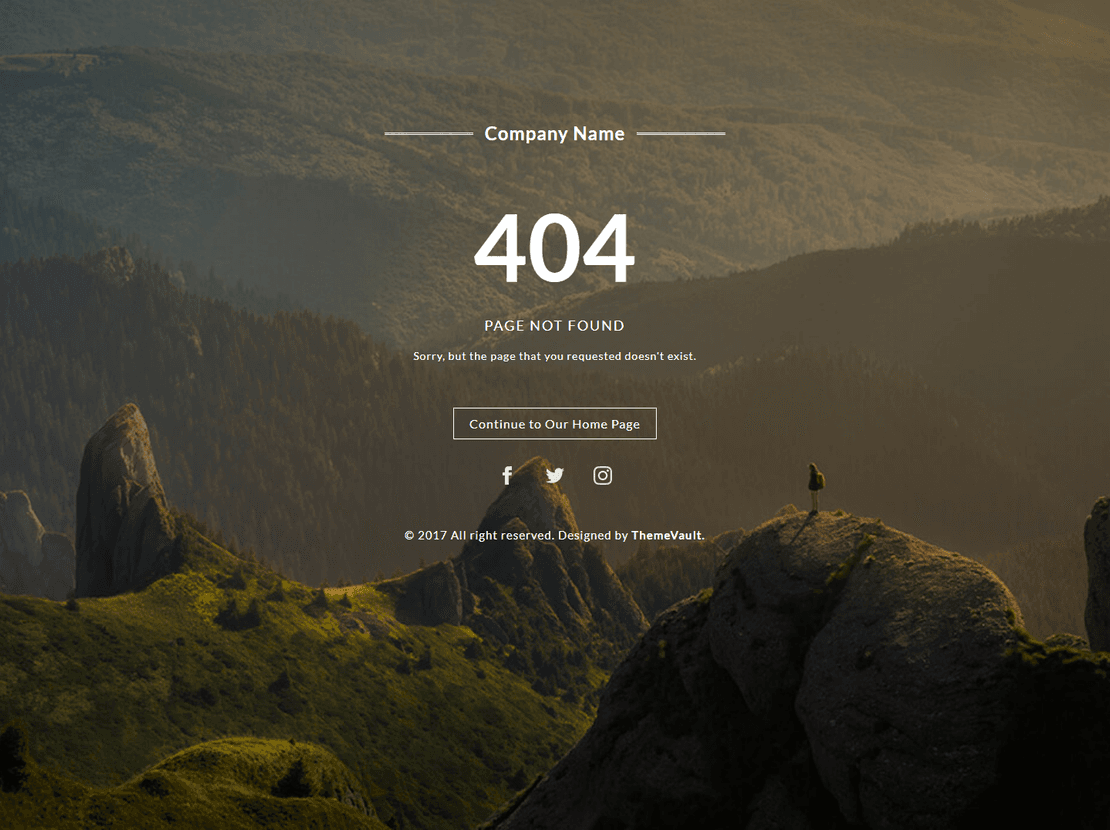
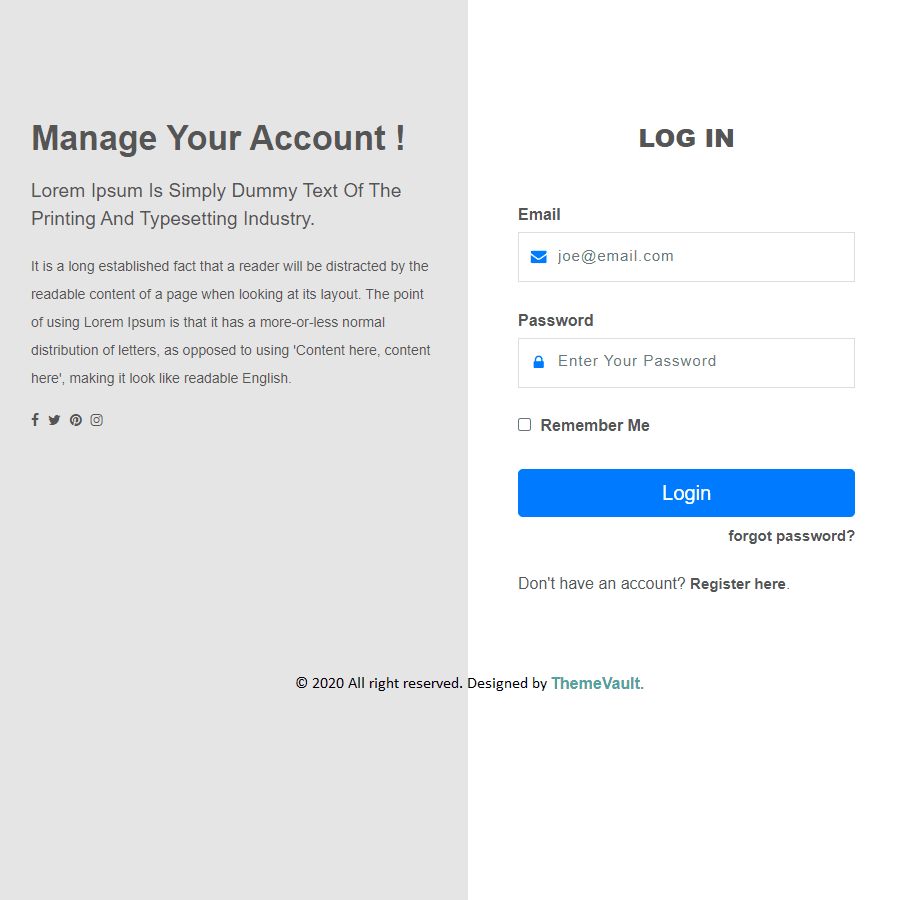
Instant login form is the best choice for you to make a perfect login screen with an entrancing look in your website. The template comes with a captivating background image, hover effects and pretty fonts. It is built in HTML5, CSS3, and JavaScript. As it is an easy to customize you can use this form in your site easily. Download and make it yours!

Version 2.0 turns the login card into a working widget: it validates each field, shows or hides the password and gives a success state. It adds the two pages the login links to — a forgot-password page (forgot-password.html) and a sign-up page (sign-up.html, with a live password-strength bar) — plus three ready-to-send HTML emails in the same design: password reset (email-password-reset.html), welcome (email-welcome.html) and new sign-in alert (email-signin-alert.html). The fonts are self-hosted, and each form can be pointed at your own server with one attribute.

Features

Template Type:

Free

Compatible Browsers:

Opera, Firefox, Google Chrome

Link hover effetcs:

Yes

Coding:

HTML 5, CSS 3

Forms:

Registration Form, Login Form

Additional Features:

Favicon, Responsive Design

Image Sources:

Pexels

What’s new

  1. v2.0Sep 2026
    • A working login form: validation with an error under each field, a show/hide password button, "Keep me signed in" (remembers the username in the visitor's browser), and a success panel.
    • forgot-password.html — where "Forgotten Password?" now goes: email field, validation and a "Check your inbox" confirmation.
    • sign-up.html — where "Create an Account" now goes: name, email and password with a live strength bar, validation and a welcome panel.
    • Three ready-to-send HTML emails, one per form: email-password-reset.html, email-welcome.html and email-signin-alert.html. Table-based and inline-styled for Gmail, Outlook and Apple Mail; no images to upload.
    • Connect it to your server: add data-endpoint="https://your-site.com/api/…" to a form and it is POSTed there; on the login form data-redirect="…" sends the visitor on after sign-in. Without them the forms run as a demo (each shows a "Demo only" line — delete those lines when you go live). Details at the top of js/main.js.
    • The password field was type="email" (the password was shown in plain text). It is now a real password field.
    • The heading and links asked for the Lobster and Raleway fonts but the page never loaded them, so visitors saw a plain serif fallback. Both are now self-hosted and load.
    • The two icons (question mark, user) referred to Font Awesome, which was never included, so they never showed. They are now small inline SVG icons.
    • The card and its buttons were different widths (the inputs and the Sign In button stuck out past the card by different amounts). They now line up.
    • On a tablet or phone the card and footer are centred vertically; on a short landscape phone the card is scrollable instead of being cut off.
    • The scrolling background jumped back every 100 seconds; the loop is now seamless. It stands still for visitors who ask for reduced motion.
    • Every field has a label, name and autocomplete hint (password managers work); unique title and meta description on each page.
    • No framework, no jQuery, no Google Fonts request: one stylesheet (css/style.css) and one dependency-free script (js/main.js). Lobster, Raleway and Open Sans ship inside the widget (woff2).
    • Recolour in one place: --accent at the top of css/style.css.

Already downloaded this template? Your My Downloads page always serves the latest version — re-download free.


Reviews

No reviews yet — be the first to review this template.

View Similar Templates

Free
Free
Free
Free
Free
Free
Free
Free
Free

View Blog

Instant Login Form

Free+ footer credit link

⬇ Free Download

Subscribe To Our Newsletter

Join our mailing list to receive the latest news and updates from our team.