
Utmost Coming Soon Free Responsive Widget Template
Free utmost coming soon free responsive widget template. It is designed in HTML5 & CSS3, displayed responsive on all screen sizes & compatible with all devices. Download and make it yours.
⬇ Free downloadTry the live demo
Free for personal & commercial use · keeps a small “Designed by ThemeVault” footer link · no card needed
- HTML
- CSS
- JS
- Bootstrap 5
- Released Apr 2017
- v2.0 · Sep 2026
- 4 pages+ 1 HTML email
- v2.0updated Sep 2026
- 4,480views
- 1,387downloads
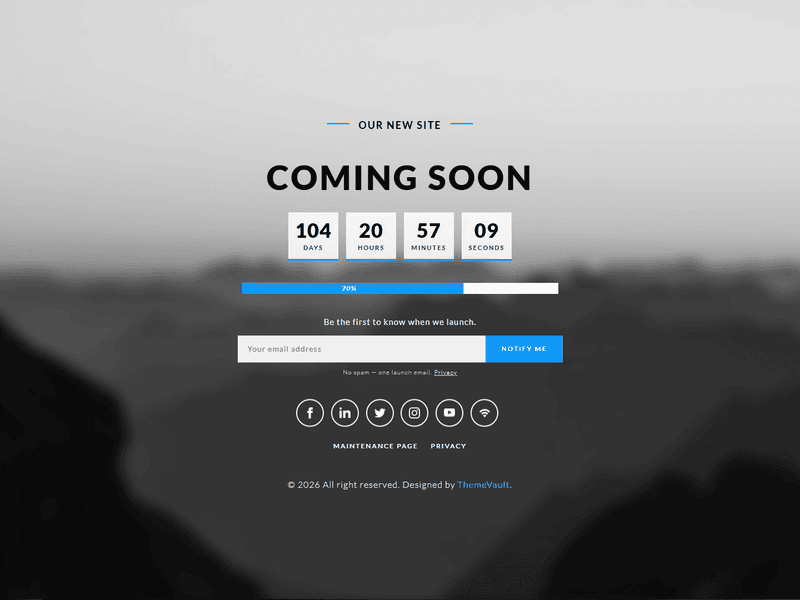
With utmost coming soon page, you can show the time of launching with a unique way i.e with percentage. Also, it has links to social media pages and is responsive in nature. Designed entirely with HTML5, CSS3. 100% responsive and compatible with all hand held devices from mobile to desktop.
Version 2.0 adds a launch countdown under the heading and a notify-me email form beside the progress bar, with three pages around them in the same design — a thank-you page the form lands on (thank-you.html), a scheduled-maintenance / back-soon page with its own countdown (maintenance.html) and a short privacy notice for the addresses the form collects (privacy.html) — plus a ready-to-send HTML confirmation email (email-notify.html). The six social icons now link to their networks, and the font is self-hosted.
- Countdown timer under the heading — four tiles, driven by one data-launch date; when it passes the tiles hide and a "we're live" line shows.
- Notify-me email form, the same width as the progress bar: validates, shows an inline error or thank-you
- thank-you.html — where the form lands.
- maintenance.html — the "Back Soon" sister page: same layout, countdown set to when maintenance ends, bar at 85%, the notify form.
- privacy.html — a short notice on what the form collects and how to be removed; linked from under the form. Placeholders for your details.
- email-notify.html — the "you're on the list" confirmation email, table-based and inline-styled for Gmail, Outlook and Apple Mail.
- A small link row under the social icons on every page (the original had no navigation at all).
- Bootstrap 3.3.7 + jQuery + wow.js + jquery.inview + mousescroll.js -> Bootstrap 5 (CSS only; no JS bundle is needed) and one vanilla main.js. Lato self-hosted i
Pages
Features
| Template Type | Free |
|---|---|
| Compatible Browsers | Opera, Firefox, Google Chrome |
| Link hover effetcs | Yes |
| Coding | HTML 5, CSS 3, Bootstrap 5 |
| Forms | Subscribe Form |
| Additional Features | Countdown Timer, Progress Bar, Favicon, Responsive Design, Social Links |
| Image Sources | Iconmonstr, Pixabay |
What’s new
v2.0Sep 2026
- Countdown timer under the heading — four tiles, driven by one data-launch date; when it passes the tiles hide and a "we're live" line shows.
- Notify-me email form, the same width as the progress bar: validates, shows an inline error or thank-you, and lands on thank-you.html (point its action at your mailing-list endpoint to go live).
- thank-you.html — where the form lands.
- maintenance.html — the "Back Soon" sister page: same layout, countdown set to when maintenance ends, bar at 85%, the notify form.
- privacy.html — a short notice on what the form collects and how to be removed; linked from under the form. Placeholders for your details.
- email-notify.html — the "you're on the list" confirmation email, table-based and inline-styled for Gmail, Outlook and Apple Mail.
- A small link row under the social icons on every page (the original had no navigation at all).
- Bootstrap 3.3.7 + jQuery + wow.js + jquery.inview + mousescroll.js -> Bootstrap 5 (CSS only; no JS bundle is needed) and one vanilla main.js. Lato self-hosted in the four weights the page uses; nothing is fetched from Google.
- All six social icons were dead "#" links; each now goes to its network. Google+ (shut down in 2019) is replaced by LinkedIn, using the in.png the package already shipped but never used.
- Meta description, a form label and alt text added.
- The page's own layout on 401–767px phones (Pixel, iPhone Pro Max) no longer collapses to a narrow centred column.
- 6 unused CSS rules dropped; jQuery, wow.js, mousescroll.js and jquery.inview removed (~110KB less).
Already downloaded this template? Your My Downloads page always serves the latest version — re-download free.
Download Details
- Published
- April 13, 2017
- Categories
- Site ElementsFree Responsive Website Templates
- Tags
- Coming SoonComing Soon PageComing upHTMLHTML5 Login Form TemplatesLaunchLaunching CounterLaunching SoonLoading BarModernRenovation PageUnder ConstructionWebsite Launchingagencybusinessfreeresponsive
Source
- HTML
- CSS
- JS
- Bootstrap 5
Please note that the images in the template will be blurred in the downloaded package.
Support
Facing issues with this template? Write to support@themevault.net and we'll help you out.
License
Free for personal & commercial use with an attribution link to ThemeVault. Read the license.
Reviews
No reviews yet — be the first to review this template.
Every page
See all 5 pages at a glance
Each page is built and ready, including the thank-you page and the email.
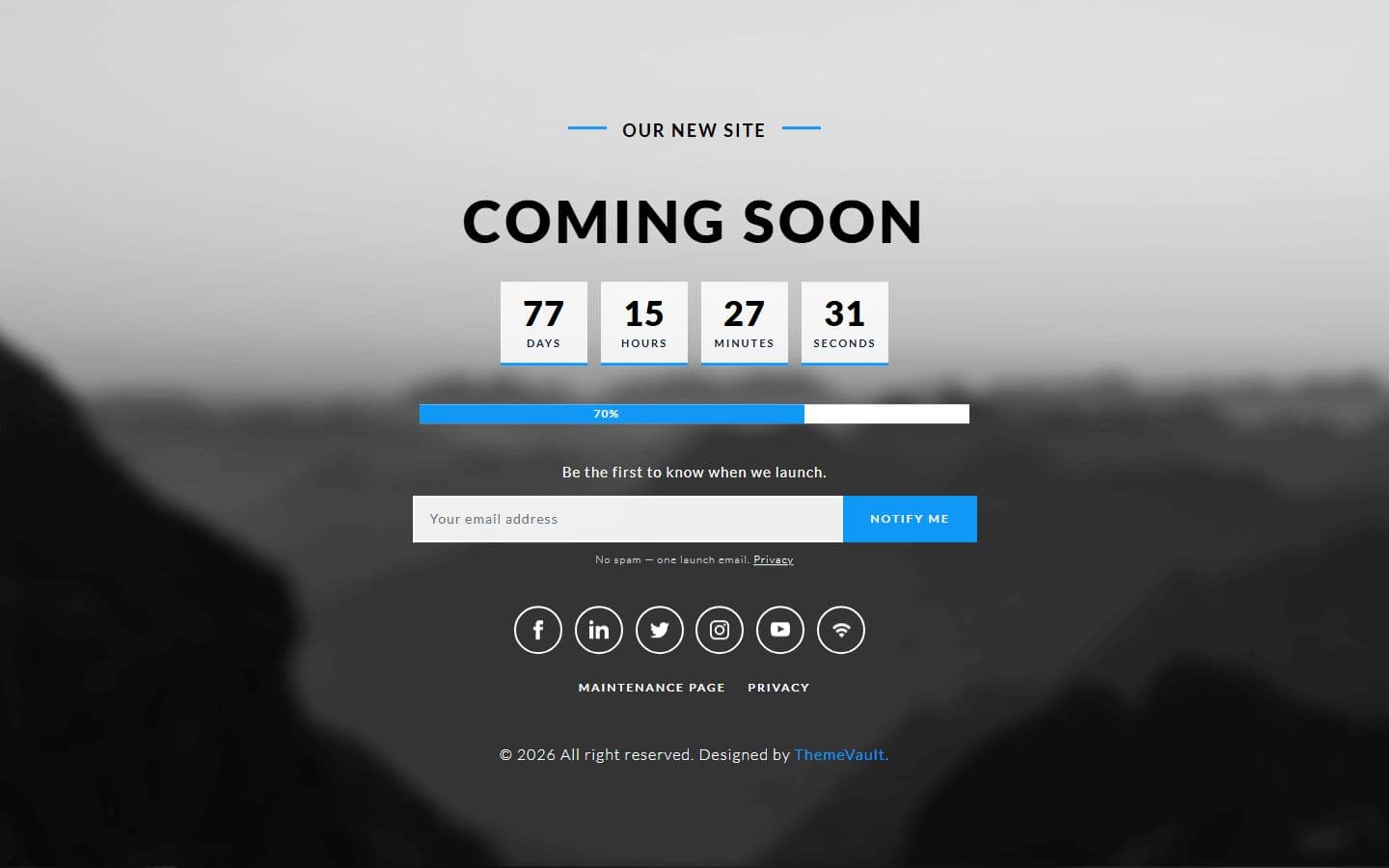 Homeindex.html
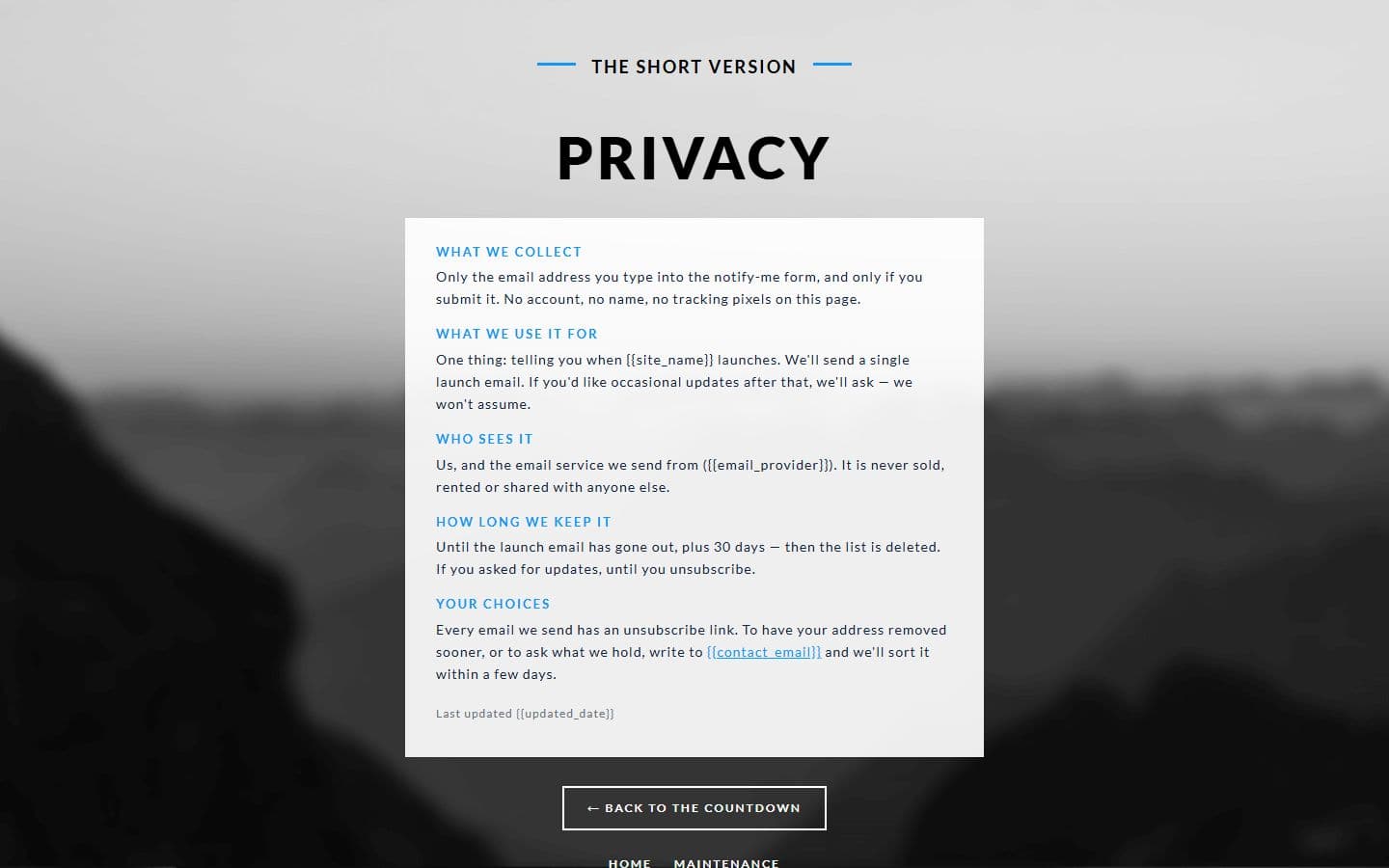 Privacyprivacy.html
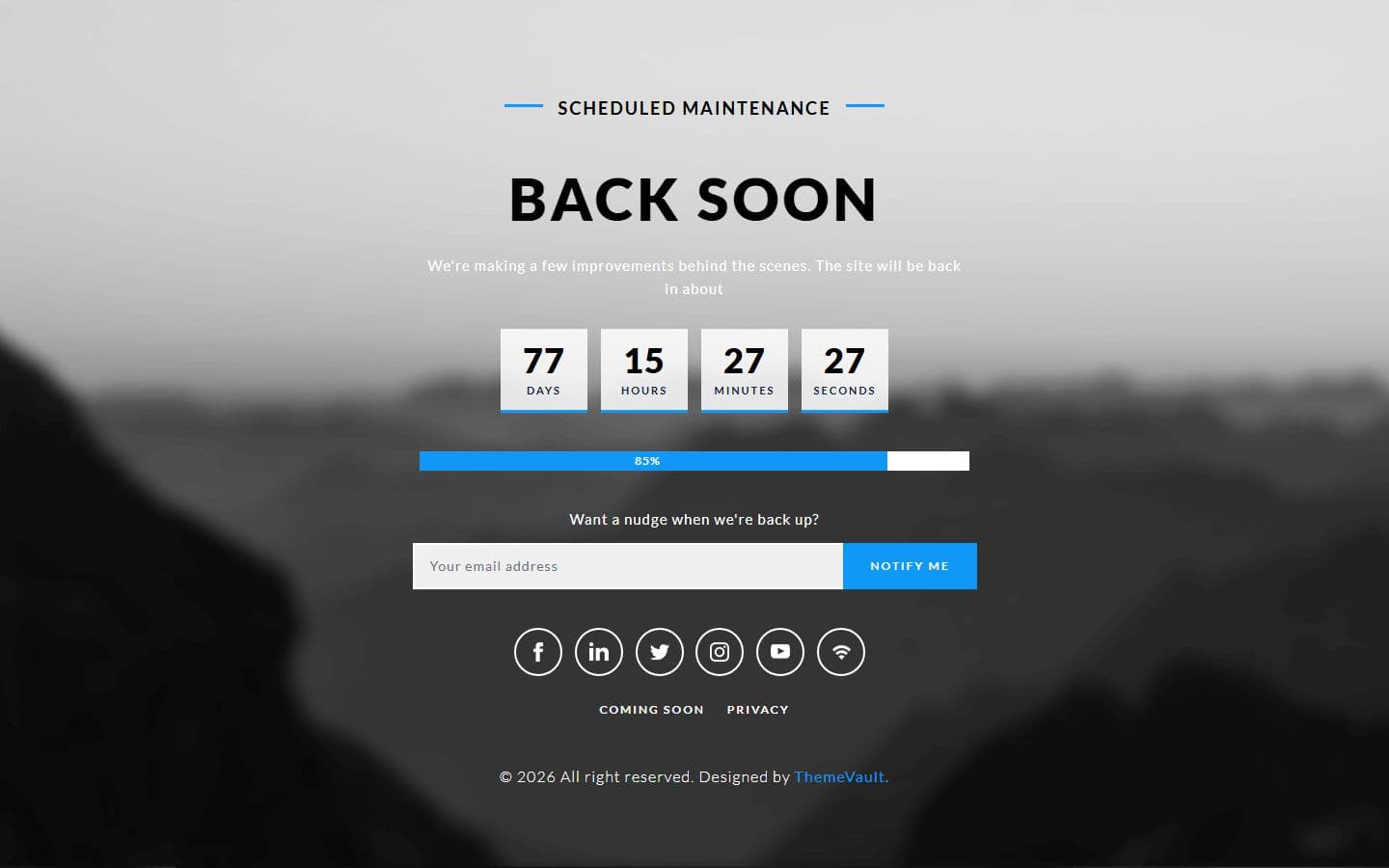 Maintenancemaintenance.html
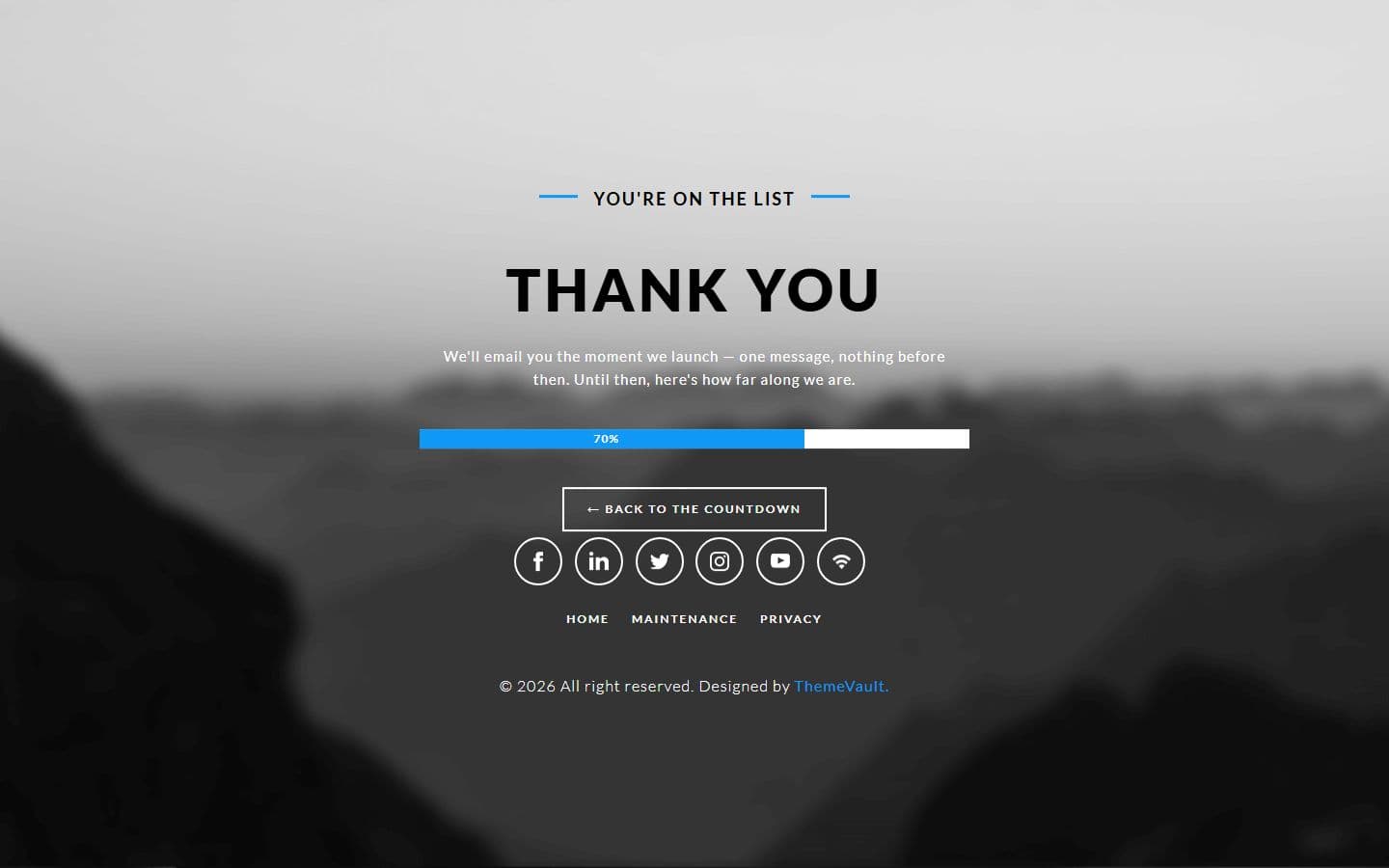 Thank youthank-you.html
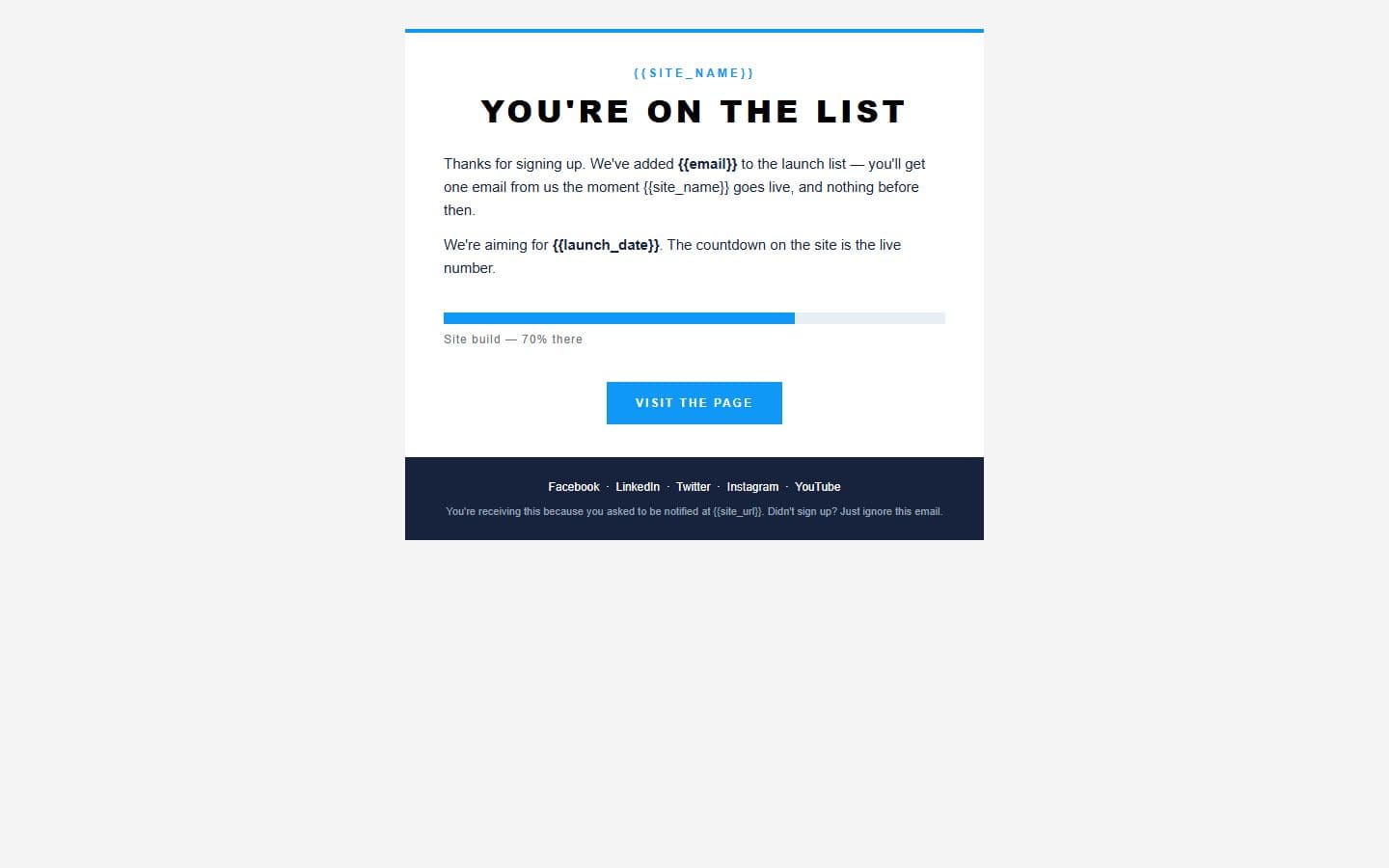 Email: notifyemail-notify.html
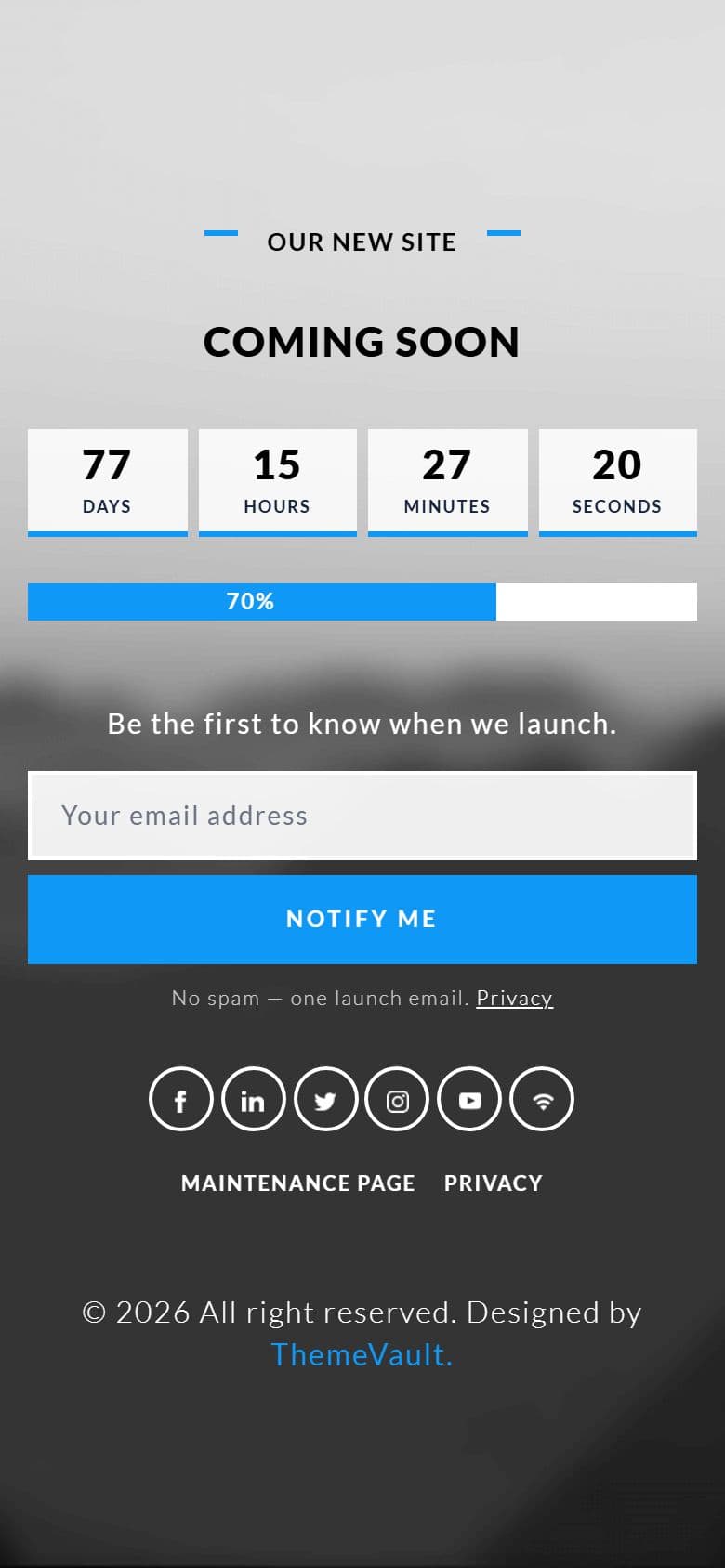
The home page on a phone, as it looks in the live demo.
In the download
What you get in the ZIP
Everything is plain files you can open in any editor. No build step and no installs.
- 23files
- 188 KBZIP size
- 5HTML pages
- 8images
Please note that the images in the template will be blurred in the downloaded package.
utmost-coming-soon/
├── index.html
├── email-notify.html
├── maintenance.html
├── privacy.html
└── thank-you.html
From download to live
No build tools, no installs
Download
Get the ZIP
Free, instant and no card needed. Unzip it anywhere.
Edit
Add your content
Change the text and photos in the HTML files with any code editor.
Publish
Upload and go
Upload the folder to any web host. It's plain HTML, so it runs anywhere.
Questions
About this template
Can I use Utmost Coming Soon for a client's website?
Yes. The free version is licensed for personal and commercial use, including client work, as long as the footer credit stays. Remove it for $9.00₹499 one-time, or with Pro.
Do I need to know how to code?
You'll need to edit the HTML text and swap the images, which any code editor can do.
Will I get updates?
Yes. Your My Downloads page always serves the latest version, so you can re-download an update free. The What's new tab lists what changed in each version.
Are the photos included?
The images in the template are blurred in the downloaded package, and the photos in the live demo are for the demo only. Add your own images.
Subscribe Us
Keep looking
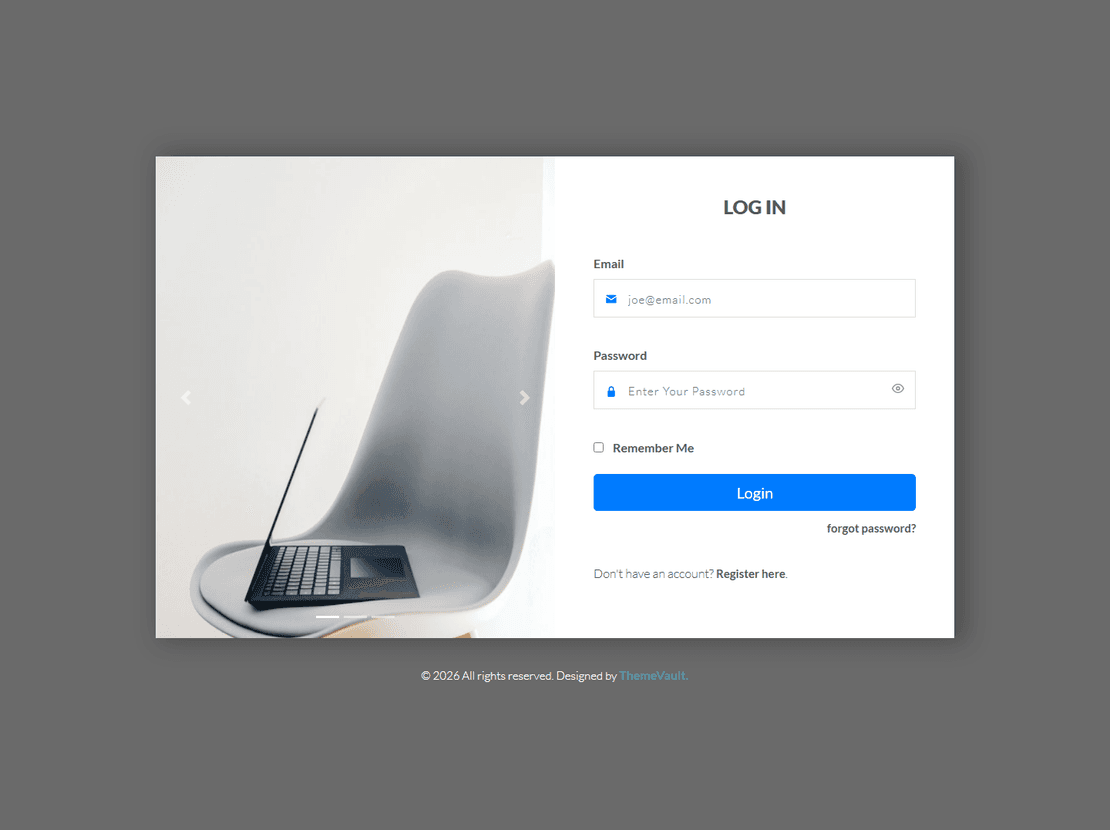
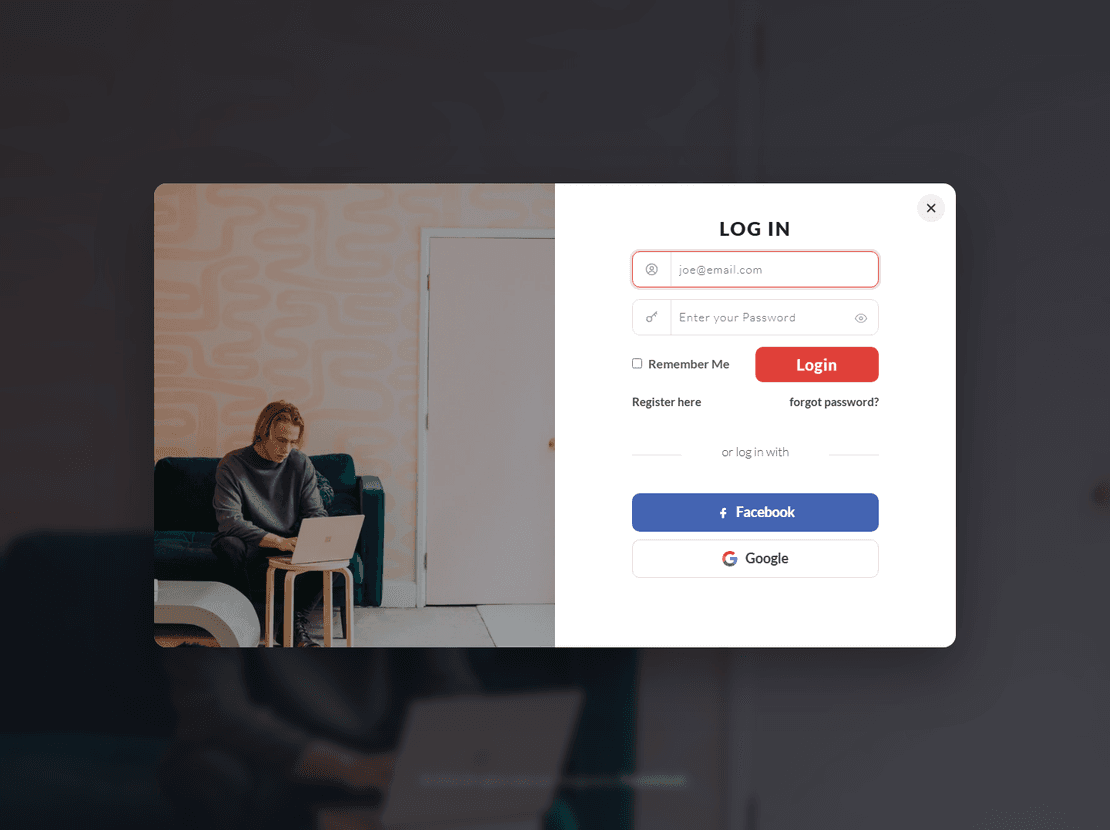
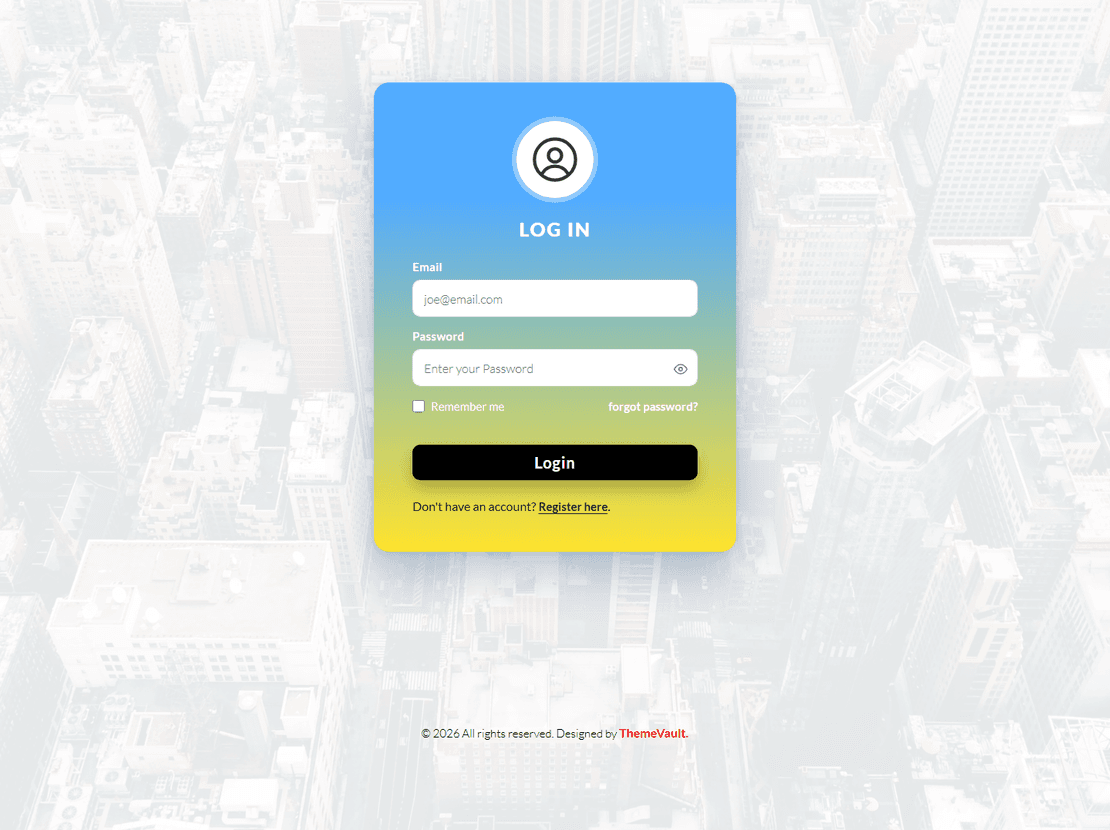
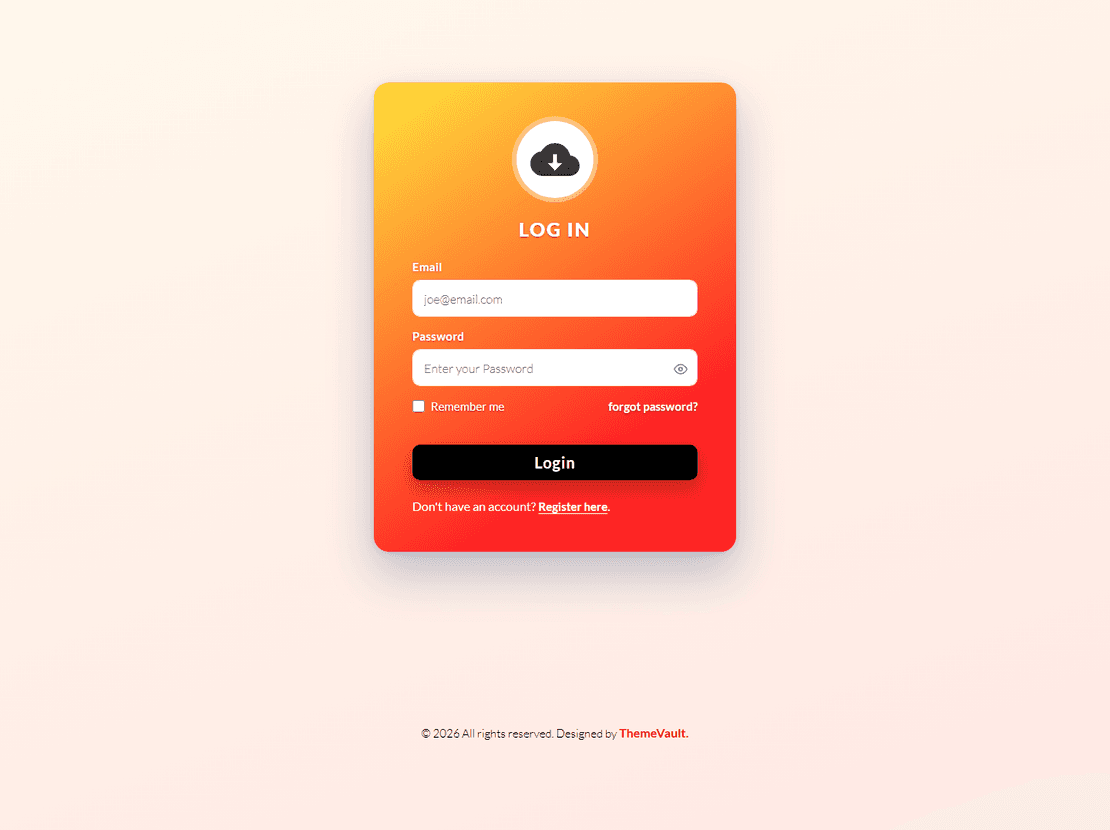
All templatesView Similar Templates
From the blog
View Blog
- Web Development
- November 03, 2026
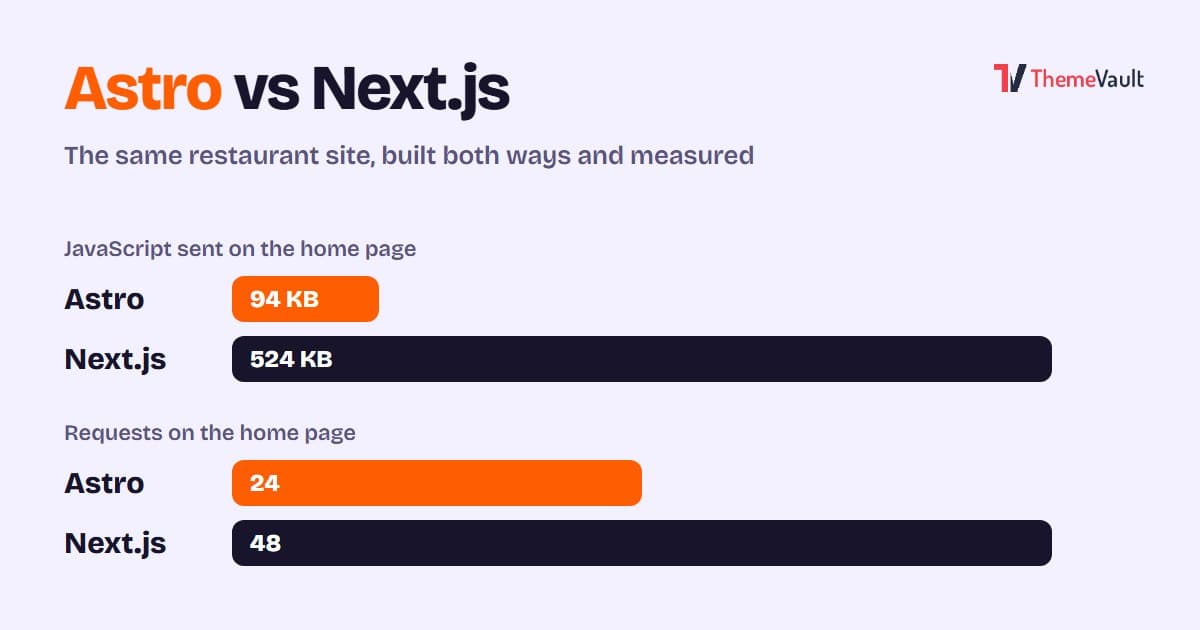
Astro vs Next.js for a Business or Marketing Website (2026)
We built the same restaurant website in Astro and in Next.js with an admin panel, then measured both. Where Astro wins, where Next.js wins, and how to choose.
- Wordpress
- Web Development
- November 03, 2026
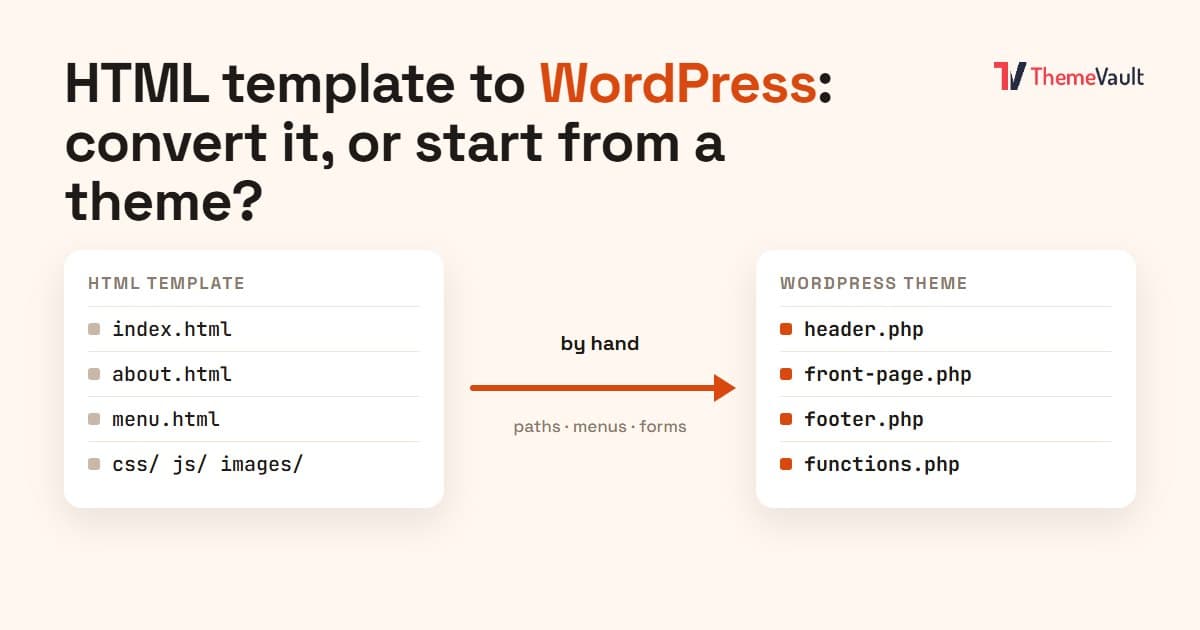
HTML Template to WordPress: Convert It Yourself or Use a WordPress Version?
We turned our Bistrofeast HTML template into a WordPress theme by hand. Every step, the mistakes, how long it took, and when a WordPress version saves you days.
- Wordpress
- Web Development
- November 02, 2026
How to Install an Elementor Template Kit (2026 Guide)
We installed the same kit both ways on a clean WordPress site. Where each kind of kit goes, the steps people miss, and what to do when it looks wrong.