Coming Soon Page
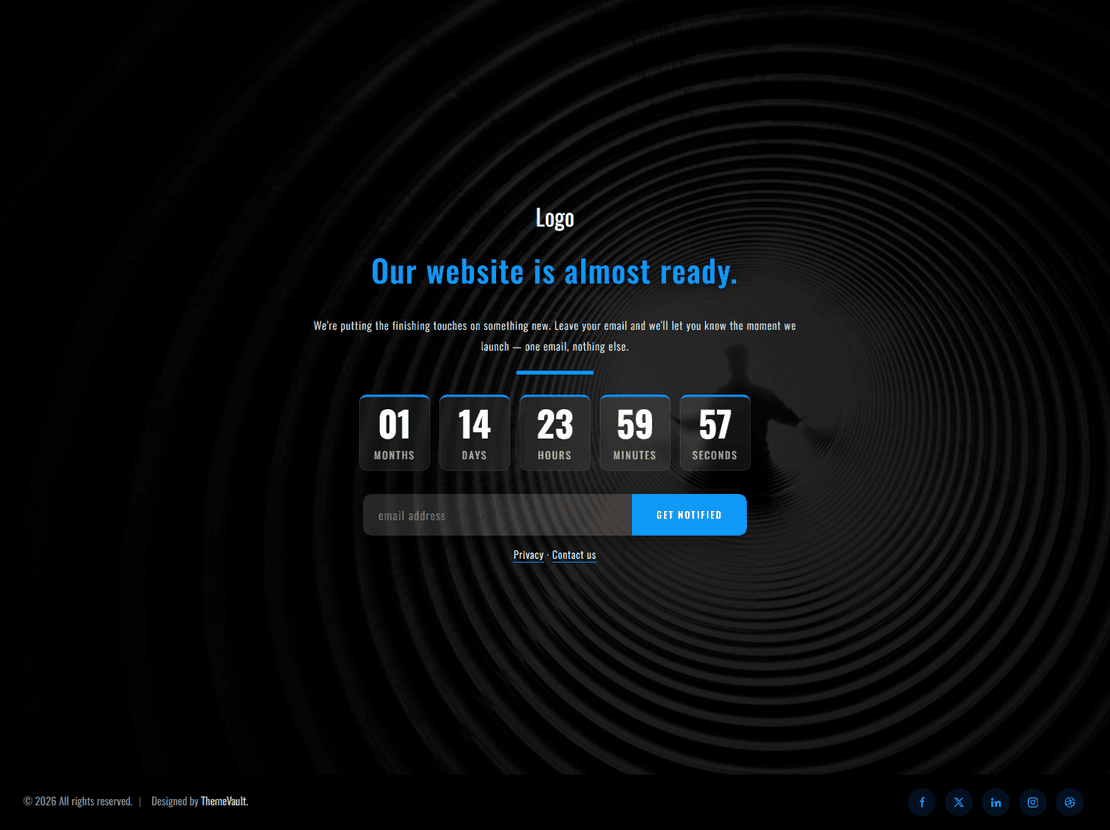
Launching Soon Page
$0.00
Site Elements
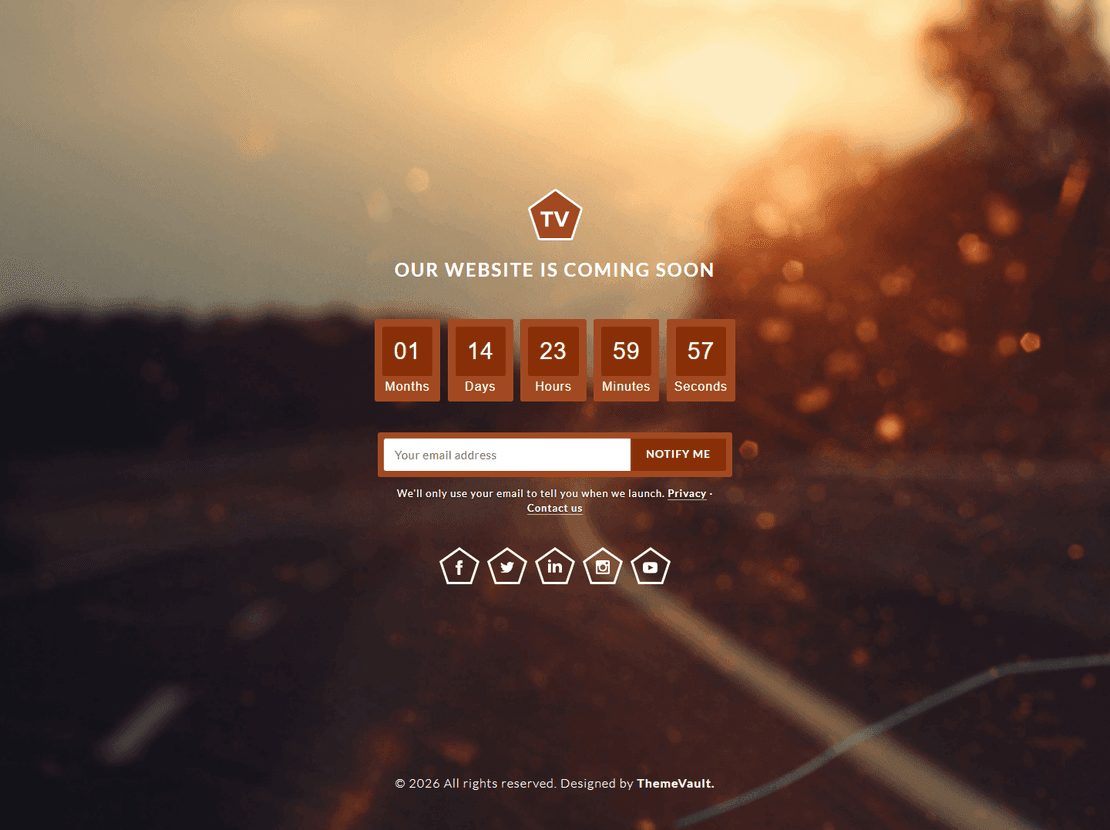
Launching Soon
$0.00
Site Elements
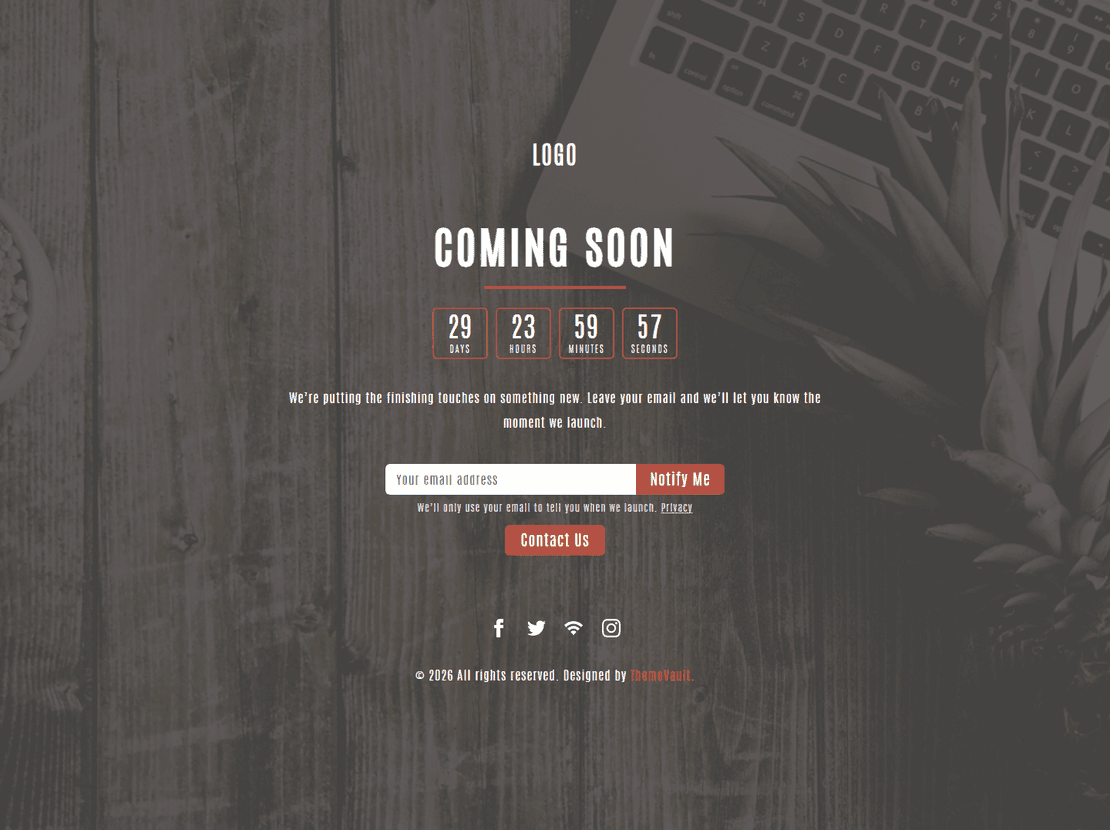
Forthcoming Soon
$0.00
Site Elements
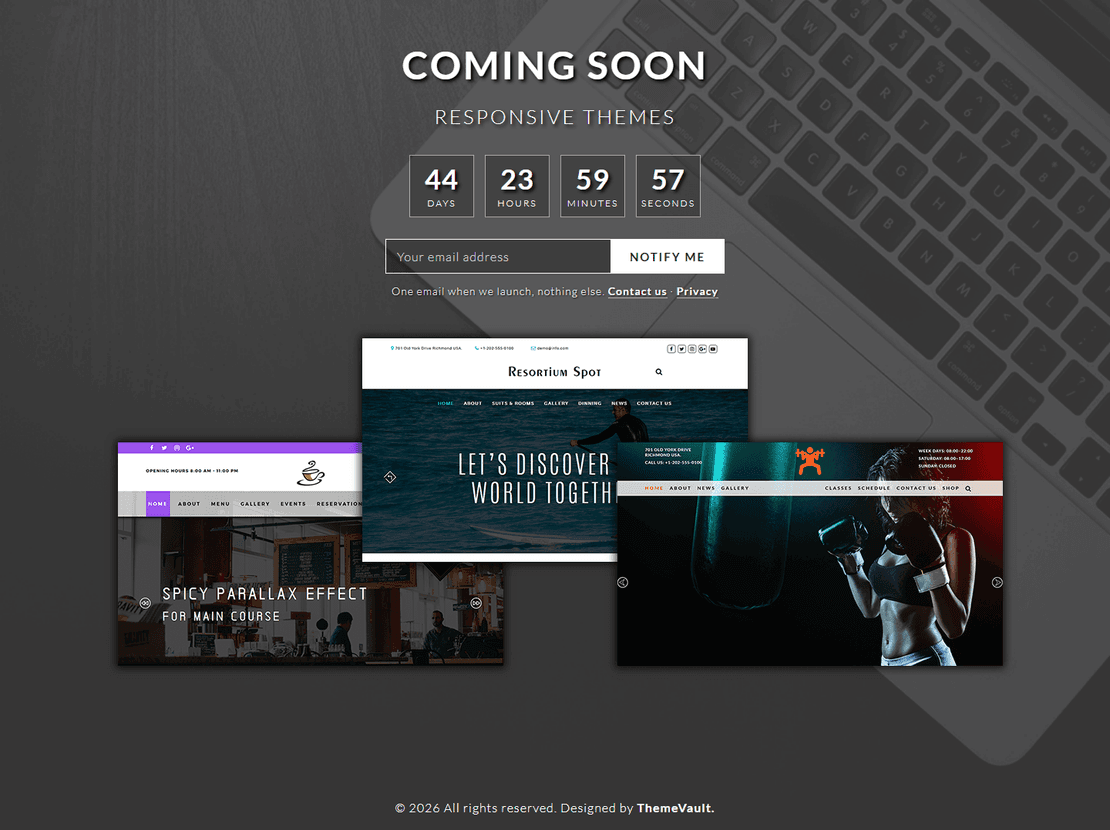
Themes Coming Soon
$0.00
Site Elements
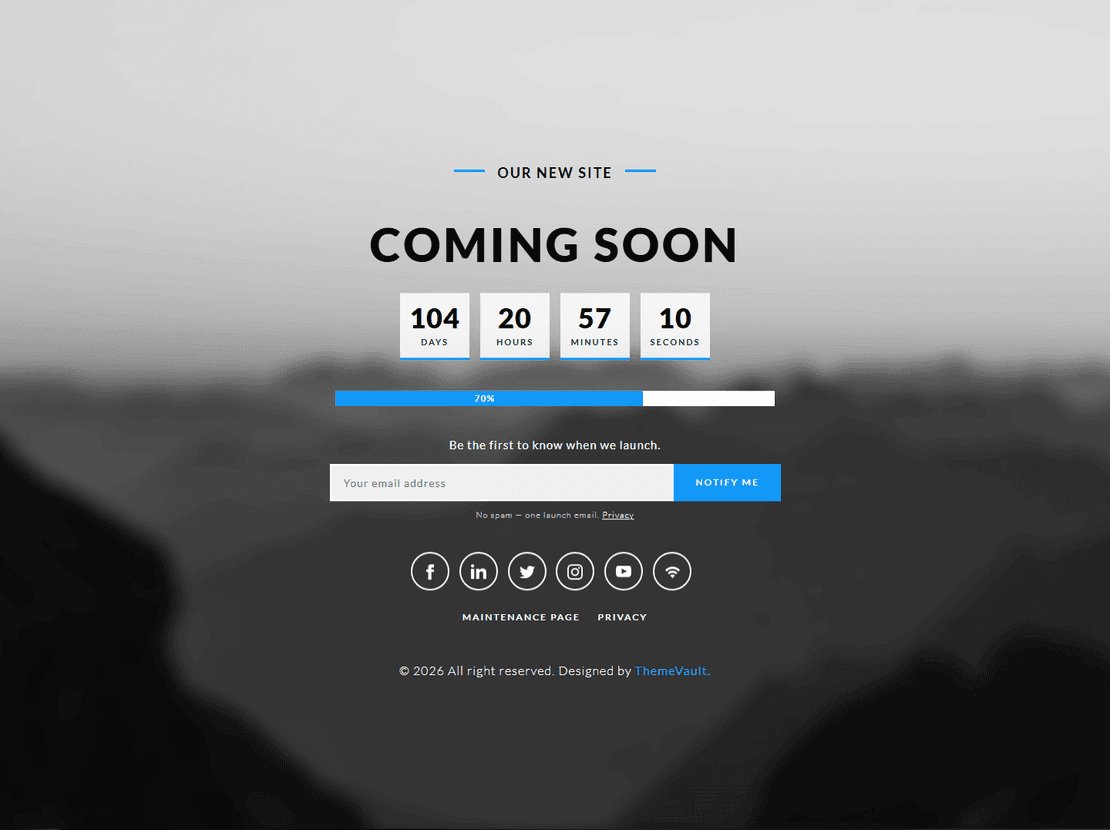
Utmost Coming Soon
$0.00
Site Elements
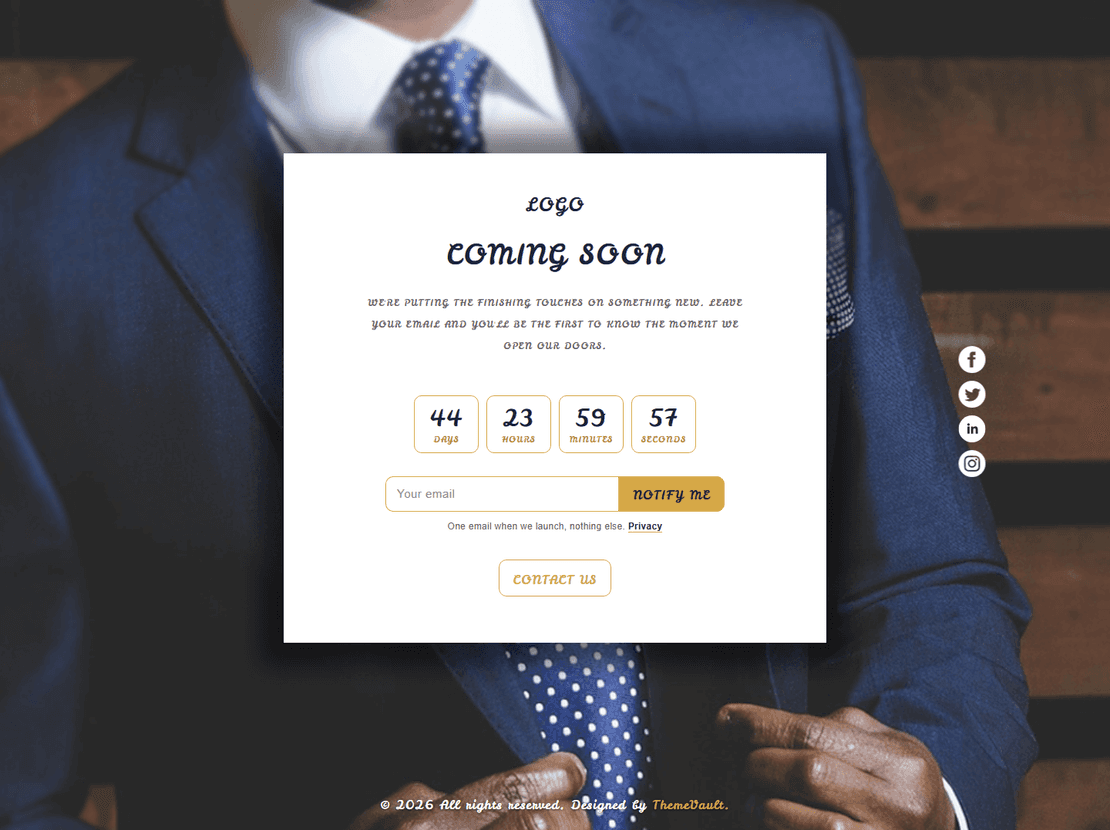
Site Elements
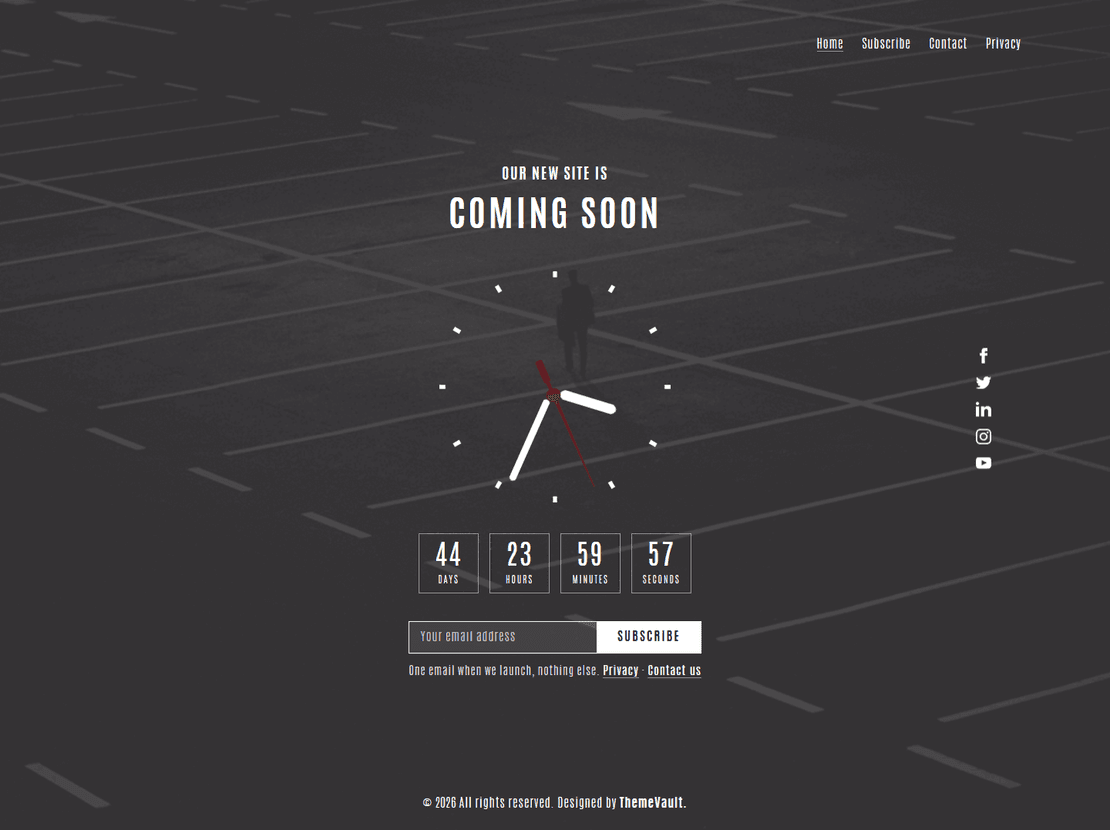
Site Elements
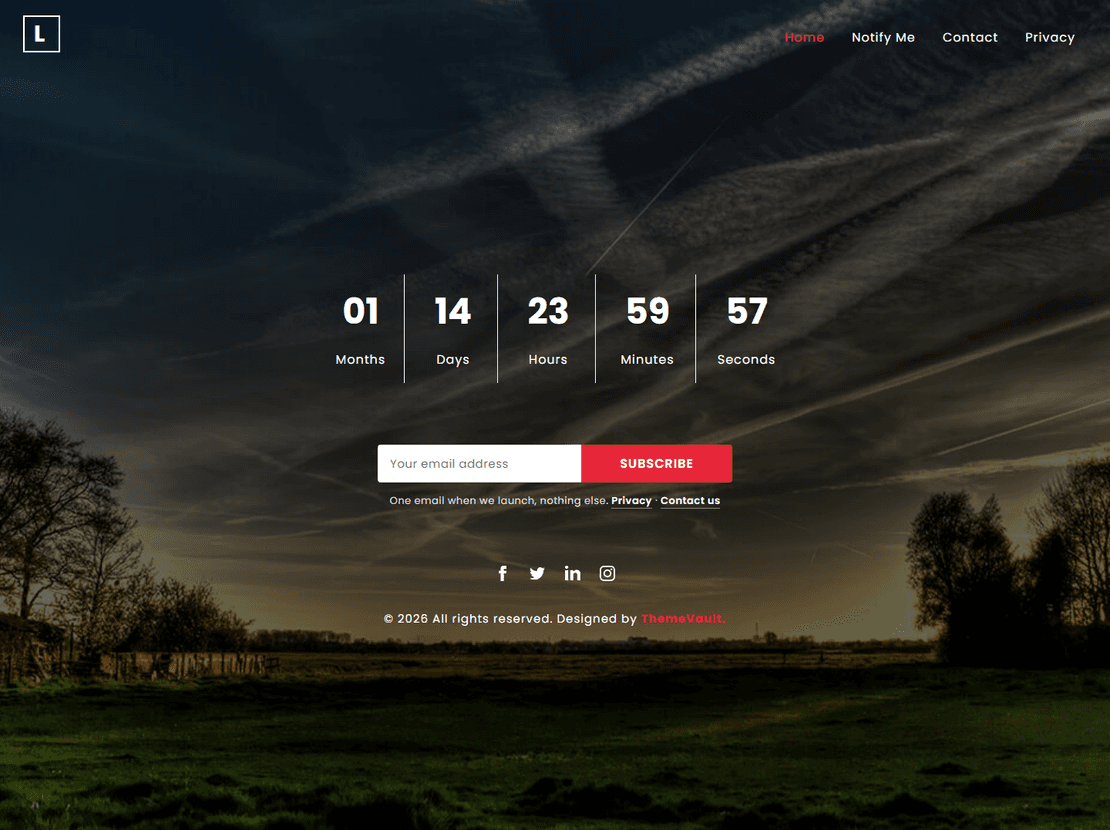
Site Elements
Site Elements
Site Elements
Site Elements
Coming soon page templates with countdown timers
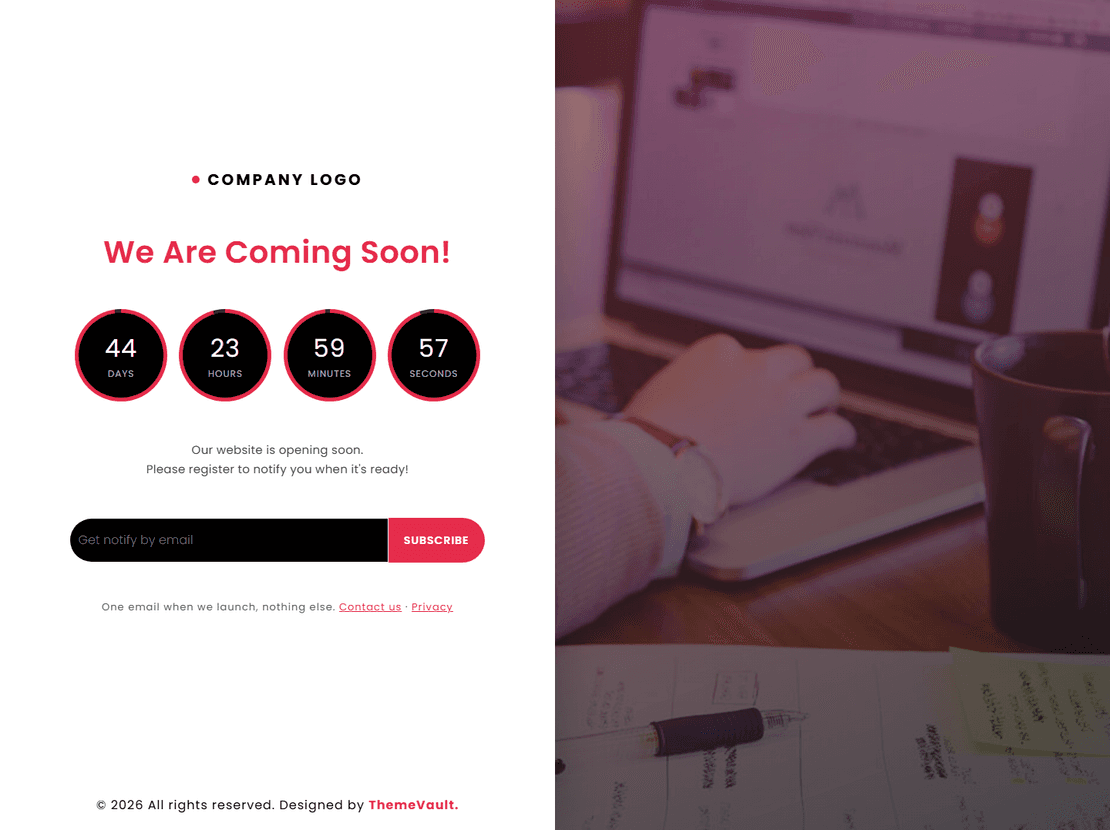
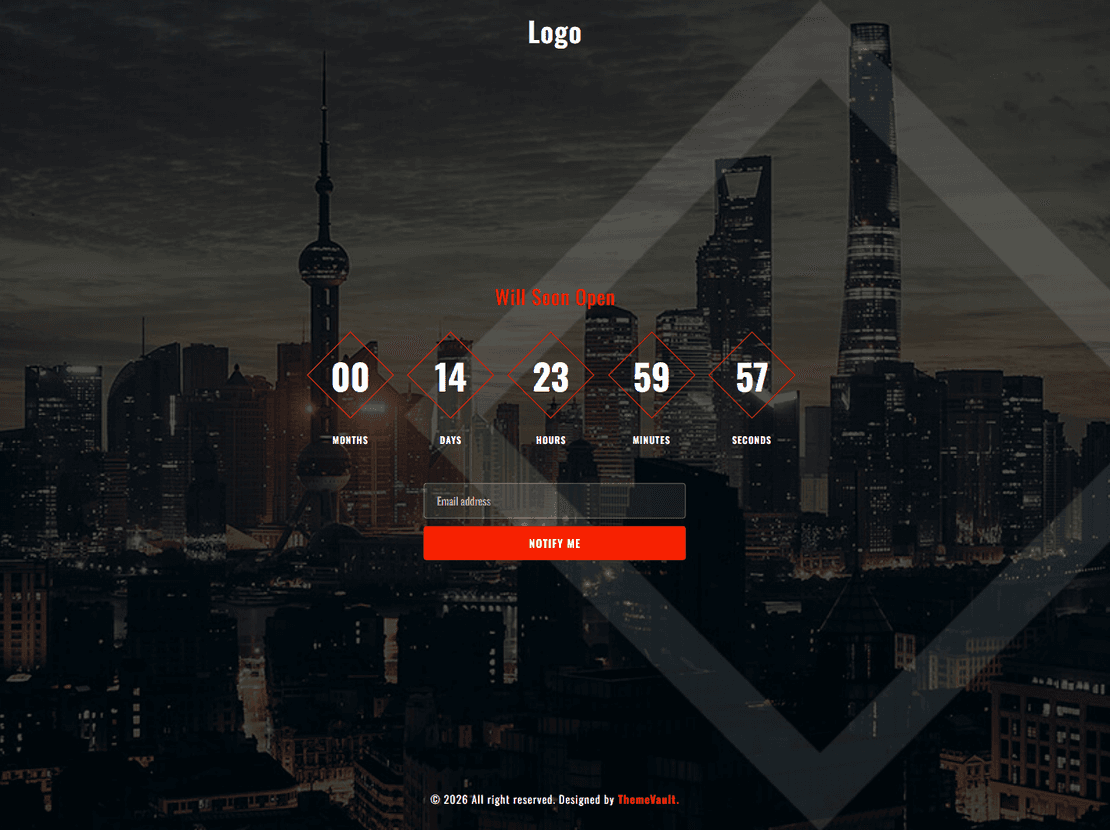
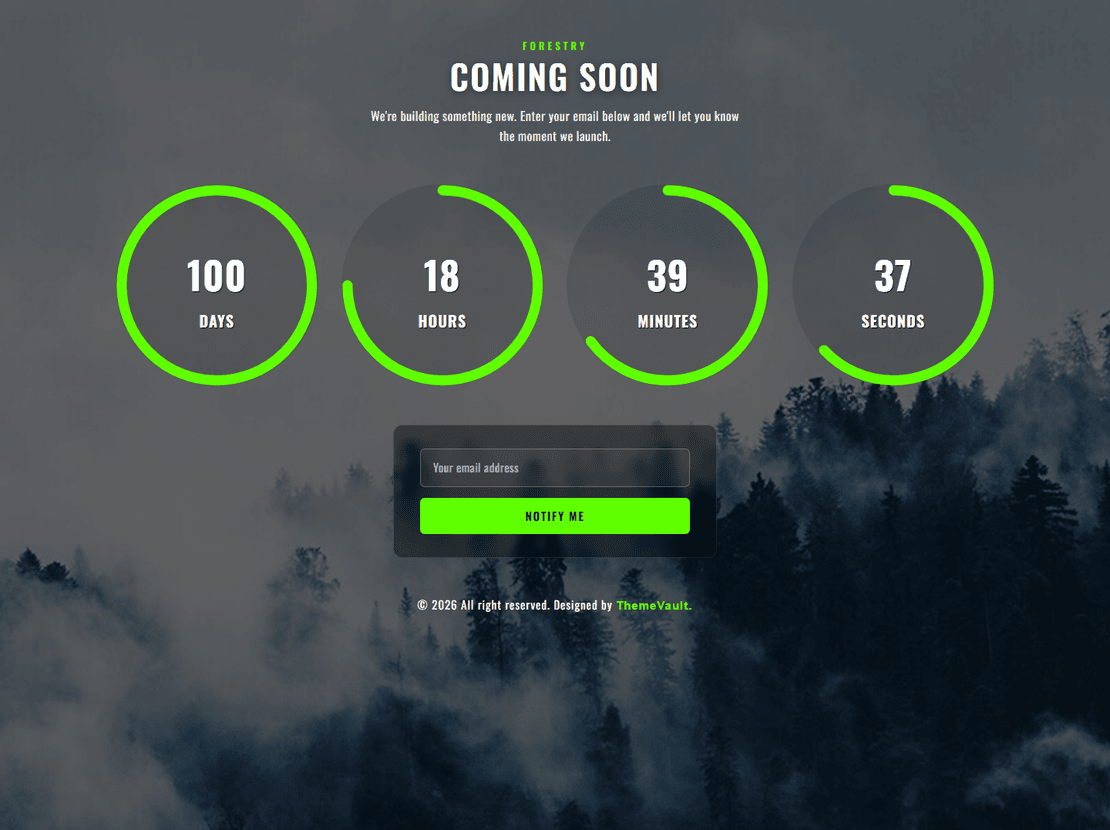
A coming soon page holds your domain while the real site is being built — and, done properly, collects email addresses so you have an audience on launch day. The eleven templates under this tag are single-file HTML widgets: a full-screen background, your logo and headline, a countdown timer, and an email sign-up form, all responsive and ready to upload. Set the launch date in one line of JavaScript, connect the form, and you are done.
Utmost Coming Soon is the most downloaded, with a clean centred layout; Forthcoming Page and Launching Soon are close alternatives. The counter-only designs — Forestry, Cityview and Progressing Countdown — suit an event or a product drop where the timer is the point.
What a coming soon page should do
- Say what is coming and when. One sentence and a date beat a mysterious logo. Every template has a headline and sub-headline slot.
- Capture emails. Each template includes a sign-up form; point it at Mailchimp, Sendy, Brevo or any form service and you start building your list on day one.
- Link to your social profiles. Icons are included; replace the placeholder URLs.
- Load instantly. These are one HTML file plus a background image — keep the image under 300 KB and the page is near-instant on mobile.
Setting the countdown
Open the JavaScript block at the bottom of index.html (or the small js file) and change the target date string to your launch date and time. The timer counts down in the visitor's local time zone. If you would rather not show a timer, delete the countdown block and the page still works as an announcement with a sign-up form.
Search engines and coming soon pages
Do not block the page from Google; let it index so your brand name starts ranking before launch. Give it a real <title> ("YourBrand — launching October 2026") and a meta description. When the full site goes live, the home page simply replaces the coming soon file at the same URL, so any links or shares earned before launch keep working. The matching 404 page and login form widgets use the same style family if you want a consistent set.
Coming Soon Page — frequently asked questions
Are the coming soon templates free?
Yes, all eleven are free widgets. Keep the small ThemeVault credit on the page, or remove it for a one-time fee from the template page.
How do I change the countdown date?
Open index.html (or the included JavaScript file), find the line with the target date, and replace it with your launch date and time. Save and upload — no build step.
Does the email sign-up form store addresses?
The form is HTML only. Set its action to your newsletter service (Mailchimp, Sendy, Brevo, ConvertKit) or a form service such as Formspree and the addresses are collected there.
Can I use a coming soon page on WordPress?
Yes — upload the HTML file to your host and point the domain at it while WordPress is being set up, or paste the markup into a maintenance-mode plugin. It has no WordPress dependencies.
Will a coming soon page hurt my SEO?
No, as long as it is indexable and has a proper title and description. It lets your brand name start ranking early; when the real site launches at the same URL, the history carries over.