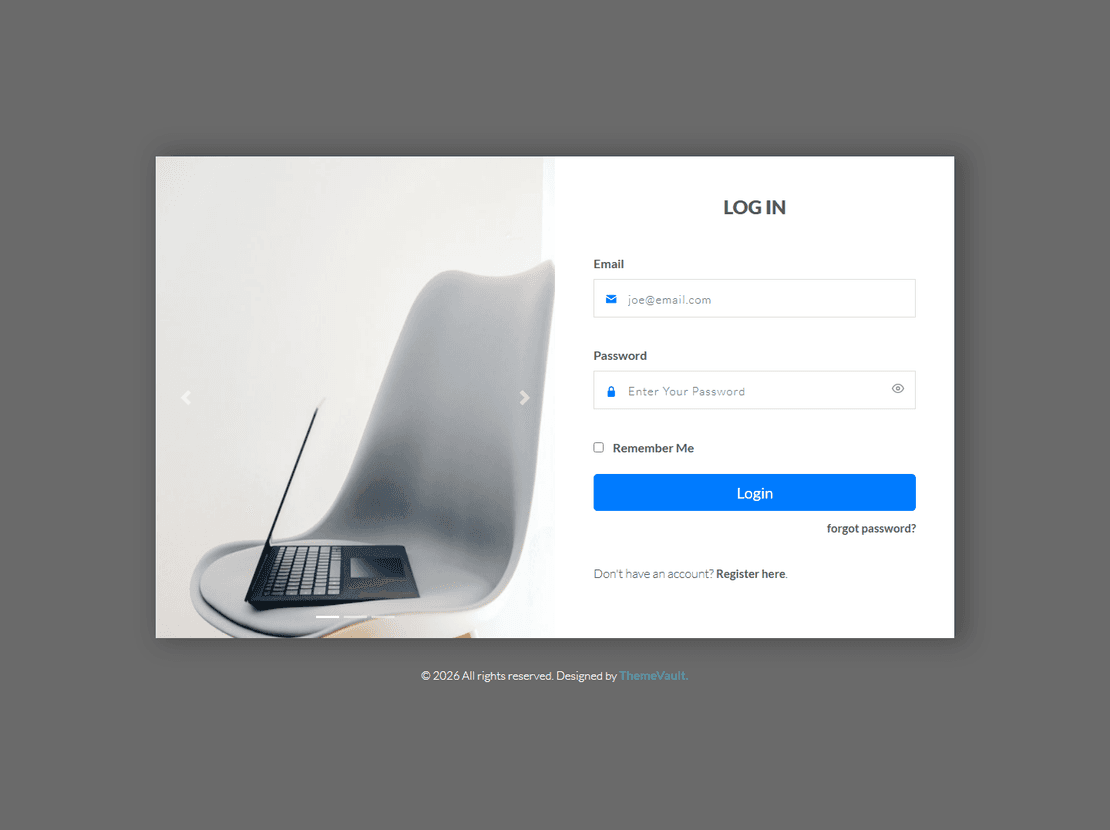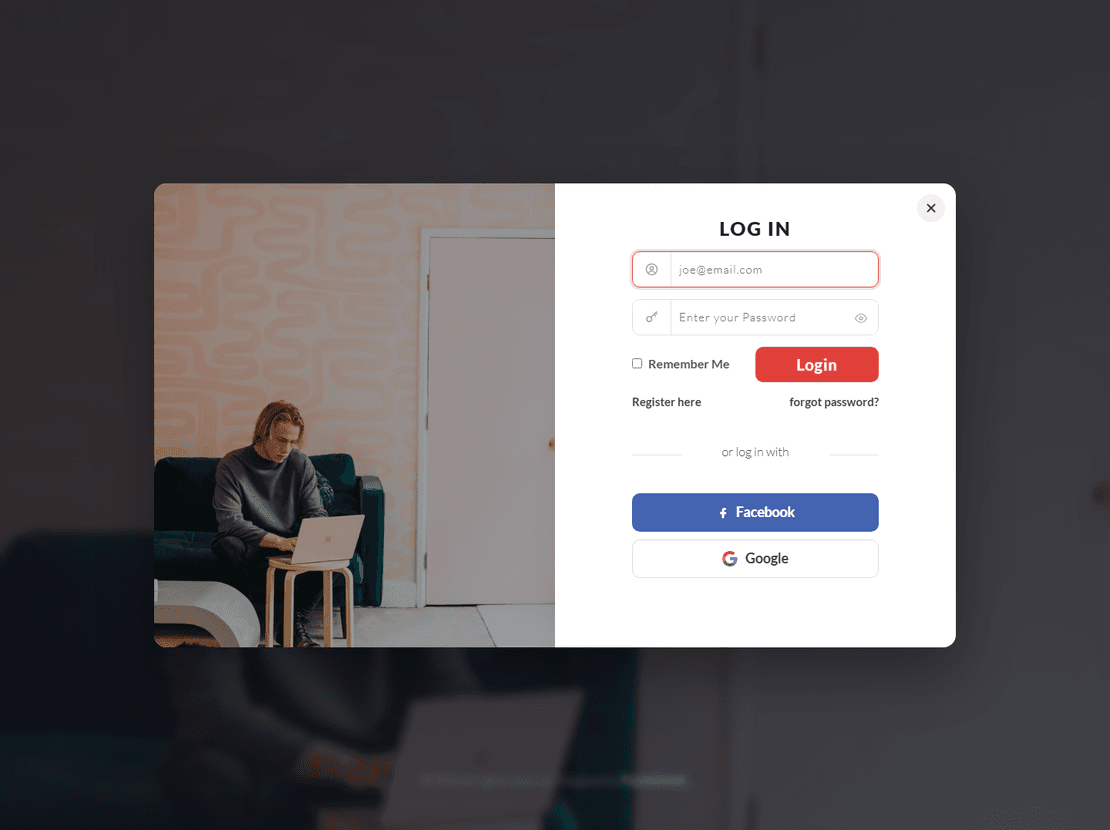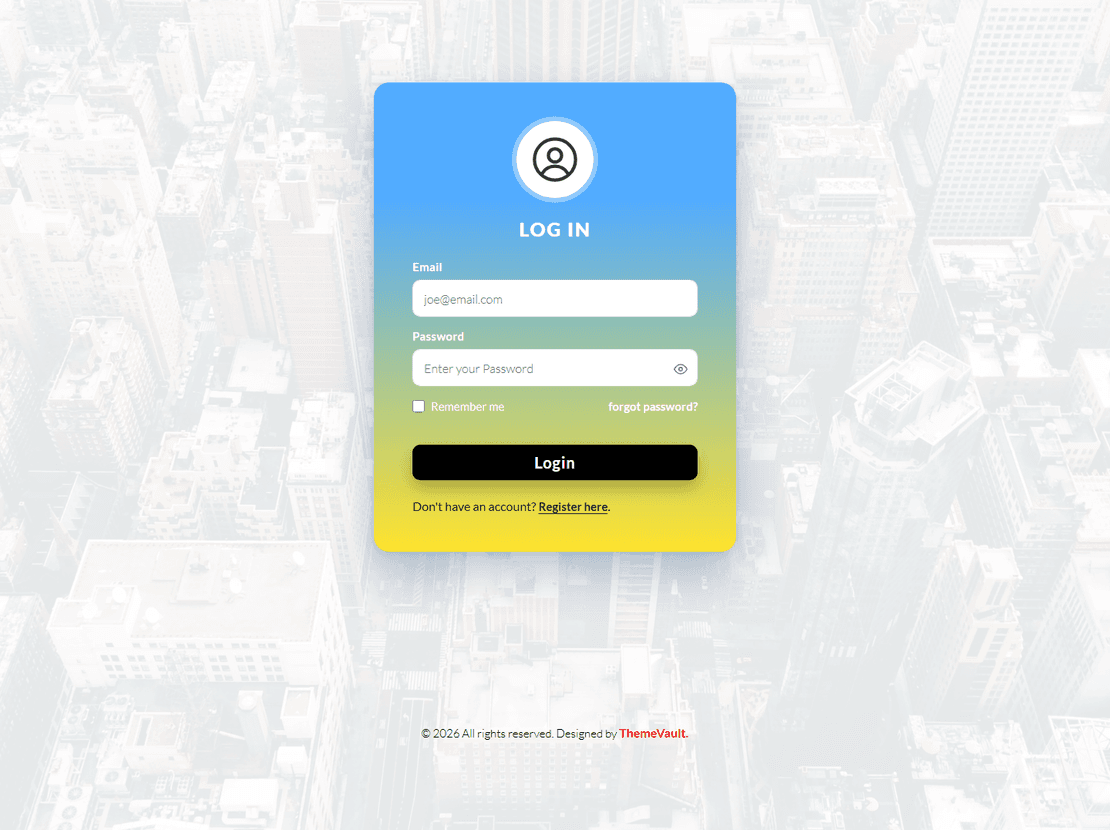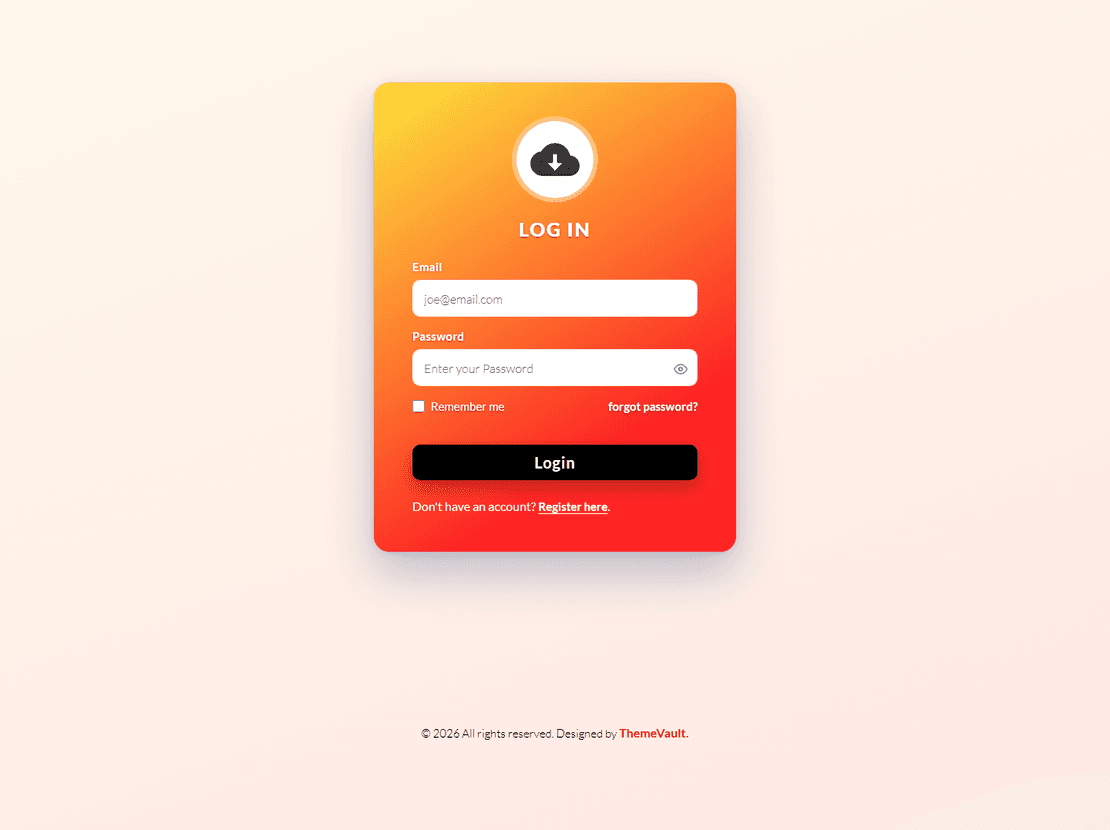
Impressive Login Form Widget Template

  • 🗓 Released Apr 2017
  • v2.0Updated Sep 2026
  • 👁 5,216 views
  • HTMLCSSJSBootstrap 5

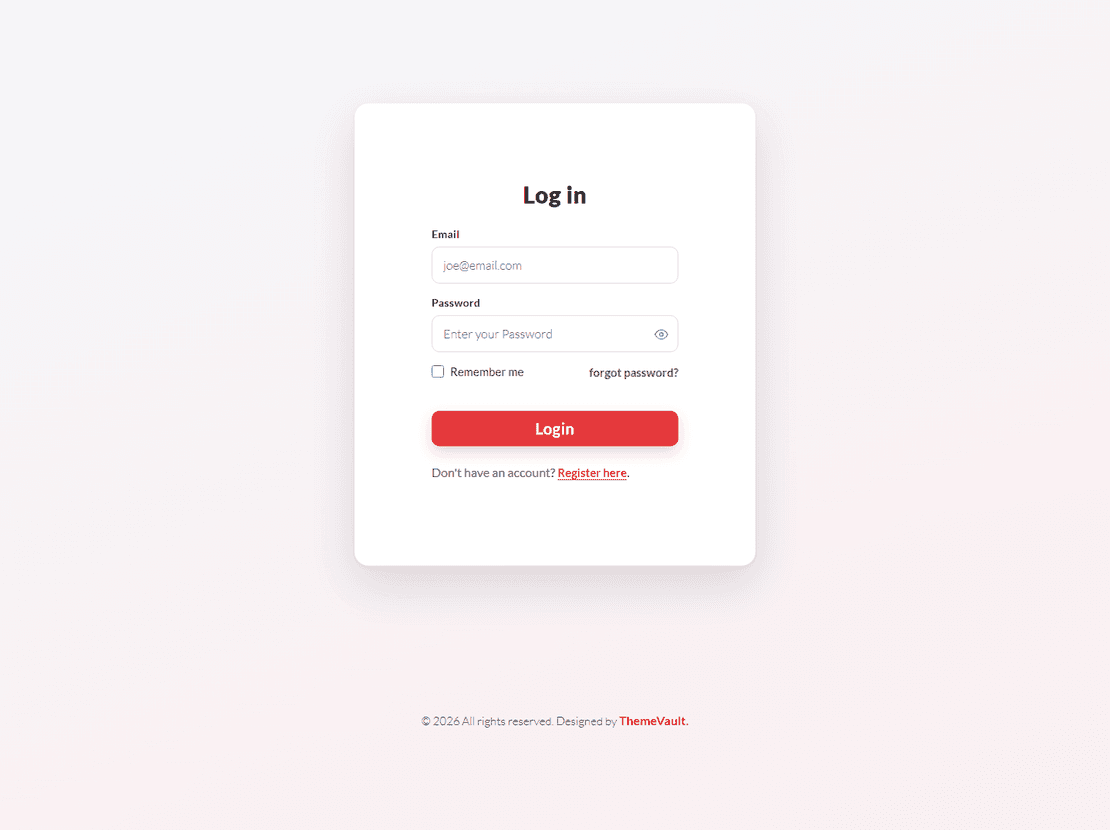
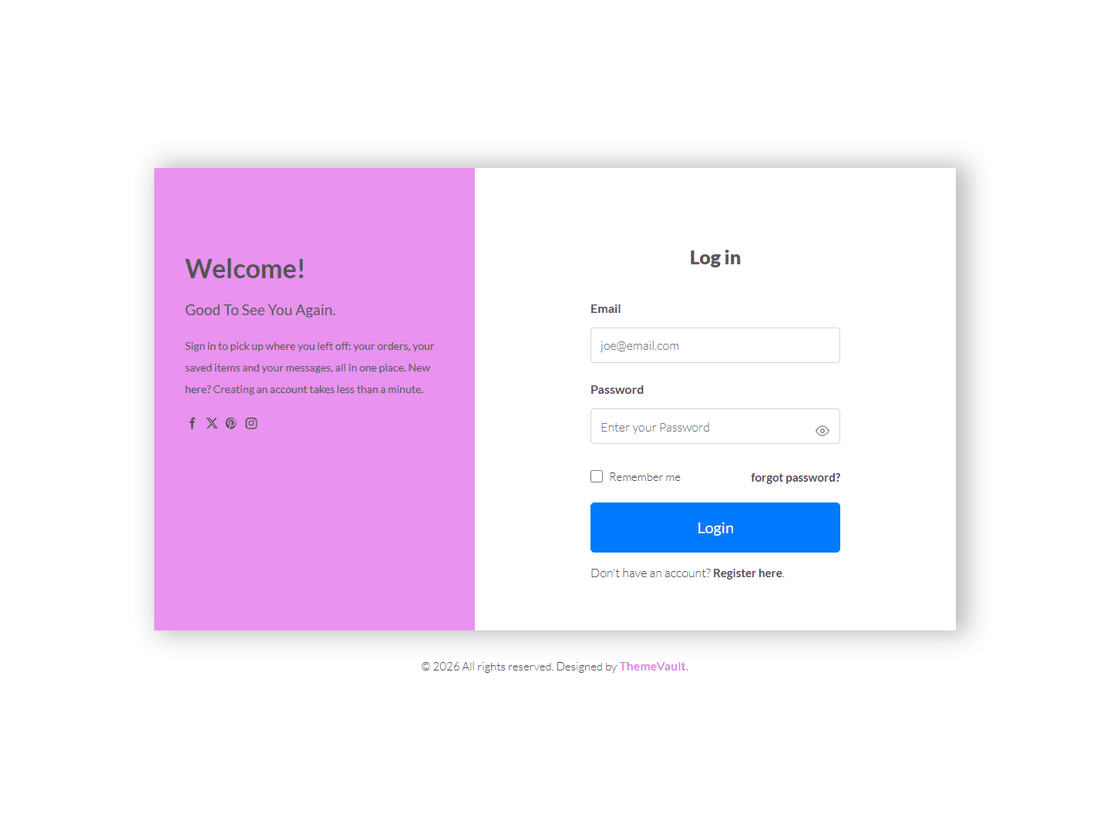
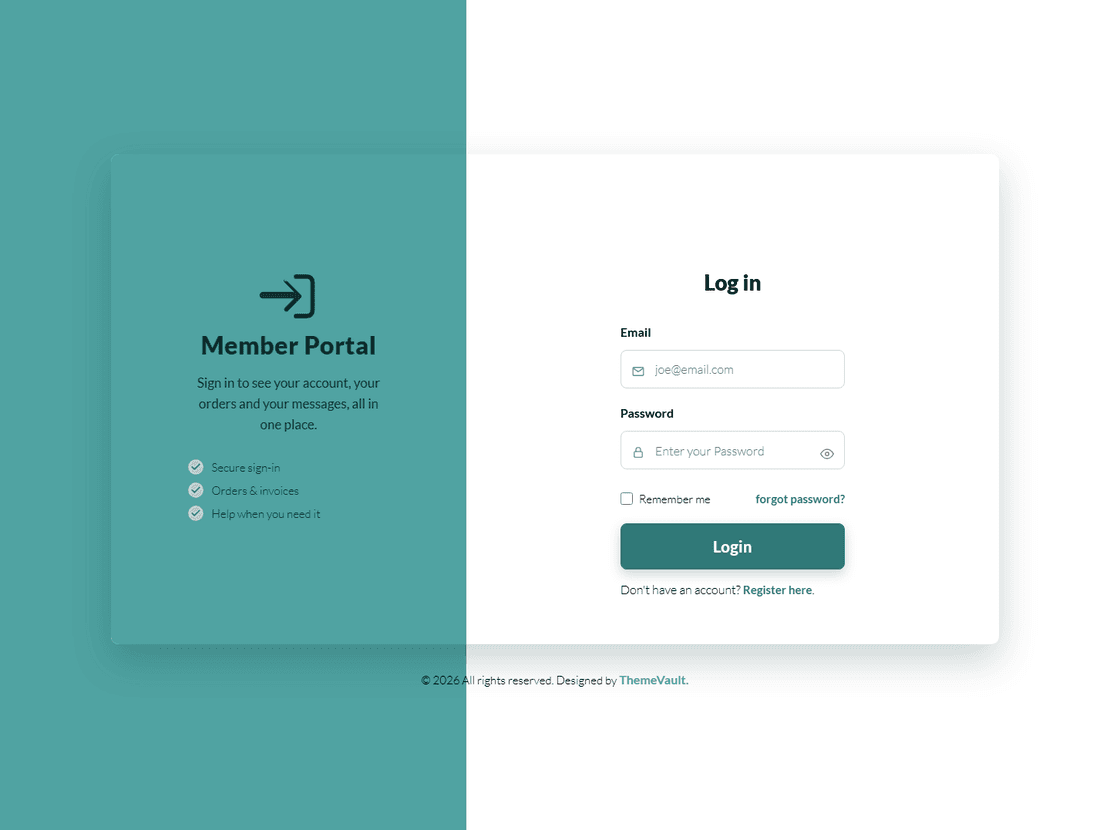
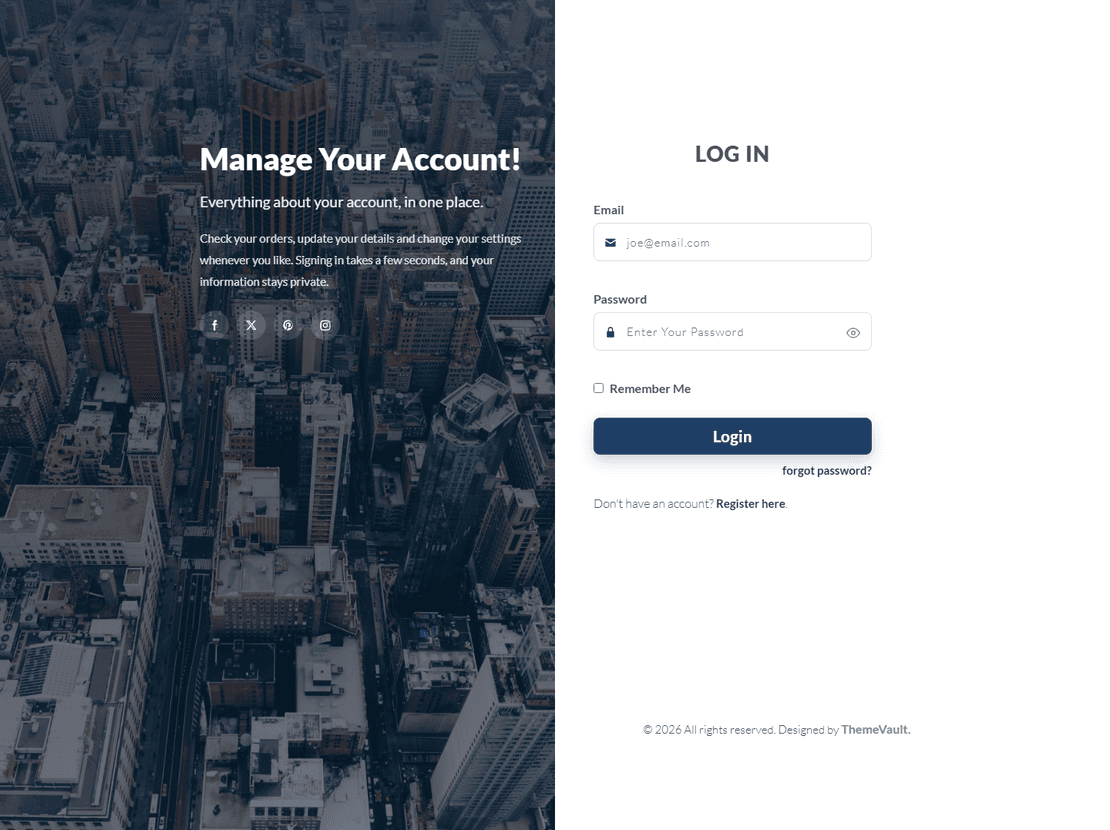
This impressive looking free widget template is built for those who wants no unnecessary or clutter designs on the login page. The page comes with ”SignUp” & “Forgot Password” link in the login form, is also responsive and compatible with all browsers. Entirely built using HTML5 & CSS3 with responsive design.

Version 2.0 adds the two pages the login form links to — a forgot-password page (forgot-password.html) and a sign-up page (sign-up.html) — and a ready-to-send HTML password-reset email (email-password-reset.html) in the same design. The padlock shows and hides the password, every form validates inline, and the fonts are self-hosted.

Features

Template Type:

Free

Compatible Browsers:

Opera, Firefox, Google Chrome

Link hover effetcs:

Yes

Coding:

HTML 5, CSS 3, 1170 Grid System, Bootstrap 5

Forms:

Registration Form, Login Form

Additional Features:

Favicon, Responsive Design, Social Links

Image Sources:

Iconmonstr, Pixabay

What’s new

  1. v2.0Sep 2026
    • forgot-password.html — one email field and a Send Reset Link button, with a short line explaining what happens. Behind the "Forgot Password?" link, which used to go nowhere.
    • sign-up.html — full name, email, password and confirm password in the same stacked field, a terms-of-use checkbox and a Create Account button. Behind the "Sign Up" link, which used to go nowhere.
    • email-password-reset.html — the email the forgot-password page promises: the photograph and logo on top, a Reset my password button, the plain link underneath, "didn't ask for this?" and the footer. Table based and inline styled so it renders in Gmail, Outlook and Apple Mail; {{name}}, {{reset_url}} and {{email}} are the mailer's placeholders. A how-to-use note is at the top of the file.
    • Show / hide password: the padlock in each password field is a button now — click it to reveal what you typed (the padlock swings open), click again to hide it.
    • Inline validation on all three forms: a required field left empty, an email that is not one, a password under six characters, two passwords that do not match, the terms box left unticked — each gets a message right under the field, and the first bad field gets the focus. Every field has a label (visually hidden, the placeholder is the design), a name, a type and the right autocomplete hint.
    • The forms ship in demo mode (data-demo): a valid submit shows a success line instead of posting. Remove the attribute and set action to your endpoint; the validation still runs and only a valid form is sent.
    • The Facebook and Google buttons go to the two sign-in pages instead of "#"; the copyright link opens in a new tab.
    • Bootstrap 3.3.7 → Bootstrap 5.3 (CSS only — this widget needs none of the JavaScript components). No jQuery, one dependency-free js/main.js.
    • PT Sans self-hosted in four cuts as woff2 (version 1 fetched it from Google Fonts). Nothing is loaded from a third party.
    • The 3.3 MB background PNG is a 35 KB JPEG of the same pixels; the page loads in a fraction of the time on a phone.
    • css/bs3-compat.css: the Bootstrap 3 behaviours this design relies on (14px base type, the 1170 container, link colour) restored on top of Bootstrap 5. Safe to trim.
    • The logo is the page's one heading (h1); a title and meta description per page; favicon; lang="en"; no inline styles.

Already downloaded this template? Your My Downloads page always serves the latest version — re-download free.


Reviews

No reviews yet — be the first to review this template.

View Similar Templates

Free
Free
Free
Free
Free
Free
Free
Free
Free

View Blog

Impressive Login

Free+ footer credit link

⬇ Free Download

Subscribe To Our Newsletter

Join our mailing list to receive the latest news and updates from our team.