
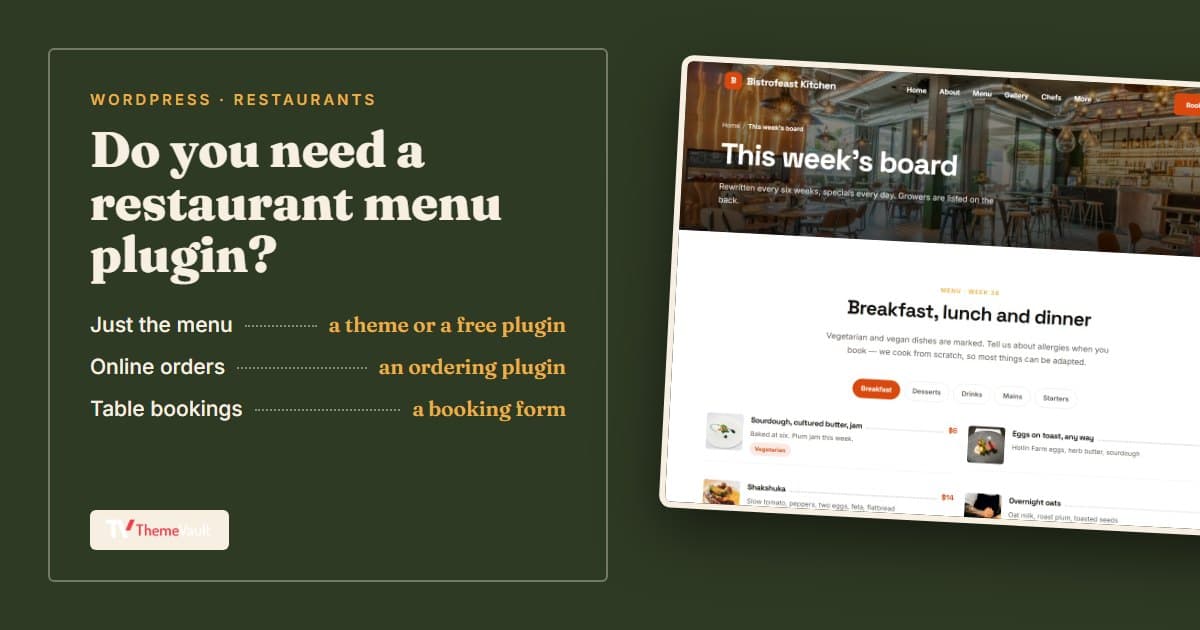
If you run a restaurant or a café on WordPress, sooner or later someone asks why the menu on the website is a PDF from last spring. So you search for a restaurant menu plugin, and a search for and WordPress.org alone lists more than six hundred of them,ldquo;restaurant menuand WordPress.org alone lists more than six hundred of them,rdquo; on WordPress.org alone returns more than six hundred plugins, most of the top results written by companies selling one. Each of them will tell you that theirs is the one you need.
I make restaurant themes, not menu plugins, so I don’t have a horse in this race. That’s the reason I wanted to write this. On 17 November 2026 I went through the main restaurant menu and ordering plugins on WordPress.org one by one: how many sites use each, how they’re rated, when they were last updated, and what the free version really does compared with the paid one. Then I put it next to what our own restaurant themes already do without any plugin. The honest answer to “which menu plugin should I use?” starts with a different question.
First, do you need a menu plugin at all?
When people say “menu plugin” they usually mean one of three quite different jobs, and the right tool depends on which one is yours.
| What you want | What does the job | Cost |
|---|---|---|
| Your menu on the site, with prices you can change yourself in a minute | A free display plugin, or a restaurant theme with the menu built in | Free, or the price of the theme |
| Customers ordering food from the menu, for pickup or delivery | An online ordering plugin (often on top of WooCommerce) | Free to start; extras such as delivery zones or kitchen screens are usually paid |
| Guests booking a table | A booking form (some themes have one) or a reservations plugin | Free for a simple form |
Most small restaurants are in the first row. They don’t want to run a delivery business through their website (that’s what the delivery apps are for, at least for now). They want the menu to be right, readable on a phone, and easy to update when the chef changes the specials. If that’s you, the rest of this post will save you from installing a full ordering system you’ll never switch on.
What a good restaurant menu on WordPress does
Whichever route you take, these are the things worth checking before you commit:
- You can change a price or add a dish from wp-admin without touching a page builder or a PDF.
- Dishes are grouped into courses or sections (starters, mains, drinks) and you can reorder them.
- There’s a way to mark vegetarian, vegan or spicy dishes, and ideally allergens.
- It reads well on a phone, because that’s where most people look at a menu, often standing outside your door.
- The menu is real text on the page, not an image or a PDF. Google can read text, and so can screen readers. A photo of your paper menu is invisible to both.
- It keeps working if you change your theme later. A menu stored by a plugin survives a theme change; a menu typed into one theme’s page layout often doesn’t.
Free restaurant menu plugins worth trying
Here are the plugins I’d look at first. The numbers come from each plugin’s WordPress.org page on 17 November 2026. “Installs” is WordPress.org’s rounded count of active sites, and none of the links below are affiliate links.
| Plugin | Best for | Active installs | Rating | Last updated |
|---|---|---|---|---|
| Five Star Restaurant Menu | A free display menu with a QR code | 5,000+ | 4.6 (107) | 22 Oct 2026 |
| Food Menu (RadiusTheme) | A menu now, WooCommerce ordering later | 2,000+ | 5.0 (24) | 11 Nov 2026 |
| Restaurant Menu (MotoPress) | A menu with simple ordering, no WooCommerce | 2,000+ | 4.5 (15) | 23 Sep 2026 |
| Stylish Price List | Any price list, not only food | 3,000+ | 4.7 (117) | 6 Nov 2026 |
Five Star Restaurant Menu is the one I’d try first if all you want is the menu. You add items with a photo and a price, group them into sections, and publish the menu with a block or a shortcode. Two things stood out on its page. It adds menu structured data for you, so Google can recognise the page as a menu, and it can generate a QR code that opens your online menu, which is handy for table cards. Its description lists dietary icons, but its own FAQ says the full set of dietary icons comes with the premium version, so expect basic badges in the free one. Food ordering is part of its paid “Ultimate” version.
Food Menu by RadiusTheme works as a plain menu with no WooCommerce needed, and its page says you can switch the menu’s data source to WooCommerce later when you’re ready to take orders. That’s a sensible path if you think you might want ordering one day but not yet. The rating is excellent, but it’s based on only 24 reviews so far.
MotoPress Restaurant Menu is the small one that does both: a menu, plus a basic cart with PayPal and cash on delivery included free, without WooCommerce. Delivery and some other features are paid add-ons. With 15 ratings, there’s less feedback to go on than for the others.
Stylish Price List isn’t a restaurant plugin as such. It builds good-looking price lists of any kind, so it suits a café that also sells beans or a bar with a short drinks list. “QR code” is in its title, but its description doesn’t explain the QR feature, so check that it does what you need before relying on it.
All four are tested with the current WordPress (7.1) and were updated within the last two months, which matters more than any feature list. A plugin that hasn’t been updated for a year is a plugin you’ll be replacing in a hurry one day.
When you want online ordering instead
Online ordering is a different job from showing a menu. You need a cart, a checkout, payments, opening hours for orders, delivery or pickup slots, and some way for the kitchen to see new orders the moment they arrive. A menu plugin with an “order” button bolted on won’t carry that for long, so if ordering is the point, choose an ordering plugin from the start.
| Plugin | Needs WooCommerce? | Active installs | Rating | Last updated |
|---|---|---|---|---|
| WPCafe | Yes, for ordering | 5,000+ | 4.6 (115) | 14 Nov 2026 |
| Orderable | Yes (it installs it for you) | 5,000+ | 4.6 (40) | 8 May 2026 |
| RestroPress | No | 1,000+ | 4.4 (102) | 11 Nov 2026 |
| WPPizza | No, it has its own checkout | 900+ | 5.0 (55) | 9 Jun 2026 |
WPCafe tries to be the whole restaurant in one plugin: the menu, ordering through WooCommerce with delivery and pickup times, and table reservations with email notifications. If you want all three and you’re happy running WooCommerce, it’s the obvious one to test. Some features, such as QR table ordering, are listed under its Pro version.
Orderable is built around WooCommerce and focuses on the ordering itself: a quick product layout, a floating cart instead of the standard WooCommerce checkout pages, and any payment method WooCommerce supports. The core plugin is free; scheduling and some other extras are Pro. One thing to note: at the time of writing it’s tested up to WordPress 6.9, not the current 7.1, and was last updated in May.
RestroPress goes the other way and avoids WooCommerce entirely. Its page says orders are unlimited and free, and the free menu editor includes dietary labels and the 14 standard allergens, with a filter that lets guests hide dishes containing them. That’s the best allergen handling I found in a free plugin. It also prints a QR code for your menu.
WPPizza has been around for years and is aimed squarely at pizza and takeaway shops, with its own checkout and cash on delivery. It’s a smaller project, but a well-rated one.
A word on costs, because the free versions are genuinely free but rarely the whole story. Card payments mean a payment provider’s fees on every order. Delivery zones, time slots, kitchen screens and printer support are often in the paid tiers, and none of the plugin pages I read state their Pro price, so check the vendor’s site before you plan around a feature. Even so, the sums usually beat a delivery app’s commission if you get a steady number of direct orders.
One I’d steer clear of for a new site: the GloriaFood plugin (“Restaurant Menu & Food Ordering System & Table Reservation”) still shows 7,000+ installs, but it was last updated in April 2025 and is only tested up to WordPress 6.6.
Or use a restaurant theme with the menu built in
This is the option most comparison posts leave out, usually because the people writing them sell plugins. If you’re in the first row of that table at the top (you just want your menu on the site and easy to update), a restaurant theme that stores the menu in WordPress may be all you need. You get the menu, the design around it and often a booking form, in one install.
Here’s how that works in our Bistrofeast WordPress theme. After the one-click demo import, wp-admin has a Menu items section. Each dish is a post with a title, a short description, a photo and a small “Dish details” box.
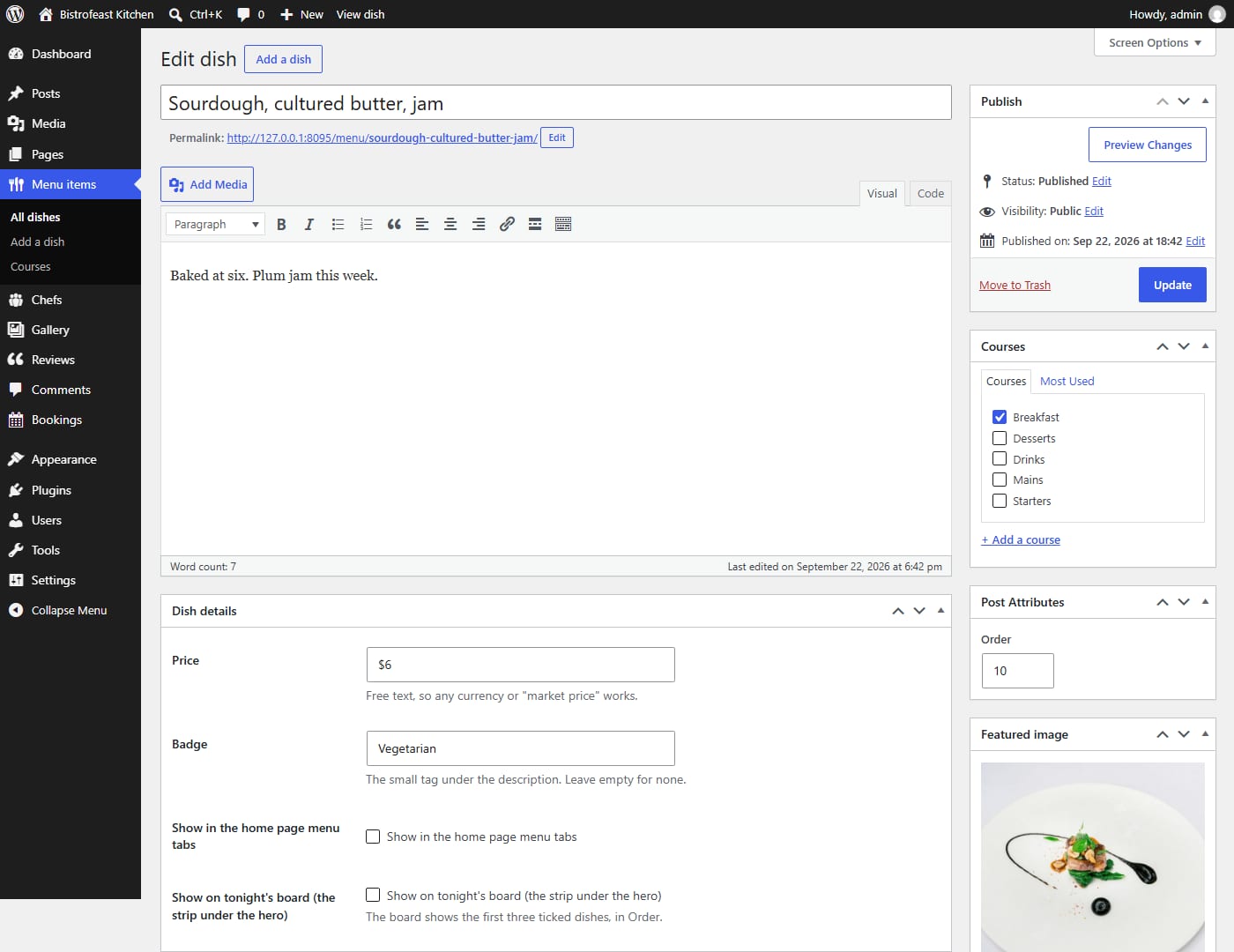
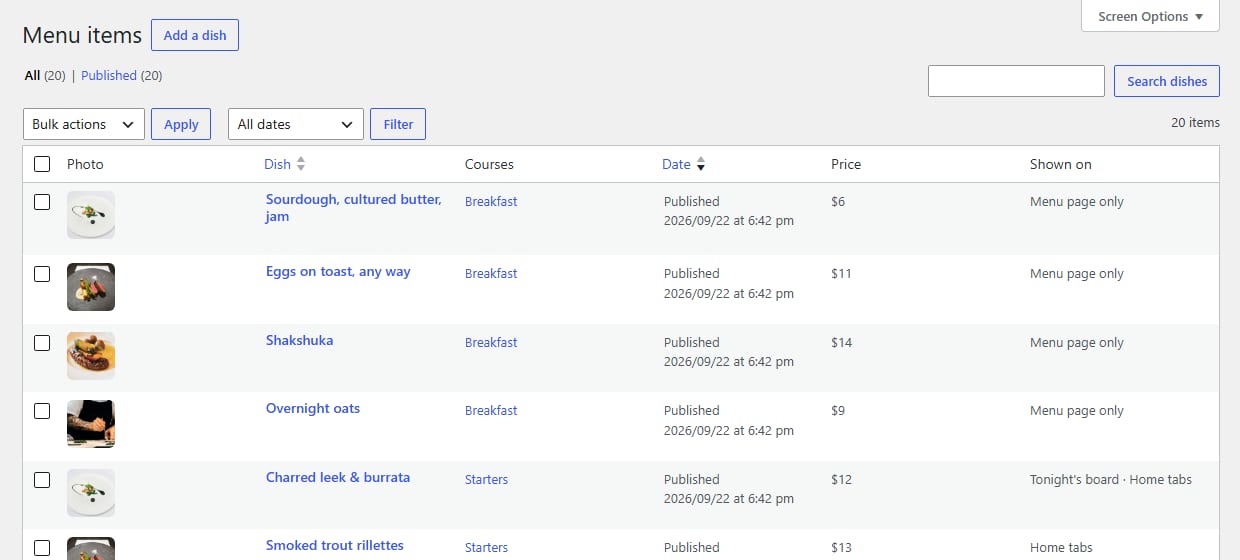
The price is a plain text field, so “$12”, “€9,50” or “market price” all work. The badge is a short tag shown under the description, which is where “Vegetarian”, “Vegan” or “Spicy” goes. Courses work like categories: tick Starters or Mains, and the menu page builds a tab for every course you create. Two tick boxes decide whether a dish also appears in the home page menu tabs and on “tonight’s board”, the strip of three specials under the hero, so changing tonight’s specials means unticking one dish and ticking another.
On the site, the menu page shows every dish grouped into course tabs, as normal text on the page with the prices next to it:
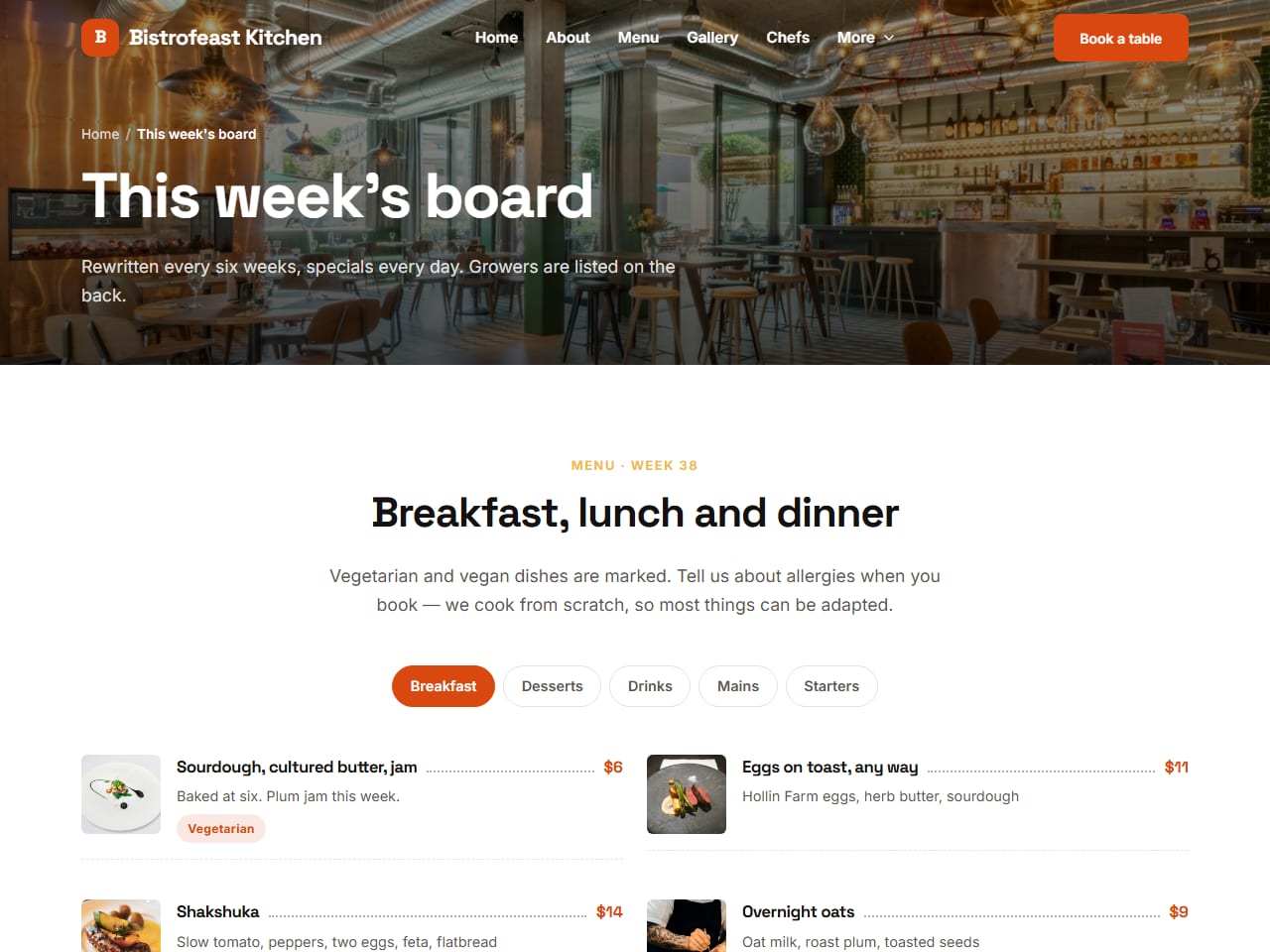
Because the dishes are stored by the theme’s companion plugin rather than the theme itself, your menu stays in WordPress if you ever switch themes. Table bookings are handled too: the “Book a table” form saves every booking in wp-admin, with the date, time, number of guests and contact details, and emails both you and the guest.
Our FoodFries WordPress theme does the same job in a simpler way. Dishes have a price and an optional old price shown struck through (useful for a lunch deal), courses become the tabs, and the reservation form emails you each booking. If you’d rather use a booking plugin, you can paste its shortcode into the theme settings and it replaces the built-in form.
To be fair about the limits: neither theme does online ordering, and neither adds menu structured data the way Five Star Restaurant Menu does. Allergens are a free-text badge per dish rather than the full list of fourteen. If those matter to you, a theme and a plugin together is a perfectly good setup: let the theme handle the design and the booking form, and add an ordering plugin when you need it.
Setting up your menu in about ten minutes
If you go the theme route with Bistrofeast WordPress, this is the whole job:
- Install the theme and activate the Bistrofeast Core plugin it asks for, then run the one-click demo import. You now have the demo restaurant with twenty dishes.
- Open Menu items → Courses and rename or add the courses you use. Each course becomes a tab.
- Edit the demo dishes rather than deleting them: change the name, the description, the price and the photo, and set the badge.
- Put dishes in the order you want with the Order number in each dish (lower numbers come first).
- Tick “Show on tonight’s board” for the three specials you want under the hero.
- Delete any demo dishes you don’t need, open the menu page on your phone and check it reads well.
After that, a price change is one field and a click on Update. That’s the whole point.
Frequently asked questions
Can I upload a PDF menu to WordPress instead?
You can, and some restaurants keep one for printing. But a PDF is awkward to read on a phone, it’s easy to forget to update, and search engines read it as a separate document rather than part of your page. Use a real menu on the page, and offer the PDF as an extra if you like.
How do I show allergens on my WordPress menu?
Some plugins have allergen fields built in. On 17 November RestroPress listed the 14 standard allergens in its free menu editor, while Five Star Restaurant Menu keeps its full set of dietary icons for the premium version. In a theme like Bistrofeast you can use the badge on each dish for the main labels and add a line on the menu page asking guests to mention allergies when they book.
Can customers order from my menu?
Only with an ordering plugin. A menu plugin or a restaurant theme shows the menu; taking orders needs a cart, a checkout and payments. WPCafe and Orderable do it through WooCommerce, while RestroPress, MotoPress Restaurant Menu and WPPizza have their own checkout.
Will my menu show up on Google?
If the menu is real text on a page that Google has indexed, yes, it can. Structured data (which Five Star Restaurant Menu adds) helps Google understand that the page is a menu. Keeping your Google Business Profile’s menu link pointed at that page helps too.
Do I need a QR code menu?
Only if you want table cards that open the menu on a phone. Any page on your site can have a QR code, made with any QR generator, so you don’t strictly need a plugin for it. Five Star Restaurant Menu and RestroPress can create one for you.
If you’re starting from one of our free HTML restaurant templates and wondering whether to convert it yourself, I wrote up exactly what that takes in HTML template to WordPress. And if you’d like to see all our restaurant designs in one place, they’re in the food and restaurant category.
More from the blog
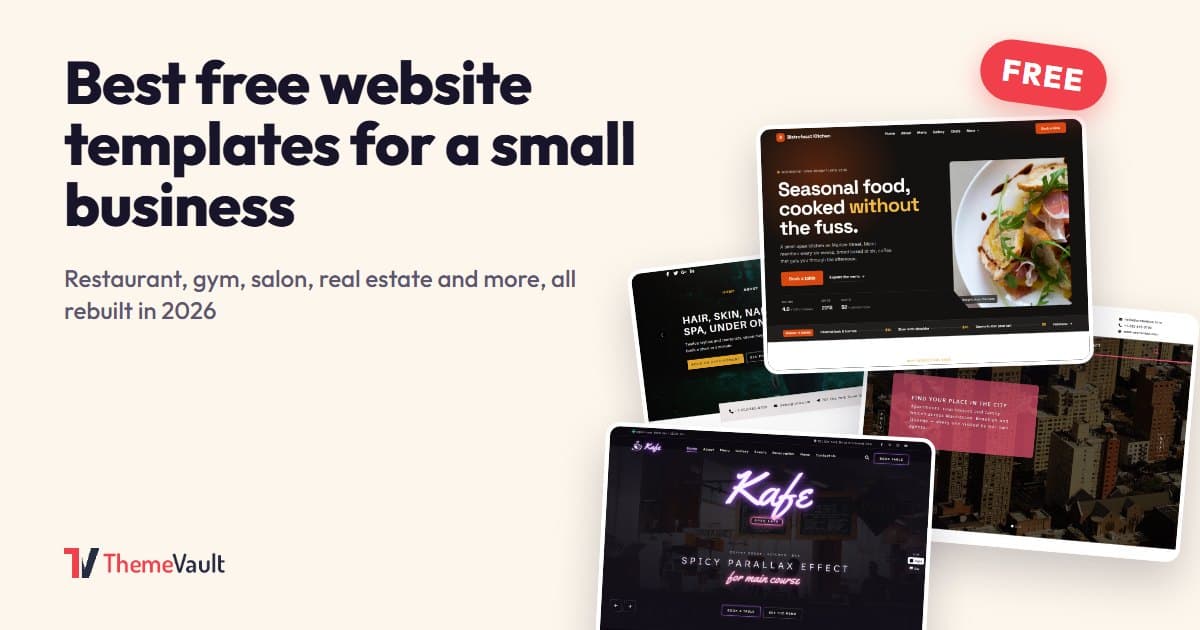
Best Free Website Templates for a Small Business (2026)
Free templates for restaurants, gyms, salons, real estate, clinics, agencies and more, all rebuilt in 2026. What to check before you download, and when paying saves time.
Read article →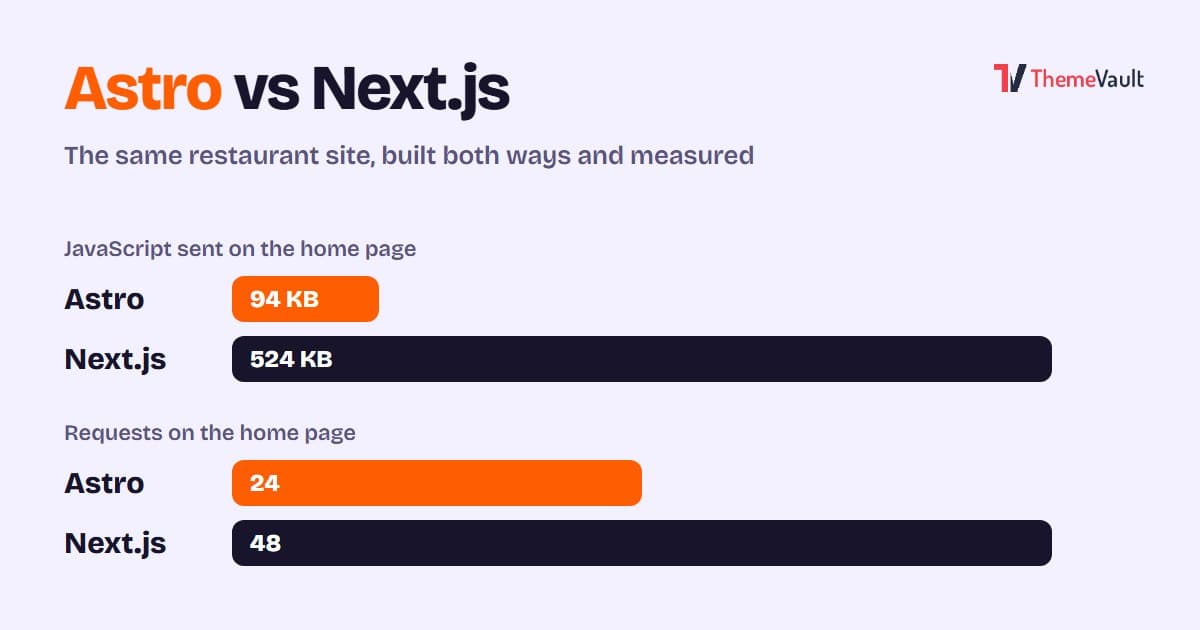
Astro vs Next.js for a Business or Marketing Website (2026)
We built the same restaurant website in Astro and in Next.js with an admin panel, then measured both. Where Astro wins, where Next.js wins, and how to choose.
Read article →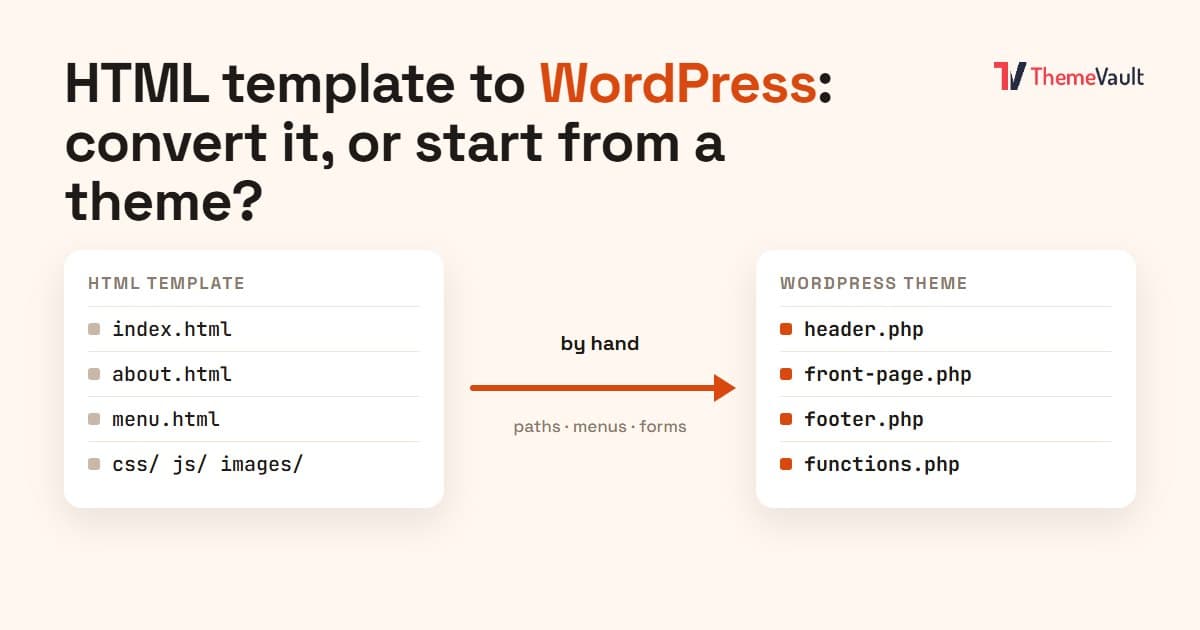
HTML Template to WordPress: Convert It Yourself or Use a WordPress Version?
We turned our Bistrofeast HTML template into a WordPress theme by hand. Every step, the mistakes, how long it took, and when a WordPress version saves you days.
Read article →