
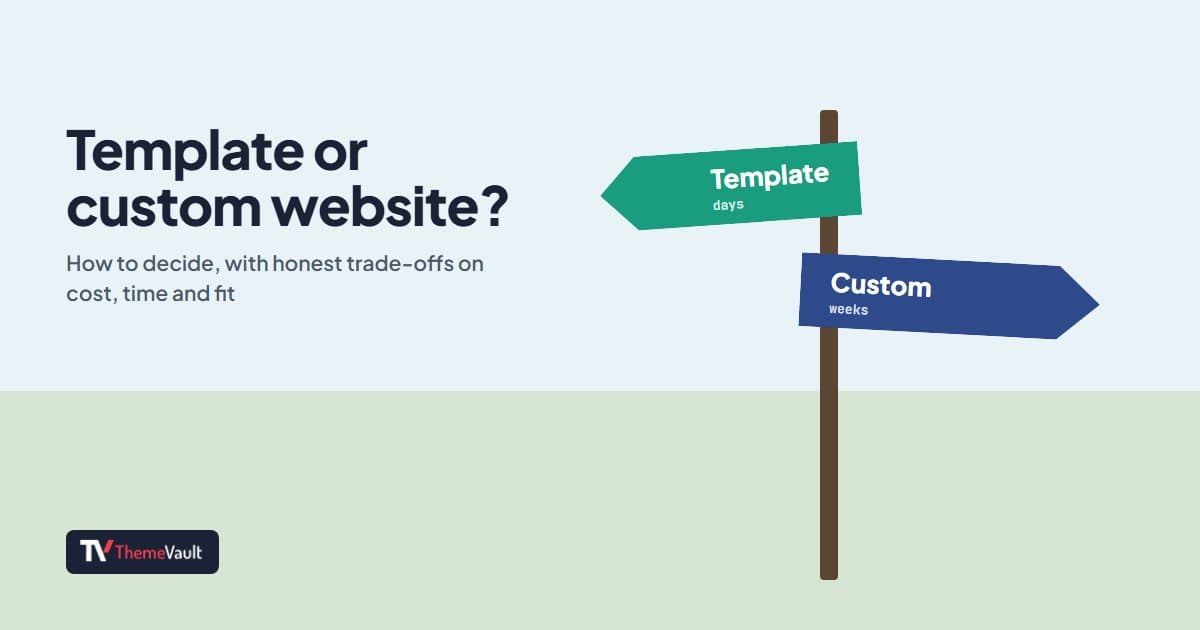
Short answer: use a template when your business is a fairly typical one (a café, a salon, a consultancy, a portfolio) and you want to be online soon without a big budget. Pay for a custom design when your brand, your content or the way people use your site is unusual enough that no ready-made layout fits. Most small businesses are in the first group, and many in the second would still be better off starting with a template and growing out of it.
I make templates for a living, so take my view with that in mind. I’ll be as honest about what you give up with a template as about what you gain.
Template vs custom design, side by side
| Website template | Custom design | |
|---|---|---|
| Cost | Free, or a small one-time fee | A designer’s and a developer’s time |
| Time to launch | Days, once your text and photos are ready | Weeks to months |
| What you can check first | A live demo of the finished site | Mockups, then the build |
| Look | Shared with anyone who picks the same design | Yours alone |
| Fit | A typical business of your kind | Exactly your business and brand |
| Who does the work | You, or anyone who can edit HTML | A designer, then a developer |
When a template is the right choice
- You need to be online soon. A new business, a launch date, a season that starts next month.
- Your budget is better spent elsewhere. Good photos and good writing do more for a small business site than a bespoke layout.
- Your needs are standard. Pages about you, your services, your work, prices and a way to get in touch. That is a brochure website, and templates do it well.
- You want to see the result before you commit. With a template you can click through the finished site on your phone before you download anything.
- It is a side project, a portfolio or a landing page that has to look professional but doesn’t justify weeks of design work.
When a custom design is worth paying for
- You already have a strong brand with its own design system, and the site must match it exactly.
- The site has to do something unusual: a custom calculator, a multi-step configurator, an account area tied to your own systems.
- You compete on design itself, as an agency, a design studio or a high-end brand, where looking like anyone else is a real cost.
- The site is large and complex, with many page types, content editors and integrations, and you will live with it for years.
The middle path: make the template yours
The choice is rarely all or nothing. Most of what makes a site feel like yours is your text, your photos, your colors and your fonts, and all of those are easy to change in a template. In my tutorial on building a site from a template, two edits (one color code and one headline) were enough to make Barbeard look like a different business:
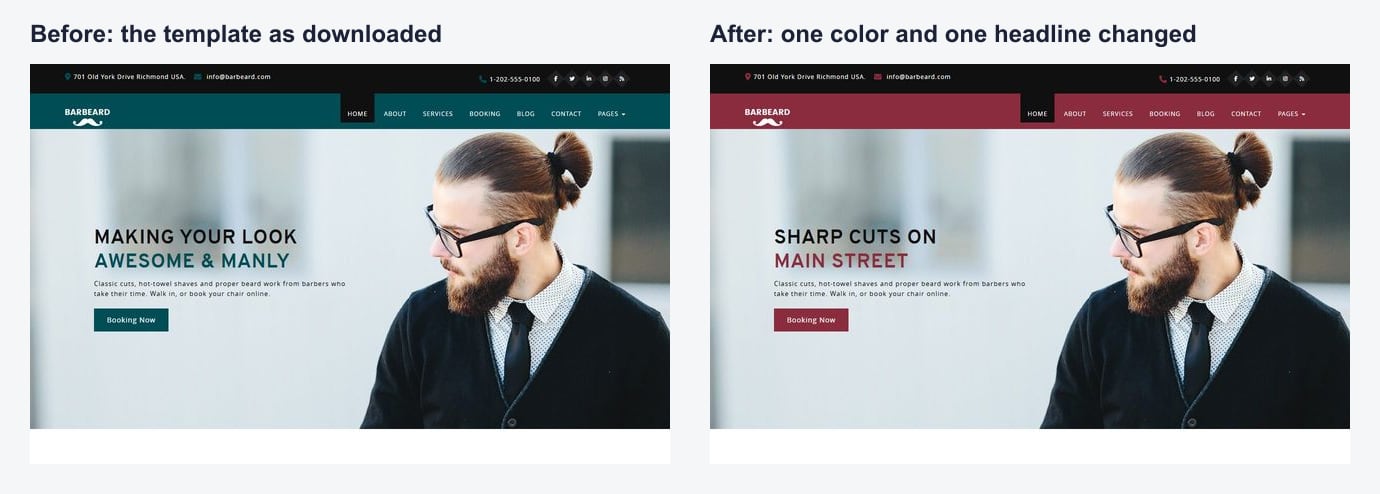
Add your own photos and a font pairing that suits you (my post on the best fonts for websites has twelve), remove the sections you don’t need, and few visitors will ever guess where the design started. The step-by-step version is in my guide to building a website from a template.
If you already have a design, say from a designer working in Figma, the other middle path is to have it coded instead of starting from a template. We do that as a Figma to HTML service, hand-coded at fixed rates per page.
What you give up with a template
- Uniqueness. Other businesses can use the same design. In practice visitors rarely notice once the content is different, but it is true.
- A perfect fit. A template is made for a typical business of its kind, so you will usually remove a section or two and rewrite headings to suit.
- Someone to call. With a custom build you have a designer and developer who know your site. With a template you have its changelog, your own notes, and whoever you hire to help.
- On free templates, a credit link. Ours carry a small footer link, which you can remove with a one-time payment or a Pro plan.
How to choose a good template
- Start from what the site has to do, not the colors: booking, menus, a portfolio, product pages. Colors take five minutes to change; missing features take days.
- Check it has the pages you need, or close enough to adapt.
- Try the live demo on your phone. Tap the menu, fill in a form, scroll the longest page.
- Check the code is current. My HTML5 and CSS3 checklist takes five minutes.
- Read the license, especially if the site is for a client.
- Look for signs of upkeep: a version history or changelog showing the template is maintained.
- Think about who will edit it. If nobody wants to touch HTML, choose a design that also comes as a WordPress theme.
The guide on our home page goes through choosing by type of business, and every design in our website templates has a live demo you can try.
FAQ
Is a website template bad for SEO?
No. Search engines rank pages on their content, speed, structure and usefulness, not on whether the layout is unique. A well-built template with your own text, titles and descriptions can rank as well as a custom site.
Can I make a template look unique?
Yes. Your own text, photos, colors and fonts change most of how a site feels, and removing or reordering sections changes the rest. Few visitors will recognize the starting design.
Can I use a template for a client website?
With ours, yes, including the free HTML templates. Check the license of any other template before using it for client work.
How much does a custom website cost?
It varies too much to give one number: it depends on the number of page types, the features, and who you hire. Ask for a fixed quote that lists exactly which pages and features are included, and compare it with what a template plus a few hours of customization would cost.
More from the blog
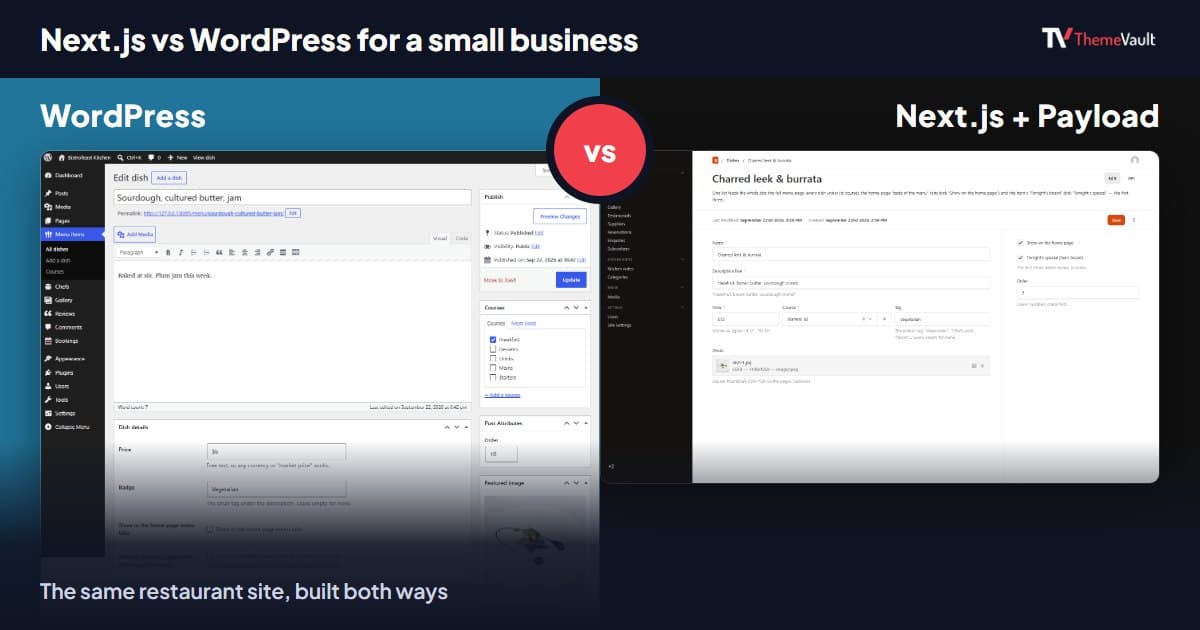
Next.js vs WordPress for a Small Business Website (2026)
We built the same restaurant website as a WordPress theme and as a Next.js template with Payload CMS. Here is where they really differ, and how to choose.
Read article →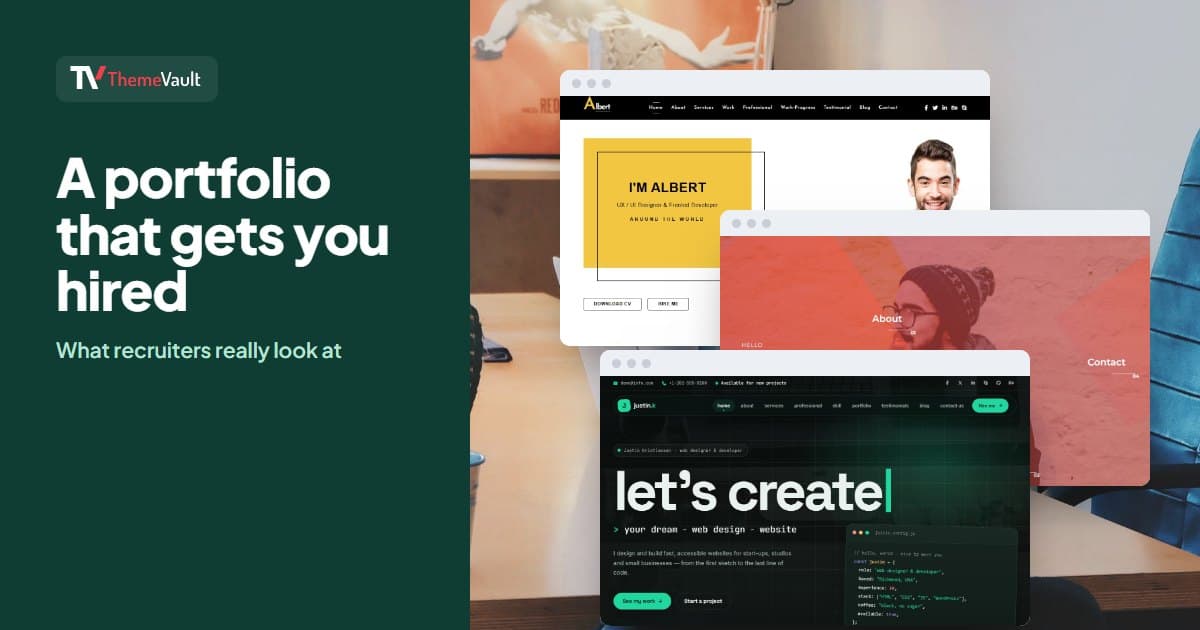
How to Build a Portfolio Website That Gets You Hired (2026)
Recruiters give your portfolio about a minute. I tested our portfolio templates the way a hiring manager would: opened the projects, pressed the CV buttons, sent the contact forms. Here is what matter...
Read article →
Restaurant Website Templates With Menus, Table Booking and Online Ordering (2026)
Seven free restaurant and café templates, checked for what their menus, booking forms and order pages really do — and where the free HTML stops and a WordPress or Next.js version with a real admin pan...
Read article →