
A quick note if you came here for print brochure templates: this post used to list InDesign brochure designs, but we make websites, not print files, so I have rewritten it about the website version of a brochure, which is something we know well.
A brochure website is a small website that does what a printed brochure does: it tells people who you are, what you offer and how to get in touch. There is no shop, no customer login and no booking engine behind it, just a handful of pages, usually between four and eight. It is the most common kind of website a small business has, and for many of them it is all they will ever need.
From a printed brochure to a website
If you have ever had a tri-fold brochure printed, you already know the structure. The cover becomes the home page, the inside panels become the services and the work, and the back panel becomes the contact page.
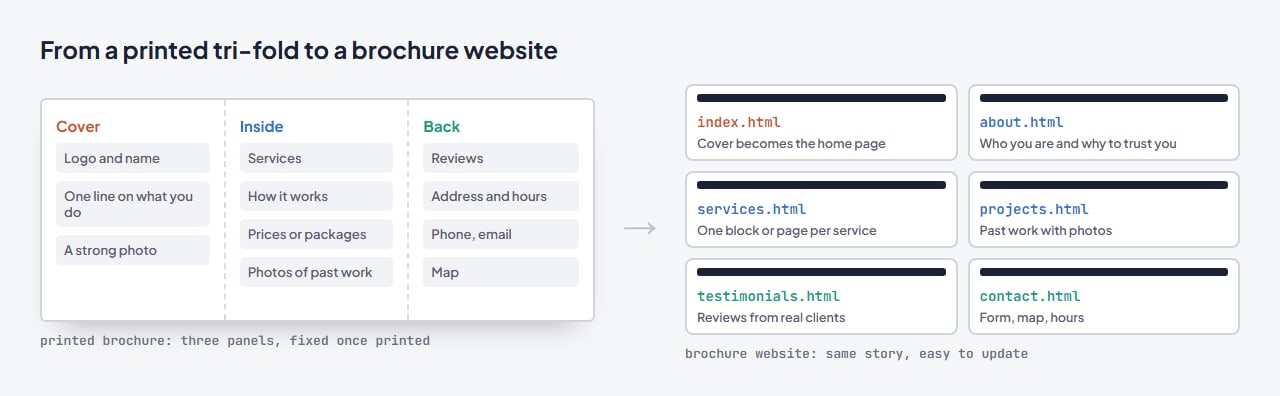
The difference is what happens after. A printed brochure is fixed until the next print run; a website can be updated the day your prices, hours or phone number change, it can be found on Google by people who have never heard of you, and it can hold far more photos and detail than three panels allow.
The pages a brochure website needs
- Home. What you do and where, in one line, with your strongest photo and a clear way to contact you.
- About. Who is behind the business, how long you have been doing it, and why people trust you.
- Services. One section, or one page each, for what you offer. If people search for your services separately, give each its own page so each can be found.
- Work or gallery. Photos of real projects, ideally with a sentence on what the client needed.
- Reviews. A few genuine ones with names, not a wall of anonymous praise.
- Contact. A form, phone number, address, opening hours and a map.
Optional but often worth it: a short FAQ, a prices page, and a blog if you will actually write for it.
Three examples from our templates
Cunsultix: a consultancy
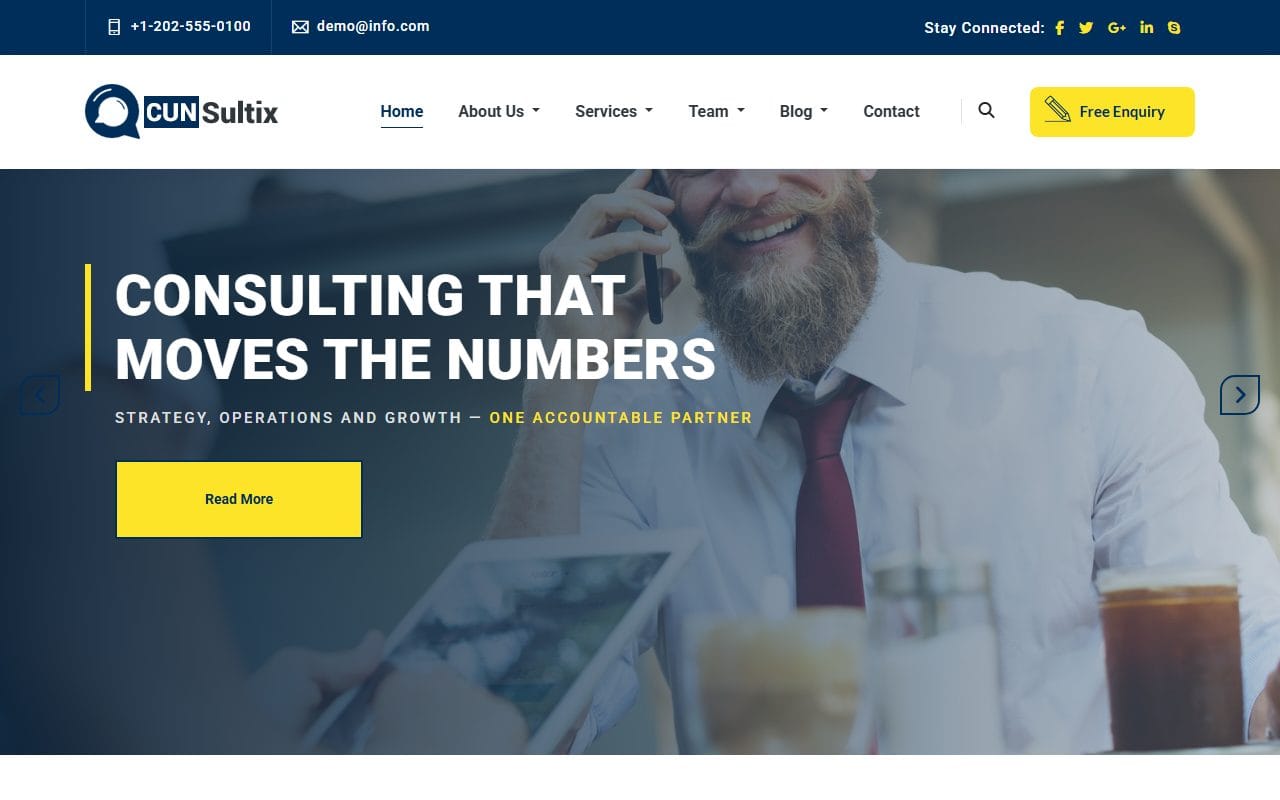
About the company, an overview of services with a page for a single service, projects with a single-project page, the team with individual profiles, and testimonials. That is the full brochure structure for a professional service, with a “Free Enquiry” button in the header.
InCostructor: an interior design studio
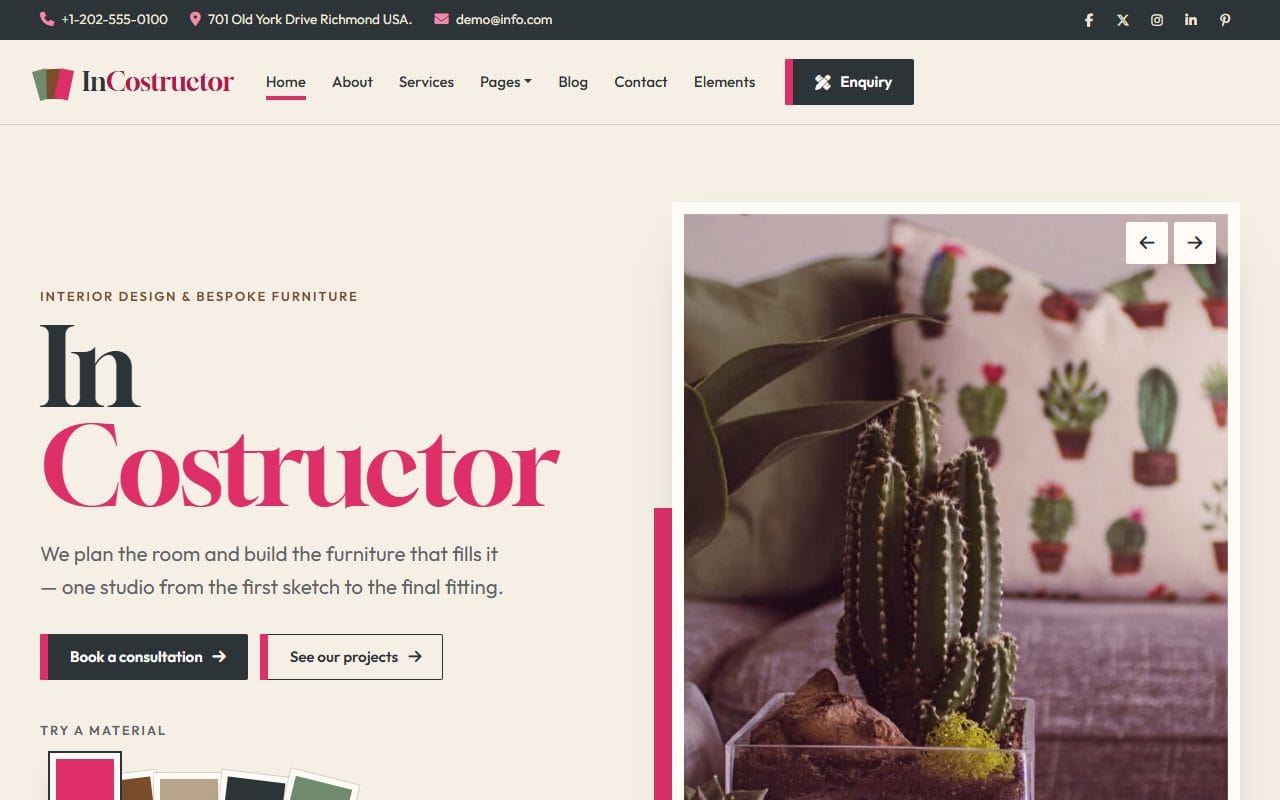
Services, projects with a project page, the team, a blog and a “Book a consultation” page. Its material swatches on the home page show how a brochure site can still have a bit of personality without becoming a web app.
Arenanion: a real estate agency
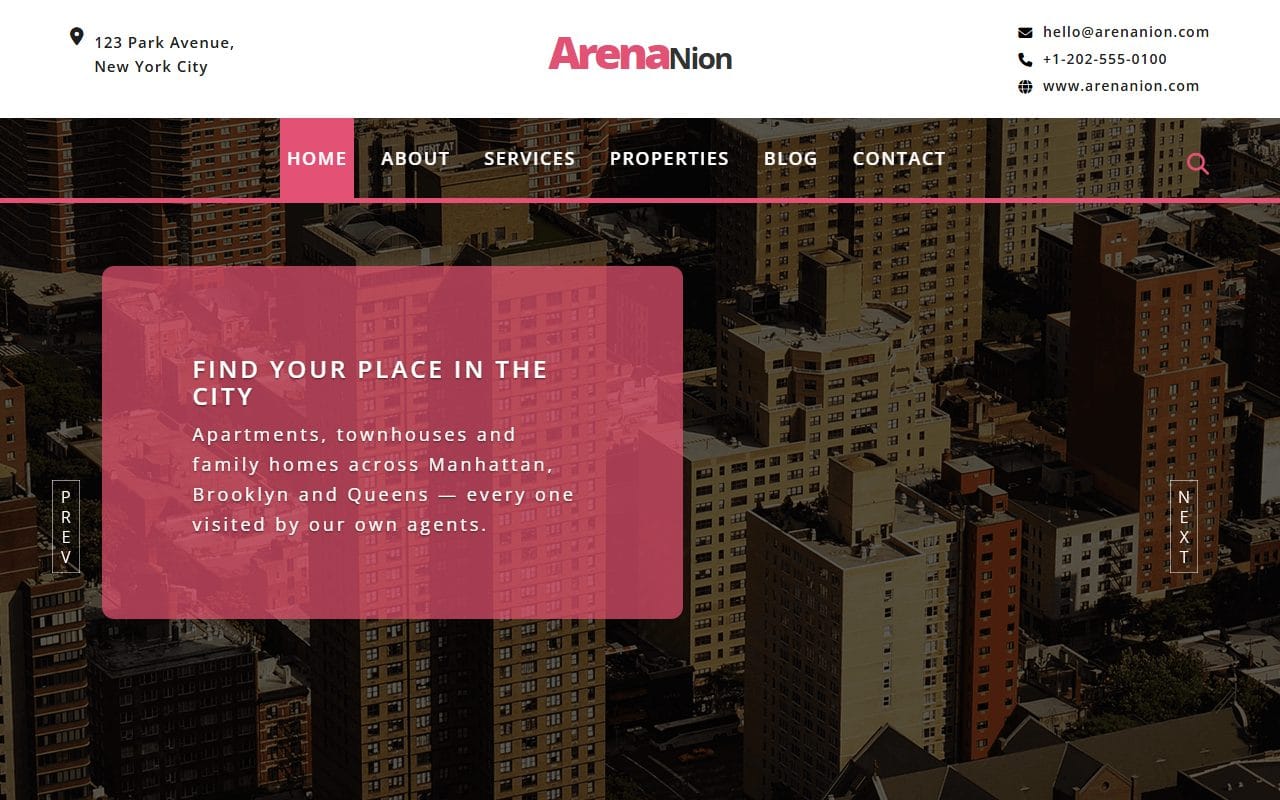
A property list, services, a blog and a contact page. An agency site like this sits right on the line between brochure and catalog: it shows listings, but the real goal is still a phone call or an inquiry.
Brochure website, online shop or one long page?
- Brochure website: you sell a service, or products people buy in person or by inquiry. Visitors need to understand and trust you, then get in touch.
- Online shop: people buy and pay on the site. You need product pages, a cart and a payment provider, and much more upkeep.
- One-page site: the whole brochure on a single scroll. Great when you have one main service; less so when you want each service found separately. My post on one-page vs multi-page websites goes into this.
Many businesses start with a brochure site and add a shop or a booking page later. Starting small is not a dead end.
Why a brochure site is cheap to run
A brochure website built from an HTML template is just files: no database, no plugins to update, nothing for hackers to log in to. It loads quickly, runs on inexpensive or even free hosting, and keeps working for years with only content updates. The trade-off is that changing the text means editing HTML rather than clicking in a dashboard; my guide to building a website from a template shows how manageable that is. If you would rather have a dashboard, several of our designs also come as WordPress themes.
Keeping it useful
- Change your hours, prices and phone number on the site the same day they change anywhere else.
- Add a new project or review every couple of months. A site that never changes looks like a business that might have closed.
- Link to the website from your Google Business Profile and your social profiles, and use the same name, address and phone number everywhere.
- Give every page its own title and description, mentioning what you do and where.
You can browse more designs that work as brochure sites in our business website templates.
FAQ
What is the difference between a brochure website and a regular website?
A brochure website is a type of website: a small one that informs and invites contact, without selling online or offering customer accounts. Most small business websites are brochure websites, even if nobody calls them that.
How many pages should a brochure website have?
Usually four to eight: home, about, services, work, reviews and contact, plus a page per service if you want each one to be found in search.
Is a brochure website enough for a small business?
For most service businesses, yes. If customers call, email or visit rather than buy online, a clear brochure site that is easy to find and kept up to date does the job.
Can I add a shop to a brochure website later?
Yes. You can add a shop platform alongside it, link to a booking tool, or move to a template with shop pages when you are ready. Your text and photos carry over.
Where can I find print brochure templates?
Print brochures are usually made in a design tool such as Adobe InDesign, Affinity Publisher or Canva, which all offer brochure layouts, or by your local printer. We focus on websites.
More from the blog
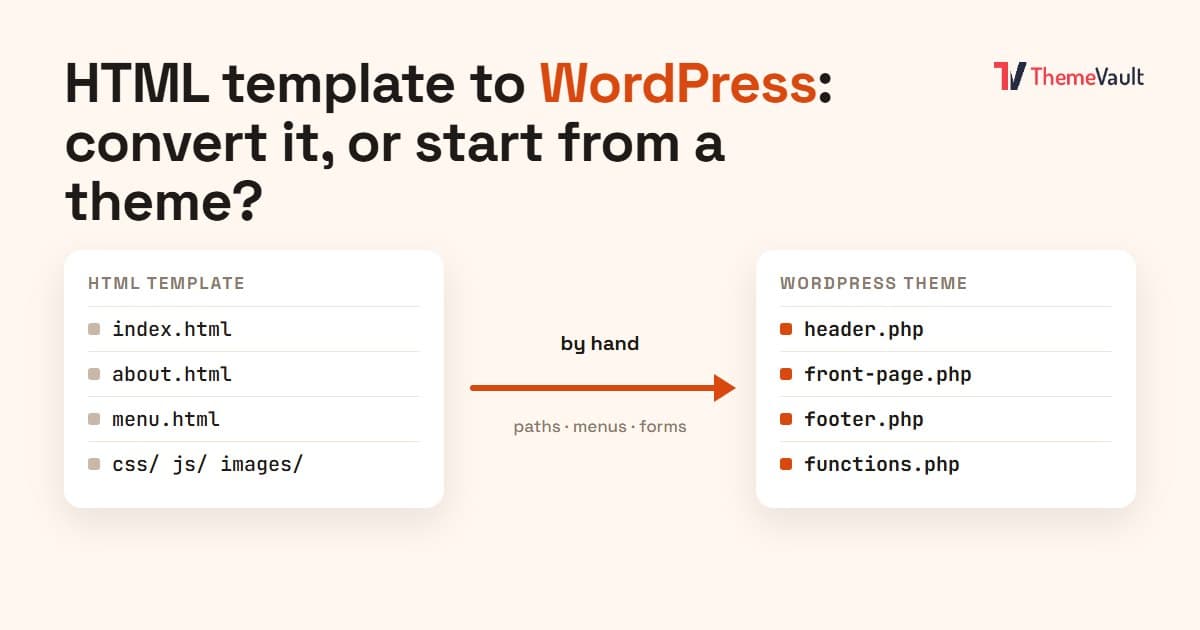
HTML Template to WordPress: Convert It Yourself or Use a WordPress Version?
We turned our Bistrofeast HTML template into a WordPress theme by hand. Every step, the mistakes, how long it took, and when a WordPress version saves you days.
Read article →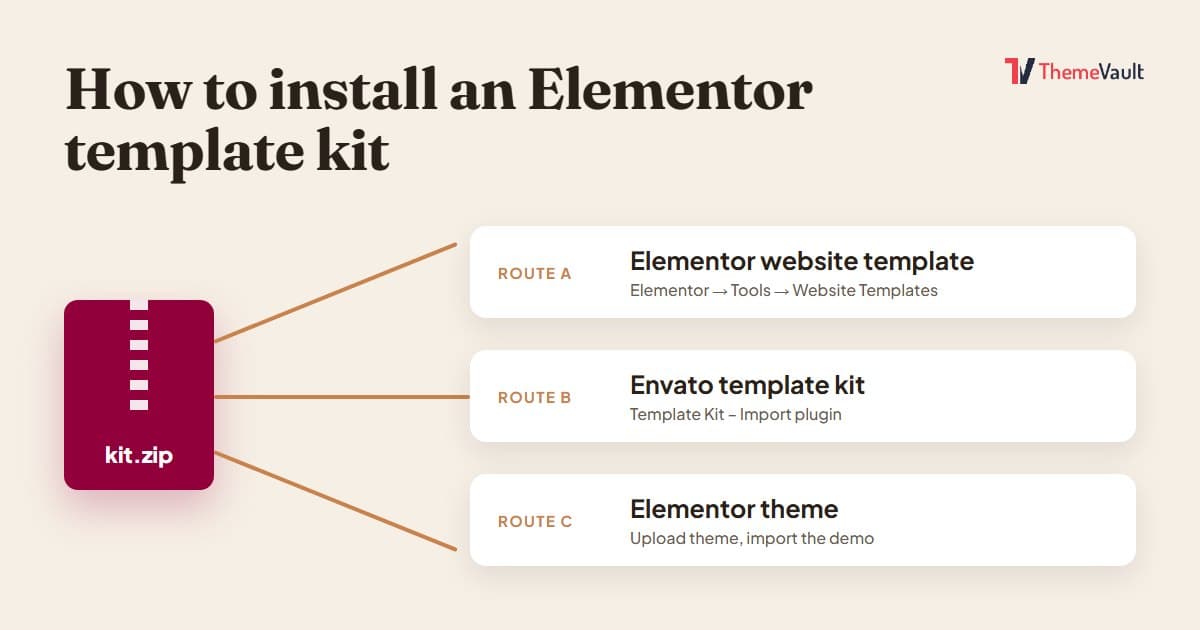
How to Install an Elementor Template Kit (2026 Guide)
We installed the same kit both ways on a clean WordPress site. Where each kind of kit goes, the steps people miss, and what to do when it looks wrong.
Read article →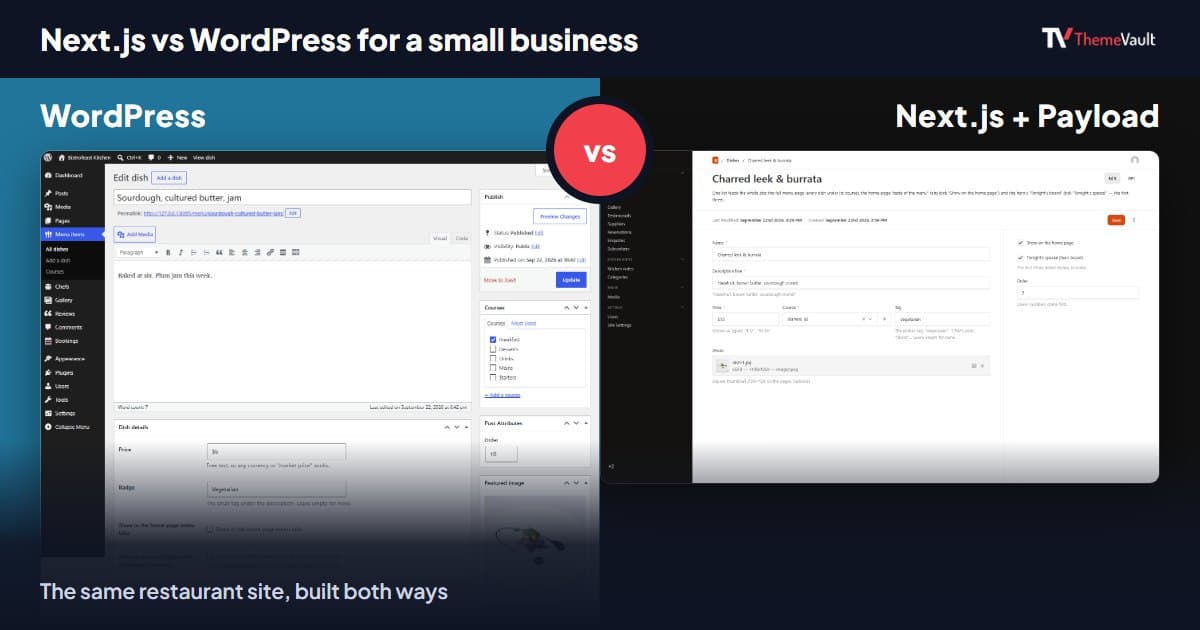
Next.js vs WordPress for a Small Business Website (2026)
We built the same restaurant website as a WordPress theme and as a Next.js template with Payload CMS. Here is where they really differ, and how to choose.
Read article →