
Unique Transparent Subscribe Form Free Template
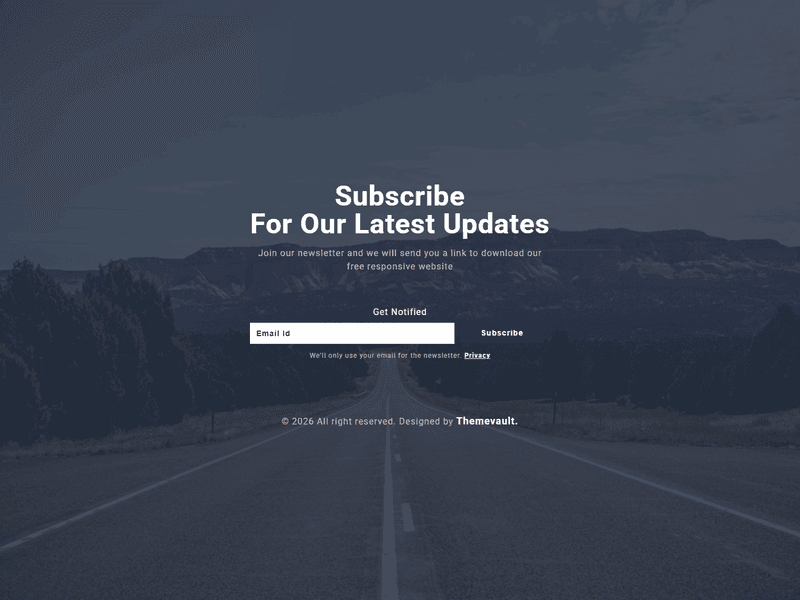
Unique transparent subscribe form free template from ThemeVault has a clean and elegant design which fits on all the business sites for newsletter subscription. It is entirely built using HTML5 and CSS3. Fully responsive and cross browser compatible.
⬇ Free downloadTry the live demo
Free for personal & commercial use · keeps a small “Designed by ThemeVault” footer link · no card needed
- HTML
- CSS
- JS
- Released May 2017
- v2.0 · Sep 2026
- 4 pages+ 4 HTML emails
- v2.0updated Sep 2026
- 3,201views
- 1,306downloads
If you are looking for a unique and elegantly designed subscribe form, this is the perfect choice for your website. This free responsive widget template has a beautiful scenery background on which the main subscribe form content is amazingly crafted. This widget is responsive and cross-compatible for all devices. This minimalistic widget template can be used to send updates or special offers straight to your customer's inbox. It is designed using latest technologies like HTML5 and CSS3.
Version 2.0 turns the subscribe card into a working widget: it validates the email field and gives a success state, written for double opt-in. It adds the three pages the widget links to — a confirmation landing page (confirmed.html), an unsubscribe page (unsubscribe.html, with its own working form) and a privacy page (privacy.html) — plus four ready-to-send HTML emails in the same design: the confirmation link (email-confirm.html), welcome (email-welcome.html), a sample newsletter issue (email-newsletter.html) and the unsubscribe goodbye (email-goodbye.html). The fonts are self-hosted, and the form can be pointed at your own server with one attribute.
- A working subscribe form: an email field, validation with the problem shown in a message box
- confirmed.html — where the confirmation link in the email lands. Marked noindex.
- unsubscribe.html — its own working form: email field, validation, a "you've been unsubscribed" confirmation.
- privacy.html — what the subscribe and unsubscribe forms collect, why
- Four ready-to-send HTML emails: email-confirm.html (the double opt-in confirmation link), email-welcome.html, email-newsletter.html (a sample issue
- Connect it to your server: add data-endpoint="https://your-site.com/api/…" to a form and it is POSTed there. Without it the forms run as a demo (each shows a "D
- On a tablet or phone the card sits vertically centred on the screen; on a short landscape phone the page scrolls from the top.
- The heading, box and copyright were pinned to top:50% with a transform
Pages
Features
| Template Type | Free |
|---|---|
| Compatible Browsers | Opera, Firefox, Google Chrome |
| Link hover effetcs | Yes |
| Coding | HTML 5, CSS 3 |
| Forms | Newsletter Subscription, Subscribe Form |
| Additional Features | Favicon, Responsive Design |
| Image Sources | Pexels |
What’s new
v2.0Sep 2026
- A working subscribe form: an email field, validation with the problem shown in a message box, and a success panel that greets the visitor by address. Written for double opt-in ("check your inbox").
- confirmed.html — where the confirmation link in the email lands. Marked noindex.
- unsubscribe.html — its own working form: email field, validation, a "you've been unsubscribed" confirmation.
- privacy.html — what the subscribe and unsubscribe forms collect, why, and how to have your details removed (replace the placeholder company details before you go live).
- Four ready-to-send HTML emails: email-confirm.html (the double opt-in confirmation link), email-welcome.html, email-newsletter.html (a sample issue, ready to fill in) and email-goodbye.html (sent by the unsubscribe form). Table-based and inline-styled for Gmail, Outlook and Apple Mail, no images, {{placeholders}} for your mailer.
- Connect it to your server: add data-endpoint="https://your-site.com/api/…" to a form and it is POSTed there. Without it the forms run as a demo (each shows a "Demo only" line — delete those lines when you go live). Details at the top of js/main.js.
- On a tablet or phone the card sits vertically centred on the screen; on a short landscape phone the page scrolls from the top.
- The heading, box and copyright were pinned to top:50% with a transform, so a screen shorter than the column cut the heading off above the fold (landscape phone). Fixed with a flex-centred column that scrolls when it has to.
- The email input and Subscribe button never cleared their float, so anything placed after them (now: the error message, the fine print, the success panel) rode up underneath the photo. Fixed.
- Copy: "send you a link download our free responsive website" -> "a link to download our free responsive website".
- Meta description added to every page; the credit line shows the current year.
- No framework in v1, none added: one small stylesheet, one dependency-free js/main.js. Roboto ships inside the page (woff2, the weights used); nothing is fetched from Google.
Already downloaded this template? Your My Downloads page always serves the latest version — re-download free.
Download Details
- Published
- May 25, 2017
- Categories
- Site ElementsFree Responsive Website Templates
- Tags
- Form TemplateFree downloadModernNewsletterNewsletter templateResponsive FormSingle FormSubscribeSubscribe NowSubscriptionSubscription FormWeb Elementsbusinessfree
Source
- HTML
- CSS
- JS
Please note that the images in the template will be blurred in the downloaded package.
Support
Facing issues with this template? Write to support@themevault.net and we'll help you out.
License
Free for personal & commercial use with an attribution link to ThemeVault. Read the license.
Reviews
No reviews yet — be the first to review this template.
Every page
See all 8 pages at a glance
Each page is built and ready, including the emails.
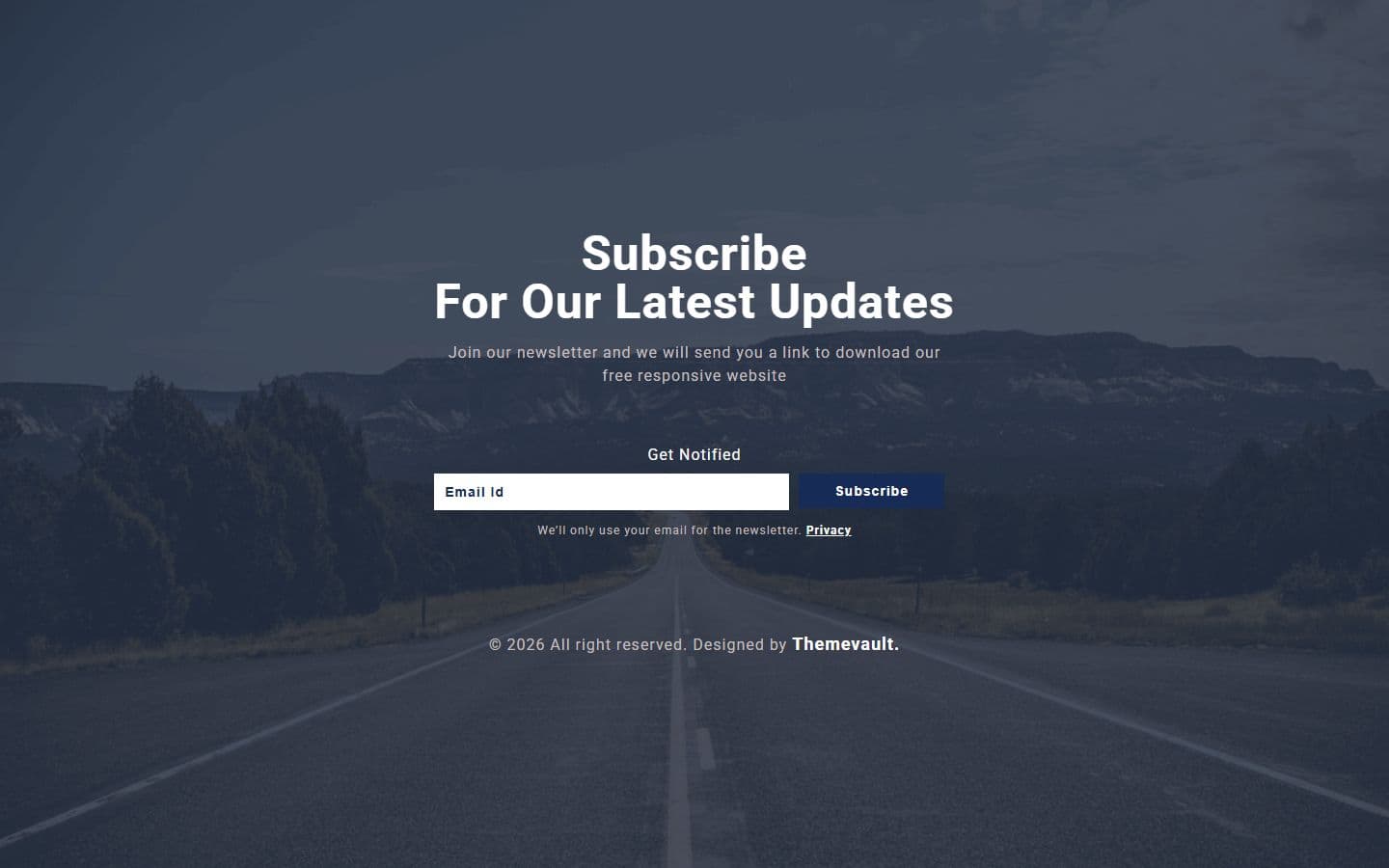 Homeindex.html
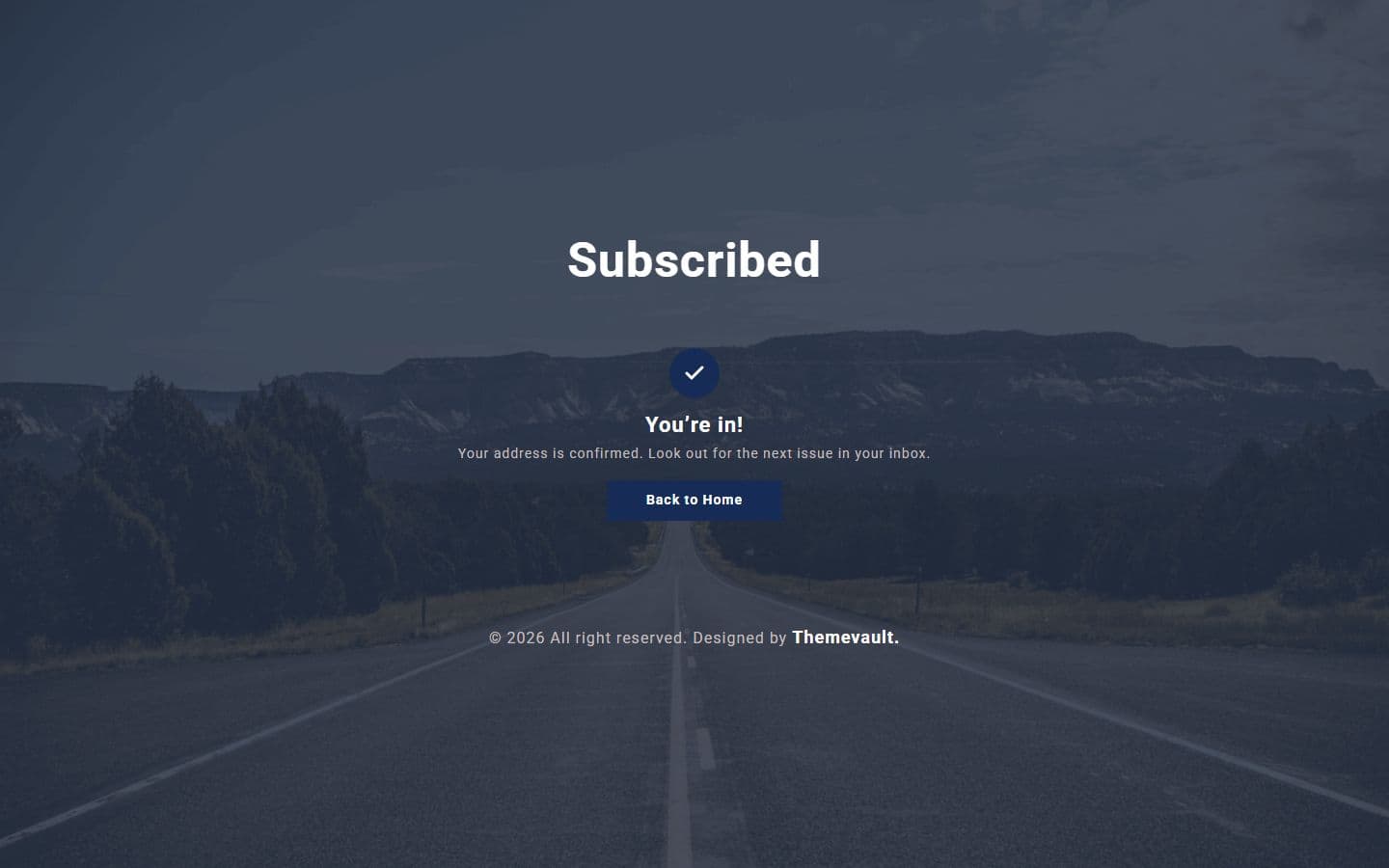 Confirmedconfirmed.html
 Unsubscribeunsubscribe.html
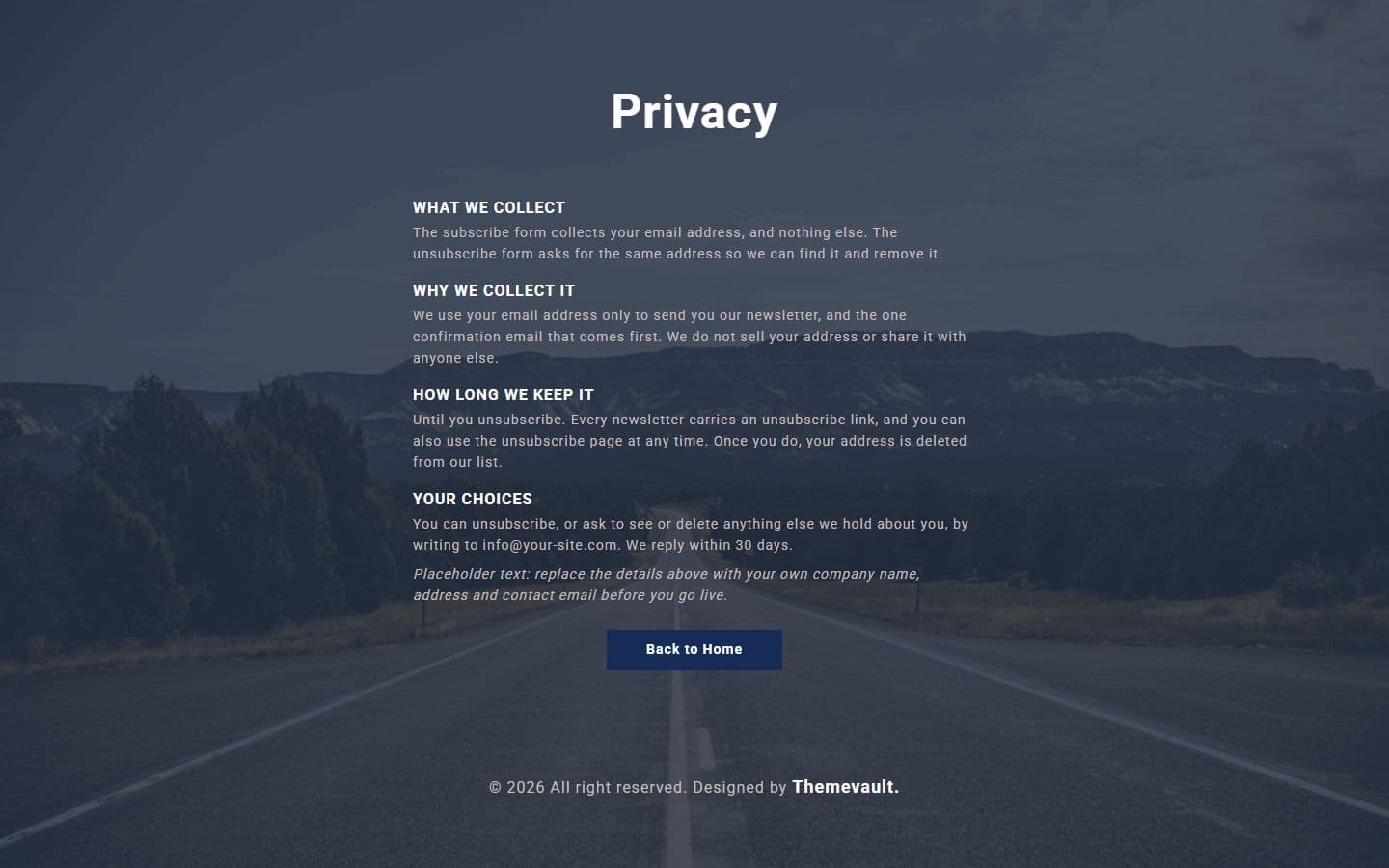 Privacyprivacy.html
 Email: confirmemail-confirm.html
 Email: goodbyeemail-goodbye.html
 Email: newsletteremail-newsletter.html
 Email: welcomeemail-welcome.html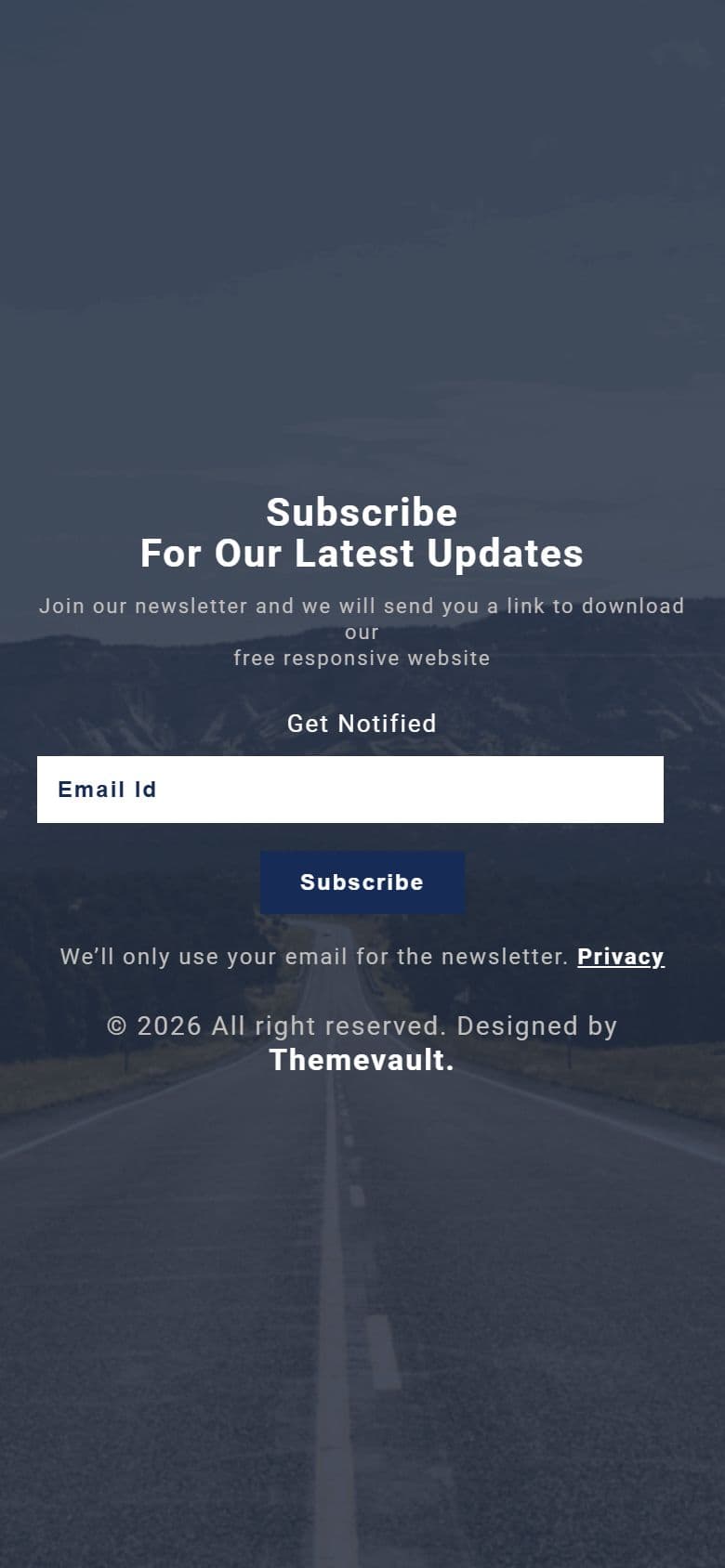
The home page on a phone, as it looks in the live demo.
In the download
What you get in the ZIP
Everything is plain files you can open in any editor. No build step and no installs.
- 16files
- 137 KBZIP size
- 8HTML pages
- 2images
Please note that the images in the template will be blurred in the downloaded package.
unique-transparent-subscribe-form-responsive-widget-template/
├── index.html
├── confirmed.html
├── email-confirm.html
├── email-goodbye.html
├── email-newsletter.html
├── email-welcome.html
├── privacy.html
└── unsubscribe.html
From download to live
No build tools, no installs
Download
Get the ZIP
Free, instant and no card needed. Unzip it anywhere.
Edit
Add your content
Change the text and photos in the HTML files with any code editor.
Publish
Upload and go
Upload the folder to any web host. It's plain HTML, so it runs anywhere.
Questions
About this template
Can I use Unique Transparent Subscribe Form for a client's website?
Yes. The free version is licensed for personal and commercial use, including client work, as long as the footer credit stays. Remove it for $9.00₹499 one-time, or with Pro.
Do I need to know how to code?
You'll need to edit the HTML text and swap the images, which any code editor can do.
Will I get updates?
Yes. Your My Downloads page always serves the latest version, so you can re-download an update free. The What's new tab lists what changed in each version.
Are the photos included?
The images in the template are blurred in the downloaded package, and the photos in the live demo are for the demo only. Add your own images.
Subscribe Us
Keep looking
All templatesView Similar Templates
From the blog
View Blog
- Design
- Web Development
- October 17, 2026
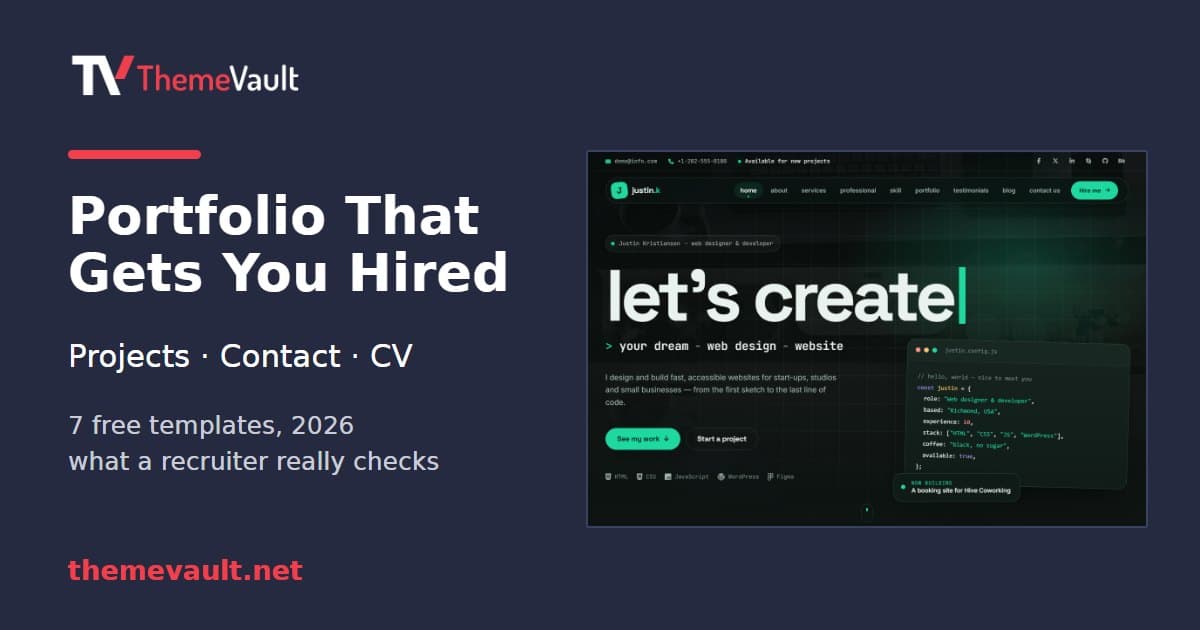
How to Build a Portfolio Website That Gets You Hired (2026)
Recruiters give your portfolio about a minute. I tested our portfolio templates the way a hiring manager would: opened the projects, pressed the CV buttons, sen…
- Web Development
- September 24, 2026
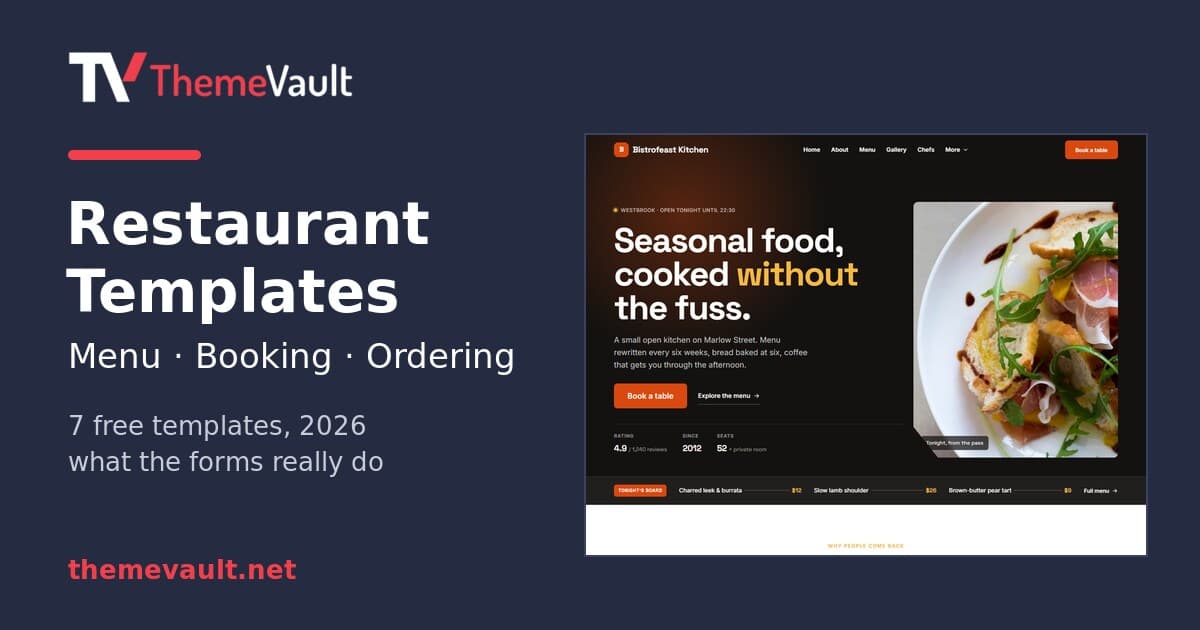
Restaurant Website Templates With Menus, Table Booking and Online Ordering (2026)
Seven free restaurant and café templates, checked for what their menus, booking forms and order pages really do — and where the free HTML stops and a WordPress …
- Design
- September 17, 2026
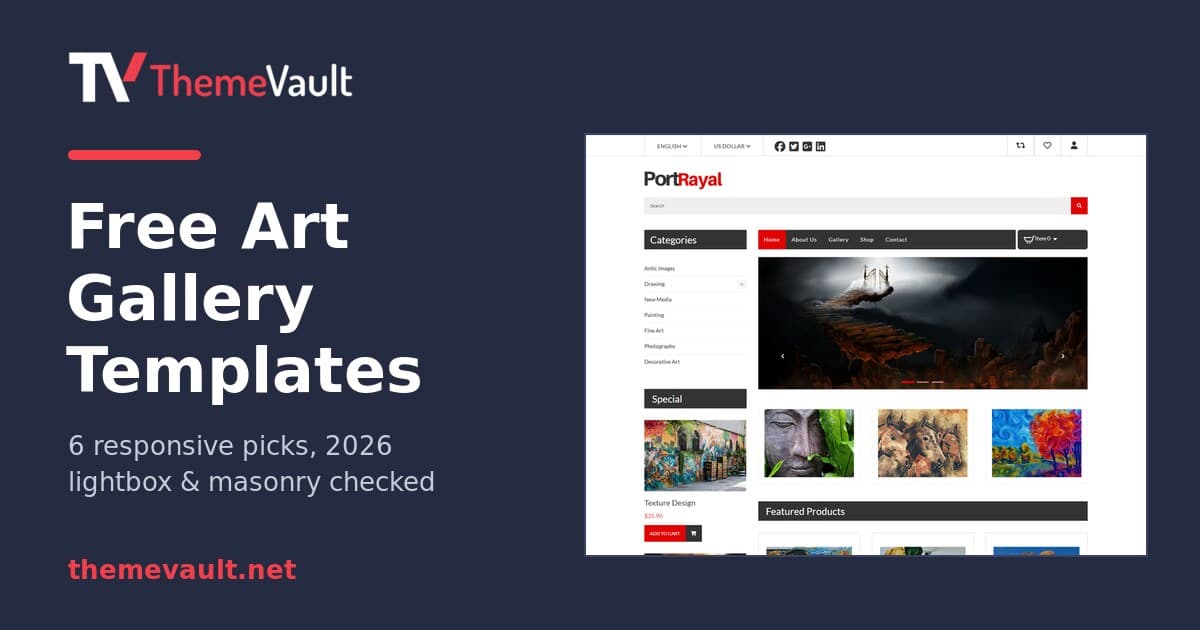
Free Art Gallery Website Templates (2026): 6 Responsive Picks
Six free, responsive art gallery and photography templates you can download today. I checked each live demo rather than the feature lists — here is which ones h…