
Free Sunlight Progress Bar Responsive Template
Download Sunlight Progress Bar - a free and responsive widget template to get attention to your site. It is built using HTML5 and CSS3. This progress bar responsive template has customizable design to set the sections as per your need
⬇ Free downloadTry the live demo
Free for personal & commercial use · keeps a small “Designed by ThemeVault” footer link · no card needed
- HTML
- CSS
- JS
- Released Sep 2017
- v2.0 · Sep 2026
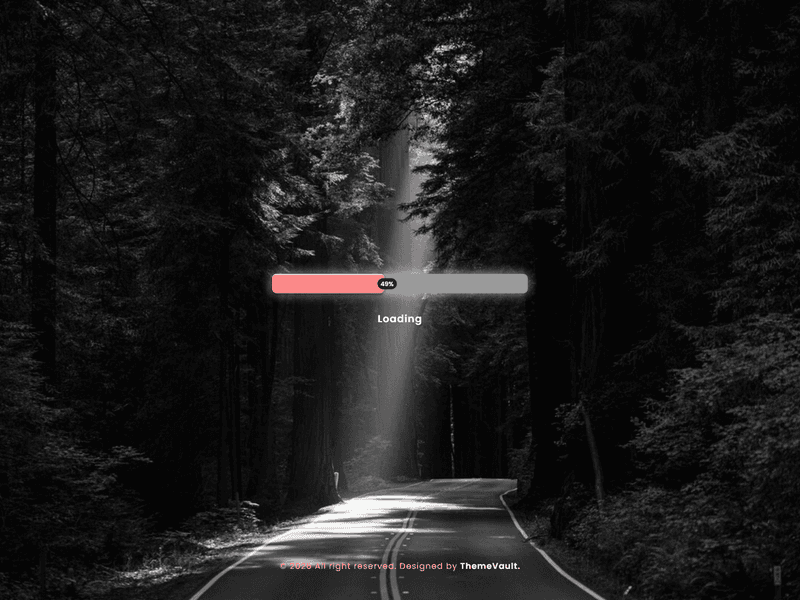
- 3 pagesin the live demo
- v2.0updated Sep 2026
- 3,055views
- 1,185downloads
Sunlight progress bar design comes with responsive and stylish progress bars for the web. Designed using HTML5 and CSS3 with clean code. This can help you create a stand-out user experience that will share and recommend. Make it yours now by using it, downloading it.
Version 2.0 makes the bar a genuine page preloader: it climbs from real progress, finishes once the page has actually loaded, and shows a live percentage badge that tracks its leading edge — v1's own CSS had a counter rule and matching JS, but the element they targeted never existed in the markup, so nothing showed. It adds file-upload.html (the same bar driven by a real upload) and multi-step.html (the same bar as a step indicator), plus a small public API, window.TVProgress.set(element, percent), so you can drive it from anything. The bar now carries role="progressbar" with a live aria-valuenow, and the font is self-hosted.
- The bar is a genuine PAGE PRELOADER: it climbs on its own (fast, then slower
- A live percentage badge that tracks the bar's leading edge. v1's own CSS had a @keyframes counter rule and JS that wrote into an element called #counter — but n
- file-upload.html — the same bar driven by a real file-upload's progress (swap the simulated timer in js/main.js for your xhr.upload.onprogress).
- multi-step.html — the same bar as a step indicator across a 3-step form. Both new pages sit in a soft frosted panel over the photo
- A small public API, window.TVProgress.set(element, percent), so you can drive the bar from anything: an upload, a multi-step form, a task queue.
- role="progressbar" with a live aria-valuenow — v1 had no accessibility semantics on the bar at all.
- v1's bar looped on a fixed 10-second CSS animation with no connection to anything actually happening on the page — replaced with a bar driven by real progress.
- Hovering the bar now genuinely pauses the climb (v1's CSS rule for this targeted the #counter element that was never in the markup, so it never worked).
Pages
Features
| Template Type | Free |
|---|---|
| Compatible Browsers | Opera, Firefox, Google Chrome |
| Link hover effetcs | Yes |
| Coding | HTML 5, CSS 3 |
| Additional Features | Preloaders, Progress Bar, Favicon, Responsive Design |
| Image Sources | Pexels |
What’s new
v2.0Sep 2026
- The bar is a genuine PAGE PRELOADER: it climbs on its own (fast, then slower, like every preloader you've used) and only finishes once the page has actually loaded and a minimum time has passed, then fades out to reveal your real page. The demo page loops instead of fading, so anyone browsing it keeps seeing it work — remove the data-tv-loop attribute before you go live.
- A live percentage badge that tracks the bar's leading edge. v1's own CSS had a @keyframes counter rule and JS that wrote into an element called #counter — but no element with that id ever existed in the markup, so it never showed anything.
- file-upload.html — the same bar driven by a real file-upload's progress (swap the simulated timer in js/main.js for your xhr.upload.onprogress).
- multi-step.html — the same bar as a step indicator across a 3-step form. Both new pages sit in a soft frosted panel over the photo, since they carry more content (fields, buttons) than a bare heading needs to stay readable.
- A small public API, window.TVProgress.set(element, percent), so you can drive the bar from anything: an upload, a multi-step form, a task queue.
- role="progressbar" with a live aria-valuenow — v1 had no accessibility semantics on the bar at all.
- v1's bar looped on a fixed 10-second CSS animation with no connection to anything actually happening on the page — replaced with a bar driven by real progress.
- Hovering the bar now genuinely pauses the climb (v1's CSS rule for this targeted the #counter element that was never in the markup, so it never worked).
- v1's card is centred with a fixed width:500px that only narrows at 400px and below — on a 401-459px phone (Pixel 412, iPhone Pro Max 430) it ran wider than the screen and caused sideways scroll. Capped so it never exceeds the viewport at any width.
- No framework in v1, none added: one small stylesheet, one dependency-free js/main.js (replacing v1's inline jQuery snippet). Poppins ships inside the page (woff2, the weights used); nothing is fetched from Google.
Already downloaded this template? Your My Downloads page always serves the latest version — re-download free.
Download Details
- Published
- September 12, 2017
- Categories
- Site ElementsFree Responsive Website Templates
- Tags
- Free downloadHTMLLoadingLoading BarLoading PageLoading WidgetModernProgressProgress BarProgressiveWeb Elementsbusinessfreeresponsive
Source
- HTML
- CSS
- JS
Please note that the images in the template will be blurred in the downloaded package.
Support
Facing issues with this template? Write to support@themevault.net and we'll help you out.
License
Free for personal & commercial use with an attribution link to ThemeVault. Read the license.
Reviews
No reviews yet — be the first to review this template.
Every page
See all 3 pages at a glance
Each page is built and ready, as it looks in the live demo.
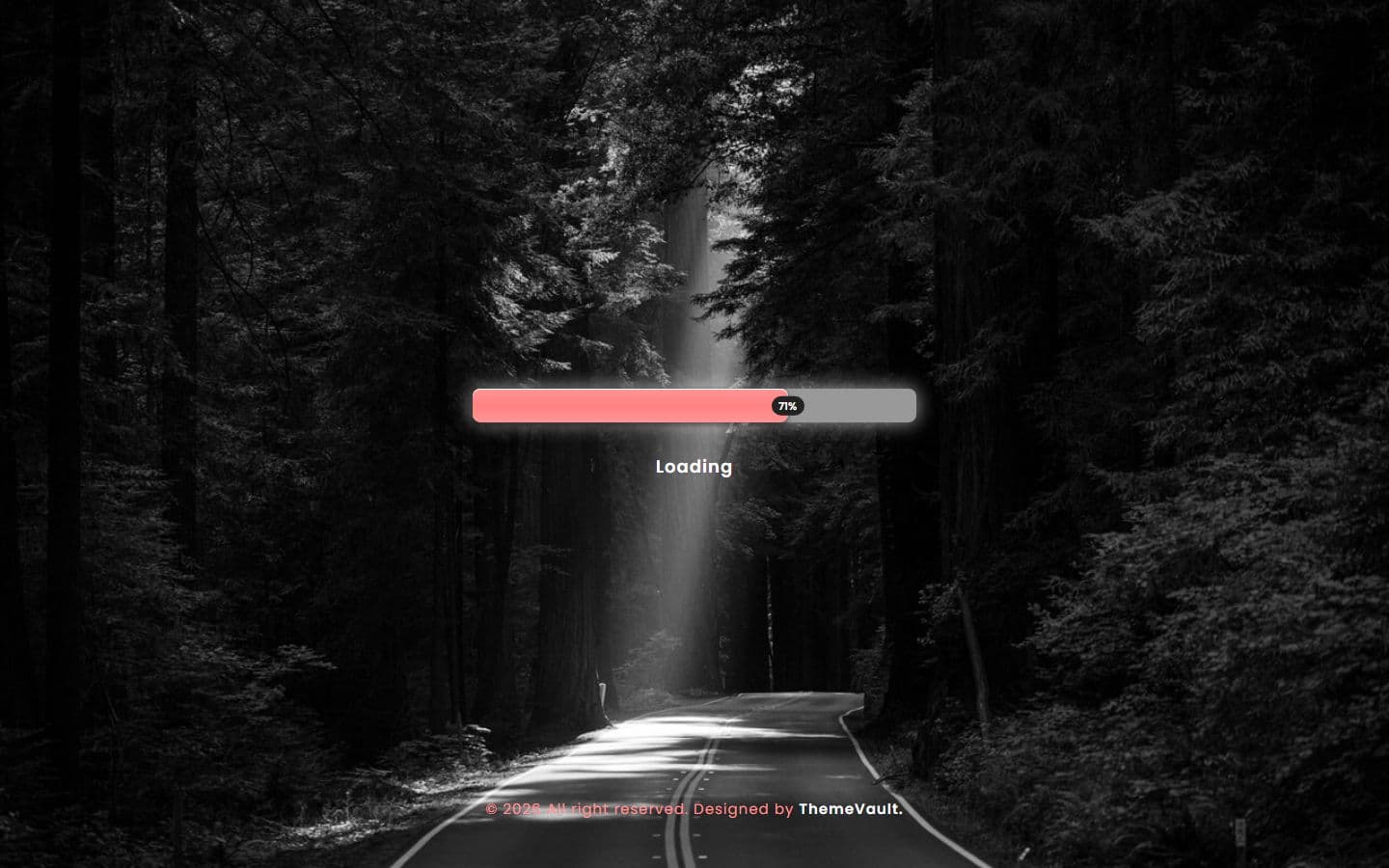
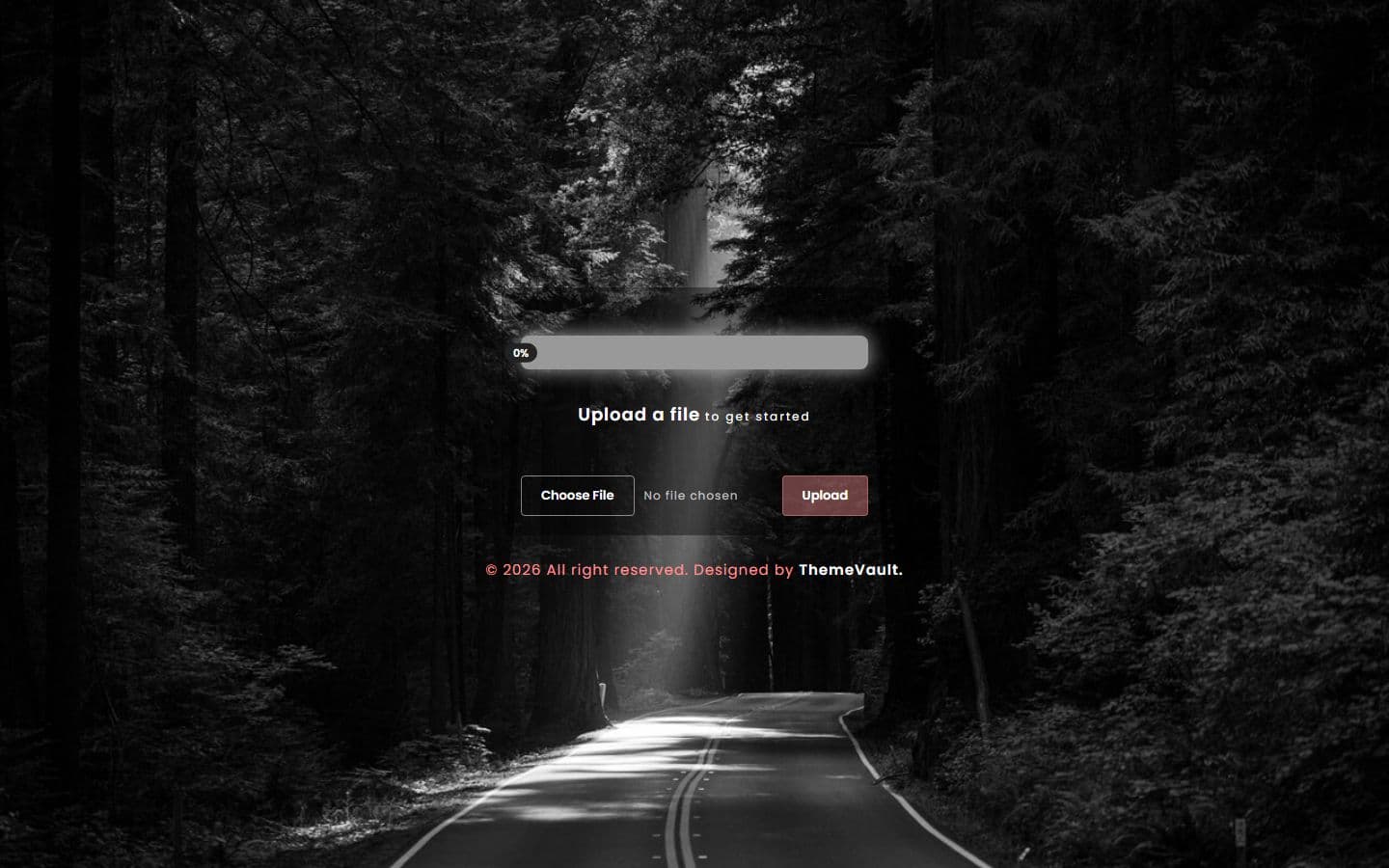
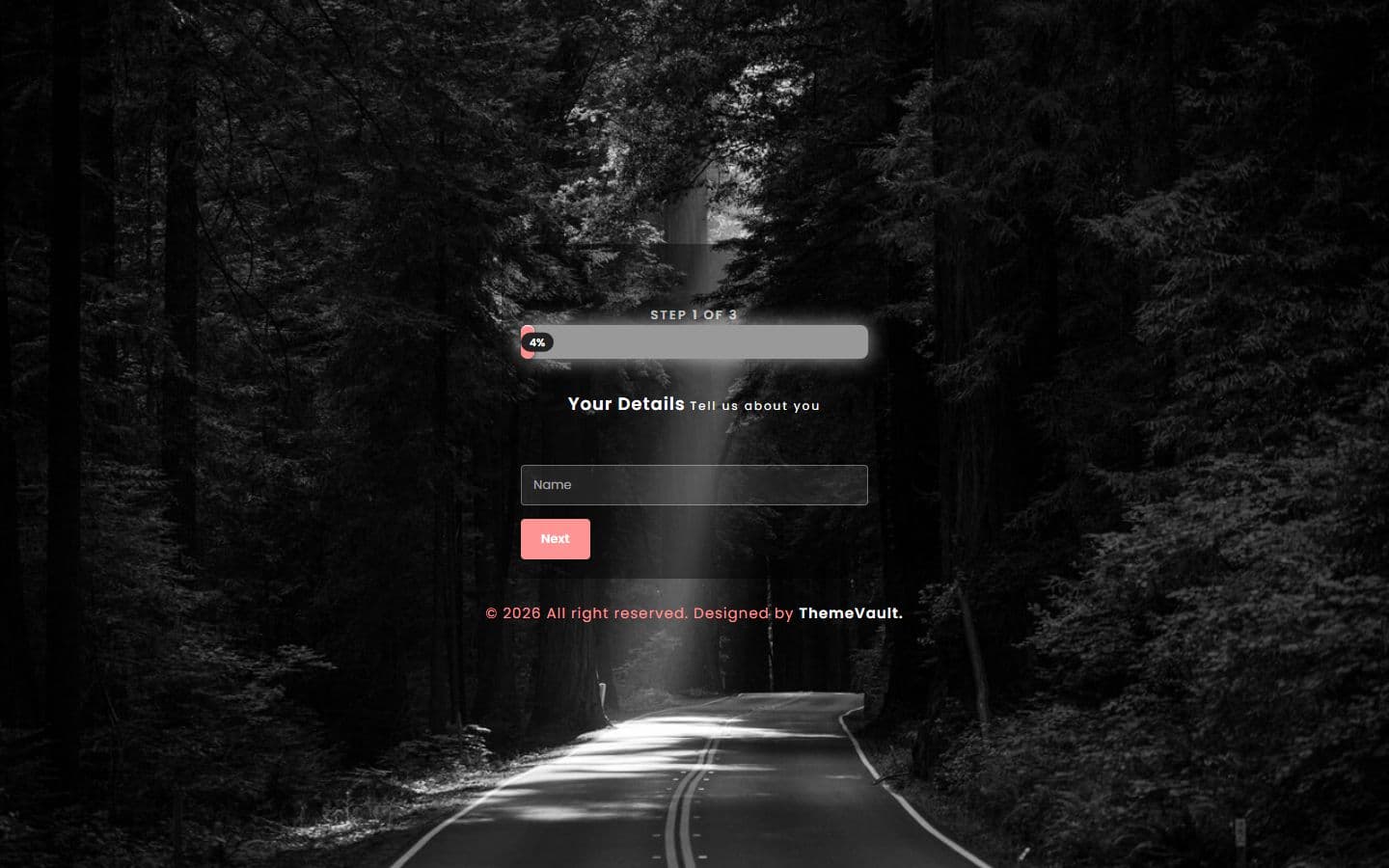
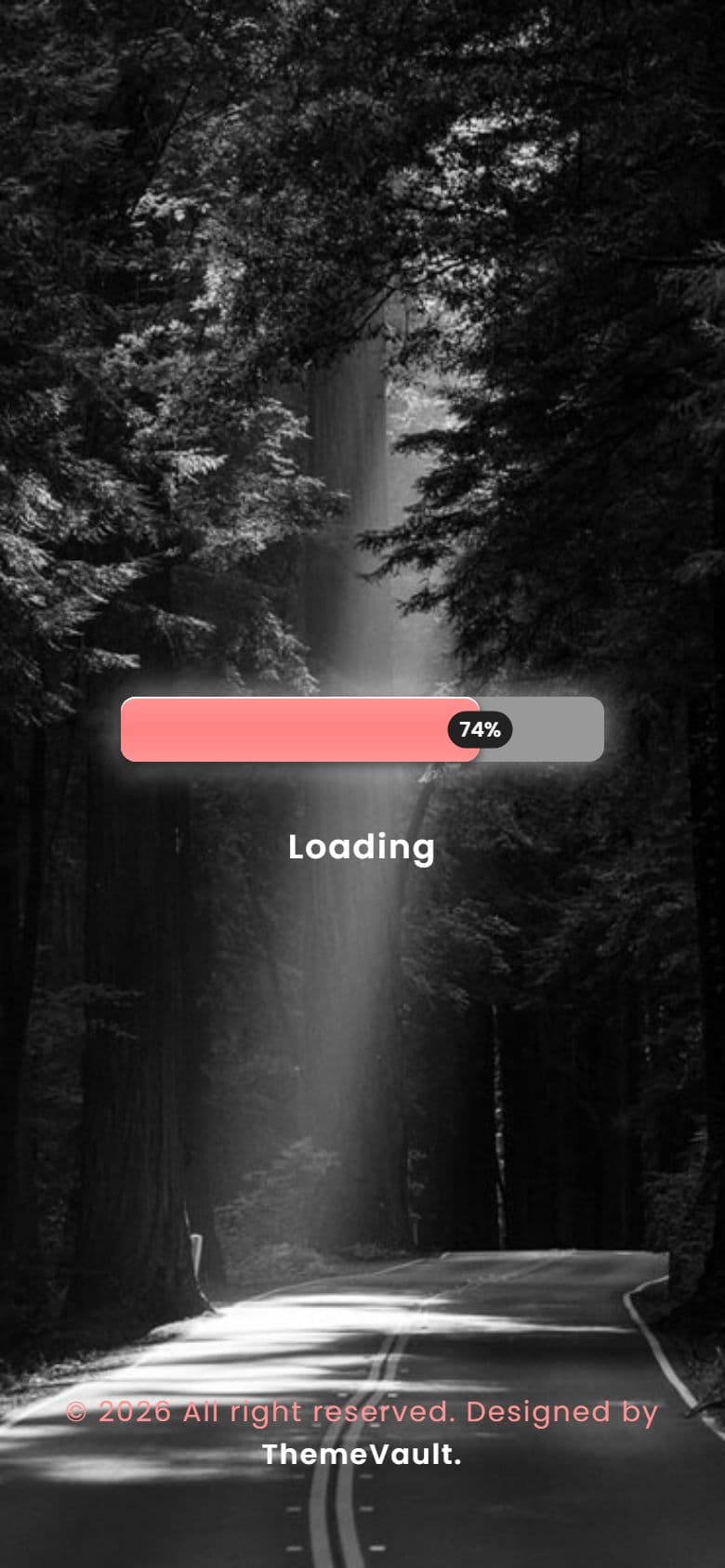
The home page on a phone, as it looks in the live demo.
In the download
What you get in the ZIP
Everything is plain files you can open in any editor. No build step and no installs.
- 11files
- 49 KBZIP size
- 3HTML pages
- 2images
Please note that the images in the template will be blurred in the downloaded package.
sunlight-progress-bar/
├── index.html
├── file-upload.html
└── multi-step.html
From download to live
No build tools, no installs
Download
Get the ZIP
Free, instant and no card needed. Unzip it anywhere.
Edit
Add your content
Change the text and photos in the HTML files with any code editor.
Publish
Upload and go
Upload the folder to any web host. It's plain HTML, so it runs anywhere.
Questions
About this template
Can I use Sunlight Progress Bar for a client's website?
Yes. The free version is licensed for personal and commercial use, including client work, as long as the footer credit stays. Remove it for $9.00₹499 one-time, or with Pro.
Do I need to know how to code?
You'll need to edit the HTML text and swap the images, which any code editor can do.
Will I get updates?
Yes. Your My Downloads page always serves the latest version, so you can re-download an update free. The What's new tab lists what changed in each version.
Are the photos included?
The images in the template are blurred in the downloaded package, and the photos in the live demo are for the demo only. Add your own images.
Subscribe Us
Keep looking
All templatesView Similar Templates



From the blog
View Blog

- Design
- Web Development
- November 03, 2026
Best Free Website Templates for a Small Business (2026)
Free templates for restaurants, gyms, salons, real estate, clinics, agencies and more, all rebuilt in 2026. What to check before you download, and when paying s…
- Web Development
- November 03, 2026
Astro vs Next.js for a Business or Marketing Website (2026)
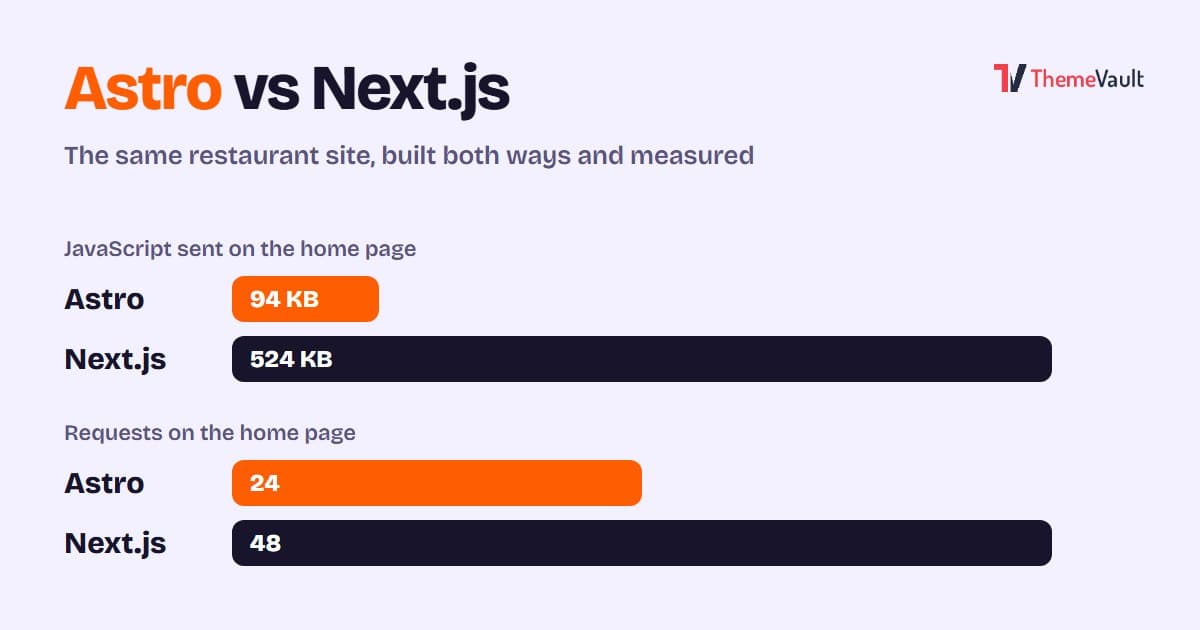
We built the same restaurant website in Astro and in Next.js with an admin panel, then measured both. Where Astro wins, where Next.js wins, and how to choose.
- Wordpress
- Web Development
- November 03, 2026
HTML Template to WordPress: Convert It Yourself or Use a WordPress Version?
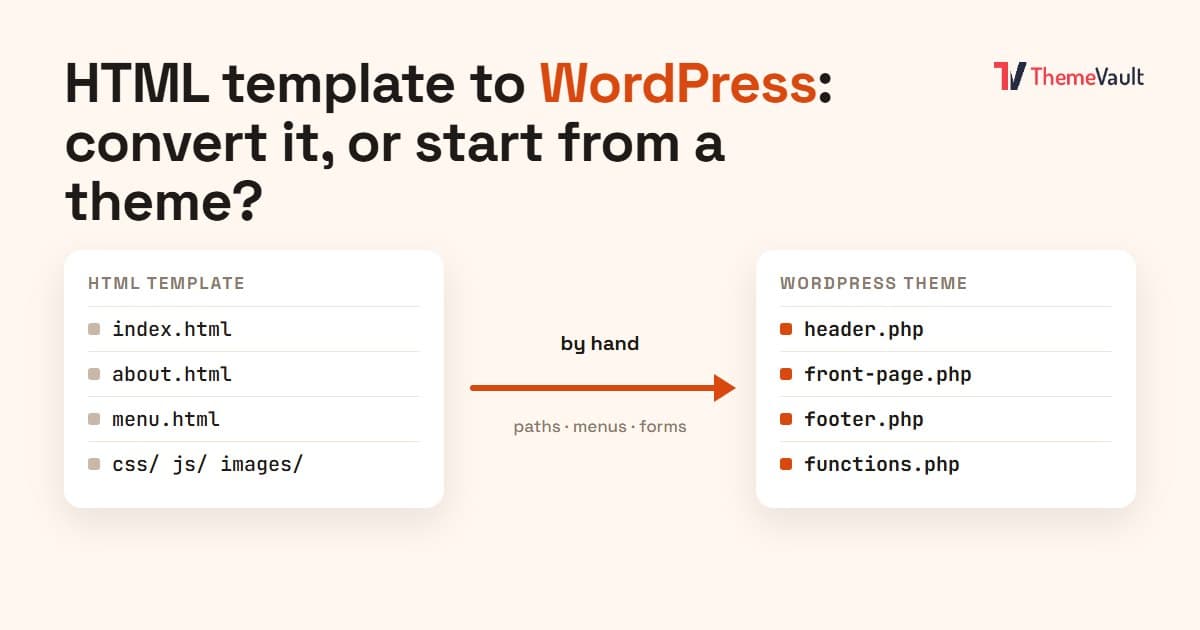
We turned our Bistrofeast HTML template into a WordPress theme by hand. Every step, the mistakes, how long it took, and when a WordPress version saves you days.