
Free Multipurpose Sign Up Form Widget Template
Get a free and multipurpose sign up form free widget template from ThemeVault. This free widget template is built using HTML5 and CSS3. Get and make your design easy!
⬇ Free downloadTry the live demo
Free for personal & commercial use · keeps a small “Designed by ThemeVault” footer link · no card needed
- HTML
- CSS
- JS
- Bootstrap 5
- Released Jun 2017
- v2.0 · Sep 2026
- 5 pages+ 3 HTML emails
- v2.0updated Sep 2026
- 2,952views
- 1,278downloads
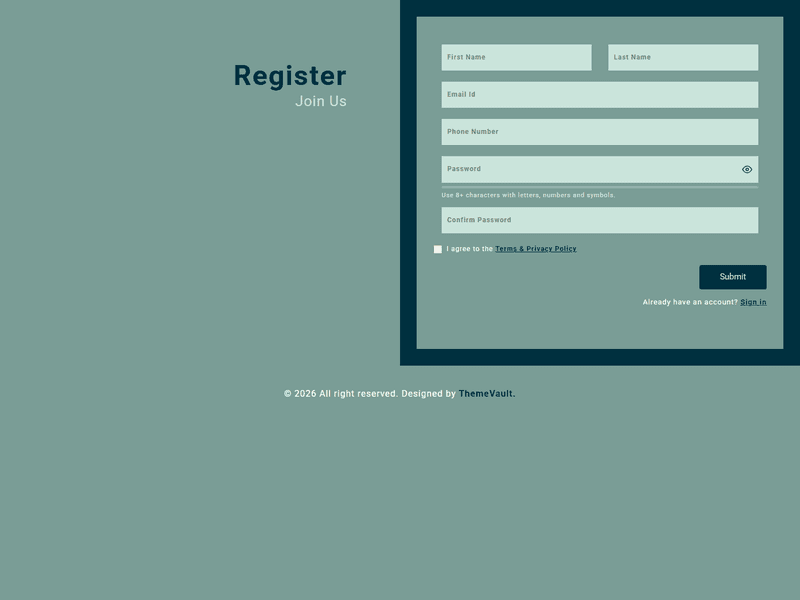
Multipurpose Sign Up Form – If you want a sign up form in your website for the visitors to create their accounts on your website, to get conneted or for purchasing any thing or for membership, then this multipurpose sign up form is a perfect solution for all types of websites. This multipurpose sign up form has mesmerizing awesome features which is eye catching for the visitors or users of your website. This free widget template, multipurpose sign up form is 100% responsive on all screen sizes and cross-compatible on all devices. It is crafted using HTML5 and CSS3.
Version 2.0 makes the registration form work: real validation on every field, a password-strength meter, show/hide password and a live confirm-password match check, ending in a check-your-inbox confirmation. Adds login.html (sign in, remember me), forgot-password.html and terms.html, plus three confirmation emails. Every field in v1's form had a broken id (first/last name shared one id, three other fields shared another) and the form had no handler.
- A working sign-up form: first/last name, email, phone, a password with a strength meter and show/hide, a confirm-password field with a live match check
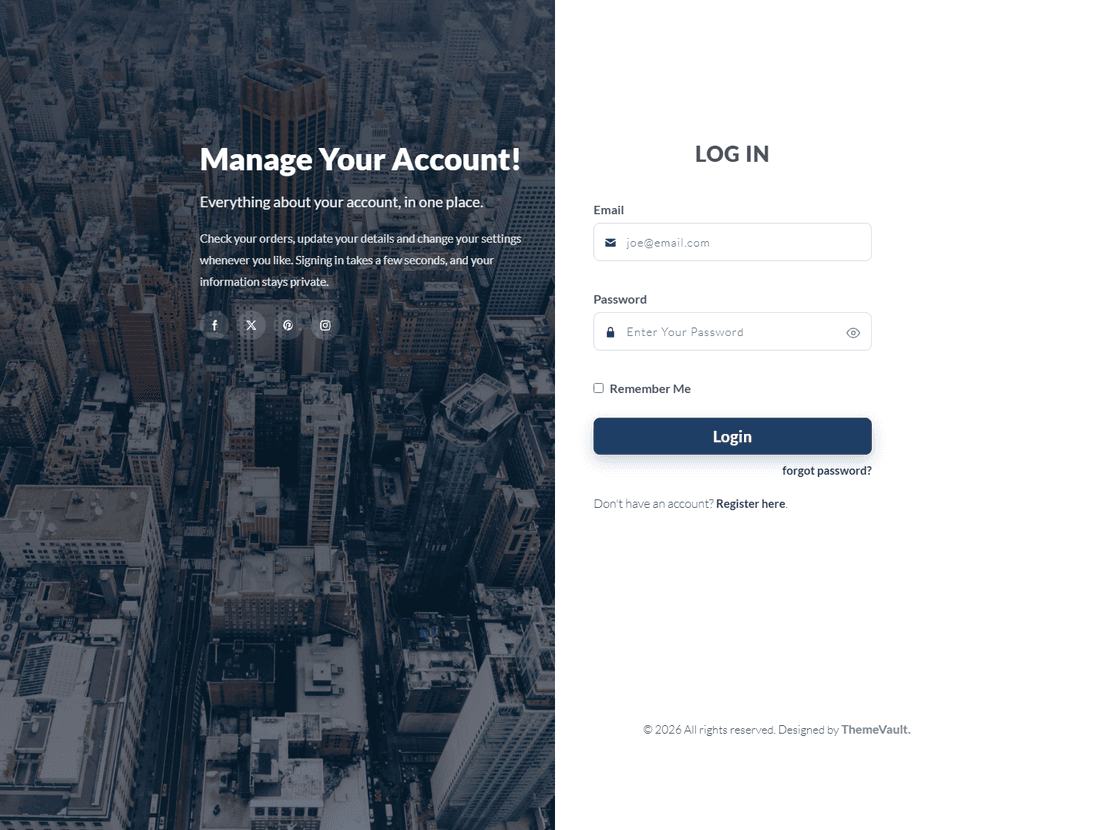
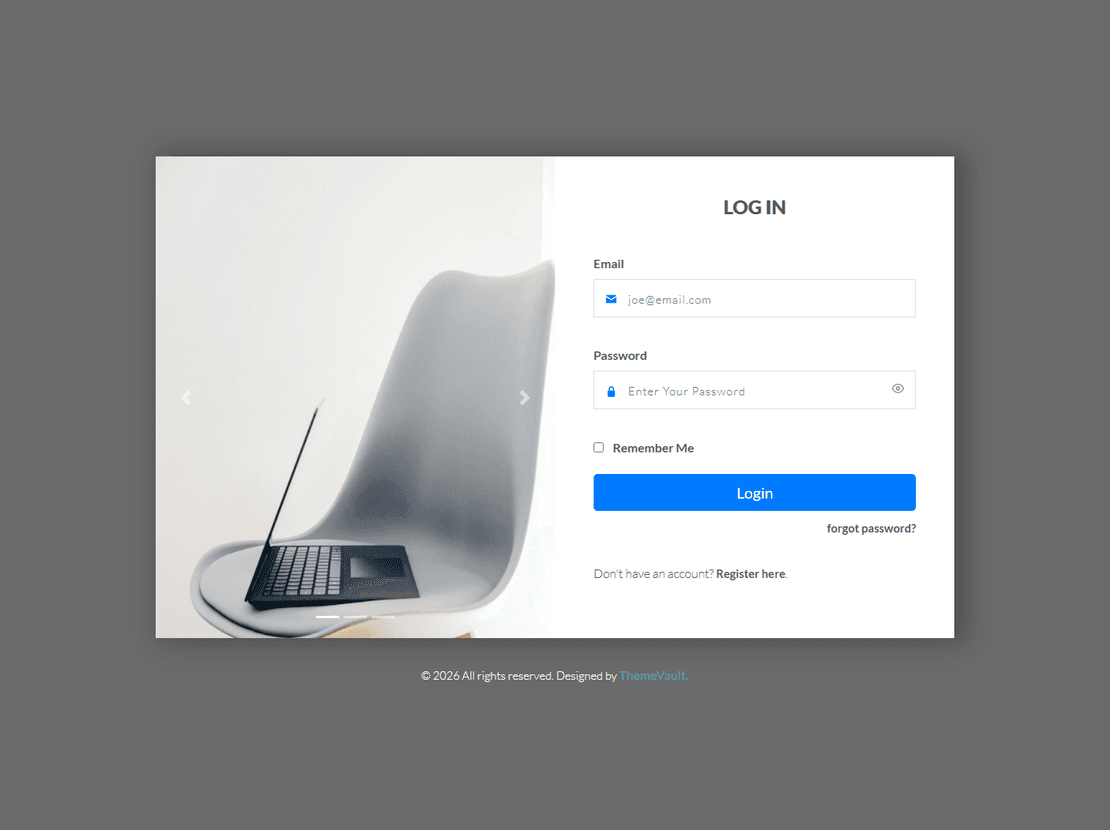
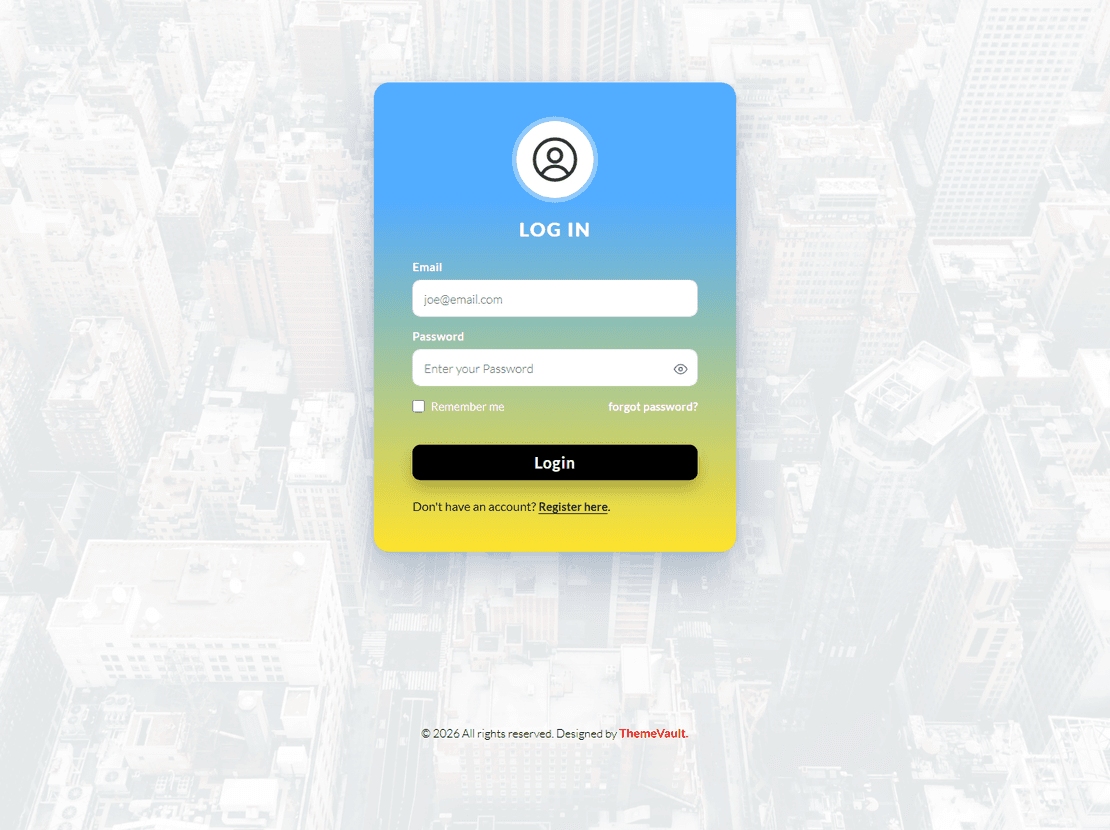
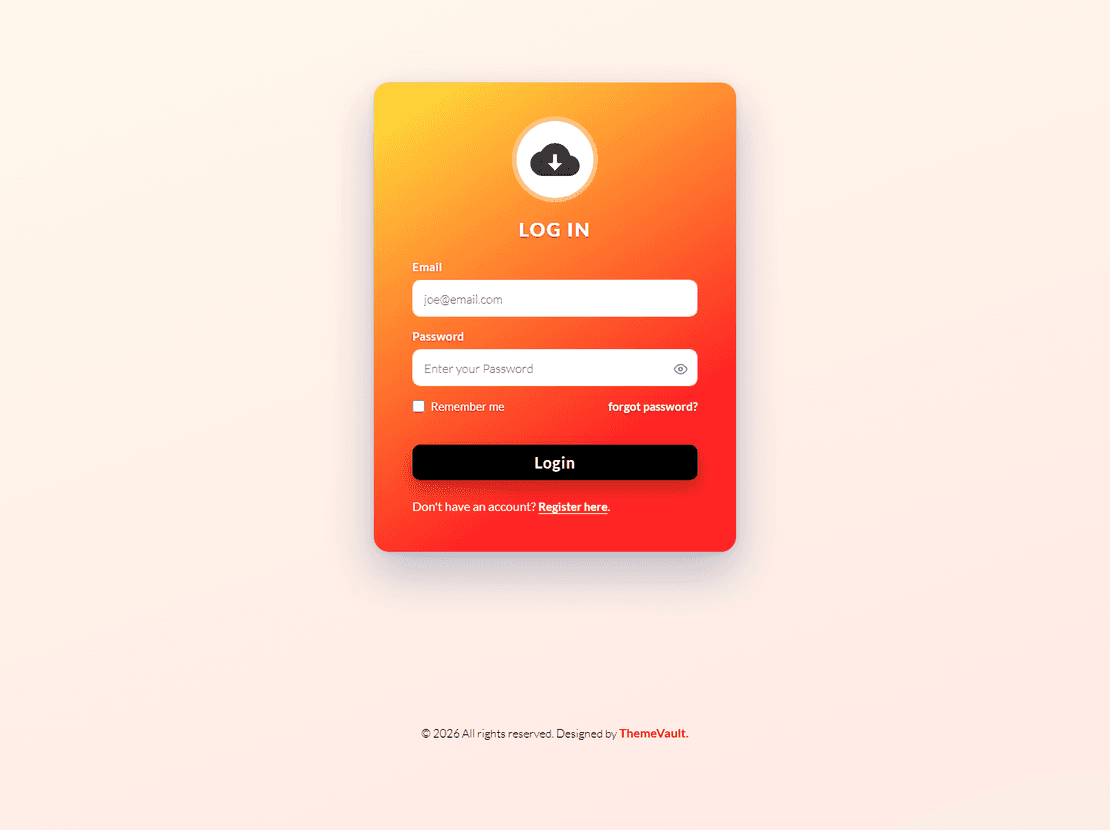
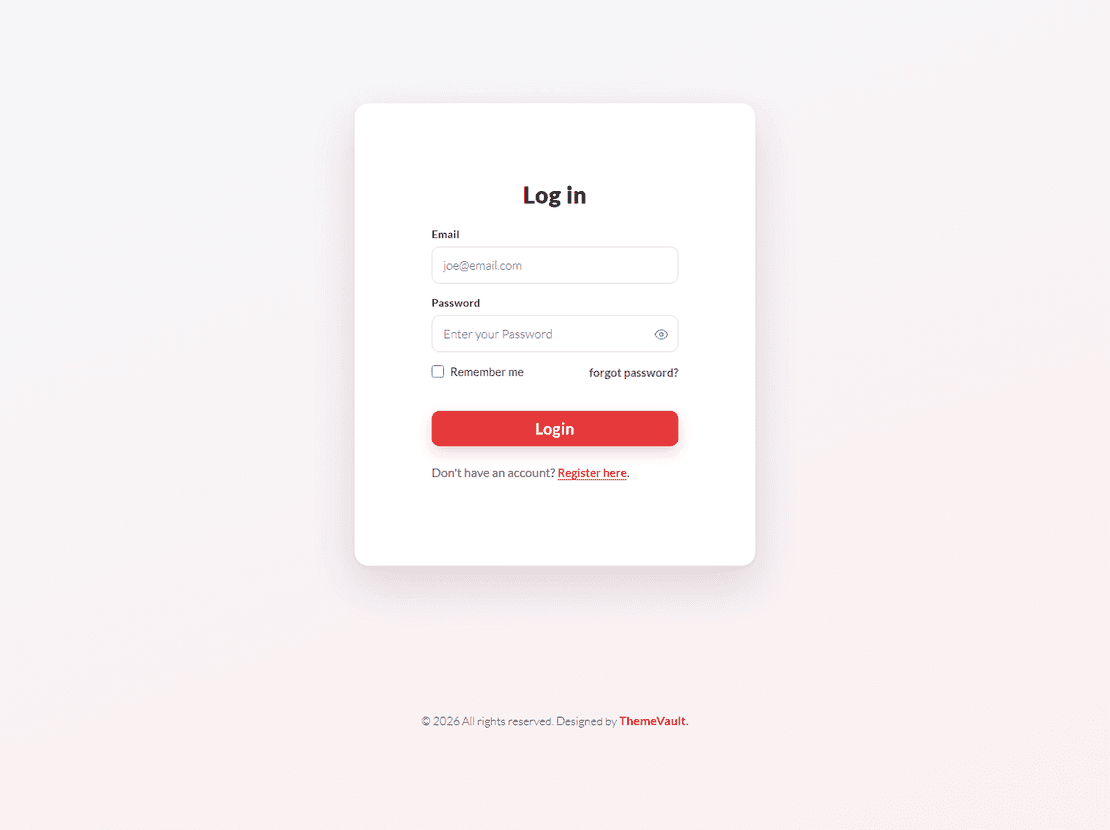
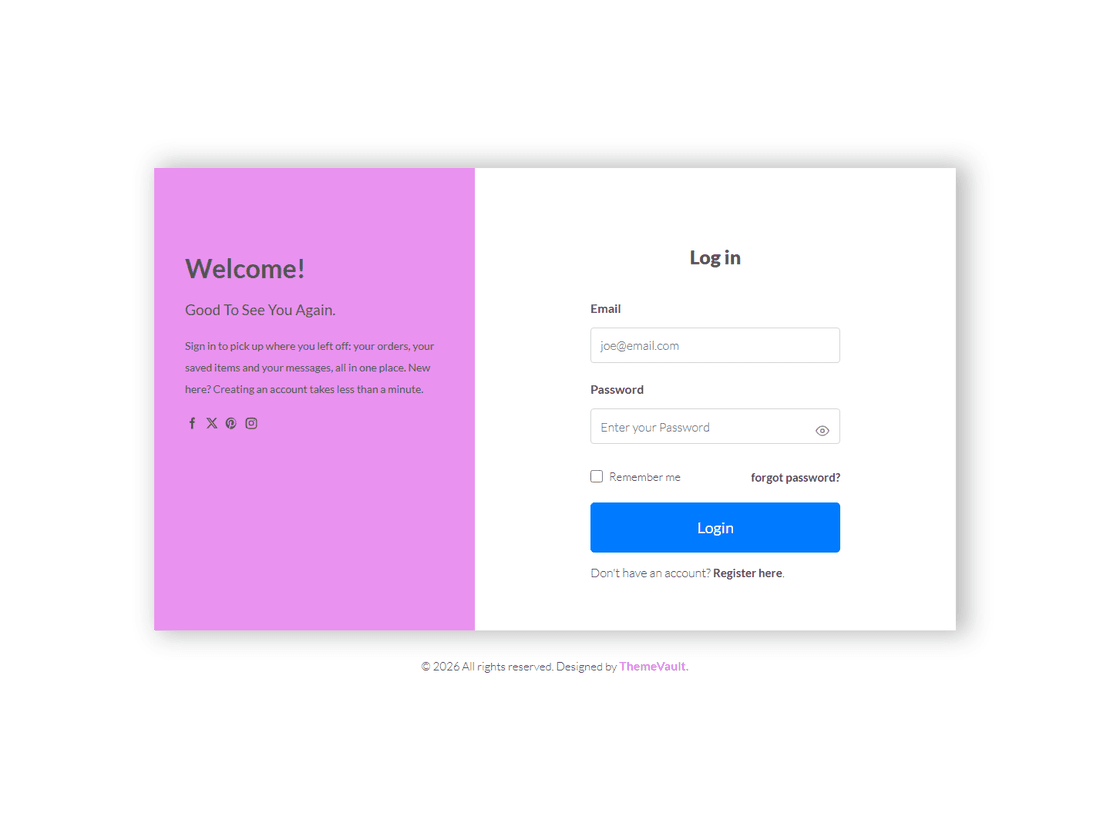
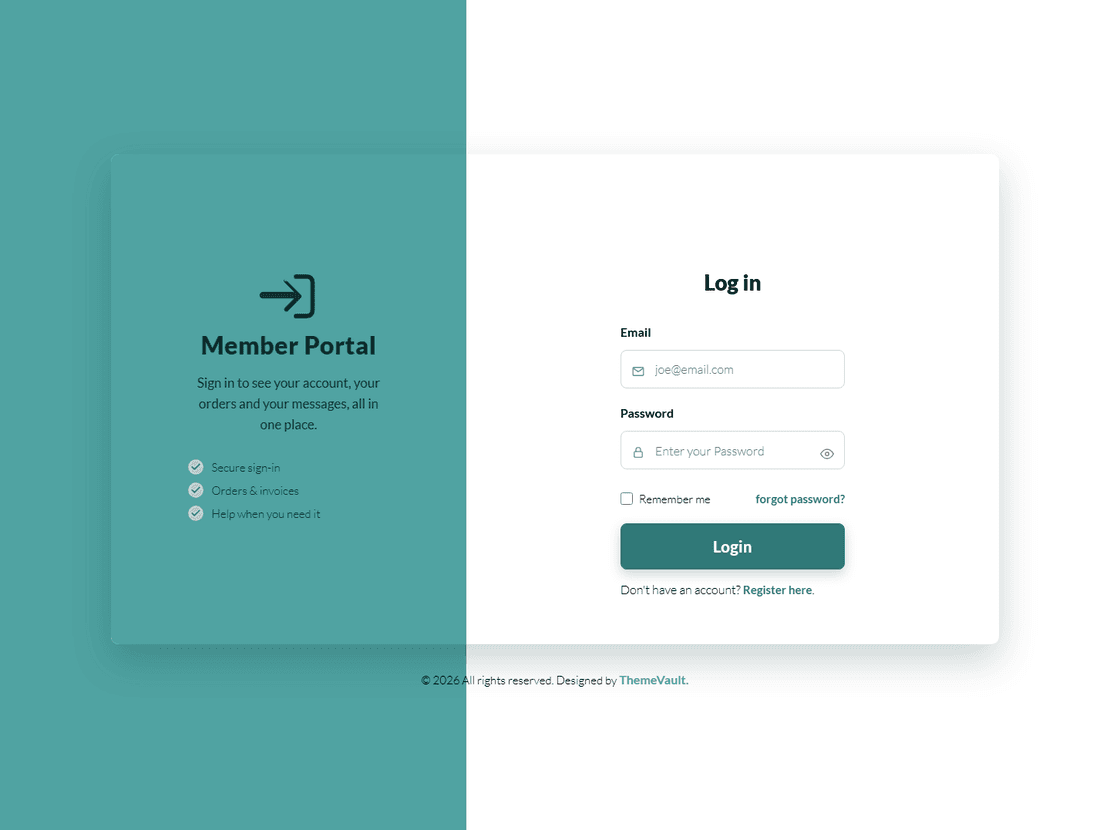
- login.html — sign in, with show/hide password and "keep me signed in".
- forgot-password.html — request a reset link.
- terms.html — what the form collects, why, and how to have it removed.
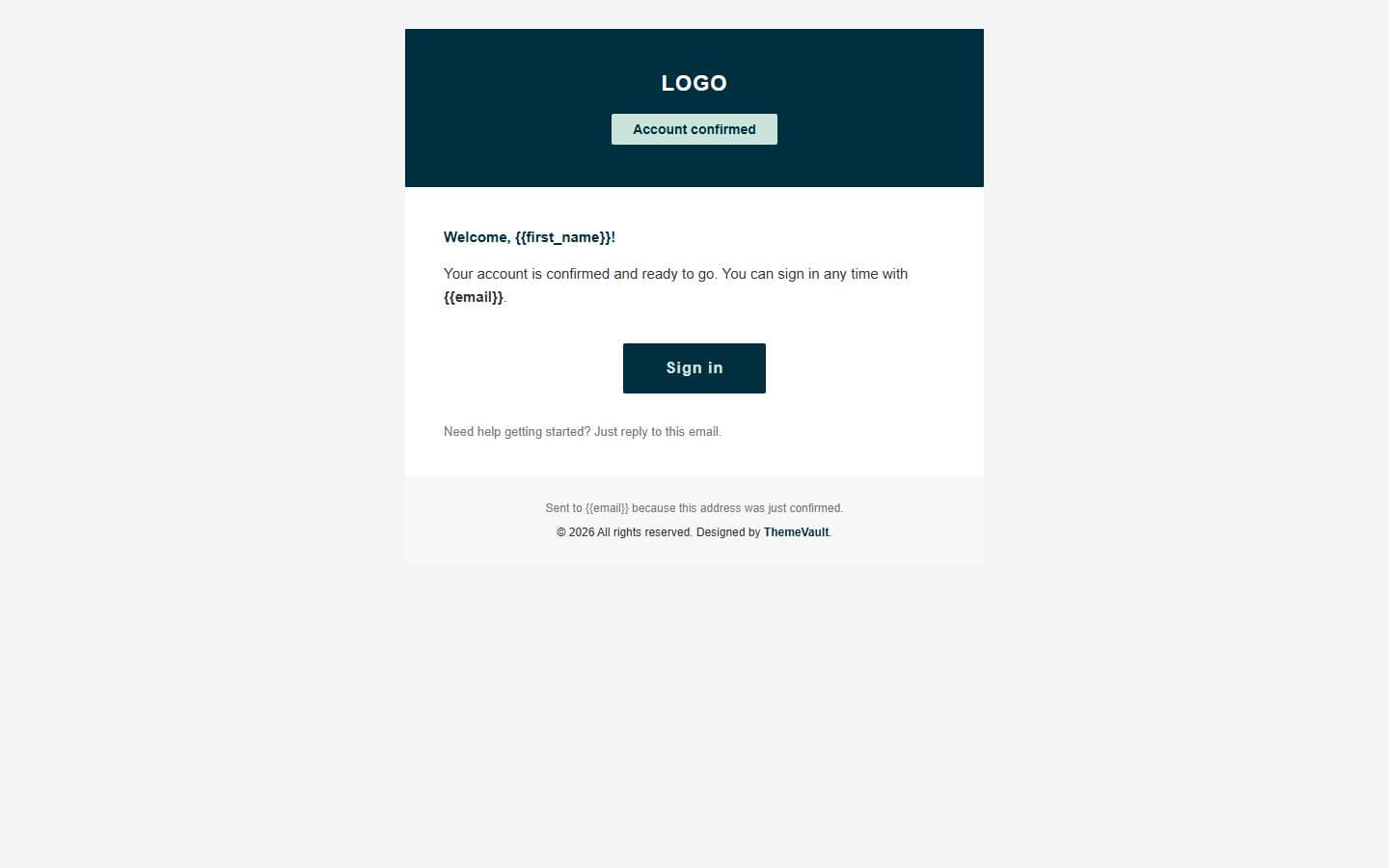
- Three ready-to-send HTML emails: email-confirm.html, email-welcome.html and email-password-reset.html.
- Connect any form to your server: add data-endpoint="https://your-site.com/api/…" and it is POSTed there. Without it every form runs as a demo (each shows a "Dem
- Every field in v1's form had a broken id: First and Last Name shared id="name", and Phone Number
- Confirm Password now actually checks it matches Password, live — v1 never checked this at all.
Pages
Features
| Template Type | Free |
|---|---|
| Compatible Browsers | Opera, Firefox, Google Chrome |
| Link hover effetcs | Yes |
| Coding | HTML 5, CSS 3, 1170 Grid System, Bootstrap 5 |
| Forms | Registration Form, Login Form |
| Additional Features | Favicon, Responsive Design |
What’s new
v2.0Sep 2026
- A working sign-up form: first/last name, email, phone, a password with a strength meter and show/hide, a confirm-password field with a live match check, and a terms checkbox — ending in a check-your-inbox confirmation.
- login.html — sign in, with show/hide password and "keep me signed in".
- forgot-password.html — request a reset link.
- terms.html — what the form collects, why, and how to have it removed.
- Three ready-to-send HTML emails: email-confirm.html, email-welcome.html and email-password-reset.html.
- Connect any form to your server: add data-endpoint="https://your-site.com/api/…" and it is POSTed there. Without it every form runs as a demo (each shows a "Demo only" line — delete those lines when you go live). Details at the top of js/main.js.
- Every field in v1's form had a broken id: First and Last Name shared id="name", and Phone Number, Password and Confirm Password all shared id="email". No field had a real name attribute. A get-method form with no handler that did nothing on submit.
- Confirm Password now actually checks it matches Password, live — v1 never checked this at all.
- v1's two columns only stacked below 768px, squeezing the whole six-field form into half the tablet width from 768-991px. Now stacks earlier, and every field, the title and the button are sized back up on tablet and phone instead of inheriting v1's side-by-side-tuned shrink rules.
- No jQuery in v1. Roboto (v1's own declared font) ships self-hosted (woff2, only the weights used); nothing is fetched from Google.
Already downloaded this template? Your My Downloads page always serves the latest version — re-download free.
Download Details
- Published
- June 05, 2017
- Categories
- Site ElementsFree Responsive Website Templates
- Tags
- HTMLJoin FormModernMultipurposeRegister FromRegistration DesignRegistration FormResponsive FormSign UpSign Up FormSignup FormSingle Formbusiness
Source
- HTML
- CSS
- JS
- Bootstrap 5
Please note that the images in the template will be blurred in the downloaded package.
Support
Facing issues with this template? Write to support@themevault.net and we'll help you out.
License
Free for personal & commercial use with an attribution link to ThemeVault. Read the license.
Reviews
No reviews yet — be the first to review this template.
Every page
See all 8 pages at a glance
Each page is built and ready, including the thank-you page and the emails.
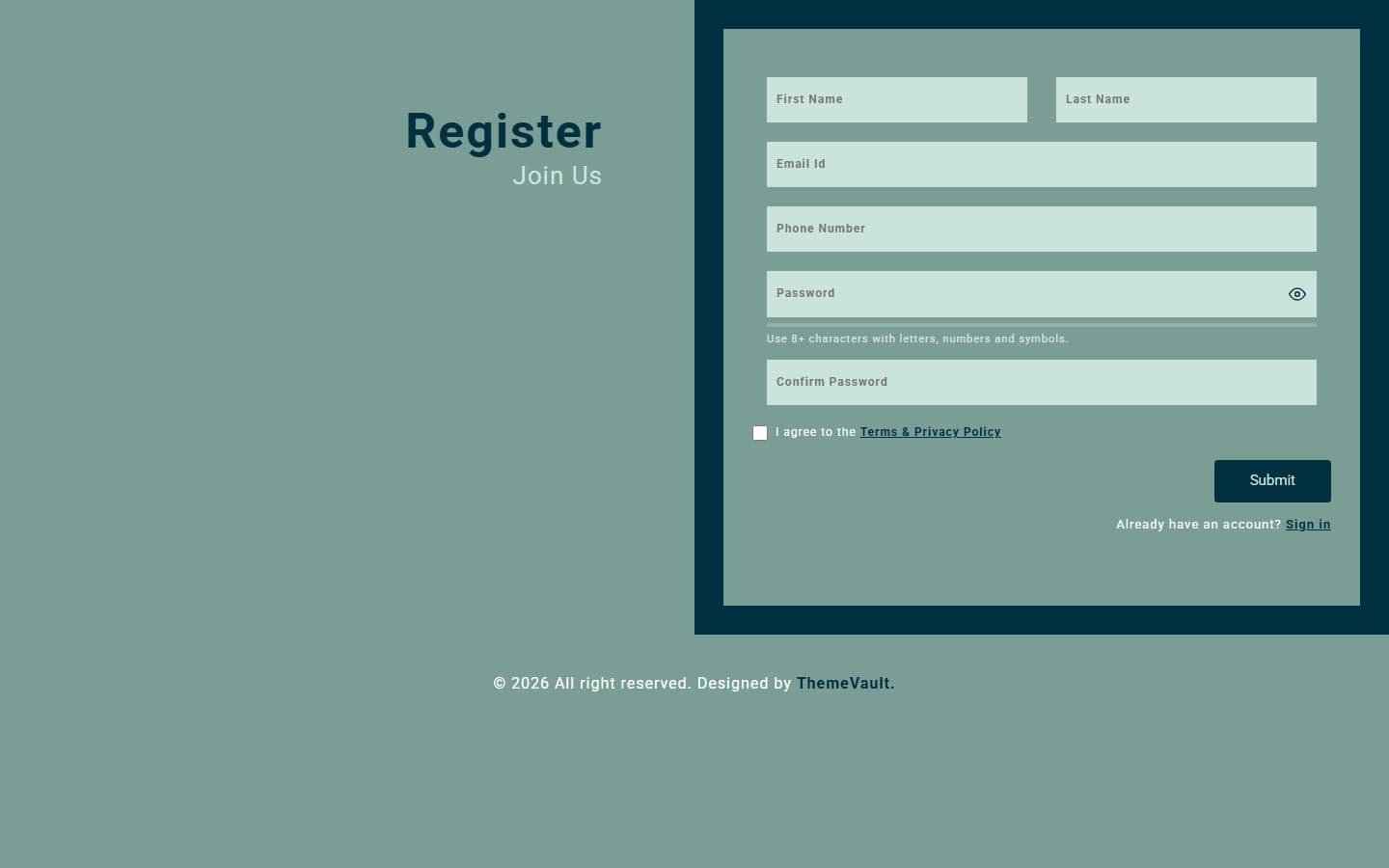 Homeindex.html
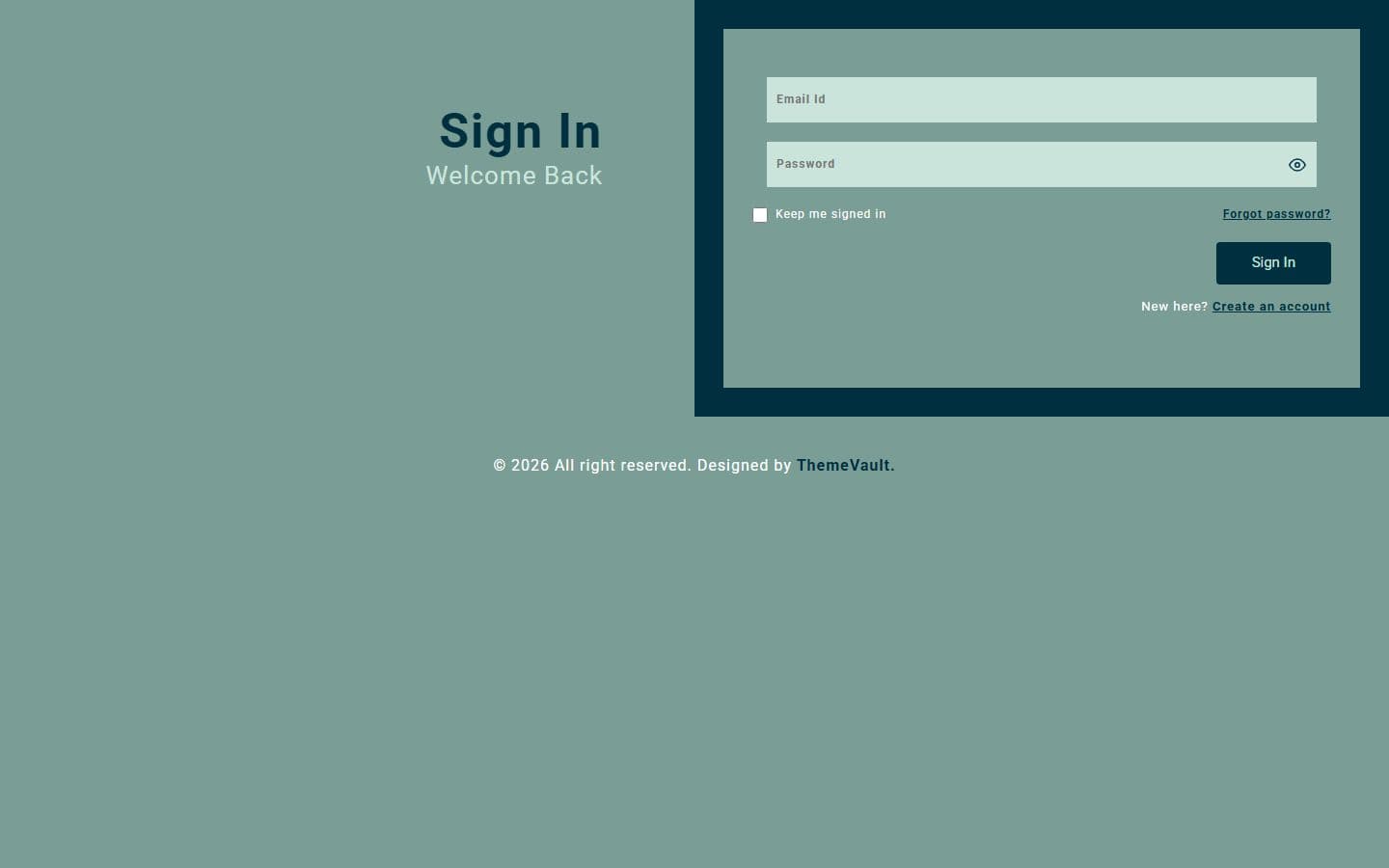 Loginlogin.html
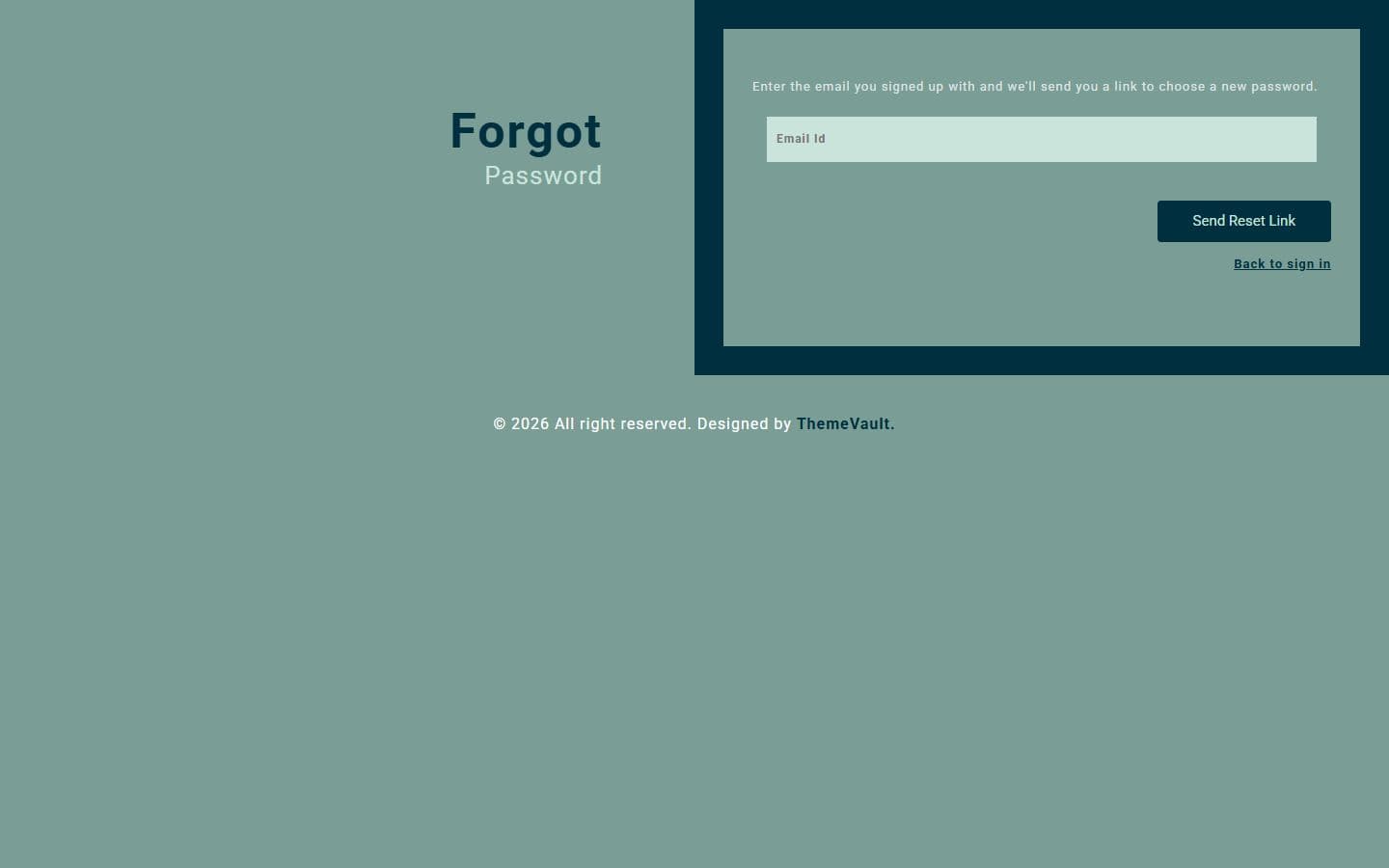 Forgot passwordforgot-password.html
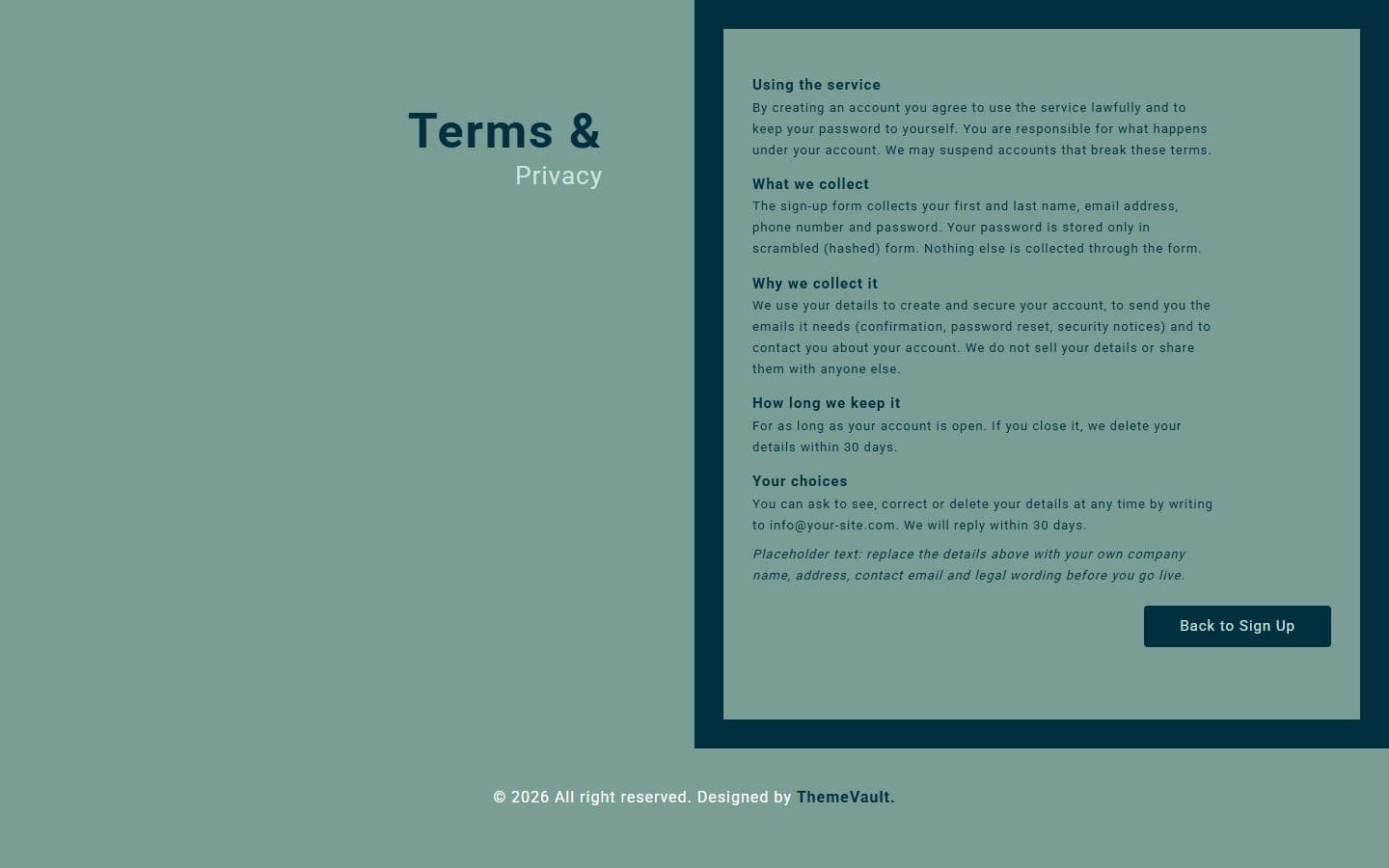 Termsterms.html
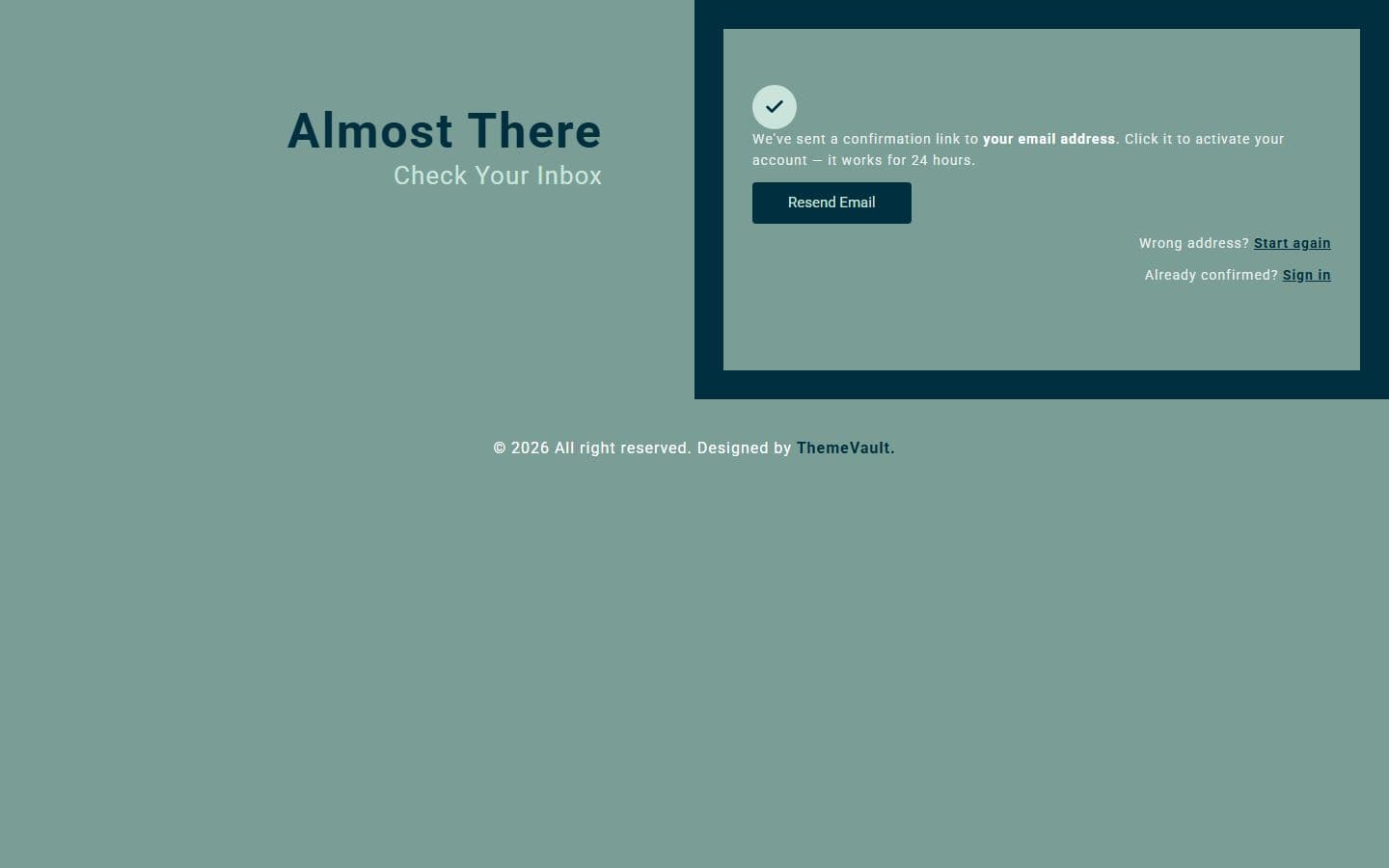 Thank youthank-you.html
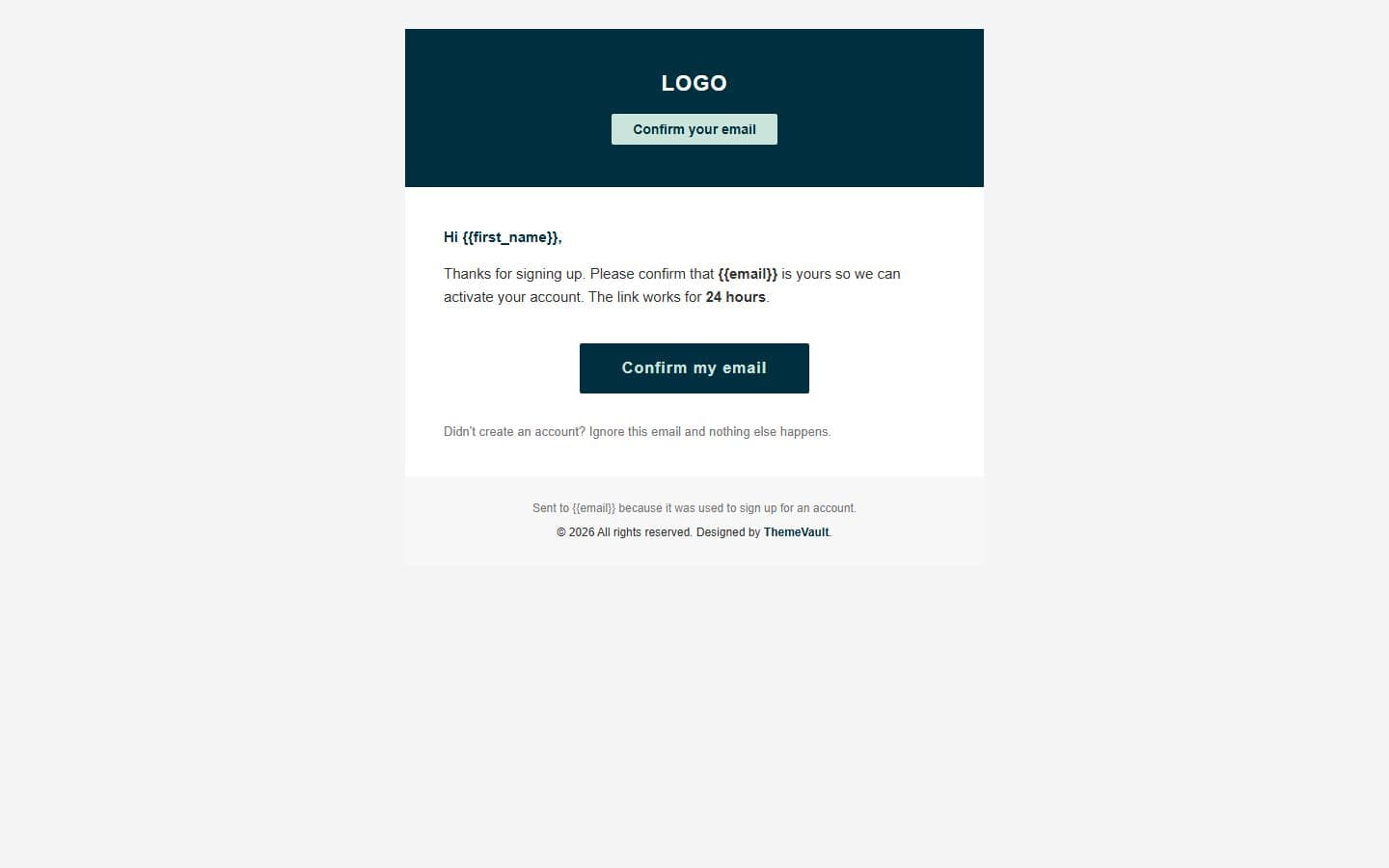 Email: confirmemail-confirm.html
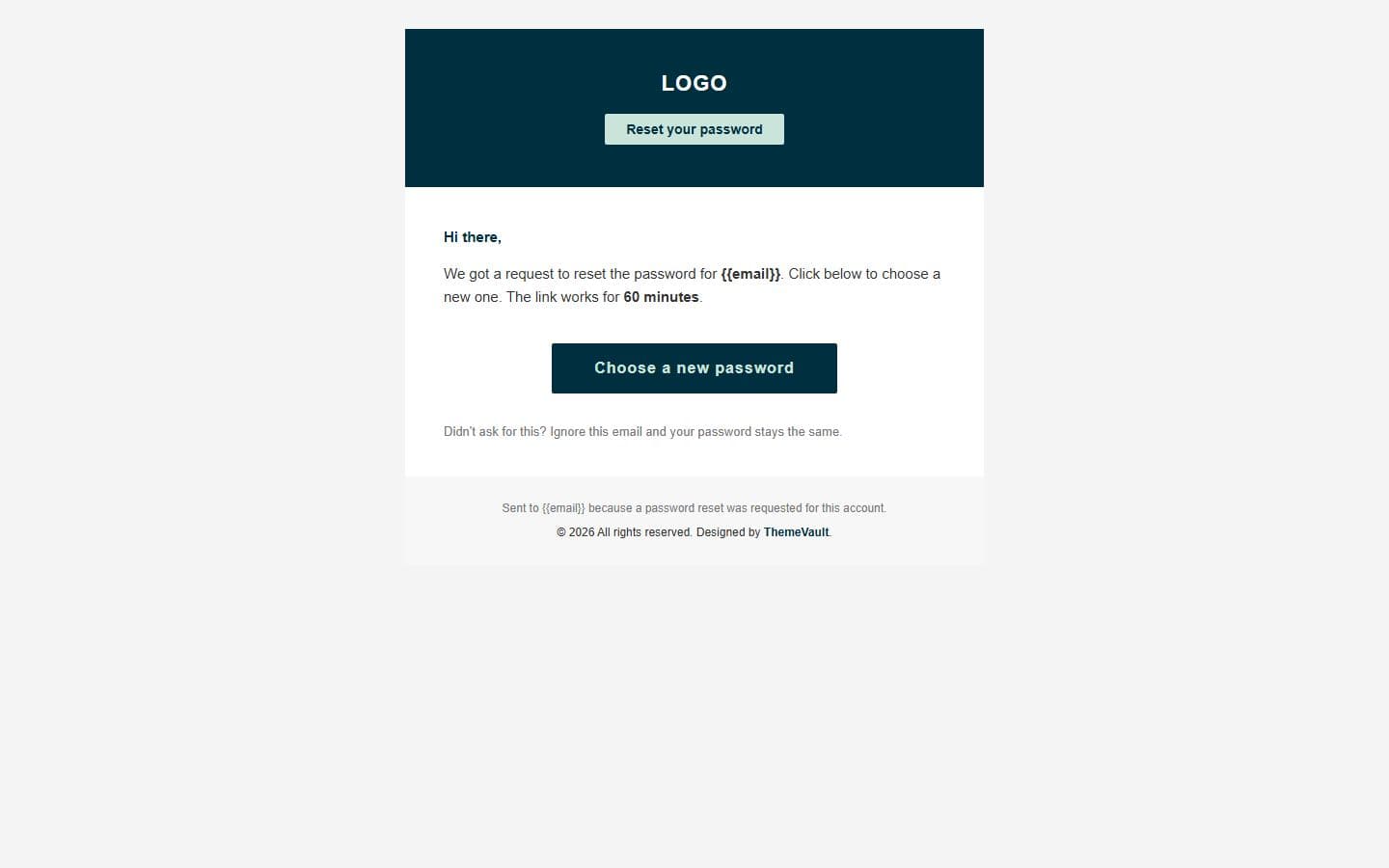 Email: password resetemail-password-reset.html
 Email: welcomeemail-welcome.html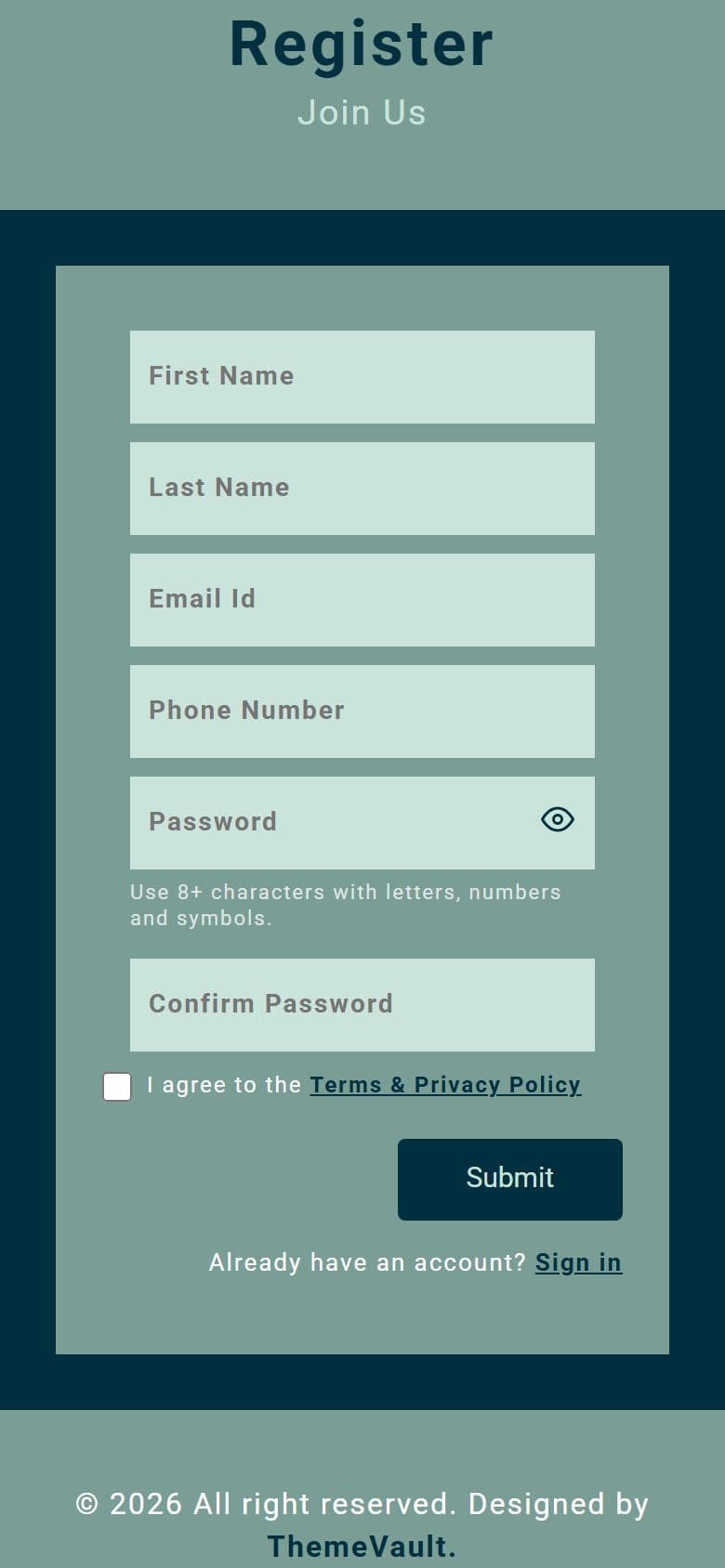
The home page on a phone, as it looks in the live demo.
In the download
What you get in the ZIP
Everything is plain files you can open in any editor. No build step and no installs.
- 18files
- 109 KBZIP size
- 8HTML pages
- 1images
Please note that the images in the template will be blurred in the downloaded package.
multipurpose-sign-form/
├── index.html
├── email-confirm.html
├── email-password-reset.html
├── email-welcome.html
├── forgot-password.html
├── login.html
├── terms.html
└── thank-you.html
From download to live
No build tools, no installs
Download
Get the ZIP
Free, instant and no card needed. Unzip it anywhere.
Edit
Add your content
Change the text and photos in the HTML files with any code editor.
Publish
Upload and go
Upload the folder to any web host. It's plain HTML, so it runs anywhere.
Questions
About this template
Can I use Multipurpose Sign Up Form for a client's website?
Yes. The free version is licensed for personal and commercial use, including client work, as long as the footer credit stays. Remove it for $9.00₹499 one-time, or with Pro.
Do I need to know how to code?
You'll need to edit the HTML text and swap the images, which any code editor can do.
Will I get updates?
Yes. Your My Downloads page always serves the latest version, so you can re-download an update free. The What's new tab lists what changed in each version.
Are the photos included?
The images in the template are blurred in the downloaded package, and the photos in the live demo are for the demo only. Add your own images.
Subscribe Us
Keep looking
All templatesView Similar Templates


From the blog
View Blog
- Web Development
- November 03, 2026
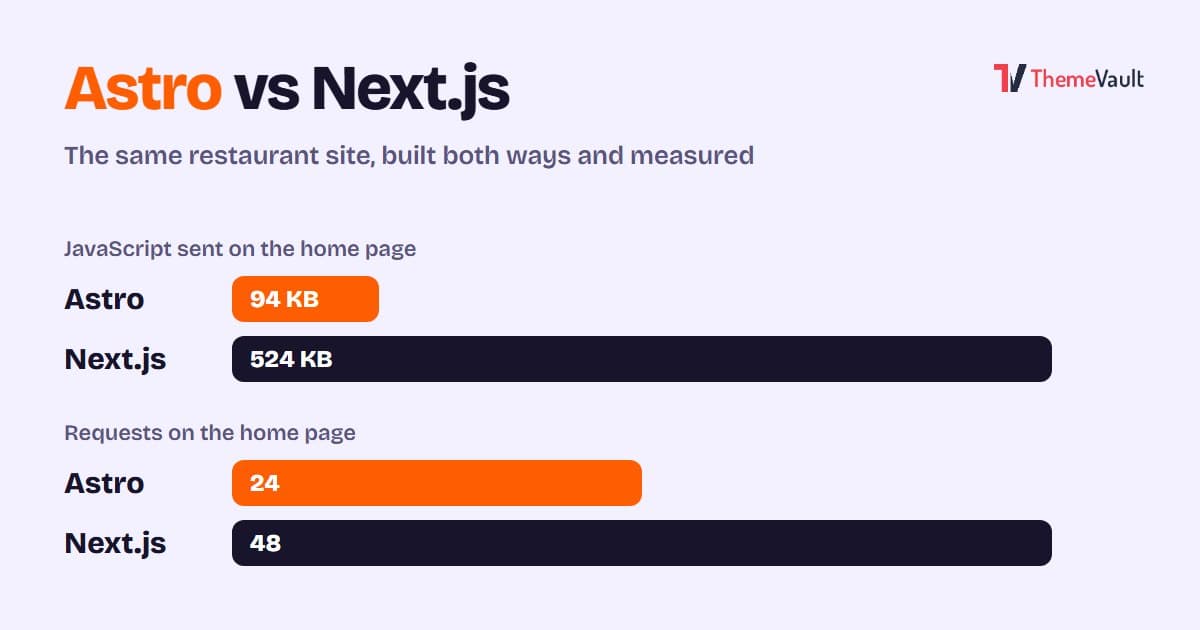
Astro vs Next.js for a Business or Marketing Website (2026)
We built the same restaurant website in Astro and in Next.js with an admin panel, then measured both. Where Astro wins, where Next.js wins, and how to choose.
- Wordpress
- Web Development
- November 03, 2026
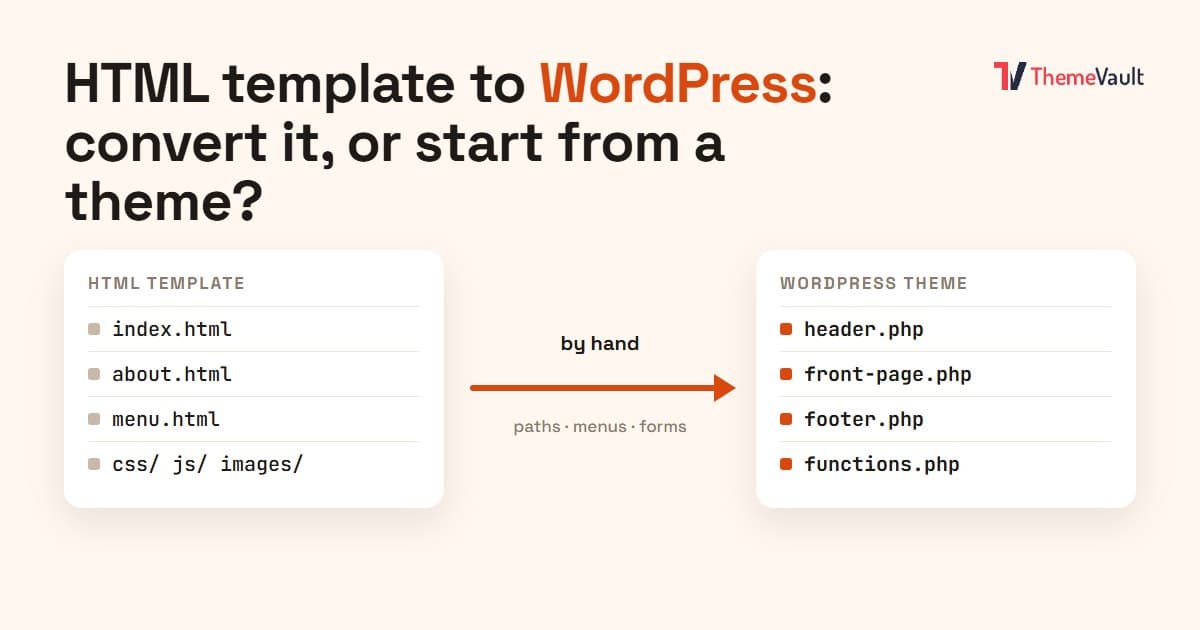
HTML Template to WordPress: Convert It Yourself or Use a WordPress Version?
We turned our Bistrofeast HTML template into a WordPress theme by hand. Every step, the mistakes, how long it took, and when a WordPress version saves you days.
- Wordpress
- Web Development
- November 02, 2026
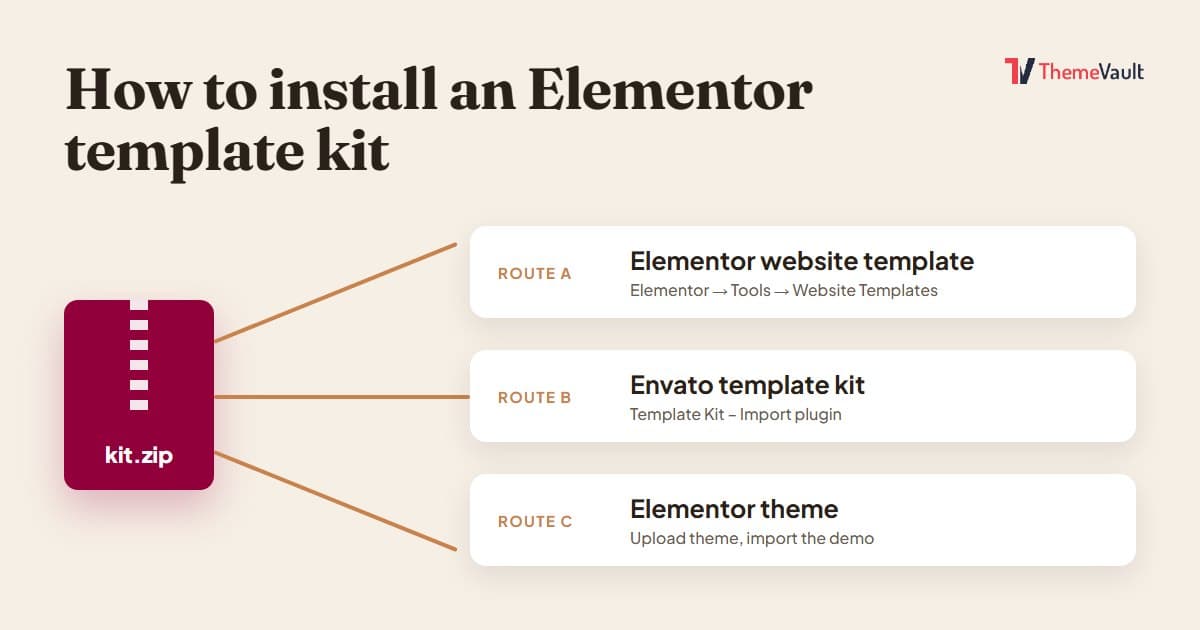
How to Install an Elementor Template Kit (2026 Guide)
We installed the same kit both ways on a clean WordPress site. Where each kind of kit goes, the steps people miss, and what to do when it looks wrong.