
Free Modern Distinctive Subscribe Form Template
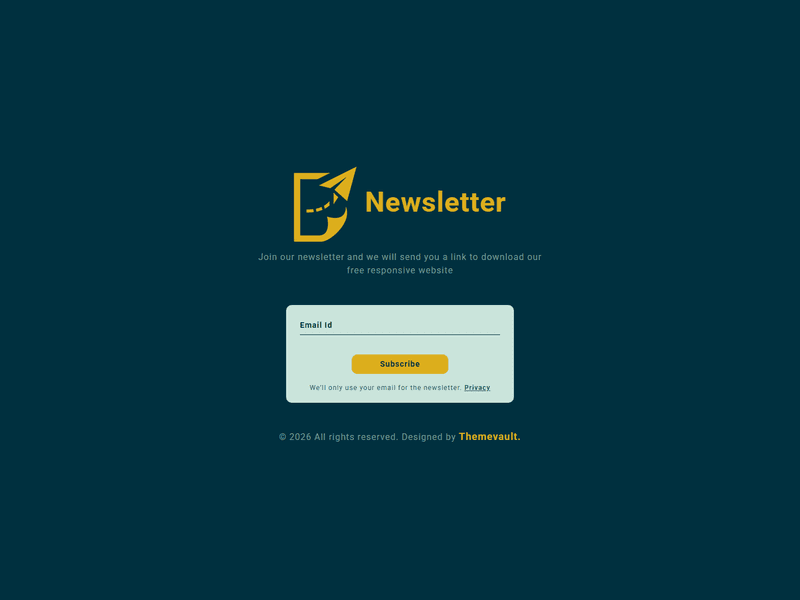
Download modern subscribe form - a free and responsive widget template to give a clean and elegant look to subscribe or pop up form. It is 100% responsive and entirely built with HTML5 CSS3. You can make it yours and add a form in your site in no time.
⬇ Free downloadTry the live demo
Free for personal & commercial use · keeps a small “Designed by ThemeVault” footer link · no card needed
- HTML
- CSS
- JS
- Released May 2017
- v2.0 · Sep 2026
- 4 pages+ 4 HTML emails
- v2.0updated Sep 2026
- 3,588views
- 1,215downloads
Modern Distinctive Subscribe Form is a perfect solution if you want a unique subscribe form to send newsletters, special prizes and offers, promotions updates, discounts to make your customers stay in touch with you. Try this free widget template for your website which is completely free to download and is designed using HTML5 and CSS3. This widget can be used to build a popup in your website or even as a standalone element. It is a responsive widget and compatible on all devices.
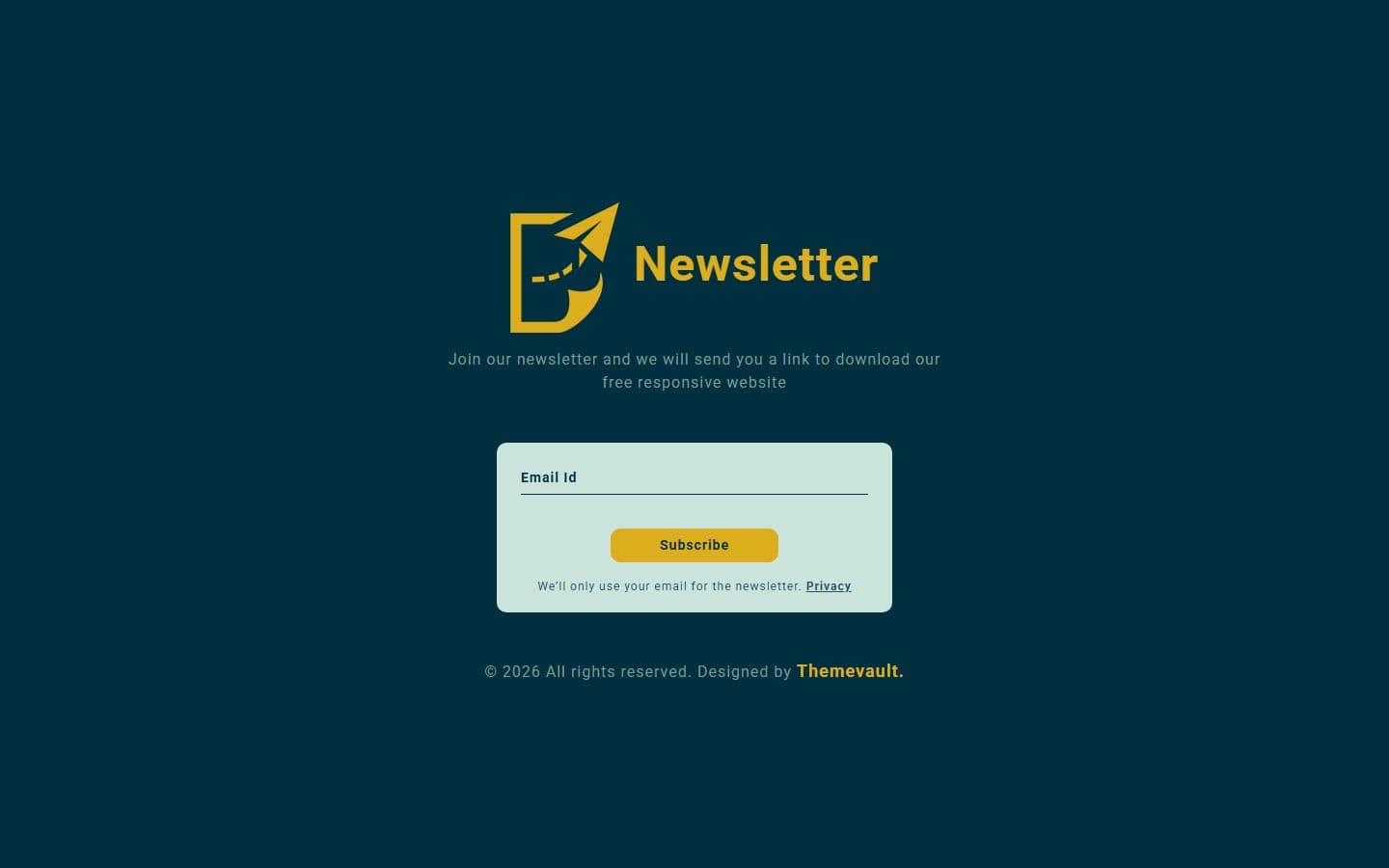
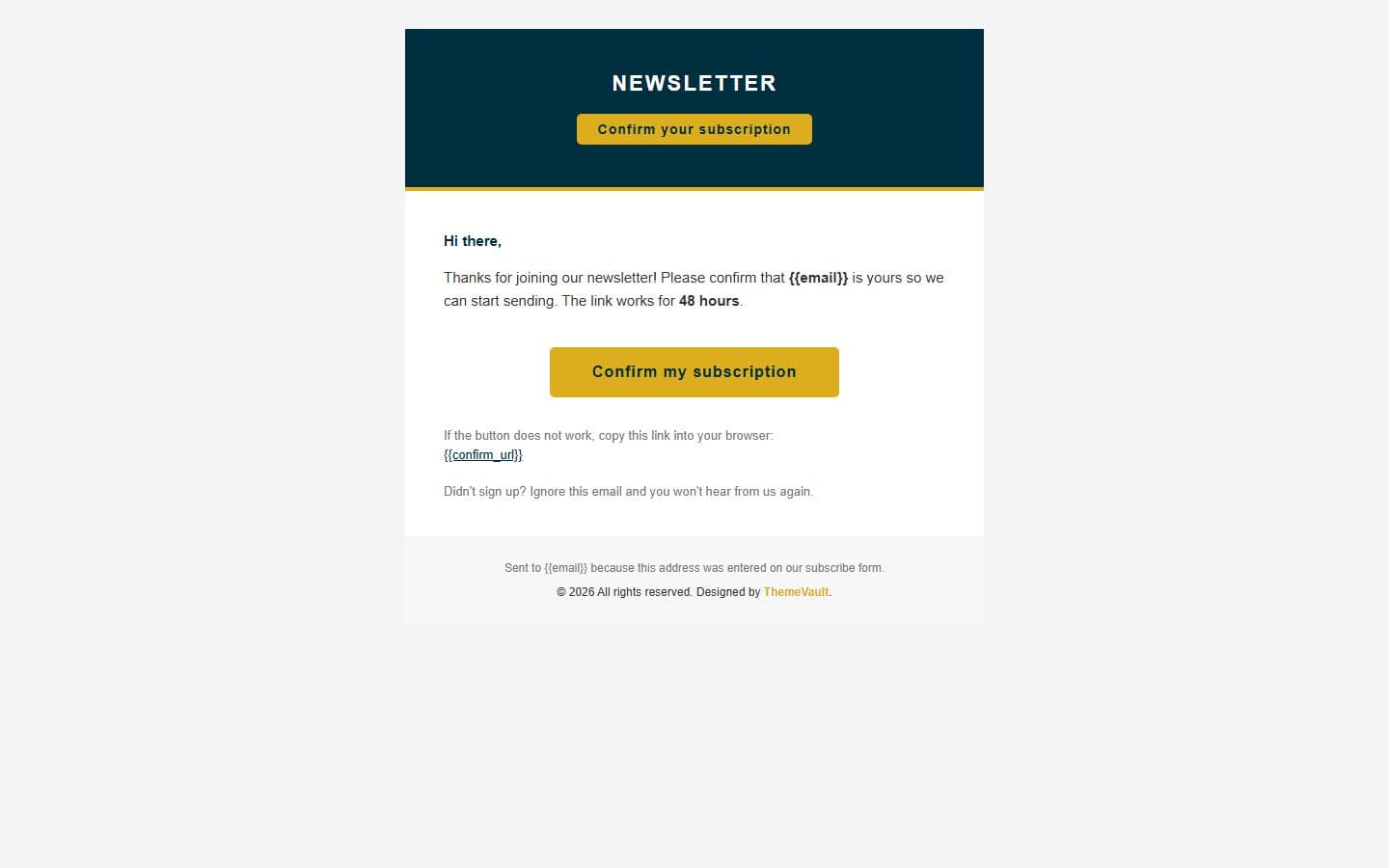
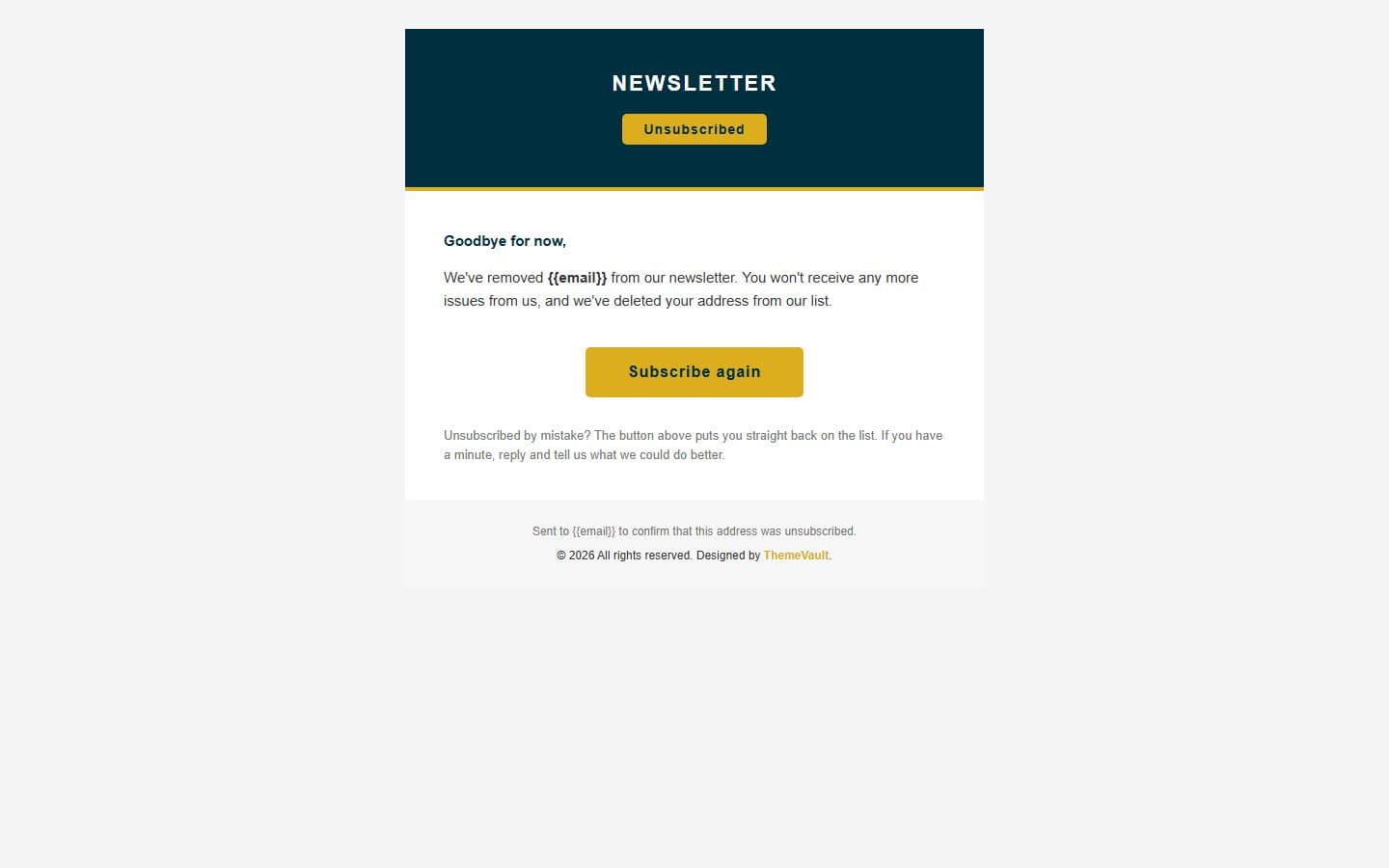
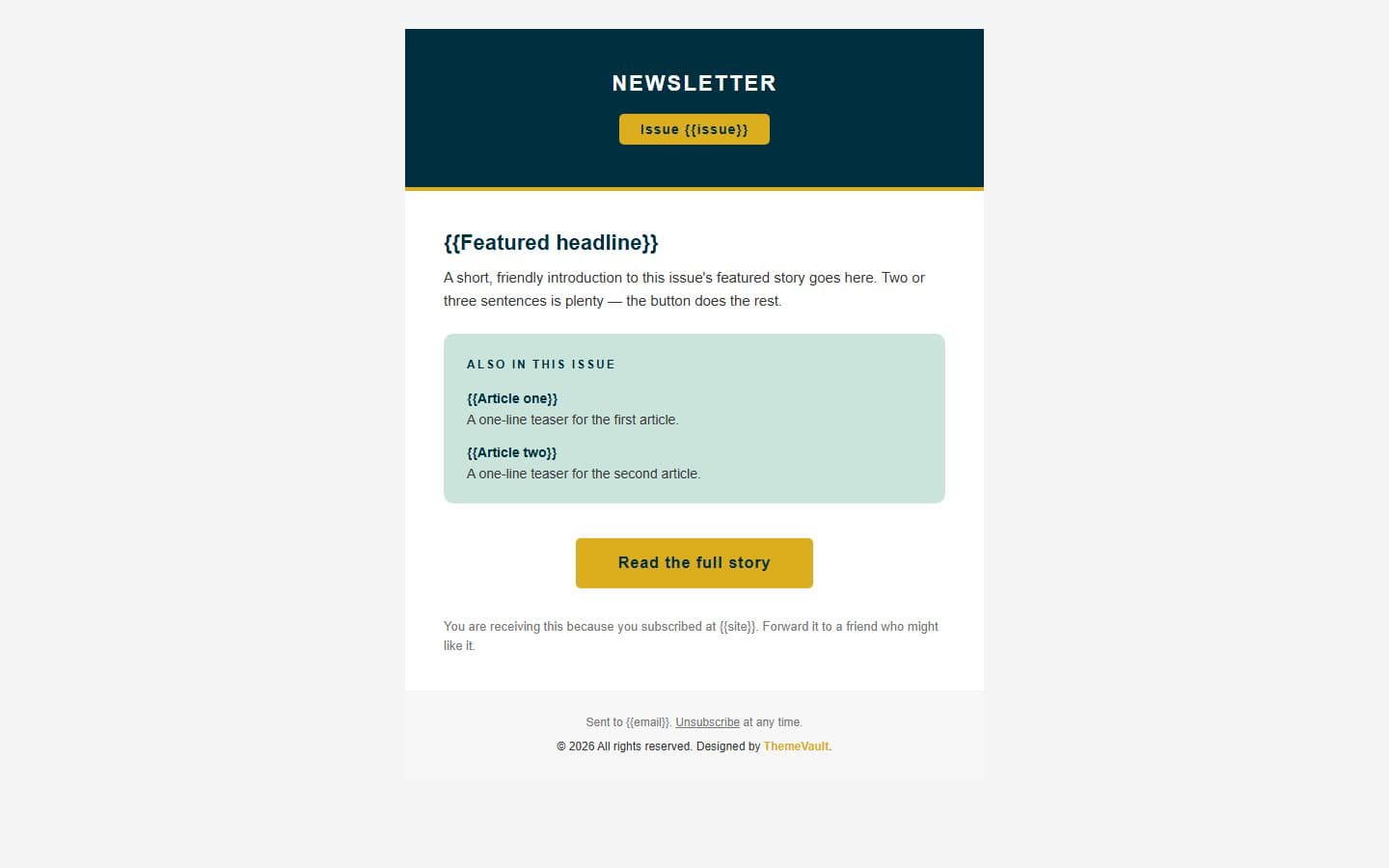
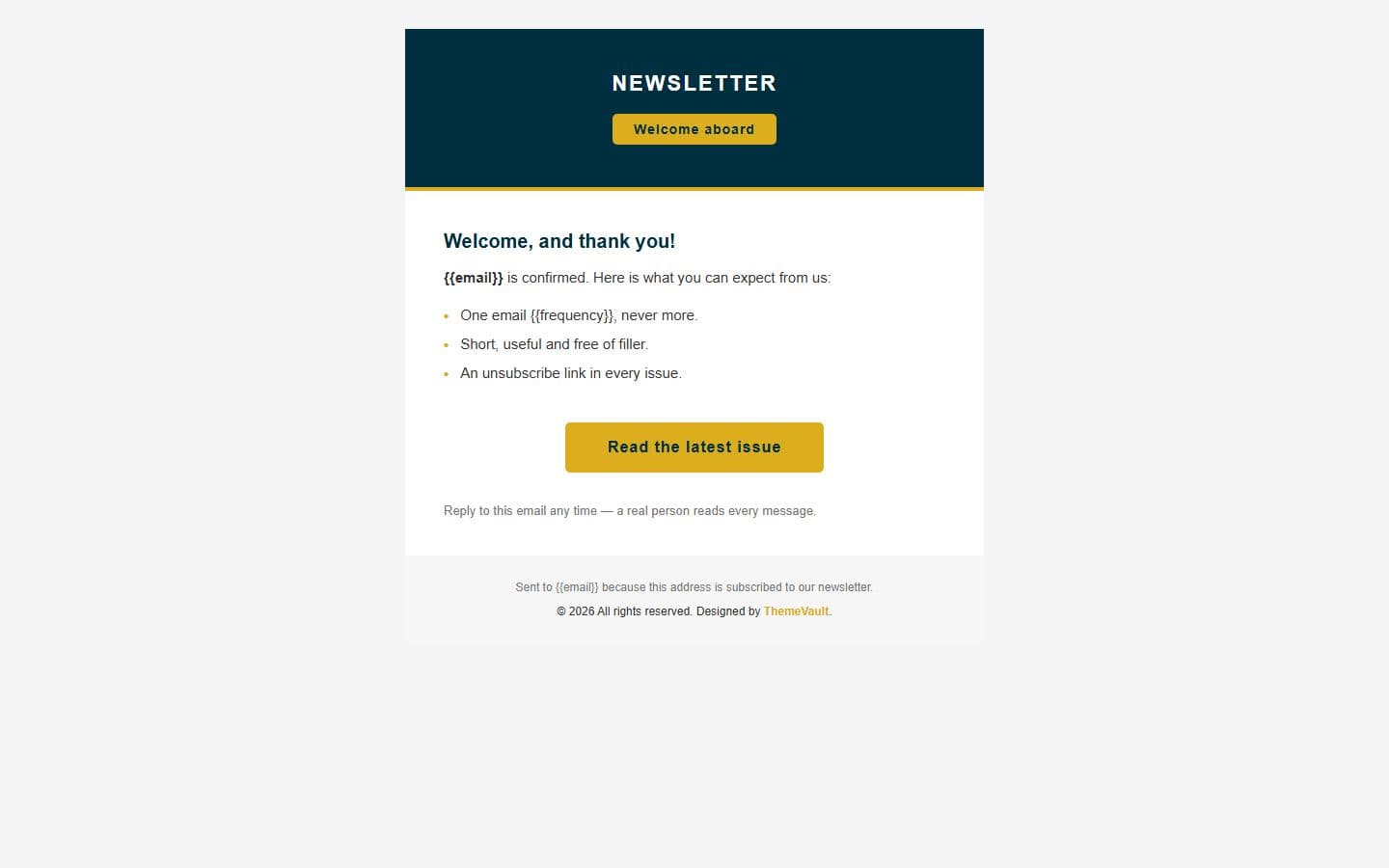
Version 2.0 makes the subscribe box a working form: the email field is labelled and validated and a check-your-inbox panel confirms the address. It adds the pages around it in the same design — a page the confirmation link lands on (confirmed.html), an unsubscribe page (unsubscribe.html) and a privacy notice (privacy.html) — plus four ready-to-send HTML emails: confirm your subscription (email-confirm.html), welcome (email-welcome.html), a sample newsletter issue (email-newsletter.html) and unsubscribed (email-goodbye.html). The fonts are self-hosted and each form can be pointed at your own server with one attribute.
- A working subscribe form: a labelled email field
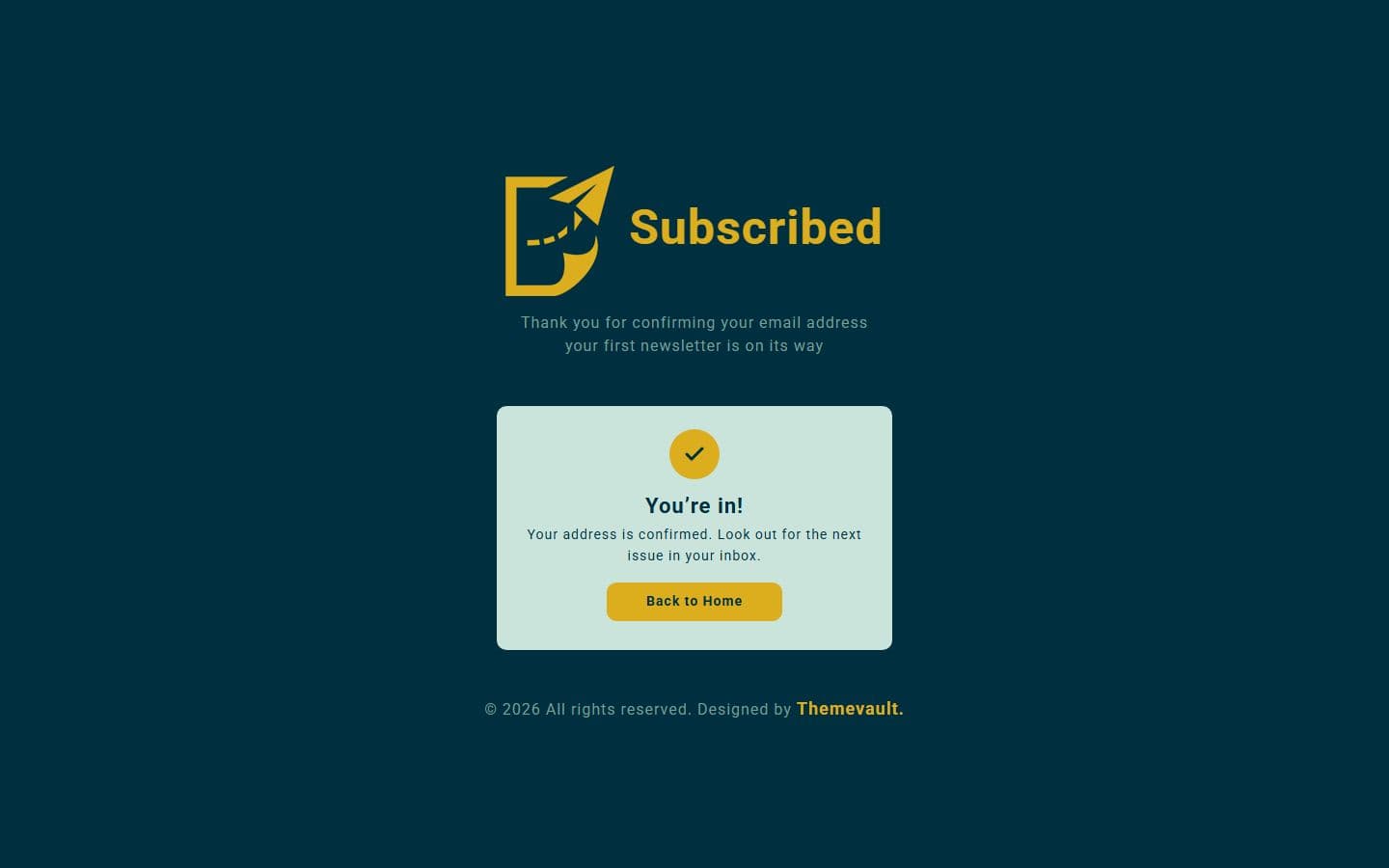
- confirmed.html — where the link in the confirmation email lands ("You're in!"). Marked noindex.
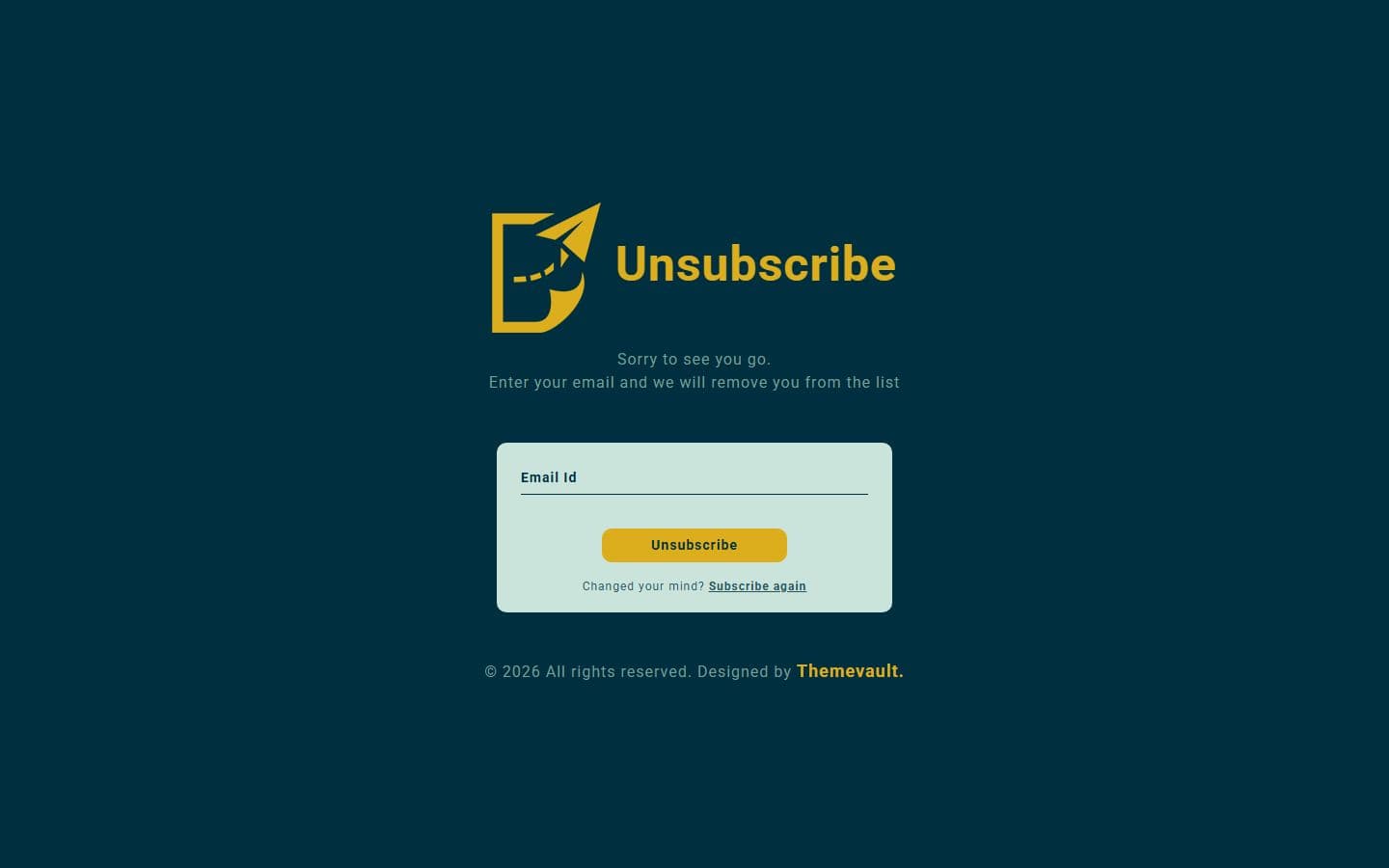
- unsubscribe.html — an email field and a "you've been unsubscribed" confirmation, with a "Subscribe again" link.
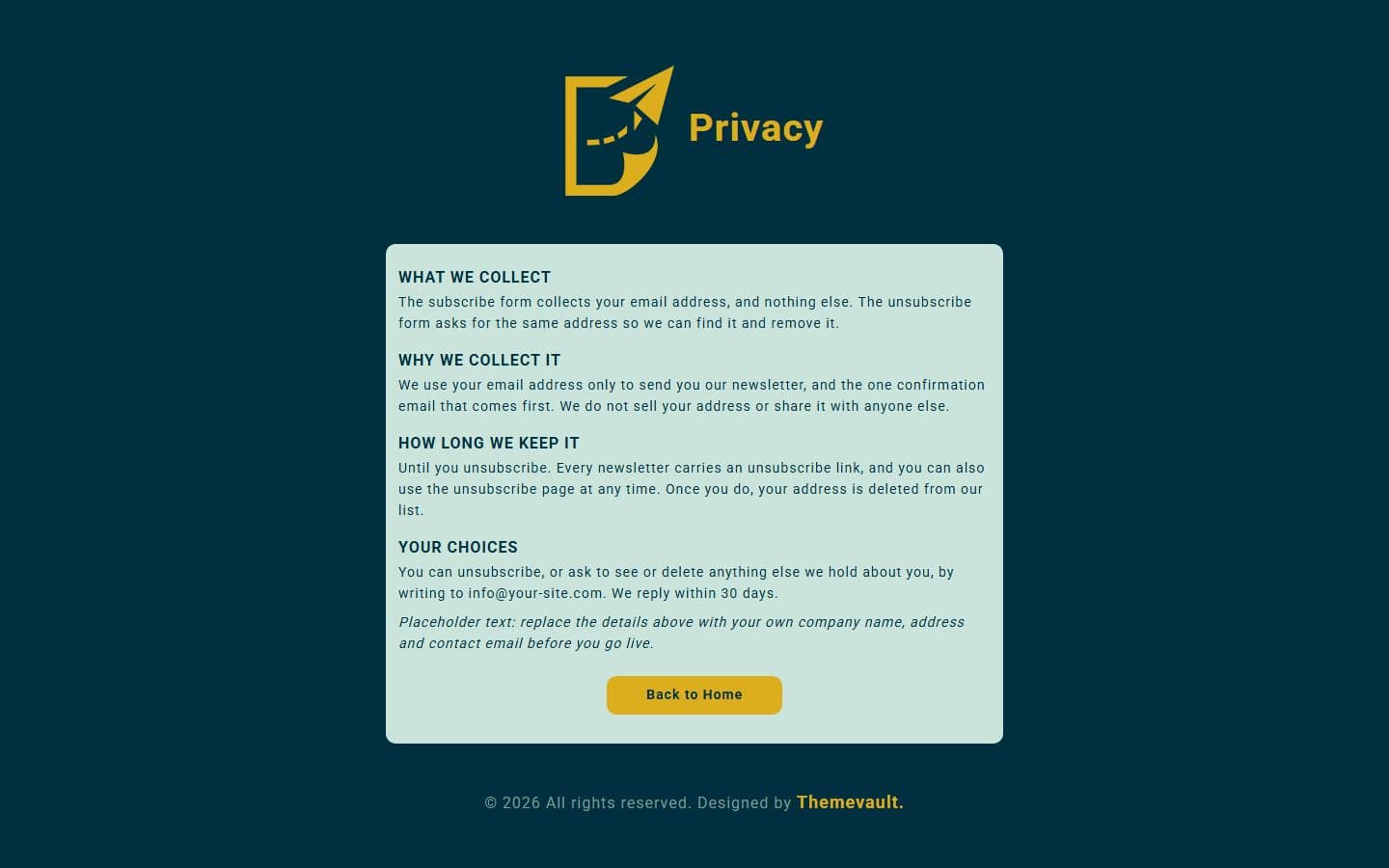
- privacy.html — a short notice on what the two forms collect and how to be removed (placeholder details for you to replace).
- Four ready-to-send HTML emails: email-confirm.html (the double opt-in link), email-welcome.html
- The email field was id="name" with no label, the button had no type and the form used GET: all fixed.
- "send you a link download our" now reads "send you a link to download our".
- The whole column was absolutely positioned at 50% (30% on a tablet)
Pages
Features
| Template Type | Free |
|---|---|
| Compatible Browsers | Opera, Firefox, Google Chrome |
| Link hover effetcs | Yes |
| Coding | HTML 5, CSS 3 |
| Forms | Newsletter Subscription, Subscribe Form |
| Additional Features | Favicon, Responsive Design |
| Image Sources | Iconmonstr |
What’s new
v2.0Sep 2026
- A working subscribe form: a labelled email field, validation (an empty or malformed address shows an error under the field) and a "check your inbox" panel that names the address. It is POSTed (v1 used GET). Add data-endpoint="https://your-site.com/api/subscribe" to send it to your own server; without it the form is a demo (each shows a "Demo only" line — delete those lines when you go live). Details at the top of js/main.js.
- confirmed.html — where the link in the confirmation email lands ("You're in!"). Marked noindex.
- unsubscribe.html — an email field and a "you've been unsubscribed" confirmation, with a "Subscribe again" link.
- privacy.html — a short notice on what the two forms collect and how to be removed (placeholder details for you to replace).
- Four ready-to-send HTML emails: email-confirm.html (the double opt-in link), email-welcome.html, email-newsletter.html (a sample ISSUE of the newsletter — featured story, two teasers, unsubscribe link) and email-goodbye.html. Table-based and inline-styled for Gmail, Outlook and Apple Mail, no images, {{placeholders}} for your mailer.
- The email field was id="name" with no label, the button had no type and the form used GET: all fixed.
- "send you a link download our" now reads "send you a link to download our".
- The whole column was absolutely positioned at 50% (30% on a tablet), so on a short screen — a landscape phone — the top of the page was cut off with no way to scroll to it. It now centres exactly as before and scrolls when it has to; on a tablet it sits vertically centred.
- Roboto ships inside the page (woff2, the two weights used) instead of being fetched from Google, and the button and email field now use it too (they fell back to Arial). The logo has an empty alt (the word "Newsletter" sits beside it) and no longer stretches when its width is set in percent.
- Meta description added to every page; the credit line shows the current year; 5 unused CSS rules dropped.
- Plain HTML and CSS plus one dependency-free js/main.js — no framework, no jQuery, nothing fetched from Google.
- Recolour in one place: --bg, --gold, --mint and --muted at the top of css/style.css.
Already downloaded this template? Your My Downloads page always serves the latest version — re-download free.
Download Details
- Published
- May 25, 2017
- Categories
- Site ElementsFree Responsive Website Templates
- Tags
- Form TemplateFree ModernHTMLResponsive FormSingle FormSubscribeSubscribe NowSubscriptionSubscription FormWeb Elementsfreeresponsive
Source
- HTML
- CSS
- JS
Please note that the images in the template will be blurred in the downloaded package.
Support
Facing issues with this template? Write to support@themevault.net and we'll help you out.
License
Free for personal & commercial use with an attribution link to ThemeVault. Read the license.
Reviews
No reviews yet — be the first to review this template.
Every page
See all 8 pages at a glance
Each page is built and ready, including the emails.
Make it yours
Change one token, the whole site follows
Every colour, font, radius and spacing value lives in one :root block in css/style.css. Swap the brand colour and every button, link and highlight updates.
Muted#7a9d96
Bg#00303f
Gold#dcae1d
Mint#cae4db
Error#a11d33
AaRobotoHeadings
:root {
  --muted: #7a9d96;
}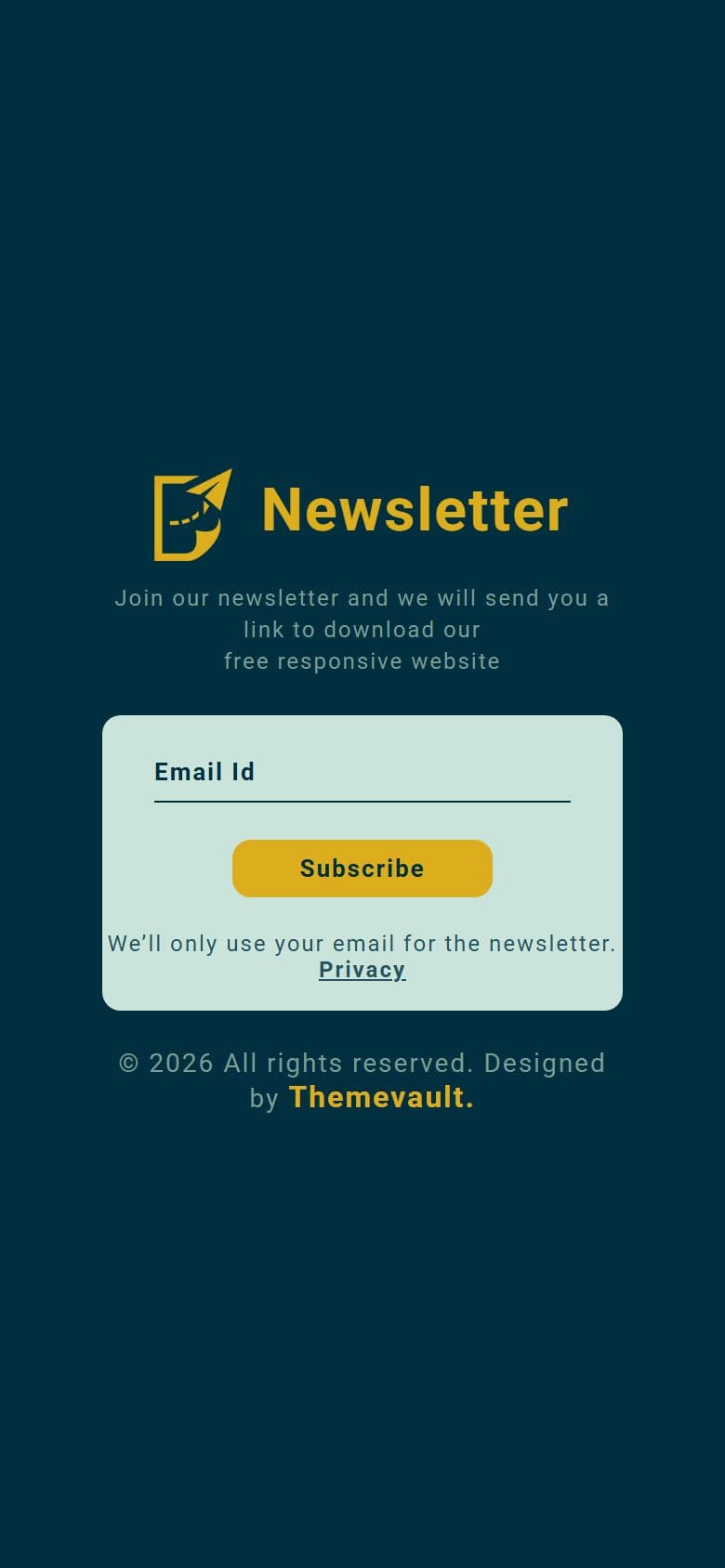
Tested on phones, tablets and desktops from 320 to 1440px wide.
In the download
What you get in the ZIP
Everything is plain files you can open in any editor. No build step and no installs.
- 16files
- 69 KBZIP size
- 8HTML pages
- 2images
Please note that the images in the template will be blurred in the downloaded package.
modern-distinctive-subscribe-form-responsive-widget-template/
├── index.html
├── confirmed.html
├── email-confirm.html
├── email-goodbye.html
├── email-newsletter.html
├── email-welcome.html
├── privacy.html
└── unsubscribe.html
From download to live
No build tools, no installs
Download
Get the ZIP
Free, instant and no card needed. Unzip it anywhere.
Edit
Add your content
Change the text and photos in the HTML files with any code editor.
Publish
Upload and go
Upload the folder to any web host. It's plain HTML, so it runs anywhere.
Questions
About this template
Can I use Modern Distinctive Subscribe Form for a client's website?
Yes. The free version is licensed for personal and commercial use, including client work, as long as the footer credit stays. Remove it for $9.00₹499 one-time, or with Pro.
Do I need to know how to code?
You'll need to edit the HTML text and swap the images, which any code editor can do.
Will I get updates?
Yes. Your My Downloads page always serves the latest version, so you can re-download an update free. The What's new tab lists what changed in each version.
Are the photos included?
The images in the template are blurred in the downloaded package, and the photos in the live demo are for the demo only. Add your own images.
Subscribe Us
Keep looking
All templatesView Similar Templates
From the blog
View Blog

- Design
- Web Development
- October 17, 2026
How to Build a Portfolio Website That Gets You Hired (2026)
Recruiters give your portfolio about a minute. I tested our portfolio templates the way a hiring manager would: opened the projects, pressed the CV buttons, sen…
- Web Development
- September 24, 2026
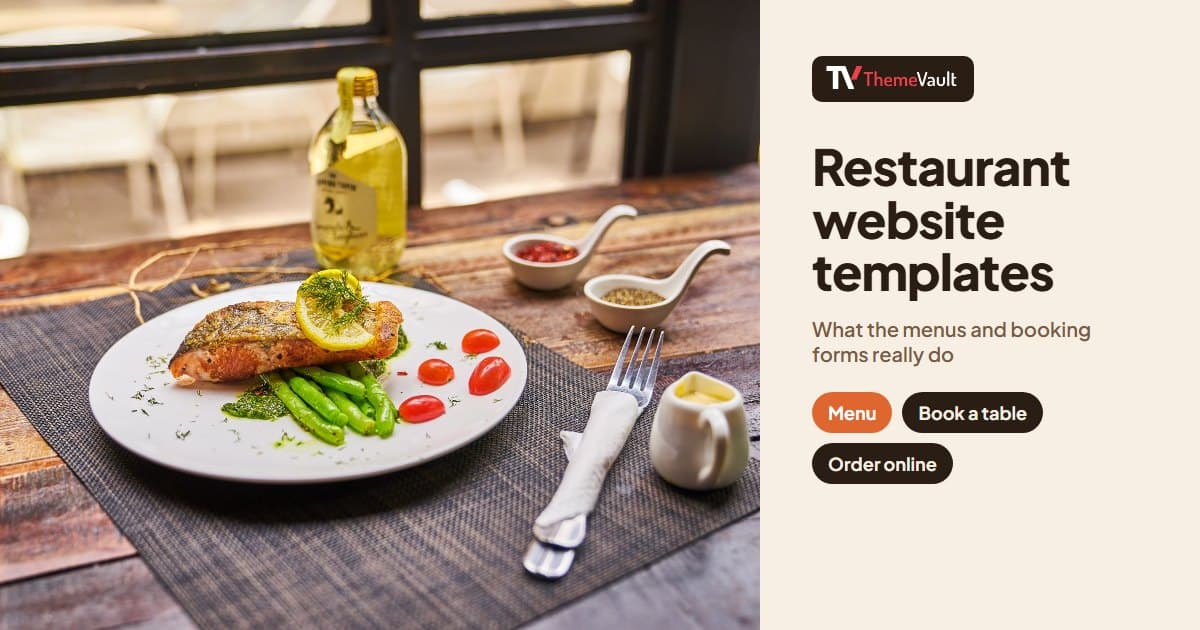
Restaurant Website Templates With Menus, Table Booking and Online Ordering (2026)
Seven free restaurant and café templates, checked for what their menus, booking forms and order pages really do — and where the free HTML stops and a WordPress …
- Design
- September 17, 2026
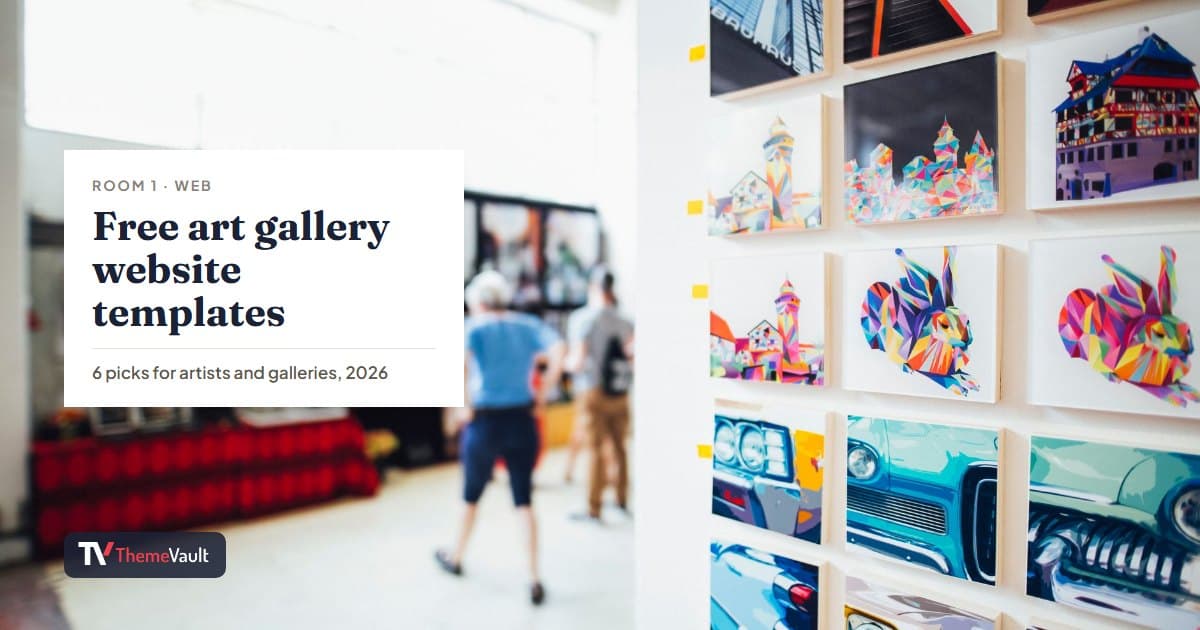
Free Art Gallery Website Templates (2026): 6 Responsive Picks
Six free, responsive art gallery and photography templates you can download today. I checked each live demo rather than the feature lists — here is which ones h…