
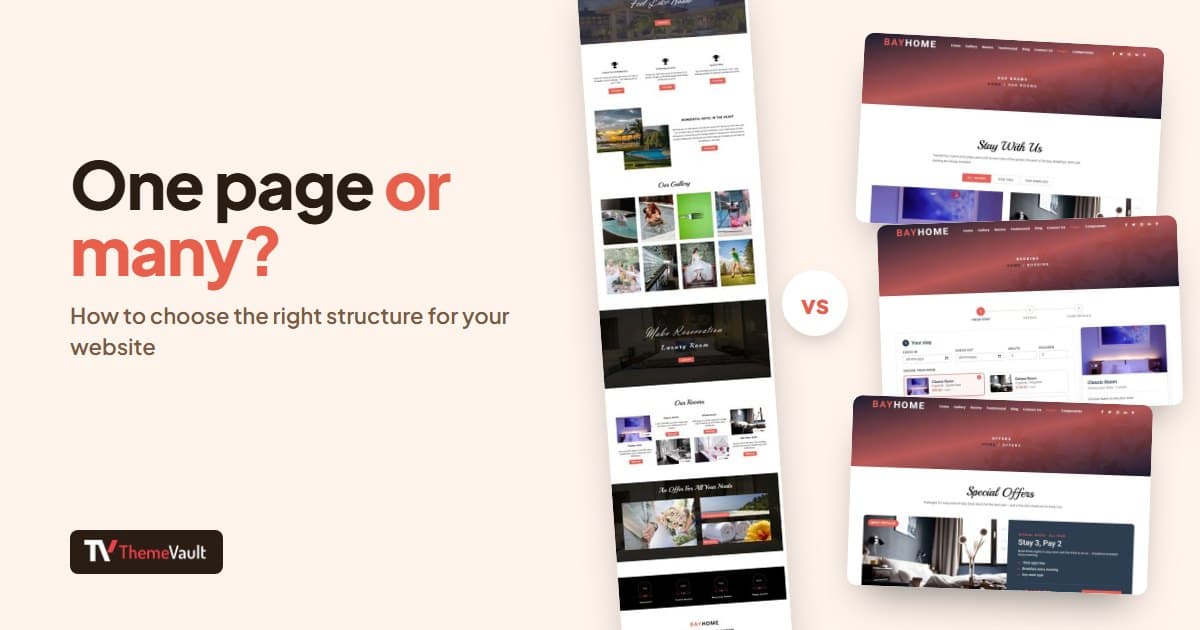
Short answer: build a one-page website when you have one thing to say and one thing you want visitors to do, and a multi-page website when you offer several things people search for separately. For most small businesses the best answer is in between: a one-page home that tells the whole story, plus a few separate pages where people need detail.
Here is how I decide, with real examples from our templates.
What counts as a one-page website
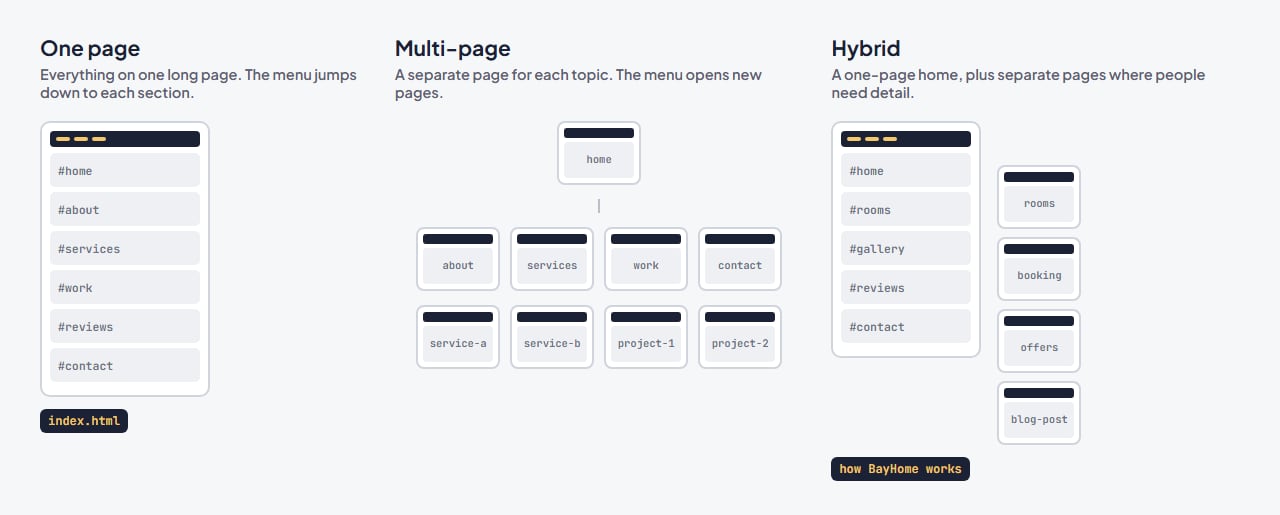
A one-page website puts everything on a single long page: about, services, work, reviews, contact. The menu doesn’t open new pages; each link jumps down to a section. You can spot it in any demo by hovering over the menu: links that end in #services or #contact jump within the page, links that end in .html open another page.
When a one-page website is the right choice
- Launching one product or app. Visitors should read the pitch, see the features and tap one button.
- A personal portfolio or CV. Recruiters and clients scroll; they rarely click around.
- An event or a wedding. Date, place, schedule, RSVP. Nothing else.
- A small business with one main service. A plumber, a photographer, a café with one menu.
- A campaign landing page that an ad or a newsletter points to.
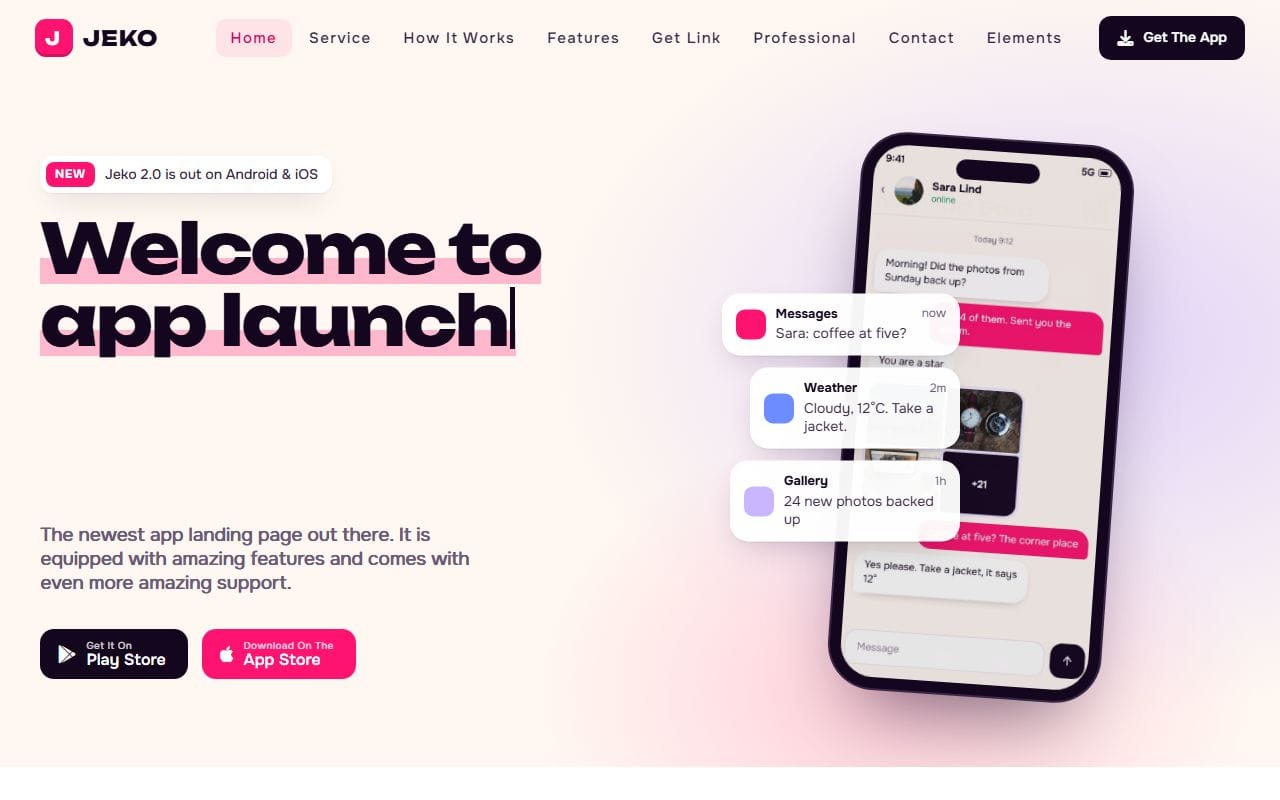
Jeko, an app launch template, is a good example. Every menu item (service, how it works, features, get link, contact) jumps to a section of the home page, and the download buttons are on the first screen. A separate page would only add a click between the visitor and the app store.
When you need several pages
- You offer several services that people search for separately. “Wedding photographer” and “newborn photographer” are different searches. A page for each, with its own title and description, gives each one a real chance in Google. Sections of one long page share a single title.
- You sell products. Each product needs its own page, with its own photos and its own address to share.
- People need detail before they act. Room types, menus, prices, a step-by-step booking form: put these on one long page and the page becomes hard to use on a phone.
- You plan to write. A blog or news section needs a page per article.
- You serve different audiences. Customers and suppliers, or patients and doctors, want different things and shouldn’t have to scroll past each other’s content.
The middle way: a one-page home with a few extra pages
This is the structure I recommend most often, and the one many of our rebuilt one-page templates use. BayHome, a hotel template, shows it well. Its home page is one long scroll, and the menu jumps to the gallery, rooms, reviews, blog and contact sections. But the “Find more”, “Book now” and “Read more” buttons open separate pages for the rooms, a room’s details, a booking form and the current offers, because that is where guests need room to read and compare.
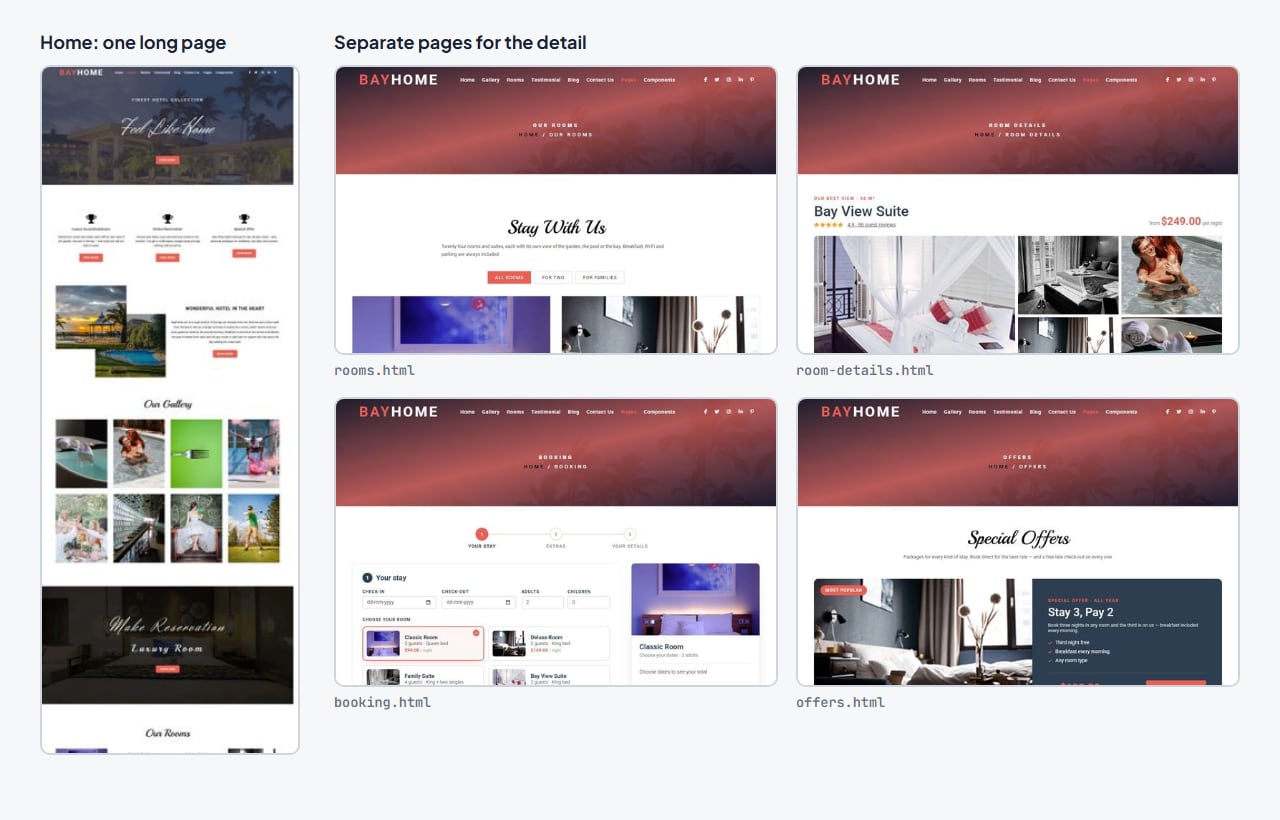
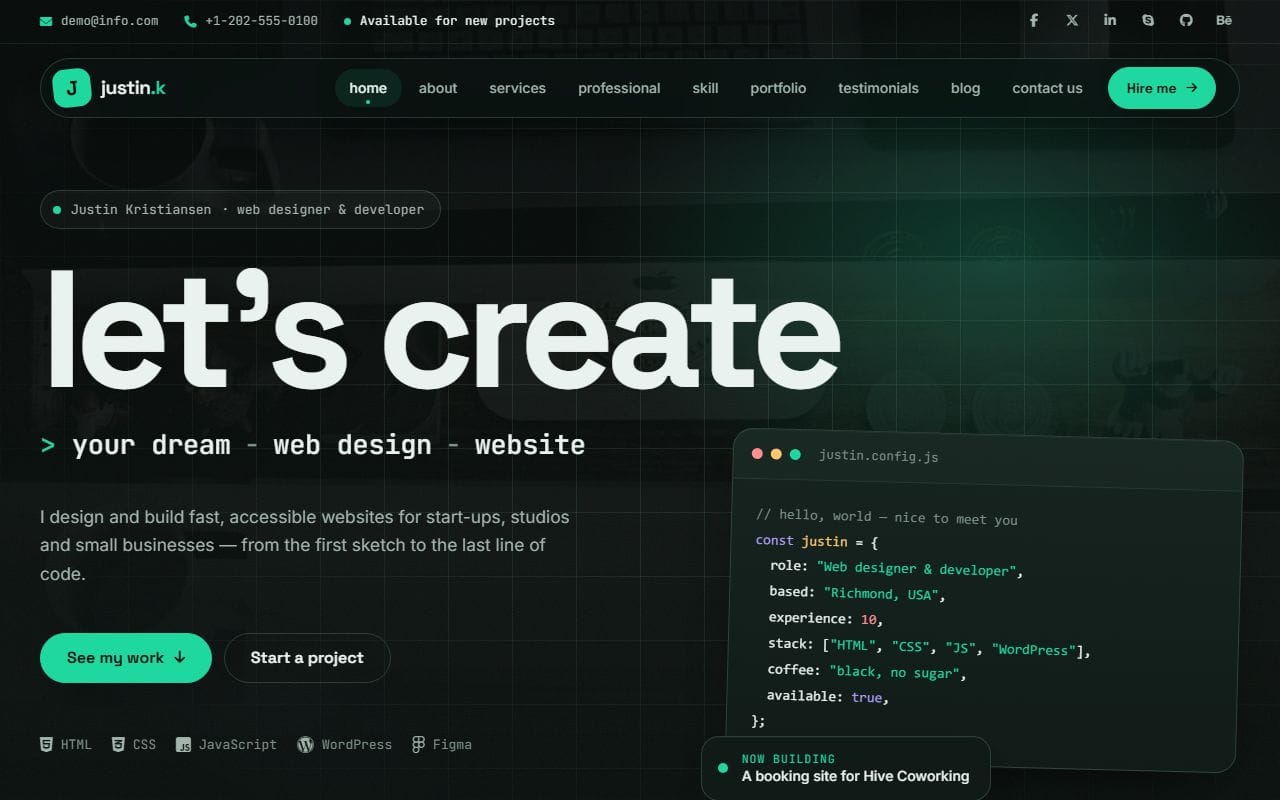
You get the best of both. The home page works as a one-page site for people who just want the overview, and the separate pages give you more to show in search results. Justin Kristiansen, a developer portfolio, does the same on a smaller scale: the menu keeps everything on the home page except the blog, and the portfolio links to a separate case-study page you can copy for each project.
What about SEO?
A one-page site can rank perfectly well, but it ranks as one page: one title, one description, one main topic. That is fine for a product launch or a portfolio, where people search for your name or one clear phrase. It is limiting for a business that wants to be found for several different services. The usual fix is not to abandon the one-page home, but to add a page for each service you want to be found for and link to it from the matching section.
Two more things matter on a long page: keep only one main heading (h1) at the top, with each section starting at h2, and load images lower down the page lazily (loading="lazy") so the first screen appears quickly on a phone. Both are worth checking in any template you pick: counters and big numbers are a common place for extra h1 tags to hide.
Making a one-page site easy to use
- Keep the menu visible as people scroll, or add a back-to-top button, so nobody is stranded halfway down.
- Put the main action on the first screen and again at the end. On a long page, people decide at different points.
- Test the menu on a phone. After tapping a section, the menu should close and the section heading shouldn’t hide under the header.
- Stop at about six to eight sections. If you keep adding, that is usually the sign that something deserves its own page.
Moving from one page to several later
Starting with one page doesn’t lock you in. When a section outgrows the home page, copy index.html to a new file, keep the header and footer, replace the middle with that section’s content, and change its menu link from a jump to a page:
<!-- before: jumps to the section on the home page -->
<a class="nav-link" href="#services">Services</a>
<!-- after: opens its own page -->
<a class="nav-link" href="services.html">Services</a>
Then leave a short version of the section on the home page with a “See all services” link, so the home page still reads as a whole. Give the new page its own title and description; my guide to building a website from a template covers that step.
If you have decided one page is right, you can browse all our one page website templates. We include any design whose home page, or any of its pages, is a single scroll, so you will find both pure one-page designs and hybrids like BayHome there.
FAQ
Is a one-page website bad for SEO?
No, but it can only rank as one page with one main topic. If you want to be found for several services, add a separate page for each and keep the one-page home as the overview.
Can a one-page website have a blog?
Yes. Keep the home page as one scroll and give the blog its own pages, as the Justin Kristiansen template does. Each article needs its own page anyway, so it can be shared and found.
How long should a one-page website be?
Long enough to answer what visitors came for, usually six to eight sections. If you need more, some of it probably belongs on a separate page.
Can I turn a one-page template into a multi-page site?
Yes, and it is quick with an HTML template: copy the home page to a new file, keep the header and footer, move one section’s content into it, and change that menu link from #section to the new file name.
More from the blog
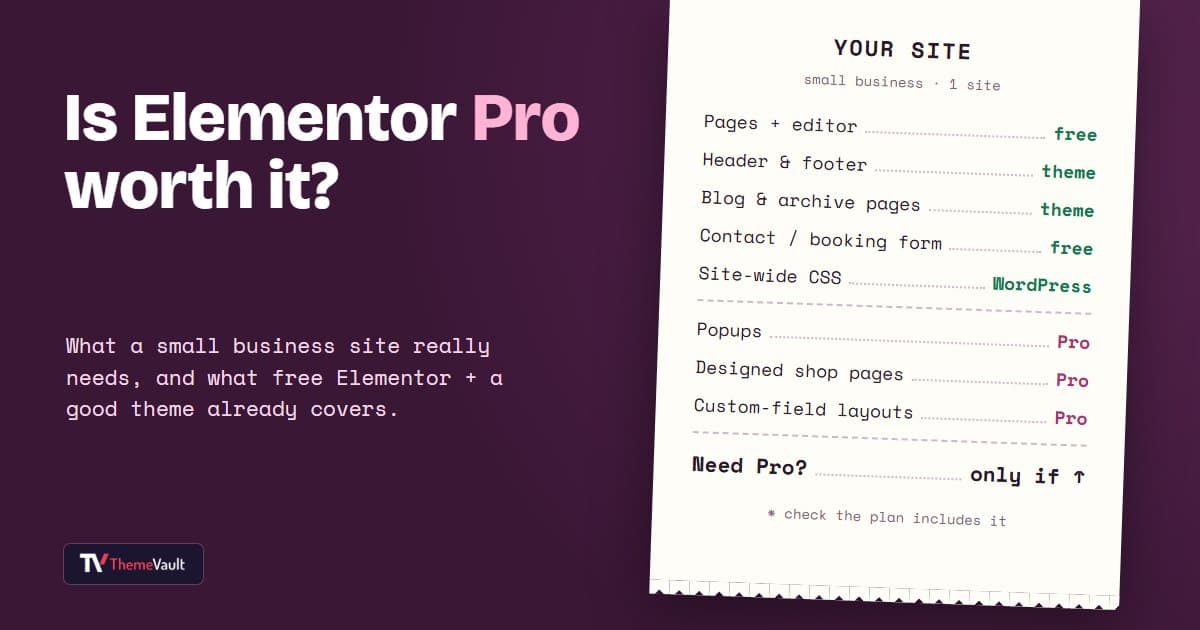
Is Elementor Pro Worth It for a Small Business Website? (Honest 2026 Answer)
We build Elementor themes that work on free Elementor, so we know the line well: what Pro adds, what it costs, and when your site doesn't need it.
Read article →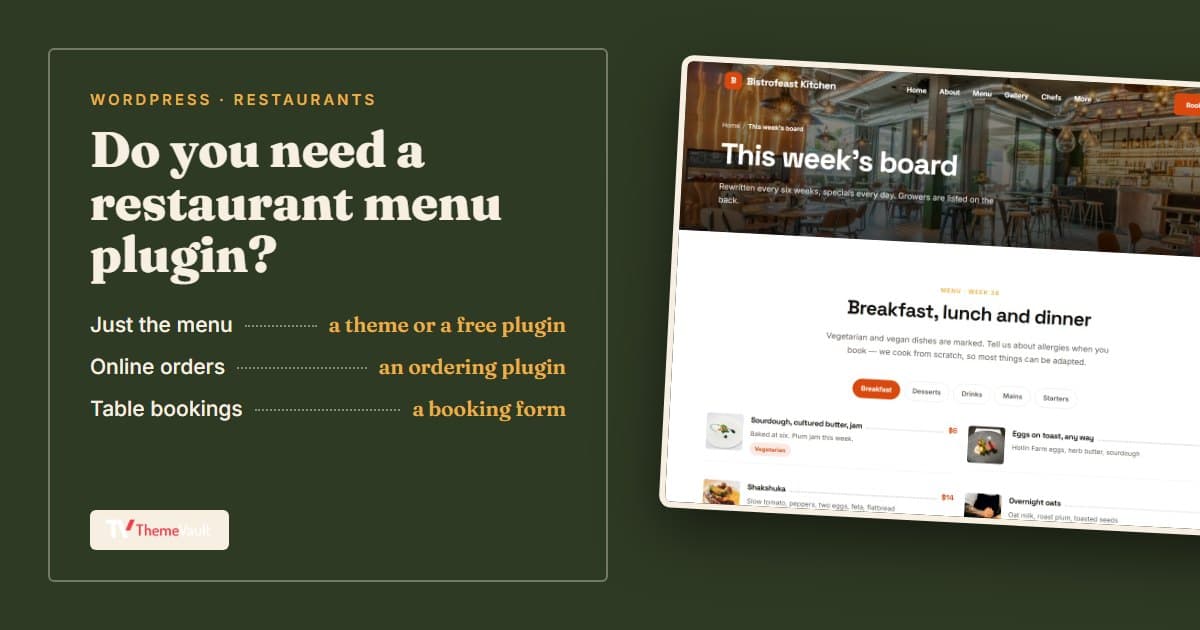
Restaurant Menu Plugins for WordPress: Which One You Need (and When You Don't)
Menu plugin, ordering plugin or a theme with the menu built in? We compared the main WordPress options on installs, ratings, updates and what's really free.
Read article →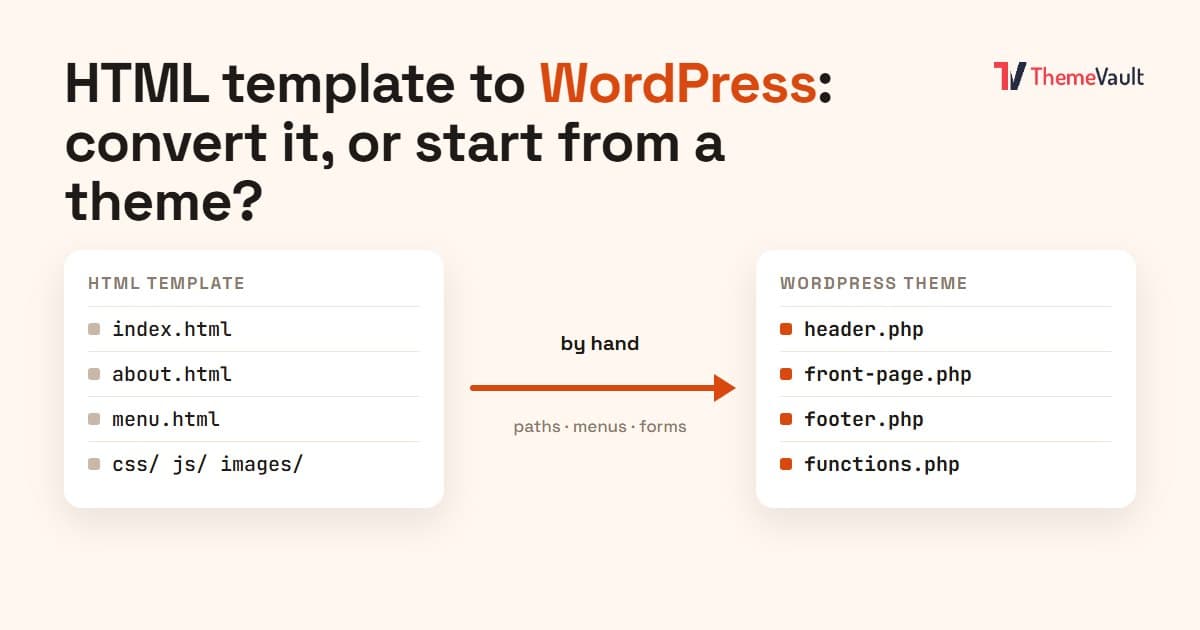
HTML Template to WordPress: Convert It Yourself or Use a WordPress Version?
We turned our Bistrofeast HTML template into a WordPress theme by hand. Every step, the mistakes, how long it took, and when a WordPress version saves you days.
Read article →