
Portfolio
More templates like these: Portfolio templates
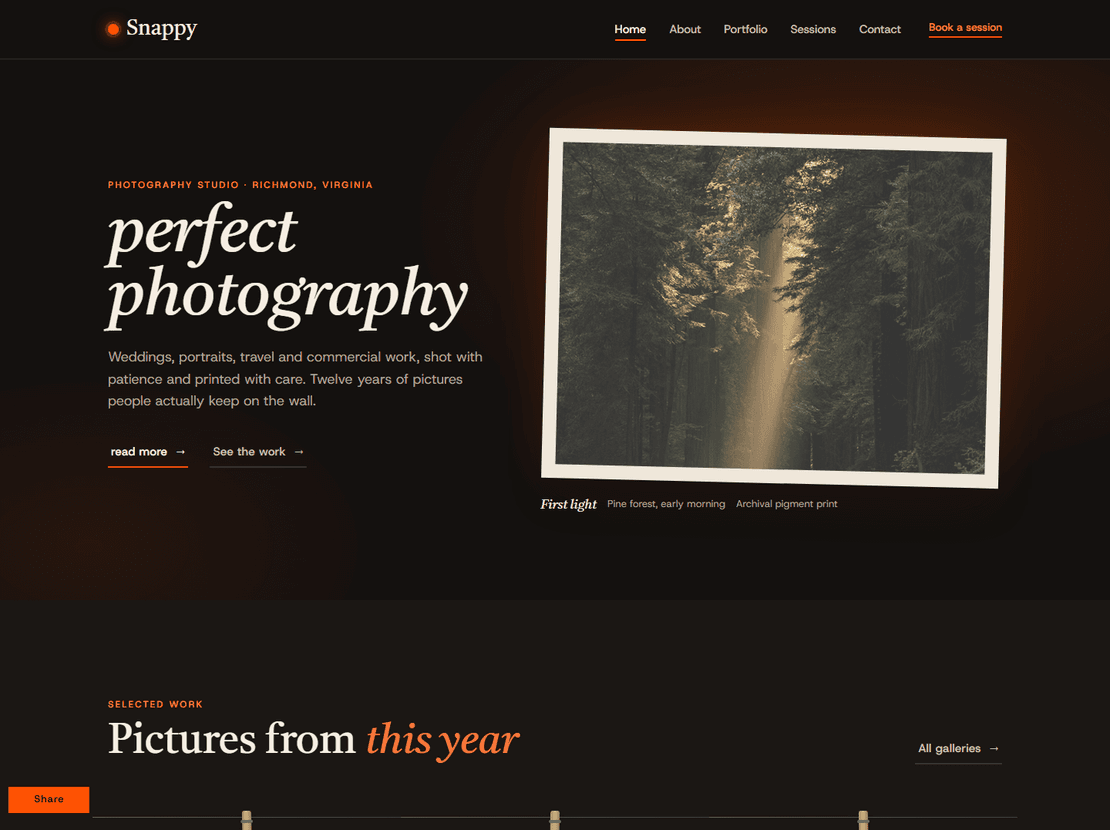
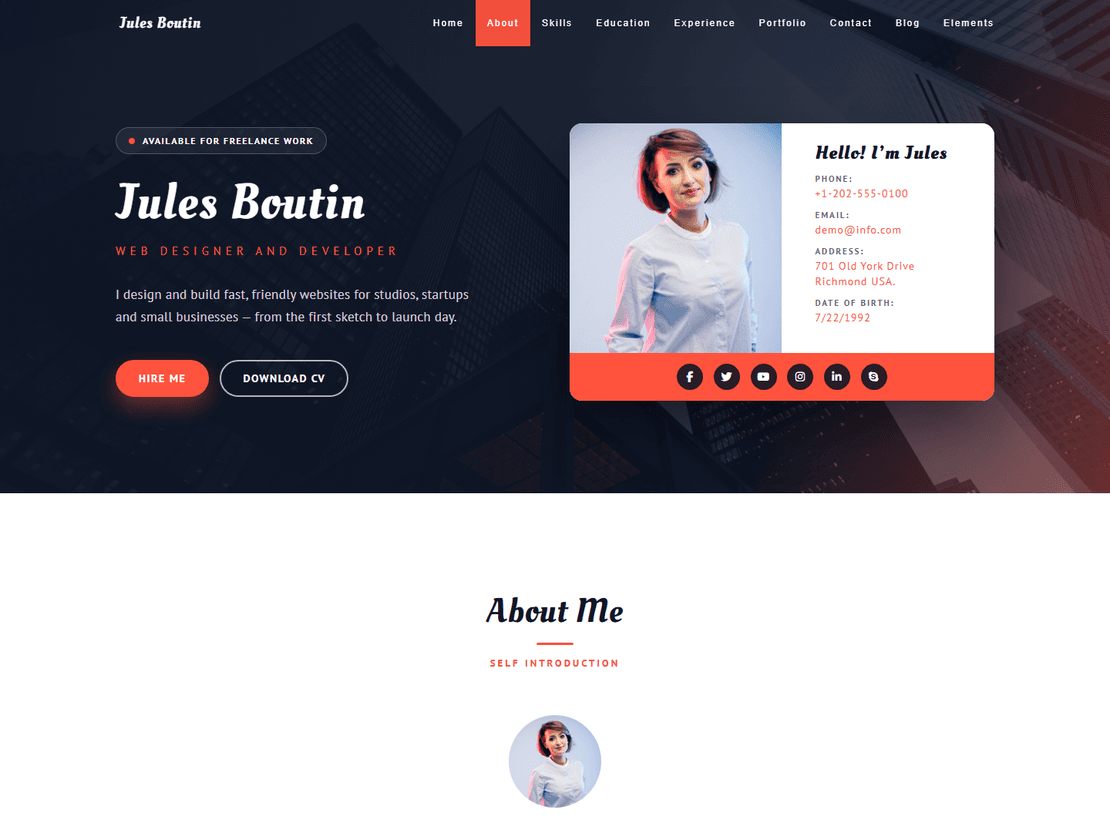

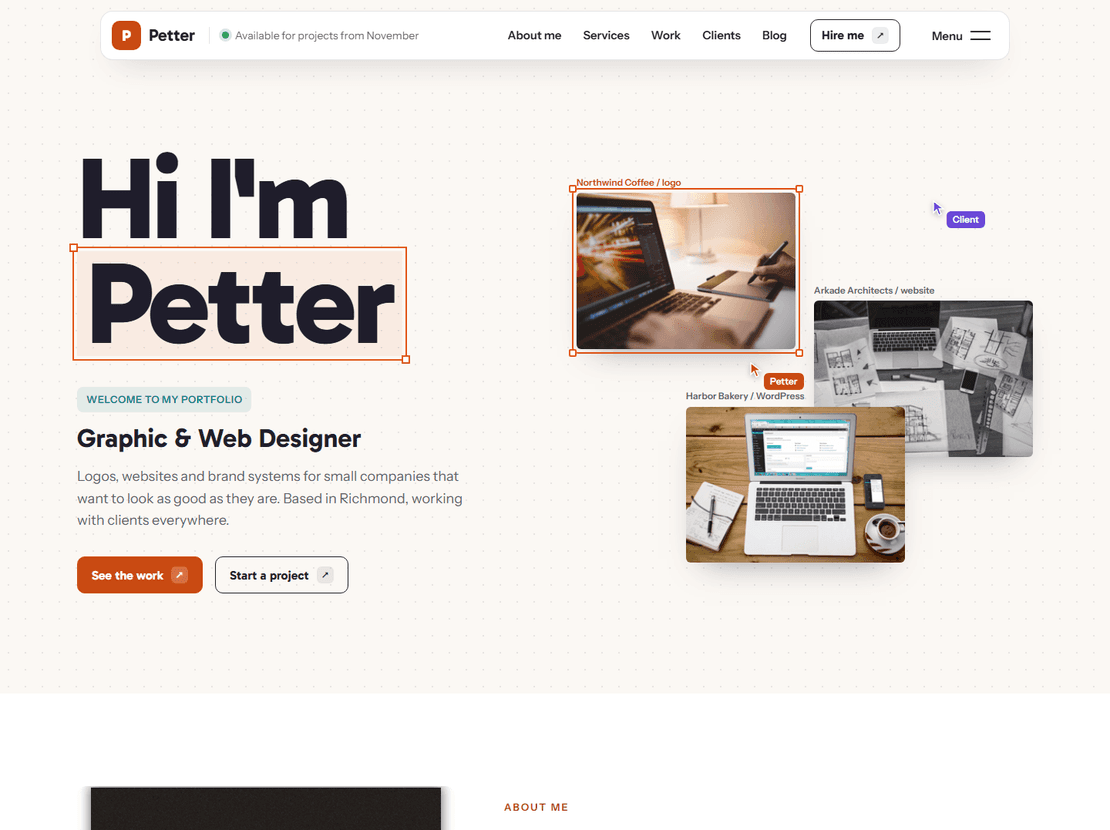
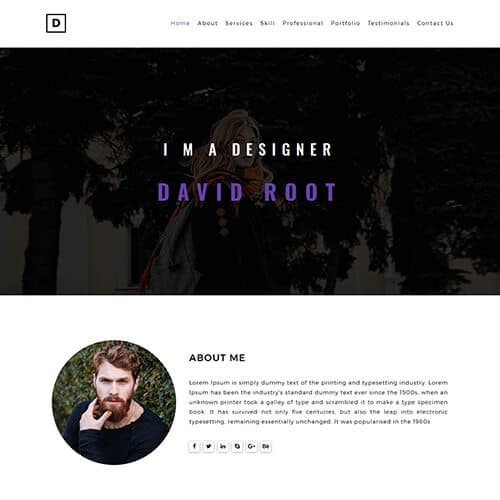
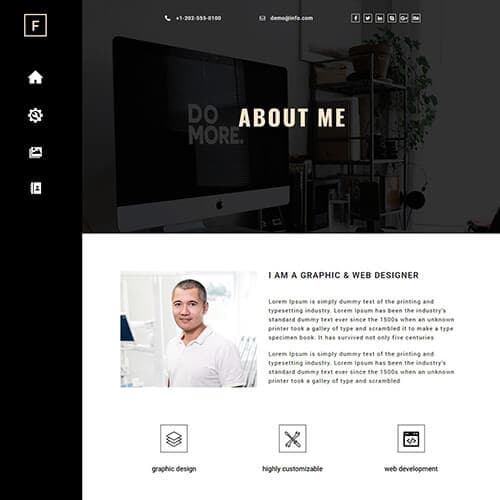
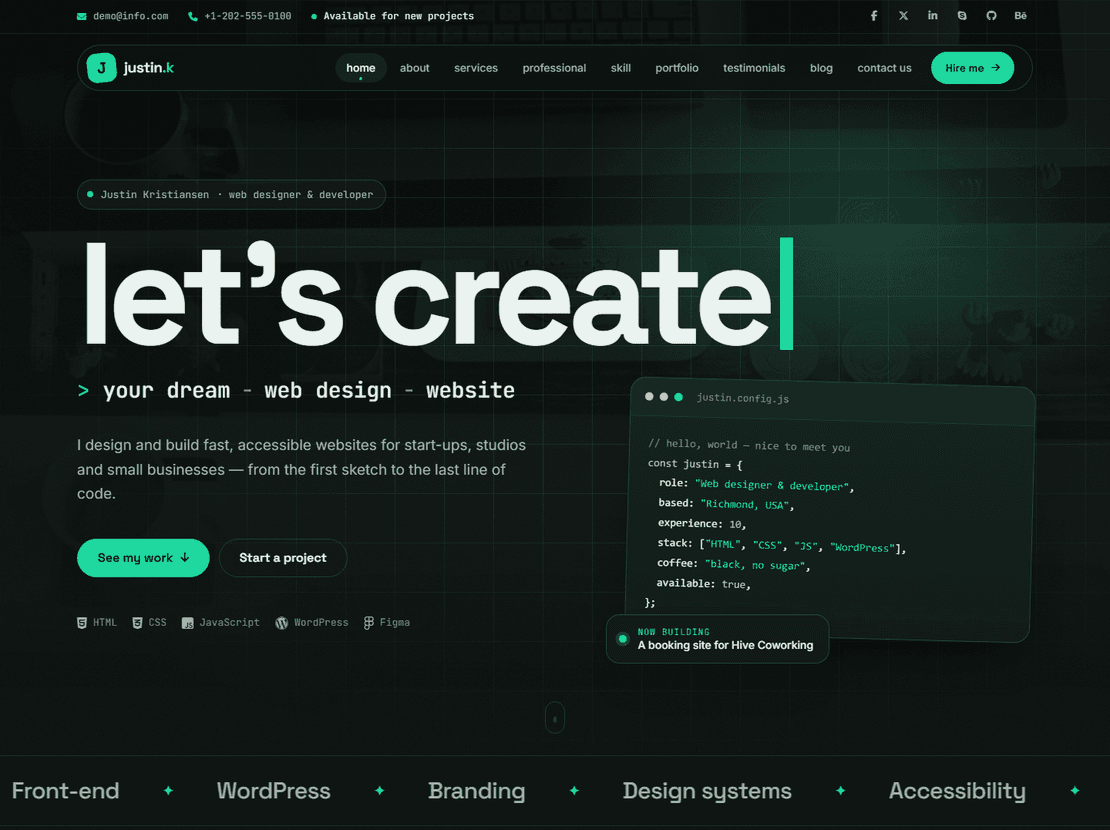
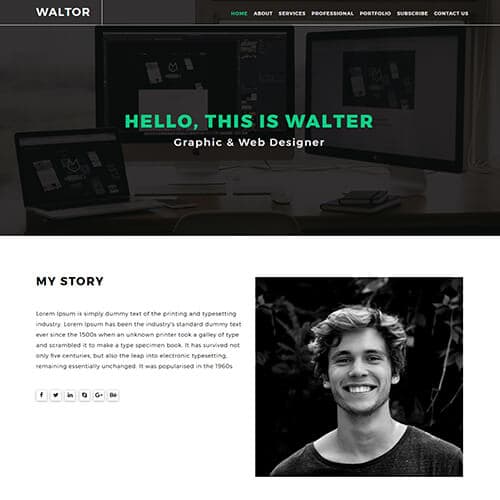
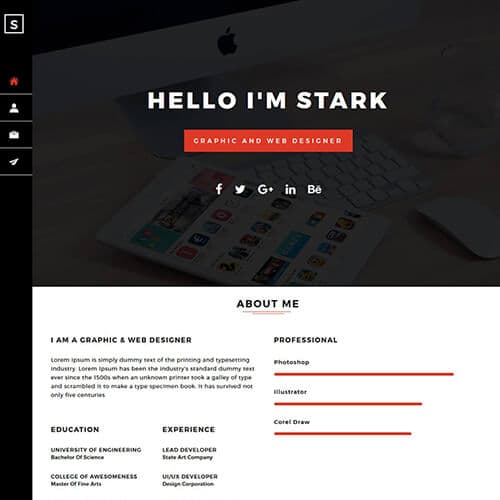
Free portfolio website templates for designers and developers
A portfolio site has one job: show your work and make it easy to contact you. The templates in this collection are single-purpose HTML5 sites built for that — a hero with your name and role, a filterable grid of projects, an about page, and a contact form — with placeholder content you replace with your own. Download the zip, edit the HTML, and host it anywhere, including free static hosts like GitHub Pages, Netlify or Vercel.
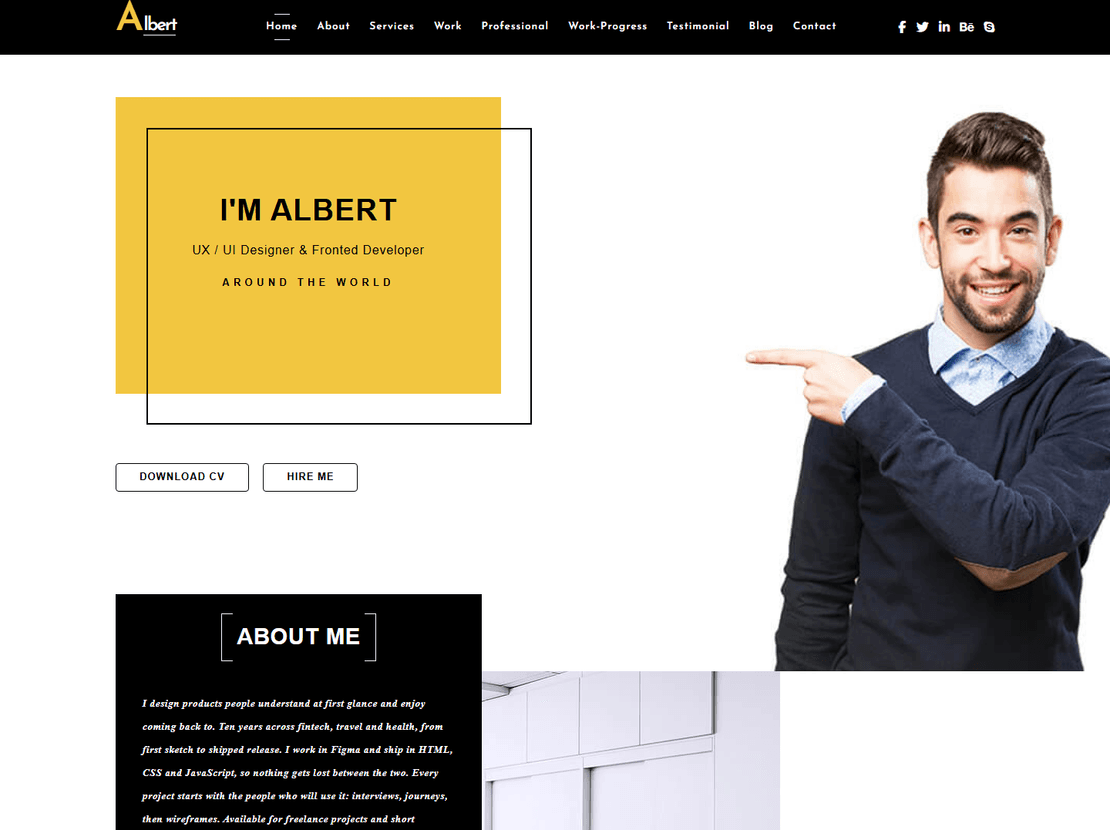
The most-downloaded design here is Falix-Ford, a web developer portfolio that was rebuilt in 2026 on Bootstrap 5 with its project overlays turned into real, indexable pages. It is also available as a WordPress theme if you want to add projects from a dashboard. VeronikaDoe (fashion design) and Albert (UX design, with a CV download) are the other v2.0 rebuilds.
Choosing a portfolio template by profession
- Web developers. Show code and results: Falix-Ford, Justin-Kristiansen and David-Root lead with a skills list and project cards that link out to live sites or GitHub.
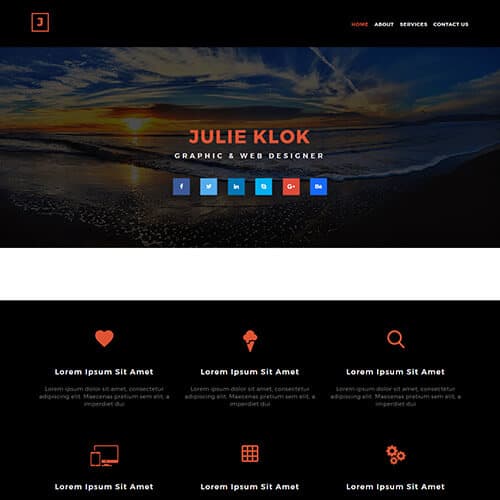
- Graphic and UX designers. Big visuals, minimal text: Ichae Semos, Stark-Semos, Julie-Klok and Walter-Hadon use full-width image grids with lightbox previews.
- Students and first portfolios. A one-page layout is enough and easier to keep current: Deniel-Cruze, Obscure and Davy-Del fit on a single scroll with an anchored menu.
- Personal brand or résumé site. Martin and Rovan add a timeline and experience section alongside the work.
What makes a portfolio template work
Look for project cards that take you to a detail page — a title, the problem, your role, the outcome and a few large images — rather than a lightbox alone. Recruiters and clients want the story behind the thumbnail, and detail pages give search engines something to index for your name. Check that the contact form is a real form (these templates ship with a working HTML form you connect to any form service) and that the layout holds on a phone: more than half of portfolio visits come from a link tapped on mobile.
Customising and publishing
Every template ships with an index.html, a css folder and an images folder. Replace the sample project images at the same dimensions, edit the text in the HTML, and upload the folder to your host — no build step. Templates marked v2.0 have no jQuery dependency and pass current mobile-speed checks, which matters when a portfolio is the first thing a client sees.
Portfolio — frequently asked questions
Are these portfolio templates free to use for my own site?
Yes. Download any free template and publish it as your portfolio at no cost; the only condition is the small "template by ThemeVault" credit in the footer, which you can remove for a one-time fee from the template page. Where a WordPress or Next.js version exists it is sold separately (and included with Pro).
Can I host a portfolio template for free?
Yes. These are static HTML sites, so GitHub Pages, Netlify, Vercel and Cloudflare Pages all host them for free. Upload the folder (or push it to a repository) and the site is live — no server or database needed.
Which template is best for a web developer portfolio?
Falix-Ford is the most downloaded and was rebuilt in 2026 with proper project pages, Bootstrap 5 and no jQuery. Justin-Kristiansen and David-Root are lighter alternatives with a skills section and project cards.
Do the contact forms work?
Each template includes a working HTML contact form. Because the sites are static, the form needs a service or a small server script to deliver messages — Formspree, Netlify Forms or your host's mail script all work with a one-line change to the form's action.
Can I add a blog or new pages?
Yes. Copy an existing page, change the content and link it from the menu; the styles apply automatically. If you want a dashboard for posts and projects instead of editing HTML, Falix-Ford is also available as a WordPress theme.