Photographer
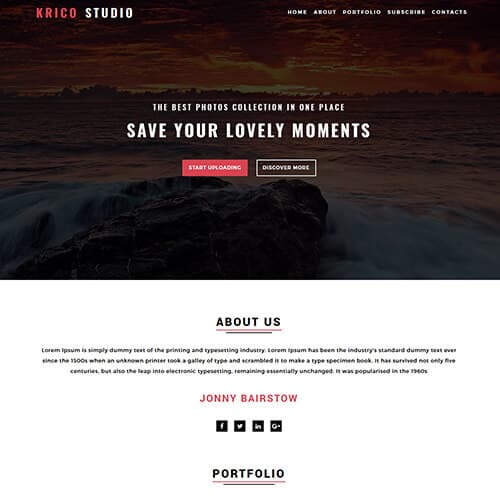
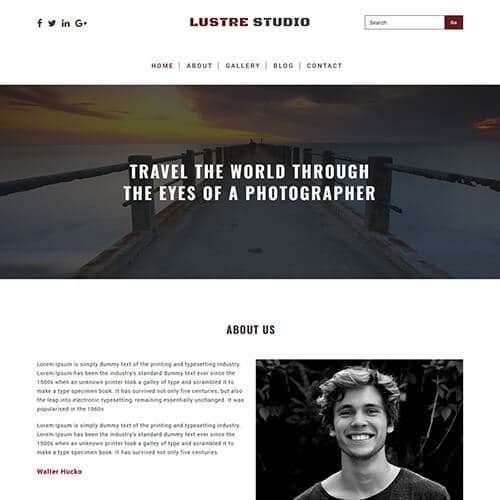
Luster Studio
$0.00
Art & Culture, Photo Gallery
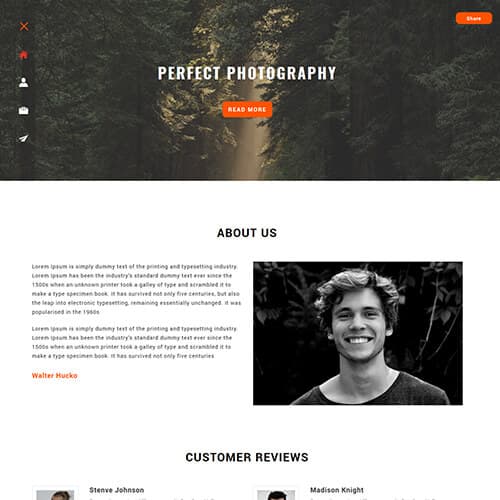
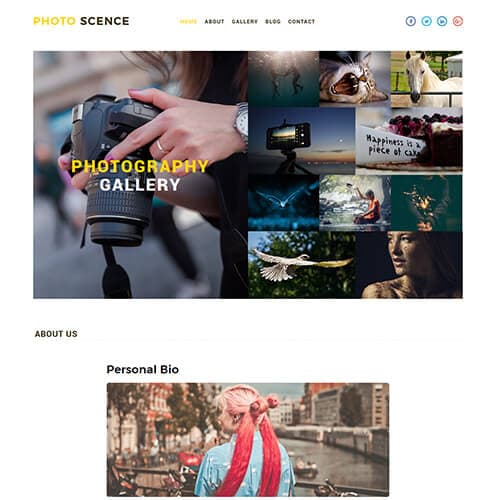
Photo Scence
$0.00
Art & Culture, Photo Gallery
Photography website templates
A photographer's site is a gallery first and a brochure second: the layout should get out of the way of the images, load them fast, and make booking easy. The four templates under this tag are HTML5 sites built around full-width galleries with lightbox viewing, portfolio categories (weddings, portraits, commercial), an about page and a contact or booking form. Download the zip, drop your photos into the images folder, edit the text, and upload to any host.
Snappy is the most downloaded — a dark, image-led layout with a masonry gallery. Luster Studio suits a studio with several photographers, Krico is a lighter gallery-only portfolio, and Photo Scence has the most inner pages of the four.
What to look for in a photography template
- Gallery categories. Clients search for "wedding photographer" or "product photographer", not "photographer" — a template with separate galleries per genre lets each become its own page and its own search result.
- Lightbox with keyboard and swipe. All four include one; check it on a phone using the live demo.
- Image weight. Export gallery images at 1600–2000 px on the long edge, around 200–400 KB each. The template does the layout; you control the load time.
- A booking form and pricing hint. "Packages from ₹15,000 / $200" on the services page filters enquiries and saves you email back-and-forth. Each template has a contact form you connect to your email.
Photographers and search engines
Galleries alone rank poorly because they have no words. Give each gallery page a short paragraph — the venue, the style, what the client wanted — and descriptive alt text on the images ("bride and groom at Lake Pichola, Udaipur"). It costs ten minutes per shoot and is the difference between a portfolio that is found and one that is not. Also related here: the photo gallery and photo & gallery collections.
Setting up
Replace the sample photos at the same aspect ratio, update the categories in the gallery filter, and edit the about and contact pages. These templates use Bootstrap 3, which works everywhere; they are on the list for Bootstrap 5 rebuilds, and the template page shows the current version.
Photographer — frequently asked questions
Are these photography templates free?
Yes — Snappy, Luster Studio, Krico and Photo Scence are all free to download, with a small ThemeVault credit that can be removed for a one-time fee from the template page.
How many photos can I add to a gallery?
There is no limit in the template; galleries are HTML lists you extend by copying an item. For pages with more than about 40 images, split into categories or pages so each loads quickly.
Do the galleries work on mobile?
Yes — the grids reflow to one or two columns and the lightbox supports swipe. Test the live demo on your phone before downloading.
Can I sell prints or take bookings?
The templates include a contact or booking form but no checkout. Connect the form to your email or a booking tool, or link out to a print-sales service from the gallery page.
Can I protect my photos from being downloaded?
Not reliably — anything shown in a browser can be saved. Use web-sized exports (1600–2000 px) with a small watermark if this matters to you; keep full-resolution files off the site.