
Medistant – Medical Course Website Template
Medistant is a free one-page HTML template for a medical assistant, nursing or first-aid course, with sections for the course, the programme and fees. Responsive and easy to edit.
⬇ Free downloadTry the live demo
Free for personal & commercial use · keeps a small “Designed by ThemeVault” footer link · no card needed
- HTML
- CSS
- JS
- Bootstrap 5
- Released Jan 2018
- v2.0 · Oct 2026
- 5 pages+ 3 HTML emails
- v2.0updated Oct 2026
- 3,233views
- 112downloads
Medistant is a multipurpose responsive newsletter website template designed for any professional firm. This Responsive template is designed using HTML5 and CSS3. Medistant is specially designed for medical related websites and also the best choice for celebration, photographer, magazine, creative, blog, artist, designer, corporate, health services, pharmacy, fitness, healthcare, dental, wellness, cosmetic and many more. It has a decent design and clean code with well structured files. The about us section to show your company profile, program / service section to shoecase your plan, a block displaying contact information and elegant footer easy subscription option. The template is easy to customize, so anyone can easily make changes as per their need. This responsive newsletter template is adaptive across all the browsers and devices. Download, use & make it yours!
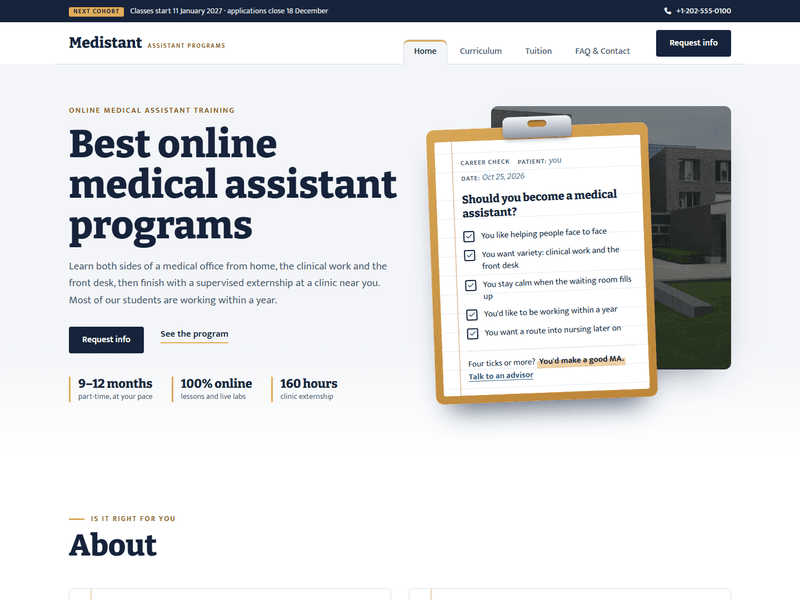
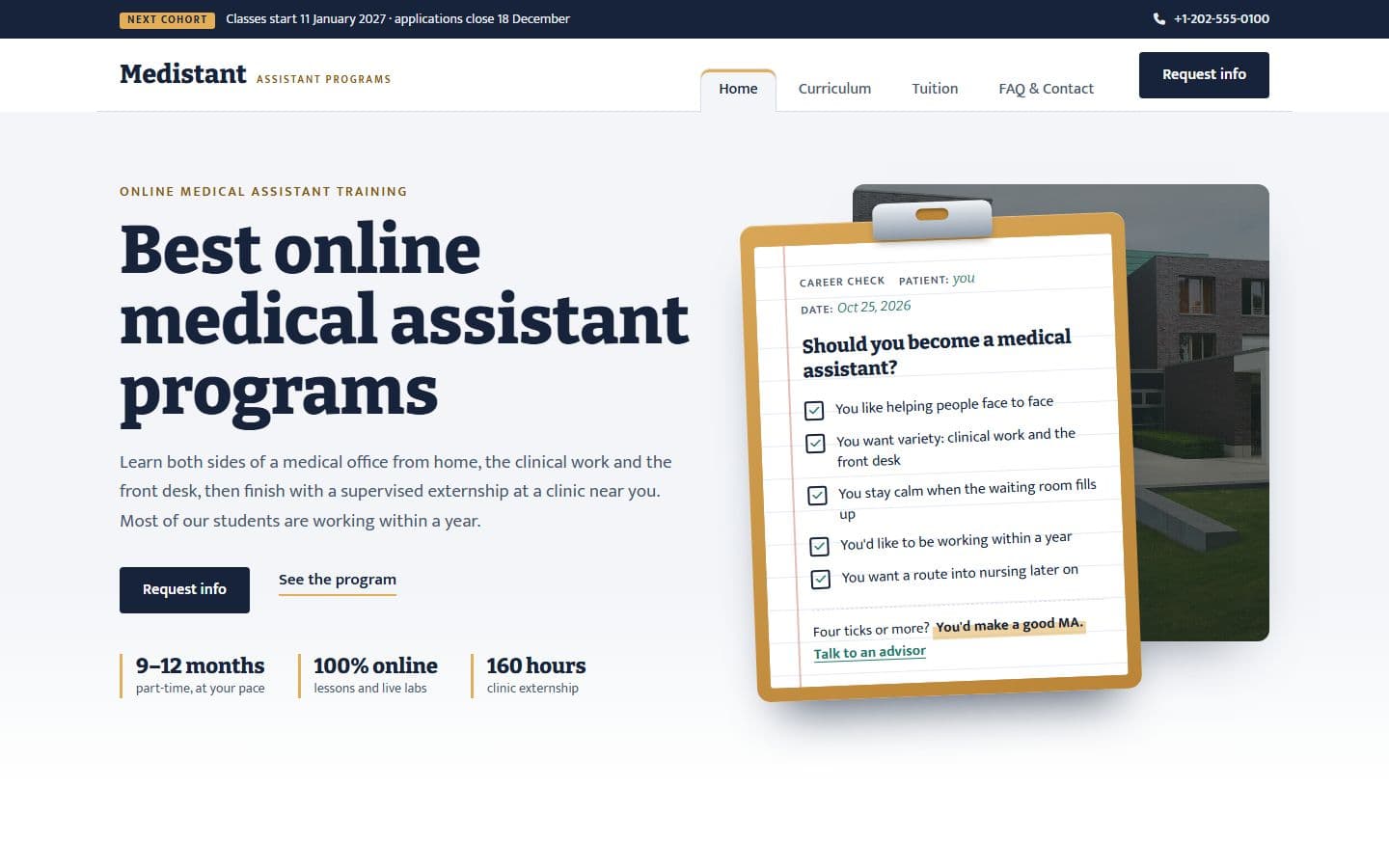
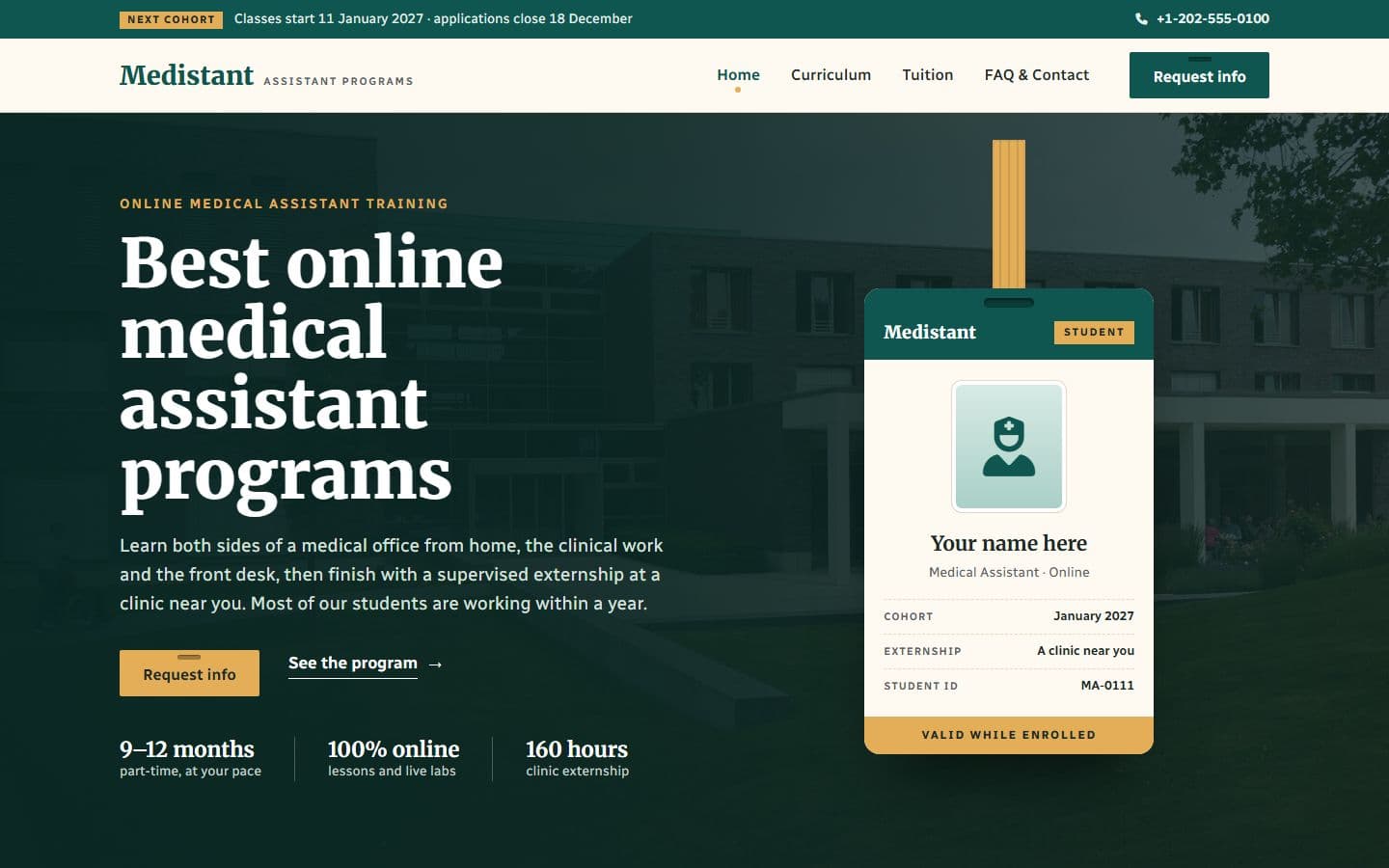
Version 2.0 is a complete redesign on Bootstrap 5, with every behaviour in plain JavaScript, and it ships two designs for an online medical assistant program that you can switch between or keep one of. Clipboard opens with a clipboard in the hero holding a career checklist that ticks itself, files the eight curriculum modules behind coloured index tabs, and wraps the contact details in a patient-wristband footer. Student ID hangs a student ID badge on a lanyard over the clinic photo, shows the modules as hanging badges, sets the payment plans on tear-off slips and closes with a graduation-certificate footer. Four new pages arrive with it: a module detail page with lessons, live labs, the skills you are checked on and the home lab kit; a tuition and financial aid page with a fee table, payment plans, funding routes and a working payment estimator; a request-info page with a full enquiry form; and an FAQ and contact page. Every section now carries real program copy in place of placeholder text, a menu replaces the logo-only header, and three ready-to-send HTML emails come with the forms: a newsletter welcome, a request-info confirmation and a contact auto-reply.
- Two new designs in one: Clipboard and Student ID
- Self-ticking career checklist hero, or an ID badge on a lanyard
- Eight curriculum modules with a sample module detail page
- Tuition page with plans, funding routes and a payment estimator
- Request-info, contact and newsletter forms with three HTML emails
- No old libraries: Bootstrap 5 and plain JavaScript
Pages
Features
| Template Type | Free |
|---|---|
| Compatible Browsers | Opera, Firefox, Google Chrome |
| Link hover effetcs | No |
| Coding | HTML 5, CSS 3, 1170 Grid System, Bootstrap 5 |
| Forms | Newsletter Subscription, Contact Form, Subscribe Form |
| Additional Features | Accordian, Favicon, Stick To Top, Responsive Design, Social Links, Back To Top Button |
| Image Sources | Flaticon, Pixabay, Pexels |
What’s new
v2.0Oct 2026
- Two complete new designs in one template, switched from a small View control: Clipboard (Bitter and Mukta; a clipboard in the hero holds a "Should you become a medical assistant?" checklist that ticks itself, modules filed behind coloured index tabs and a patient-wristband footer) and Student ID (Merriweather and Radio Canada; a student ID badge swings on a lanyard over the full-width clinic photo, modules as hanging badges, fees on tear-off slips and a graduation-certificate footer). Keep one or both.
- Rebuilt on Bootstrap 5 with one small vanilla JavaScript file; jQuery is gone.
- Four new pages: a module detail page (overview, lessons with live labs, skills checklist, home lab kit), Tuition and financial aid (fee table, payment plans, funding routes and a working payment estimator), Request info (a full enquiry form with what happens next) and FAQ and Contact (grouped answers plus a contact form).
- Three ready-made HTML emails: newsletter welcome, request-info confirmation and contact auto-reply.
- Real copy for an online medical assistant program in place of placeholder text: eight curriculum modules with hours, tuition and payment plans, how online study and the clinic externship work.
- A navigation menu with a mobile menu, where v1 had a logo only.
- Newsletter, request-info and contact forms work out of the box: labels, validation messages and a clear thank-you note.
- Fully responsive layouts designed for desktop, tablet and phone.
- Fonts self-hosted (no Google Fonts requests); Font Awesome 6 icons.
Already downloaded this template? Your My Downloads page always serves the latest version — re-download free.
Download Details
- Published
- January 01, 2018
- Categories
- MedicalEducationFree Responsive Website Templates
- Tags
- CSS3EmailEmail Design TemplateEmail NewsletterEmail designEmail websiteFree downloadHTML5NewsletterNewsletter templatefreeresponsivewebsite template
Source
- HTML
- CSS
- JS
- Bootstrap 5
Please note that the images in the template will be blurred in the downloaded package.
Support
Facing issues with this template? Write to support@themevault.net and we'll help you out.
License
Free for personal & commercial use with an attribution link to ThemeVault. Read the license.
Reviews
No reviews yet — be the first to review this template.
Designs included
2 designs in one download
Medistant ships two complete designs on the same pages — pick one when you build your site. Switch between them in the live preview with the View control on the right.
Every page
See all 8 pages at a glance
Each page is built and ready, including the emails.
 Homeindex.html
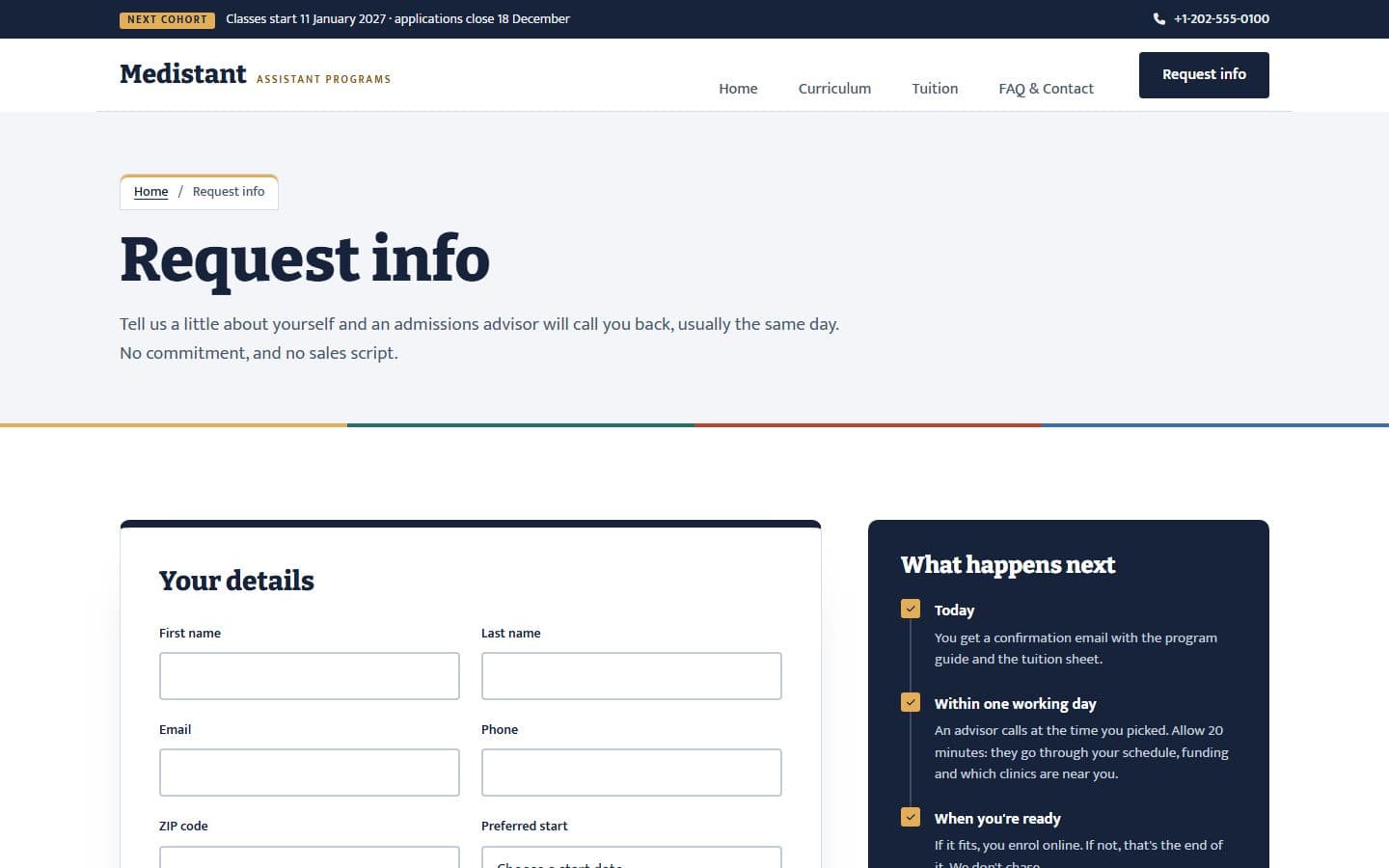 Applyapply.html
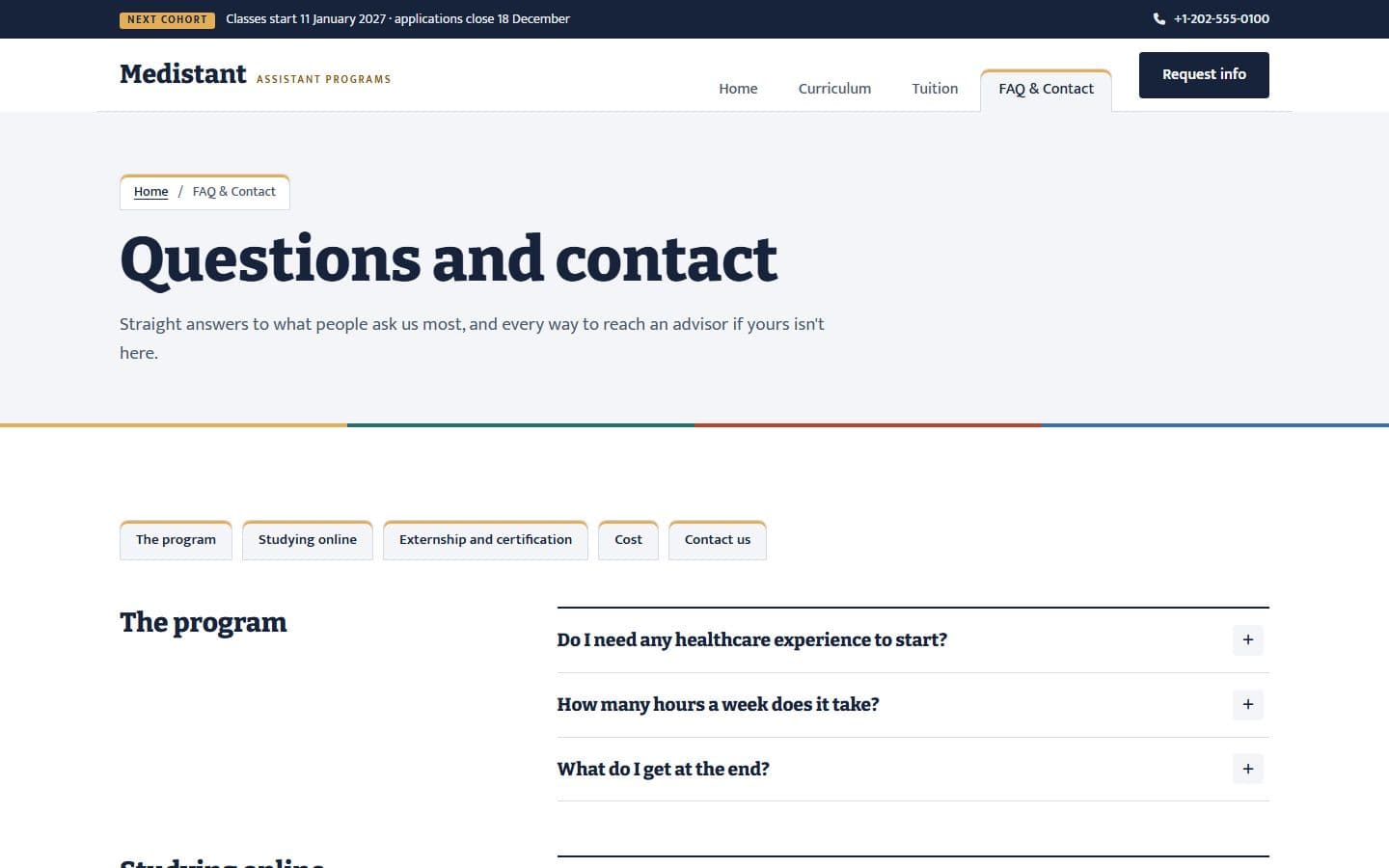 Faqfaq.html
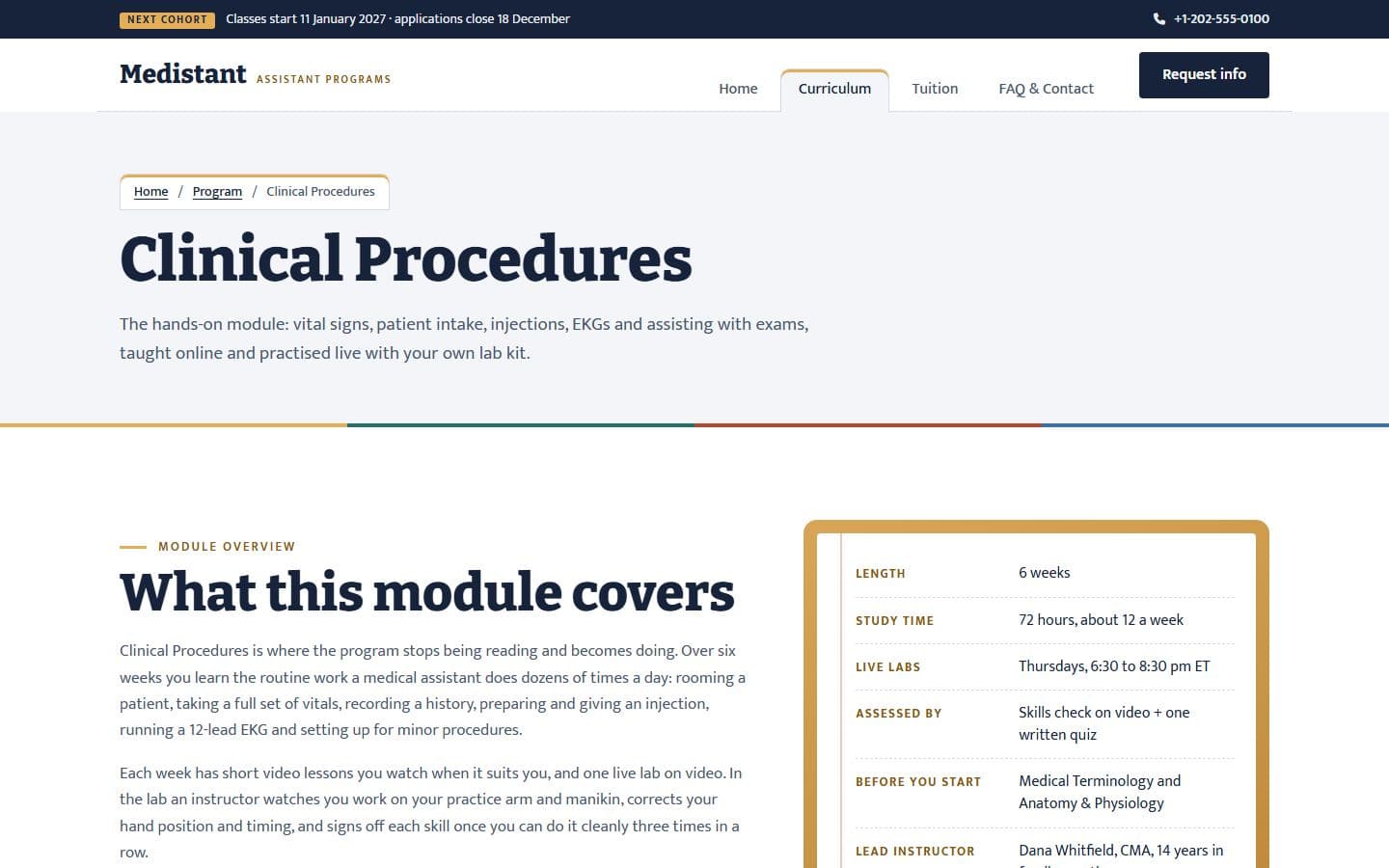 Program detailprogram-detail.html
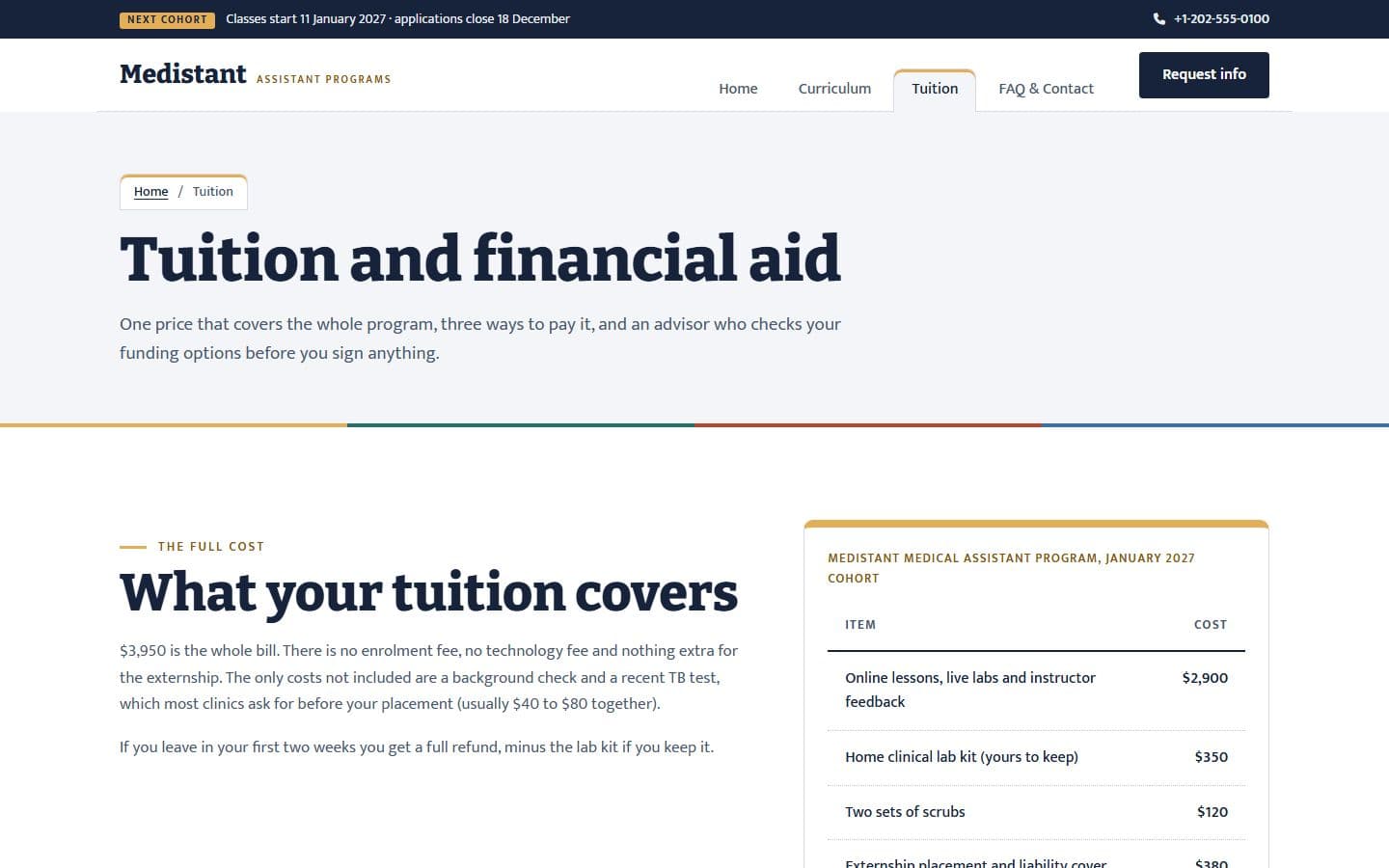 Tuitiontuition.html
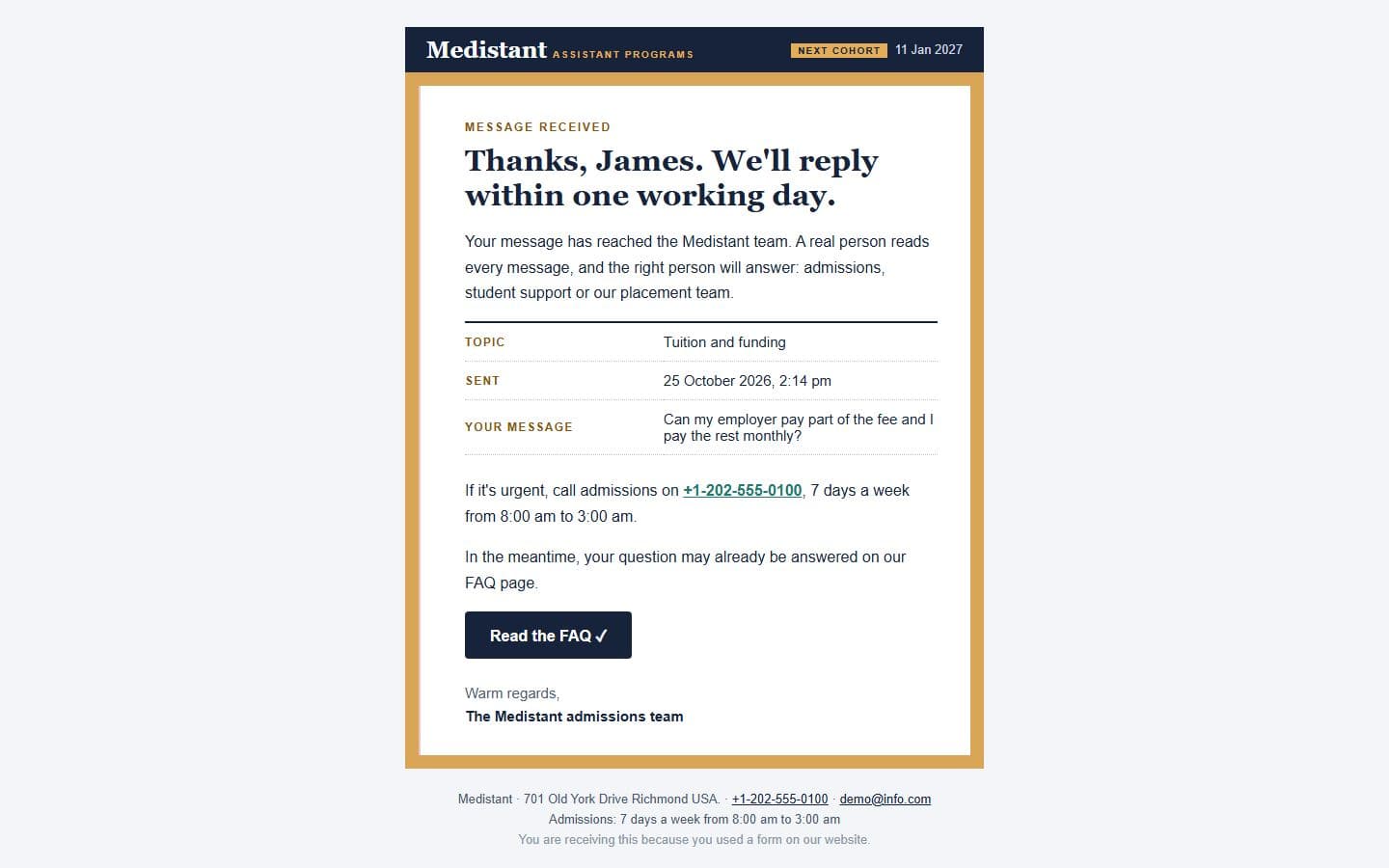 Email: contactemail-contact.html
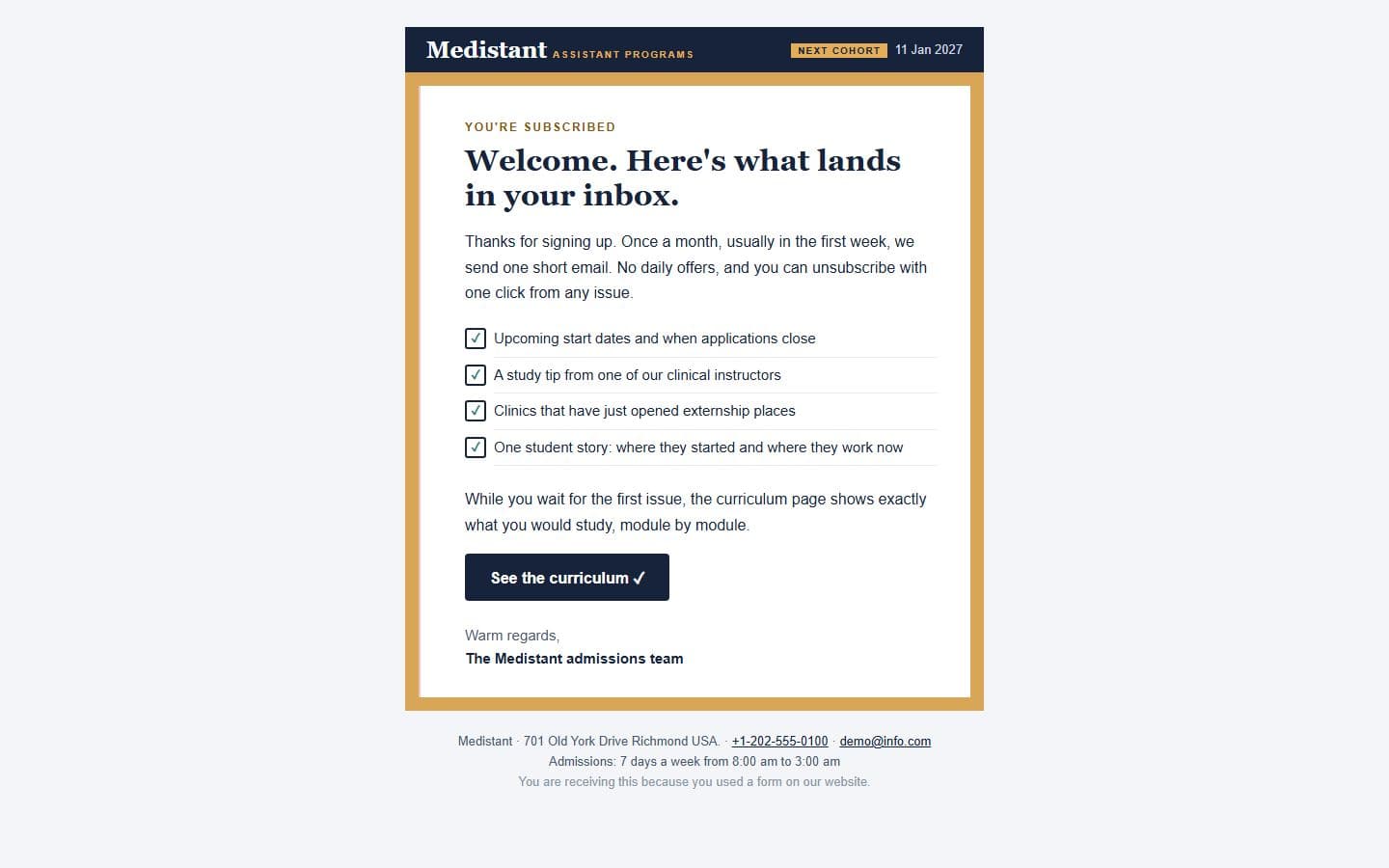 Email: newsletteremail-newsletter.html
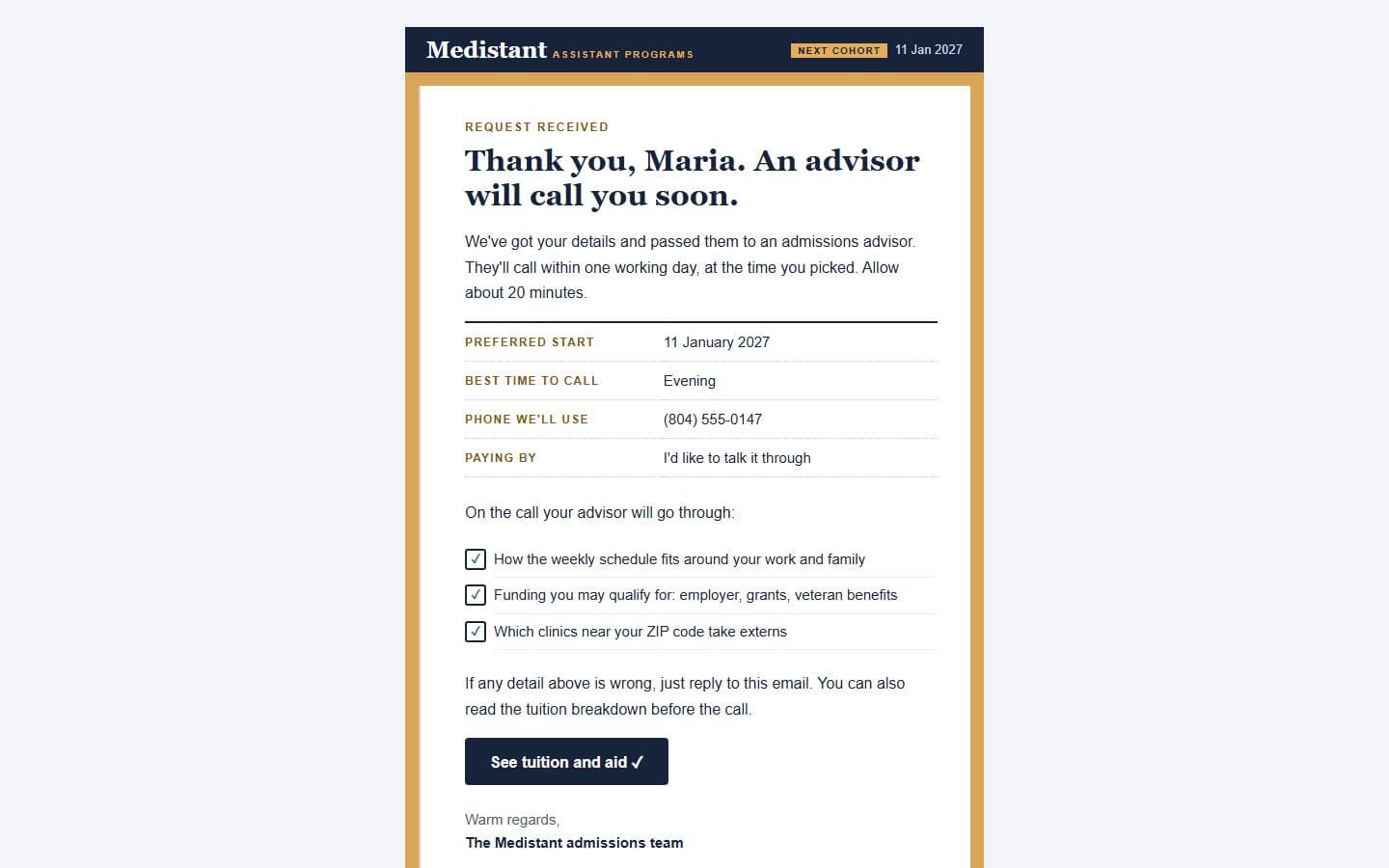 Email: request infoemail-request-info.html
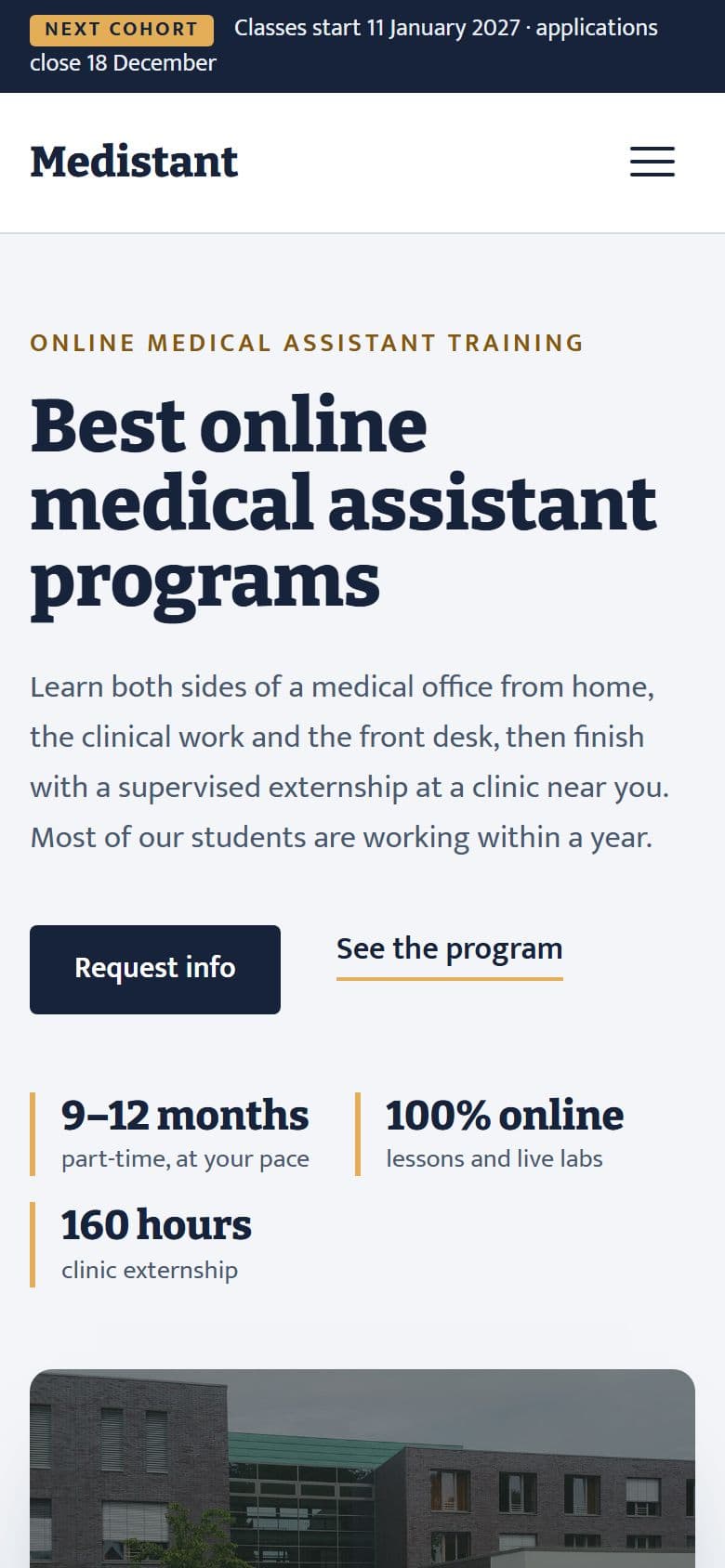
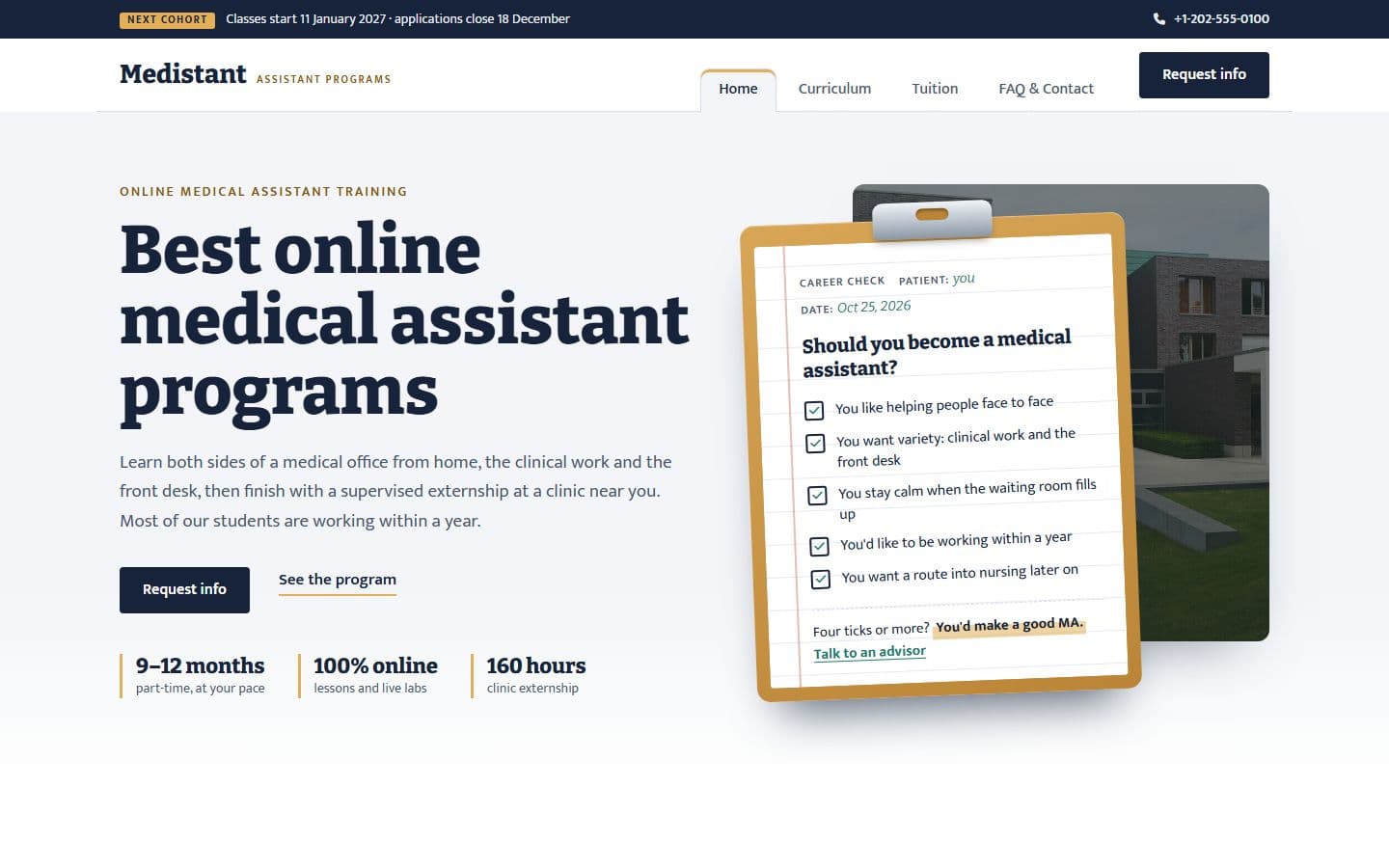
The home page on a phone, as it looks in the live demo.
In the download
What you get in the ZIP
Everything is plain files you can open in any editor. No build step and no installs.
- 58files
- 1.3 MBZIP size
- 8HTML pages
- 4images
Please note that the images in the template will be blurred in the downloaded package.
medistant-responsive-newsletter-website-template/
├── index.html
├── apply.html
├── email-contact.html
├── email-newsletter.html
├── email-request-info.html
├── faq.html
├── program-detail.html
└── tuition.html
From download to live
No build tools, no installs
Download
Get the ZIP
Free, instant and no card needed. Unzip it anywhere.
Edit
Add your content
Change the text and photos in the HTML files with any code editor.
Publish
Upload and go
Upload the folder to any web host. It's plain HTML, so it runs anywhere.
Questions
About this template
Can I use Medistant for a client's website?
Yes. The free version is licensed for personal and commercial use, including client work, as long as the footer credit stays. Remove it for $9.00₹499 one-time, or with Pro.
Do I need to know how to code?
You'll need to edit the HTML text and swap the images, which any code editor can do.
Will I get updates?
Yes. Your My Downloads page always serves the latest version, so you can re-download an update free. The What's new tab lists what changed in each version.
Are the photos included?
The images in the template are blurred in the downloaded package, and the photos in the live demo are for the demo only. Add your own images.
Subscribe Us
Keep looking
All templatesView Similar Templates
From the blog
View Blog
- Web Development
- November 03, 2026
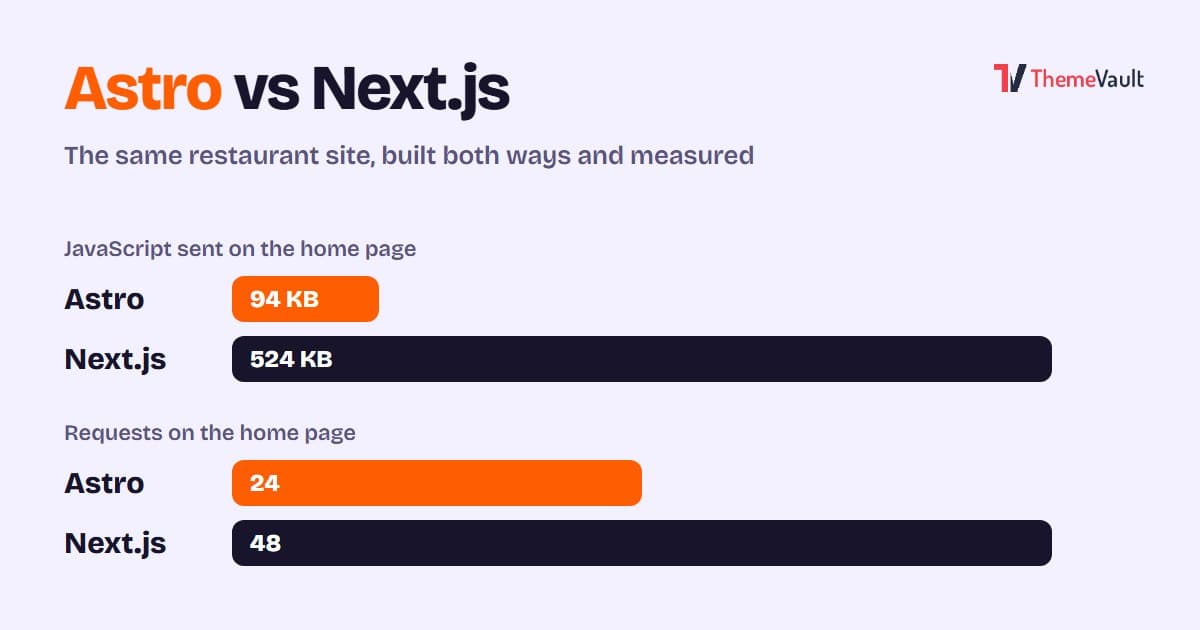
Astro vs Next.js for a Business or Marketing Website (2026)
We built the same restaurant website in Astro and in Next.js with an admin panel, then measured both. Where Astro wins, where Next.js wins, and how to choose.
- Wordpress
- Web Development
- November 03, 2026
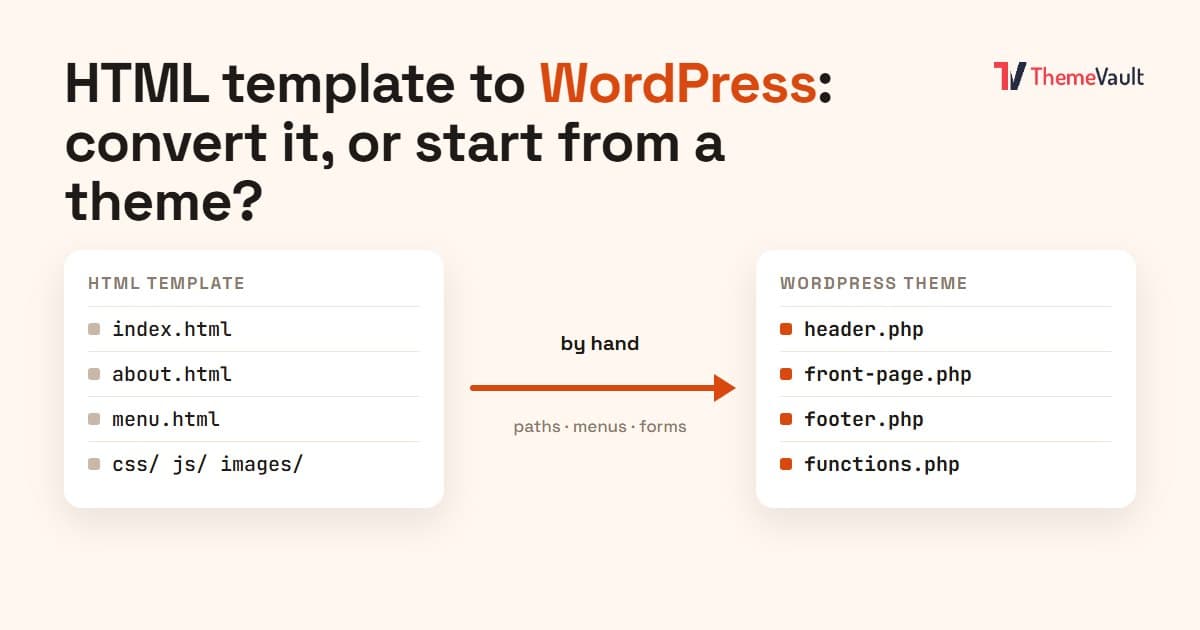
HTML Template to WordPress: Convert It Yourself or Use a WordPress Version?
We turned our Bistrofeast HTML template into a WordPress theme by hand. Every step, the mistakes, how long it took, and when a WordPress version saves you days.
- Wordpress
- Web Development
- November 02, 2026
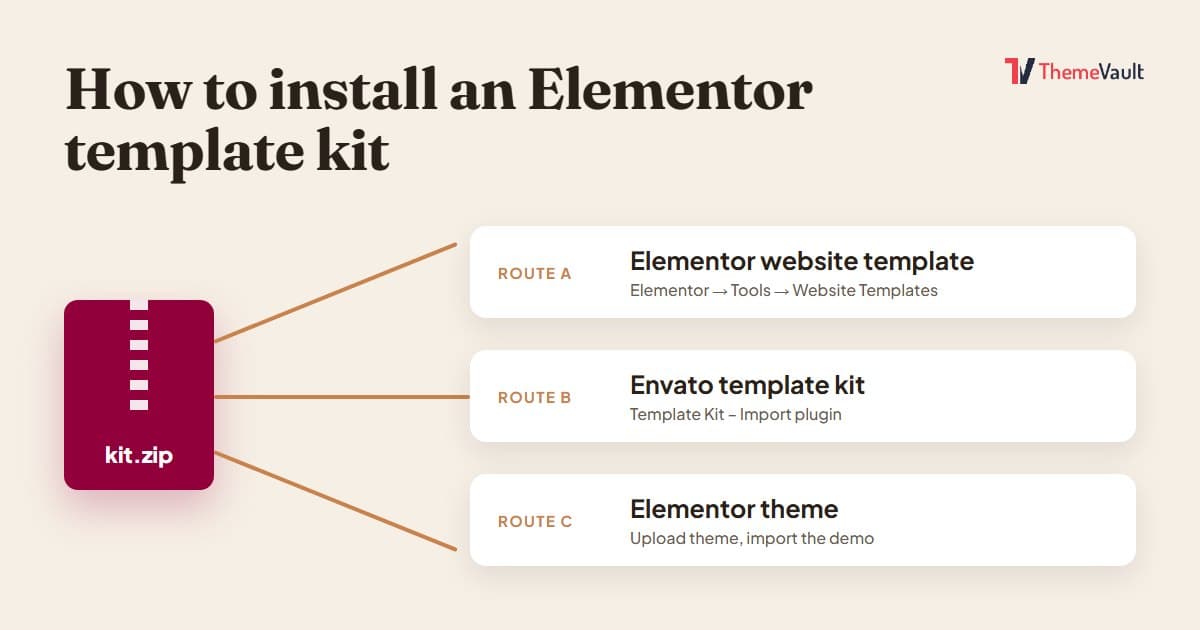
How to Install an Elementor Template Kit (2026 Guide)
We installed the same kit both ways on a clean WordPress site. Where each kind of kit goes, the steps people miss, and what to do when it looks wrong.