
This post is from 2017 and is no longer kept up to date. For the current version, see website template or custom design: how to decide.
Website templates are the foundation of a website. If you want to build a website in less time, a website template is needed. Website templates can make a website appealing and beautiful. When choosing a website template, you just don’t pick the one where your eyes first landed, but you have to consider factors which will help you choose the right template for your website.
It is easy to choose if you don’t consider anything, but if you want to have the best website template for your website, you should consider factors which will help you decide better.
Factors to Consider While Choosing a Website Template
1) Pricing: Free or Premium Website Template
If you are someone who wishes to build a website but on a tight budget, you should deeply consider the pricing. The website templates are available for free and premium. The premium templates could have the different designs and comes with a certain price with tremendous features. It comes with certain pitfalls like learning customization settings of their own admin panel & extra unneeded features. On the other hand, if you want to design your website from others, then a free website template is the one that you need, but it needs some work to be done to make it more appealing to the visitors.
2) Reputable Theme Supplier
Website templates are not produced by the internet, but there are some companies behind these templates. If you want your website to look great and will not have glitches, you should choose a reputable theme supplier that is recognized for its high quality of website templates which are appealing to the visitors. The prices may vary, but it is worth it if you buy it from a reputable theme supplier.
3) Design and User Experience
Some website templates are too colourful that sometimes it becomes painful to the eyes. If you want to have a website that is more appealing to visitors and wish to be visited by everyone, you should choose a simple one because simplicity today is much powerful than overrated ones.
4) Responsive is not a thing to Underestimate
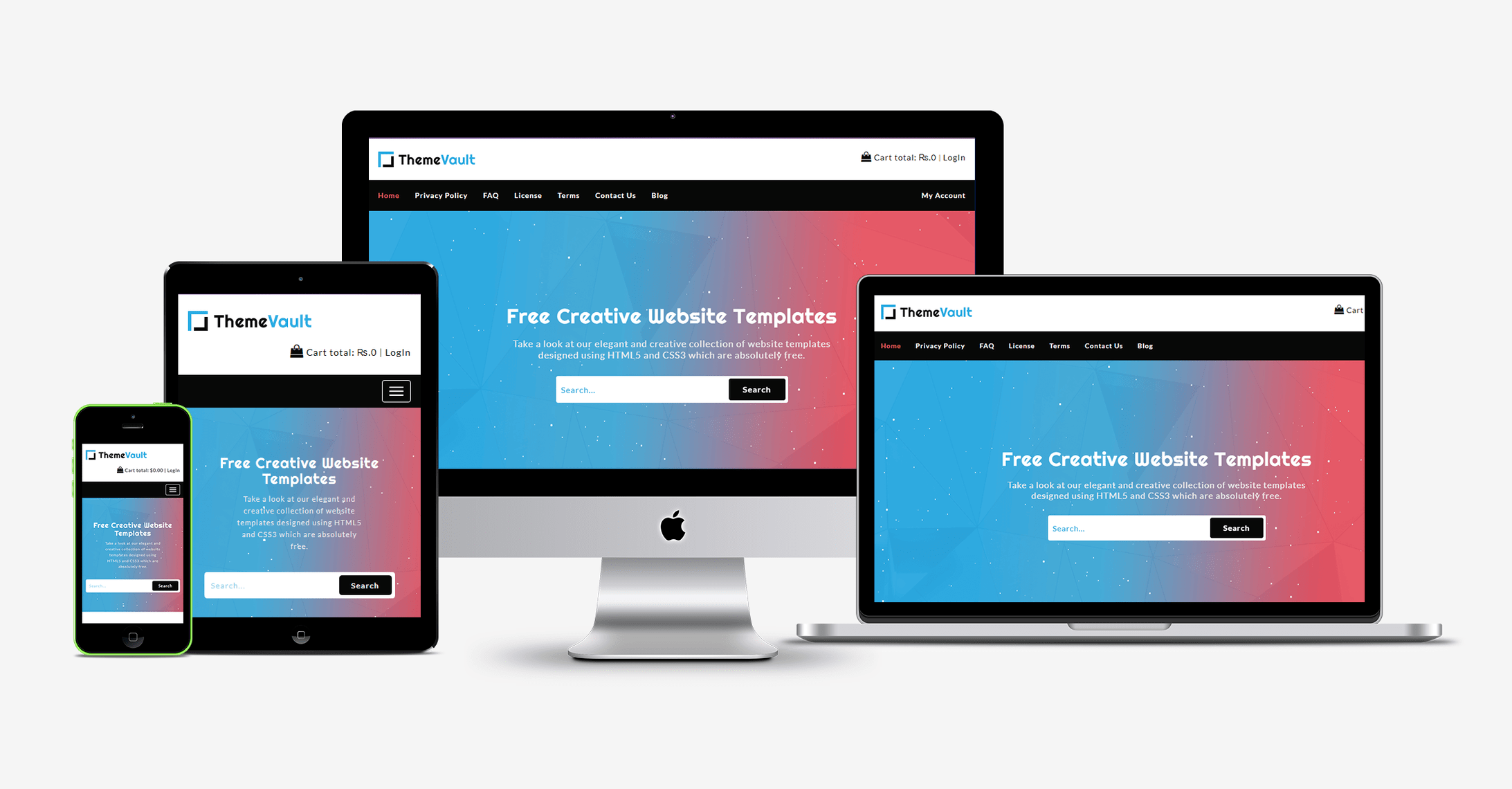
Well, if you want your website to be accessed in different devices, it should be responsive. The responsiveness today is not an option anymore, but it is already a requirement because users would like responsive sites over unresponsive ones.
5) Speed and Browser Compatibility
It's not like all the users use the same browser. There are many browsers out there. And if you don’t want your visitor to leave your site, ensure that the website template is compatible with all browsers and the loading speed should not take too long.
6) Have Customization Options?
Before selecting a website template check if the owner of the template provides customization options. Customization gives you with the chance to design as per your requirement. Not having the customizable option can be a problem if you wish to change your theme or include some plugins. If you don't have customization options, you may be stuck with the theme forever.
7) Comes with Support Option
If you don’t want to worry about anything and would like to resolve problems in one sitting, then, choose a template with a support option. In this way, you can quickly fix the errors or issues.
8) Must be SEO friendly

When SEO is the concern, contents should be optimized but make sure that the optimized ones are not the bad ones because it can be inconvenient to the users. Choose a website template that is SEO friendly.
Final Thoughts:
Having a website template that fulfils these requirements will never give you any problem. As long as you consider these factors, you will never have any difficulty in finding the right template for you. If you want the latest web design templates free download from ThemeVault, then you should visit us at [website].
More from the blog
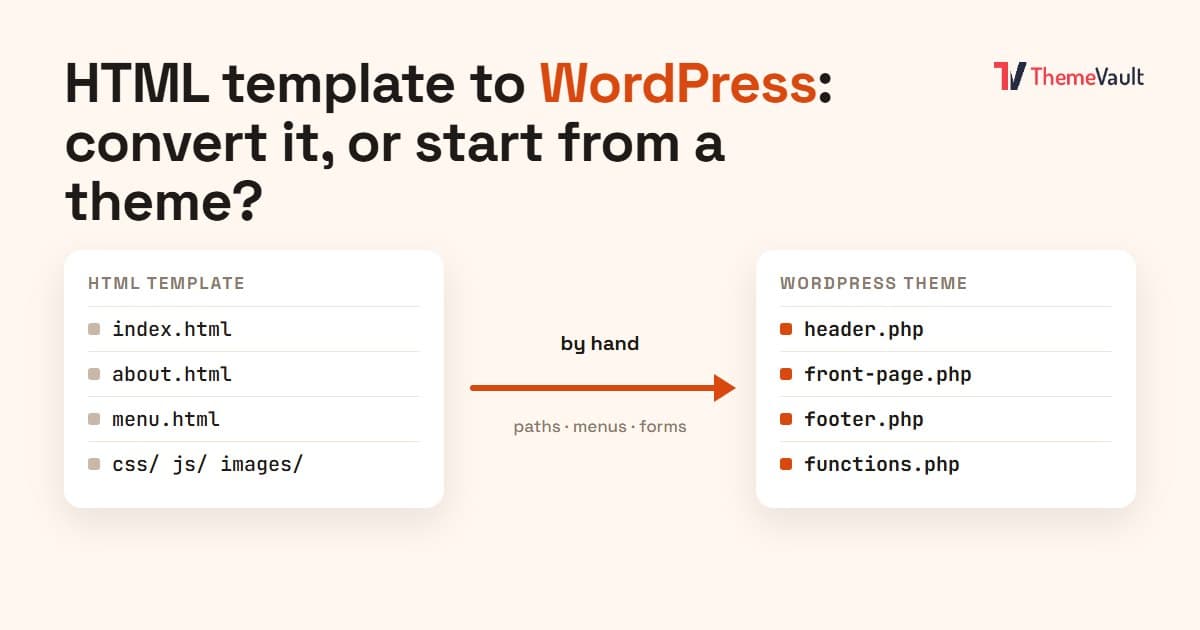
HTML Template to WordPress: Convert It Yourself or Use a WordPress Version?
We turned our Bistrofeast HTML template into a WordPress theme by hand. Every step, the mistakes, how long it took, and when a WordPress version saves you days.
Read article →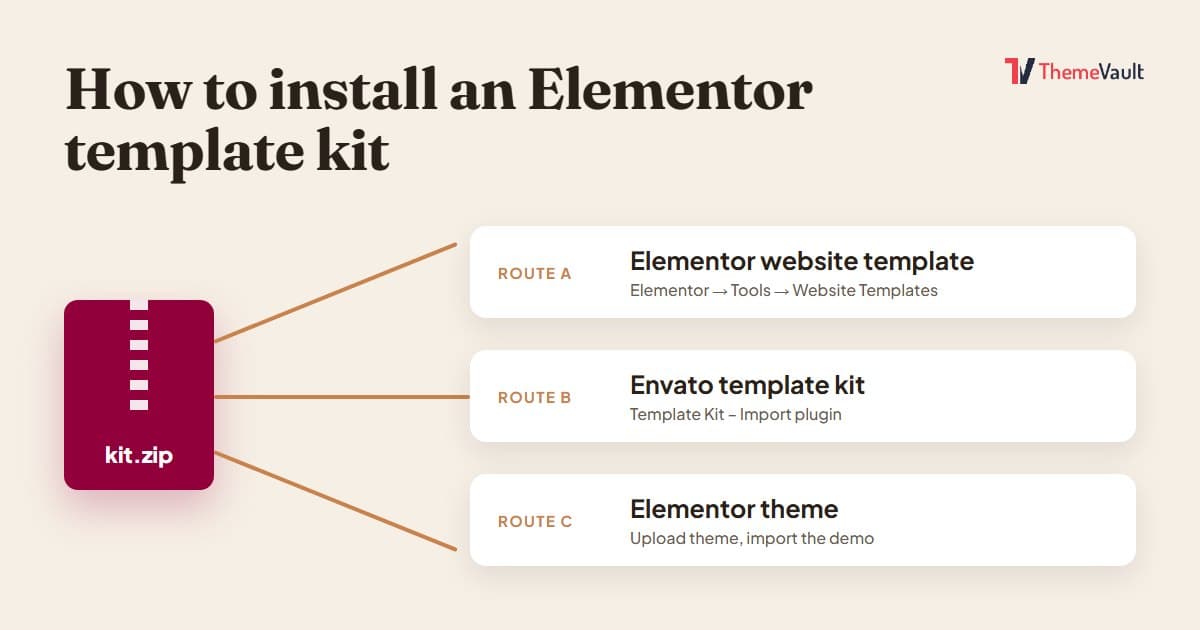
How to Install an Elementor Template Kit (2026 Guide)
We installed the same kit both ways on a clean WordPress site. Where each kind of kit goes, the steps people miss, and what to do when it looks wrong.
Read article →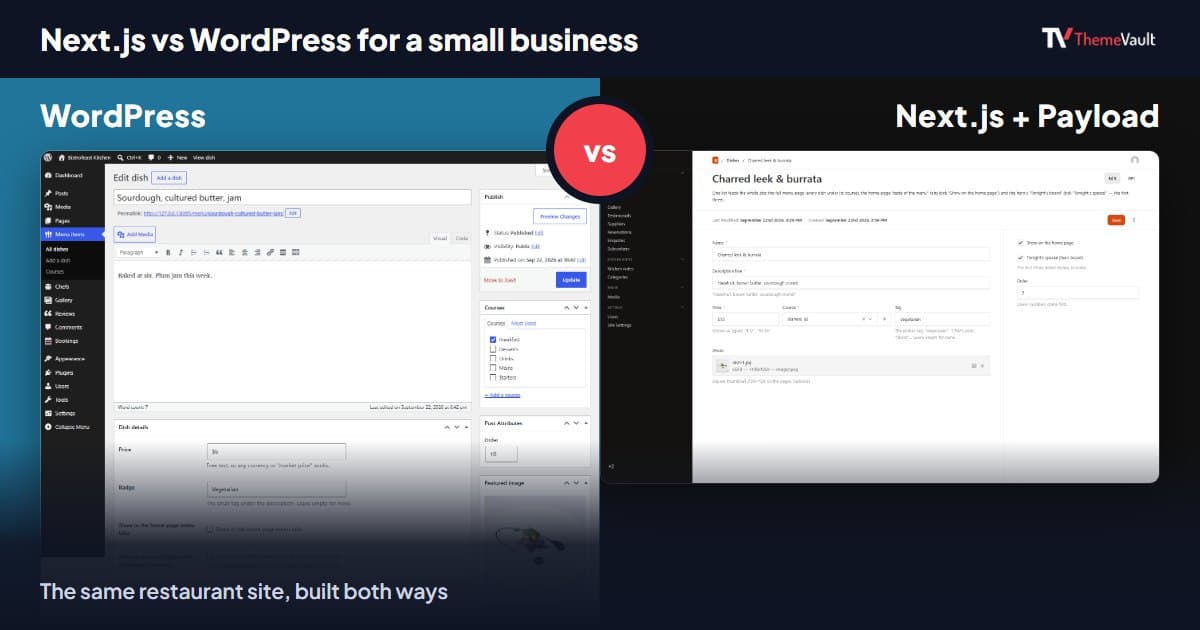
Next.js vs WordPress for a Small Business Website (2026)
We built the same restaurant website as a WordPress theme and as a Next.js template with Payload CMS. Here is where they really differ, and how to choose.
Read article →