
Think about what a client actually does on a photographer’s website. They look at a handful of pictures, check that you shoot their kind of thing (their wedding, their family, their product), look for a price, and then decide whether to ask about a date. Most of them do it on a phone, and most of them do it in a couple of minutes.
So the best website template for a photographer isn’t the one with the most effects. It’s the one that shows your work large, answers the price question and makes the enquiry easy. We make six photo designs, and I went through every live demo before writing this, so what I describe is what you get in the download.
What different photographers need from a website
- Wedding photographers sell a whole day, so show whole stories, not just the best single frames. Couples also want to check your date and see what a package includes.
- Portrait and family photographers get the most questions about price and what happens on the day. A clear “from” price and a short “how a session works” section save a lot of back-and-forth.
- Commercial photographers are hired by businesses that care about usage rights, turnaround and a shot list. A quote form matters more than a big gallery.
- Travel and fine-art photographers need big galleries, somewhere to tell the story behind a series, and often a way to sell prints.
For a working photographer who takes bookings
Photoscence
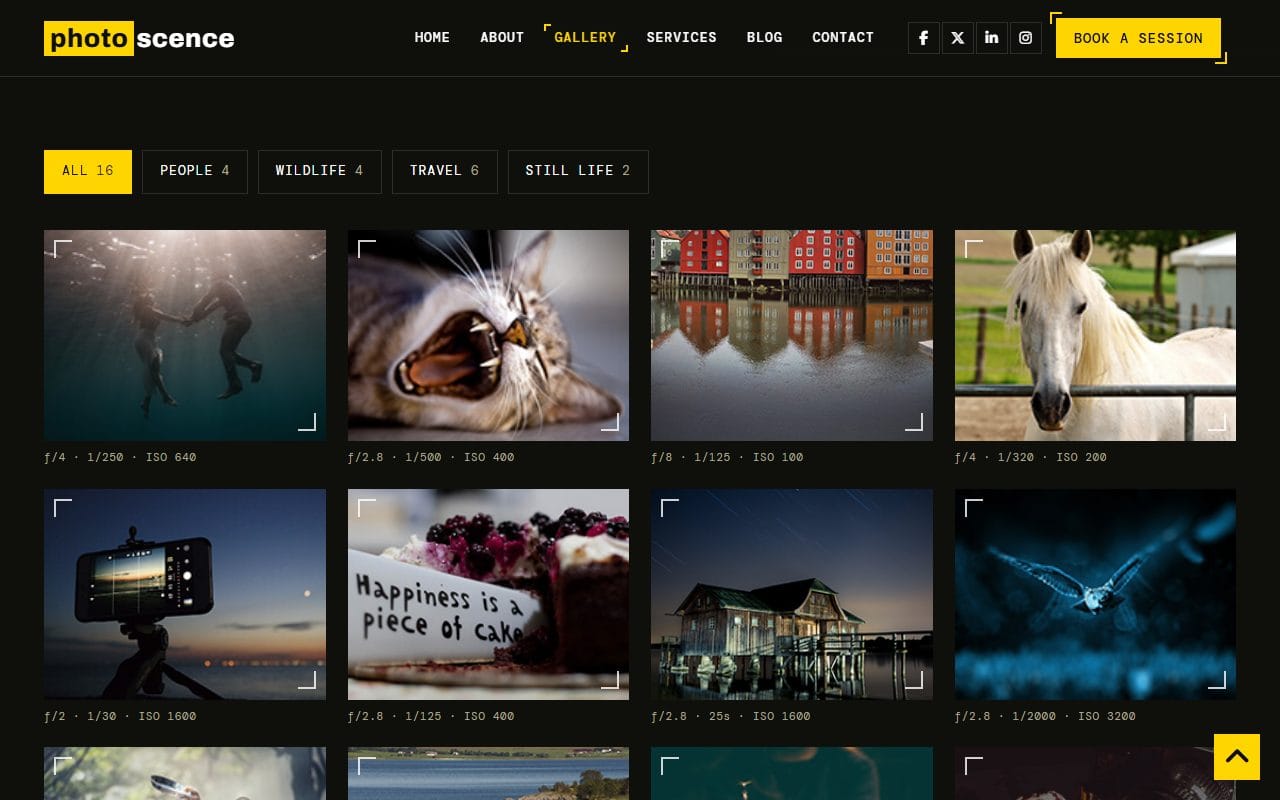
Photoscence is the one we rebuilt in 2026, and it is built around getting booked. The gallery filters by subject (people, wildlife, travel, still life) without reloading the page, and each photo opens larger with previous and next, arrow keys on a keyboard and swipe on a phone. Under every frame there is a small line with the aperture, shutter speed and ISO, a detail other photographers notice.
Below the gallery is an albums section, and the album page tells one shoot as a story: an intro, the photos, and a panel with the location, the date, the camera and the lenses. That is exactly the format a wedding or a travel series needs.
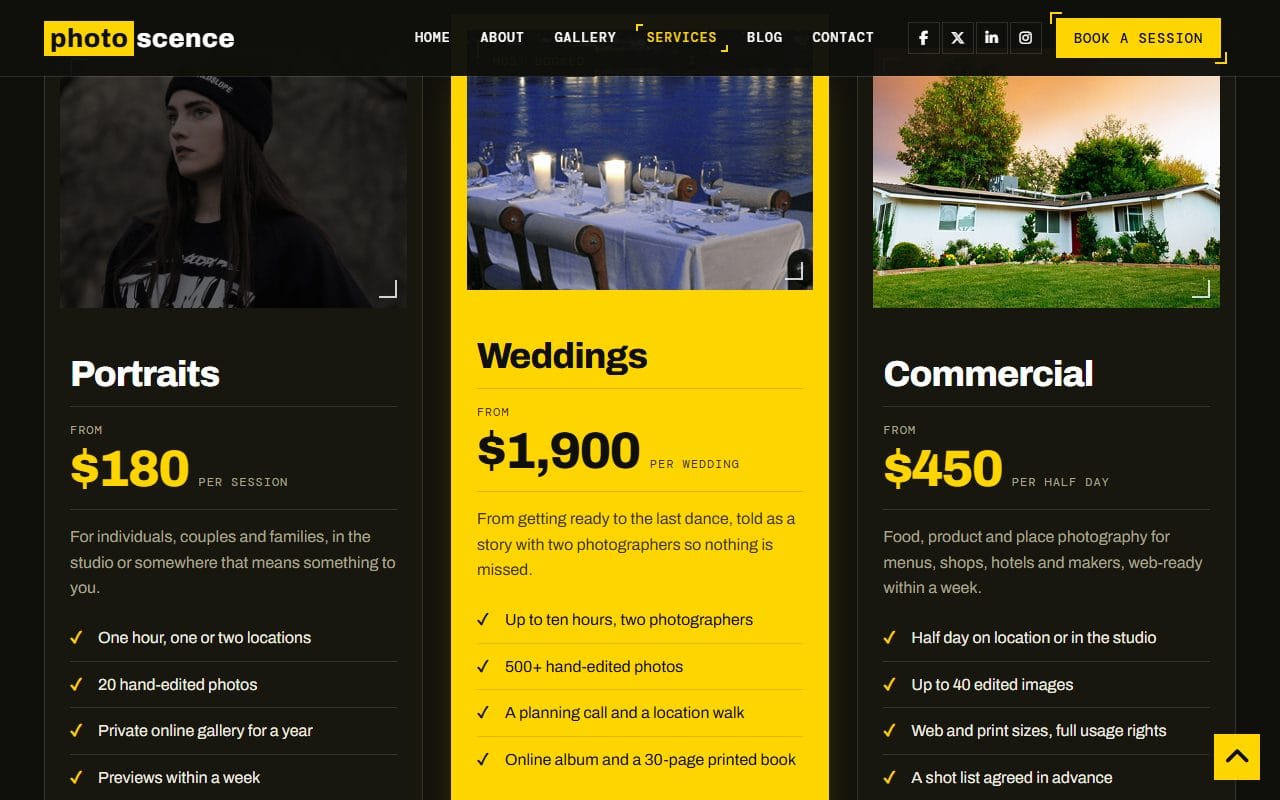
The services page lays out three packages (portraits, weddings, commercial) with a “from” price and a list of what is included, then extras such as an extra hour or an album, then a short FAQ about rain, raw files and printing. Change the numbers and the wording to yours and most pricing emails answer themselves.
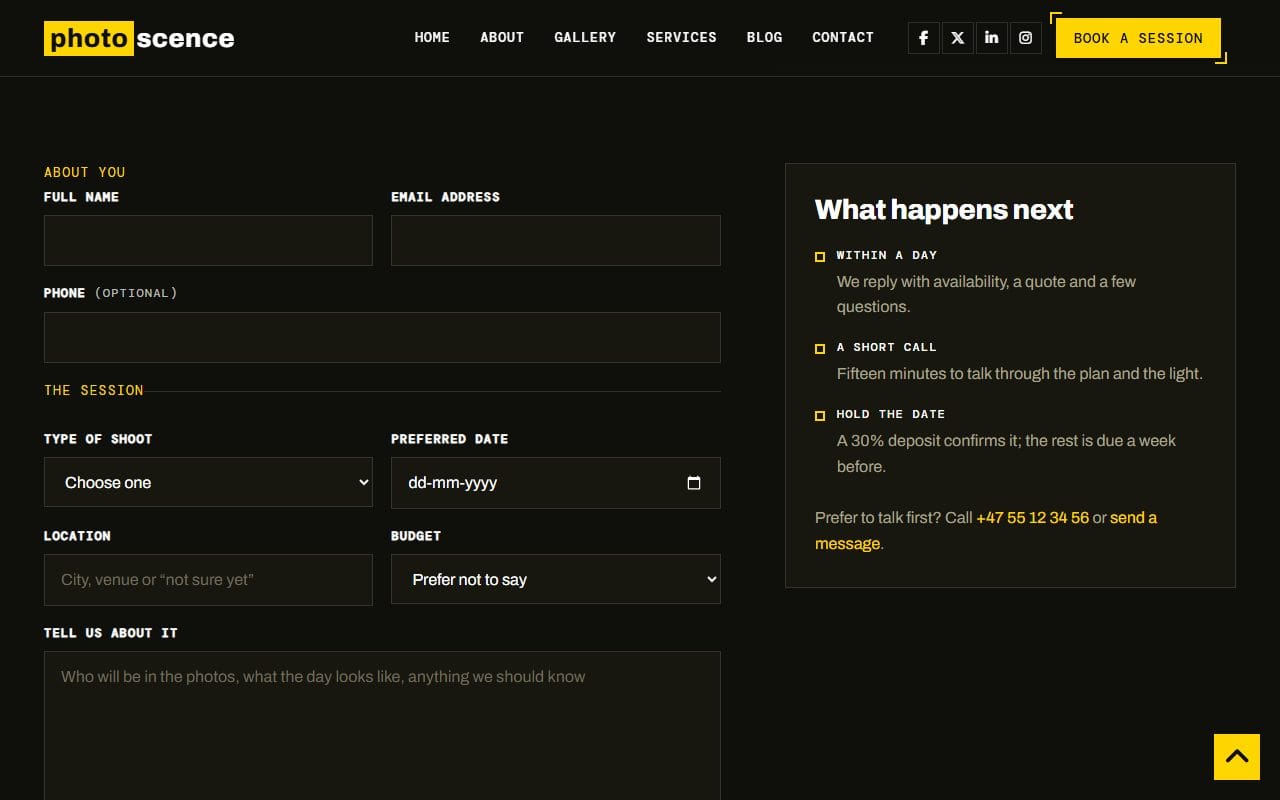
The booking page asks for the type of shoot, the date, the location and a budget range, with a note beside it explaining what happens next. The download also has matching emails for a booking request, a contact reply and a blog comment, and two different looks with a View switch so you can pick the one that suits your work.
For a portfolio sorted by subject
Snappy
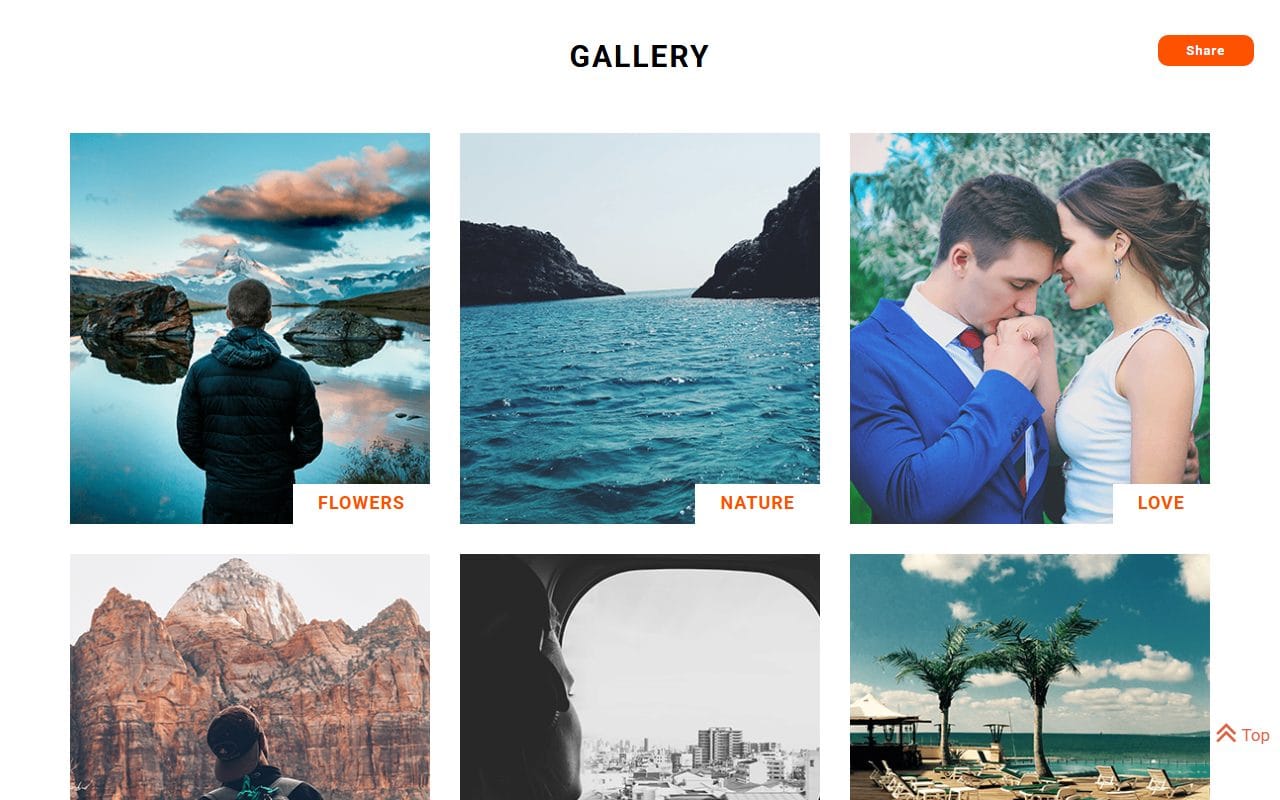
Snappy labels its gallery by subject, from nature and travel to architecture and sport, so it suits someone who shoots many kinds of work. It has about, portfolio and contact pages, customer reviews on the about page and an Instagram strip under the gallery. It is one of our original designs and still uses jQuery; it works as it is, it just hasn’t had the 2026 rebuild yet.
For travel photographers who also write
Luster Studio
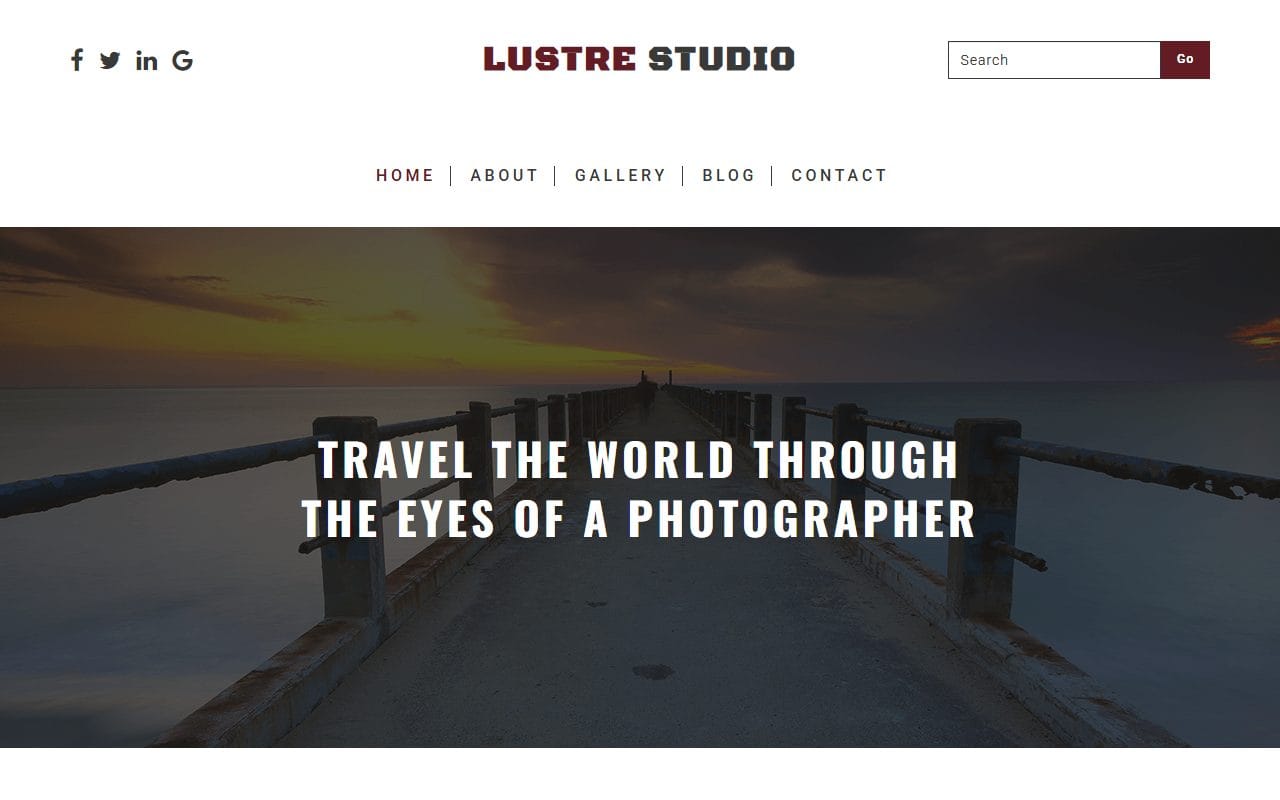
Luster Studio opens with “travel the world through the eyes of a photographer” and a masonry gallery, and it has a blog next to the gallery, about and contact pages. If you like writing up trips, this keeps the stories and the pictures side by side. The sample blog posts are placeholders, so plan a couple of real ones before you launch. It is also an original jQuery design.
For just the pictures
Krico
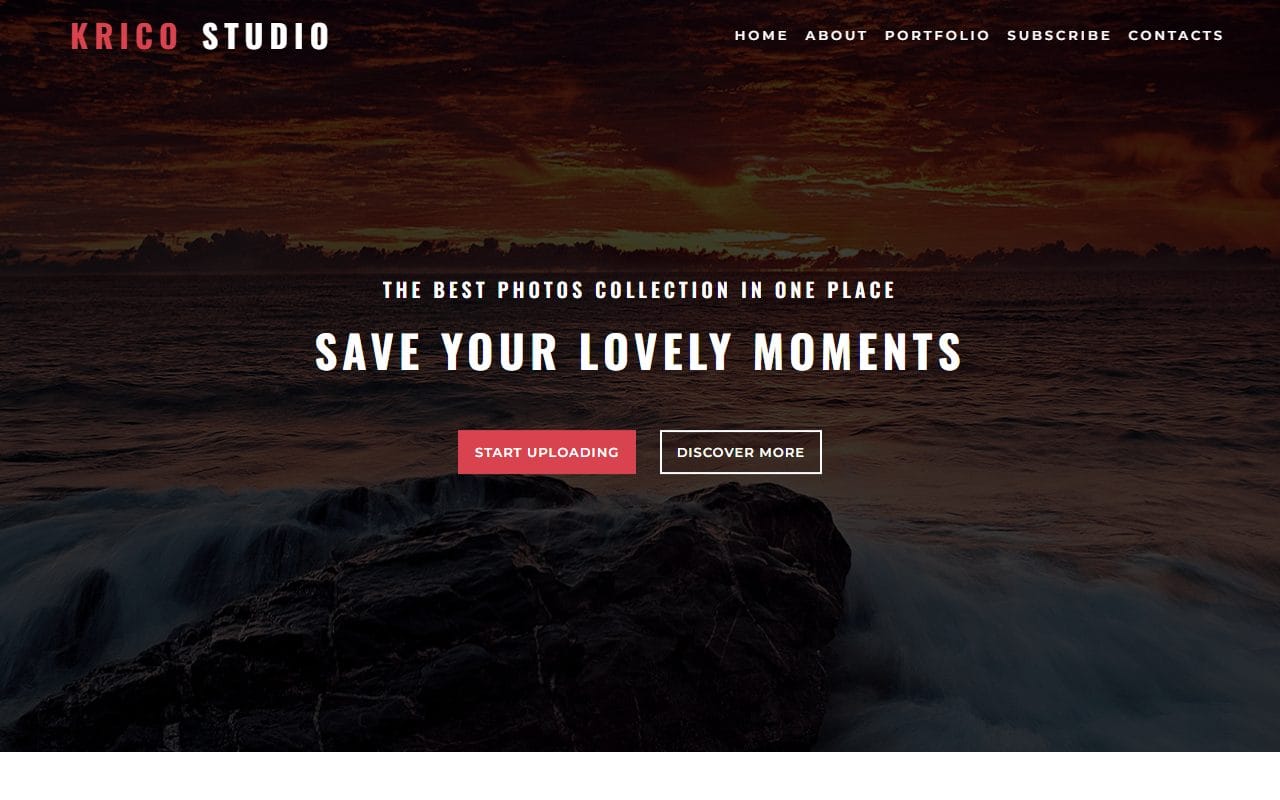
Krico is a single page: a big opening photo, a short about section, a masonry portfolio grid and a newsletter sign-up. It’s the quickest of the six to fill in, and enough for someone who mostly gets work through referrals and needs a link to send. Another original design with jQuery.
For selling prints
Portrayal and Portraystore are gallery shops: product listings, a page per piece with options and reviews, a cart and a checkout. Portrayal adds a gallery page with filters and a full-screen viewer. Portraystore adds a wishlist, an account page and delivery, returns and terms pages, and its terms already have a section on originals and editions, which is handy for limited-edition prints.
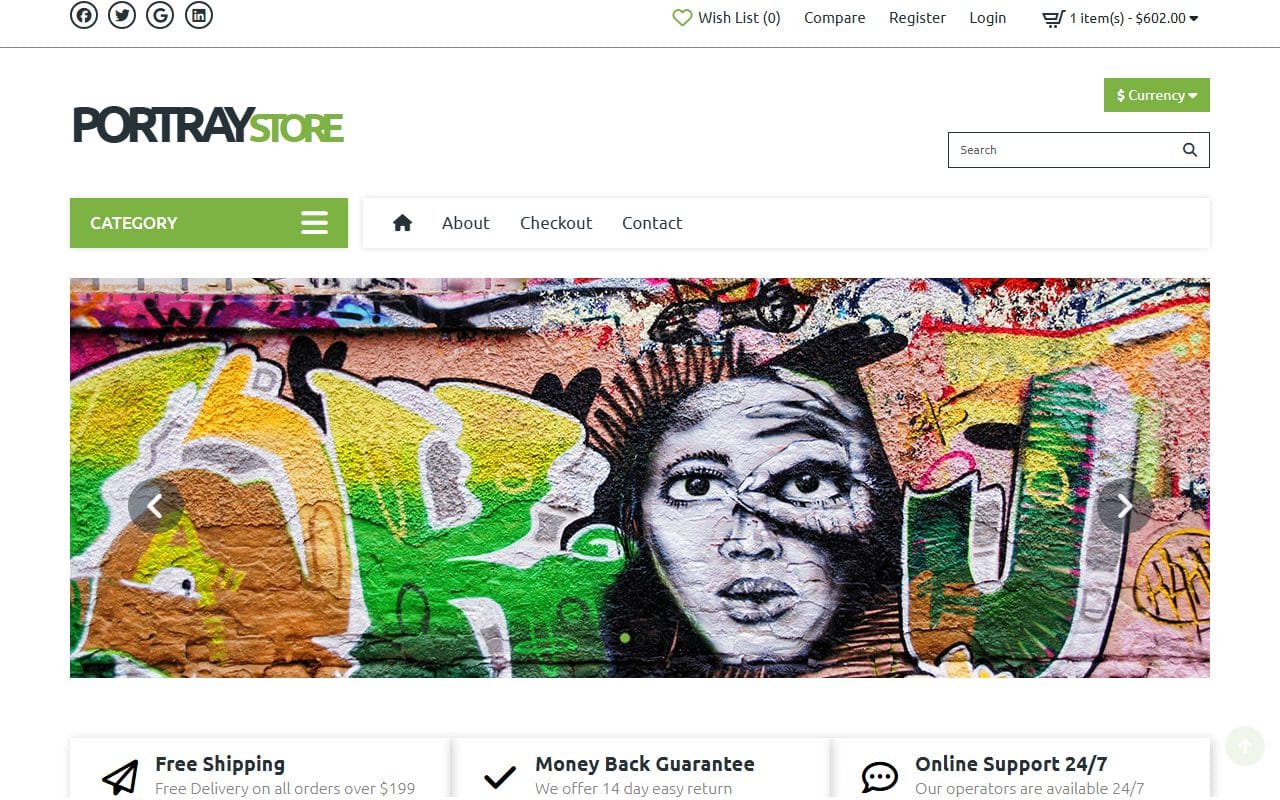
Like any HTML shop design, they show how the shop looks and works; to take real payments you connect a cart or shop platform. Our art gallery templates post goes into these two in more detail.
The five pages that get you booked
- Home: your strongest six to ten pictures, one line on what you shoot and where, and a button to book or ask about a date.
- Gallery: grouped by the kind of work you want more of, plus at least one complete story (a wedding, a family session, a trip).
- Services and prices: “from” prices, what each package includes, and the questions people always ask.
- About: a real photo of you and how a session works, step by step. People are booking a person, not a camera.
- Booking or contact: ask for the date, the place, the kind of shoot and a budget range, so your first reply can be a proper answer.
What a template won’t do for you
A website template is the shop window, not the whole studio. Three things usually live elsewhere:
- Client galleries and proofing. Delivering private galleries, letting clients pick favorites and download full-size files is the job of an online gallery service. Add a “Client login” link in the menu that goes to it.
- Deposits and contracts. The booking form collects the request; a booking or invoicing tool takes the deposit and the signature.
- Print orders. If you sell prints, a shop platform or a print lab’s service handles payment and delivery behind the shop pages.
Keep the site fast and your photos yours
- Export gallery images at about 2,000 pixels on the long edge for the large view, and much smaller for thumbnails. A page of full-size camera files will crawl on a phone.
- Put your name and copyright in each file’s metadata when you export. Most editing programs have a field for it, and it travels with the picture.
- Skip “right-click disabled” scripts. They annoy real visitors and don’t stop anyone determined; a sensible web size does more.
- Write alt text for your best images, describing what is in the picture. It helps visitors using screen readers and it helps your work show up in image search.
All six designs are in our photo and gallery templates category. If you are building a portfolio to get hired rather than booked, my post on building a portfolio website that gets you hired covers that side.
FAQ
Which template is best for a wedding photographer?
Photoscence. It has a wedding package with a price, an album page for telling a whole day as a story, and a booking form that asks for the date and location first.
Can clients view and download their photos on the site?
Not from the template on its own. Use an online gallery service for private client galleries and proofing, and link to it from your menu.
Can I sell prints with these templates?
Portrayal and Portraystore have the shop pages: listings, product pages, cart and checkout. To take payments, connect them to a cart or shop platform, or use a print lab’s ordering service.
Are these photographer templates free?
Yes, all six cost nothing to download and you can use them for your own studio or build a site for a client with them. They carry a small credit in the footer; keep it, or take it off with a one-time payment or a Pro plan.
Do I need to know code to use one?
Only a little. Swapping photos and text means editing the HTML files in a text editor. Our guide on building a website from a template walks through it step by step.
More from the blog
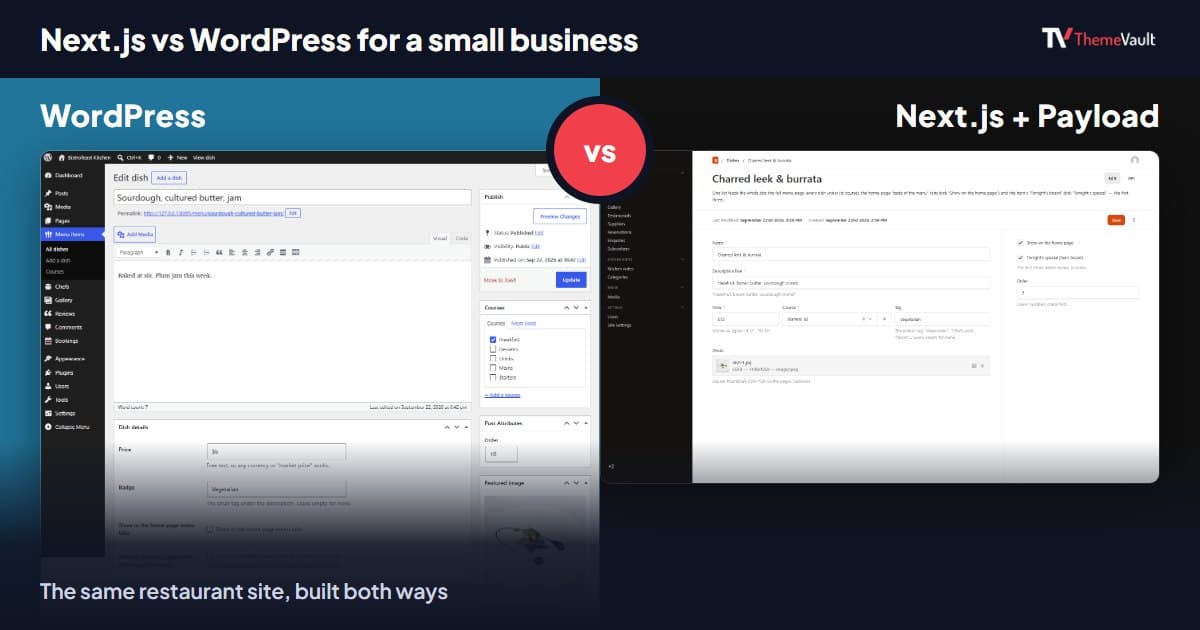
Next.js vs WordPress for a Small Business Website (2026)
We built the same restaurant website as a WordPress theme and as a Next.js template with Payload CMS. Here is where they really differ, and how to choose.
Read article →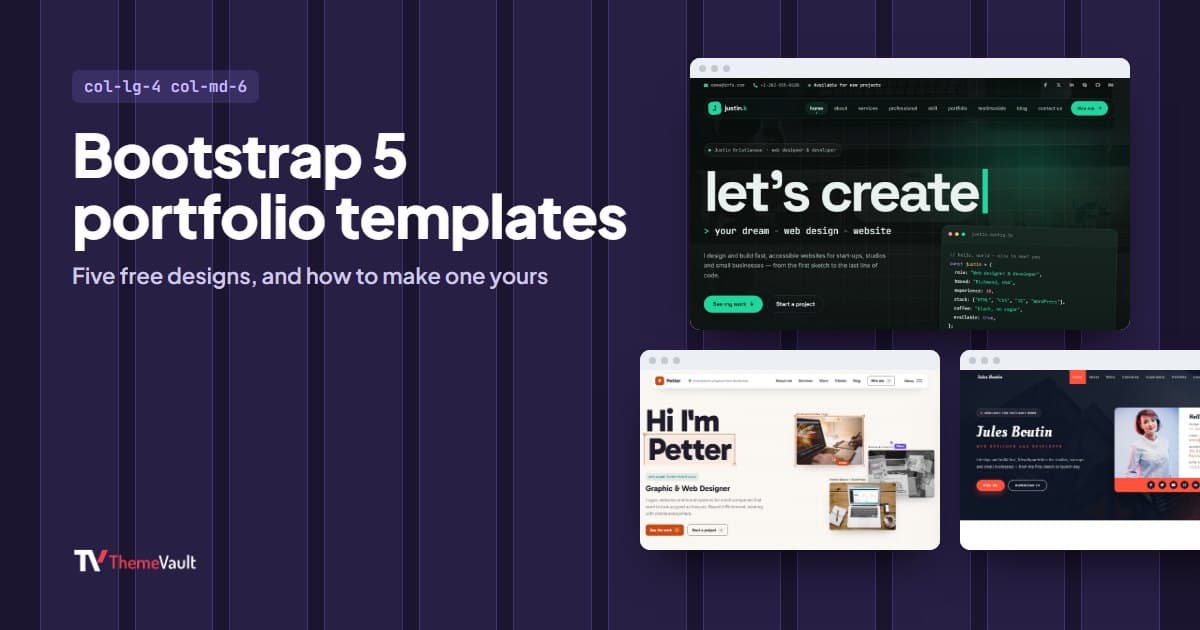
Bootstrap Portfolio Templates: 5 Free Bootstrap 5 Designs (2026)
Five free portfolio templates built on Bootstrap 5.3, who each one suits, and how to customize the grid, popups and tabs with Bootstrap's own classes.
Read article →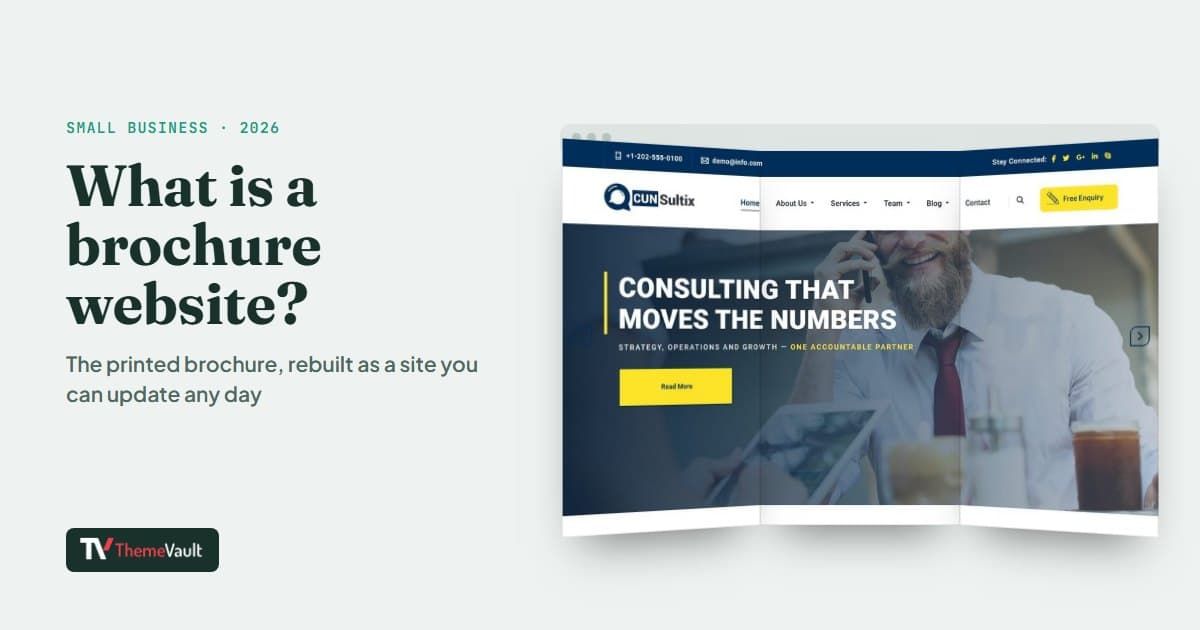
What Is a Brochure Website? (And When a Small Business Needs One)
A brochure website is the online version of a printed brochure. Here is what it should include, three real examples, and when a small business needs more.
Read article →