
A landing page is a page built for one action: download the app, start a trial, book a call, join the list. Visitors usually arrive from an ad, an email or a post, already curious about one thing. The page’s whole job is to turn that curiosity into the click, and every design choice should be judged by whether it helps or distracts.
Here are the nine rules I design landing pages by, with examples from two of our rebuilt landing templates: Jeko, for an app launch, and Onetonix, for a software product.
1. One page, one goal
Decide the single action the page is for before you design anything. Every section should either explain the offer, prove it, or ask for that action. A full site menu, a blog feed and links to other products all compete with it; on a campaign landing page, keep the menu to a few links that stay on the page.
2. Match the message people arrived with
If the ad says “Free IoT dashboard for small fleets”, the page should open with the same promise in the same words. When the headline doesn’t match what someone clicked, they assume they are in the wrong place and leave. If you run several ads, it is often worth a version of the page for each.
3. A headline that states the outcome
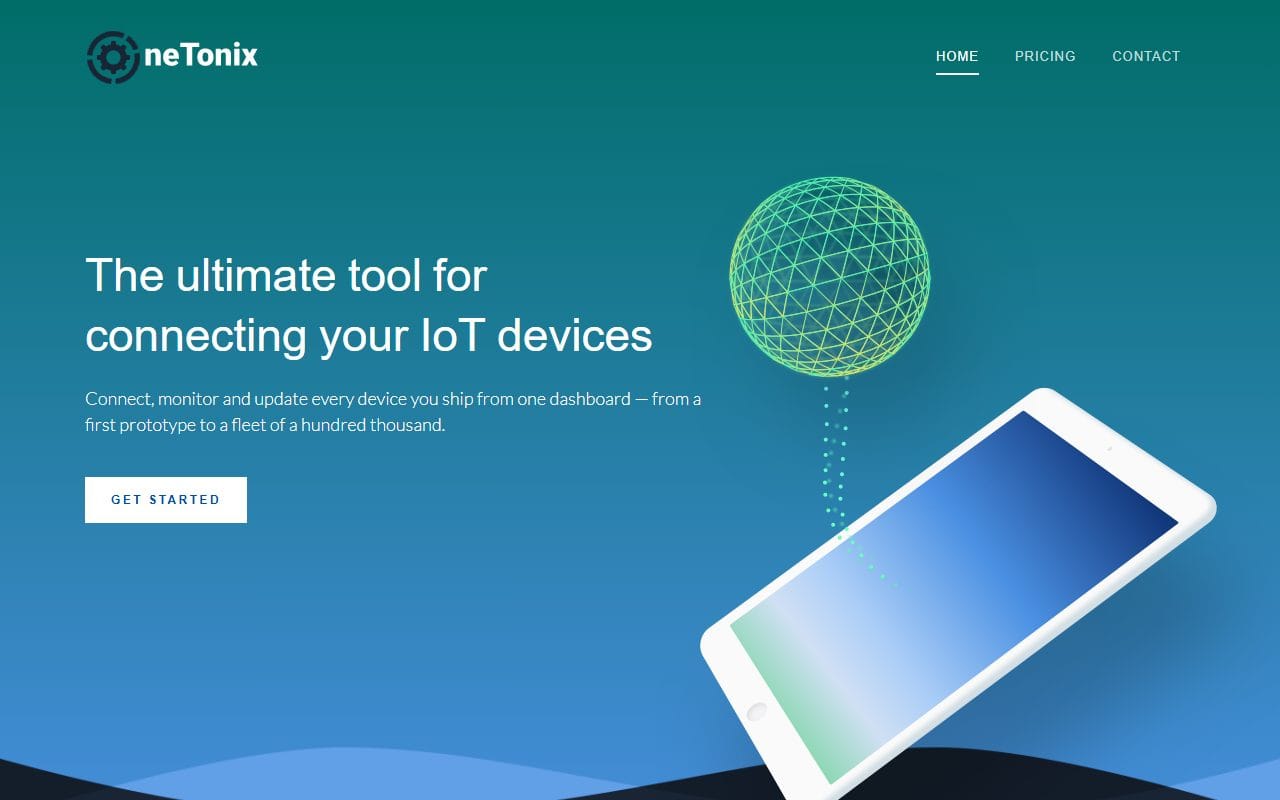
Say what people get, not what the product is called. Onetonix opens with “The ultimate tool for connecting your IoT devices”, then a single sentence on how: connect, monitor and update every device from one dashboard. Outcome first, mechanics second, and one clear button.
4. One call to action, repeated
Use the same button text for the same action everywhere it appears: at the top, after the features, and at the end. People decide at different points as they scroll, and the button should be there when they do. Make it the most visible element on the page, and keep secondary links (“Watch video”) visibly quieter.
5. Show the thing
A real screenshot of the product or app beats an abstract illustration. Jeko’s hero and screenshots section show the app’s actual screens (messages, weather, photos, sign-in), drawn for its 2026 version, so visitors see what they would be using.
6. Proof, close to the claims
Reviews, numbers and recognizable customer names reassure people at the moment they hesitate. Put a short review right after a bold claim rather than saving them all for one block at the bottom, and use real names and details. Vague, anonymous praise does more harm than none.
7. Answer the objections, especially price
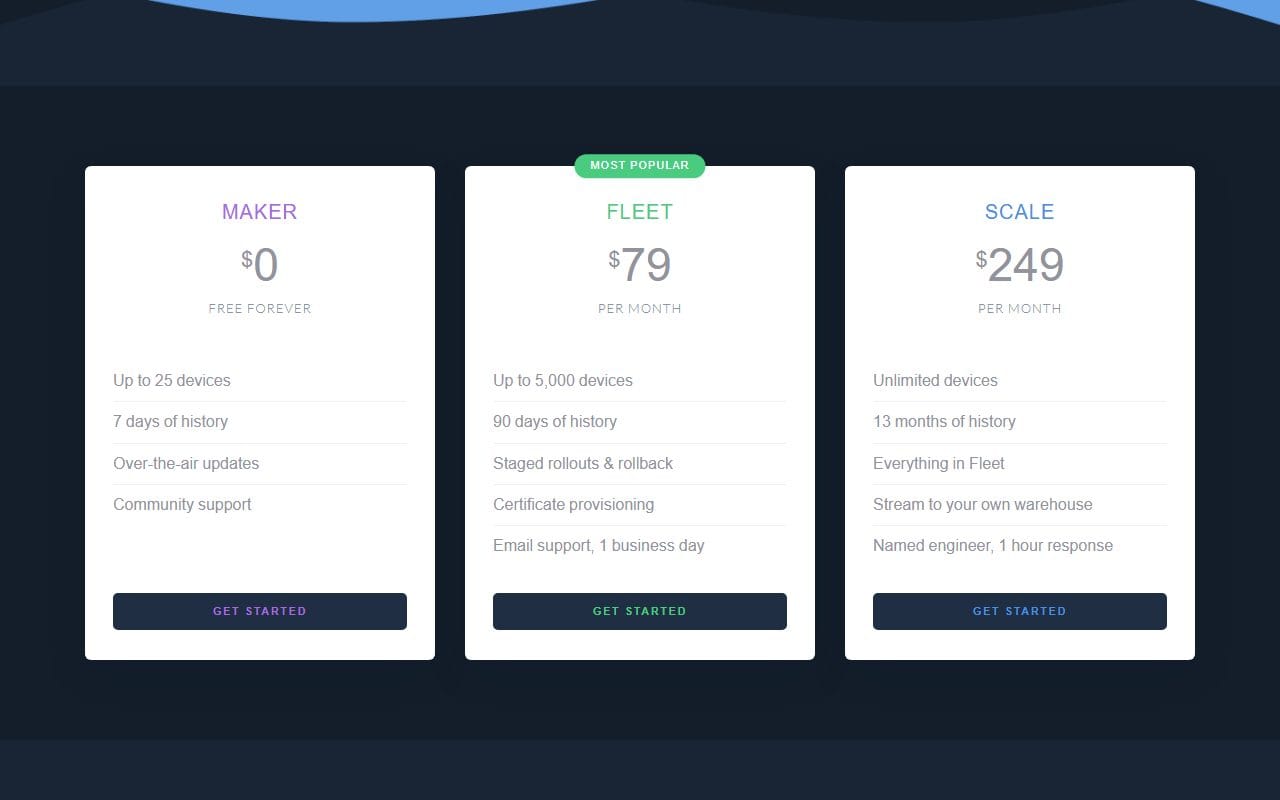
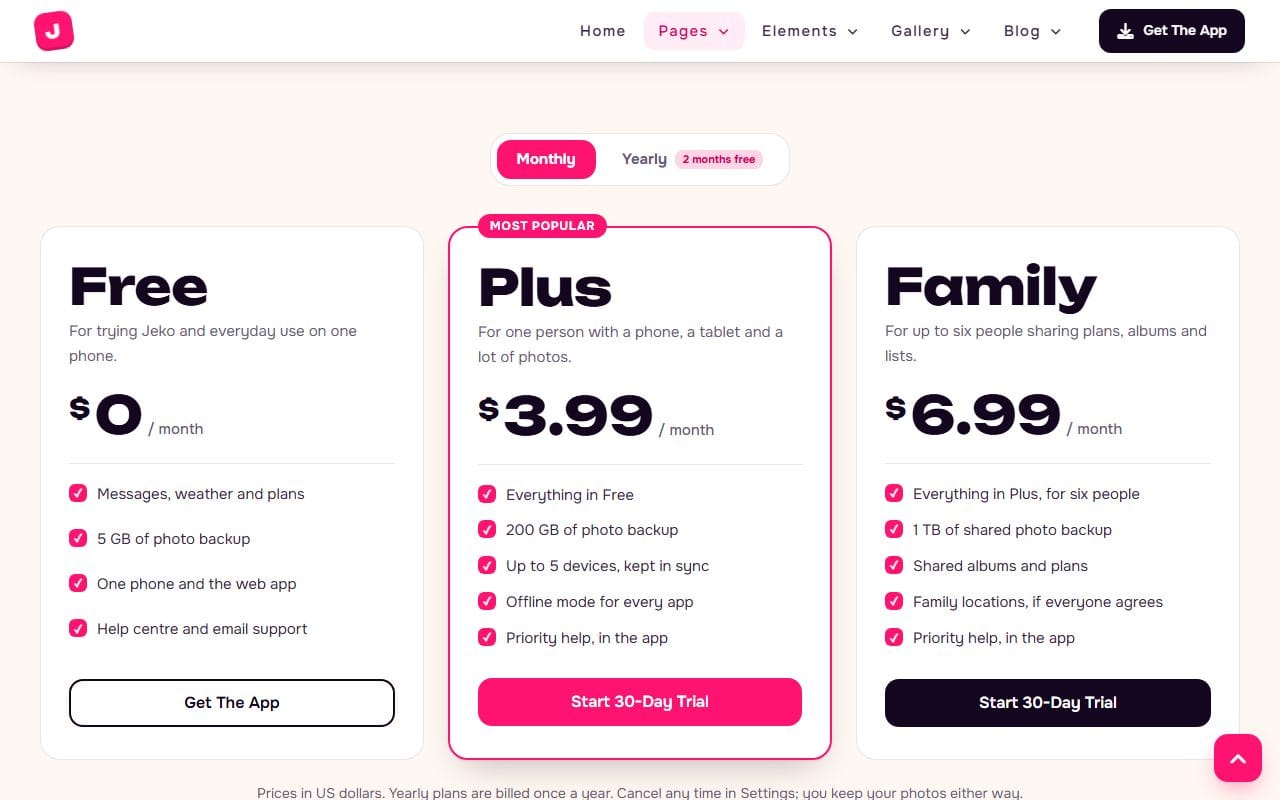
Most people who don’t convert have an unanswered question: how much, what is the catch, can I cancel. Answer them on the page. Onetonix lays out three plans, starting with a free one, with exactly what each includes; Jeko’s pricing page adds a monthly and yearly switch that shows the yearly saving.
8. Keep the form as short as the action allows
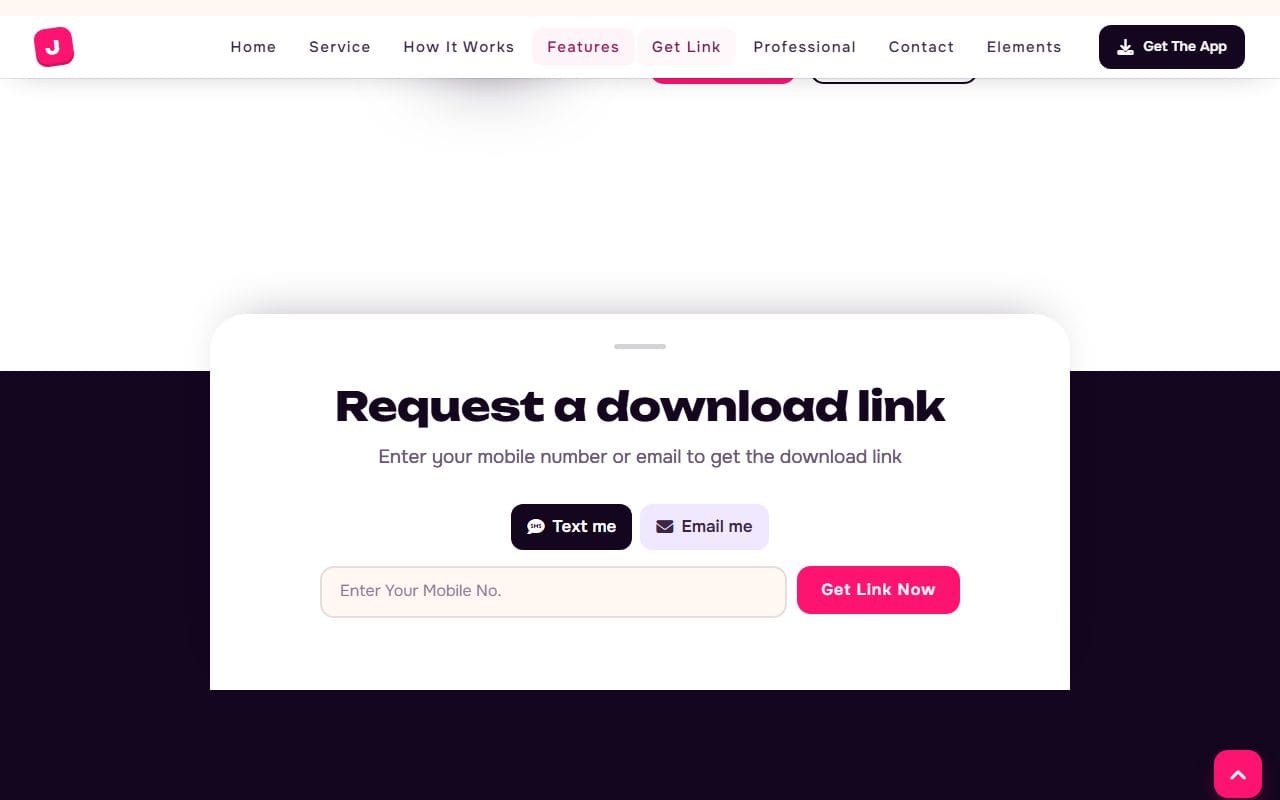
Every extra field costs sign-ups. Ask only for what you need right now; you can ask for more later. Jeko’s download form is a good example: one field, and the visitor chooses whether the link comes by text or by email.
9. Fast and built for phones
Many landing page visitors come from social media on a phone, often on a mobile connection. Compress images, drop scripts you don’t use, and check the page on a real phone. When we rebuilt Onetonix, removing unused libraries and fonts took the template from 2.1 MB to under 1 MB, not counting images.
Test one change at a time
Once the page is live, measure one thing: the share of visitors who take the action. Then change one element at a time (the headline, the button text, the form length) and compare. Changing everything at once tells you nothing about what worked.
Landing page or home page?
A home page serves everyone: new visitors, returning customers, job seekers, the curious. A landing page serves one group with one offer. If you sell one product or run campaigns, you need both: the home page for people who find you, landing pages for people you send. If your whole site is one offer, a one-page site can be both; my post on one-page vs multi-page websites covers when that works.
Our responsive landing page templates include both of the designs above, and my post on holding user attention goes deeper into what visitors notice first.
FAQ
What makes a good landing page?
One goal, a headline that matches what visitors clicked, a clear outcome, proof near the claims, answers to the obvious questions (especially price), one repeated call to action and a short form, all loading fast on a phone.
How long should a landing page be?
As long as it takes to answer the questions people have before they act. A free download needs little; an expensive or unfamiliar product needs more explanation and proof. Length matters less than every section earning its place.
Should a landing page have a navigation menu?
For a campaign page, keep it minimal: a few links that jump to sections of the same page. Links to the rest of your site give visitors easy ways to leave before they act.
What is a good conversion rate for a landing page?
It varies widely by offer and traffic source, so compare against your own page rather than a published average: improve your current rate one change at a time.
More from the blog

How to Build a Portfolio Website That Gets You Hired (2026)
Recruiters give your portfolio about a minute. I tested our portfolio templates the way a hiring manager would: opened the projects, pressed the CV buttons, sent the contact forms. Here is what matter...
Read article →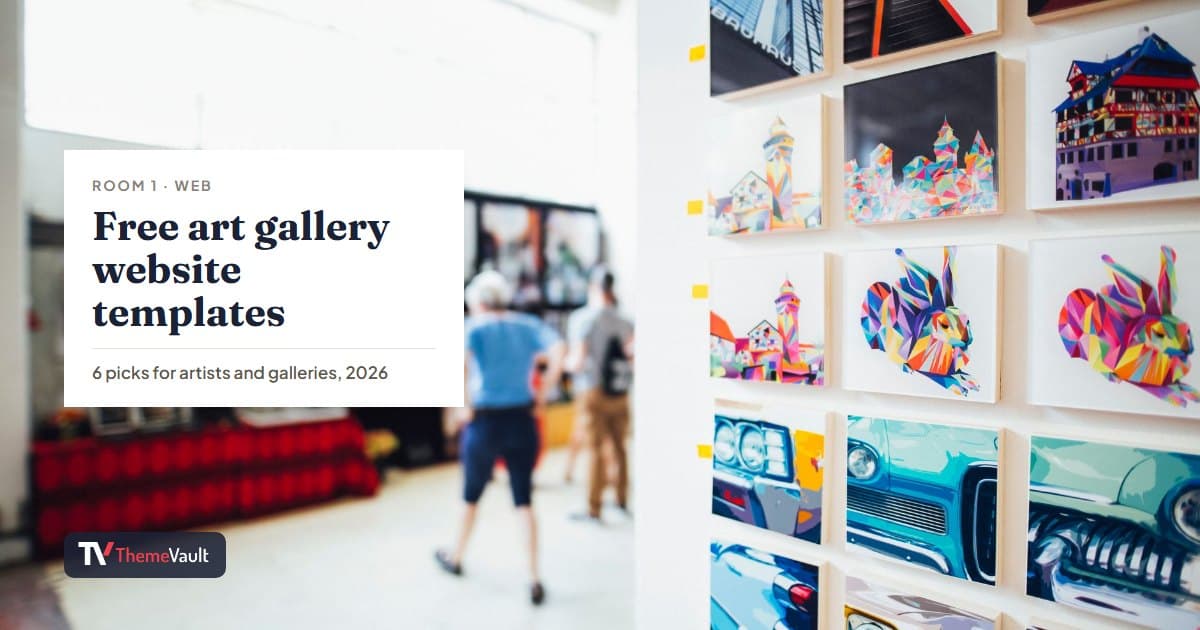
Free Art Gallery Website Templates (2026): 6 Responsive Picks
Six free, responsive art gallery and photography templates you can download today. I checked each live demo rather than the feature lists — here is which ones have a working lightbox, which use masonr...
Read article →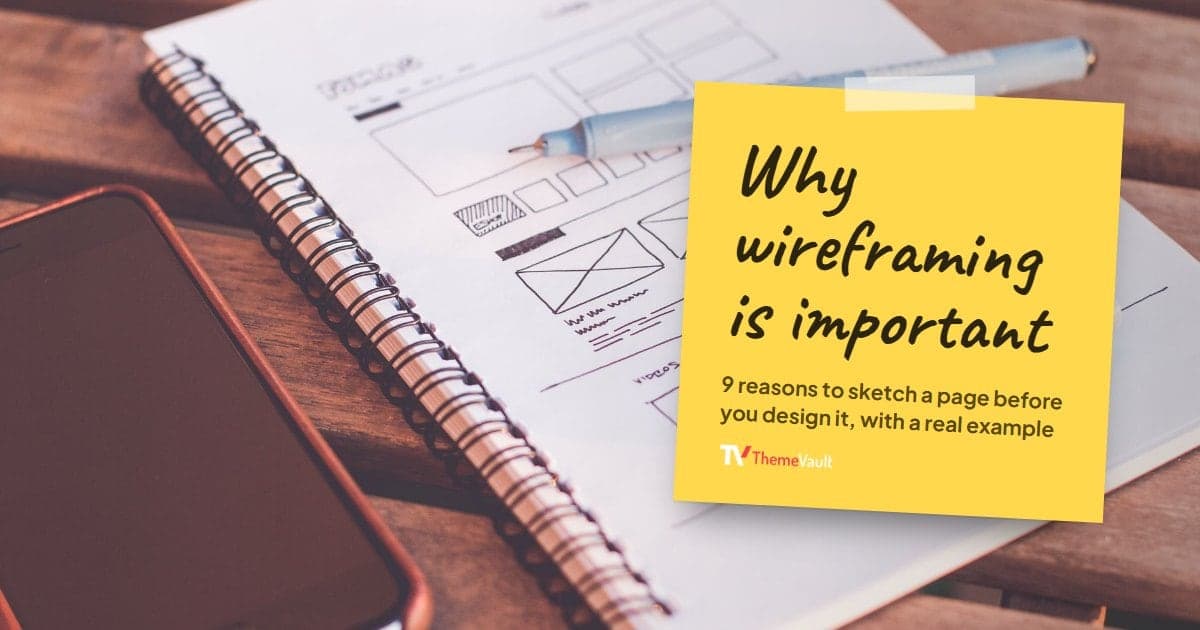
Why Wireframing Is Important in Web Design (2026)
Nine reasons to wireframe a page before you design it, shown with a real wireframe next to a finished hotel template, plus how I sketch one.
Read article →