
Invory – Responsive Construction Company Web Design Template
Invory is an industrial category website template for construction companies. This construction company web design template is designed using HTML5, CSS3, JavaScript, Bootstrap 5. 100% responsive and customizable template. Get the demo and build your online construction company website!
⬇ Free downloadTry the live demo
Free for personal & commercial use · keeps a small “Designed by ThemeVault” footer link · no card needed
- HTML
- CSS
- JS
- Bootstrap 5
- Released May 2018
- v2.0 · Sep 2026

- 15 pages+ 1 HTML email
- v2.0updated Sep 2026
- 4,796views
Invory is an industrial category website template which is specially designed for manufacturing and construction company websites. You can build your online company website with this construction company web design template. This creatively designed industrial template has awesome features like text banner pogoslider, catchy hover effects, smooth scrolling, elegance style of design in each section, images with magnific popup, parallax effect, company overview with video, back-to-top button, decent typography in every block, a responsive counter, owl carousel slider, cool social icons, accordion, comment form, search field, contact form and so on. This multipage template includes the pages like about us page with a company overview and work process, services page, a blog with blog list and single blog page, FAQ page for basic questions, and contact us page. The template looks great as it has a beautiful design with a good color combination. Well organized blocks of content, intuitive navigation, and creative visuals make it easy for viewers to perceive the structure. This construction template is designed with HTML5, CSS3, JavaScript, and the latest version of Bootstrap that is Bootstrap 5. The template is 100% responsive and can be easily customizable as per your requirement. View the demo for better understanding.
Version 2.0 adds a service page (service-details.html), a filterable project portfolio with a project page (projects.html, project.html), a team member profile (team-member.html), a 404 page and a ready-to-send HTML quote-request email (email-quote.html), makes the blog search, the project filter, the quote and comment forms and the FAQ work, opens every project photograph in a lightbox, and modernises the design in the template's own orange, charcoal and white — client cards, buttons on the calls to action, real project captions and client quotes.
- service-details.html — the page behind every service tile (Civil Engineering): photo and text with a quote button, three "What we build" tiles
- projects.html — six named projects in a grid with a sector filter (All, Industrial, Commercial, Civil, Energy, Residential) that shows a live count
- project.html — one project (Northgate Distribution Centre): the photograph over a facts bar (client, location, sector, value, completed)
- team-member.html — the profile behind every team card (Mark Ellison): photo and contact card, the story
- 404.html — a not-found page in the template's design with two ways in.
- email-quote.html — the confirmation a visitor gets after asking for a quote: the logo bar and photograph, the request card (project, type of work, location
- The blog search: the sidebar box, the categories, the tags and the archives filter the six posts on blog.html (?q=) and say what was searched
- The projects filter and the counters (they start at their first value and count up when they scroll into view, as version 1's did).
Pages
Features
| Template Type | Free |
|---|---|
| Compatible Browsers | Opera, Firefox, Google Chrome |
| Banner Slider | Pogo slider, Bootstrap Carousel, Owl Slider |
| Link hover effetcs | Yes |
| Coding | HTML 5, CSS 3, 1170 Grid System, Bootstrap 5 |
| Forms | Comment Form, Search Form, Contact Form |
| Additional Features | Light box, Zoom Image Effect, Counter, Progress Bar, Gallery, Favicon, Stick To Top, Responsive Design, Social Links, Back To Top Button |
| Image Sources | Freepik, Flaticon, Pexels |
| Pages | Blog, 404 Page, Team Page, Portfolio |
What’s new
v2.0Sep 2026
- service-details.html — the page behind every service tile (Civil Engineering): photo and text with a quote button, three "What we build" tiles, "How a civil job runs" as four numbered steps, and all six services with the current one marked.
- projects.html — six named projects in a grid with a sector filter (All, Industrial, Commercial, Civil, Energy, Residential) that shows a live count, a lightbox on every tile, and the counters band.
- project.html — one project (Northgate Distribution Centre): the photograph over a facts bar (client, location, sector, value, completed), the brief beside a scope-of-works card, four numbered phases, a gallery with a lightbox, three more projects.
- team-member.html — the profile behind every team card (Mark Ellison): photo and contact card, the story, experience / qualifications / projects led / specialisms, four stats, and the rest of the team.
- 404.html — a not-found page in the template's design with two ways in.
- email-quote.html — the confirmation a visitor gets after asking for a quote: the logo bar and photograph, the request card (project, type of work, location, engineer, call-back day, reference), three "what happens next" points, "See our recent projects" and "Change the details". Table based and inline styled so it renders in Gmail, Outlook and Apple Mail; {{name}}, {{project}}, {{type}}, {{location}}, {{reference}}, {{engineer}}, {{callback}} and {{email}} are the mailer's placeholders. A how-to-use note is at the top of the file.
- The blog search: the sidebar box, the categories, the tags and the archives filter the six posts on blog.html (?q=) and say what was searched, with a "show all" link.
- The projects filter and the counters (they start at their first value and count up when they scroll into view, as version 1's did).
- The contact form is the quote form (contactus.html#quote): validates every field and confirms that an engineer will call back within one working day. The comment form validates and confirms; each "Reply" button takes the reader to it with the name filled in.
- The FAQ: nine real questions in three groups (Project, General, Finance), each opening on its own.
- The lightbox: every project photograph opens full size with previous / next and keyboard control (Magnific Popup is gone).
- Every link lands somewhere: the service names, the project captions, the team names, the blog titles, the CTA buttons and the sidebar all had empty hrefs in version 1.
- The "Client Partner" grid of six social-network glyphs is six client cards (name and sector) under "Our Clients", in the same dark tiles.
- The two calls to action ("Build Your Dream" / "Construction") each have a button (Get a Quote / Our Services).
Already downloaded this template? Your My Downloads page always serves the latest version — re-download free.
Download Details
- Published
- May 21, 2018
- Categories
- Business & ServicesIndustrialFree Responsive Website Templates
- Tags
- CSS3HTML5Industrialbusinessbusiness templatebusiness websitebusiness website templateresponsiveweb designwebsitewebsite template
Source
- HTML
- CSS
- JS
- Bootstrap 5
Please note that the images in the template will be blurred in the downloaded package.
Support
Facing issues with this template? Write to support@themevault.net and we'll help you out.
License
Free for personal & commercial use with an attribution link to ThemeVault. Read the license.
Reviews
No reviews yet — be the first to review this template.
Every page
See all 16 pages at a glance
Each page is built and ready, including the 404 page and the email.
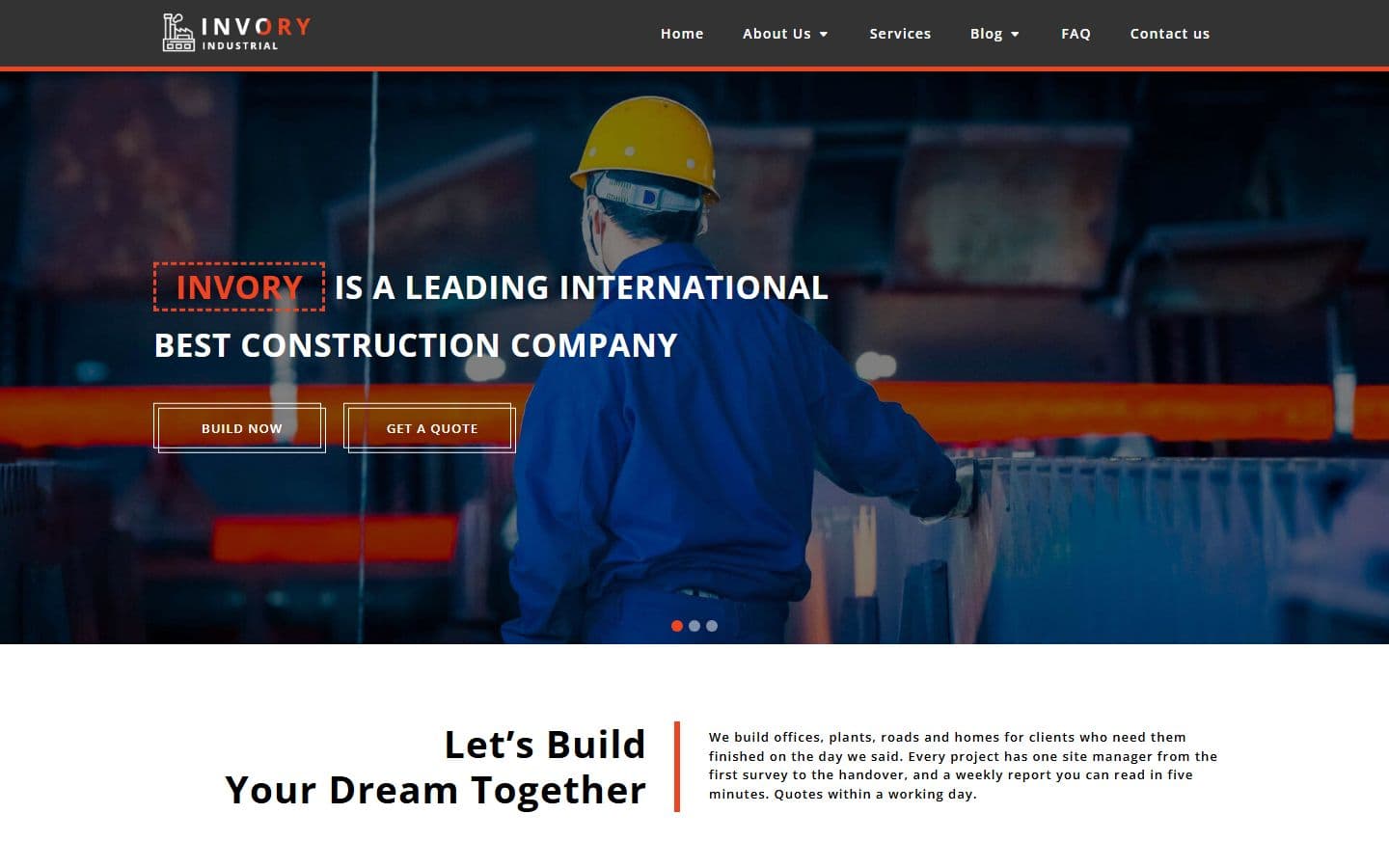 Homeindex.html
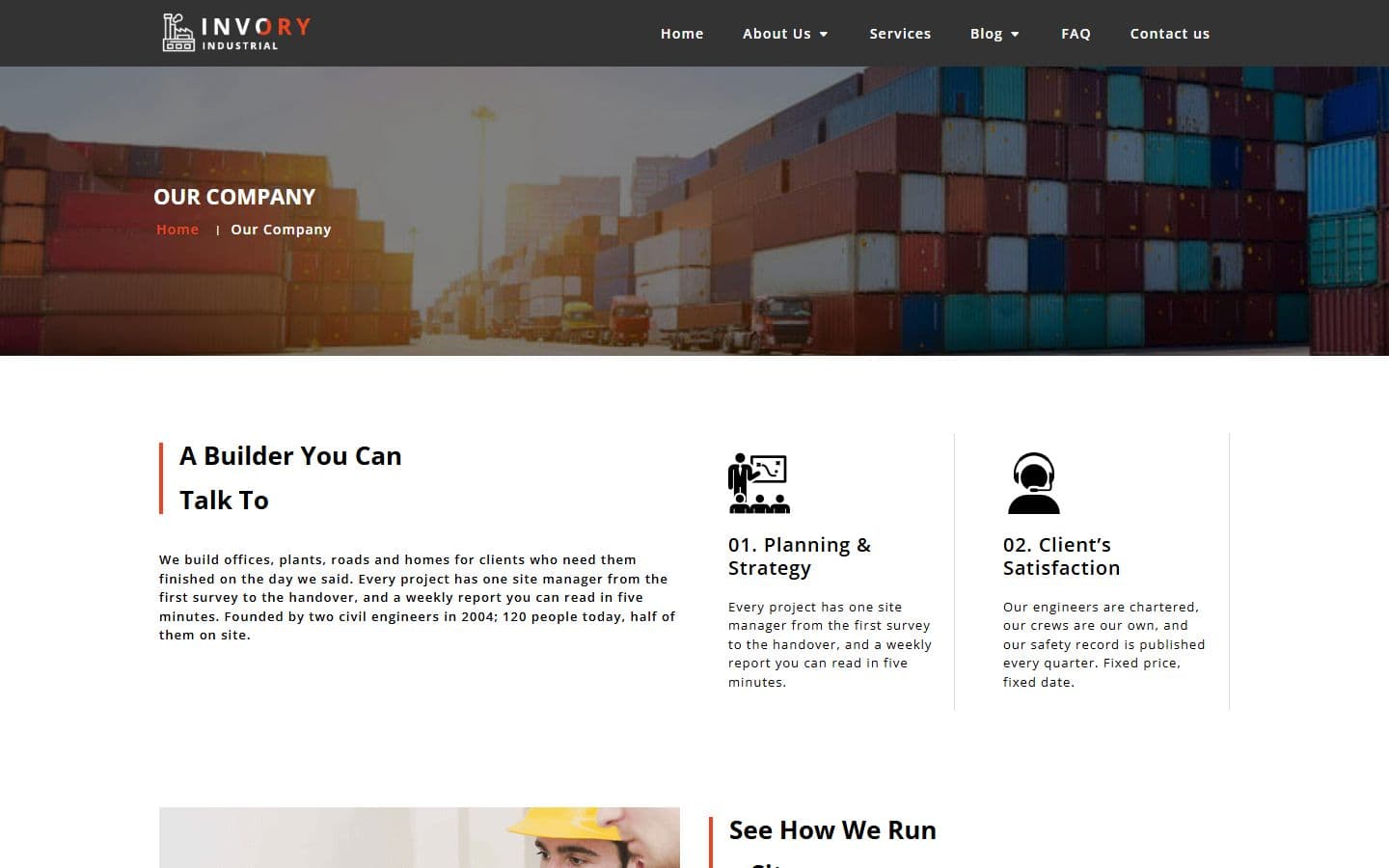 Our companyour-company.html
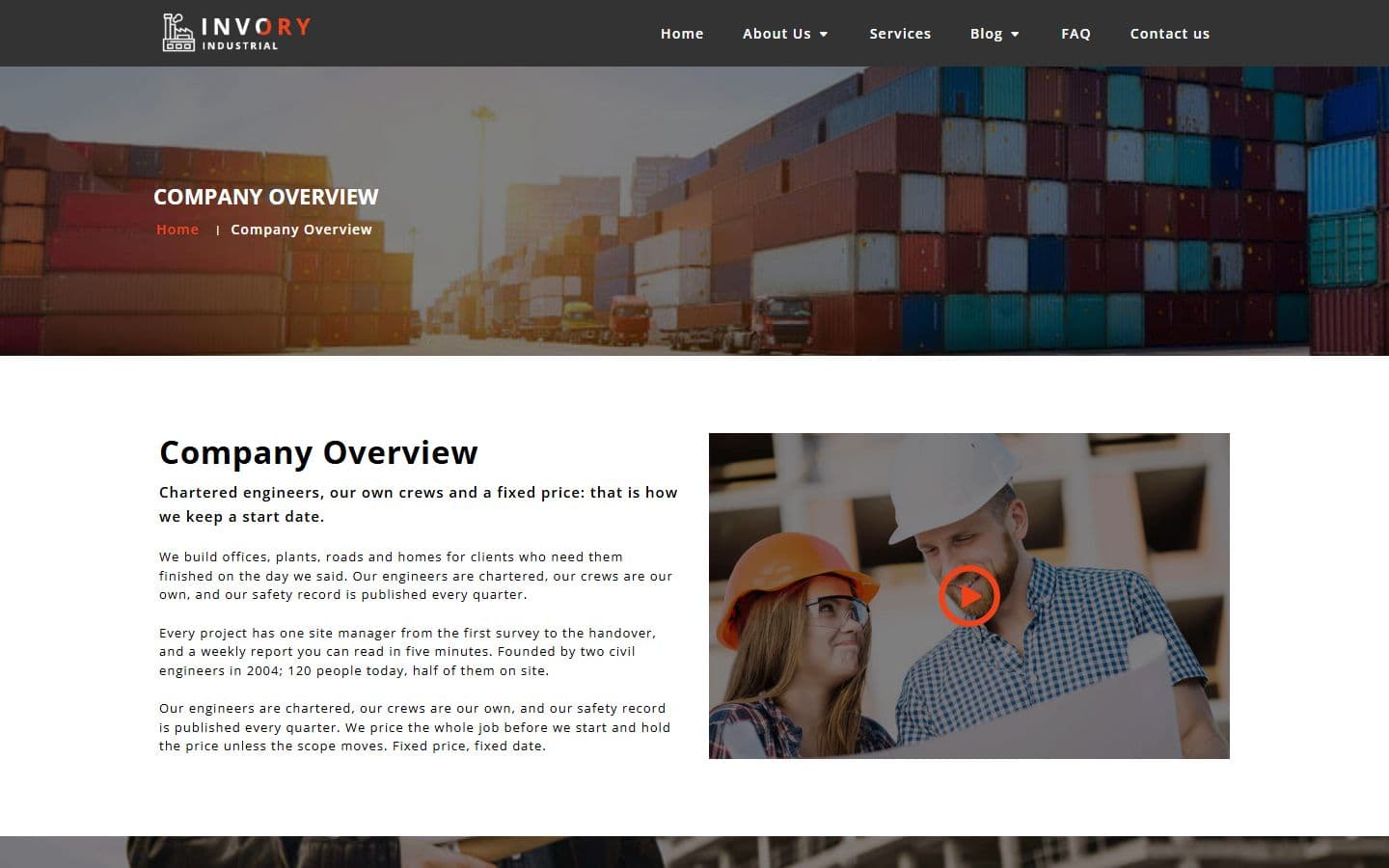 Company overviewcompany-overview.html
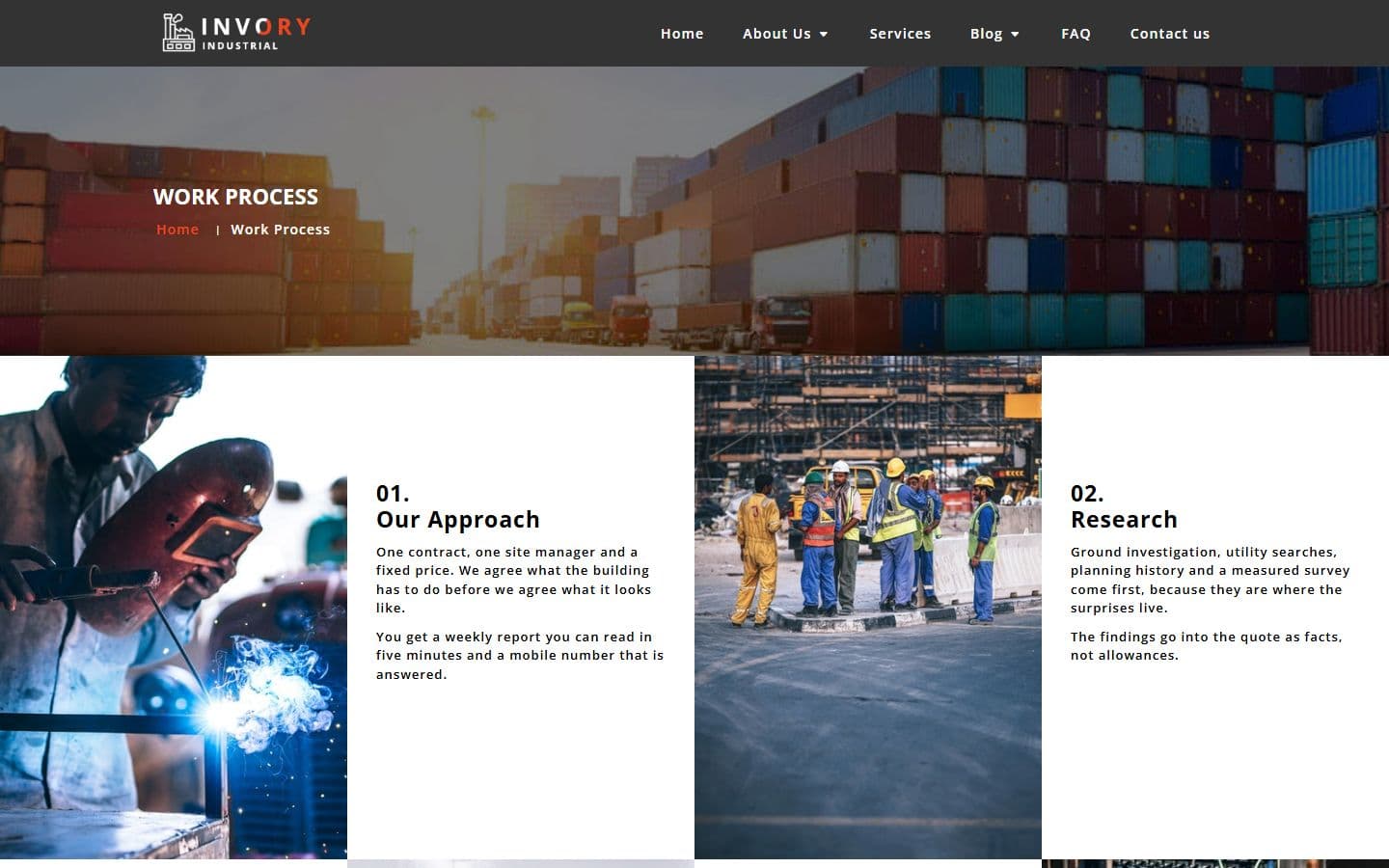 Work processwork-process.html
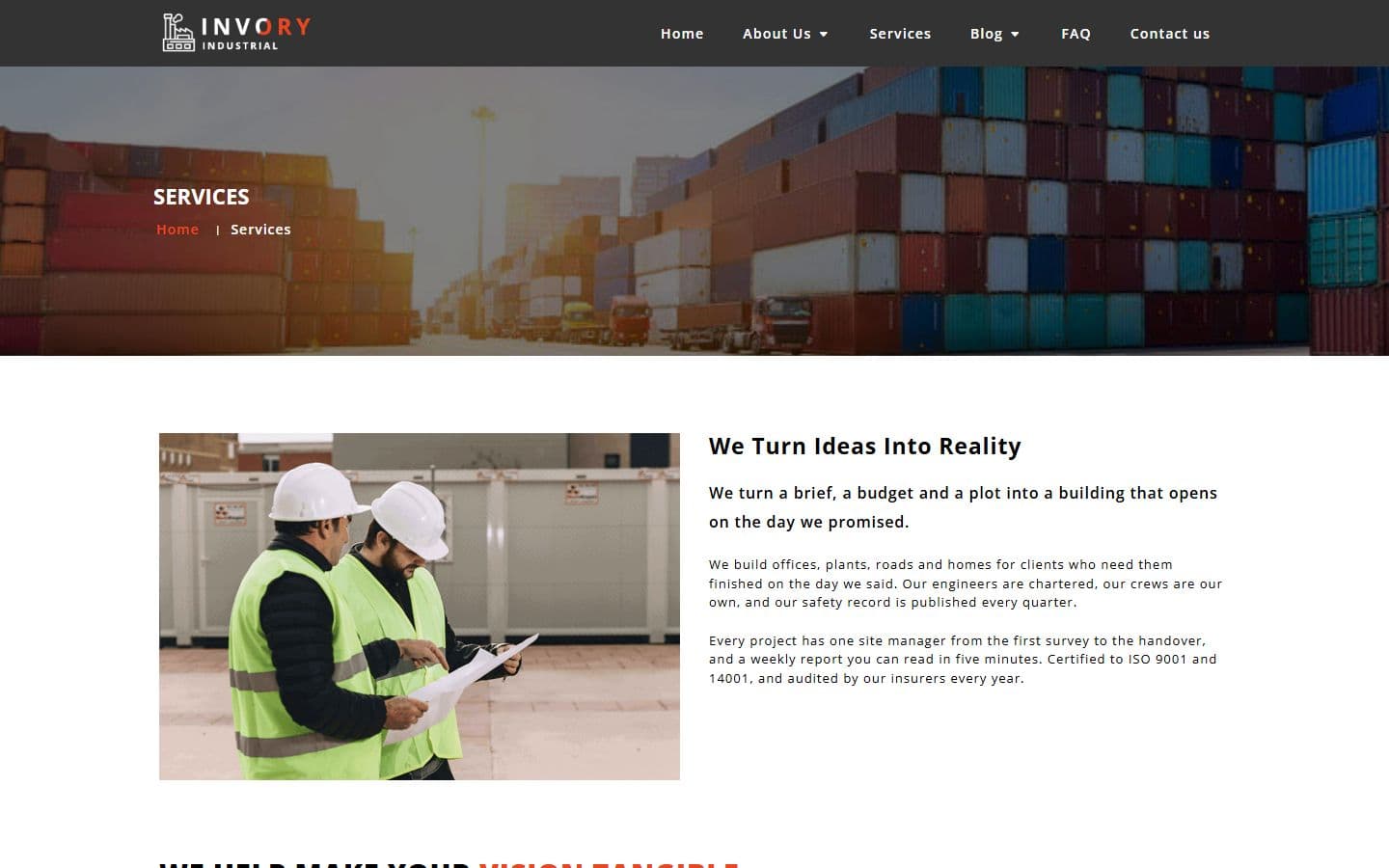 Servicesservices.html
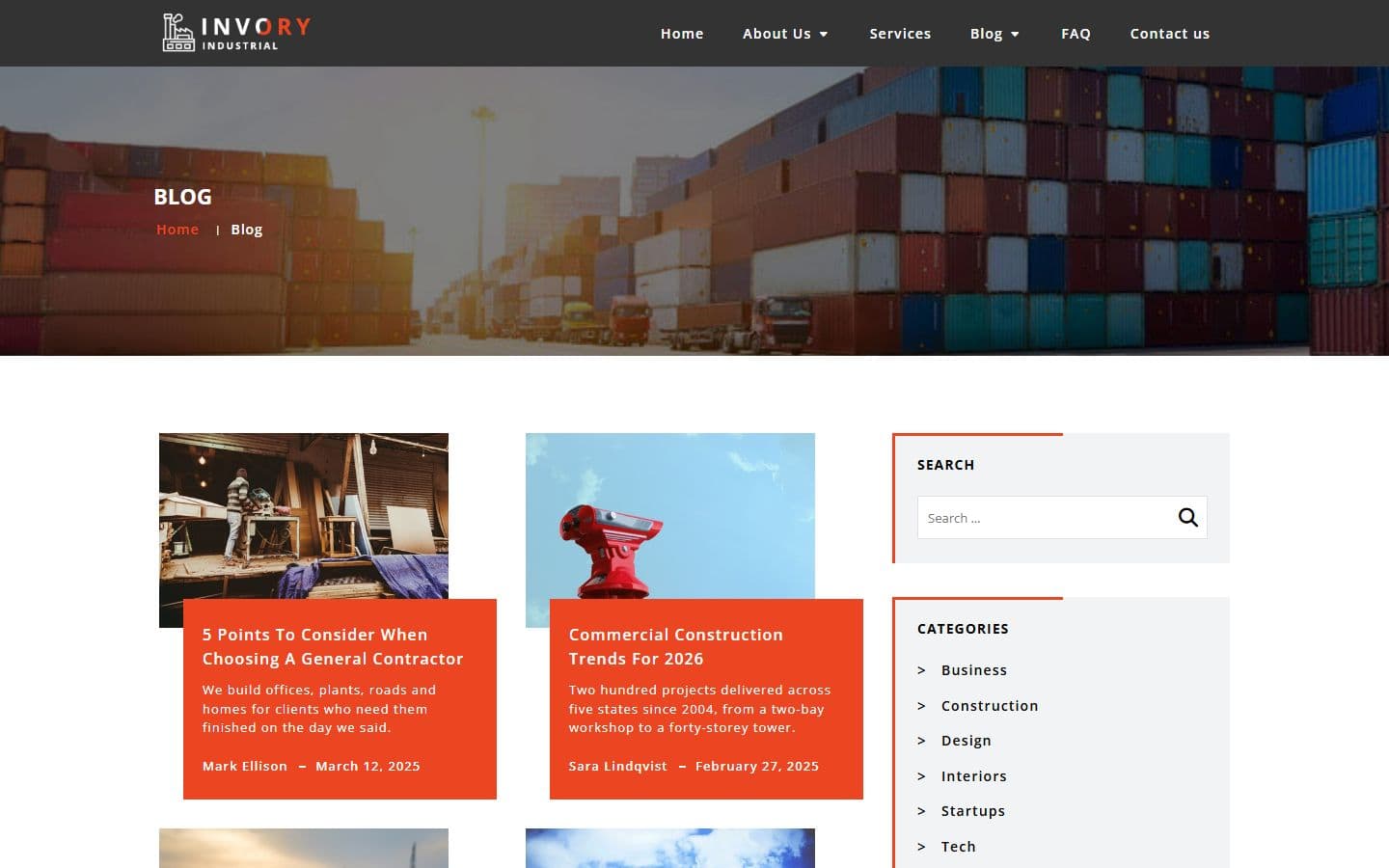 Blogblog.html
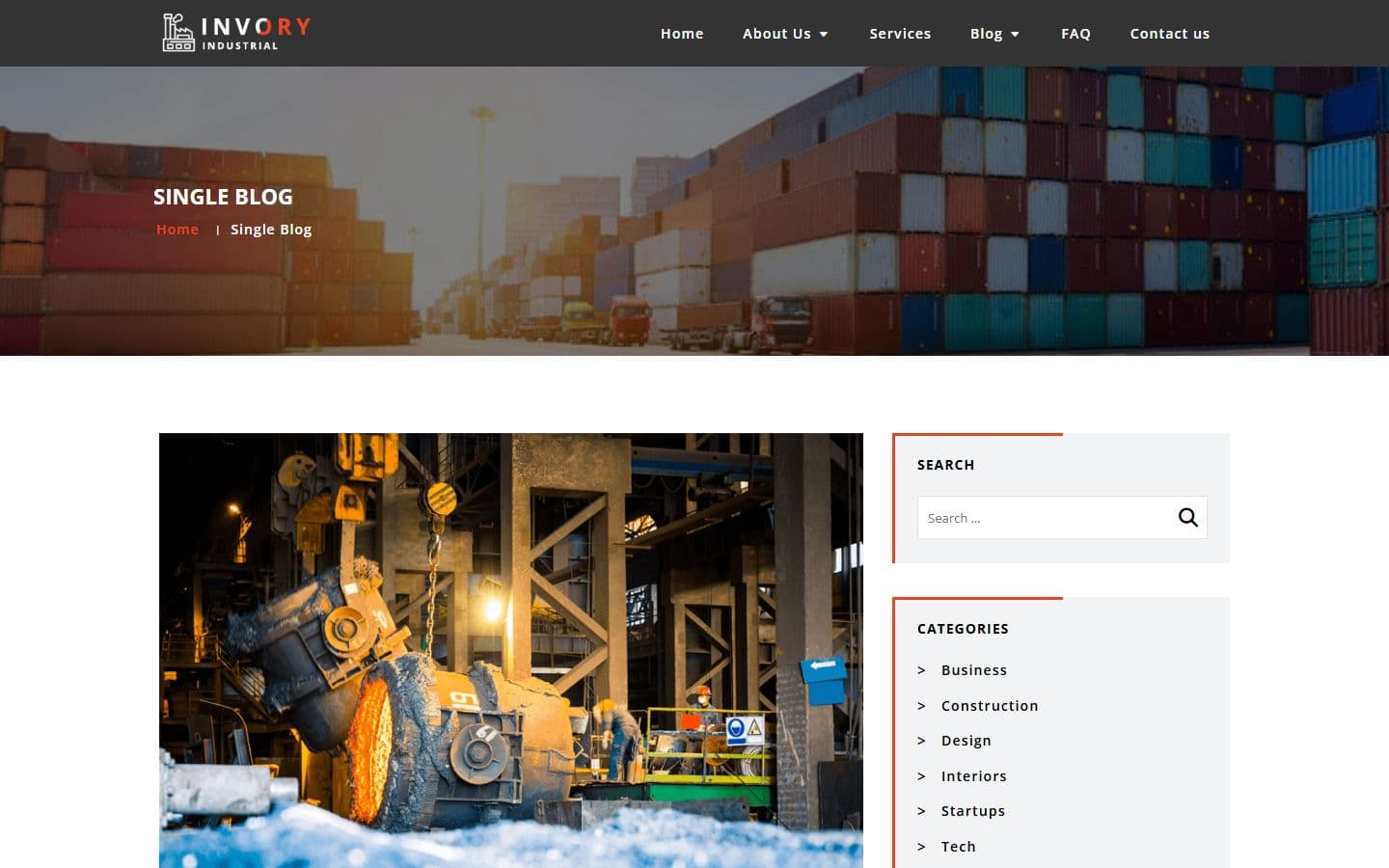 Singleblogsingleblog.html
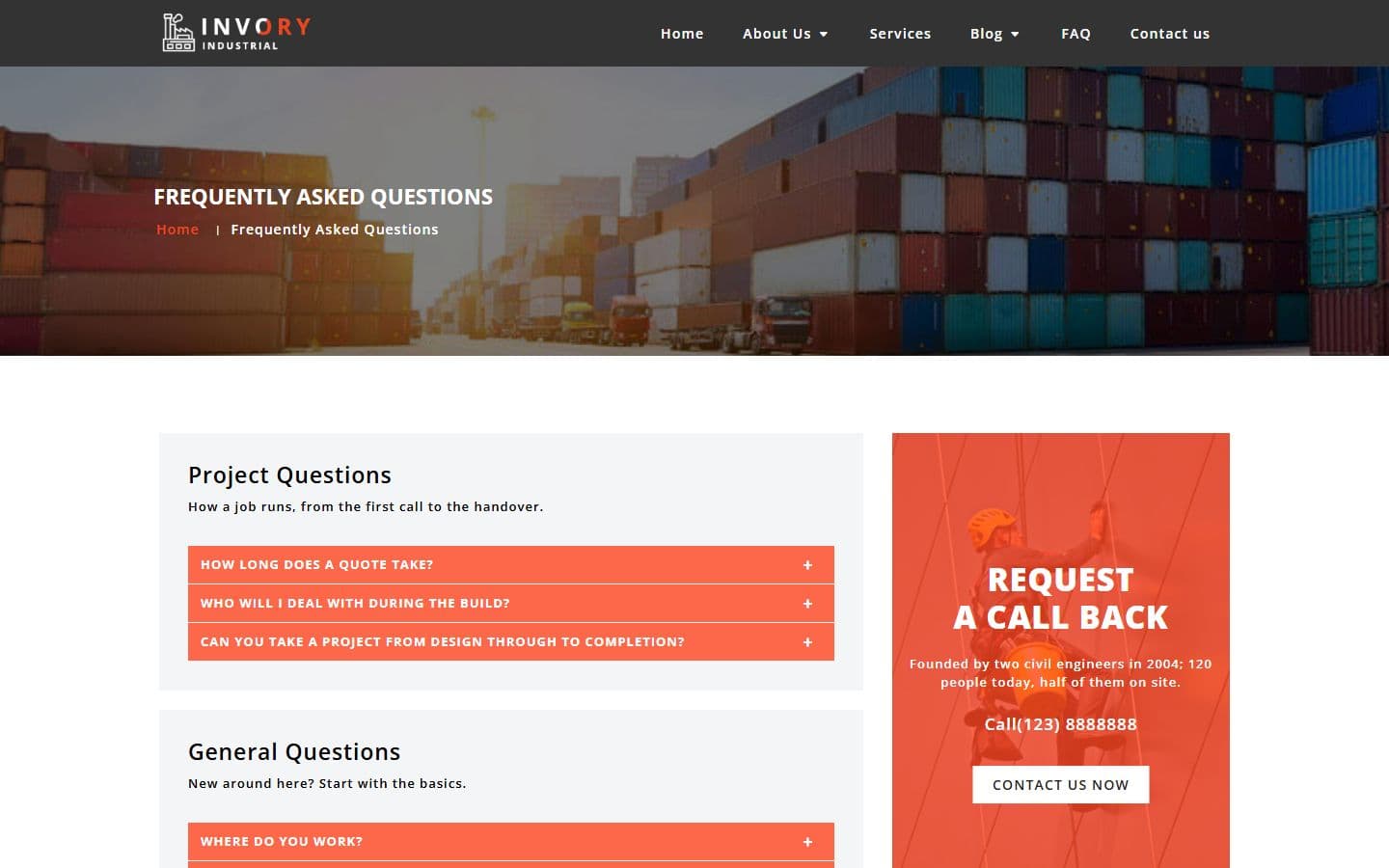 Faqfaq.html
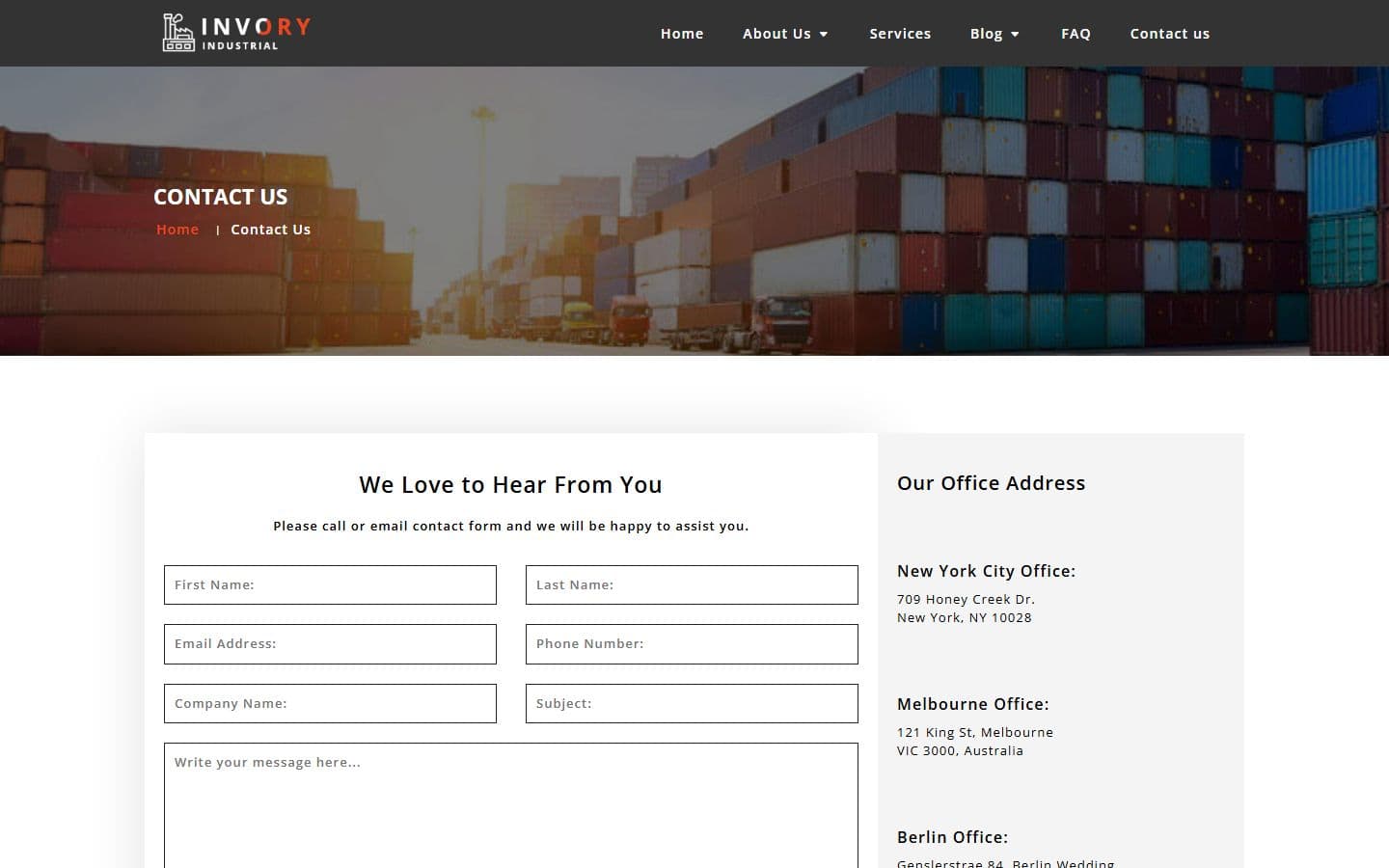 Contactuscontactus.html
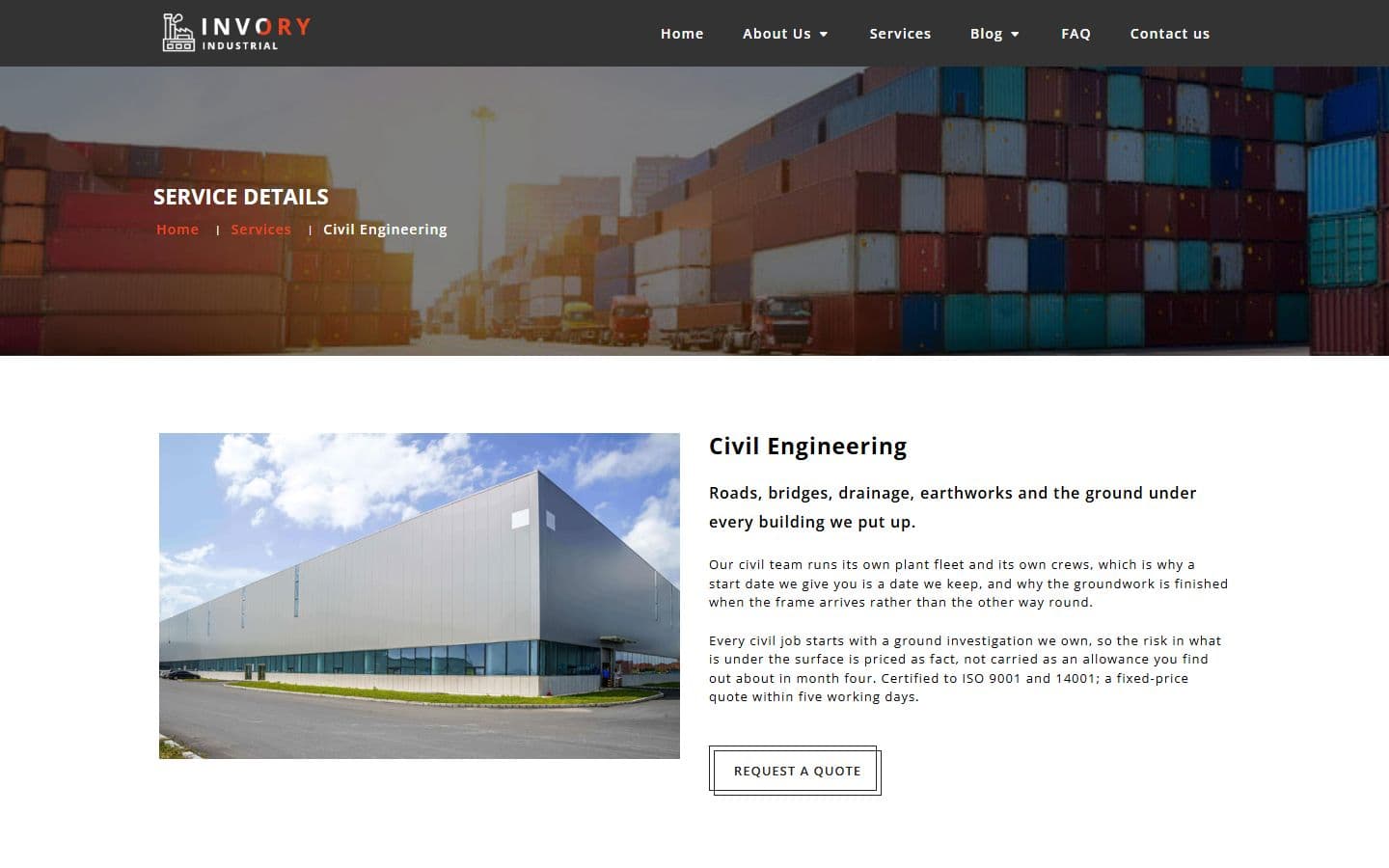 Service detailsservice-details.html
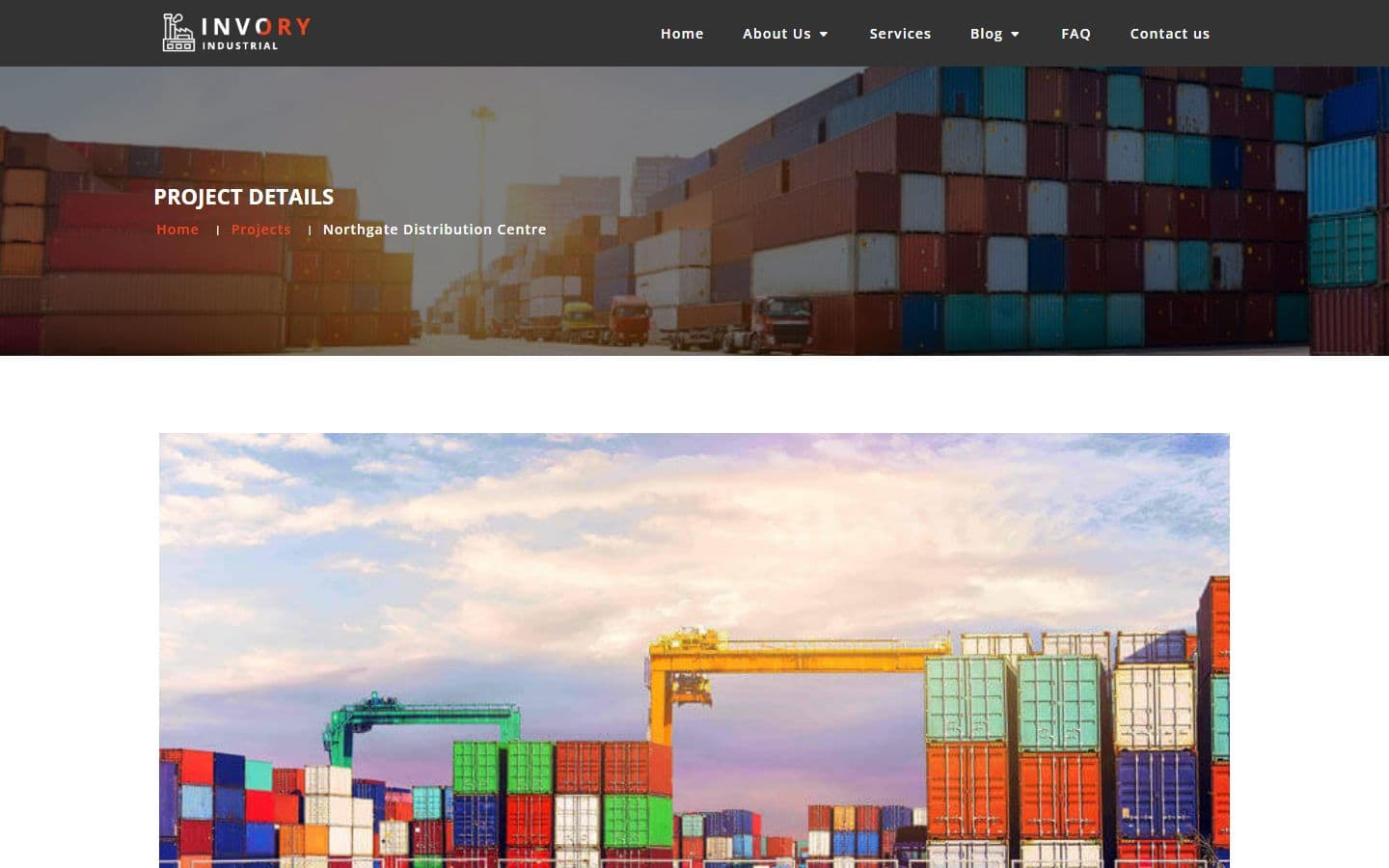 Projectproject.html
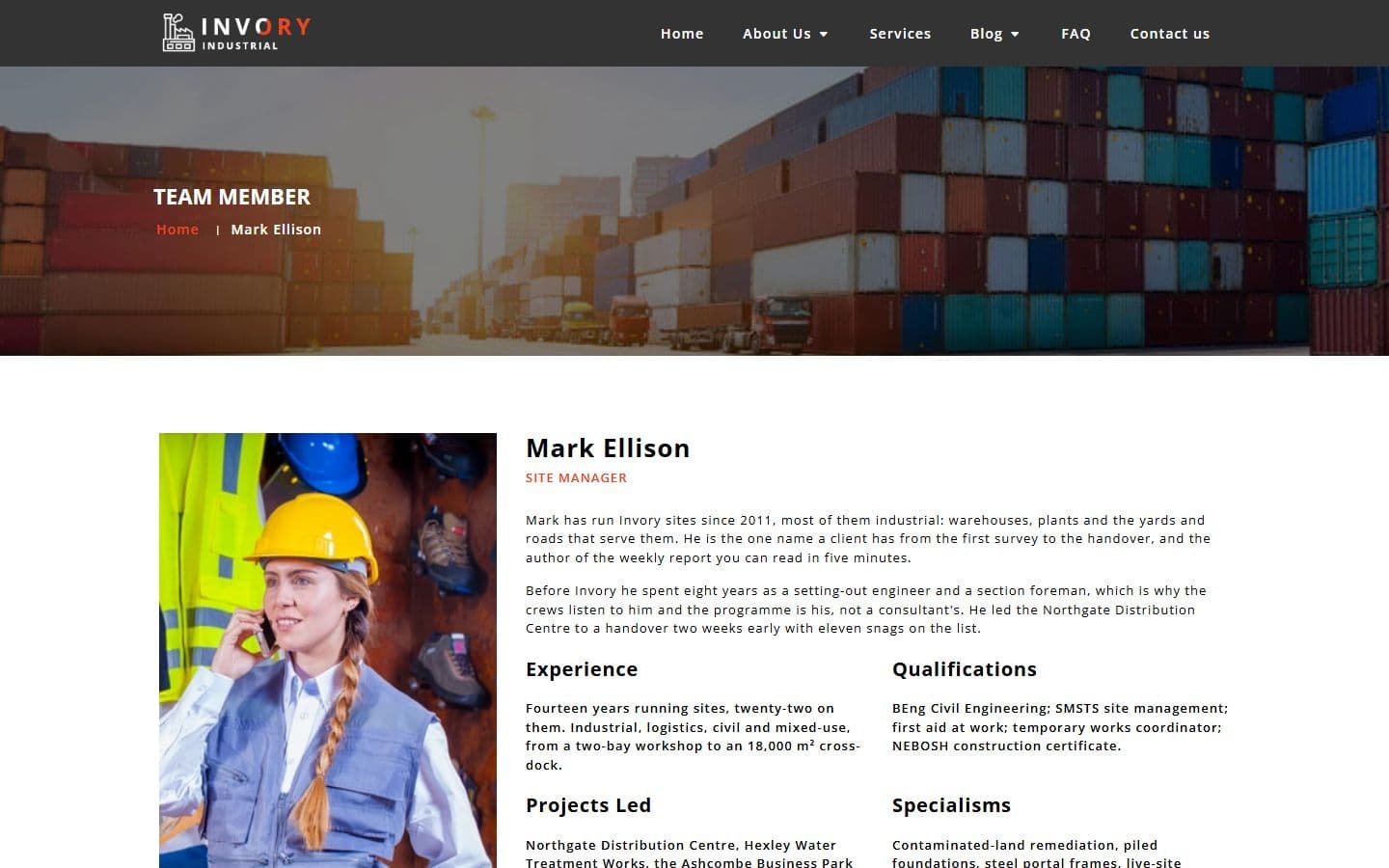 Team memberteam-member.html
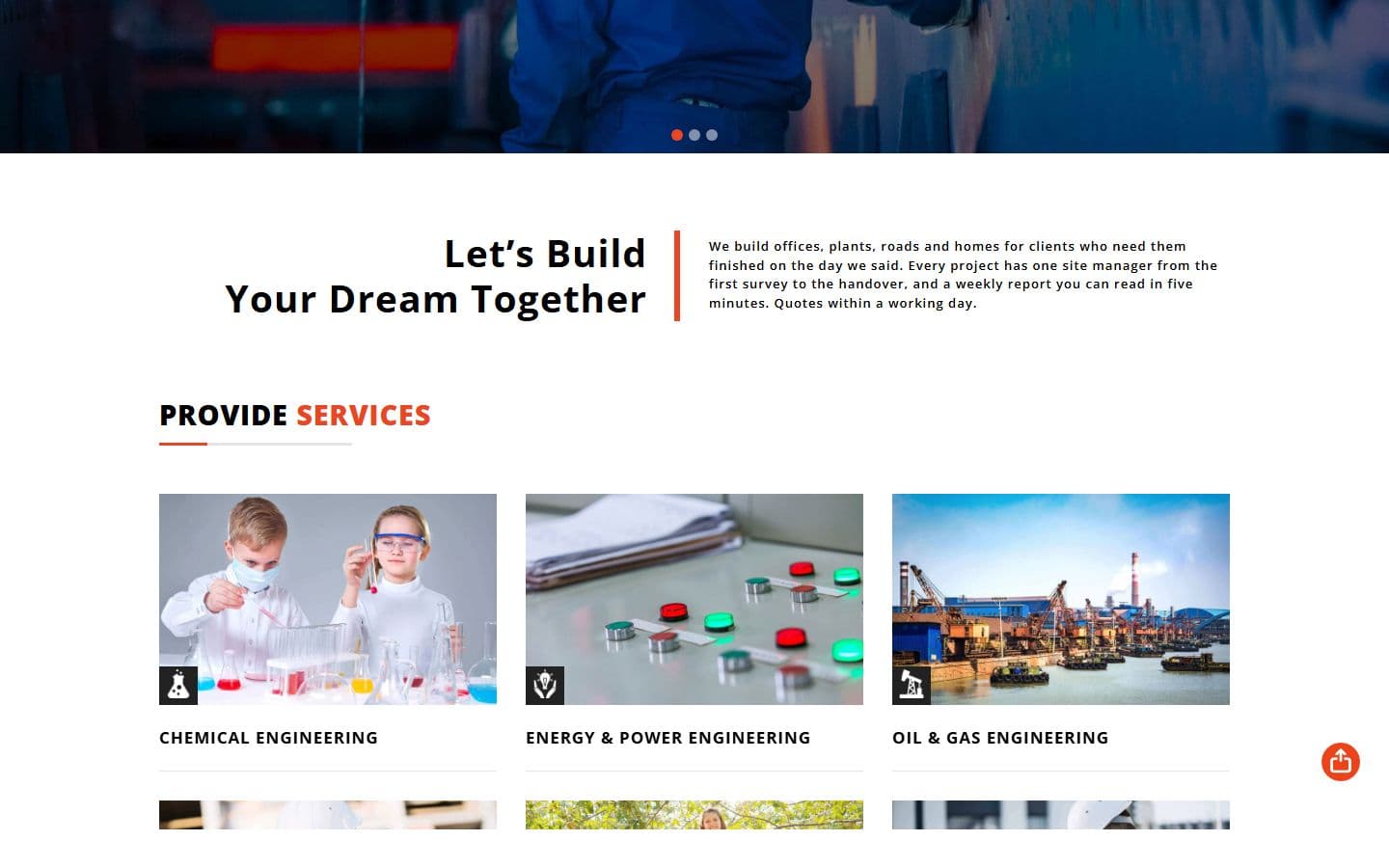 Homehome.html
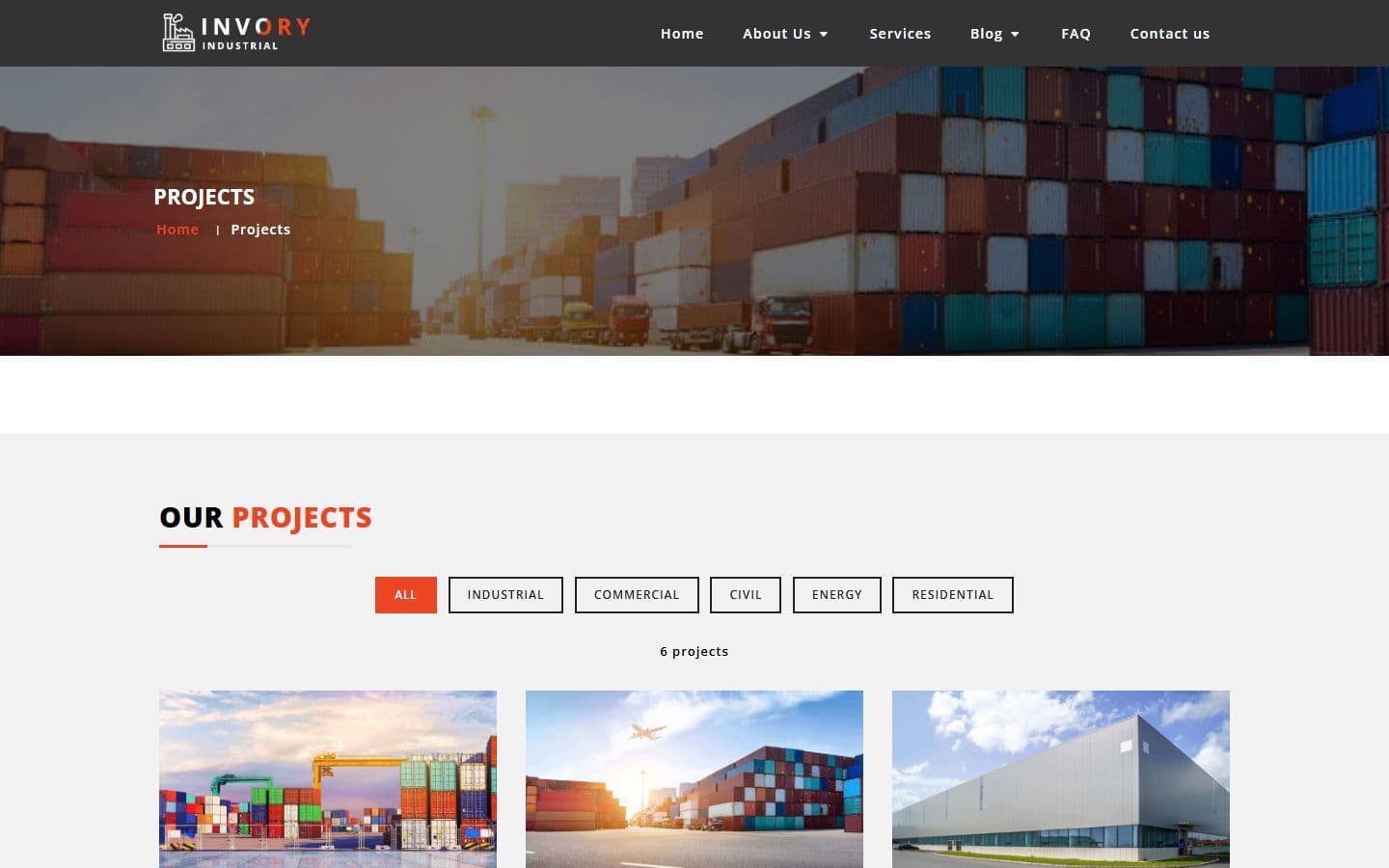 Projectsprojects.html
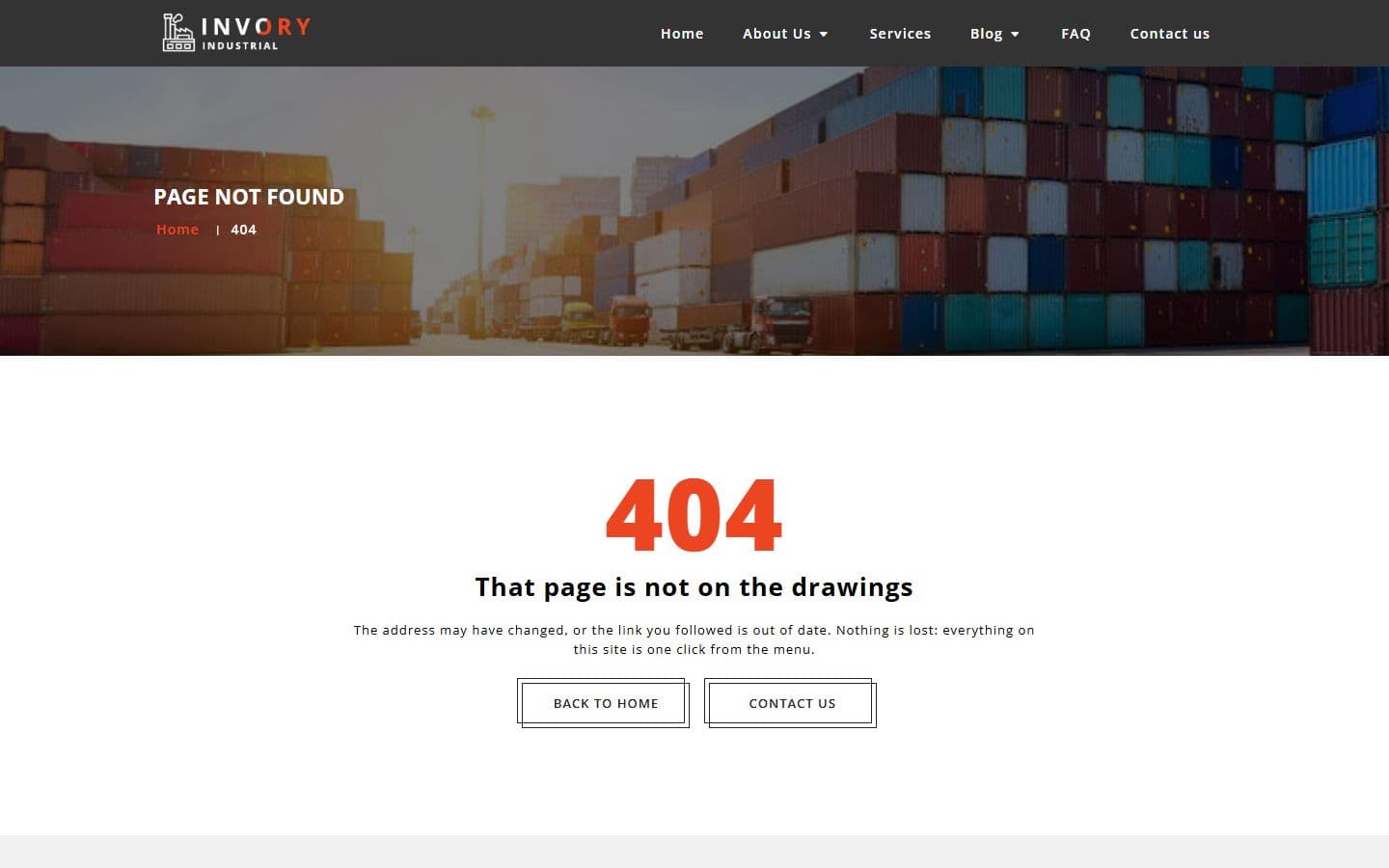 404404.html
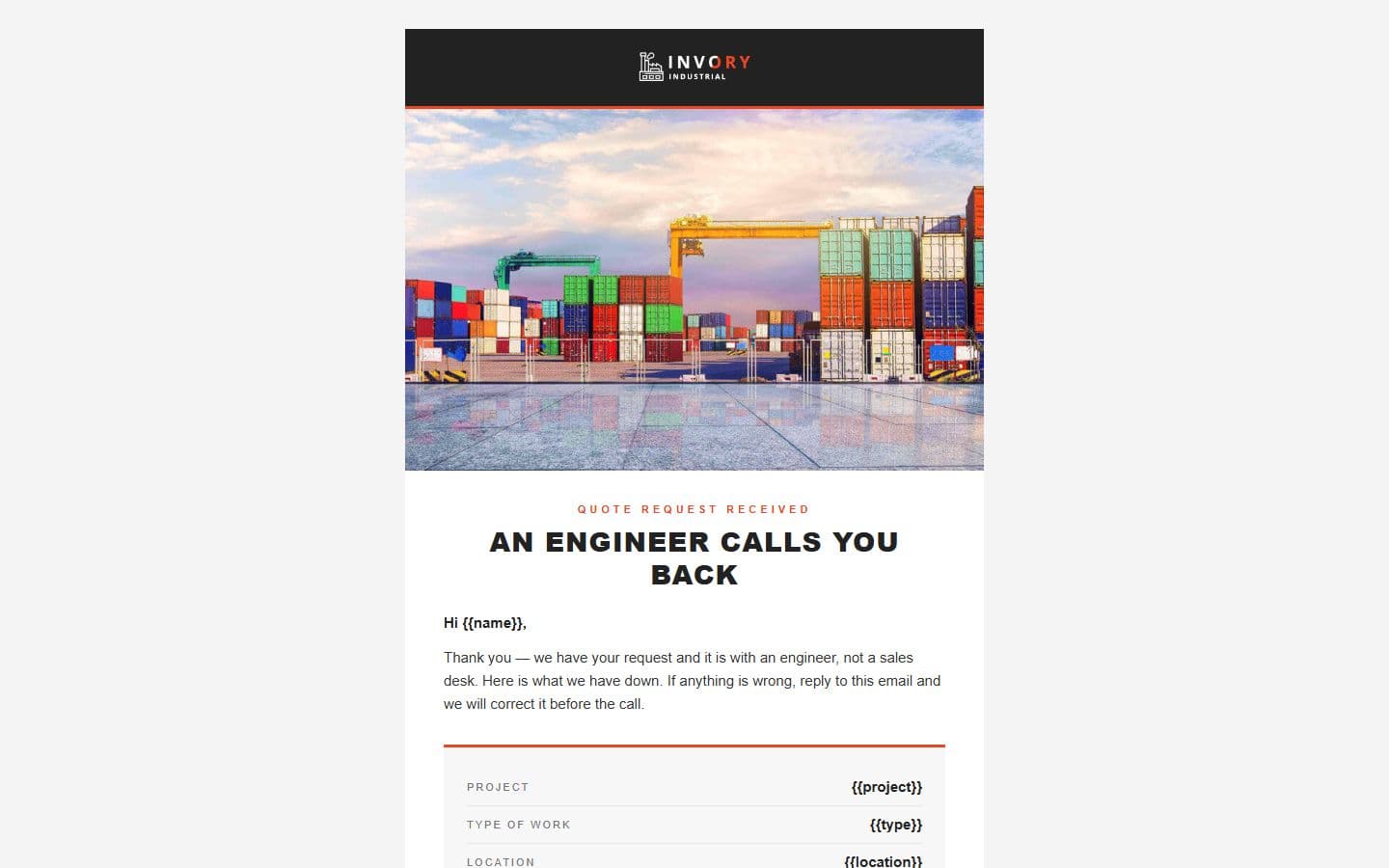 Email: quoteemail-quote.html
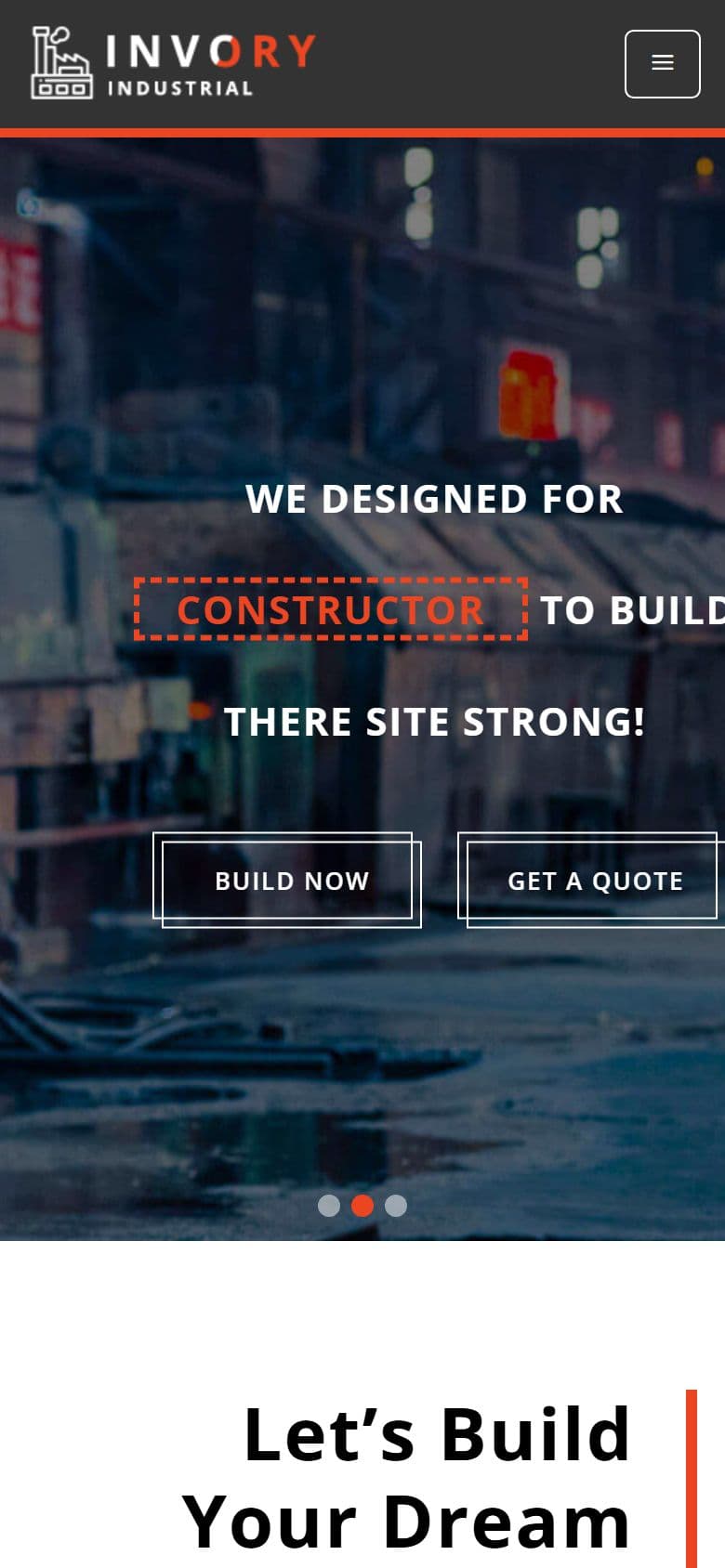
The home page on a phone, as it looks in the live demo.
In the download
What you get in the ZIP
Everything is plain files you can open in any editor. No build step and no installs.
- 99files
- 2.1 MBZIP size
- 16HTML pages
- 69images
Please note that the images in the template will be blurred in the downloaded package.
invory-html5-construction-company-web-design-template/
├── index.html
├── 404.html
├── blog.html
├── company-overview.html
├── contactus.html
├── email-quote.html
├── faq.html
├── home.html
├── our-company.html
├── project.html
├── projects.html
├── service-details.html
├── services.html
├── singleblog.html
├── team-member.html
└── work-process.html
From download to live
No build tools, no installs
Download
Get the ZIP
Free, instant and no card needed. Unzip it anywhere.
Edit
Add your content
Change the text and photos in the HTML files with any code editor.
Publish
Upload and go
Upload the folder to any web host. It's plain HTML, so it runs anywhere.
Questions
About this template
Can I use Invory for a client's website?
Yes. The free version is licensed for personal and commercial use, including client work, as long as the footer credit stays. Remove it for $9.00₹499 one-time, or with Pro.
Do I need to know how to code?
You'll need to edit the HTML text and swap the images, which any code editor can do.
Will I get updates?
Yes. Your My Downloads page always serves the latest version, so you can re-download an update free. The What's new tab lists what changed in each version.
Are the photos included?
The images in the template are blurred in the downloaded package, and the photos in the live demo are for the demo only. Add your own images.
Subscribe Us
Keep looking
All templatesView Similar Templates
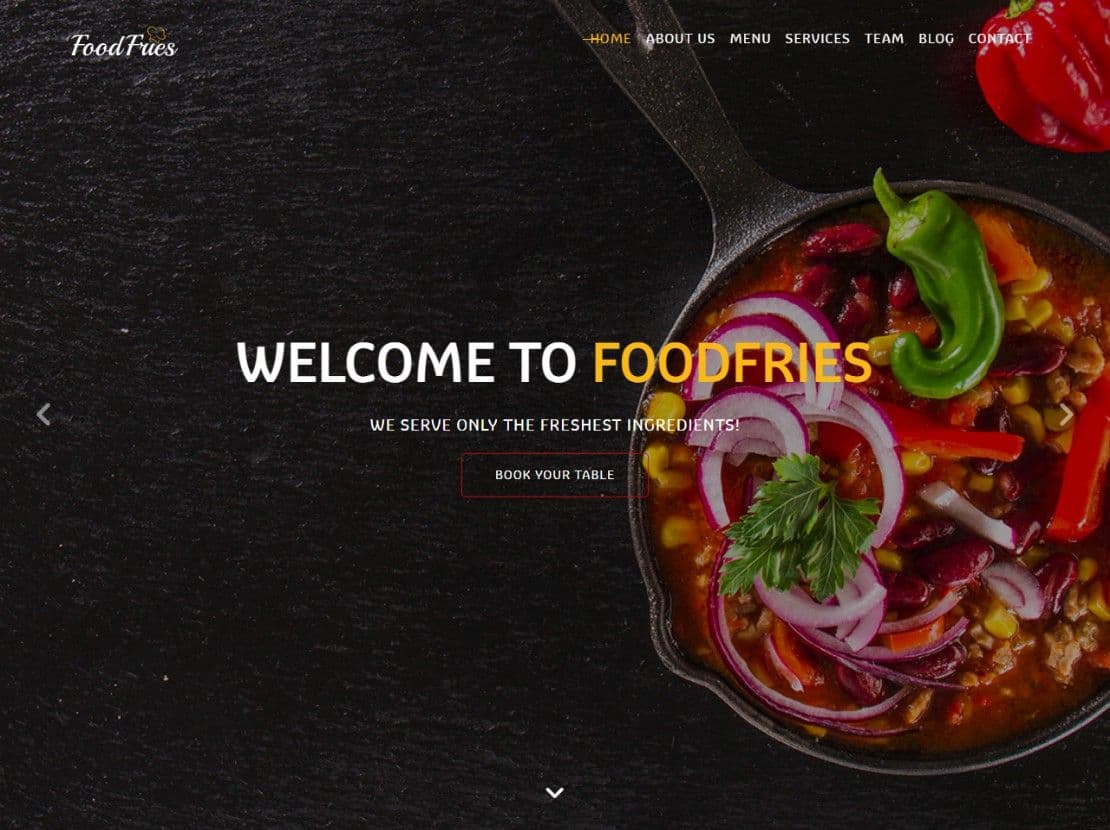
FoodFries WordPress
$19.00₹999Blog, Business & Services, Food & Restaurant, Landing Page, One page
- WordPress
- Next.js
- Astro
From the blog
View Blog
- Design
- Web Development
- November 03, 2026
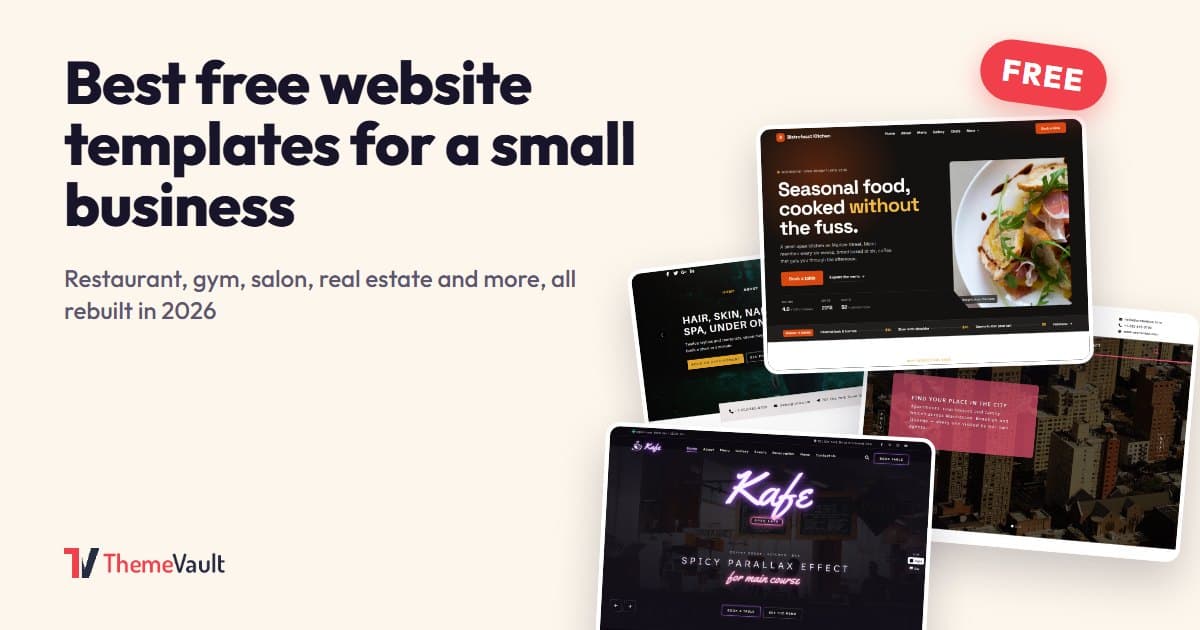
Best Free Website Templates for a Small Business (2026)
Free templates for restaurants, gyms, salons, real estate, clinics, agencies and more, all rebuilt in 2026. What to check before you download, and when paying s…
- Web Development
- November 03, 2026
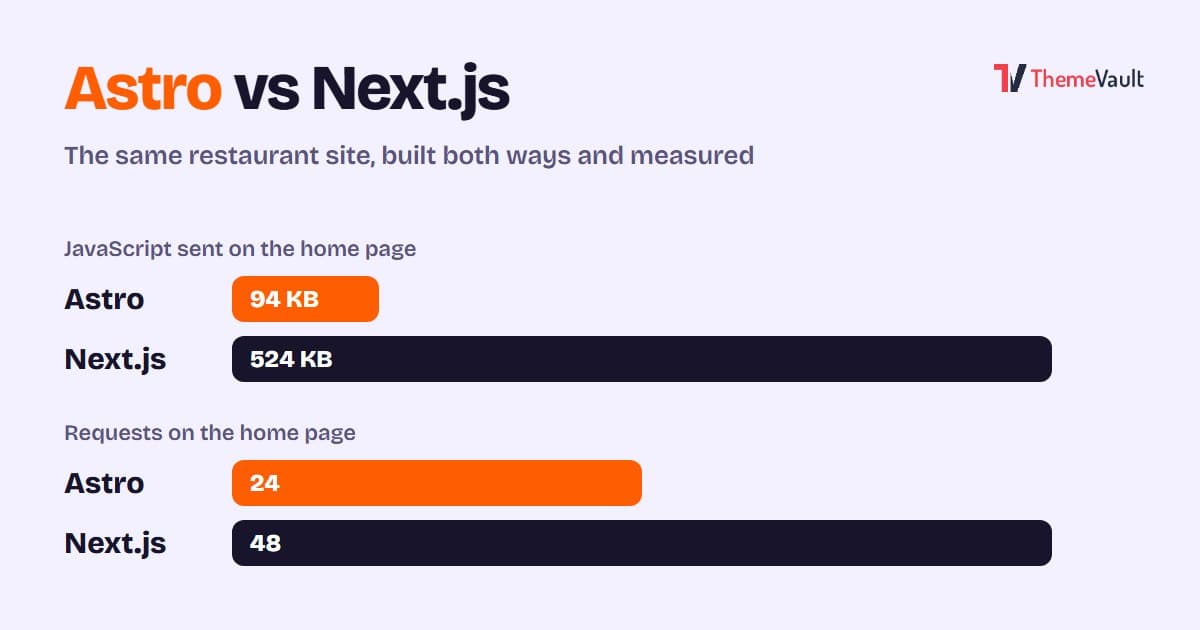
Astro vs Next.js for a Business or Marketing Website (2026)
We built the same restaurant website in Astro and in Next.js with an admin panel, then measured both. Where Astro wins, where Next.js wins, and how to choose.
- Wordpress
- Web Development
- November 03, 2026
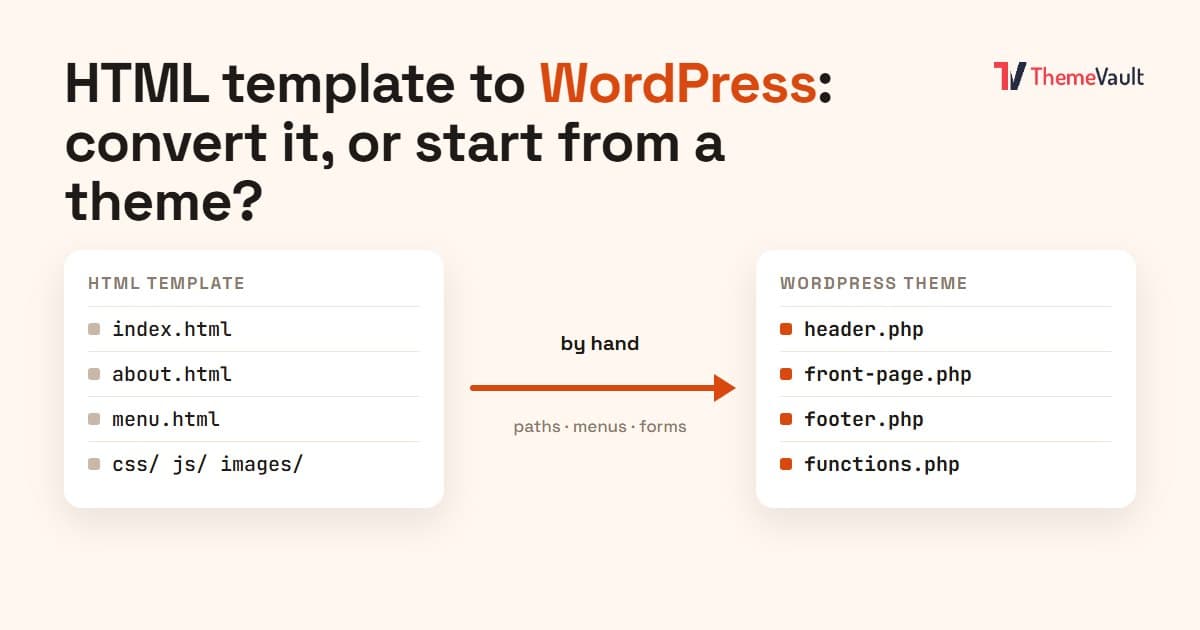
HTML Template to WordPress: Convert It Yourself or Use a WordPress Version?
We turned our Bistrofeast HTML template into a WordPress theme by hand. Every step, the mistakes, how long it took, and when a WordPress version saves you days.