One page design



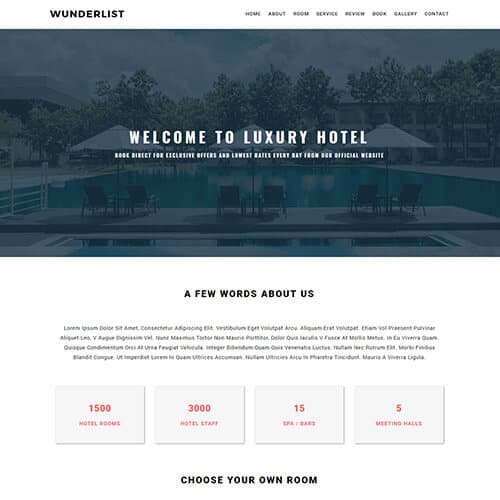
Wunderlist
$0.00
Landing Page

Ricky-Franti
$0.00
Portfolio, One page

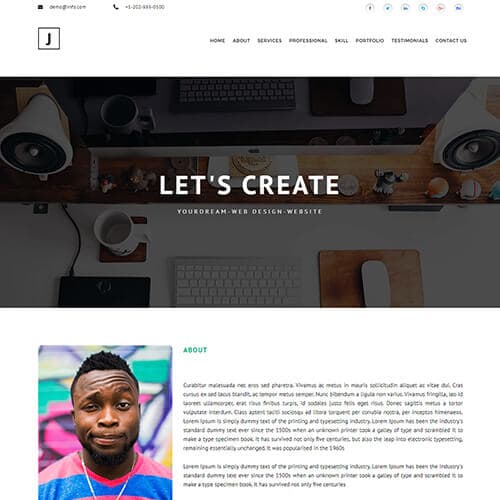
Justin-Kristiansen
$0.00
Portfolio, One page
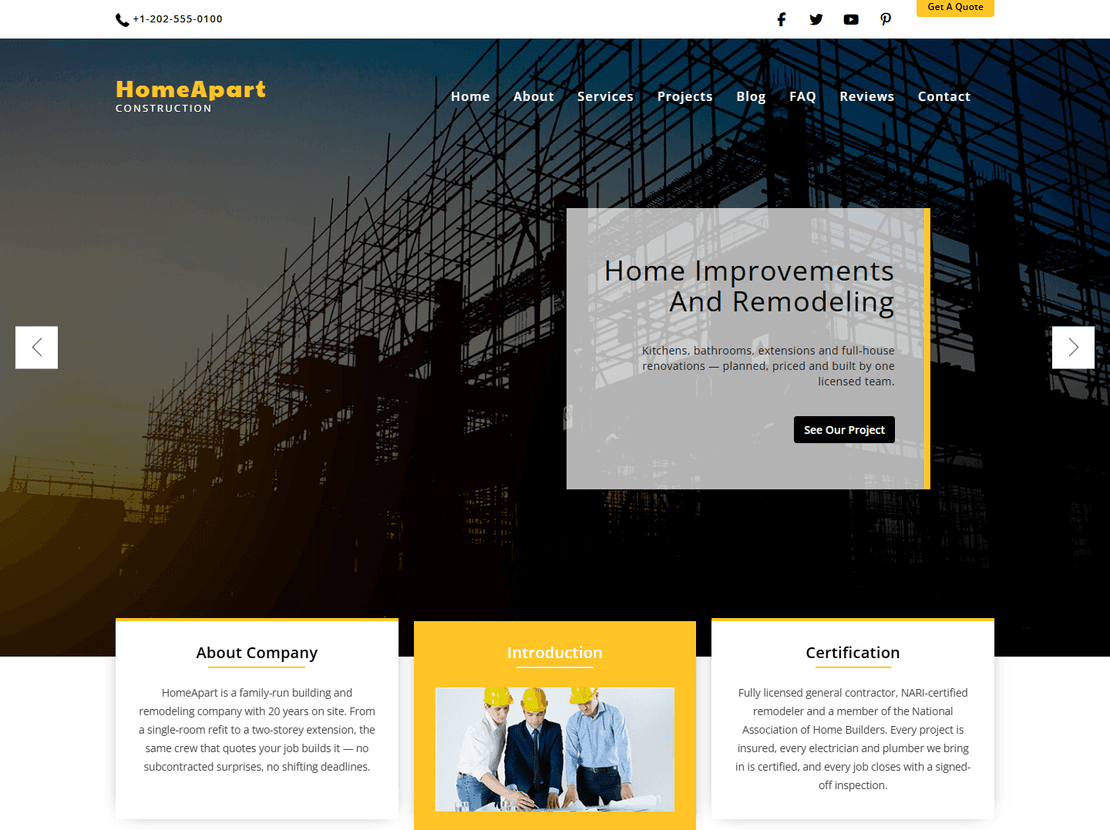
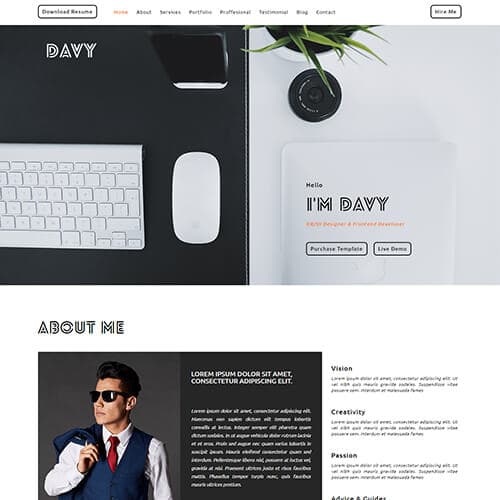
One page website templates
A one-page site puts everything — introduction, services or work, pricing, testimonials, contact — on a single scroll, with a menu that jumps to each section. It is the right choice for a small business, a freelancer, an app launch, an event or a personal site: there is less to build, less to maintain, and visitors never get lost. Every template under this tag is a complete single-page HTML5 layout with smooth-scroll navigation, built on Bootstrap, that you edit in any text editor and host anywhere.
The most-downloaded designs are OneWind, a general business layout, Appirays for app launches, and DeeWrap, a multipurpose page with a portfolio grid. Onetonix was rebuilt in 2026 on Bootstrap 5 without jQuery and gained pricing and contact pages, so it works as a one-pager or a small site.
One-page layouts by purpose
- Small business and services. OneWind, Freckle, Wunderlist and Dcovery — services cards, a team section, testimonials and a contact form.
- App and product launches. Appirays and AppZoo lead with device mockups and store buttons.
- Portfolios on one page. Deniel-Cruze, Ichae Semos and Davy-Del.
- Multipurpose. DeeWrap and Verbatim include every common section so you can delete what you do not need.
When a one-page site is the wrong choice
If you need to rank for several different topics — "wedding photography" and "corporate headshots", say — separate pages beat one long one, because each page can target its own search term with its own title. One page is also harder to grow: a blog or a catalogue does not fit. In that case pick a template from a category with inner pages (the business or portfolio categories) or start with Onetonix, which has both.
Editing a one-page template
Each section is a block in index.html with an id the menu links to; delete a block and its menu item together and the page still works. Replace images at the same dimensions, edit the text, and connect the contact form to your email or a form service. Because there is a single file, these are the fastest templates to launch — most people are live within an hour.
One page design — frequently asked questions
Are the one page templates free?
Yes — every HTML template here is free with a small ThemeVault credit in the footer, which can be removed for a one-time fee from the template page. Where a WordPress or Next.js version exists it is sold separately (and included with Pro).
Is a one page website good for SEO?
It is fine for a single topic — your name, your business, one product. If you need to rank for several distinct services, separate pages each targeting one term work better. Several templates here (Onetonix, for example) include inner pages so you can grow beyond one page later.
How do I remove a section I do not need?
Delete the section block in index.html and the matching item in the navigation menu. Sections are independent, so removing one does not break the others.
Do the smooth-scroll menus work on mobile?
Yes. The menu collapses into a hamburger on small screens and each item scrolls to its section. Open the live demo on your phone to see the exact behaviour before downloading.
Can I use a one page template for a landing page with ads?
Yes — the app-launch templates (Appirays, AppZoo) and Onetonix are designed for that: a single call to action, a features section and a sign-up or contact form. Connect the form to your email or CRM and point your ads at the page.